• MT4 Collections
    • Top Indicators Hot
      • Top Rated
      • Top Downloads
      • Most Popular
      • New
      • Recommended
    • Trading Style
      • Beginner For Newbies
      • Scalping
      • Short-Term
      • Day Trading
      • Intraday
      • Swing
    • Indicator Type
      • Accurate
      • Leading
      • Reversal
      • Breakout
      • Sideways
      • Entry & Exit
      • Overbought & Oversold
      • Non-Repaint
    • Categories
      • Trend
      • Signal
      • Support & Resistance
      • Price Action
      • Stochastic
      • Envelope
      • Volume
      • Helpers
    • Timeframes
      • M1-M5
      • M15-M30
      • H1-H4
      • D1-W1
      • Multi Timeframe
    • Platform
      • MT4 Popular
      • MT5
  • Indicators
  • Blog
  • CONTACT US
  • ABOUT US
Menu
Search
Select category
  • Select category
  • Envelope Indicators
  • Helpers
  • Price Action
  • Signal
  • Stochastic
  • Support & Resistance
  • Trend
  • Volume
0 Wishlist
Home Collection Envelope Indicators Keltner Channel
Forex Reversal
Back to products
ATR Trailing Stop
MT4
Watch video
Click to enlarge

Keltner Channel

Master trading trends with the Keltner Channel indicator. Identify market trends, dynamic support & resistance, and breakout signals for profitable trades. Customise settings for better trading.

Trading Style

Intraday

,

Swing

Indicator Type

Breakout

,

Reversal

Timeframe

D1-W1

,

H1-H4

,

M15-M30

Platform

MT4

Add to wishlist
0 People watching this product now!
Category: Envelope Indicators
Share:

Downloads - 209

Download now
  • Description
  • Reviews (0)
  • How to Install
Description

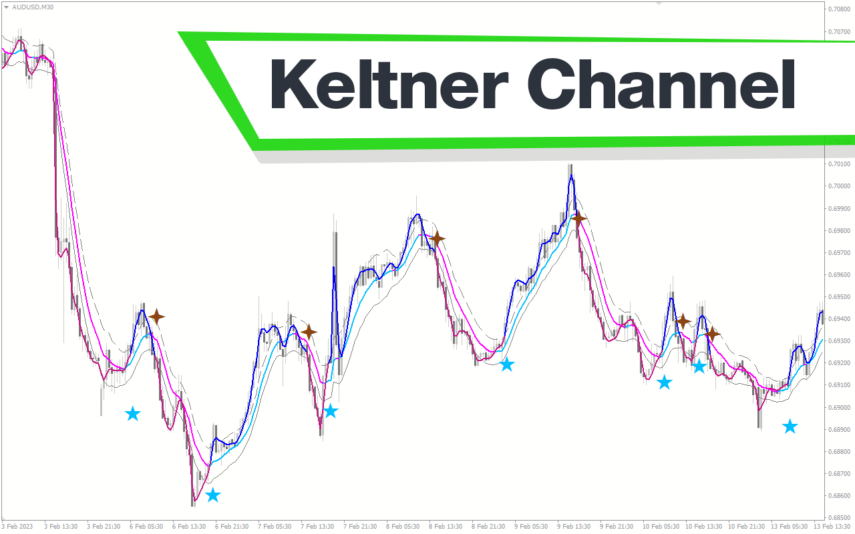
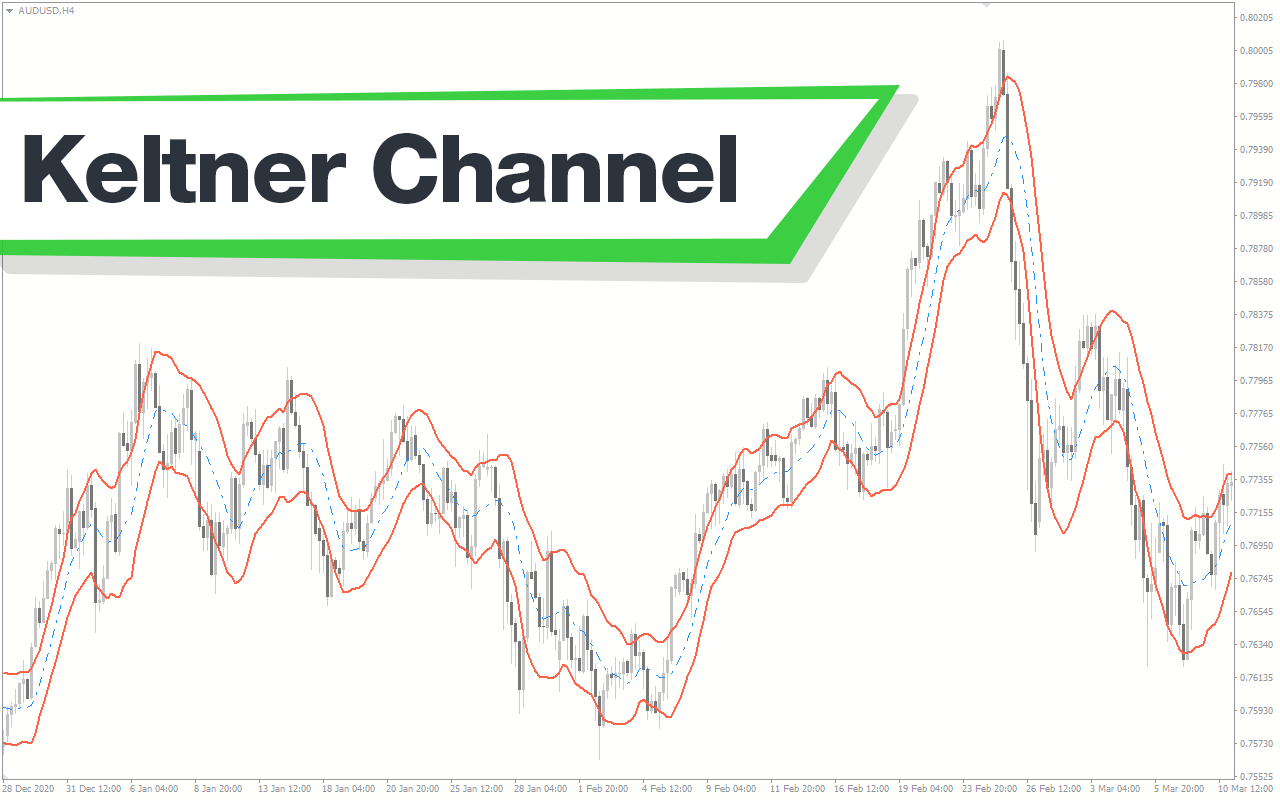
One of the most important aspects of trading is identifying the current trend. As a general rule, traders trade with the trend. The Keltner Channel indicator shows you the current trend on a price chart.

Features of the Keltner Channel Indicator

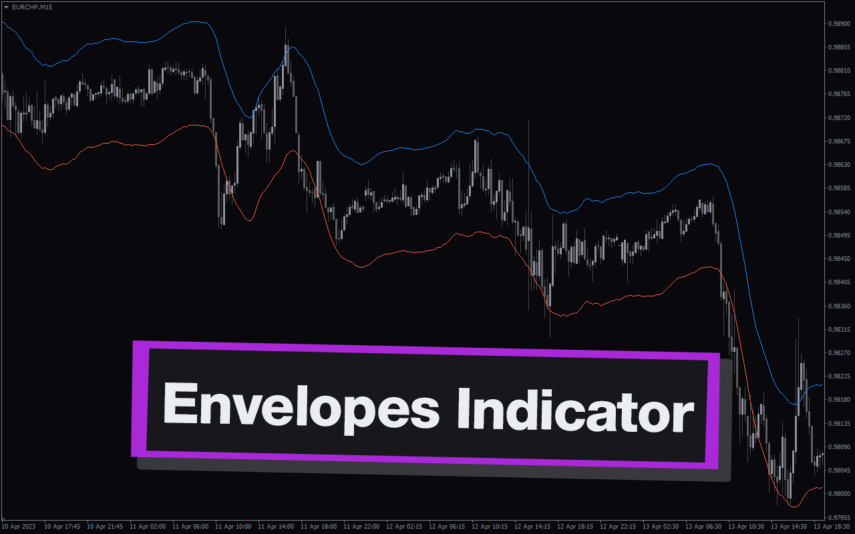
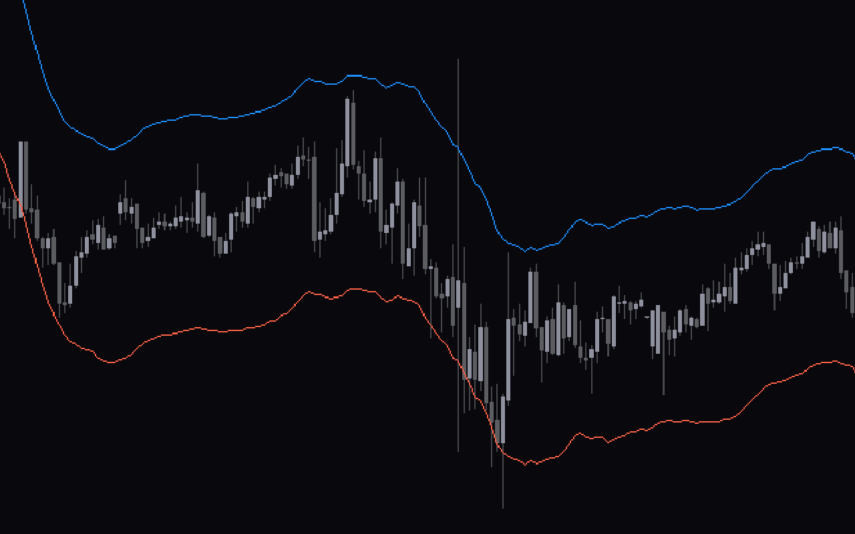
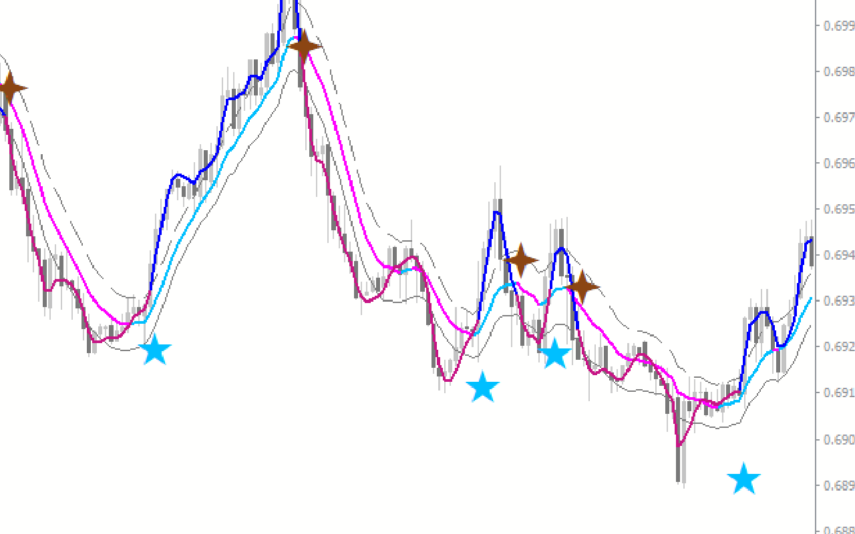
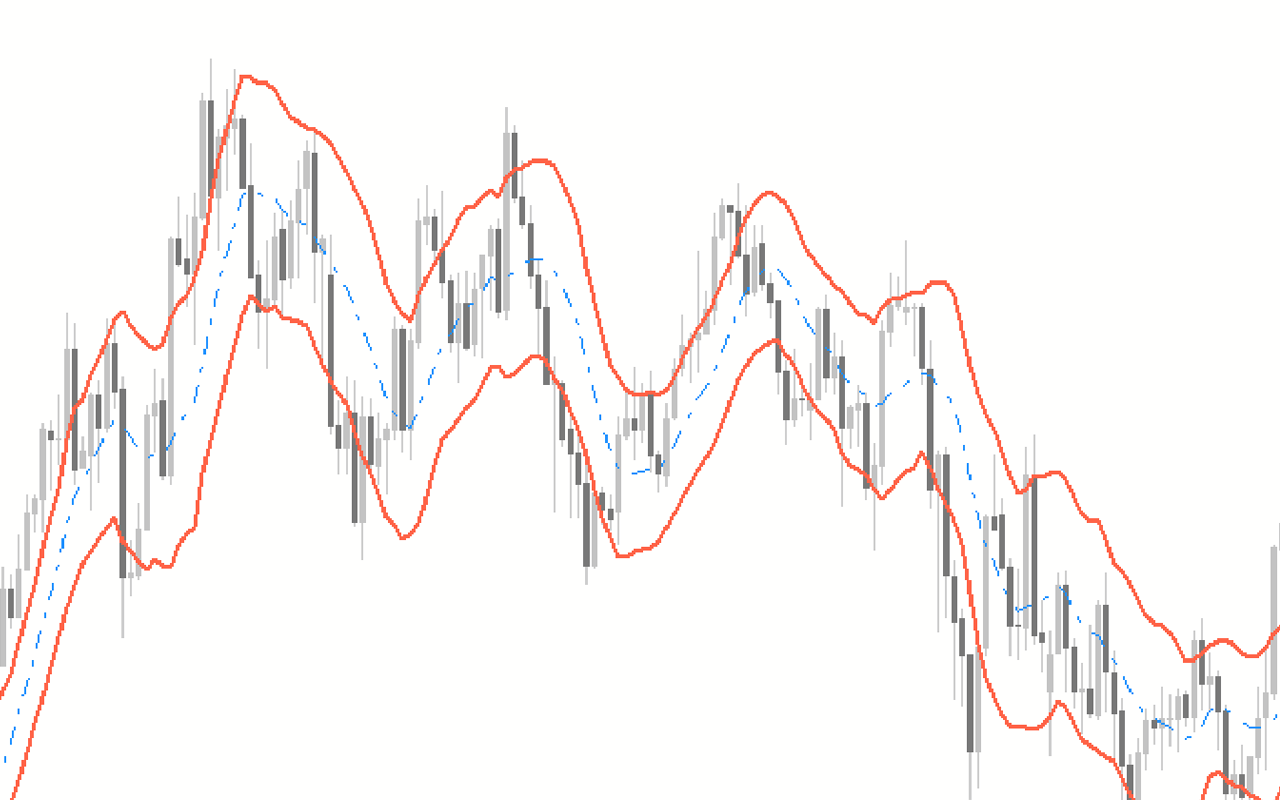
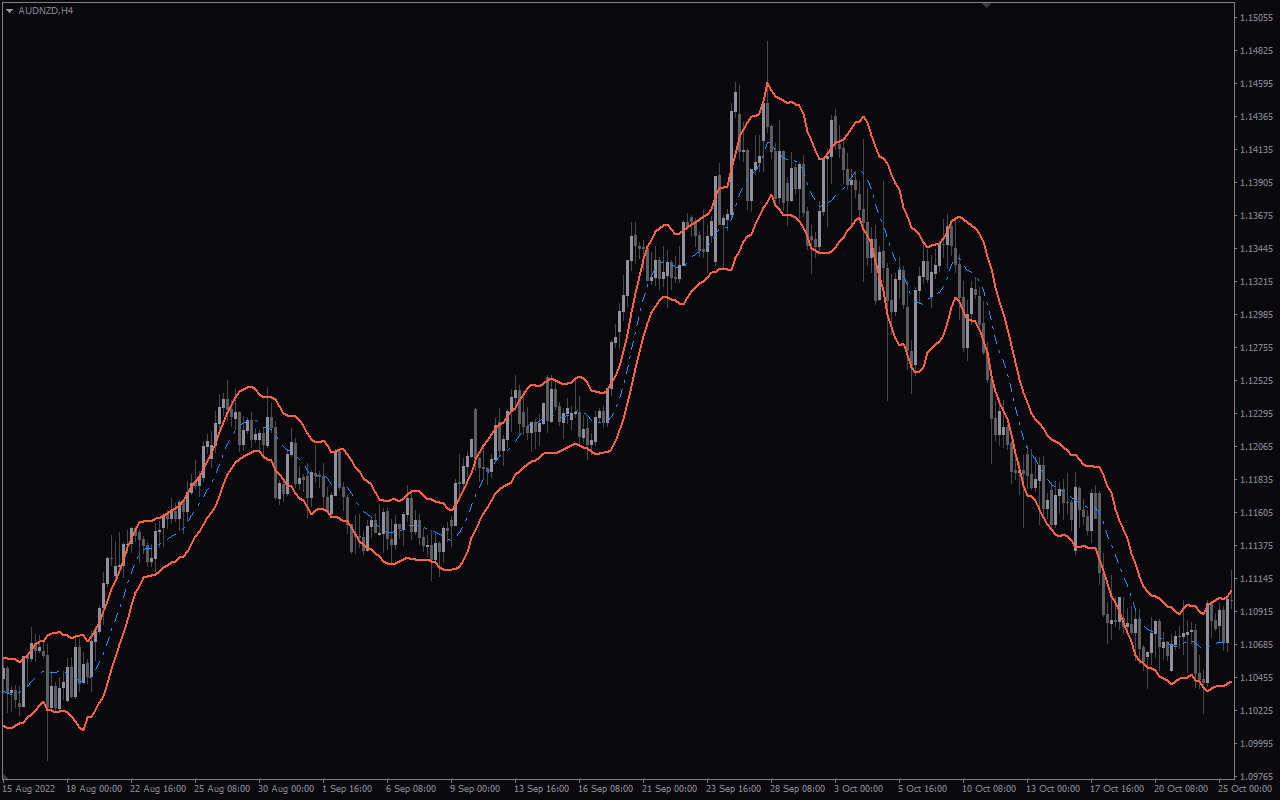
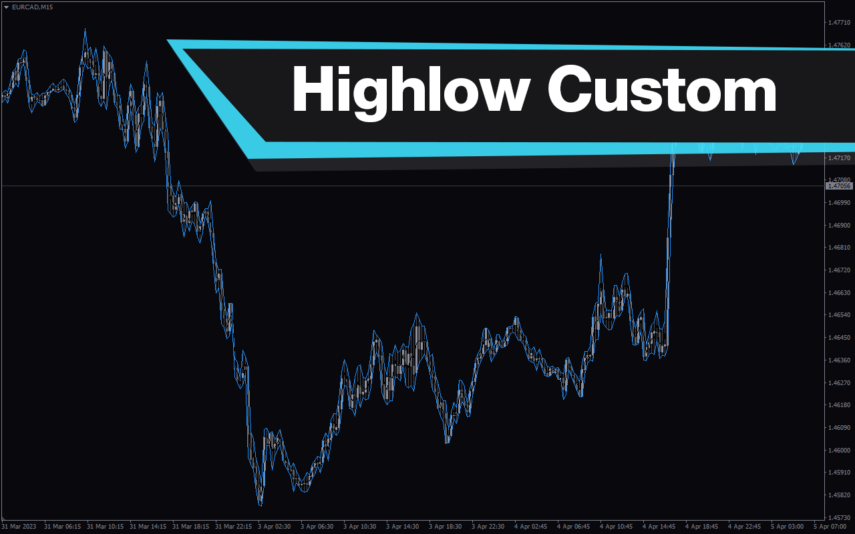
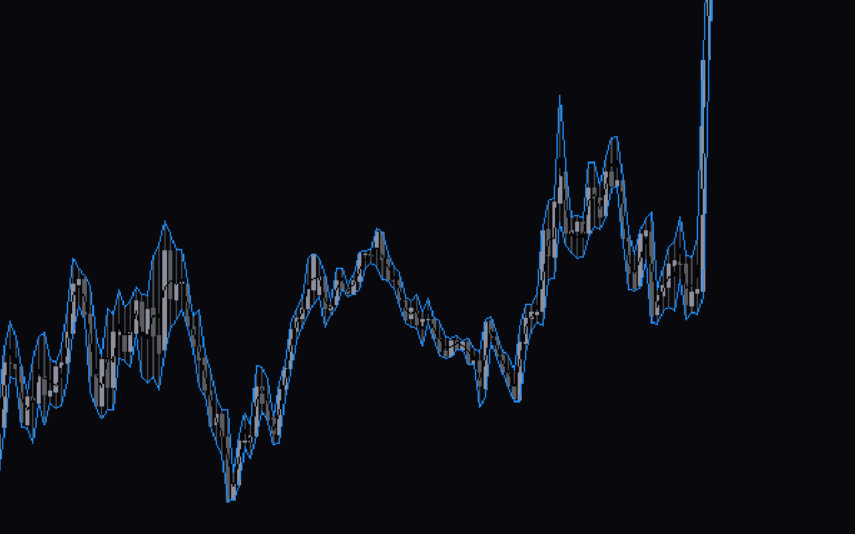
The Keltner channel indicator consists of three bands, of which two are the upper and lower bands. The third band is in the middle of the other two lines. Generally, the price oscillates within the bands, depending on the indicator’s parameters.

How the Indicator Can Benefit You

You can use the Keltner Channel indicator in numerous ways, some of which we shall see below.

Dynamic Support and Resistance in Trends. You may identify market trends and trade with them using this method. The channel’s angle shows the market trend. A sinking channel indicates a downtrend in the market, and an upturned channel indicates an uptrend. The Keltner Channel indicator indicates an upward trend when the price trades in the top half of the channel. At times, the price oscillates continuously between the top and middle bands.

During a downtrend, the price trades within the bottom half of the channel. The price oscillates between the lower and mid bands. These bands are dynamic support and resistance levels. You can use them to enter and exit trades.

Breakouts. Additionally, the Keltner channel indicator is an excellent source of breakout signals. When Price opens within the channel and closes outside it, it is called a breakout. When this occurs, it implies that the price will stay moving in  for some time. Most of the time, these breakouts mark the start of significant market trend movements.

Indicator Setting Description
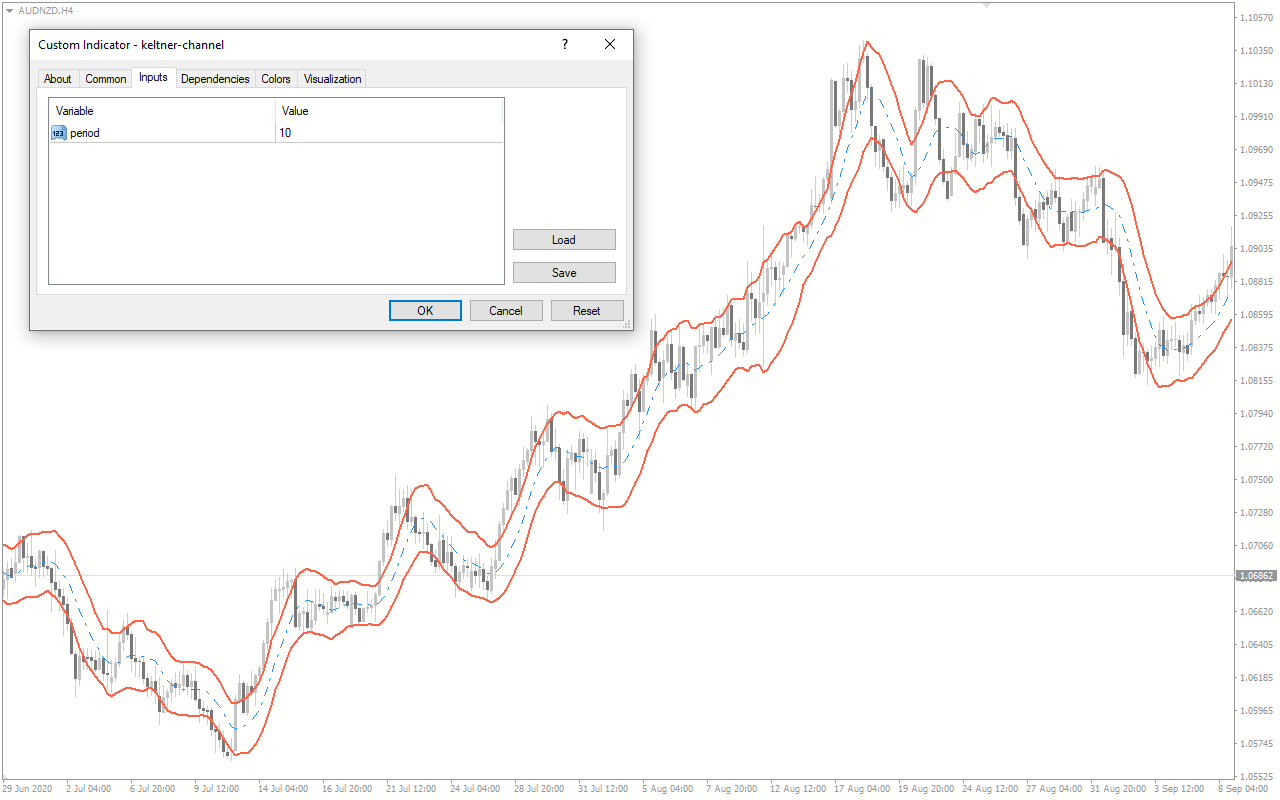
Period: This option enables you to edit the EMA to determine the sensitivity of the Keltner Channel.
Reviews (0)

Reviews

There are no reviews yet.

Be the first to review “Keltner Channel” Cancel reply

Your email address will not be published. Required fields are marked *

1 2 3 4 5
1 2 3 4 5
1 2 3 4 5

How to Install

How install MT4/5 indicator in the terminal?

To install an MT4/5 indicator in the terminal, follow these steps:

  1. Download the indicator file (.ex4 or .mq4/.ex5 or .mq5) to your computer.

  2. Open the MT4/5 terminal and click on “File” in the top left corner.

  3. Select “Open Data Folder” from the dropdown menu.

  4. In the window that opens, double-click on the “MQL4/5” folder.

  5. Double-click on the “Indicators” folder.

  6. Drag and drop the indicator file from your computer into the “Indicators” folder.

  7. Close the data folder window and restart the MT4/5 terminal.

  8. The indicator should now be available in the “Navigator” window on the left-hand side of the terminal. Simply double-click on the indicator to add it to a chart.

Note: If the indicator is in a .zip file, you will need to extract it first before following the above steps.

And if asks to confirm DLL?

If the indicator you are installing requires access to external Dynamic Link Libraries (DLLs), you may see a pop-up message asking you to confirm the use of DLLs.

DLLs are external libraries that contain code that can be used by other programs. In the case of MT4/5 indicators, they are often used to perform complex calculations or connect to external data sources.

If you trust the source of the indicator and want to use it, click “Yes” to confirm the use of DLLs. If you are not sure or do not trust the source, click “No” to cancel the installation.

It’s worth noting that some indicators may not work properly without access to their required DLLs. If you choose not to allow access to DLLs and the indicator does not work as expected, you may need to reinstall the indicator and confirm the use of DLLs to get it to work properly.


Related products

MT4
Quick view
Add to wishlist

ATR Bands

Envelope Indicators
ATR Bands Indicator for MT4 is a great tool for forex traders who want to be able to quickly identify potential trading opportunities and manage their risk. Free Download Available.
MT4
Quick view
Add to wishlist

Bollinger Bands

Trend, Envelope Indicators
The Bollinger Bands Indicator is a popular and useful Forex indicator for MT4 traders. It is a free indicator that helps traders to identify potential market entry and exit points. This indicator uses a combination of three moving averages to create upper and lower bands that can be used to identify price movements and trends. The bands are adjusted according to the market volatility and can be used to identify overbought and oversold conditions. The indicator is easy to use, and traders can customize the settings to suit their trading style. This indicator is a great tool for any trader looking to gain an edge in the Forex market.
MT4
Quick view
Add to wishlist

Zigzag Ws Channel Rv 2

Trend, Envelope Indicators
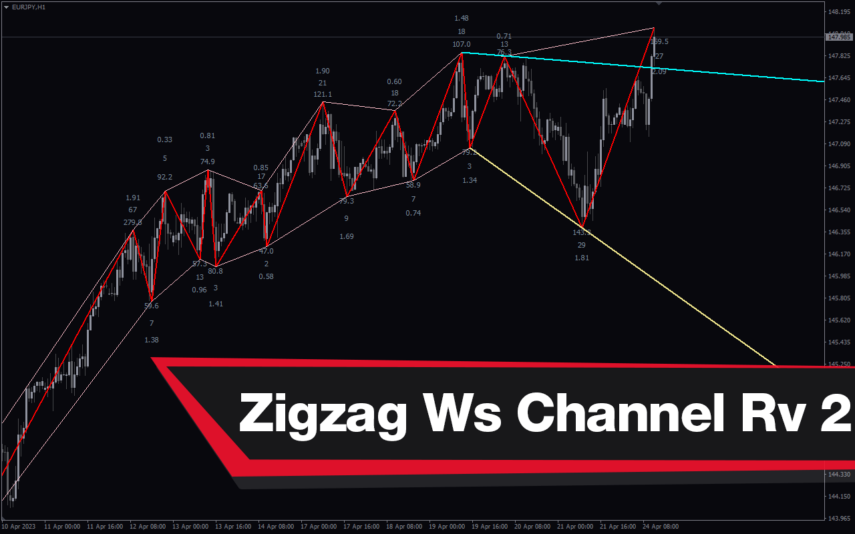
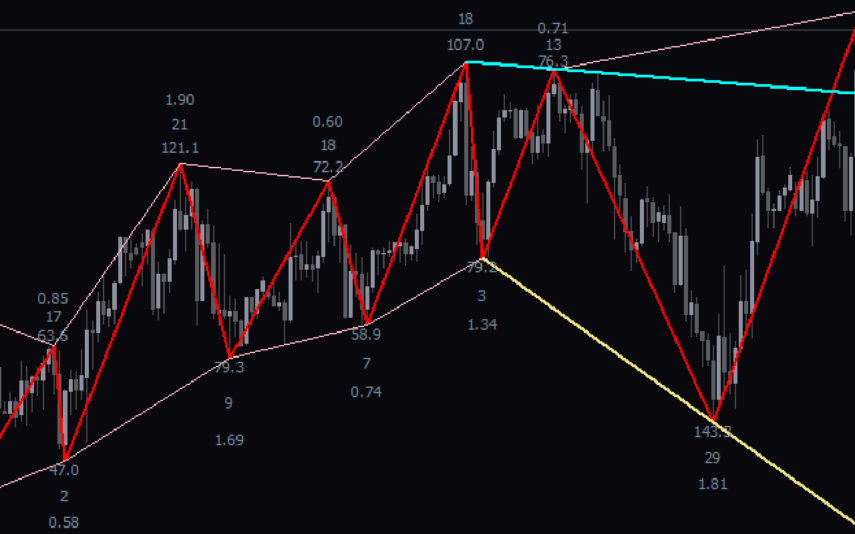
The Zigzag WS Channel RV 2 Indicator is a popular and free Forex indicator for MT4. It is a useful tool for traders as it helps them identify changes in momentum and direction. The indicator is based on the Zigzag indicator and the Williams Percent Range indicator, and it is designed to measure the strength of a trend and to detect reversals. The indicator works by plotting the Zigzag lines on the chart and then adding the Williams Percent Range indicator, which helps to identify potential reversals. It is a great tool for both novice and experienced traders as it provides accurate signals and helps to identify potential reversals.
MT4
Quick view
Add to wishlist

Keltner Channel With Signals

Signal, Envelope Indicators
The Keltner Channel with Signals Indicator is a popular and free forex indicator that runs on the MT4 platform. This is a new and innovative tool that uses the Keltner Channel as the basis for generating trading signals, helping traders identify potential trading opportunities. Use the Keltner Channel with Signals Indicator as a powerful tool that can help traders succeed in the forex market.
MT4
Quick view
Add to wishlist

Standard Deviation Channel

Envelope Indicators, Support & Resistance
The Standard Deviation Channel Indicator is a powerful and useful tool for Forex traders. It is a popular indicator for MT4 that is free to use and can be easily installed. The two lines represent the upper and lower bounds of the standard deviation, and they act as support and resistance levels. Traders can use these lines to identify potential entry and exit points when trading. This makes it an invaluable tool for traders who want to make informed and profitable trades.
MT4
Quick view
Add to wishlist

Cap Channel Trading

Envelope Indicators
Trade extreme overbought and oversold conditions with CAP Channel Trading Indicator. Download this indicator and get alerts on profitable trading signal. Good indicator for scalping the markets.
MT4
Quick view
Add to wishlist

Auto Channel

Envelope Indicators
Auto Channel Indicator for MT4 - Simplify Trading with Automated Channels, Support & Resistance. Use the Auto Channel indicator to improve your trading strategy.
MT4
Quick view
Add to wishlist

Linear Regression Channel

Envelope Indicators
The Linear Regression Channel MT4 indicator is a trend analysis tool that identifies and draws the regression channel of the price. It is also useful for spotting potential entry and exit points for trades.
    Close
    Indicator Categories
    • Envelope Indicators 303
    • Helpers 405
    • Price Action 165
    • Signal 1110
    • Stochastic 1675
    • Support & Resistance 558
    • Trend 890
    • Volume 145
    • MT4 COLLECTION HOT
      • Top Rated
      • Top Downloads
      • Most Popular
      • New
      • Recommended
    • Trading Style
      • Beginner For Newbies
      • Scalping
      • Short-Term
      • Day Trading
      • Intraday
      • Swing
    • INDICATOR TYPE
      • Accurate
      • Leading
      • Reversal
      • Breakout
      • Sideways
      • Entry & Exit
      • Overbought & Oversold
      • Non-Repaint
    • CATEGORIES
      • Trend
      • Signal
      • Support & Resistance
      • Price Action
      • Stochastic
      • Envelope
      • Volume
      • Helpers
    • Timeframe
      • M1-M5
      • M15-M30
      • H1-H4
      • D1-W1
      • Multi Timeframe
    • Platform
      • MT4 Popular
      • MT5
    • USEFUL LINKs
      • Privacy Policy
      • Cookie Policy
      • Terms of Use
      • Disclaimer
      • About Us
      • Contact Us
    Logo-grayscale-transparent-720
    Unlock your trading potential with our powerful indicator library.

    Follow us:

    MT4COLLECTION.COM © 2026 All Rights Reserved.
    • Menu
    • Categories
    • Signal
    • MT4 Collections
    • Collection
    • Blog
    • About us
    • Contact us
    • Wishlist
    Sidebar
    We use cookies to improve your experience on our website. By browsing this website, you agree to our use of cookies.
    Accept