• MT4 Collections
    • Top Indicators Hot
      • Top Rated
      • Top Downloads
      • Most Popular
      • New
      • Recommended
    • Trading Style
      • Beginner For Newbies
      • Scalping
      • Short-Term
      • Day Trading
      • Intraday
      • Swing
    • Indicator Type
      • Accurate
      • Leading
      • Reversal
      • Breakout
      • Sideways
      • Entry & Exit
      • Overbought & Oversold
      • Non-Repaint
    • Categories
      • Trend
      • Signal
      • Support & Resistance
      • Price Action
      • Stochastic
      • Envelope
      • Volume
      • Helpers
    • Timeframes
      • M1-M5
      • M15-M30
      • H1-H4
      • D1-W1
      • Multi Timeframe
    • Platform
      • MT4 Popular
      • MT5
  • Indicators
  • Blog
  • CONTACT US
  • ABOUT US
Menu
Search
Select category
  • Select category
  • Envelope Indicators
  • Helpers
  • Price Action
  • Signal
  • Stochastic
  • Support & Resistance
  • Trend
  • Volume
0 Wishlist
Home Collection Envelope Indicators Auto Channel
Zmfx All Pivot Levels V2
Back to products
Ryan Jones Sm
MT4
Click to enlarge

Auto Channel

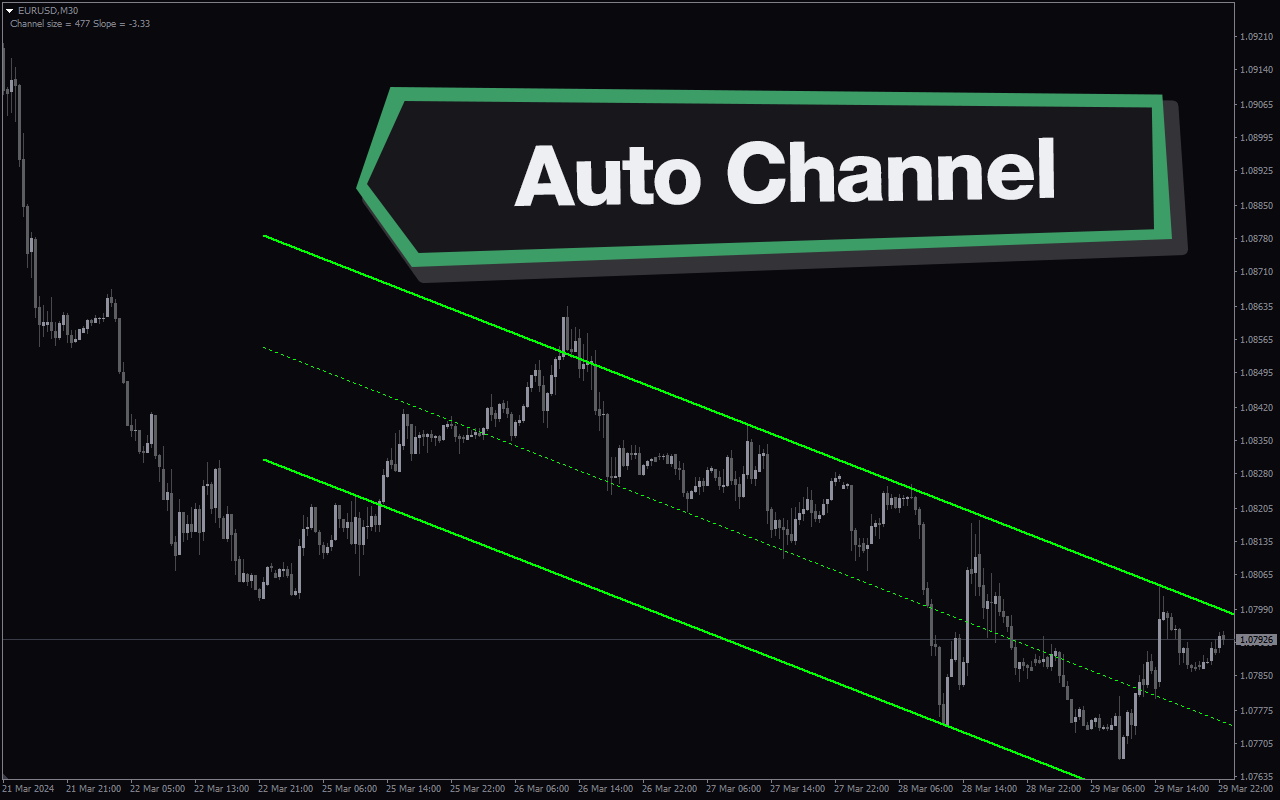
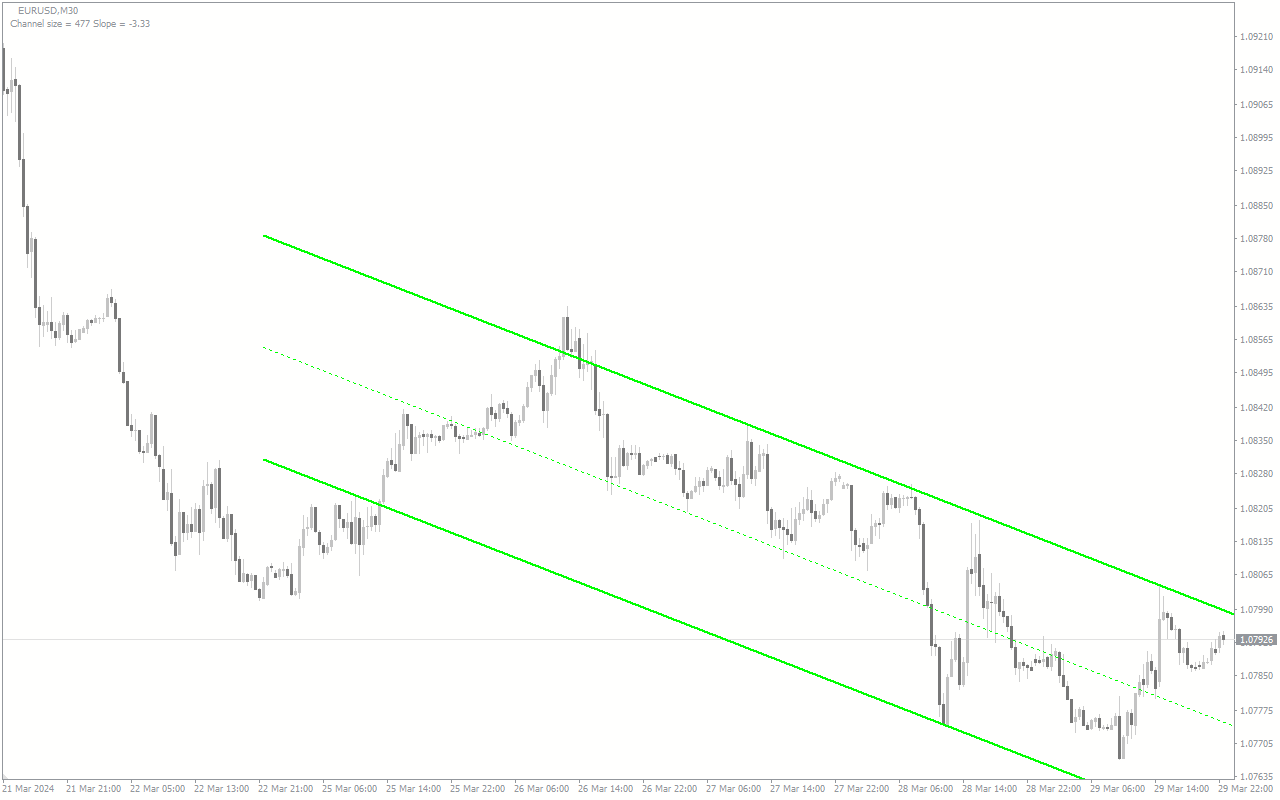
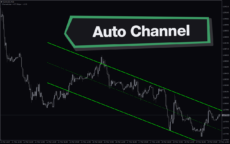
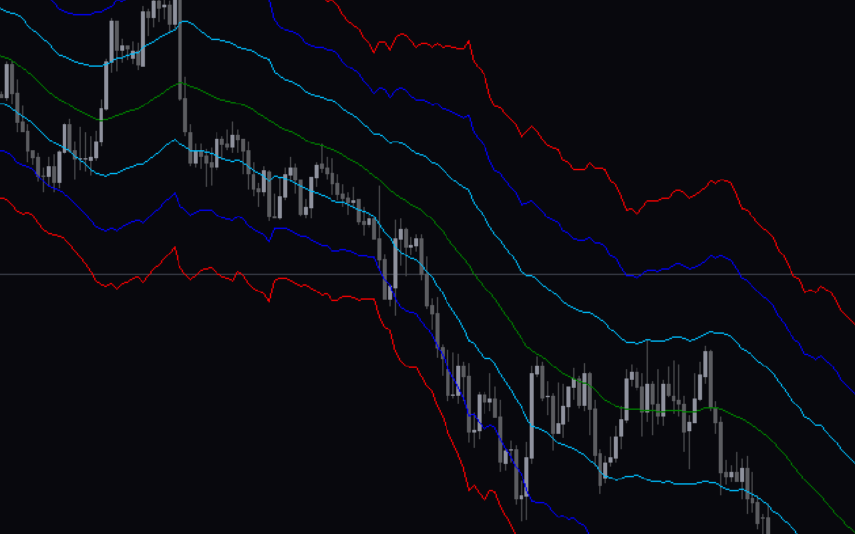
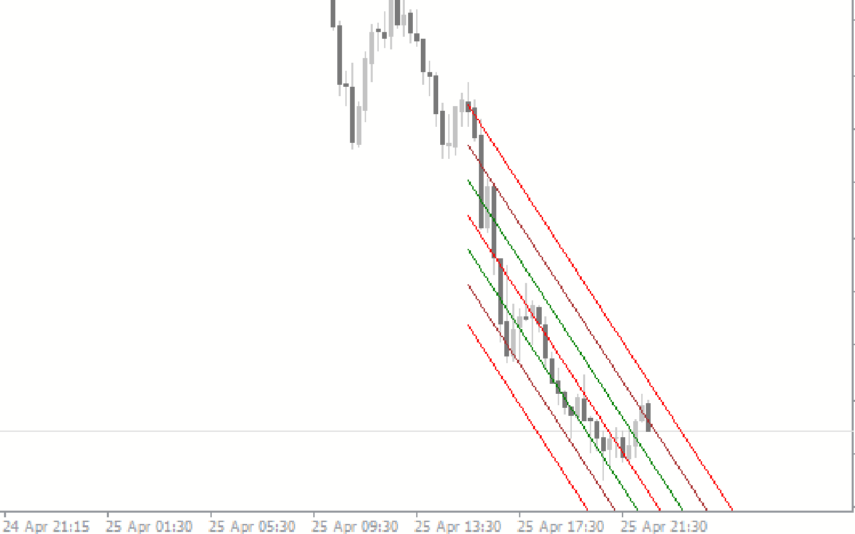
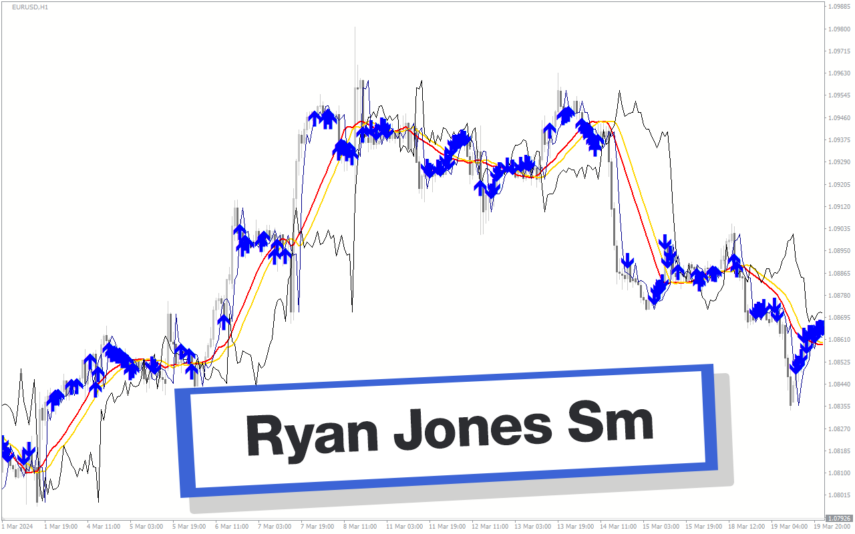
Auto Channel Indicator is a useful forex indicator for MT4 that is popular among traders. This free indicator automatically draws support and resistance levels on the chart, making it easier to identify potential entry and exit points. Traders can use this indicator to help guide their trading decisions and improve their overall profitability.

Indicator Type

Non-repaint

Trading Style

Day Trading

,

Intraday

Timeframe

Multi Timeframe

Platform

MT4

Add to wishlist
0 People watching this product now!
Category: Envelope Indicators
Share:

Downloads - 69

Download now
  • Description
  • Reviews (0)
  • How to Install
Description

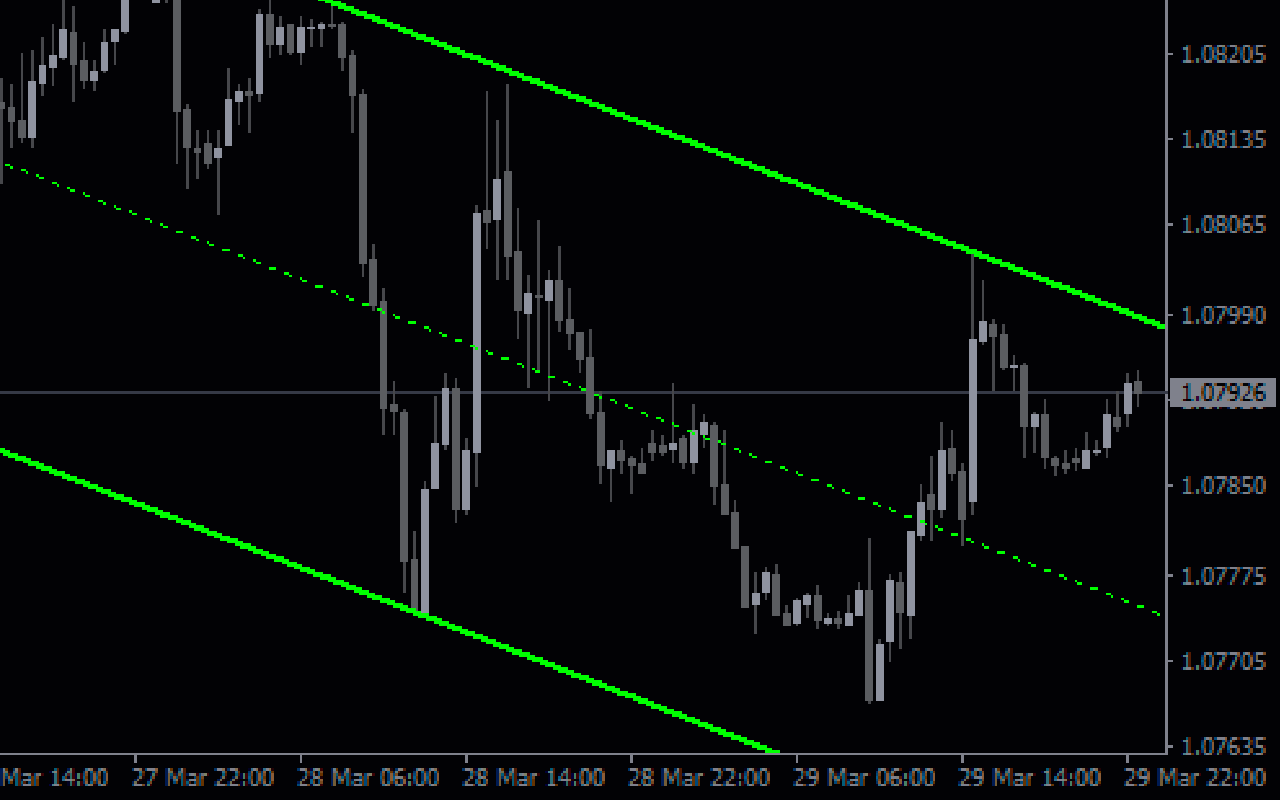
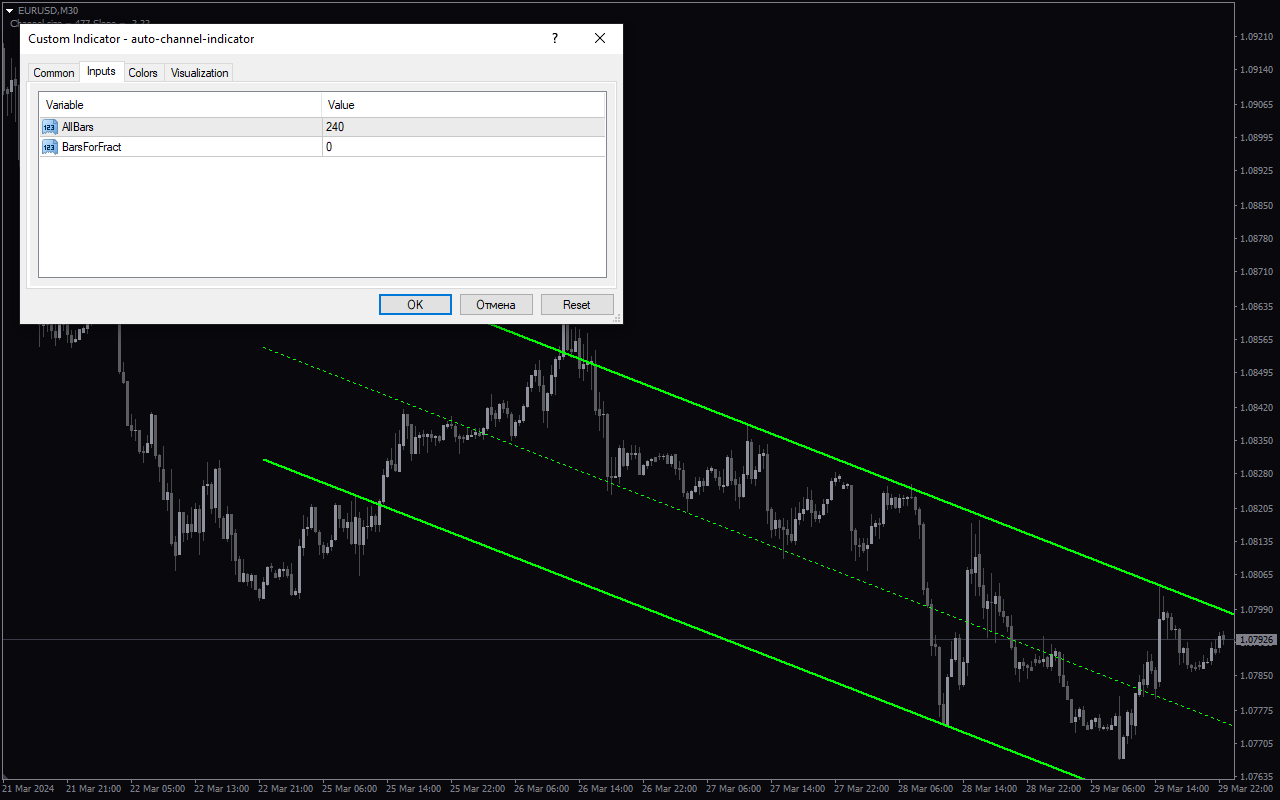
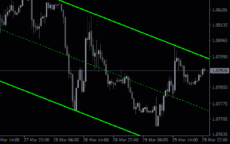
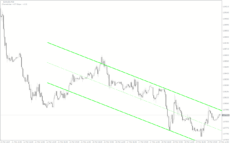
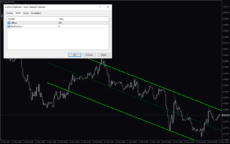
The Auto Channel Indicator for MT4 is a popular and useful tool for forex traders. This free indicator automatically draws trend channels on the chart, making it easier for traders to visualize trends and potential areas of support and resistance. The indicator works by analyzing price data to identify key levels where the price is likely to reverse or continue its current trend. Traders can adjust the parameters of the indicator to suit their trading style and preferences. To use the Auto Channel Indicator, simply add it to your MT4 platform and apply it to your chart. The indicator will then automatically draw trend channels based on the parameters you have set. Traders can use these channels to make more informed trading decisions and identify potential entry and exit points.

Reviews (0)

Reviews

There are no reviews yet.

Be the first to review “Auto Channel” Cancel reply

Your email address will not be published. Required fields are marked *

1 2 3 4 5
1 2 3 4 5
1 2 3 4 5

How to Install

How install MT4/5 indicator in the terminal?

To install an MT4/5 indicator in the terminal, follow these steps:

  1. Download the indicator file (.ex4 or .mq4/.ex5 or .mq5) to your computer.

  2. Open the MT4/5 terminal and click on “File” in the top left corner.

  3. Select “Open Data Folder” from the dropdown menu.

  4. In the window that opens, double-click on the “MQL4/5” folder.

  5. Double-click on the “Indicators” folder.

  6. Drag and drop the indicator file from your computer into the “Indicators” folder.

  7. Close the data folder window and restart the MT4/5 terminal.

  8. The indicator should now be available in the “Navigator” window on the left-hand side of the terminal. Simply double-click on the indicator to add it to a chart.

Note: If the indicator is in a .zip file, you will need to extract it first before following the above steps.

And if asks to confirm DLL?

If the indicator you are installing requires access to external Dynamic Link Libraries (DLLs), you may see a pop-up message asking you to confirm the use of DLLs.

DLLs are external libraries that contain code that can be used by other programs. In the case of MT4/5 indicators, they are often used to perform complex calculations or connect to external data sources.

If you trust the source of the indicator and want to use it, click “Yes” to confirm the use of DLLs. If you are not sure or do not trust the source, click “No” to cancel the installation.

It’s worth noting that some indicators may not work properly without access to their required DLLs. If you choose not to allow access to DLLs and the indicator does not work as expected, you may need to reinstall the indicator and confirm the use of DLLs to get it to work properly.


Related products

MT4
Quick view
Add to wishlist

Bollinger Bands Bicolor

Trend, Envelope Indicators
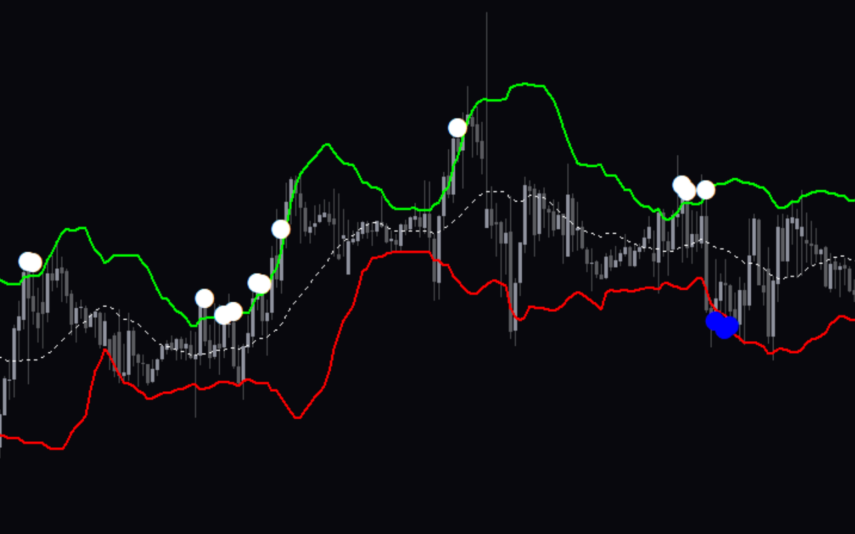
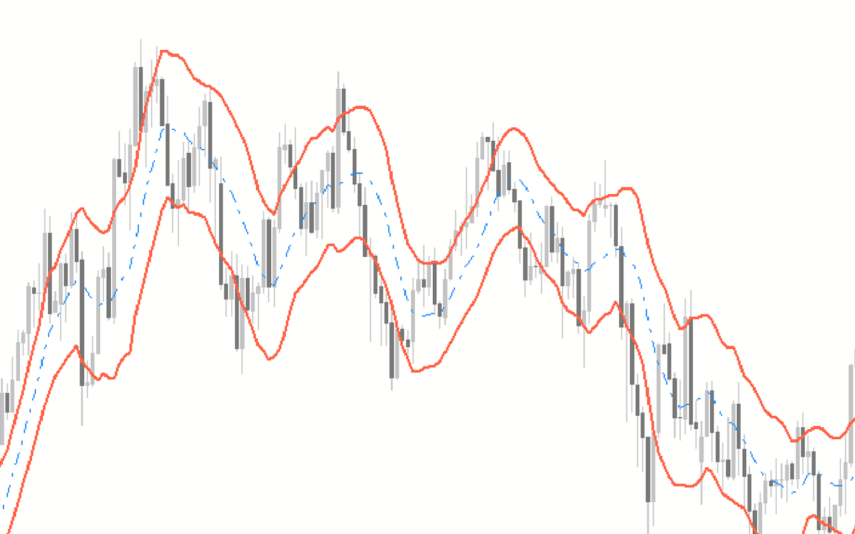
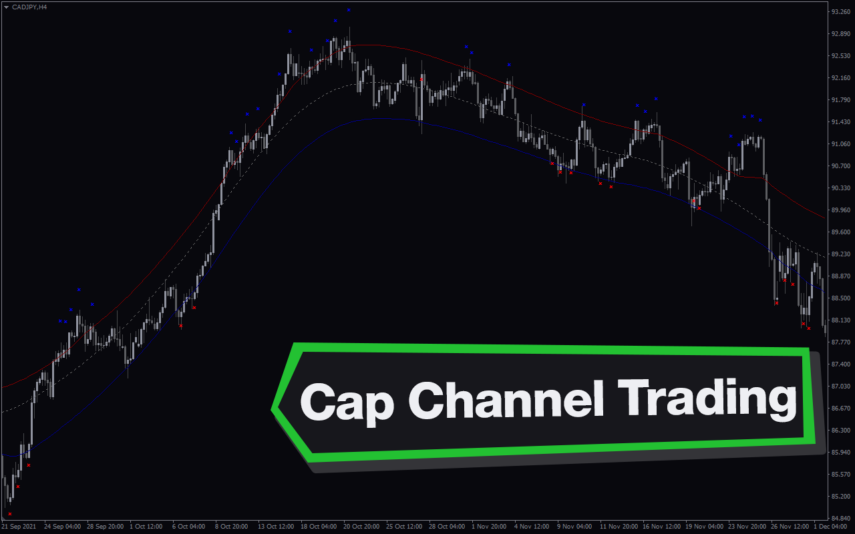
The Bollinger Bands Bicolor Indicator is a popular and free Forex indicator for the MT4 platform. This useful indicator is used to identify potential reversals and breakouts in the Forex market. It works by plotting two different Bollinger Bands, one in a red color and one in a blue color, on the same chart. The red band indicates a potential bearish reversal, while the blue band indicates a potential bullish reversal. By using the Bollinger Bands Bicolor Indicator, traders can easily identify potential entry and exit points in the Forex market.
MT4
Quick view
Add to wishlist

Polynomial Regression Channel

Envelope Indicators
The Polynomial Regression Channel Indicator is a useful and popular free Forex indicator for MT4 (MetaTrader 4) that helps traders to identify trends and potential entry and exit points. It works by creating a channel around the price movements of an asset, which is determined by the polynomial regression line. The indicator then plots lines above and below the regression line to form the channel. With the Polynomial Regression Channel Indicator, traders can easily identify trends and potential entry and exit points, making it a popular and useful free Forex indicator for MT4.
MT4
Quick view
Add to wishlist

Fiji Bb Alert

Envelope Indicators
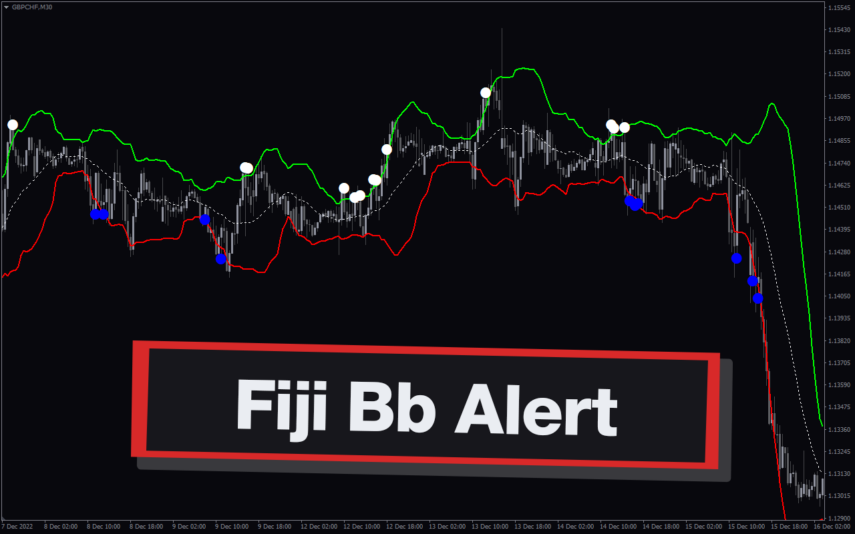
Trade with confidence using the Fiji BB Alert Indicator. Get clear buy/sell signals, adjust settings, and stay informed with sound alerts and email notifications.
MT4
Quick view
Add to wishlist

Zigzag Ws Channel Rv 2

Trend, Envelope Indicators
The Zigzag WS Channel RV 2 Indicator is a popular and free Forex indicator for MT4. It is a useful tool for traders as it helps them identify changes in momentum and direction. The indicator is based on the Zigzag indicator and the Williams Percent Range indicator, and it is designed to measure the strength of a trend and to detect reversals. The indicator works by plotting the Zigzag lines on the chart and then adding the Williams Percent Range indicator, which helps to identify potential reversals. It is a great tool for both novice and experienced traders as it provides accurate signals and helps to identify potential reversals.
MT4
Quick view
Add to wishlist

TMA Centered Bands

Trend, Envelope Indicators
The TMA Centered Bands indicator is a powerful forex indicator available for the MT4 platform. This indicator was created for the MT4 platform and helps traders identify trends, support and resistance levels. The TMA Centered Bands indicator works by using a centered TMA (triangular moving average) to create a set of bands around the price. With a simple yet effective design, the TMA Centered Bands indicator is a valuable tool for any forex trader looking to improve their trading strategy.
MT4
Quick view
Add to wishlist

Linear Regression Channel

Envelope Indicators
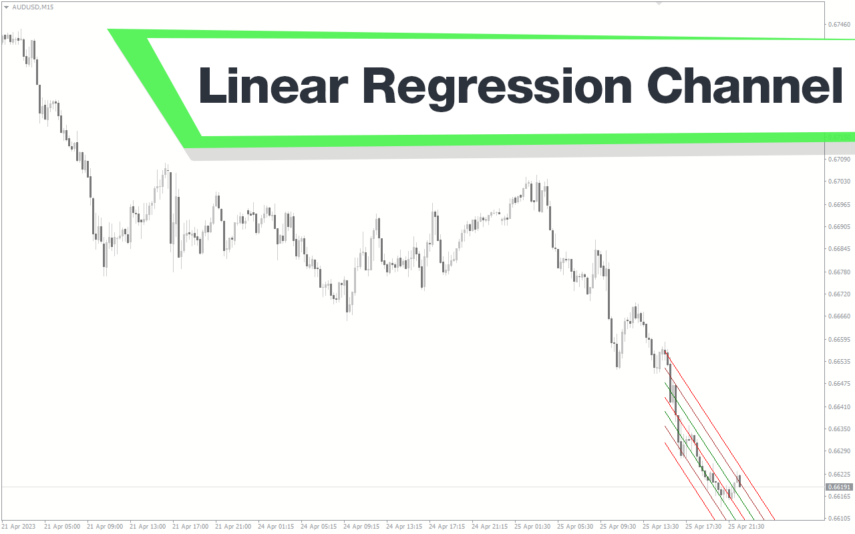
The Linear Regression Channel MT4 indicator is a trend analysis tool that identifies and draws the regression channel of the price. It is also useful for spotting potential entry and exit points for trades.
MT4
Quick view
Add to wishlist

ATR Bands

Envelope Indicators
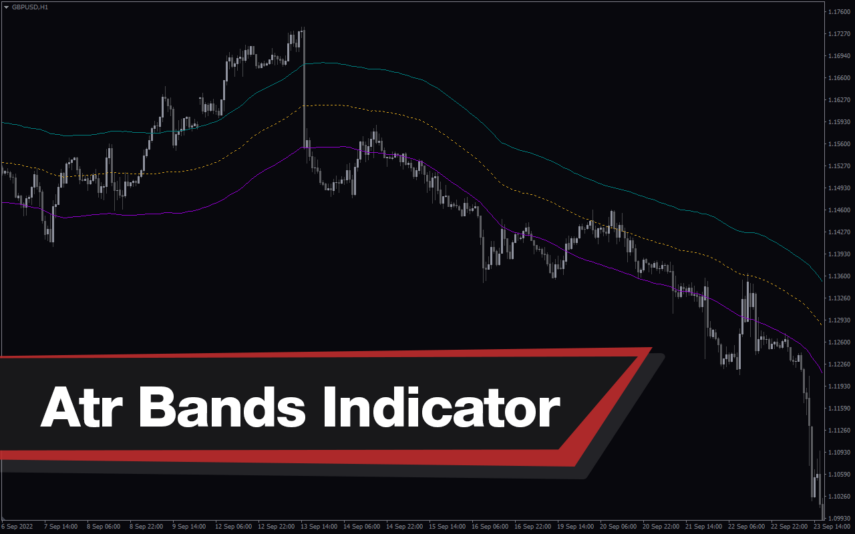
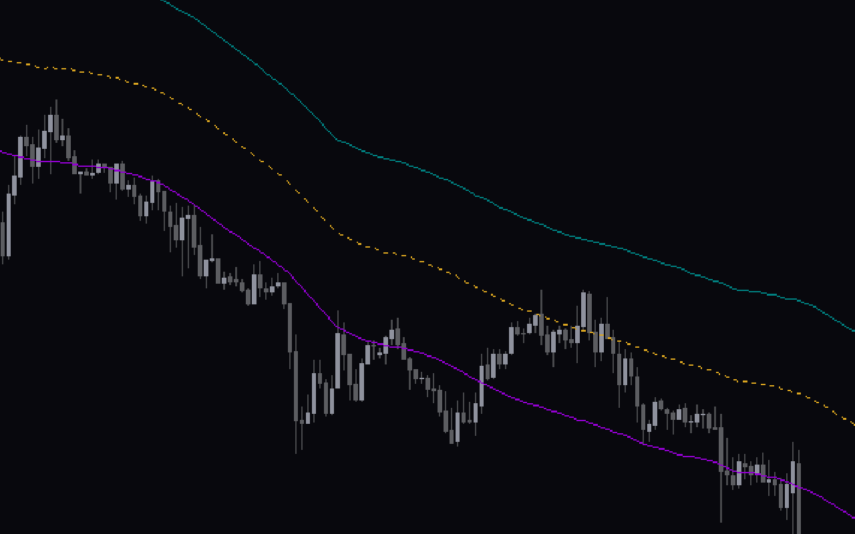
ATR Bands Indicator for MT4 is a great tool for forex traders who want to be able to quickly identify potential trading opportunities and manage their risk. Free Download Available.
MT4
Quick view
Add to wishlist

Keltner Channel

Envelope Indicators
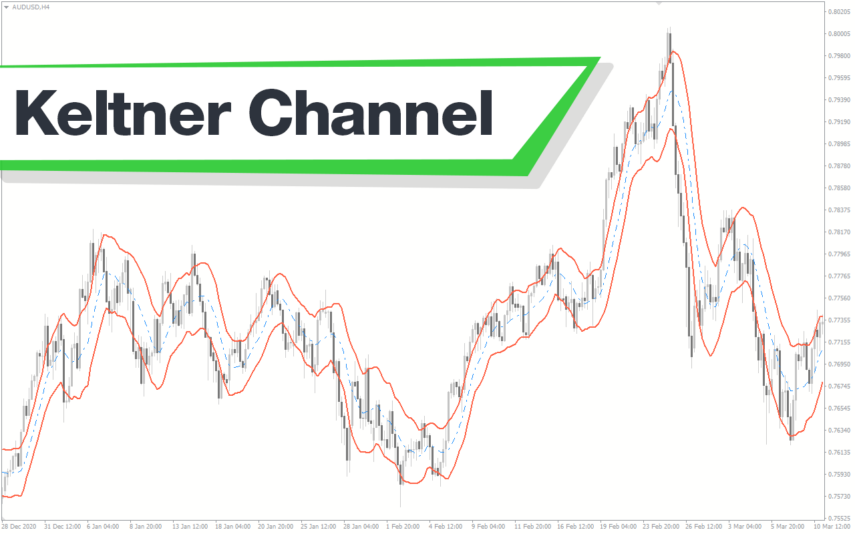
The Keltner Channel Indicator is a popular and useful Forex indicator that can be used to identify potential price breakouts. It is free to use on the MT4 trading platform and is designed to help traders identify overbought and oversold market conditions. The Keltner Channel Indicator works by plotting two bands around a moving average. The Keltner Channel Indicator is a great tool for traders to use to identify potential price breakouts and make informed trading decisions.
    Close
    Indicator Categories
    • Envelope Indicators 303
    • Helpers 405
    • Price Action 165
    • Signal 1110
    • Stochastic 1675
    • Support & Resistance 558
    • Trend 890
    • Volume 145
    • MT4 COLLECTION HOT
      • Top Rated
      • Top Downloads
      • Most Popular
      • New
      • Recommended
    • Trading Style
      • Beginner For Newbies
      • Scalping
      • Short-Term
      • Day Trading
      • Intraday
      • Swing
    • INDICATOR TYPE
      • Accurate
      • Leading
      • Reversal
      • Breakout
      • Sideways
      • Entry & Exit
      • Overbought & Oversold
      • Non-Repaint
    • CATEGORIES
      • Trend
      • Signal
      • Support & Resistance
      • Price Action
      • Stochastic
      • Envelope
      • Volume
      • Helpers
    • Timeframe
      • M1-M5
      • M15-M30
      • H1-H4
      • D1-W1
      • Multi Timeframe
    • Platform
      • MT4 Popular
      • MT5
    • USEFUL LINKs
      • Privacy Policy
      • Cookie Policy
      • Terms of Use
      • Disclaimer
      • About Us
      • Contact Us
    Logo-grayscale-transparent-720
    Unlock your trading potential with our powerful indicator library.

    Follow us:

    MT4COLLECTION.COM © 2026 All Rights Reserved.
    • Menu
    • Categories
    • Signal
    • MT4 Collections
    • Collection
    • Blog
    • About us
    • Contact us
    • Wishlist
    Sidebar
    We use cookies to improve your experience on our website. By browsing this website, you agree to our use of cookies.
    Accept