
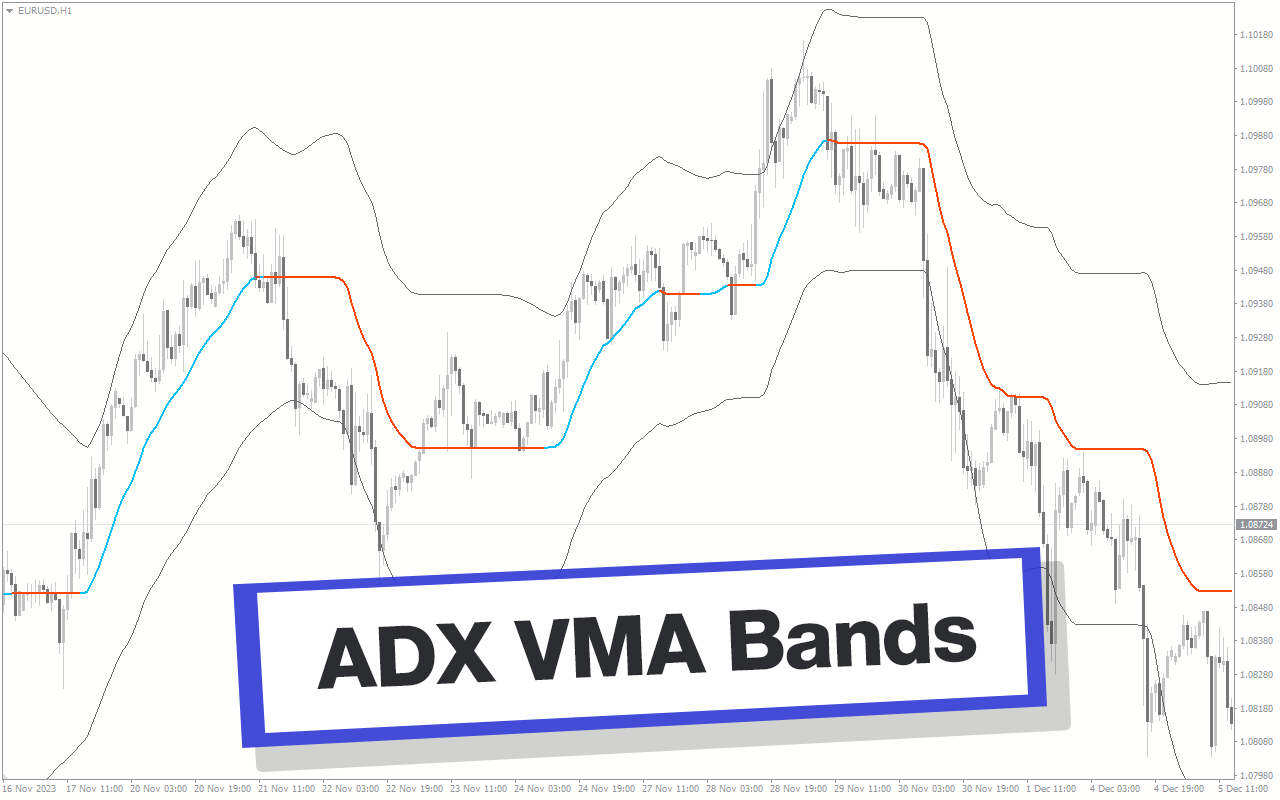
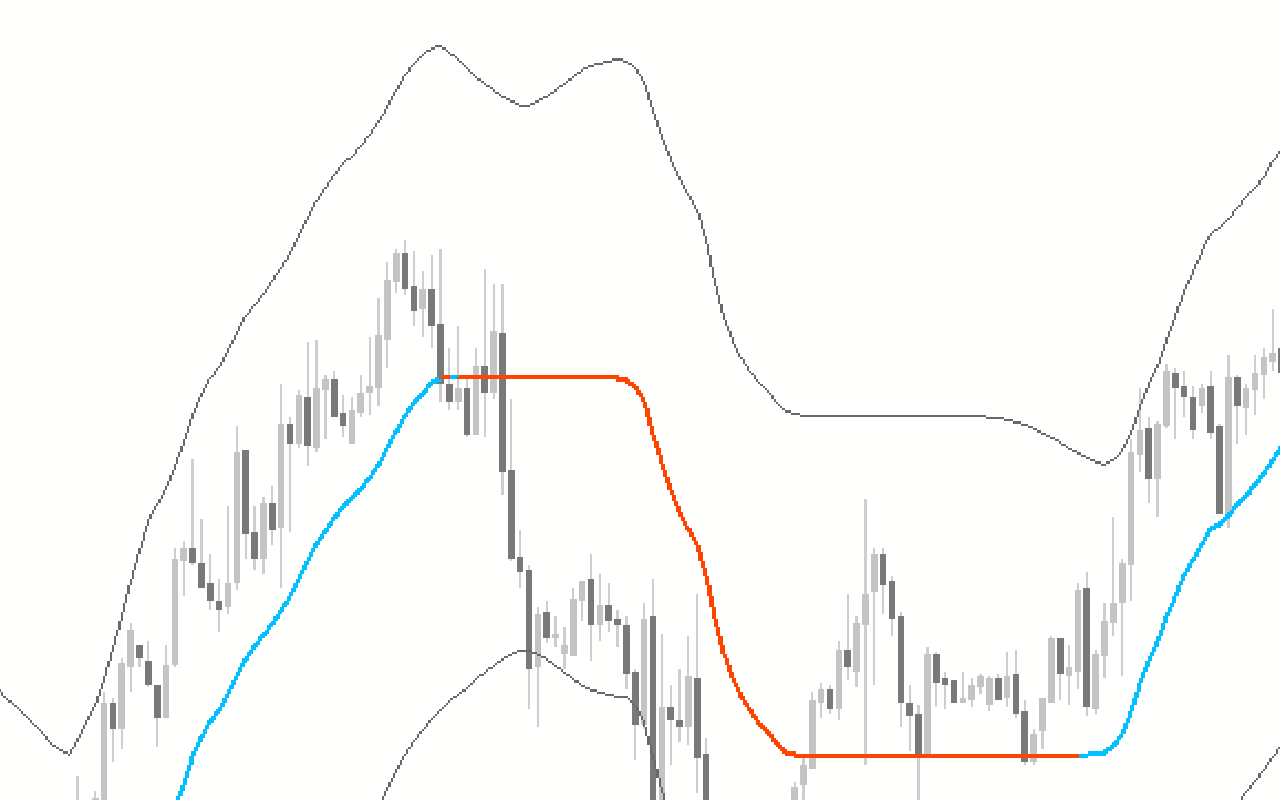
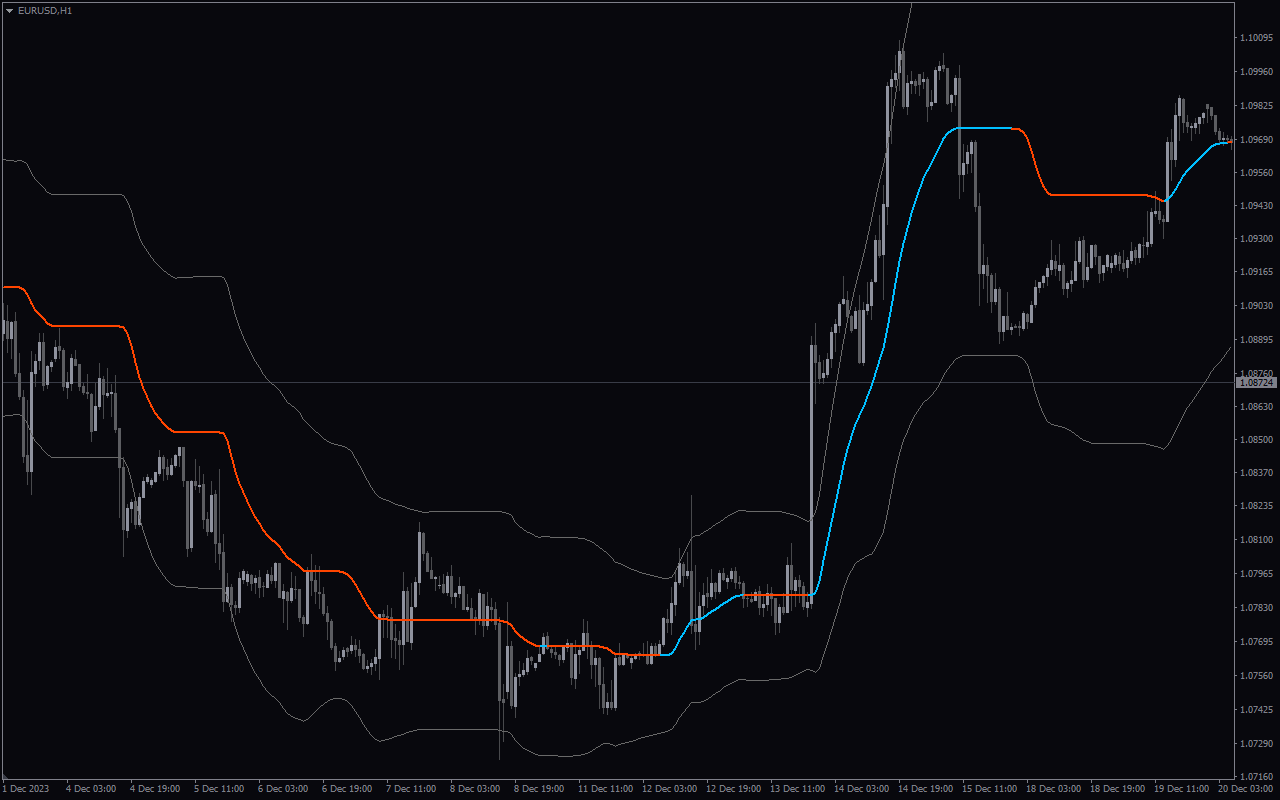
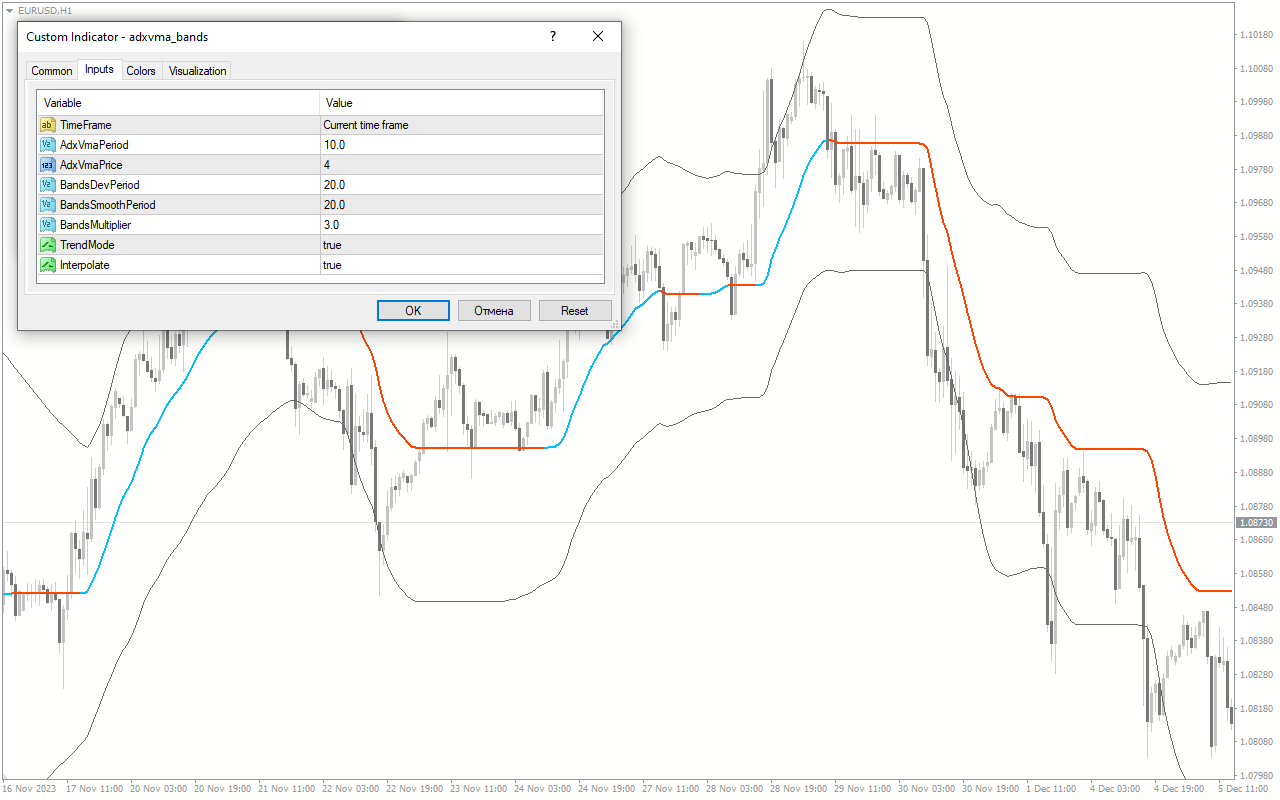
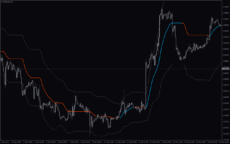
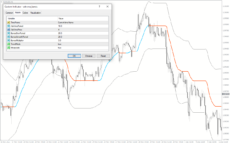
The ADX VMA Bands Indicator is a popular and highly useful forex indicator for the MT4 platform. This indicator combines two powerful technical analysis tools, the Average Directional Movement Index (ADX) and the Volume Moving Average (VMA), to provide traders with valuable insights into market trends and volatility. The ADX VMA Bands Indicator helps traders identify potential trade opportunities by plotting bands around the VMA line. These bands represent dynamic support and resistance levels, allowing traders to gauge market strength and potential reversals. The ADX line provides additional information on trend strength, helping traders decide when to enter or exit a position. This free indicator is easy to use and can be customized to suit individual trading preferences. By providing clear and concise signals, it assists traders in making informed trading decisions based on the current market conditions. Overall, the ADX VMA Bands Indicator is a widely used forex tool that aids traders in identifying potential trade setups and maximizing profits. With its combination of the ADX and VMA, it offers a comprehensive analysis of market trends and price movements, making it a must-have for any forex trader using the MT4 platform.

MT4
Adx Vma Bands
The ADX VMA Bands Indicator is a popular and useful forex indicator for MT4, available for free. It combines the Average Directional Index (ADX) and Variable Moving Average (VMA) to provide valuable insights into market trends and volatility. This indicator helps traders identify potential entry and exit points, understand the strength of a trend, and optimize trading decisions. Its user-friendly interface and customizable settings make it a valuable tool for forex traders.
| Indicator Type | |
|---|---|
| Trading Style | |
| Timeframe | |
| Platform |
0
People watching this product now!
Downloads - 20
Description
Reviews (0)
How to Install
Related products
HighLow Custom
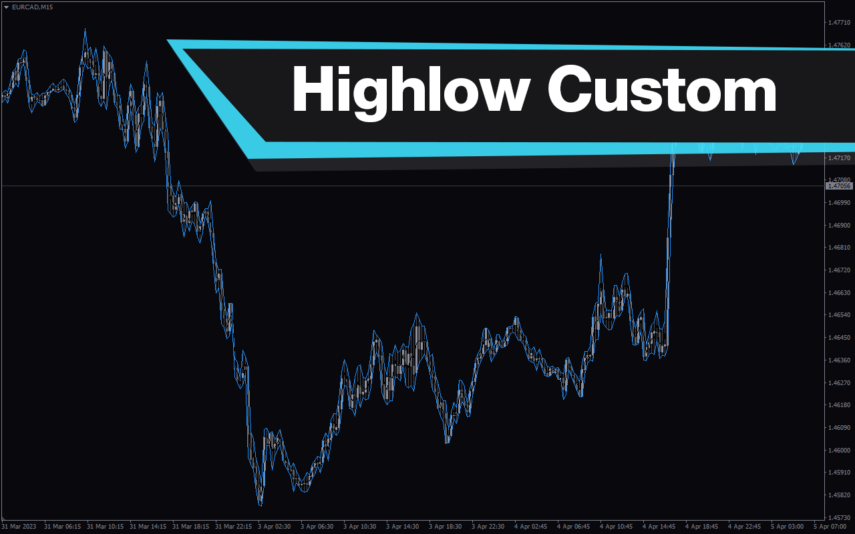
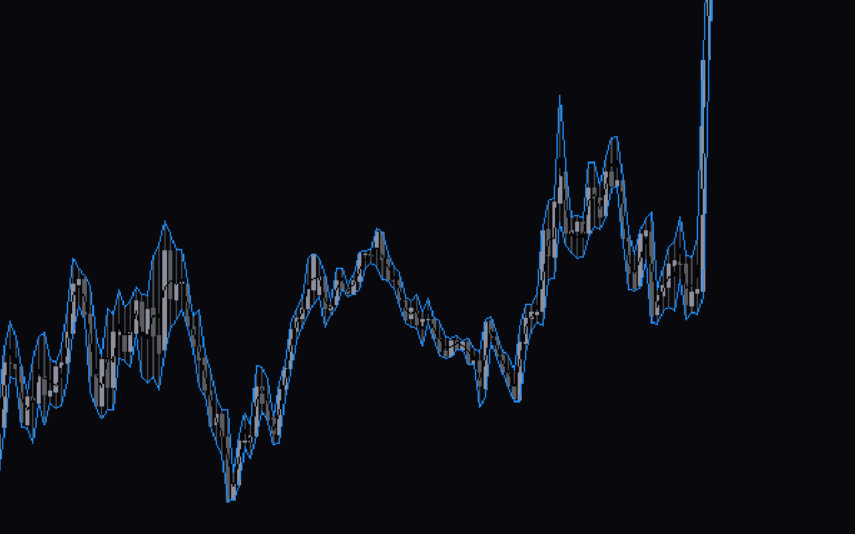
The HighLow Custom Indicator is a popular and free Forex indicator for the MT4 platform. The indicator uses a combination of trend lines, support and resistance levels, and other technical indicators to help traders identify entry and exit points. It also helps traders identify the right time to enter or exit a trade. The HighLow Custom Indicator is a great tool for traders who are looking to maximize their profits and minimize their risks.
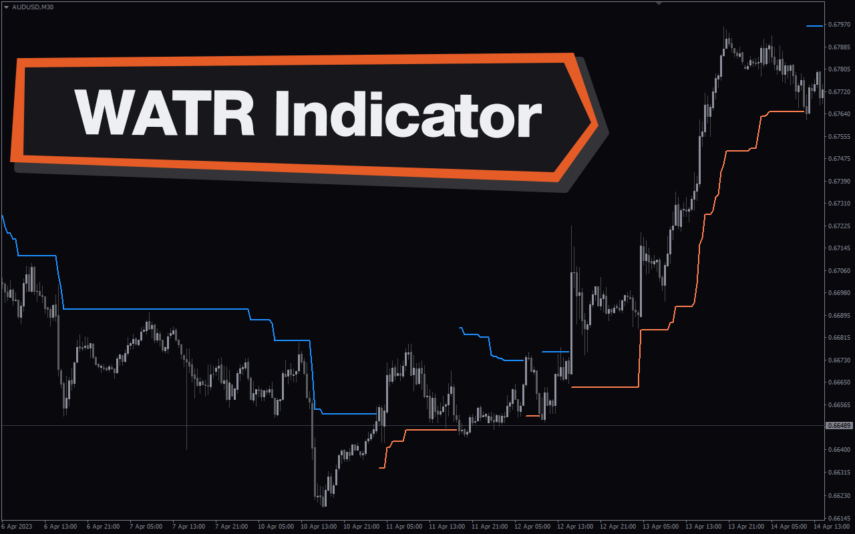
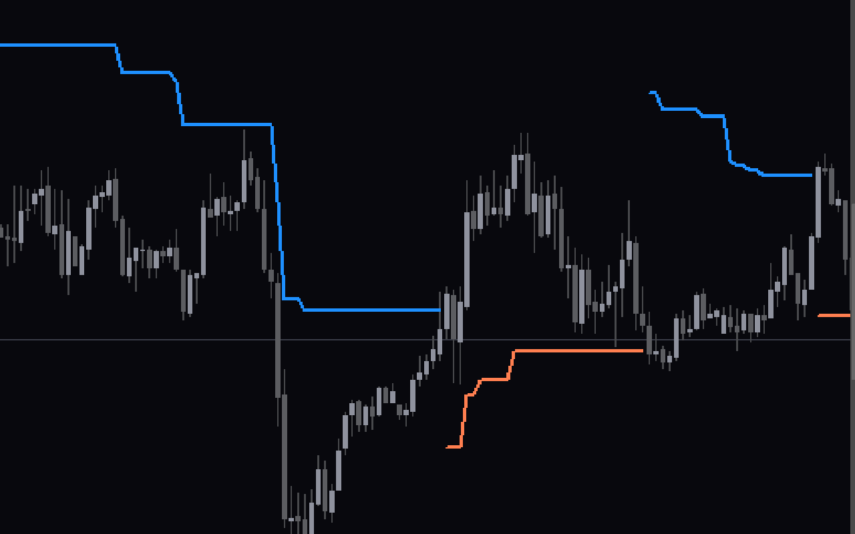
WATR Indicator
The WATR forex indicator is a popular and free MT4 indicator used by many traders. It can be used to identify trends, support and resistance levels, and other market conditions. It also offers a variety of features such as customizable alert settings, trend lines, and a wide range of indicators. It is also useful for scalping and day trading. The indicator is free to use and is popular among traders due to its accuracy and reliability.
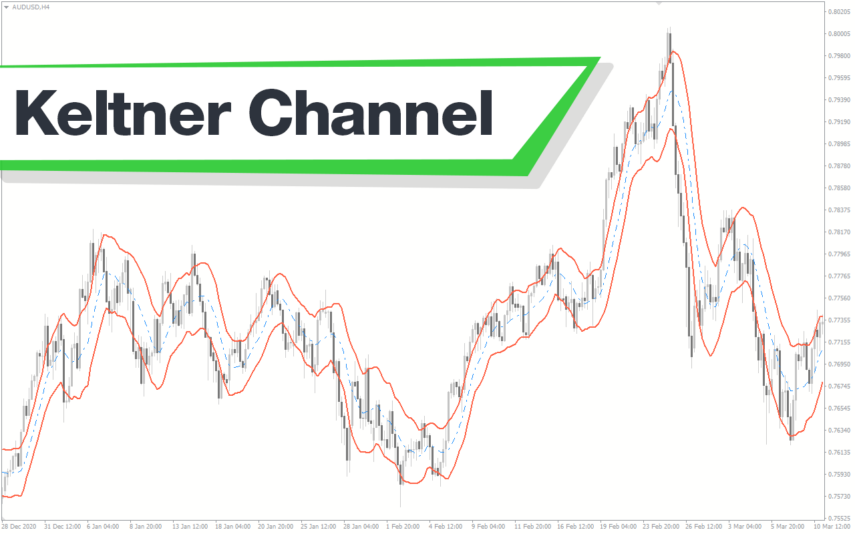
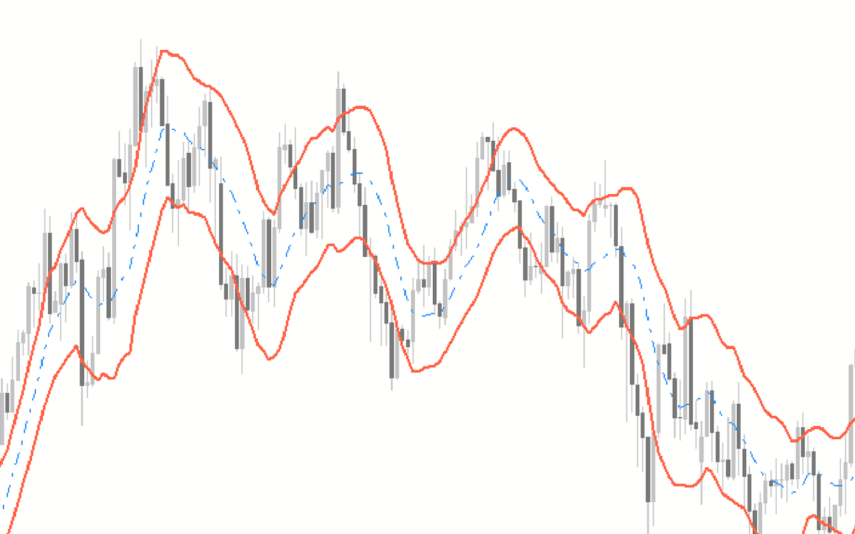
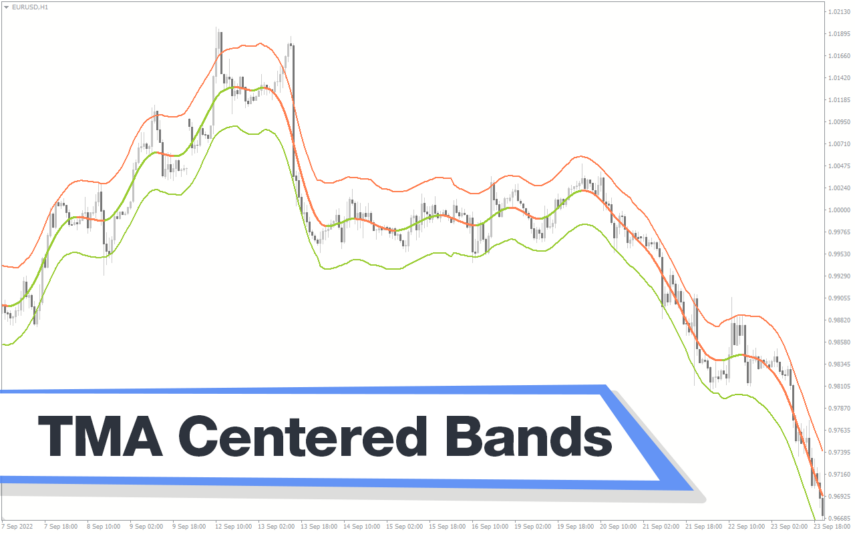
TMA Centered Bands
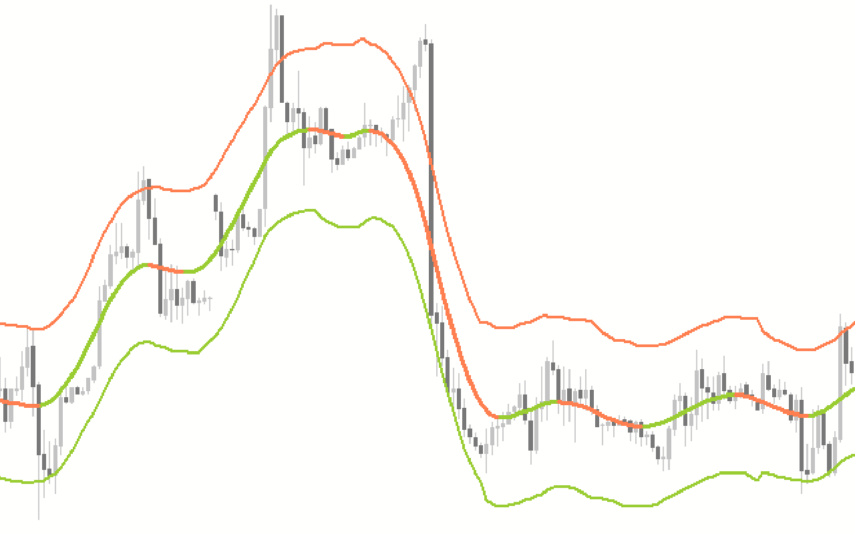
The TMA Centered Bands indicator is a powerful forex indicator available for the MT4 platform. This indicator was created for the MT4 platform and helps traders identify trends, support and resistance levels. The TMA Centered Bands indicator works by using a centered TMA (triangular moving average) to create a set of bands around the price. With a simple yet effective design, the TMA Centered Bands indicator is a valuable tool for any forex trader looking to improve their trading strategy.
Donchian Channel
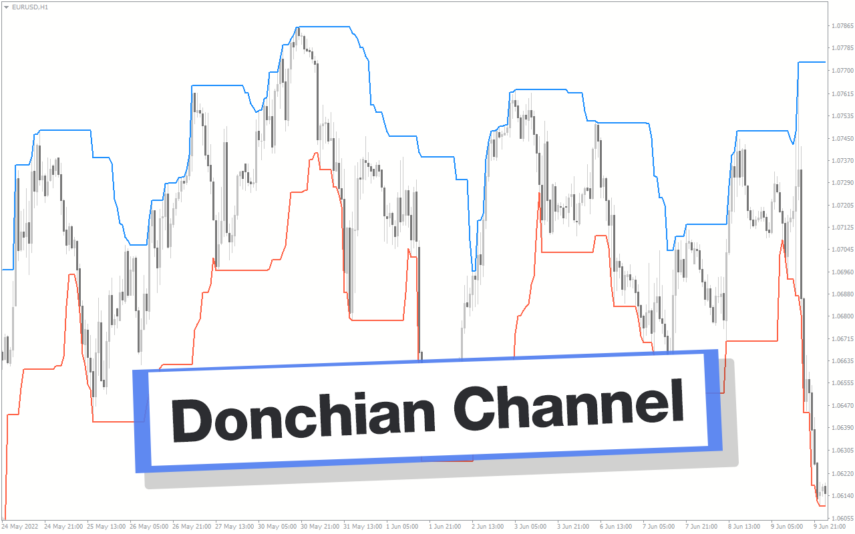
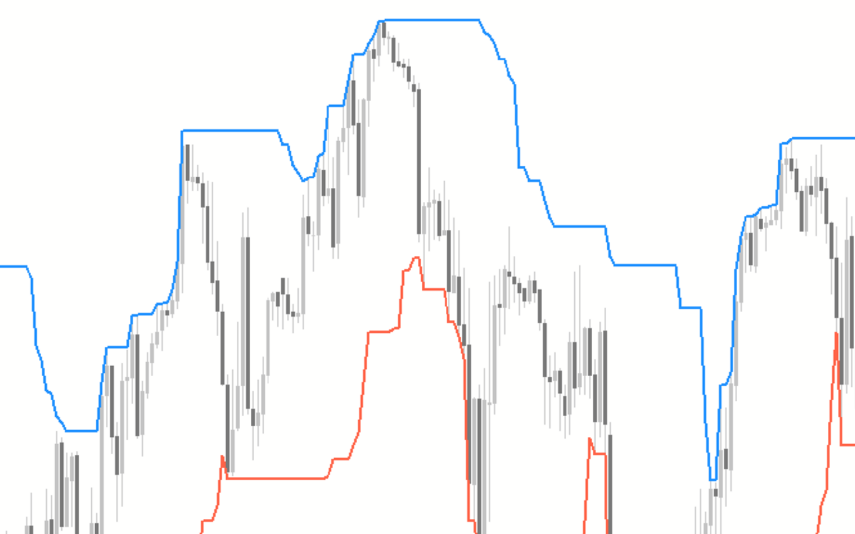
The Donchian Channel Indicator is a popular forex indicator that is widely used by forex traders to determine trend direction as well as entry and exit points designed to be used in the forex market with the MT4 platform. This indicator is very popular among traders because of its simplicity and efficiency, it works by determining the high and low of the price for a certain period and plotting a channel based on these values. The Donchian Channel Indicator is a popular and effective forex indicator that gives clear market entry and exit signals, making it an essential tool in a successful forex trader's toolbox.
Bollinger Bands Bicolor
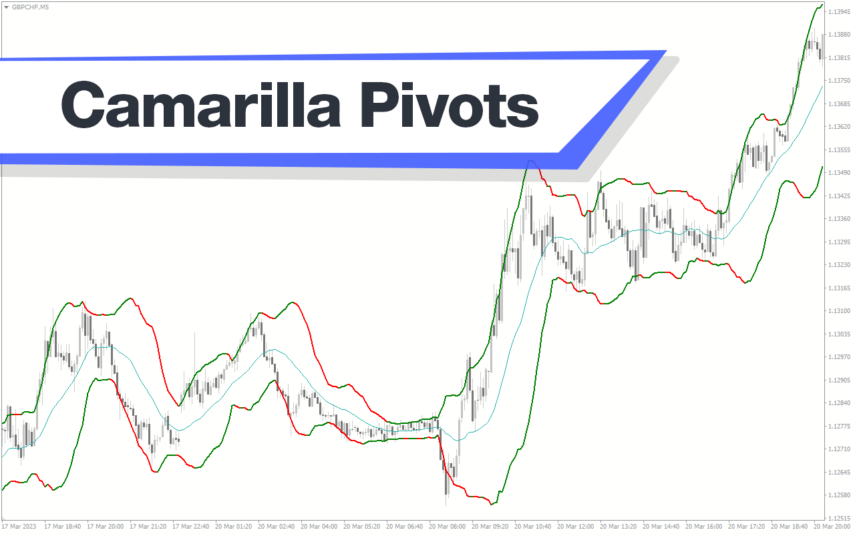
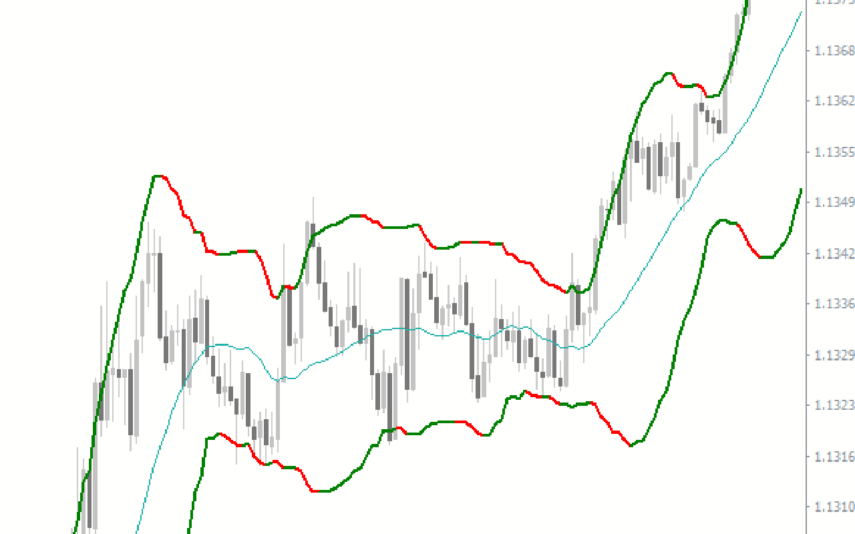
The Bollinger Bands Bicolor Indicator is a popular and free Forex indicator for the MT4 platform. This useful indicator is used to identify potential reversals and breakouts in the Forex market. It works by plotting two different Bollinger Bands, one in a red color and one in a blue color, on the same chart. The red band indicates a potential bearish reversal, while the blue band indicates a potential bullish reversal. By using the Bollinger Bands Bicolor Indicator, traders can easily identify potential entry and exit points in the Forex market.

Reviews
There are no reviews yet.