
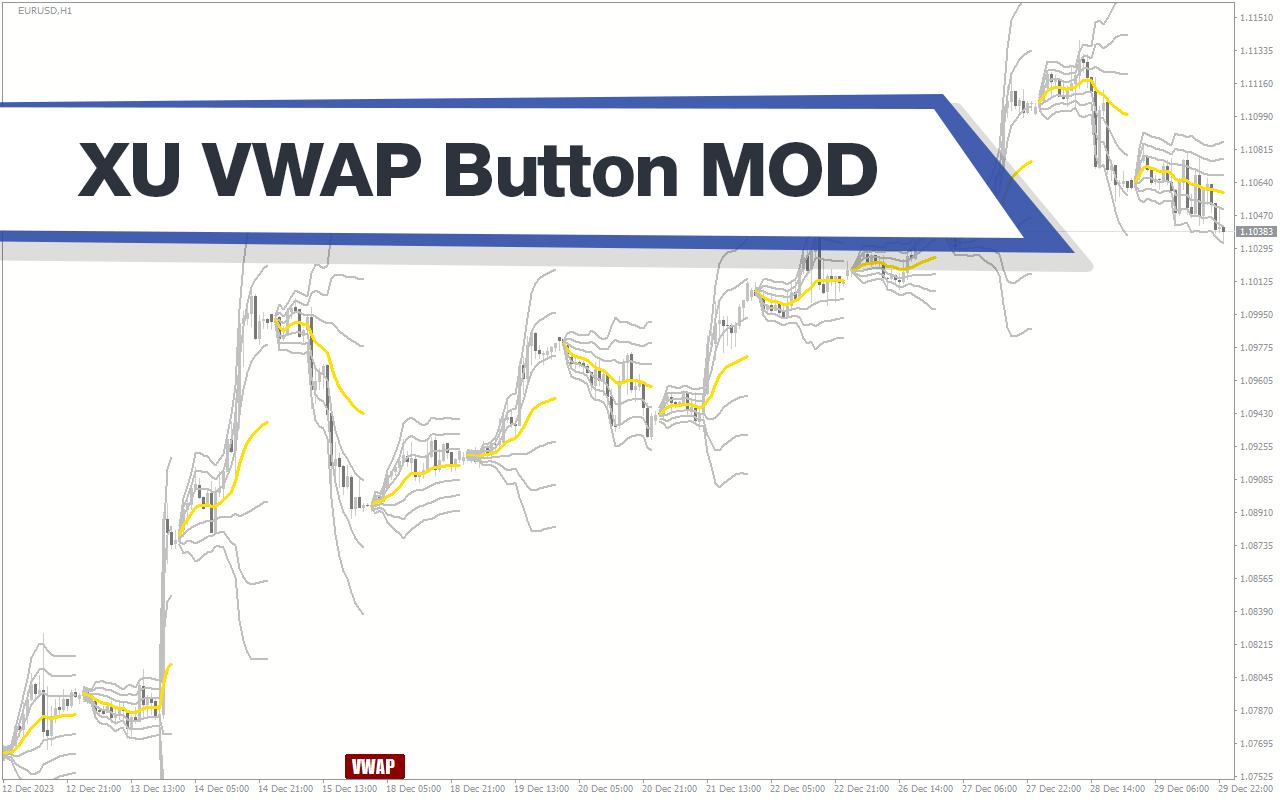
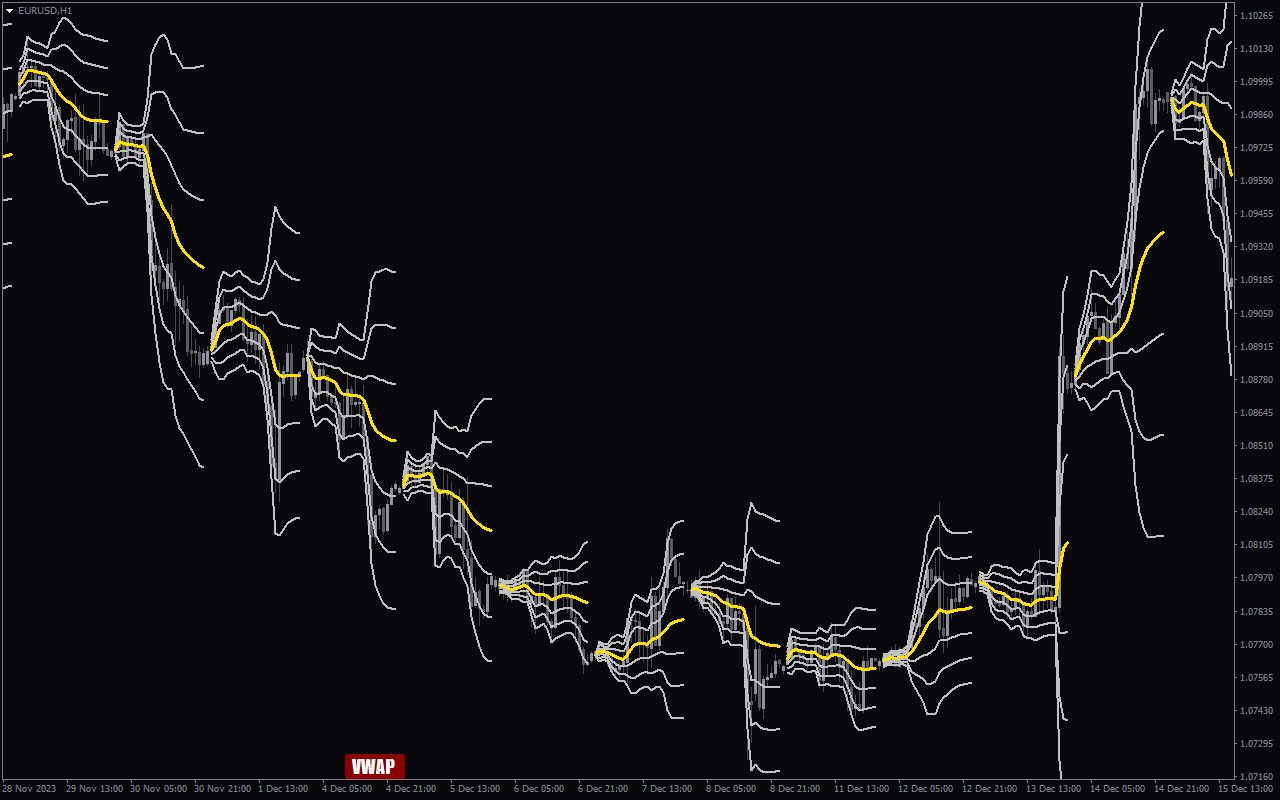
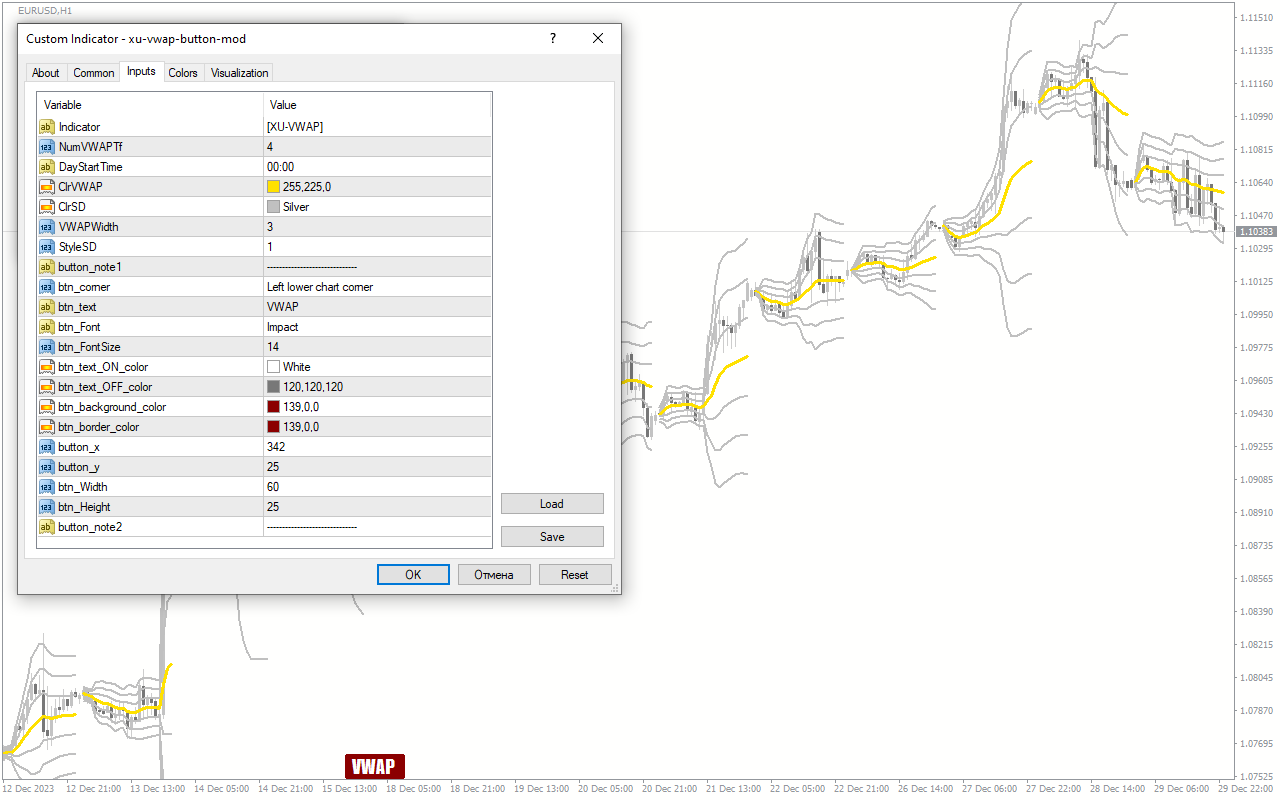
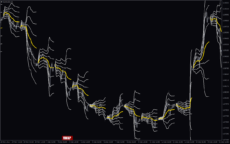
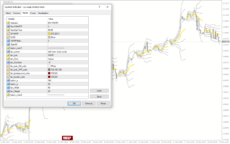
The XU VWAP Button Mod Indicator for MT4 is a useful and popular free Forex indicator. It is designed to help traders identify the current VWAP price, and to provide them with a button to quickly set orders at the VWAP price. This indicator is especially useful for traders who use the VWAP price as an entry or exit point in their trading strategies. The XU VWAP Button Mod Indicator is easy to install and use. Once installed, it will display the current VWAP price on the chart and provide traders with a button to quickly set orders at the VWAP price. The indicator also allows traders to customize the parameters of the VWAP price, such as the period of time used to calculate the VWAP. This helps traders to tailor the VWAP to their own trading strategies. The XU VWAP Button Mod Indicator is a great tool for traders who use the VWAP price in their trading strategies. It provides a quick and easy way to set orders at the VWAP price, and allows traders to customize the parameters of the VWAP to suit their own trading strategies. The indicator is free to download and use, making it a popular choice for Forex traders.
MT4
XU Vwap Button Mod
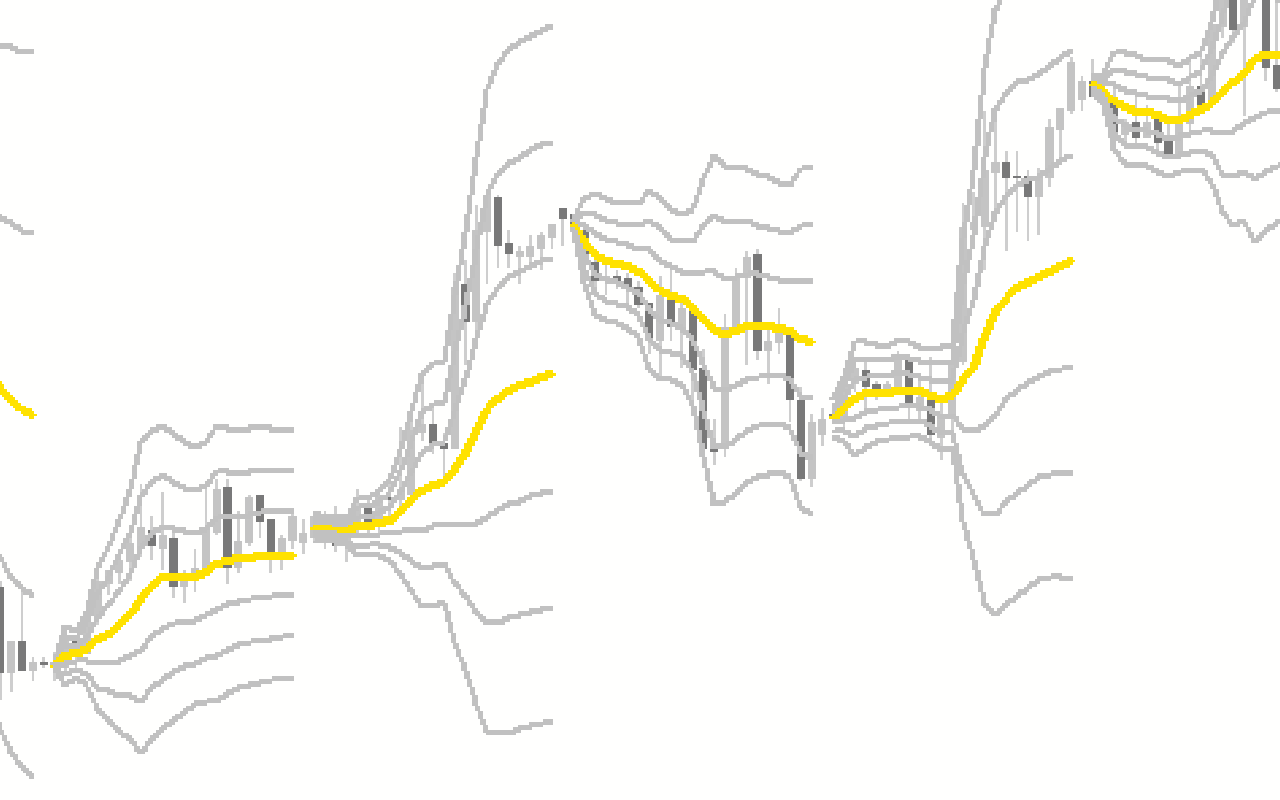
The XU VWAP Button Mod Indicator is a popular and free Forex indicator for MT4. It is a useful tool for traders looking for an easy way to identify potential entry and exit points in the market. The indicator works by plotting a VWAP (Volume Weighted Average Price) line on the chart, which is the average price of a security over a specified period of time. The XU VWAP Button Mod Indicator is a great tool for traders of all levels, as it offers an easy way to identify potential entry and exit points in the market.
| Trading Style | , |
|---|---|
| Timeframe | , |
| Platform | |
| Indicator Type | , |
0
People watching this product now!
Downloads - 42
Description
Reviews (0)
How to Install
Related products
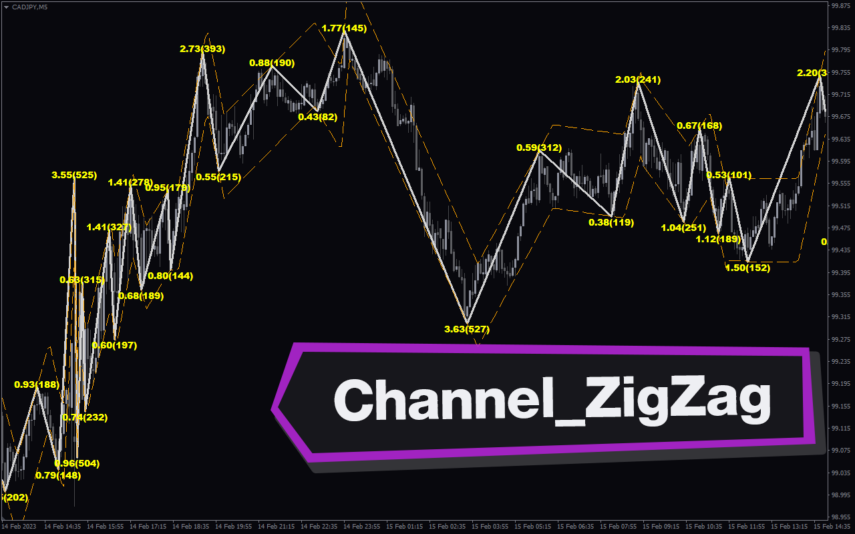
Channel_ZigZag
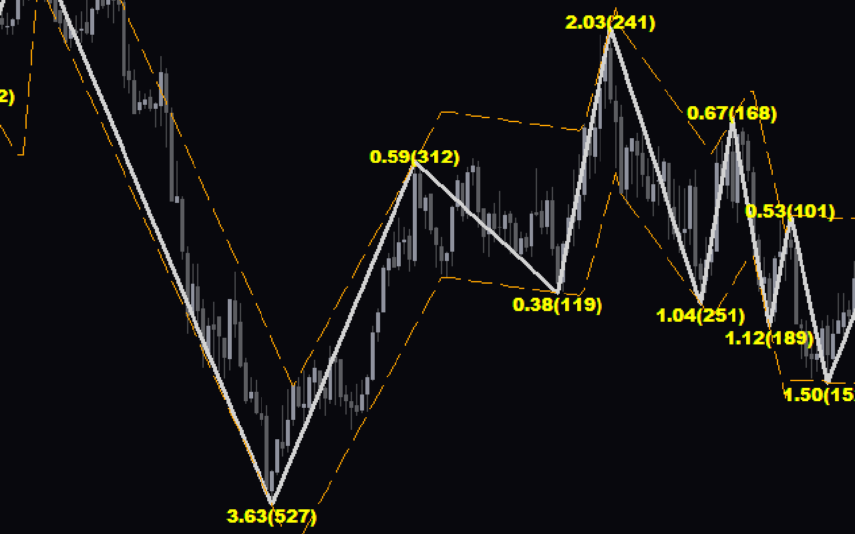
The Channel ZZ Indicator is a popular and free MT4 Forex indicator that is extremely useful for traders. It uses a combination of ZigZag lines, trend lines, and Fibonacci retracement levels to help you identify profitable entry and exit points. The indicator works by drawing a line between two extreme points on the chart and then calculates the Fibonacci retracement levels. It then draws a ZigZag line between the two extreme points and uses the retracement levels to identify potential entry and exit points. The indicator is easy to use and understand, and it is a great tool for traders to use to help them make more profitable trades.
My Price Action
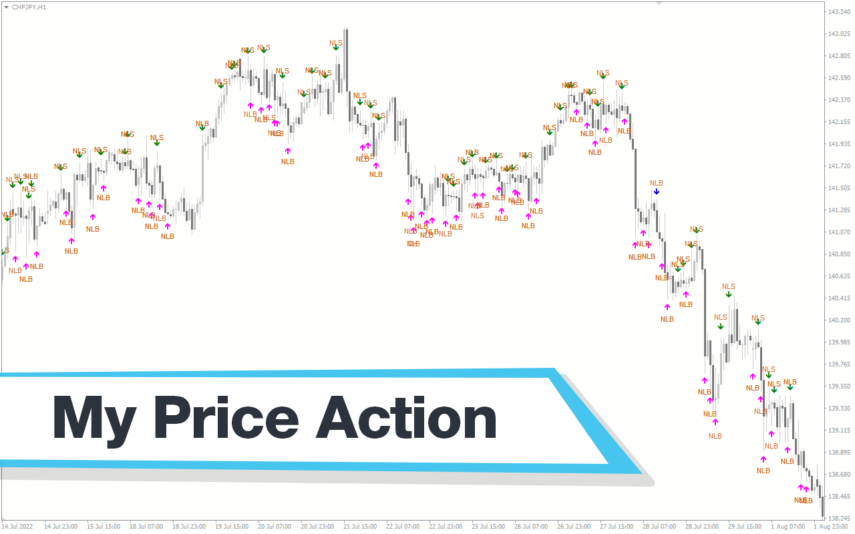
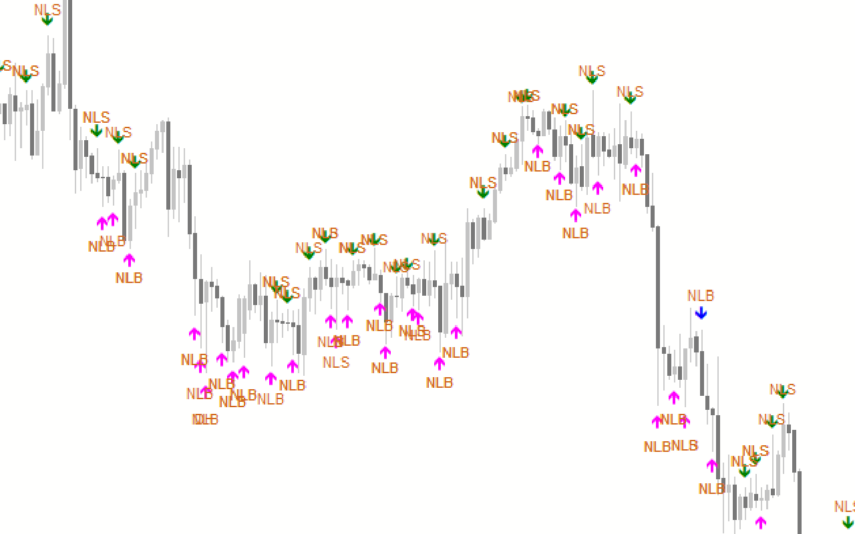
My Price Action Indicator is a nice and accurate forex trading indicator available for free on MT4 platrorm. This indicator uses historical price data to generate visual signals by highlighting support and resistance zones, trend lines, and chart patterns that can be used to make informed trading decisions. Whether you are a beginner or an experienced trader, My Price Action Indicator can provide valuable insights into the market to help you make profitable trades.
Reviews
There are no reviews yet.