• MT4 Collections
    • Top Indicators Hot
      • Top Rated
      • Top Downloads
      • Most Popular
      • New
      • Recommended
    • Trading Style
      • Beginner For Newbies
      • Scalping
      • Short-Term
      • Day Trading
      • Intraday
      • Swing
    • Indicator Type
      • Accurate
      • Leading
      • Reversal
      • Breakout
      • Sideways
      • Entry & Exit
      • Overbought & Oversold
      • Non-Repaint
    • Categories
      • Trend
      • Signal
      • Support & Resistance
      • Price Action
      • Stochastic
      • Envelope
      • Volume
      • Helpers
    • Timeframes
      • M1-M5
      • M15-M30
      • H1-H4
      • D1-W1
      • Multi Timeframe
    • Platform
      • MT4 Popular
      • MT5
  • Indicators
  • Blog
  • CONTACT US
  • ABOUT US
Menu
Search
Select category
  • Select category
  • Envelope Indicators
  • Helpers
  • Price Action
  • Signal
  • Stochastic
  • Support & Resistance
  • Trend
  • Volume
0 Wishlist
Home Collection Price Action Trading Sessions
Value Chart Deluxe
Back to products
Pivot Points Daily Shifted
MT4
Watch video
Click to enlarge

Trading Sessions

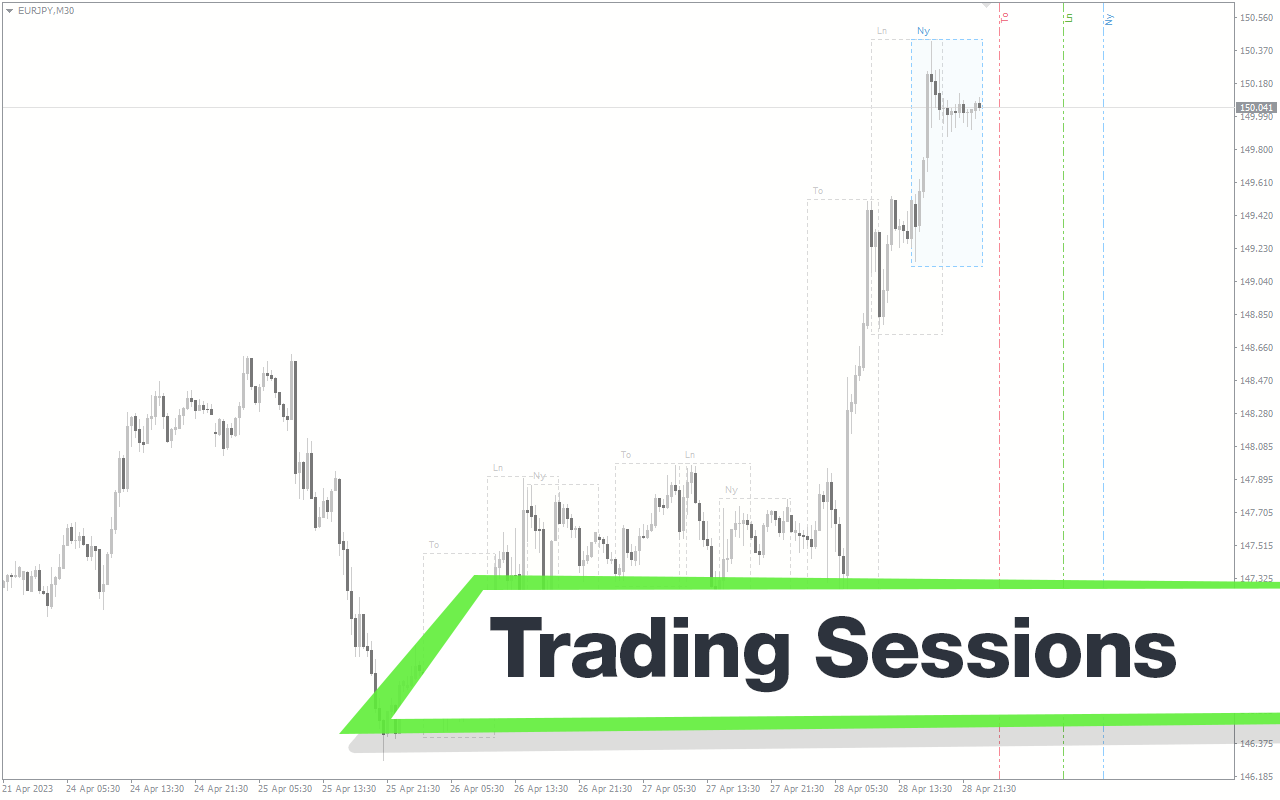
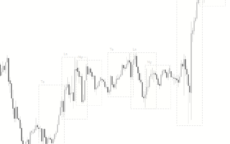
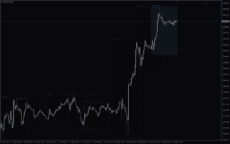
The Trading Sessions indicator for MT4 displays the four major trading sessions in the financial market. Is easy to use and helps traders to keep track of the different trading session times.

Trading Style

Beginner

,

Intraday

Indicator Type

Sideways

Timeframe

M1-M5

,

M15-M30

Platform

MT4

Add to wishlist
0 People watching this product now!
Category: Price Action
Share:

Downloads - 1207

Download now
  • Description
  • Reviews (0)
  • How to Install
Description

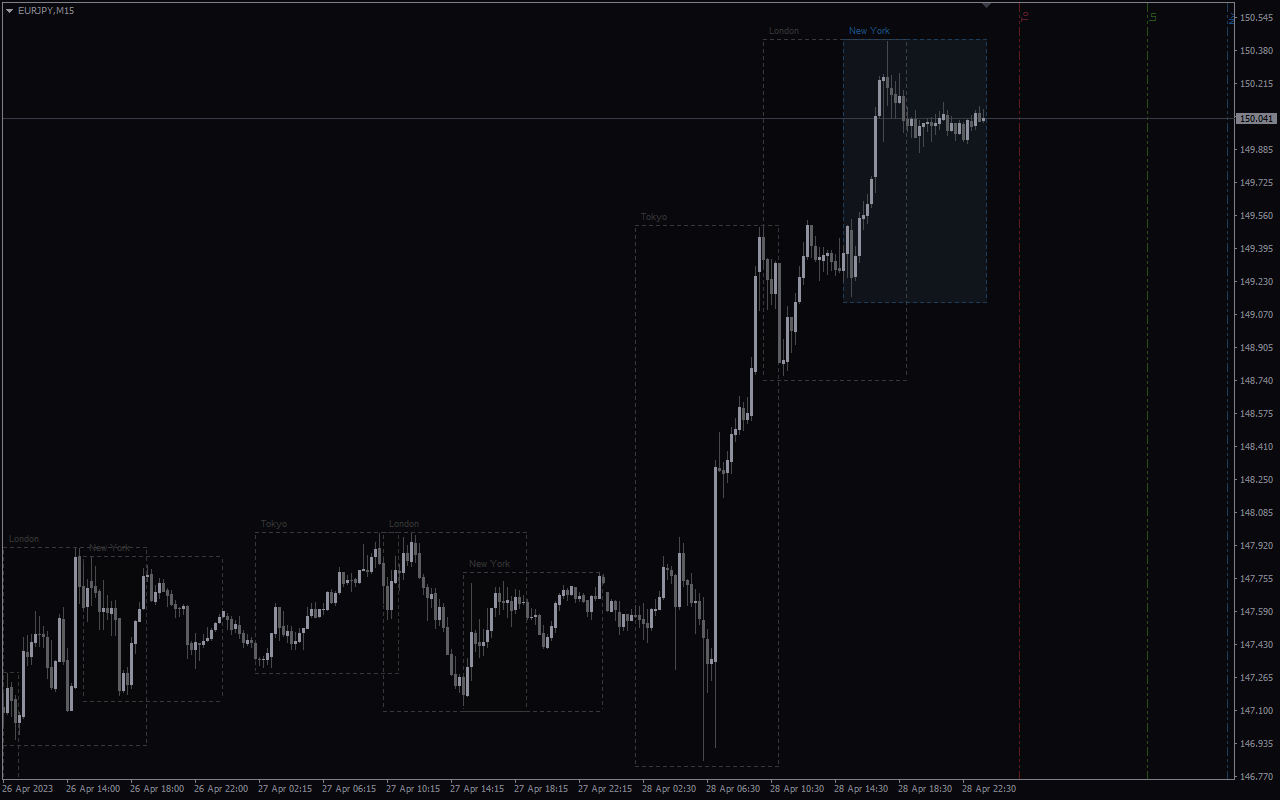
The Trading Sessions indicator is an MT4 tool that displays different trading sessions in the financial market. It shows the London, New York, Sydney, and Tokyo trading sessions.

The indicator is an information tool developed to help forex traders identify different market sessions without hassle. It is also a handy tool that would assist scalpers and day traders to make informed trading decisions based on the market movement in a trading session.

Features of the Indicator

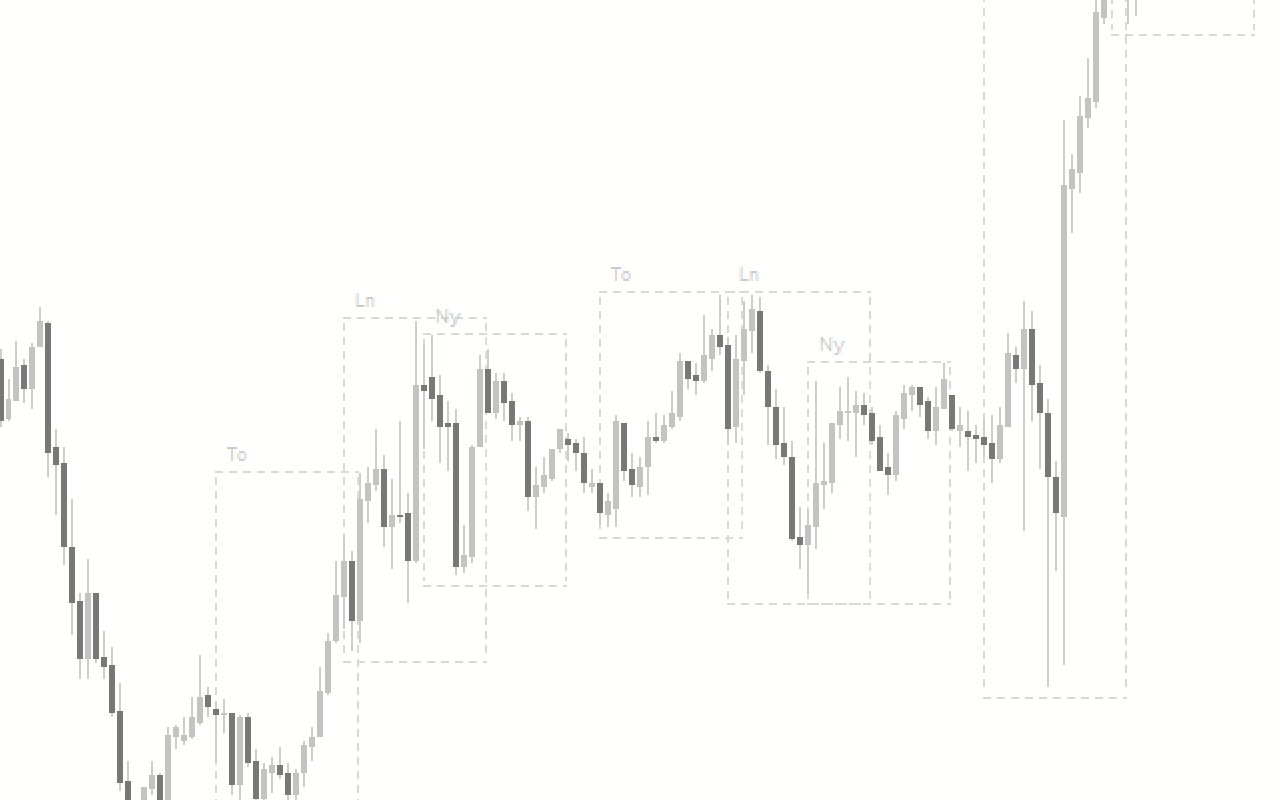
The indicator shows the beginning and end of the four major trading sessions (London, New York, Sydney, and Tokyo) in a box. It also displays the names of each session on the chart. Finally, the indicator’s parameters support customization to a user’s preference.

Benefits of Sung the Trading Sessions Indicator

  1. Automatically Identifies Major Trading Sessions: The indicator makes it easy to identify any trading session. It makes it an invaluable tool to identify trading opportunities in different market sessions. For example, a trader can find a trading opportunity during the London, New York, and Asian breakouts.
  2. Beginner-Friendly: The indicator is suited for beginner forex traders to identify any trading session of interest without hassle.
  3. Back-Testing a Strategy: The indicator can also be a handy tool in back-testing a trading strategy peculiar to a trading session.

Indicator Description Settings
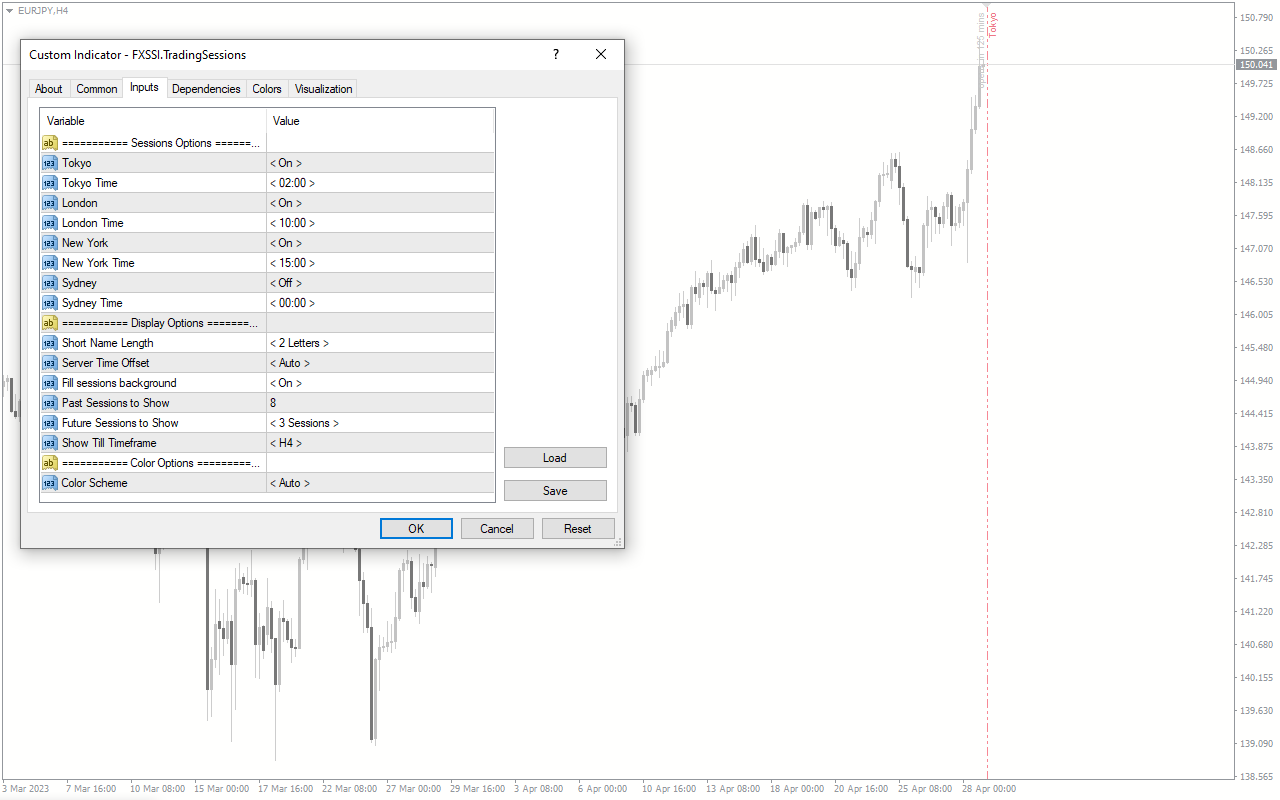
The indicator comes with the following customizable settings:

Tokyo: Enables/Disables the Tokyo trading session.

Tokyo Time: Sets the time for the Tokyo trading session.

London: Enables/Disables the London trading session.

London Time: Sets the time for the London trading session.

New York: Enables/Disables the New Yoke trading session.

New York Time: Sets the time for the New York trading session.

Sydney: Enables/Disables the Sydney trading session.

Sydney Time: Set the time for the Sydney trading session.

Short Name Length: Determines the abbreviation length to display.

Server Time Offset: Enables/Disables the indicator to automatically use the server time.

Fill Sessions background: Enables/Disables fill session background color.

Past Sessions to Show: Determines the number of past trading sessions to display.

Future Sessions to Show: Determines the number of future trading sessions to display.

Show Till time frame: Determines the time frame limit to display the trading sessions.

Color scheme: Enables/Disables the indicator to automatically assign a color to the sessions.
Reviews (0)

Reviews

There are no reviews yet.

Be the first to review “Trading Sessions” Cancel reply

Your email address will not be published. Required fields are marked *

1 2 3 4 5
1 2 3 4 5
1 2 3 4 5

How to Install

How install MT4/5 indicator in the terminal?

To install an MT4/5 indicator in the terminal, follow these steps:

  1. Download the indicator file (.ex4 or .mq4/.ex5 or .mq5) to your computer.

  2. Open the MT4/5 terminal and click on “File” in the top left corner.

  3. Select “Open Data Folder” from the dropdown menu.

  4. In the window that opens, double-click on the “MQL4/5” folder.

  5. Double-click on the “Indicators” folder.

  6. Drag and drop the indicator file from your computer into the “Indicators” folder.

  7. Close the data folder window and restart the MT4/5 terminal.

  8. The indicator should now be available in the “Navigator” window on the left-hand side of the terminal. Simply double-click on the indicator to add it to a chart.

Note: If the indicator is in a .zip file, you will need to extract it first before following the above steps.

And if asks to confirm DLL?

If the indicator you are installing requires access to external Dynamic Link Libraries (DLLs), you may see a pop-up message asking you to confirm the use of DLLs.

DLLs are external libraries that contain code that can be used by other programs. In the case of MT4/5 indicators, they are often used to perform complex calculations or connect to external data sources.

If you trust the source of the indicator and want to use it, click “Yes” to confirm the use of DLLs. If you are not sure or do not trust the source, click “No” to cancel the installation.

It’s worth noting that some indicators may not work properly without access to their required DLLs. If you choose not to allow access to DLLs and the indicator does not work as expected, you may need to reinstall the indicator and confirm the use of DLLs to get it to work properly.


Related products

MT4
Quick view
Add to wishlist

Trendline

Trend, Price Action
The Trendline Indicator is a useful and popular free Forex indicator for MT4 platform. It is used to identify and draw trendlines on charts, which helps traders to identify and trade in the direction of the trend. The indicator works by automatically drawing trendlines on the chart when two or more points are connected. The Trendline Indicator is a great tool for any trader looking to gain an edge in the Forex markets.
MT4
Quick view
Add to wishlist

My Price Action

Signal, Price Action
My Price Action Indicator is a nice and accurate forex trading indicator available for free on MT4 platrorm. This indicator uses historical price data to generate visual signals by highlighting support and resistance zones, trend lines, and chart patterns that can be used to make informed trading decisions. Whether you are a beginner or an experienced trader, My Price Action Indicator can provide valuable insights into the market to help you make profitable trades.
MT4
Quick view
Add to wishlist

Volume Weighted MA

Trend, Price Action
Volume Weighted Moving Average (VWMA) is a popular, free and useful Forex indicator for the MT4 platform. This indicator plots the average of a security's volume-weighted price over a period. It does this by measuring the volume of an asset and comparing it to the price. By doing this, traders can see if there is strong buying or selling pressure in the market. The VWMA is a great tool for traders who want to determine the strength of a trend.
MT4
Quick view
Add to wishlist

TD Sequential

Signal, Price Action
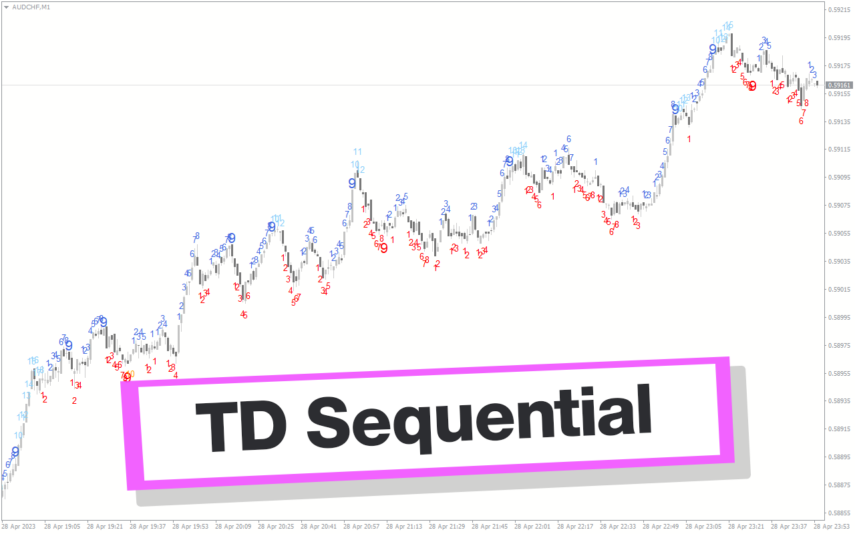
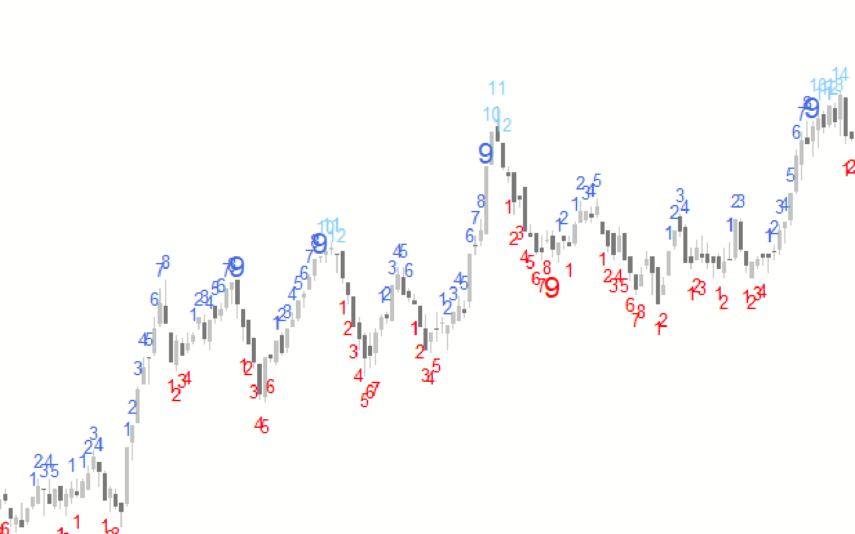
The TD Sequential indicator for MT4 uses Thomas Demark’s strategy to identify trend reversal. It is a simple yet effective tool for traders looking to capitalize on short-term price movements. Try Now!
MT4
Quick view
Add to wishlist

Market Sessions

Price Action, Support & Resistance
The Market Sessions Indicator is a free and popular Forex indicator for MT4. It is a useful tool for traders to identify the active trading sessions for different currency pairs. The indicator displays the start and end times of the major trading sessions in the Forex market, including London, New York, Tokyo, and Sydney. It also shows the current session and the time left until the next session. The Market Sessions Indicator is a convenient and powerful tool for traders of all levels to get a better understanding of the Forex market.
MT4
Quick view
Add to wishlist

Channel_ZigZag

Price Action, Support & Resistance
The Channel ZZ Indicator is a popular and free MT4 Forex indicator that is extremely useful for traders. It uses a combination of ZigZag lines, trend lines, and Fibonacci retracement levels to help you identify profitable entry and exit points. The indicator works by drawing a line between two extreme points on the chart and then calculates the Fibonacci retracement levels. It then draws a ZigZag line between the two extreme points and uses the retracement levels to identify potential entry and exit points. The indicator is easy to use and understand, and it is a great tool for traders to use to help them make more profitable trades.
MT4
Quick view
Add to wishlist

Three Drives Pattern

Price Action
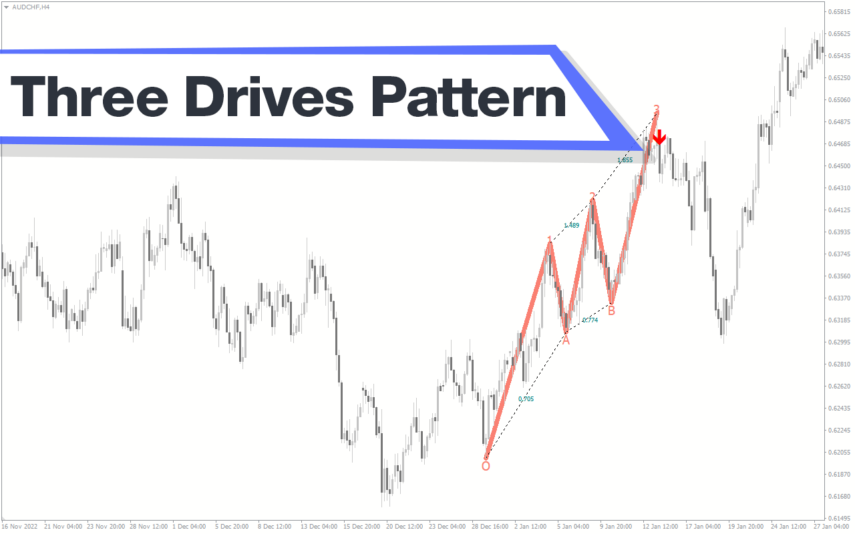
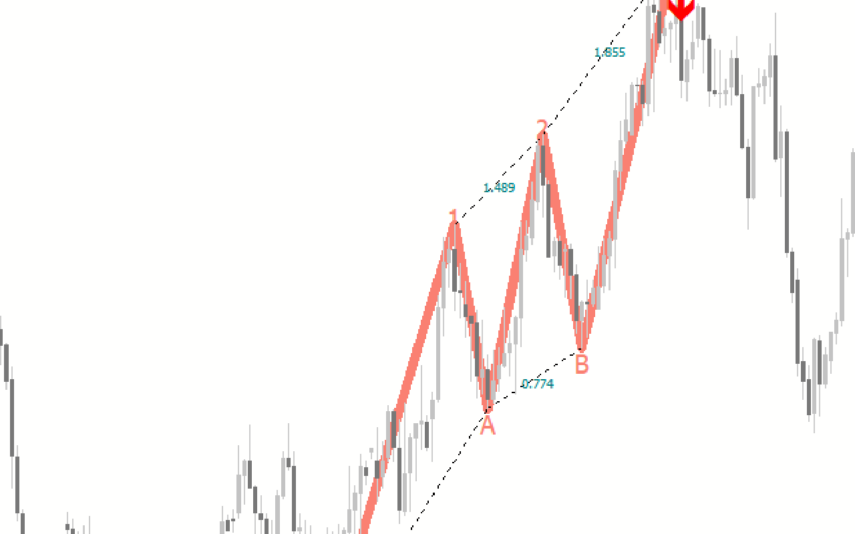
The Three Drives Pattern Indicator is a useful and popular free Forex indicator for MT4. It works by analyzing the price action of a given financial asset and then looking for three distinct price points that form a pattern. If the pattern is identified, then the indicator will alert the trader to a potential reversal in the trend. The Three Drives Pattern Indicator is a great indicator for traders who want to take advantage of the potential for quick profits when the market reverses.
MT4
Quick view
Add to wishlist

Double Top Bottom Patterns

Signal, Price Action
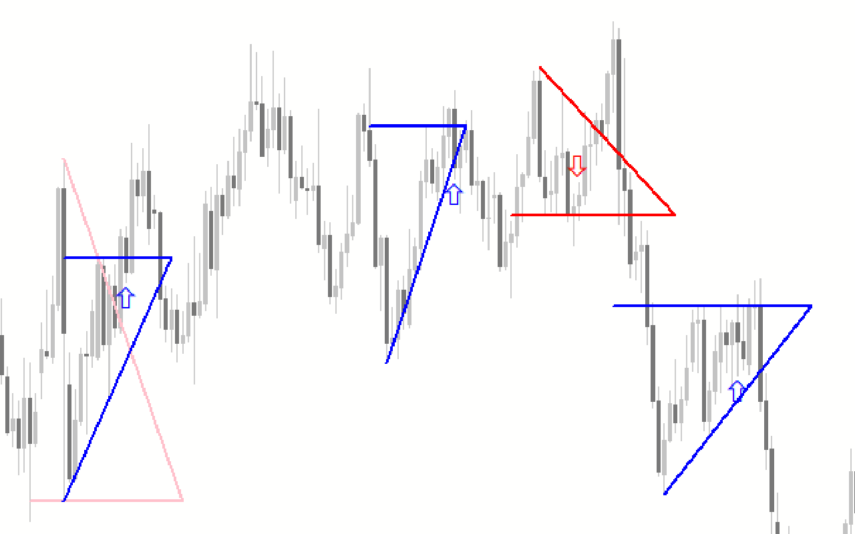
The Double Top Bottom Patterns indicator for MT4 is the best Forex indicator that identifies double tops/bottom patterns. It helps spot the patterns easily and confirms the price breakout after the pattern, providing BUY and SELL arrow trading signals.
    Close
    Indicator Categories
    • Envelope Indicators 303
    • Helpers 405
    • Price Action 165
    • Signal 1110
    • Stochastic 1675
    • Support & Resistance 558
    • Trend 890
    • Volume 145
    • MT4 COLLECTION HOT
      • Top Rated
      • Top Downloads
      • Most Popular
      • New
      • Recommended
    • Trading Style
      • Beginner For Newbies
      • Scalping
      • Short-Term
      • Day Trading
      • Intraday
      • Swing
    • INDICATOR TYPE
      • Accurate
      • Leading
      • Reversal
      • Breakout
      • Sideways
      • Entry & Exit
      • Overbought & Oversold
      • Non-Repaint
    • CATEGORIES
      • Trend
      • Signal
      • Support & Resistance
      • Price Action
      • Stochastic
      • Envelope
      • Volume
      • Helpers
    • Timeframe
      • M1-M5
      • M15-M30
      • H1-H4
      • D1-W1
      • Multi Timeframe
    • Platform
      • MT4 Popular
      • MT5
    • USEFUL LINKs
      • Privacy Policy
      • Cookie Policy
      • Terms of Use
      • Disclaimer
      • About Us
      • Contact Us
    Logo-grayscale-transparent-720
    Unlock your trading potential with our powerful indicator library.

    Follow us:

    MT4COLLECTION.COM © 2026 All Rights Reserved.
    • Menu
    • Categories
    • Signal
    • MT4 Collections
    • Collection
    • Blog
    • About us
    • Contact us
    • Wishlist
    Sidebar
    We use cookies to improve your experience on our website. By browsing this website, you agree to our use of cookies.
    Accept