
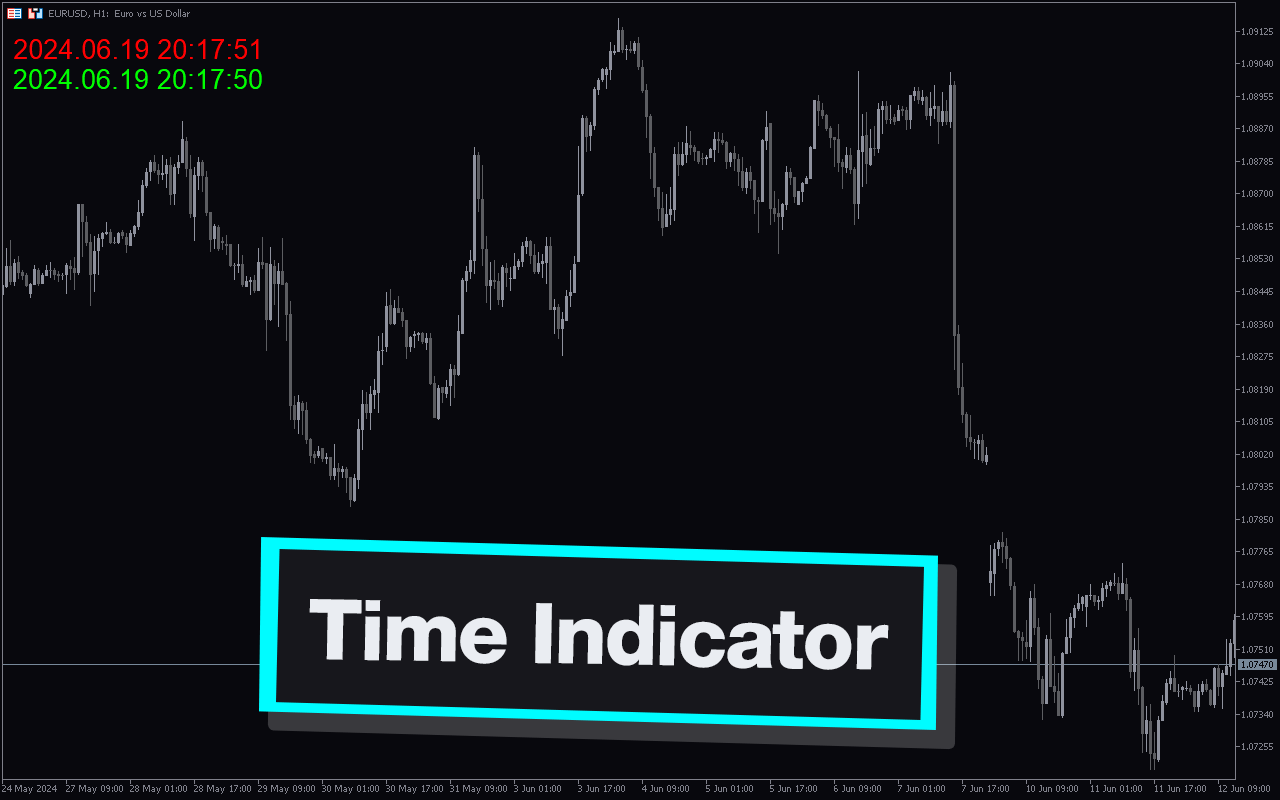
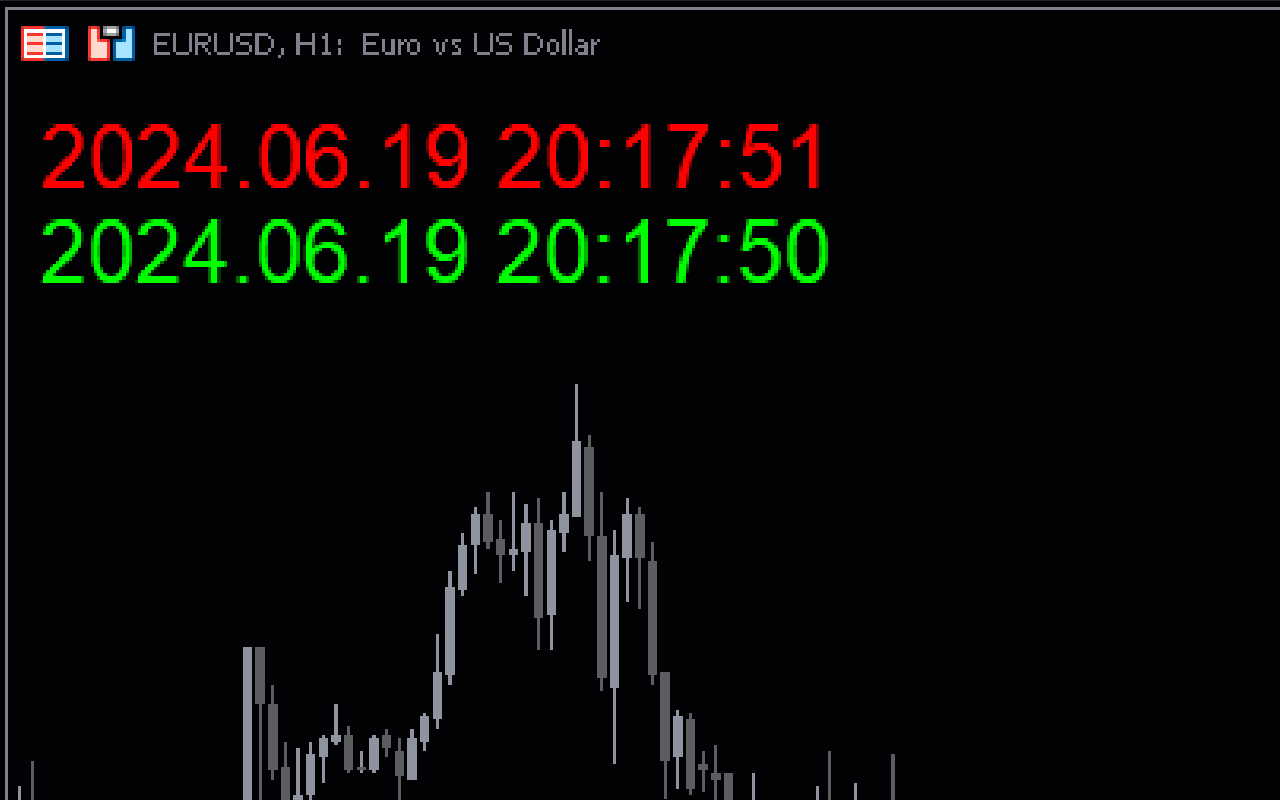
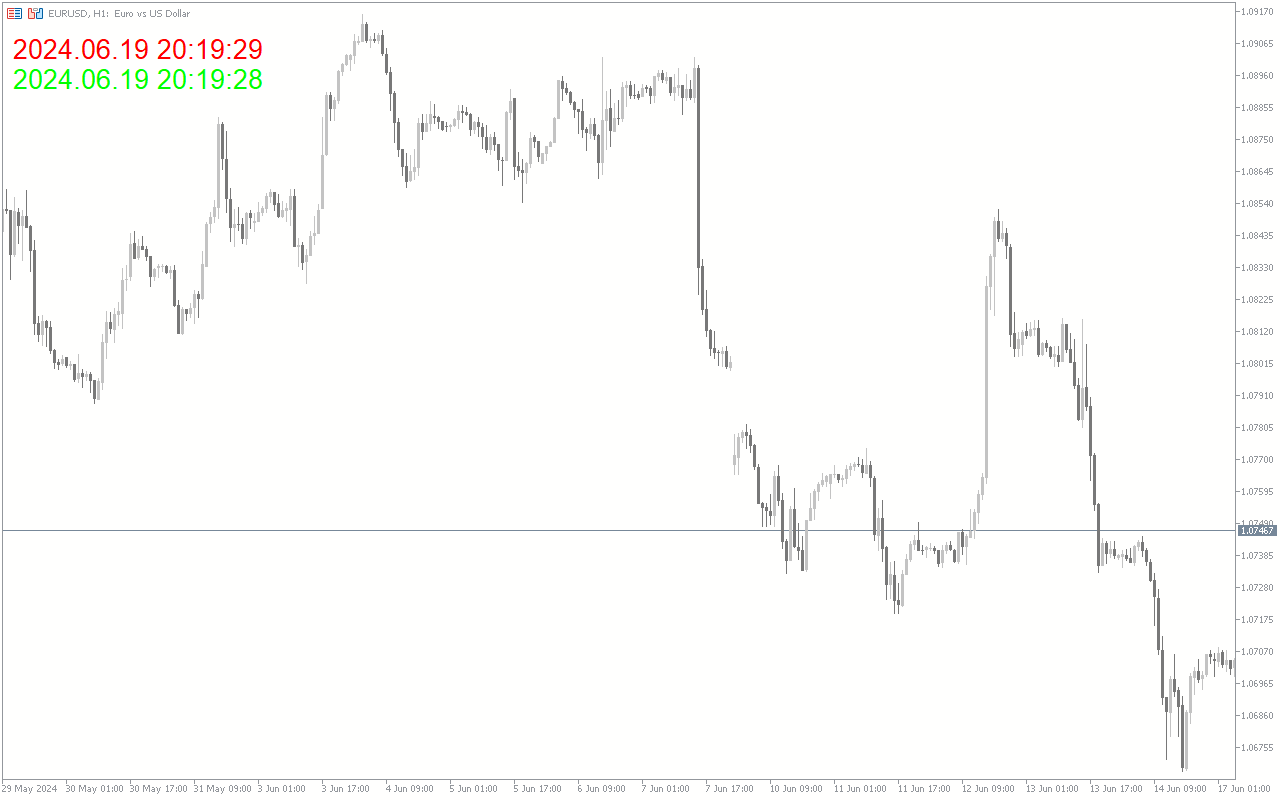
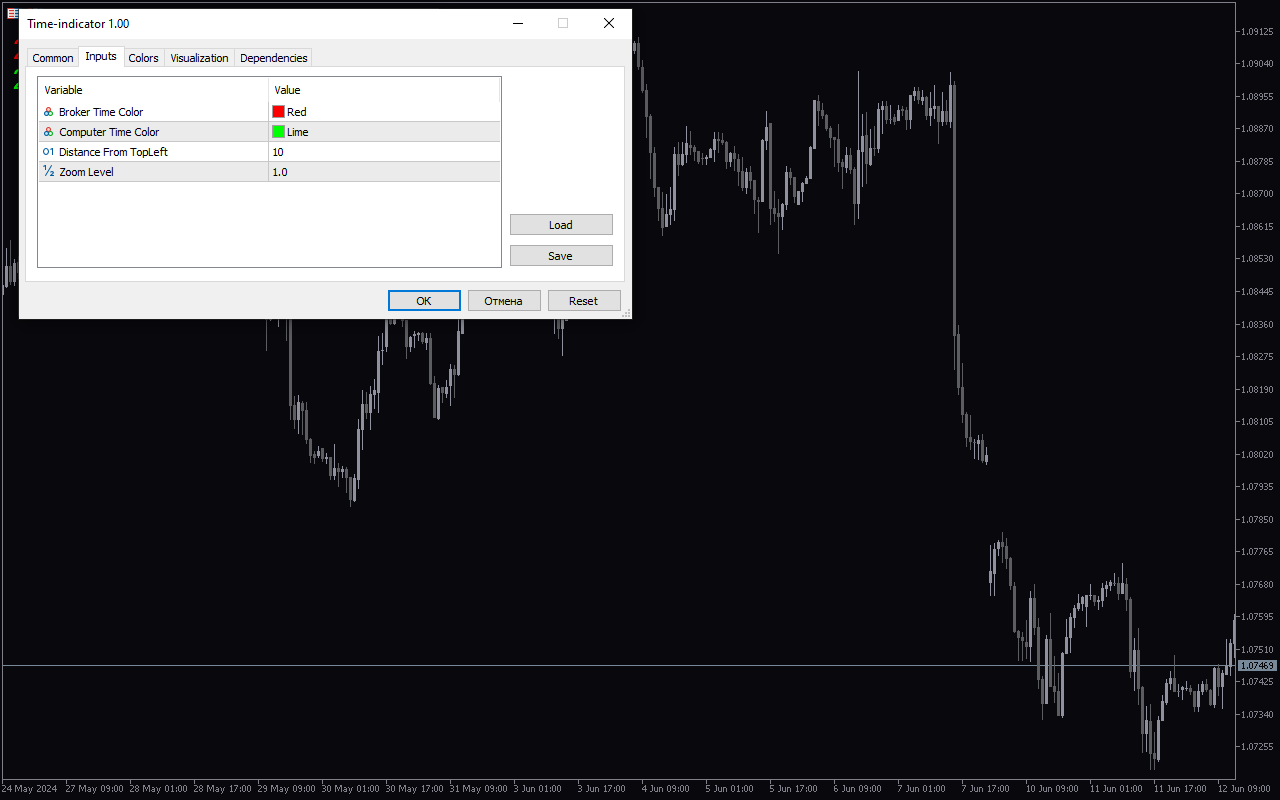
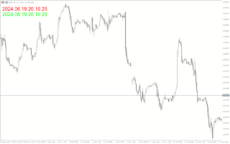
The Time Indicator for MT5 is a useful tool for forex traders looking to improve their trading strategy. This popular indicator is available for free and can be easily downloaded and installed on the MetaTrader 5 platform. The Time Indicator works by displaying the time remaining until the current trading session ends, making it easier for traders to track important market trends and potential trading opportunities. It can also help traders better manage their trading activities by providing a clear overview of the trading session time remaining. To use the Time Indicator, simply add it to your chart in MetaTrader 5 and customize the settings to suit your trading style. The indicator will then display the remaining time for the current trading session, allowing you to make more informed trading decisions. Give the Time Indicator a try today and take your forex trading to the next level.
MT5
Time Indicator
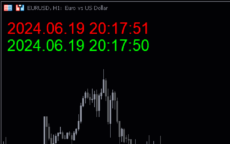
The Time Indicator for MT5 is a popular and useful forex indicator that displays the current time of the market on your charts. This free indicator helps traders keep track of important market sessions and trading hours, allowing for better decision-making and strategizing. Simply add it to your chart and easily view the relevant time information at a glance.
| Indicator Type | , |
|---|---|
| Trading Style | , |
| Platform | |
| Timeframe | , |
0
People watching this product now!
Downloads -
Description
Reviews (0)
How to Install
Related products
Average True Range
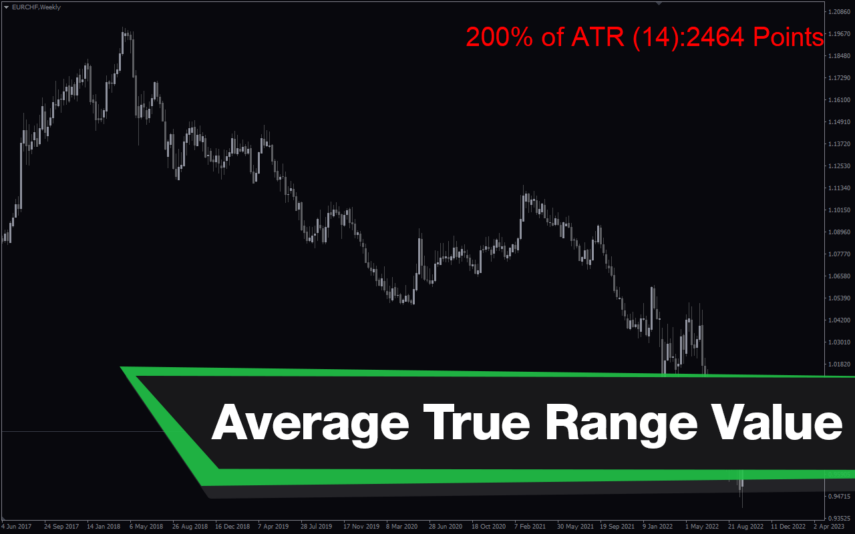
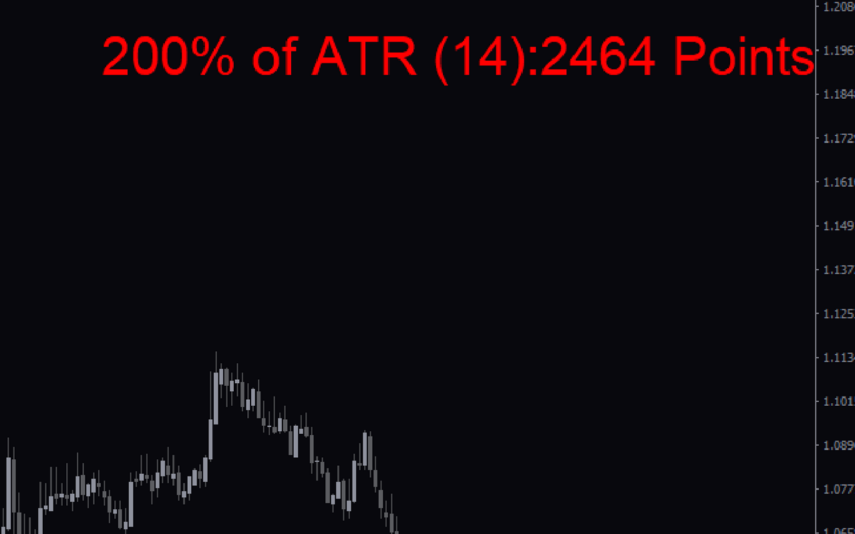
The Average True Range Value indicator is a popular and free forex indicator available on MT4. This new indicator calculates the Average True Range (ATR) for the specified period and displays it in the corner of the chart. The ATR is a useful indicator for measuring market volatility and identifying potential trading opportunities that you can use to set stop loss levels or determine entry and exit points for your trades. Use the Average True Range Indicator to update your personal trading toolbox.

Time Zone
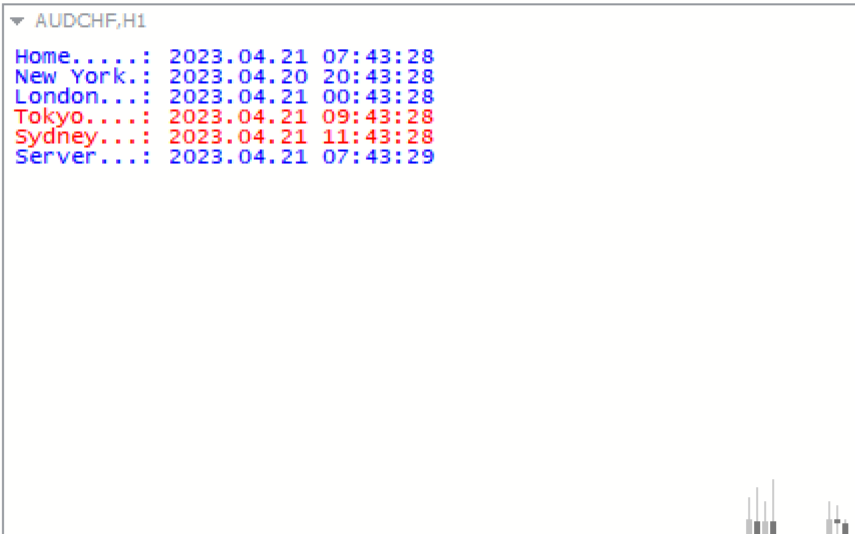
The Time Zone Indicator is a new and popular forex indicator available for free on MT4 platform. This indicator is designed to help traders easily identify the time in different markets and time zones around the world. The indicator can display up to four different time zones on the chart and can be customized according to the user's preferences. The Time Zone Indicator is easy to install and use, making it a valuable tool for traders who need to keep track of market hours and trading sessions across different time zones.
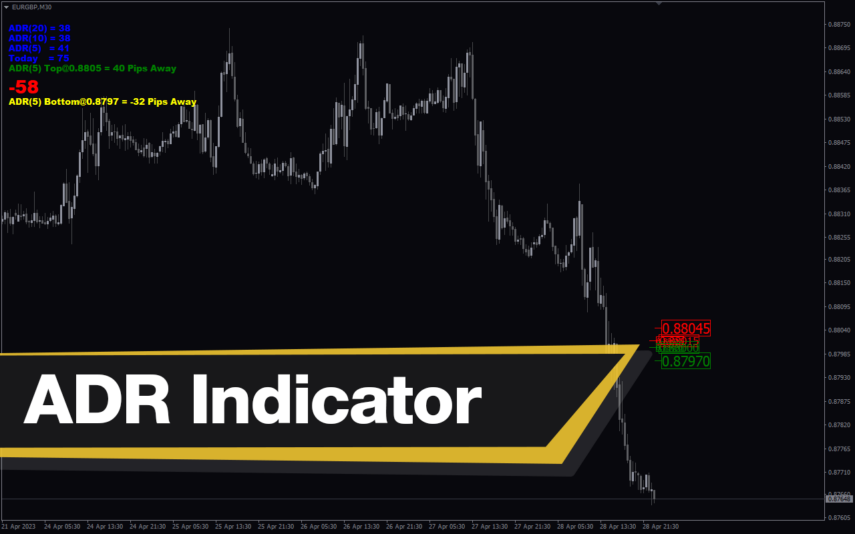
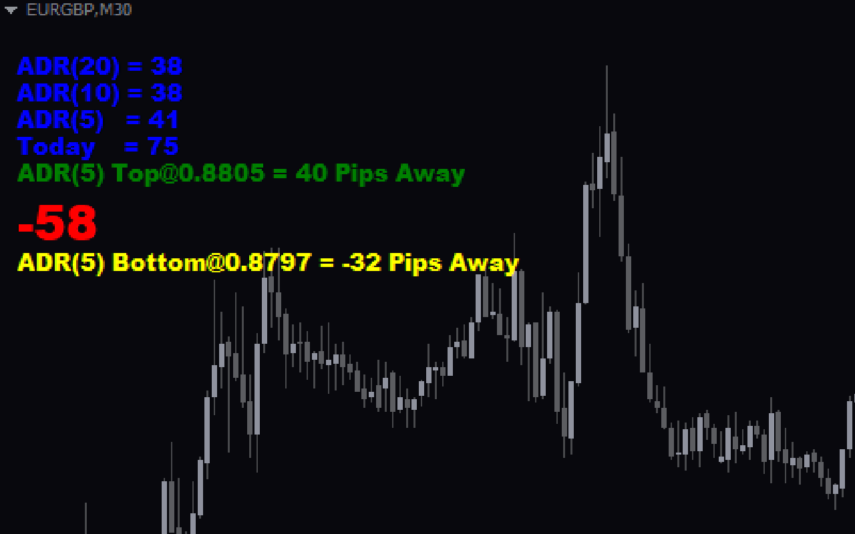
Average Daily Range Adr
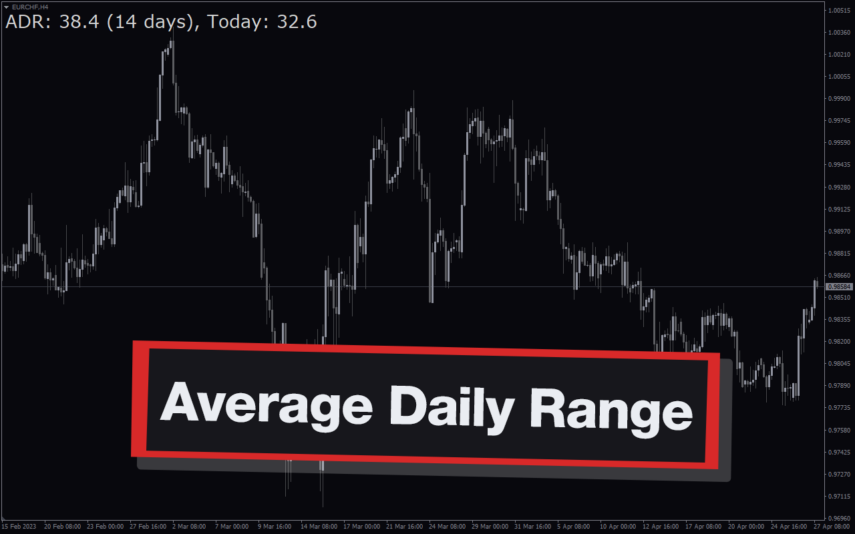
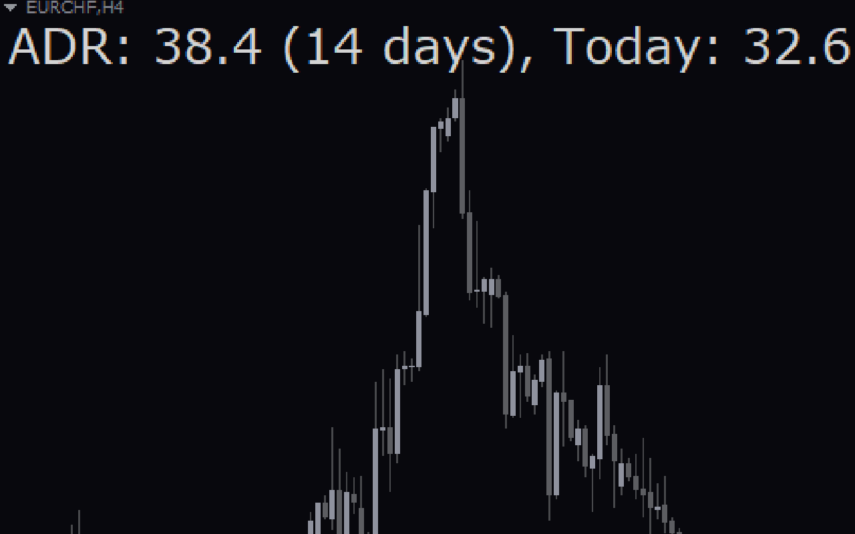
The Average Daily Range (ADR) Indicator is a popular and free Forex indicator for the MT4 trading platform. It is a useful tool for traders as it helps them identify and take advantage of the range of price movements. The indicator shows the average daily range of a currency pair over a given period of time. This can be used to help traders identify entry and exit points for their trades. The indicator is easy to use and can be used to identify the volatility of a currency pair, as well as the potential for price movements. The ADR Indicator is a great way to take advantage of the market’s volatility and make more informed trading decisions.
Winprofit80 V2
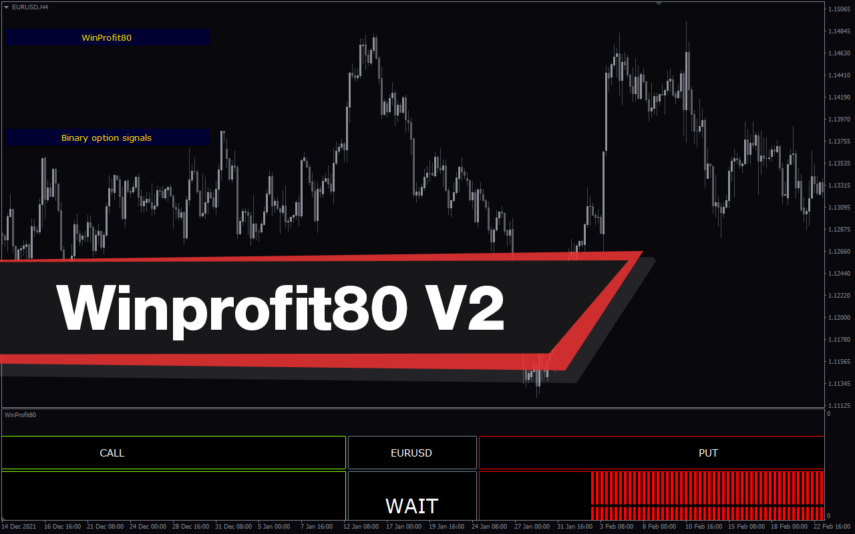
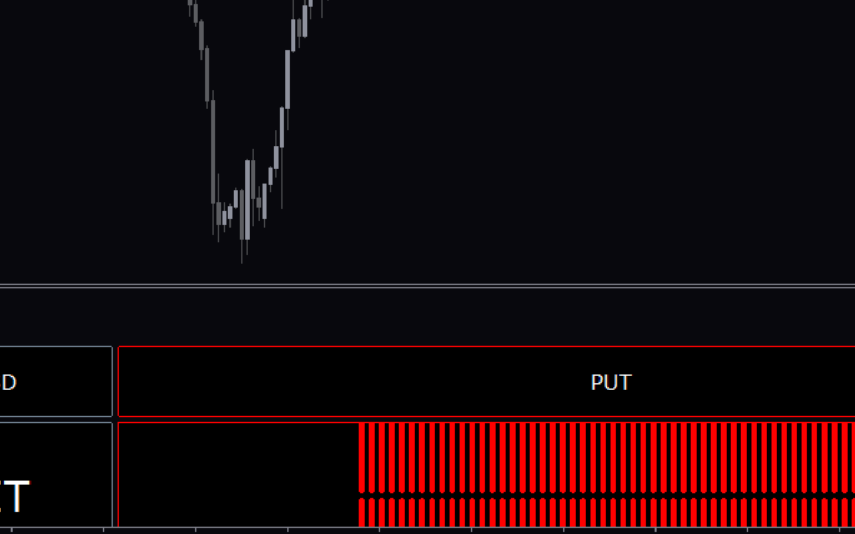
The WinProfit80 v2 Forex indicator is a popular and free MT4 indicator that is useful for Forex traders. It is designed to help traders identify and capitalize on profitable trading opportunities in the Forex market. The indicator works by analyzing the market and providing traders with signals when there are high-probability trading opportunities. It looks for trading opportunities based on price action, trend direction, and momentum. The signals generated by the indicator can be used to enter or exit trades. The WinProfit80 v2 Forex indicator is a great tool for traders looking for an easy and efficient way to trade the Forex market.
Forex Factory Calendar
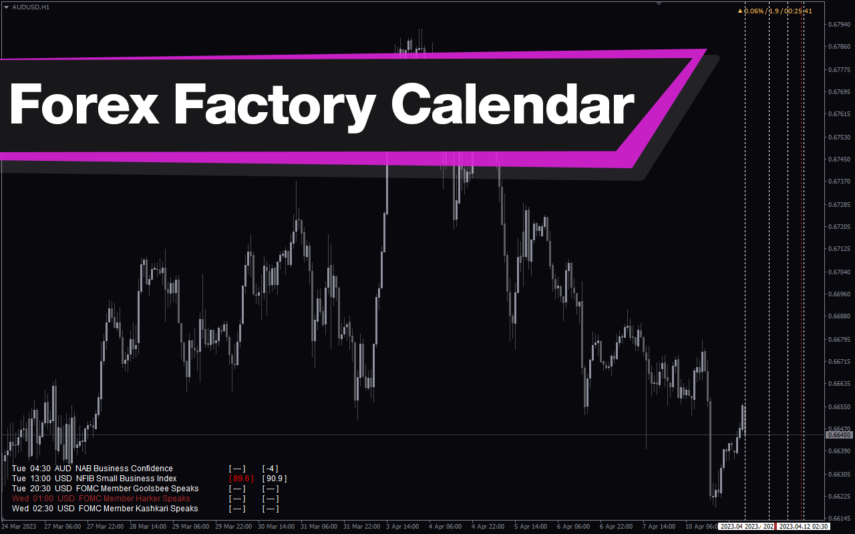
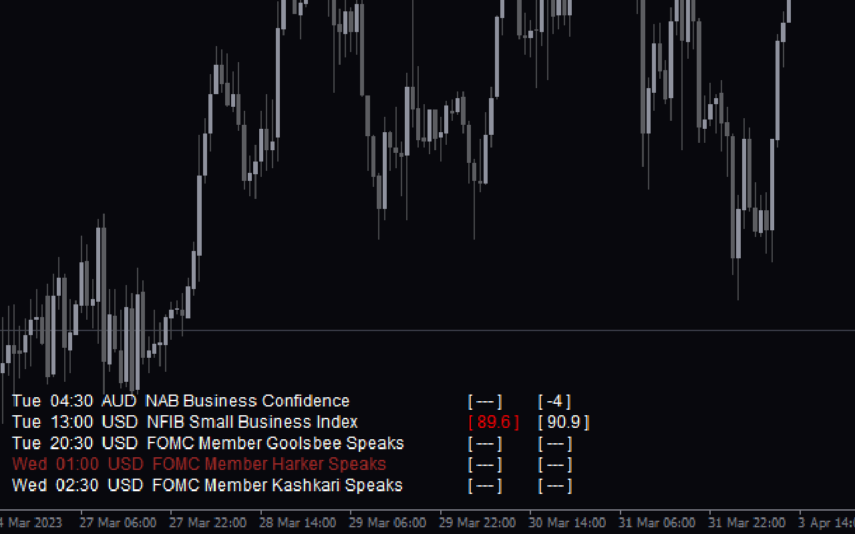
The Forex Factory Calendar Indicator (FFCal) is a popular and free indicator for MT4 that displays upcoming economic events on your chart. The indicator displays the event name, time and impact level on the chart, allowing traders to plan their trades accordingly. This is an invaluable tool for forex traders who want to keep track of important news releases that can affect market volatility. With the FFCal indicator, you can stay on top of important market events and make informed trading decisions, making it suitable for both beginners and experienced traders.
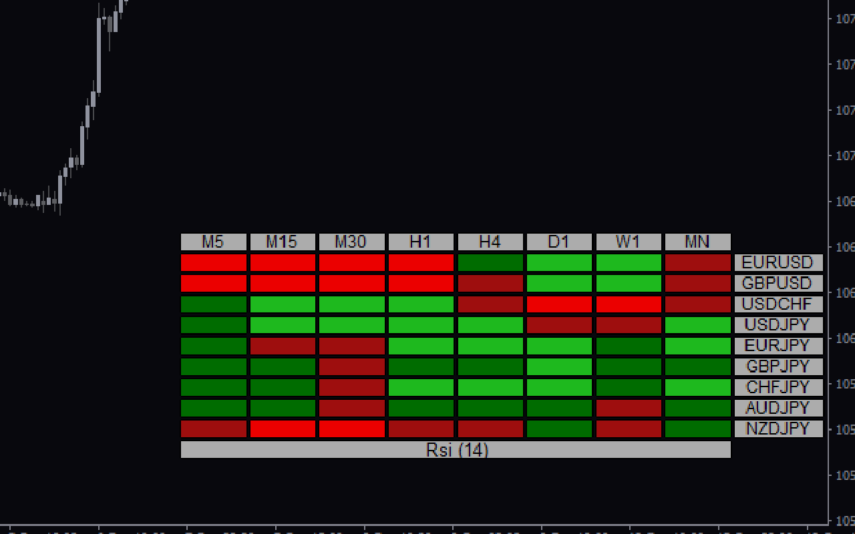
RSI Heatmap
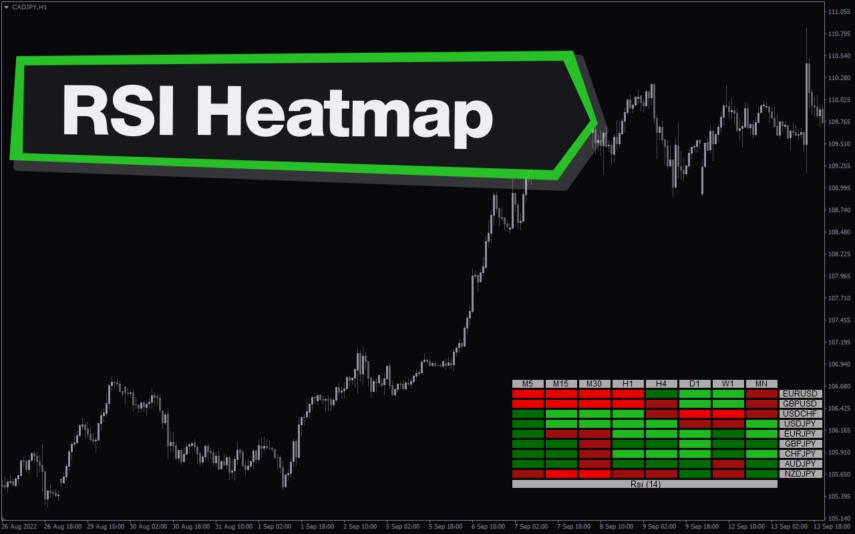
The RSI Heatmap indicator is a new and popular forex indicator available for free on MT4. It uses the Relative Strength Index (RSI) to display a heat map that shows the overbought and oversold areas of multiple currency pairs at the same time. The heat map is color coded, making it easy to see which pairs are strong or weak in real time. It helps you take the guesswork out of identifying the most profitable currency pairs to trade by providing real-time information that you can influence.

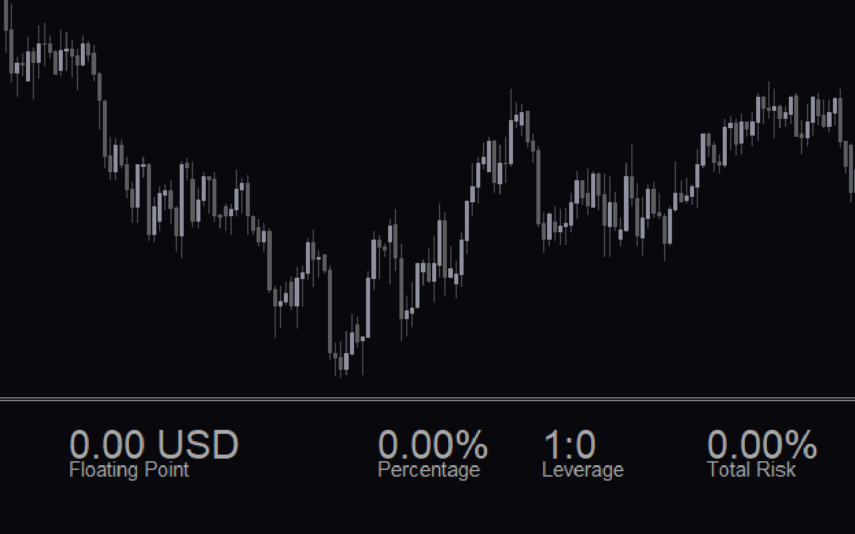
Risk Management
The Risk Management Indicator is a popular and free MT4 Forex indicator that is useful for traders looking to manage their risk. This indicator helps traders to identify and set stop loss and take profit levels for their trades. The indicator works by monitoring the market and alerting traders when the stop loss or take profit levels are reached. The Risk Management Indicator is a popular and free MT4 Forex indicator that is easy to use and can help traders to manage their risk and protect their capital.
Reviews
There are no reviews yet.