• MT4 Collections
    • Top Indicators Hot
      • Top Rated
      • Top Downloads
      • Most Popular
      • New
      • Recommended
    • Trading Style
      • Beginner For Newbies
      • Scalping
      • Short-Term
      • Day Trading
      • Intraday
      • Swing
    • Indicator Type
      • Accurate
      • Leading
      • Reversal
      • Breakout
      • Sideways
      • Entry & Exit
      • Overbought & Oversold
      • Non-Repaint
    • Categories
      • Trend
      • Signal
      • Support & Resistance
      • Price Action
      • Stochastic
      • Envelope
      • Volume
      • Helpers
    • Timeframes
      • M1-M5
      • M15-M30
      • H1-H4
      • D1-W1
      • Multi Timeframe
    • Platform
      • MT4 Popular
      • MT5
  • Indicators
  • Blog
  • CONTACT US
  • ABOUT US
Menu
Search
Select category
  • Select category
  • Envelope Indicators
  • Helpers
  • Price Action
  • Signal
  • Stochastic
  • Support & Resistance
  • Trend
  • Volume
0 Wishlist
Home Collection Helpers Forex Factory Calendar
Keltner Channel With Signals
Back to products
Renko Charts
MT4
Watch video
Click to enlarge

Forex Factory Calendar

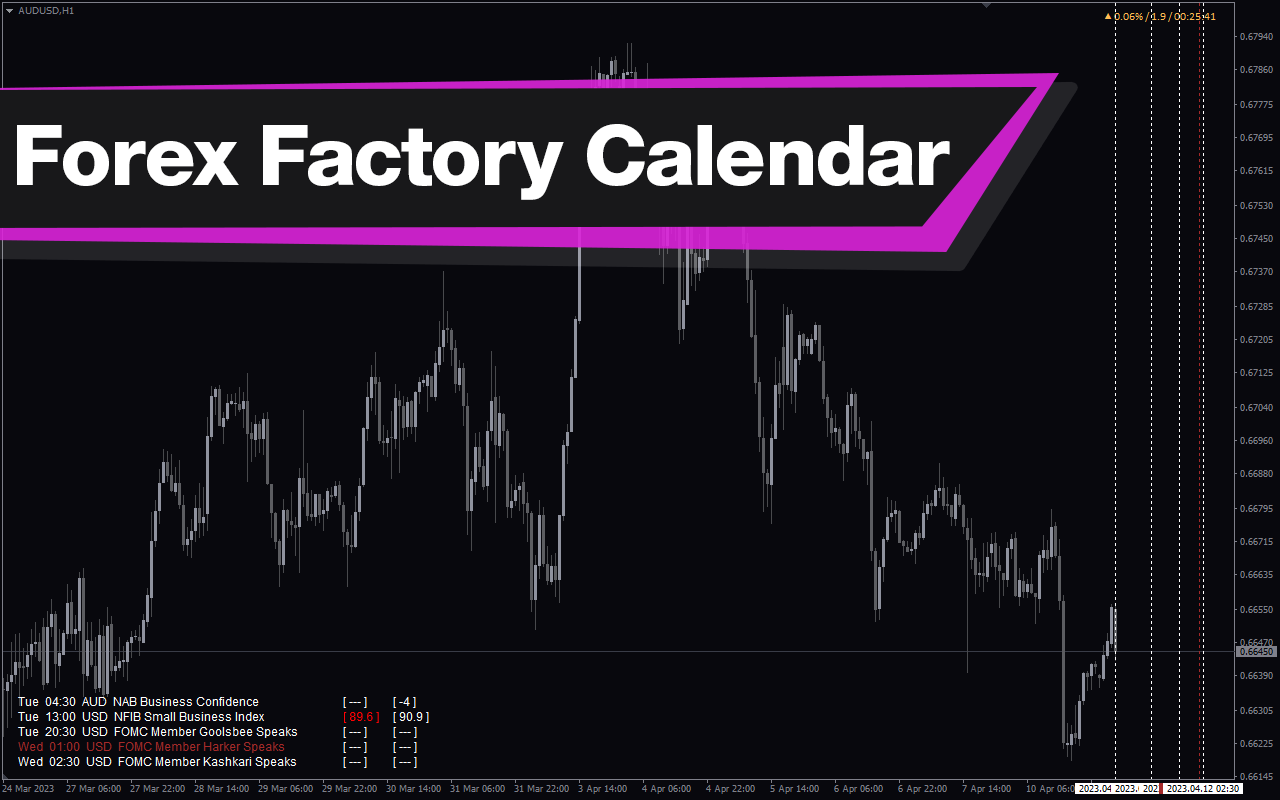
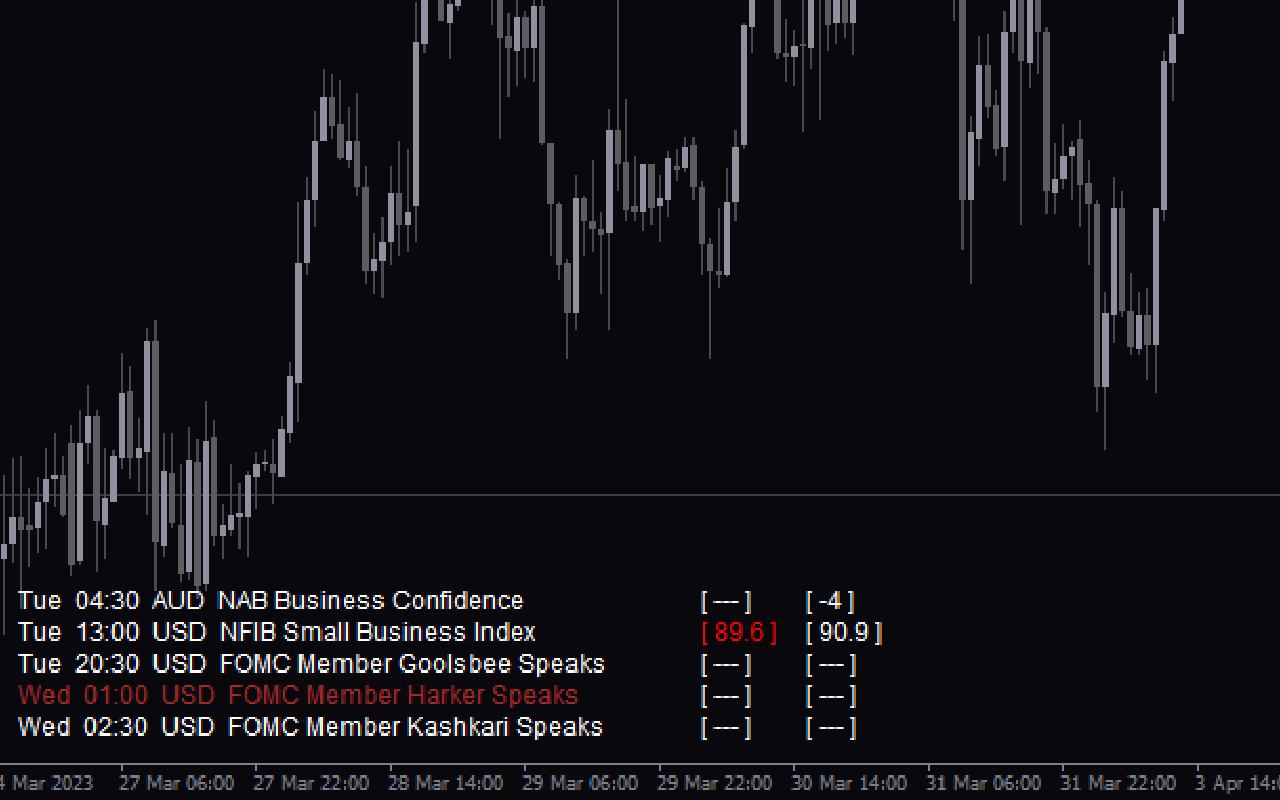
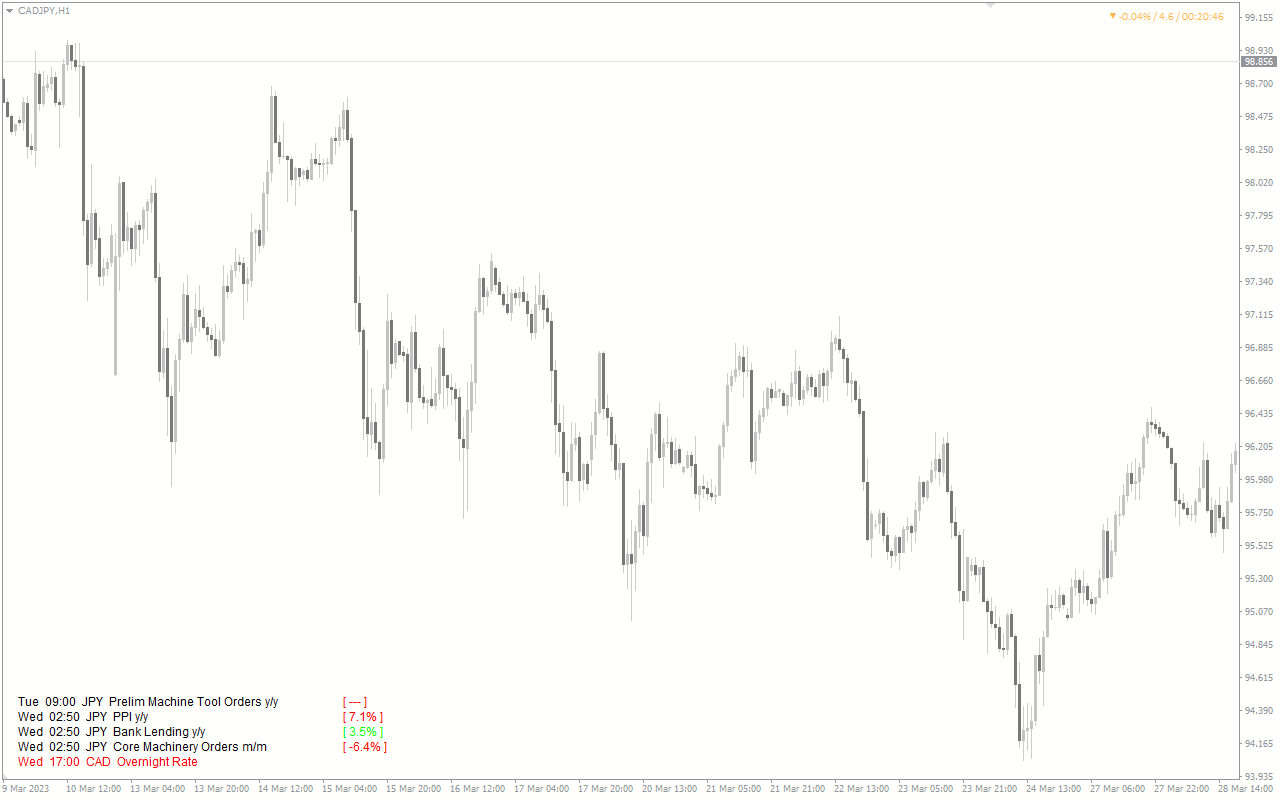
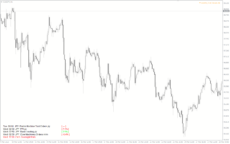
The Forex Factory Calendar Indicator (FFCal) is a popular and free indicator for MT4 that displays upcoming economic events on your chart. The indicator displays the event name, time and impact level on the chart, allowing traders to plan their trades accordingly. This is an invaluable tool for forex traders who want to keep track of important news releases that can affect market volatility. With the FFCal indicator, you can stay on top of important market events and make informed trading decisions, making it suitable for both beginners and experienced traders.

Trading Style

Beginner

,

Day Trading

,

Intraday

Indicator Type

Non-repaint

Timeframe

H1-H4

,

M15-M30

Platform

MT4

Add to wishlist
0 People watching this product now!
Category: Helpers
Share:

Downloads - 250

Download now
  • Description
  • Reviews (0)
  • How to Install
Description

The Forex Factory Calendar Indicator (FFCal) emerges as a valuable and free resource that provides traders with real-time updates on upcoming news events, empowering them to navigate the markets with greater confidence.

Features of the Forex Factory Calendar Indicator

The Forex Factory Calendar Indicator is designed for the MetaTrader 4 (MT4) trading platform and offers a user-friendly interface that displays the date, time, and impact level of upcoming news events.

The indicator uses a color-coded system to help traders quickly assess the significance of each event: red signifies high impact, orange indicates medium impact, and yellow represents low impact. This comprehensive information allows traders to anticipate potential market volatility and adjust their trading strategies accordingly.

How the Forex Factory Calendar Indicator Can Benefit You

Incorporating the Forex Factory Calendar Indicator into your Forex trading arsenal can offer numerous advantages. This powerful tool provides you with real-time updates on upcoming economic events, enabling you to make more informed buy, sell, and hold decisions.

Whether you’re a day trader, a swing trader, or a long-term investor, the FFCal Indicator can assist you in identifying potential price movements, managing your risk, and potentially improving your overall trading performance and profitability.

Indicator Settings
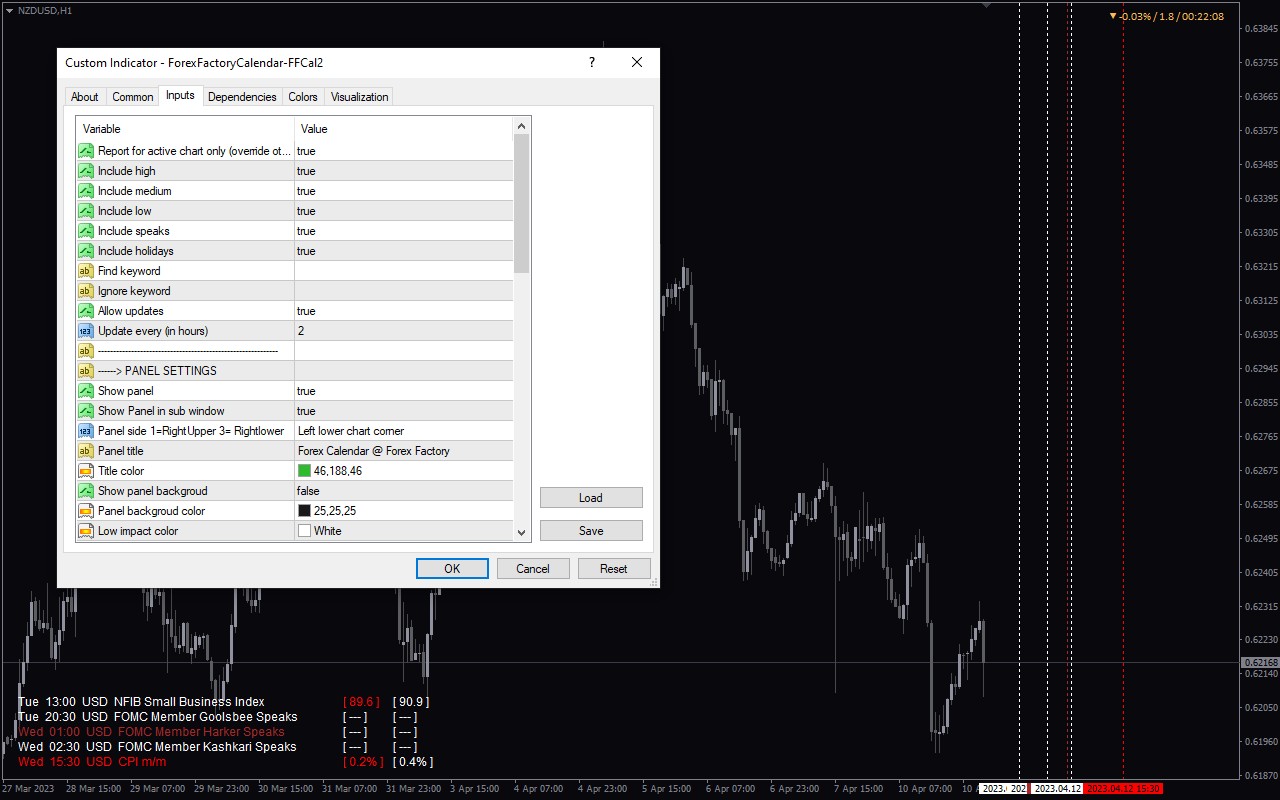
Report for active chart only: Only displays news related to the current chart you have open, and not news for other markets.

Include high: Includes high-impact or significant forex news events in the display.

Include medium: Includes medium-impact news events from the Forex Factory calendar.

Include low: Includes low-impact news events in the economic calendar display.

Include speaks: Displays scheduled speeches or statements from influential figures like central bank leaders, government officials, and other important financial institution representatives.

Include holidays: Shows market holidays in the calendar.

Find keyword: Filters the news display to only show events containing a specific keyword you enter.

Ignore keyword: Excludes any news events containing a keyword you specify.

Allow updates: Enables automatic updates to the news and calendar data from the Forex Factory source.

Conclusion

The Forex Factory Calendar Indicator is a valuable addition to any Forex trader’s toolkit. Its user-friendly design, real-time data, and free availability make it an indispensable resource for traders of all skill levels. Download the FFCal Indicator and unlock the power of economic event analysis to elevate your Forex trading journey.
Reviews (0)

Reviews

There are no reviews yet.

Be the first to review “Forex Factory Calendar” Cancel reply

Your email address will not be published. Required fields are marked *

1 2 3 4 5
1 2 3 4 5
1 2 3 4 5

How to Install

How install MT4/5 indicator in the terminal?

To install an MT4/5 indicator in the terminal, follow these steps:

  1. Download the indicator file (.ex4 or .mq4/.ex5 or .mq5) to your computer.

  2. Open the MT4/5 terminal and click on “File” in the top left corner.

  3. Select “Open Data Folder” from the dropdown menu.

  4. In the window that opens, double-click on the “MQL4/5” folder.

  5. Double-click on the “Indicators” folder.

  6. Drag and drop the indicator file from your computer into the “Indicators” folder.

  7. Close the data folder window and restart the MT4/5 terminal.

  8. The indicator should now be available in the “Navigator” window on the left-hand side of the terminal. Simply double-click on the indicator to add it to a chart.

Note: If the indicator is in a .zip file, you will need to extract it first before following the above steps.

And if asks to confirm DLL?

If the indicator you are installing requires access to external Dynamic Link Libraries (DLLs), you may see a pop-up message asking you to confirm the use of DLLs.

DLLs are external libraries that contain code that can be used by other programs. In the case of MT4/5 indicators, they are often used to perform complex calculations or connect to external data sources.

If you trust the source of the indicator and want to use it, click “Yes” to confirm the use of DLLs. If you are not sure or do not trust the source, click “No” to cancel the installation.

It’s worth noting that some indicators may not work properly without access to their required DLLs. If you choose not to allow access to DLLs and the indicator does not work as expected, you may need to reinstall the indicator and confirm the use of DLLs to get it to work properly.


Related products

MT4
Quick view
Add to wishlist

Trend Strength

Trend, Helpers
The Trend Strength indicator for MT4 displays trend direction and strength. Use the trend strength indicator as a standalone indicator or combine it with other technical indicators to improve your trading strategies.
MT4
Quick view
Add to wishlist

Average True Range

Helpers
The Average True Range Value indicator is a popular and free forex indicator available on MT4. This new indicator calculates the Average True Range (ATR) for the specified period and displays it in the corner of the chart. The ATR is a useful indicator for measuring market volatility and identifying potential trading opportunities that you can use to set stop loss levels or determine entry and exit points for your trades. Use the Average True Range Indicator to update your personal trading toolbox.
MT4
Quick view
Add to wishlist

FX Multi Meter

Helpers
FX Multi-Meter Indicator is a new, popular and free forex indicator available for MT4. This indicator helps traders analyze multiple currency pairs on the same chart at the same time, allowing them to make better trading decisions. The FX multimeter indicator displays the strength and weakness of eight different currencies in real time, allowing traders to quickly identify the most profitable trading opportunities. With a user-friendly interface, you can quickly understand and analyze the market to improve your trading strategies and maximize profits.
MT4
Quick view
Add to wishlist

Boss Binary Options

Helpers
The Boss Binary Options Indicator is a popular free forex indicator for the MetaTrader 4 (MT4) platform. The indicator uses a combination of technical analysis and price action to generate buy and sell signals, helping traders make informed decisions and maximize their profits. The indicator is easy to use and can be used by both novice and experienced traders. The Boss Binary Options Indicator is a popular, free and easy to use tool that can help traders make better decisions in the forex market.
MT4
Quick view
Add to wishlist

Currency Strength Giraia 28 Pairs TRO Modified

Helpers
The Currency Strength Giraia 28 Pairs TRO Modified Indicator is a popular and free forex indicator for the MT4 trading platform. The indicator works by analyzing the 28 most traded currency pairs and displaying the results in an easy to read graphical format. The indicator also provides alerts when certain currency pairs reach certain levels of strength. The indicator is easy to install and use, making it a popular choice among forex traders.
MT4
Quick view
Add to wishlist

B-Clock Modified

Helpers
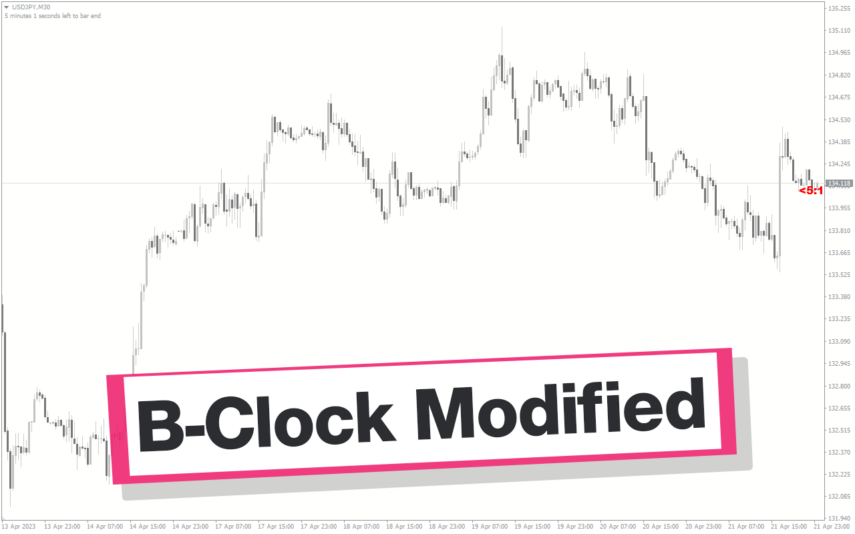
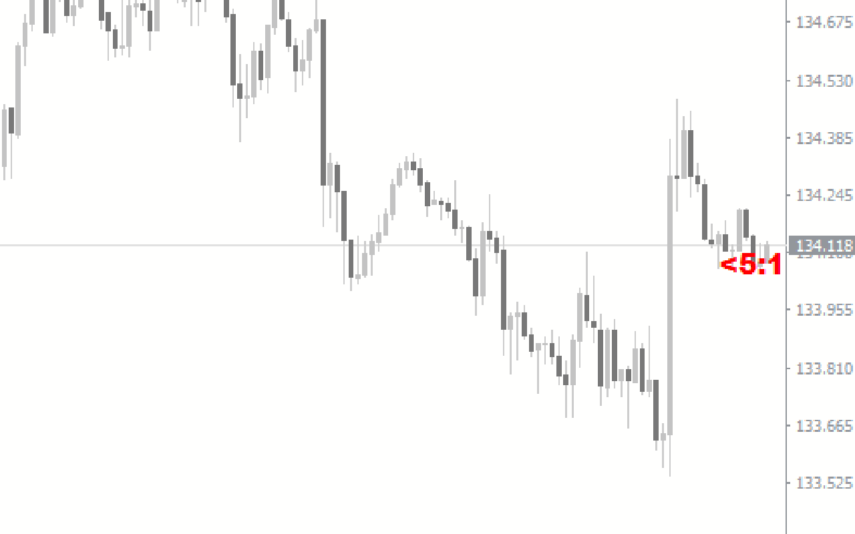
The modified b-clock indicator is a popular and useful MT4 tool for forex traders to help them determine the start and end of trading sessions. This indicator works by displaying the time remaining until the close of the current candle, which can be useful for traders who want to time their trades based on market activity during certain trading sessions. Due to its popularity in the forex trading community, this indicator has become an essential tool for many traders looking to gain an edge in the market.
MT4
Quick view
Add to wishlist

RSI Heatmap

Helpers
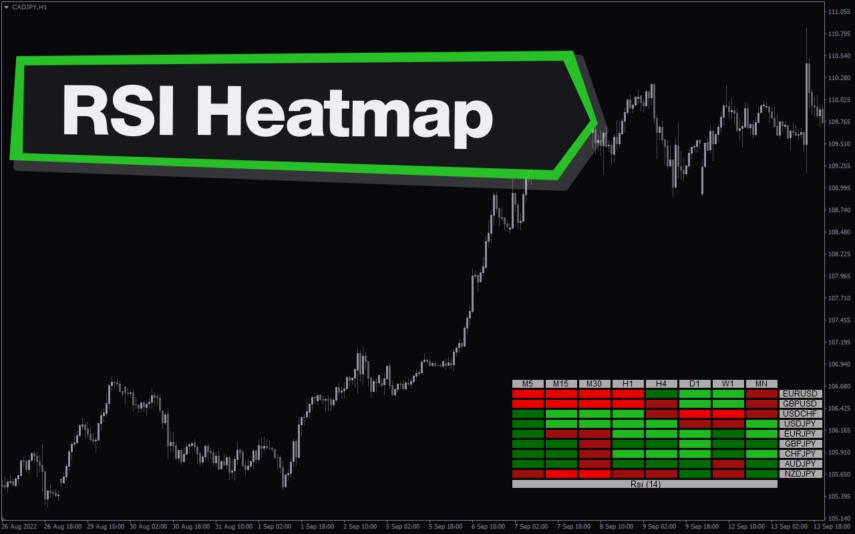
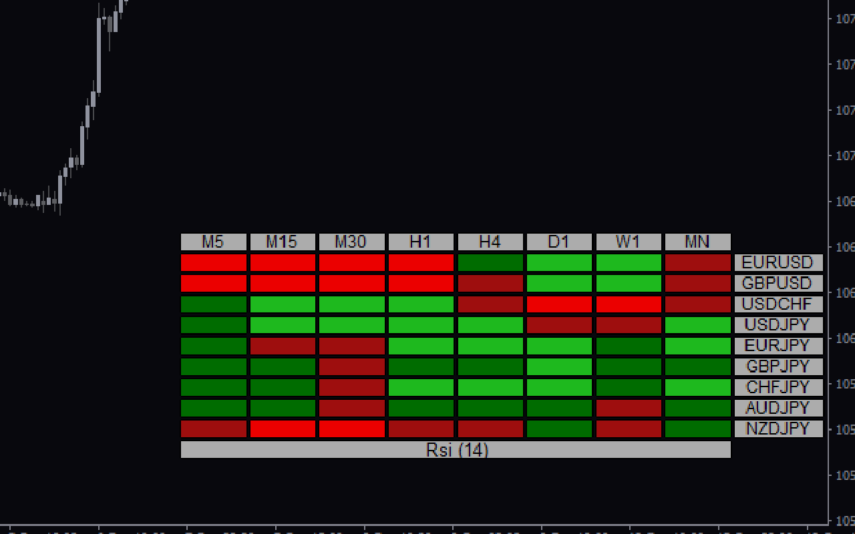
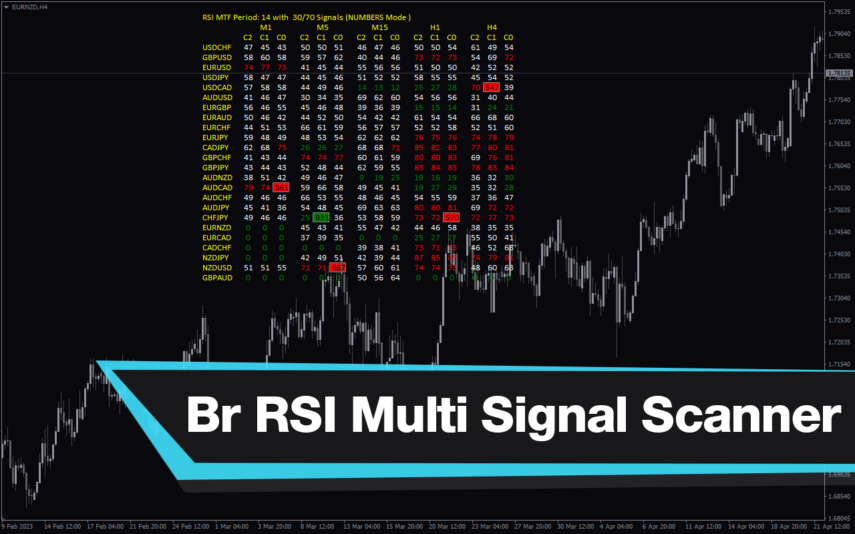
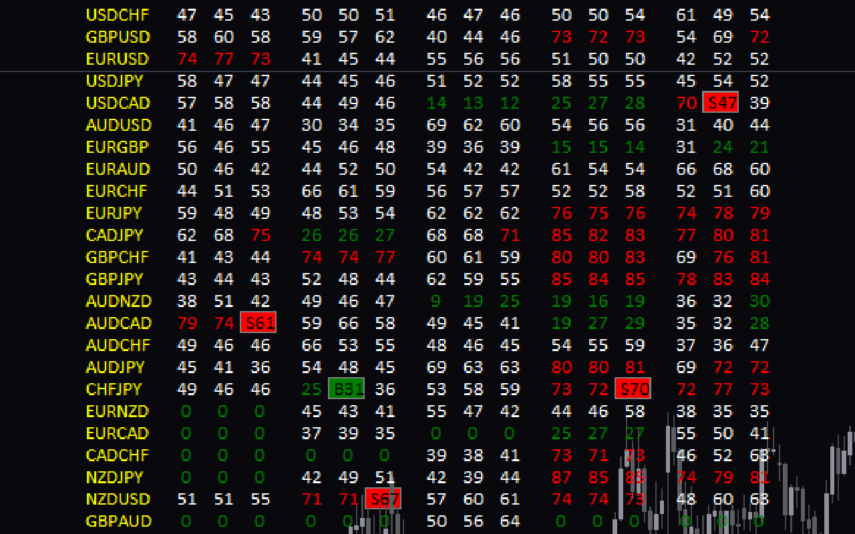
The RSI Heatmap indicator is a new and popular forex indicator available for free on MT4. It uses the Relative Strength Index (RSI) to display a heat map that shows the overbought and oversold areas of multiple currency pairs at the same time. The heat map is color coded, making it easy to see which pairs are strong or weak in real time. It helps you take the guesswork out of identifying the most profitable currency pairs to trade by providing real-time information that you can influence.
MT4
Quick view
Add to wishlist

Trading Volume

Helpers, Volume
The Trading Volume Indicator is a useful, free Forex indicator for the popular MT4 platform. It is designed to help traders measure the volume of a currency pair in order to get an idea of the strength of the current trend. The indicator is easy to use and can be used to identify entry and exit points. The Trading Volume Indicator is a popular tool that can be used by traders to identify potential trading opportunities in the Forex market. It is a useful tool for both novice and experienced traders and is free to download and use.
    Close
    Indicator Categories
    • Envelope Indicators 303
    • Helpers 405
    • Price Action 165
    • Signal 1110
    • Stochastic 1675
    • Support & Resistance 558
    • Trend 890
    • Volume 145
    • MT4 COLLECTION HOT
      • Top Rated
      • Top Downloads
      • Most Popular
      • New
      • Recommended
    • Trading Style
      • Beginner For Newbies
      • Scalping
      • Short-Term
      • Day Trading
      • Intraday
      • Swing
    • INDICATOR TYPE
      • Accurate
      • Leading
      • Reversal
      • Breakout
      • Sideways
      • Entry & Exit
      • Overbought & Oversold
      • Non-Repaint
    • CATEGORIES
      • Trend
      • Signal
      • Support & Resistance
      • Price Action
      • Stochastic
      • Envelope
      • Volume
      • Helpers
    • Timeframe
      • M1-M5
      • M15-M30
      • H1-H4
      • D1-W1
      • Multi Timeframe
    • Platform
      • MT4 Popular
      • MT5
    • USEFUL LINKs
      • Privacy Policy
      • Cookie Policy
      • Terms of Use
      • Disclaimer
      • About Us
      • Contact Us
    Logo-grayscale-transparent-720
    Unlock your trading potential with our powerful indicator library.

    Follow us:

    MT4COLLECTION.COM © 2026 All Rights Reserved.
    • Menu
    • Categories
    • Signal
    • MT4 Collections
    • Collection
    • Blog
    • About us
    • Contact us
    • Wishlist
    Sidebar
    We use cookies to improve your experience on our website. By browsing this website, you agree to our use of cookies.
    Accept