• MT4 Collections
    • Top Indicators Hot
      • Top Rated
      • Top Downloads
      • Most Popular
      • New
      • Recommended
    • Trading Style
      • Beginner For Newbies
      • Scalping
      • Short-Term
      • Day Trading
      • Intraday
      • Swing
    • Indicator Type
      • Accurate
      • Leading
      • Reversal
      • Breakout
      • Sideways
      • Entry & Exit
      • Overbought & Oversold
      • Non-Repaint
    • Categories
      • Trend
      • Signal
      • Support & Resistance
      • Price Action
      • Stochastic
      • Envelope
      • Volume
      • Helpers
    • Timeframes
      • M1-M5
      • M15-M30
      • H1-H4
      • D1-W1
      • Multi Timeframe
    • Platform
      • MT4 Popular
      • MT5
  • Indicators
  • Blog
  • CONTACT US
  • ABOUT US
Menu
Search
Select category
  • Select category
  • Envelope Indicators
  • Helpers
  • Price Action
  • Signal
  • Stochastic
  • Support & Resistance
  • Trend
  • Volume
0 Wishlist
Home Collection Price Action Position Size Calculator
Power Trend
Back to products
My Price Action
MT4
Watch video
Click to enlarge

Position Size Calculator

The Position Size Calculator indicator is a new and popular tool for forex traders that can be downloaded for free on the MT4 platform. This helps traders determine the correct position size for their trades based on the account balance, risk tolerance and the currency pair they are trading. The indicator takes into account the stop loss level, pip value and currency pair volatility to ensure that traders do not risk more than they can afford to lose. It is an essential tool for both beginners and experienced traders who want to effectively manage their risks and maximize their potential profits.

Trading Style

Beginner

Timeframe

Multi Timeframe

Platform

MT4

Add to wishlist
0 People watching this product now!
Categories: Helpers, Price Action
Share:

Downloads - 263

Download now
  • Description
  • Reviews (0)
  • How to Install
Description

The Position Size Calculator Indicator, a powerful tool designed to empower traders by optimizing their position sizes and minimizing trading risks.

Features of the Position Size Calculator Indicator

The Position Size Calculator Indicator is a game-changer for traders seeking to enhance their trading strategies. This innovative tool automatically calculates the appropriate position size based on the trader’s account balance, risk tolerance, and the specific currency pair being traded.

By taking into account factors such as the stop-loss level, pip value, and currency pair volatility, the Position Size Calculator Indicator ensures that traders do not risk more than they can afford to lose. This comprehensive approach to position sizing helps traders maintain a healthy balance between their trading objectives and risk management.

How the Position Size Calculator Indicator Can Benefit You

Incorporating the Position Size Calculator Indicator into your trading arsenal can provide you with a significant edge in the forex market. This tool eliminates the guesswork and potential errors associated with manual position sizing, allowing you to make more informed and confident trading decisions.

By automating the position sizing process, the indicator helps you adhere to your predetermined risk management strategy, minimizing the emotional biases that can often lead to suboptimal trade sizing. This, in turn, can contribute to more consistent and sustainable trading results, enhancing your overall profitability and long-term success.

Indicator Settings

Entry-level: This sets the price at which the trade is opened.

Stop-Loss Level: This determines the price at which the trade will be closed if the trading signal is unsuccessful.

Risk: This sets the maximum amount you are willing to risk, expressed as a percentage.

Money Risk: This is the actual monetary amount you are willing to risk.

Use Amount Instead of Percentage: This option displays the risked amount in figures rather than as a percentage.

Use Equity Instead of Balance: This option calculates the stop-loss based on the equity in your account, rather than the overall account balance.

Font Color: This sets the color of the font used to display the trading information on the panel.

Ps font color: This determines the color of the font used for the position size information.

Entry Line Color: This sets the color of the line that indicates the trade entry point.

Stop-Loss Line Color: This sets the color of the line that indicates the trade exit point.

Conclusion

The Position Size Calculator Indicator is a must-have tool for any forex trader, regardless of their experience level. By providing a reliable and user-friendly solution for position sizing, this indicator empowers traders to manage their risks effectively and maximize their potential profits. Download the Position Size Calculator Indicator for MT4 today and unlock a new level of trading efficiency and confidence.
Reviews (0)

Reviews

There are no reviews yet.

Be the first to review “Position Size Calculator” Cancel reply

Your email address will not be published. Required fields are marked *

1 2 3 4 5
1 2 3 4 5
1 2 3 4 5

How to Install

How install MT4/5 indicator in the terminal?

To install an MT4/5 indicator in the terminal, follow these steps:

  1. Download the indicator file (.ex4 or .mq4/.ex5 or .mq5) to your computer.

  2. Open the MT4/5 terminal and click on “File” in the top left corner.

  3. Select “Open Data Folder” from the dropdown menu.

  4. In the window that opens, double-click on the “MQL4/5” folder.

  5. Double-click on the “Indicators” folder.

  6. Drag and drop the indicator file from your computer into the “Indicators” folder.

  7. Close the data folder window and restart the MT4/5 terminal.

  8. The indicator should now be available in the “Navigator” window on the left-hand side of the terminal. Simply double-click on the indicator to add it to a chart.

Note: If the indicator is in a .zip file, you will need to extract it first before following the above steps.

And if asks to confirm DLL?

If the indicator you are installing requires access to external Dynamic Link Libraries (DLLs), you may see a pop-up message asking you to confirm the use of DLLs.

DLLs are external libraries that contain code that can be used by other programs. In the case of MT4/5 indicators, they are often used to perform complex calculations or connect to external data sources.

If you trust the source of the indicator and want to use it, click “Yes” to confirm the use of DLLs. If you are not sure or do not trust the source, click “No” to cancel the installation.

It’s worth noting that some indicators may not work properly without access to their required DLLs. If you choose not to allow access to DLLs and the indicator does not work as expected, you may need to reinstall the indicator and confirm the use of DLLs to get it to work properly.


Related products

MT4
Quick view
Add to wishlist

Price Action Scaner

Price Action
The Price Action Scaner Forex Indicator is a useful and popular MT4 indicator that is free to use. It is designed to help traders identify price action patterns that are most likely to lead to profitable trades. The indicator uses a combination of trend analysis, support and resistance levels, and price action signals to provide traders with an insight into the current market conditions. It also provides alerts when certain trading signals are detected, allowing traders to take action quickly. With the Price Action Scaner Forex Indicator, traders can quickly identify potential trading opportunities and take advantage of them.
MT4
Quick view
Add to wishlist

Price Pattern

Price Action
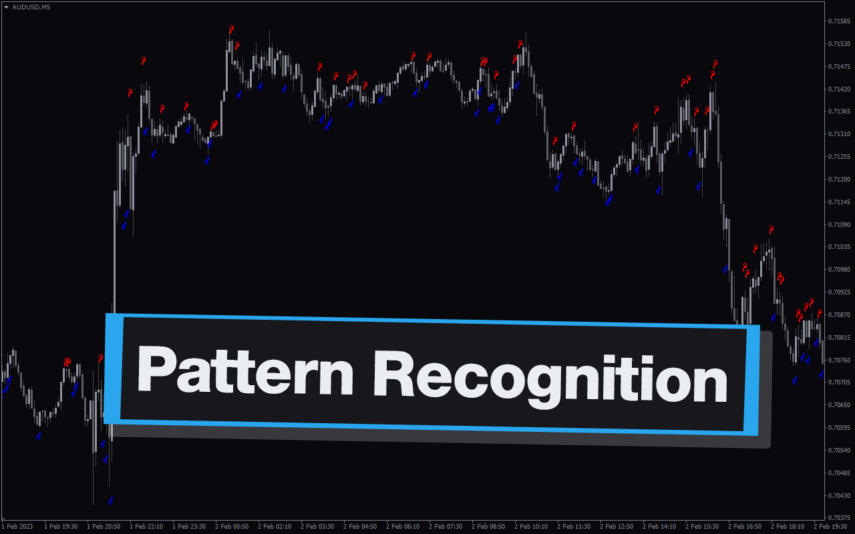
The Price Patterns indicator for MT4 detects multiple price patterns on the chart. With its intuitive design, the Price Pattern Indicator can help traders identify potential trading opportunities with ease.
MT4
Quick view
Add to wishlist

Inside Bar

Price Action
The Inside Bar Indicator is a popular and useful tool for forex traders, available for free on MT4. It helps identify potential price breakouts and is a great addition to any trading strategy. The indicator identifies inside bars, which are candlestick patterns where the current candlestick is completely within the range of the previous candlestick. With its simple and intuitive interface, it is easy to install and use for both novice and experienced traders.
MT4
Quick view
Add to wishlist

Double Top Bottom Patterns

Signal, Price Action
The Double Top Bottom Patterns indicator for MT4 is the best Forex indicator that identifies double tops/bottom patterns. It helps spot the patterns easily and confirms the price breakout after the pattern, providing BUY and SELL arrow trading signals.
MT4
Quick view
Add to wishlist

123 Forex Patterns

Price Action, Support & Resistance
123 Forex Patterns Indicator: Identify trend reversals & continuations in MT4. Benefit from bullish & bearish patterns for informed buy/sell decisions. The indicator is easy to use and can be a great asset for traders looking to take advantage of the Forex markets.
MT4
Quick view
Add to wishlist

Trading Sessions

Price Action
The Trading Sessions indicator for MT4 displays the four major trading sessions in the financial market. Is easy to use and helps traders to keep track of the different trading session times.
MT4
Quick view
Add to wishlist

Candle Overlay

Price Action
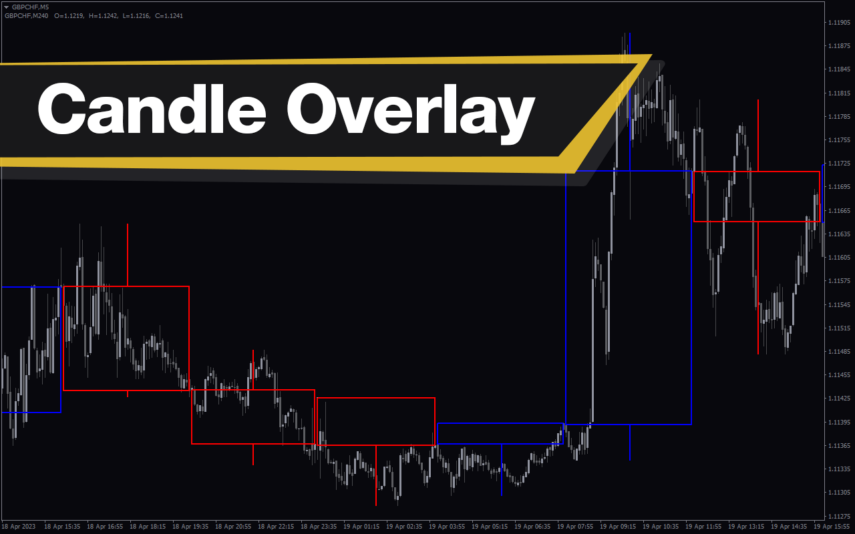
Enhance your trading analysis with the Candle Overlay Indicator. Easily observe higher timeframe candlesticks on lower charts. Ideal for swing, day, and scalping strategies. This makes the Candle Overlay Indicator a great tool for both novice and experienced traders alike.
MT4
Quick view
Add to wishlist

Engulfing

Price Action
Simplify Reversal Trading with Engulfing Indicator for MT4: Arrows for Profitable Entries & Exits. Compatible with the MT4 platform, the Engulfing Indicator is a trend-following indicator that can be used by forex traders of all levels.
    Close
    Indicator Categories
    • Envelope Indicators 303
    • Helpers 405
    • Price Action 165
    • Signal 1110
    • Stochastic 1675
    • Support & Resistance 558
    • Trend 890
    • Volume 145
    • MT4 COLLECTION HOT
      • Top Rated
      • Top Downloads
      • Most Popular
      • New
      • Recommended
    • Trading Style
      • Beginner For Newbies
      • Scalping
      • Short-Term
      • Day Trading
      • Intraday
      • Swing
    • INDICATOR TYPE
      • Accurate
      • Leading
      • Reversal
      • Breakout
      • Sideways
      • Entry & Exit
      • Overbought & Oversold
      • Non-Repaint
    • CATEGORIES
      • Trend
      • Signal
      • Support & Resistance
      • Price Action
      • Stochastic
      • Envelope
      • Volume
      • Helpers
    • Timeframe
      • M1-M5
      • M15-M30
      • H1-H4
      • D1-W1
      • Multi Timeframe
    • Platform
      • MT4 Popular
      • MT5
    • USEFUL LINKs
      • Privacy Policy
      • Cookie Policy
      • Terms of Use
      • Disclaimer
      • About Us
      • Contact Us
    Logo-grayscale-transparent-720
    Unlock your trading potential with our powerful indicator library.

    Follow us:

    MT4COLLECTION.COM © 2026 All Rights Reserved.
    • Menu
    • Categories
    • Signal
    • MT4 Collections
    • Collection
    • Blog
    • About us
    • Contact us
    • Wishlist
    Sidebar
    We use cookies to improve your experience on our website. By browsing this website, you agree to our use of cookies.
    Accept