
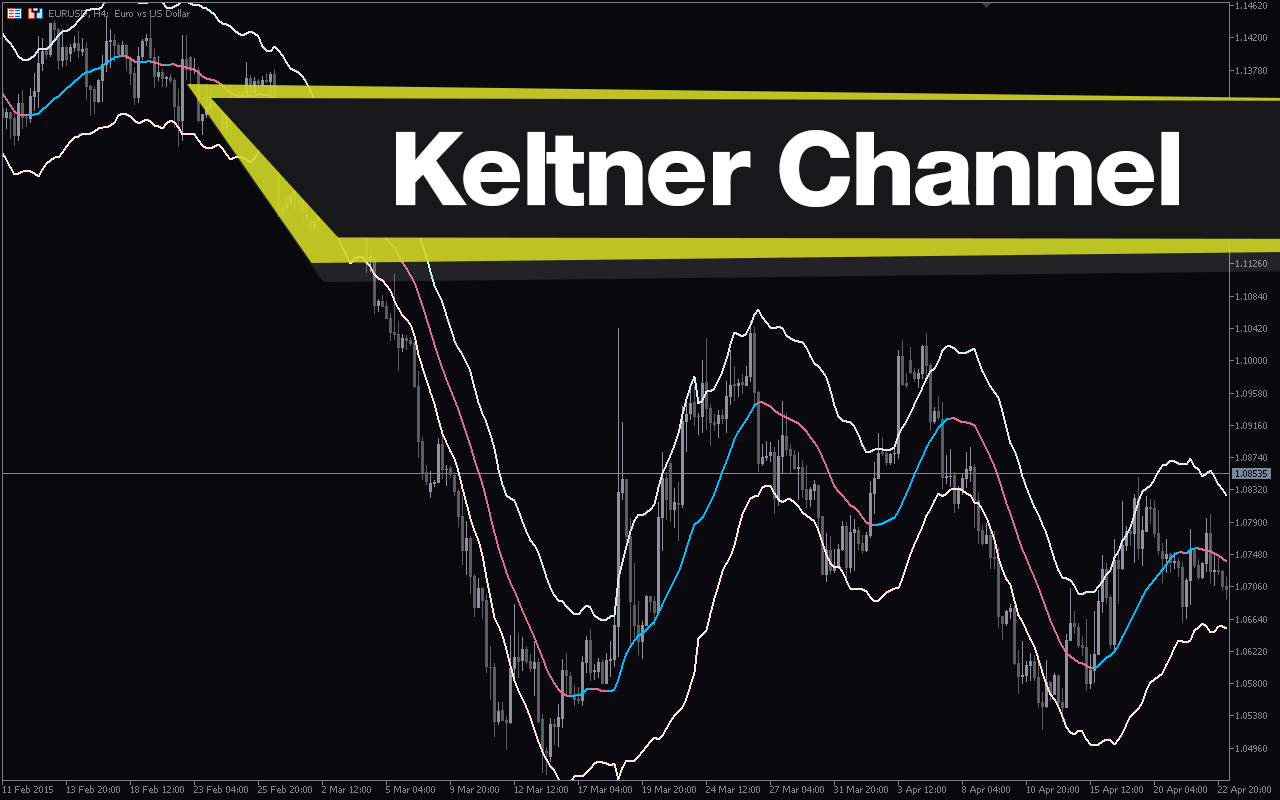
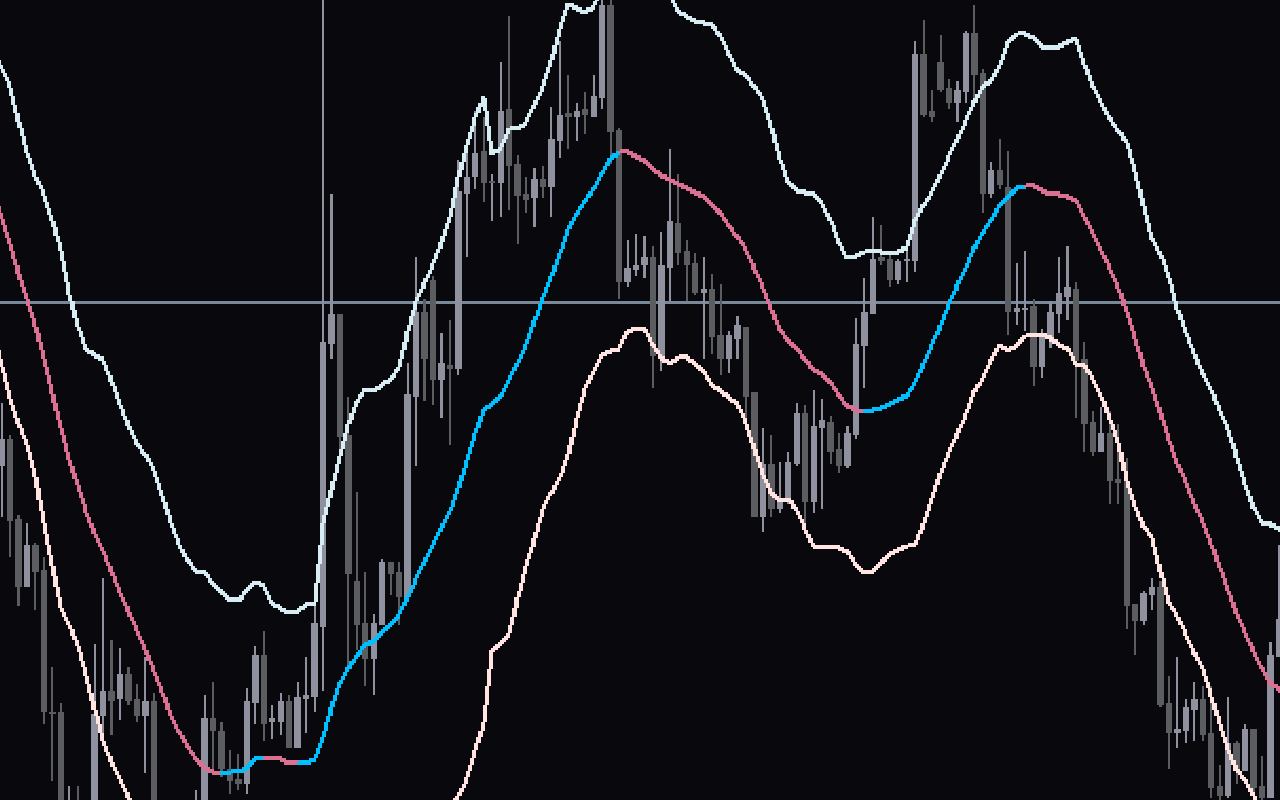
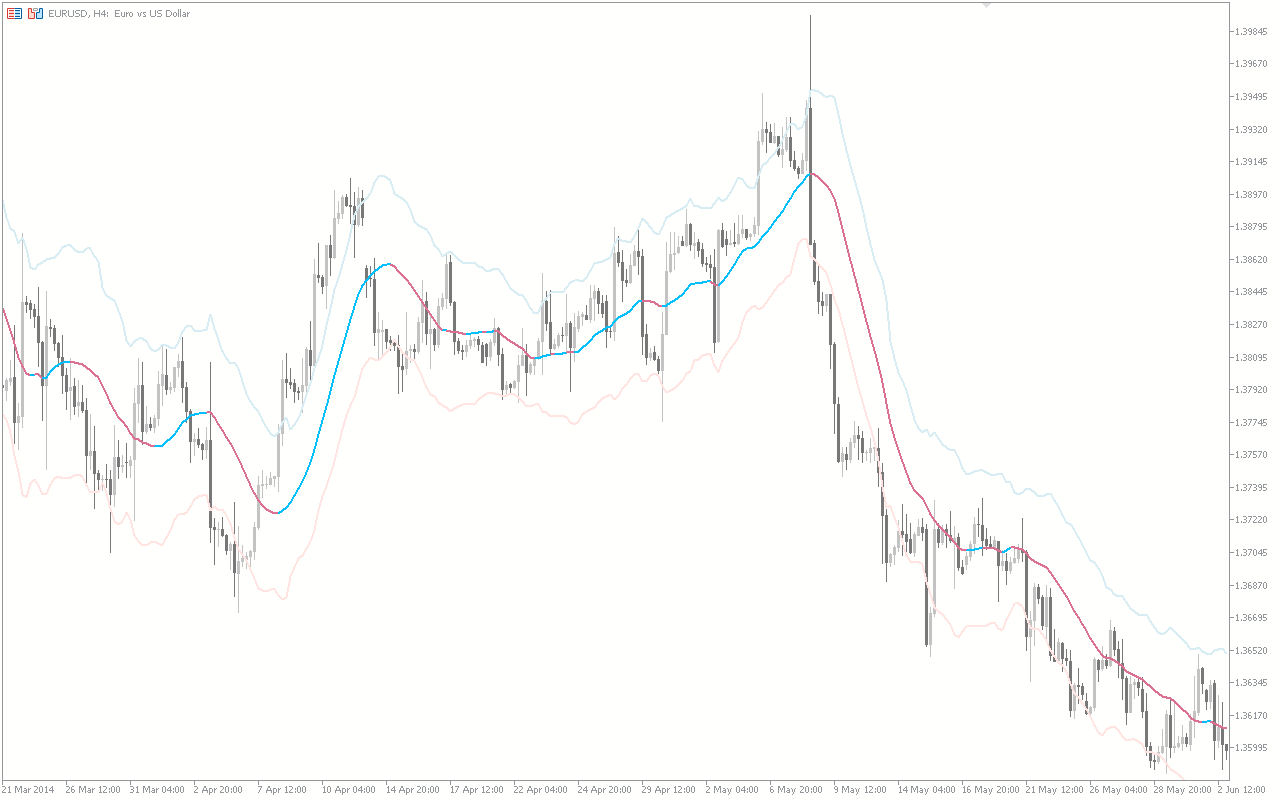
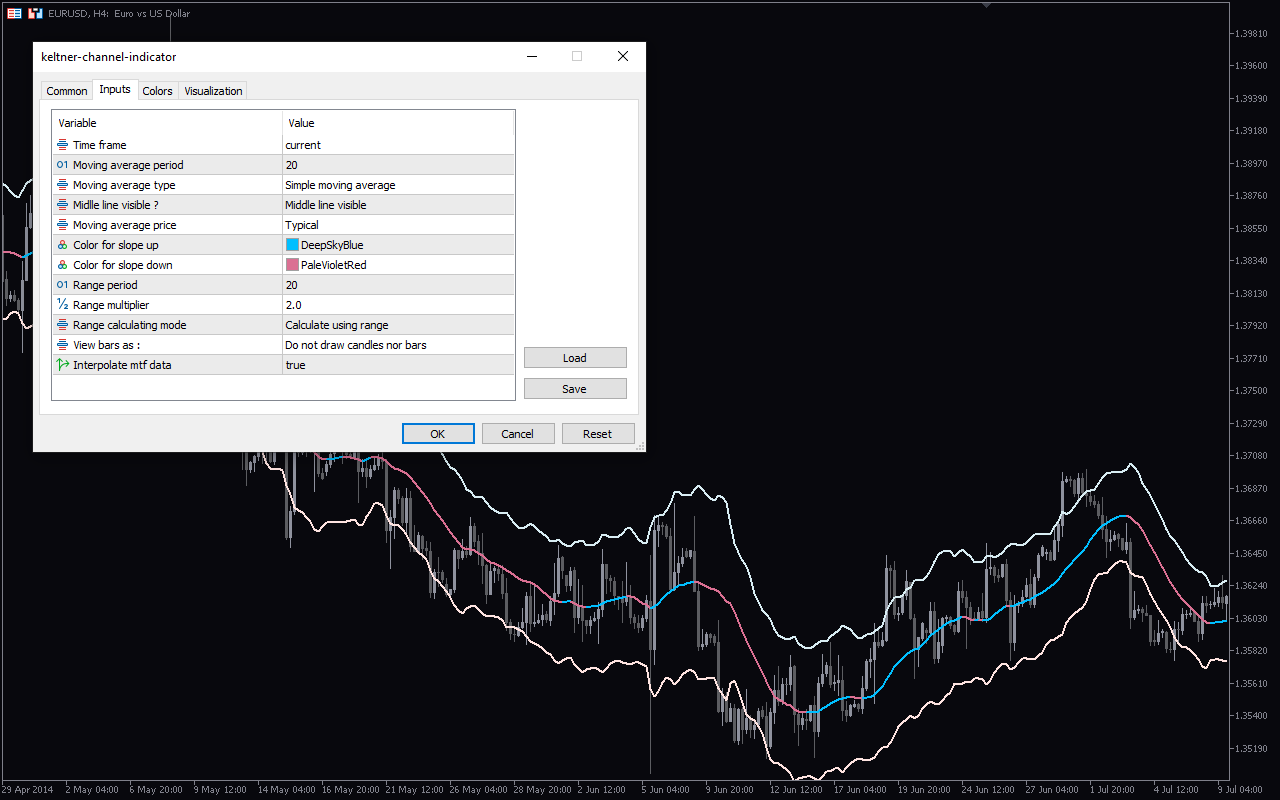
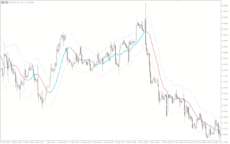
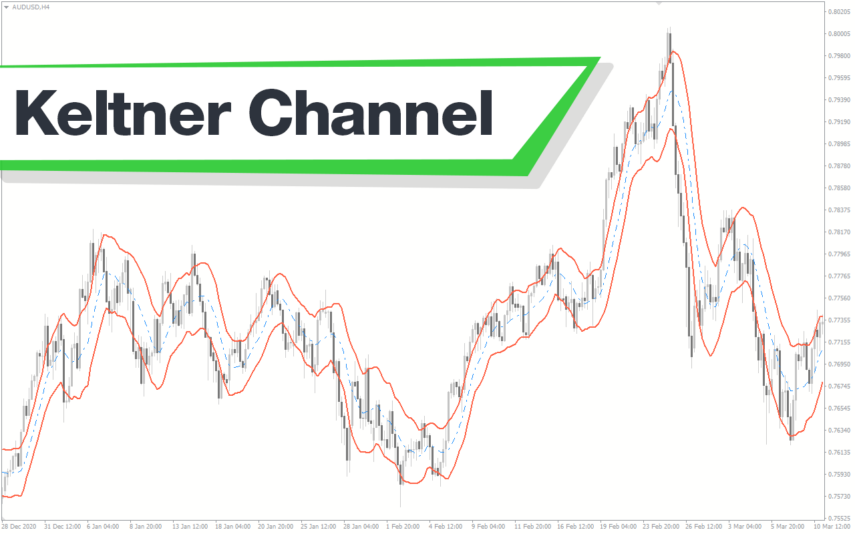
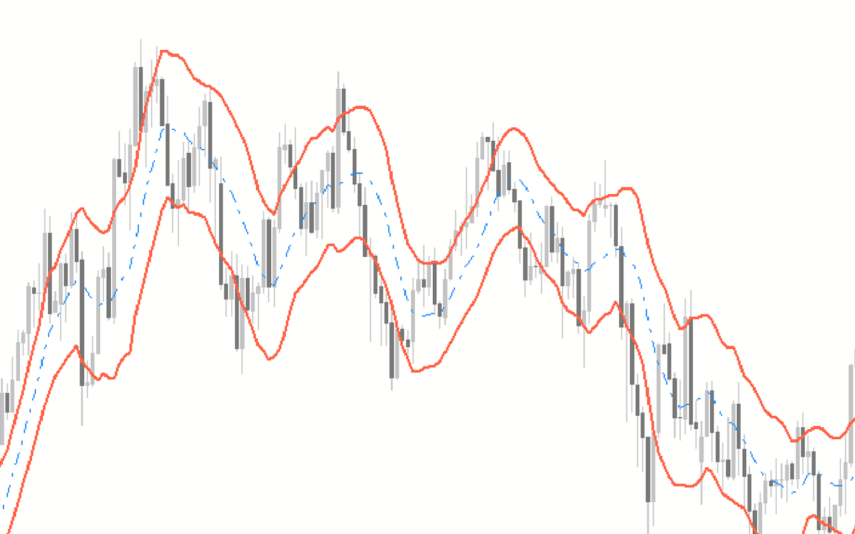
The Keltner Channel Indicator MT5 is a popular and useful free Forex indicator for traders. It is designed to help traders identify trends and reversals in the market, allowing them to make informed decisions about their trades. The Keltner Channel Indicator MT5 uses a combination of price action and moving averages to generate signals. It is based on the Average True Range (ATR) and uses two bands to measure the volatility of the market. The upper band is set two times the ATR above the moving average, while the lower band is set two times the ATR below the moving average. When the price action moves above the upper band, it is considered an uptrend, and when it moves below the lower band, it is considered a downtrend. It can help traders make informed decisions about their trades and identify potential entry and exit points. It is easy to use and is free, making it a popular choice among Forex traders.

MT5
Keltner Channel
The Keltner Channel Indicator MT5 is a popular and useful Forex trading tool. The Keltner Channel Indicator MT5 works by measuring the volatility of the market, and then plotting a channel around the price action. It can also be used to identify potential trend reversals. The Keltner Channel Indicator MT5 is a free and popular tool that can be used by traders of all levels of experience.
| Trading Style | |
|---|---|
| Indicator Type | |
| Timeframe | |
| Platform |
0
People watching this product now!
Downloads - 32
Description
Reviews (0)
How to Install
Related products
Polynomial Regression Channel
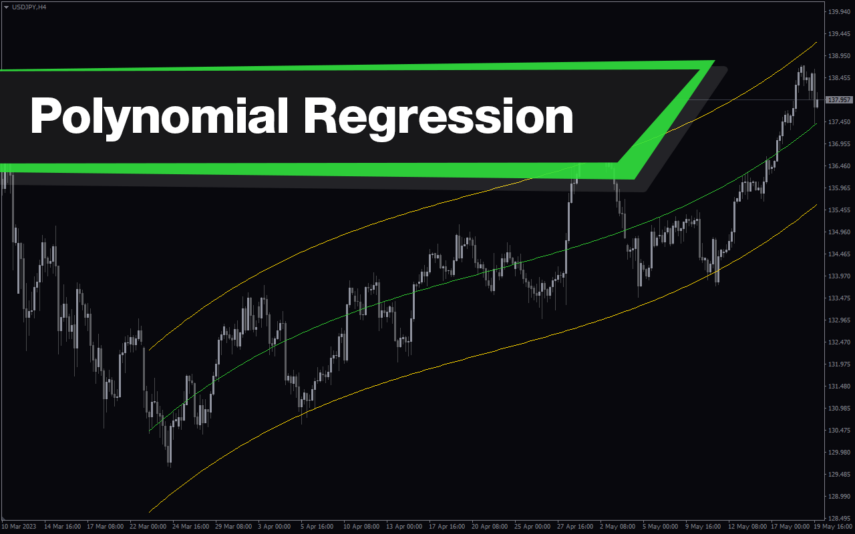
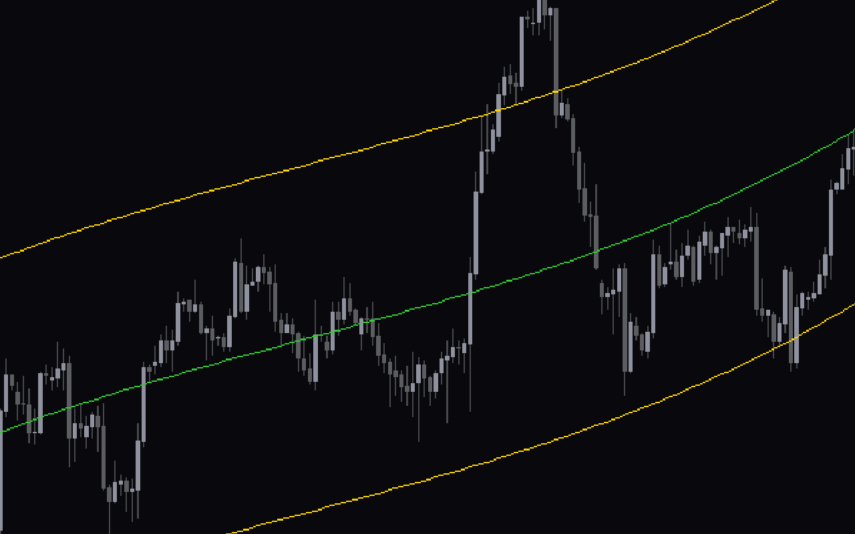
The Polynomial Regression Channel Indicator is a useful and popular free Forex indicator for MT4 (MetaTrader 4) that helps traders to identify trends and potential entry and exit points. It works by creating a channel around the price movements of an asset, which is determined by the polynomial regression line. The indicator then plots lines above and below the regression line to form the channel. With the Polynomial Regression Channel Indicator, traders can easily identify trends and potential entry and exit points, making it a popular and useful free Forex indicator for MT4.
Daily HL
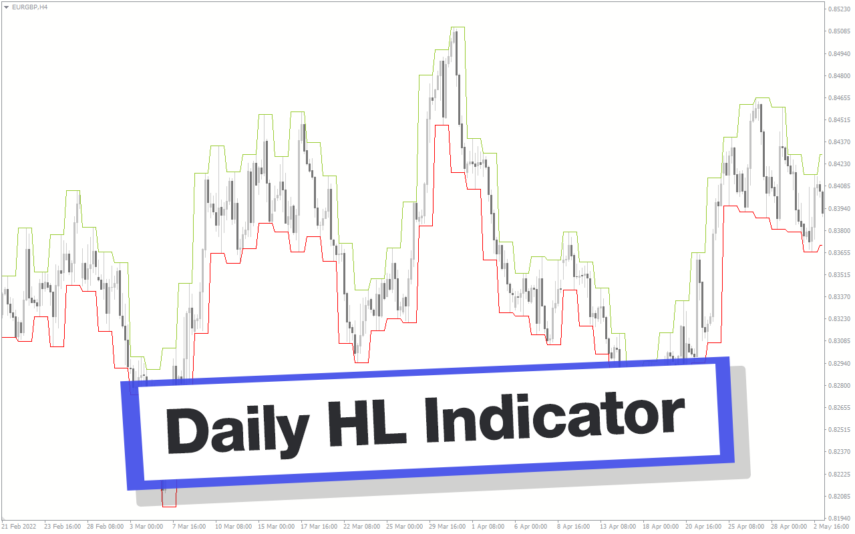
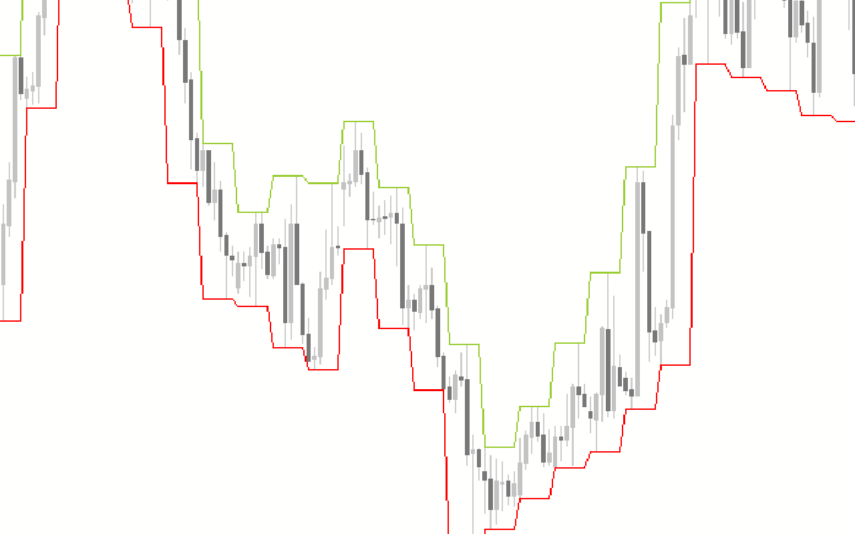
The Daily High Low Indicator is a popular and free Forex indicator for MT4 platform. This useful tool provides traders with a clear view of the daily high and low prices of the currency pair they are trading. The indicator is easy to install and use, and it can be used on any currency pair. It is also highly customizable, allowing traders to adjust the display of the indicator to their own preferences. The indicator provides an accurate view of the daily high and low prices, allowing traders to determine the best entry and exit points for their trades.
Standard Deviation Channel
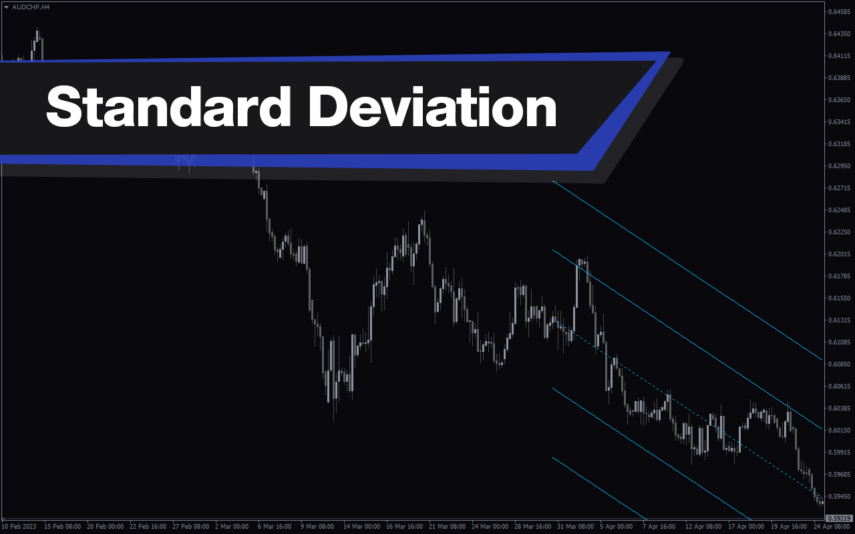
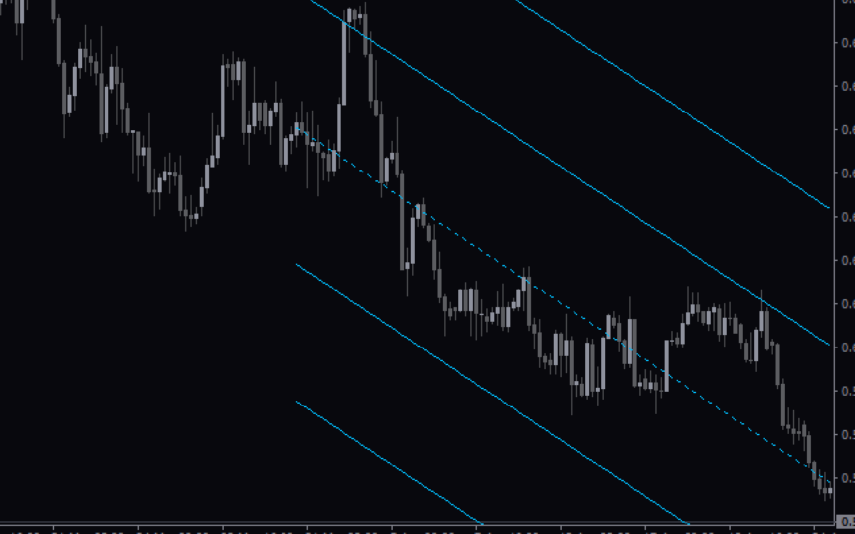
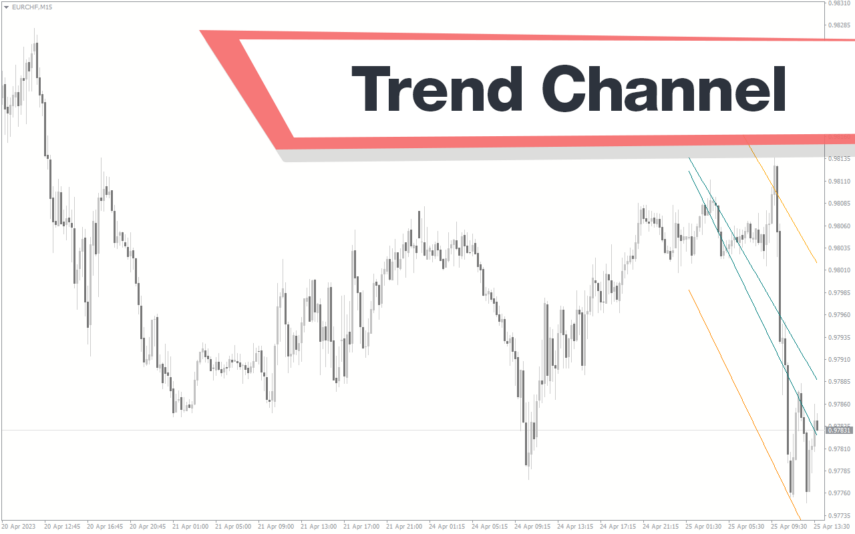
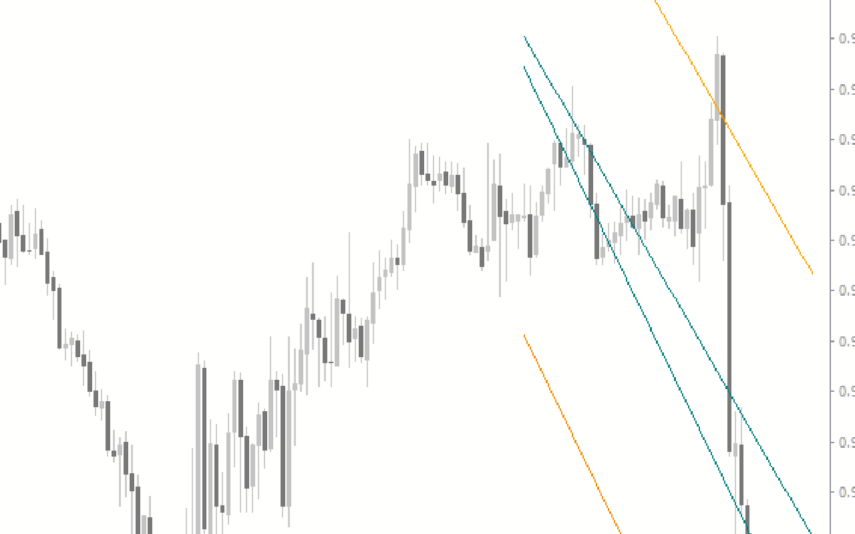
The Standard Deviation Channel Indicator is a powerful and useful tool for Forex traders. It is a popular indicator for MT4 that is free to use and can be easily installed. The two lines represent the upper and lower bounds of the standard deviation, and they act as support and resistance levels. Traders can use these lines to identify potential entry and exit points when trading. This makes it an invaluable tool for traders who want to make informed and profitable trades.
Raff Channel
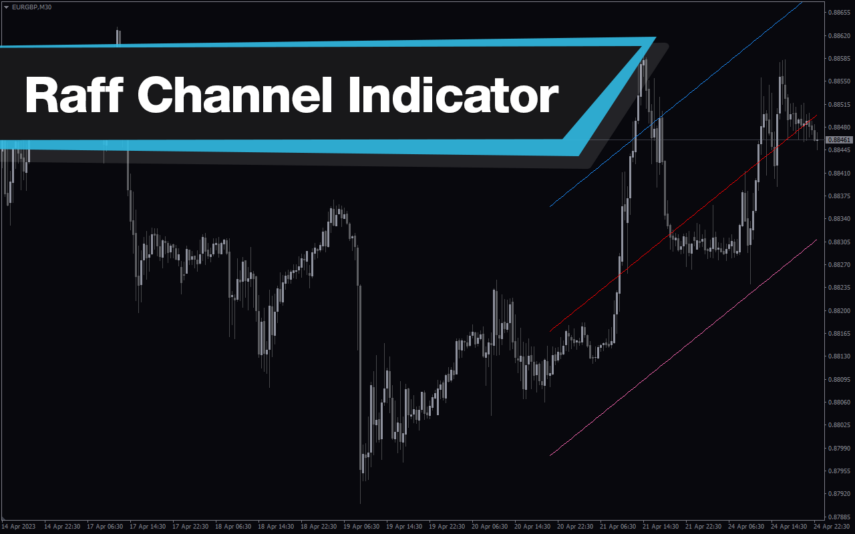
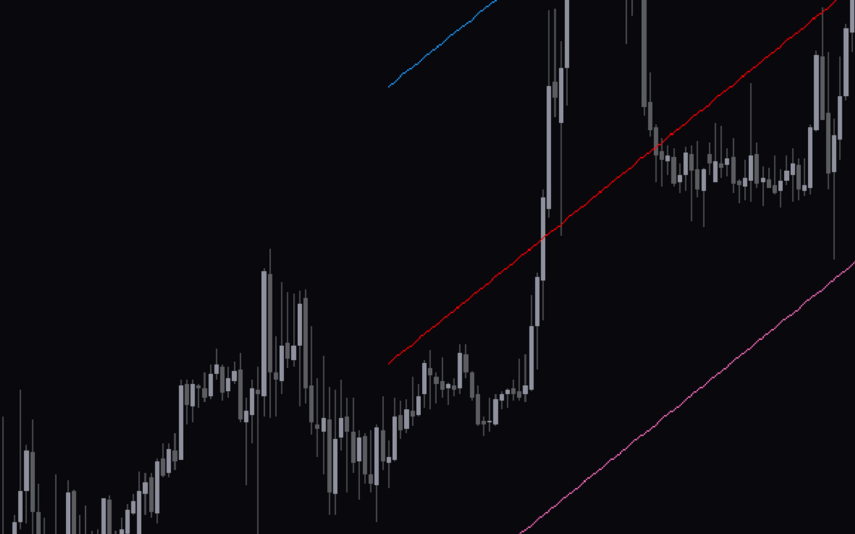
The Raff Channel Indicator is a useful and popular free Forex indicator for MT4. It is designed to help traders identify and take advantage of trends in the market. The indicator works by plotting two parallel lines on a chart, one above the other. These lines represent the upper and lower boundaries of the current price trend. The Raff Channel Indicator is easy to set up and use, making it a popular choice for traders of all levels.

Reviews
There are no reviews yet.