
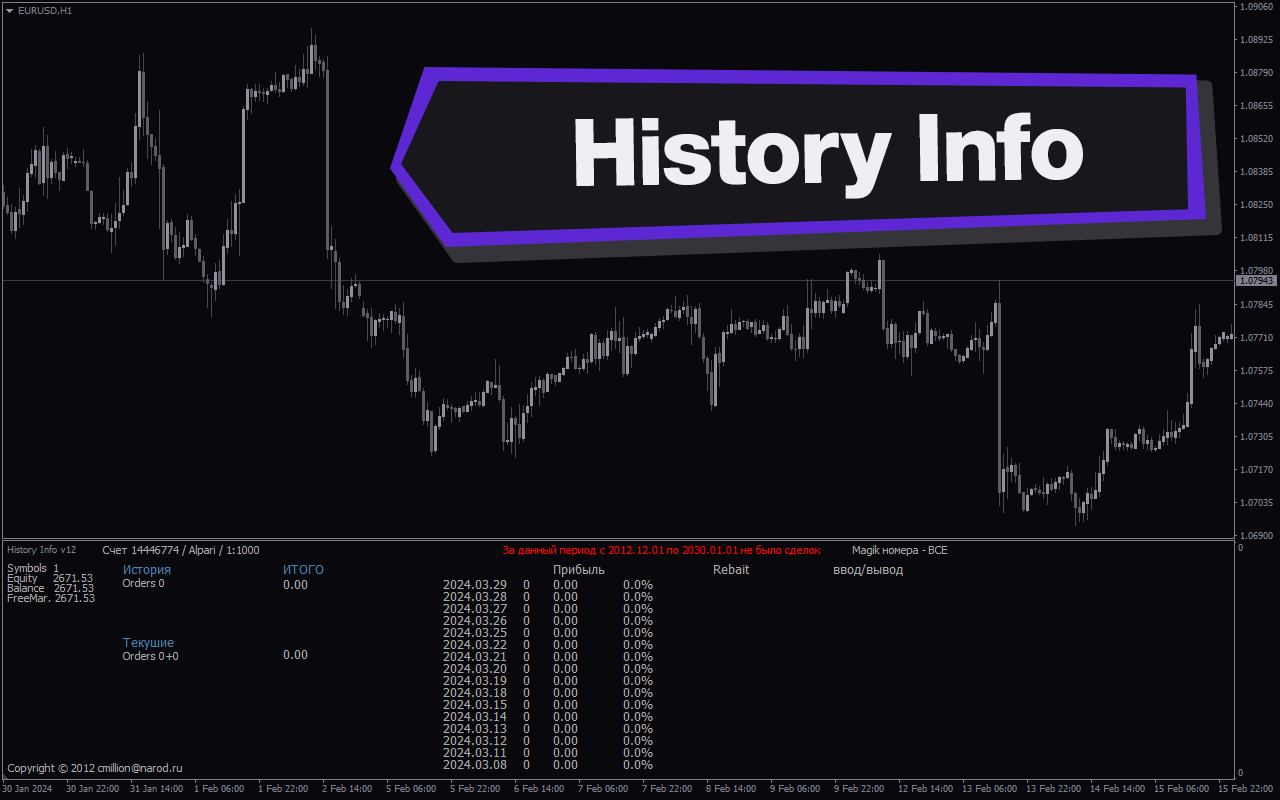
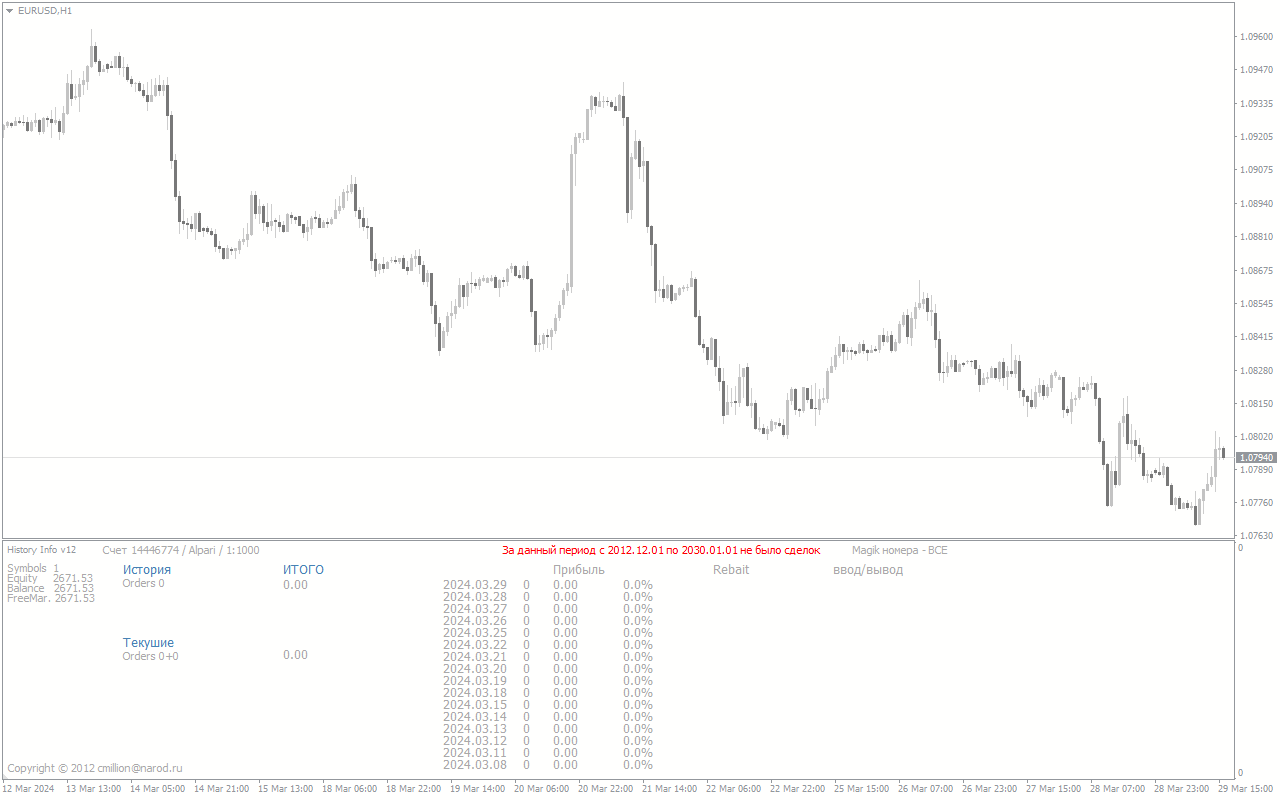
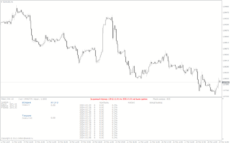
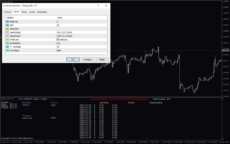
History Info Indicator is a popular and useful tool in forex trading for MT4 users. This free indicator provides valuable information about historical data, allowing traders to make well-informed decisions based on past market insights. The indicator displays important data such as the highest and lowest prices within a certain period, as well as the average price and trading volume. This information can help traders identify trends and patterns, making it easier to predict future price movements. To use the History Info Indicator, simply download and install it on your MT4 platform. Once activated, the indicator will automatically gather and display historical data on your chart. By analyzing this data, traders can improve their trading strategies and increase their chances of success in the forex market.
MT4
History Info
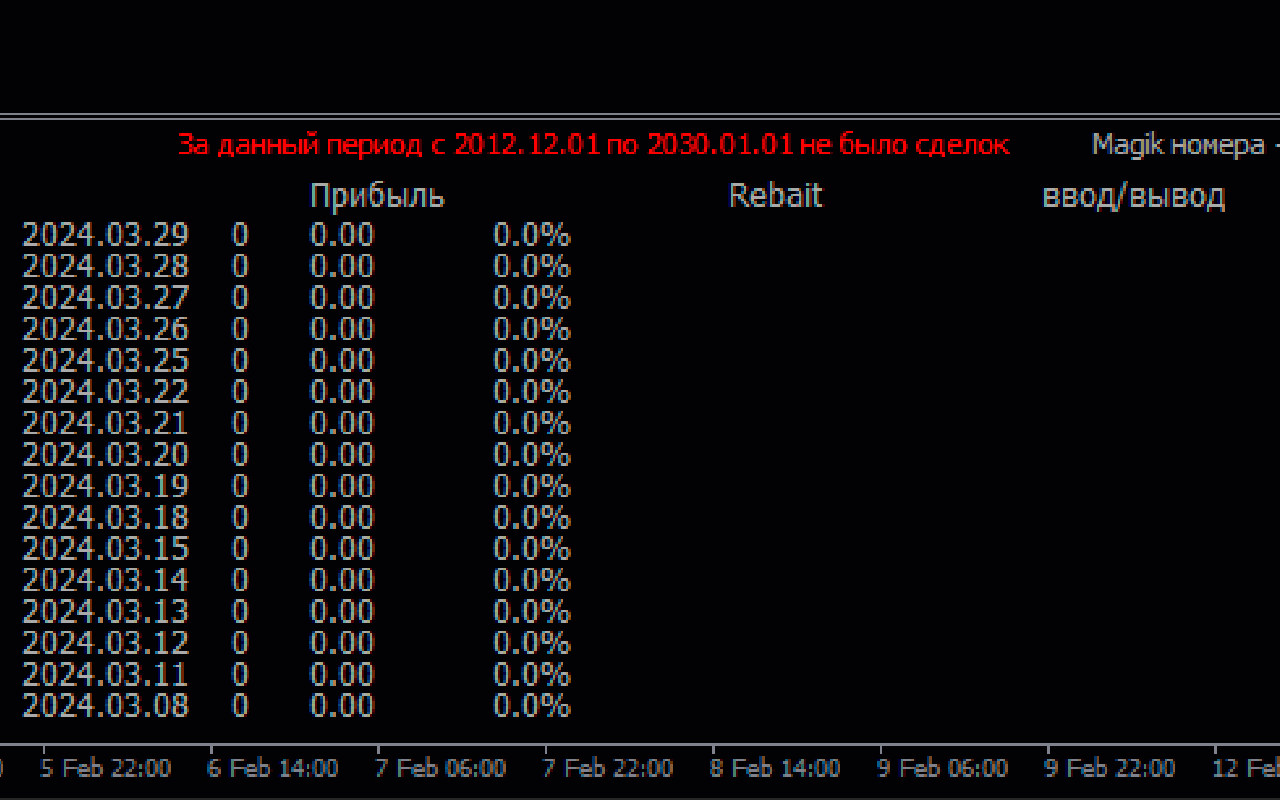
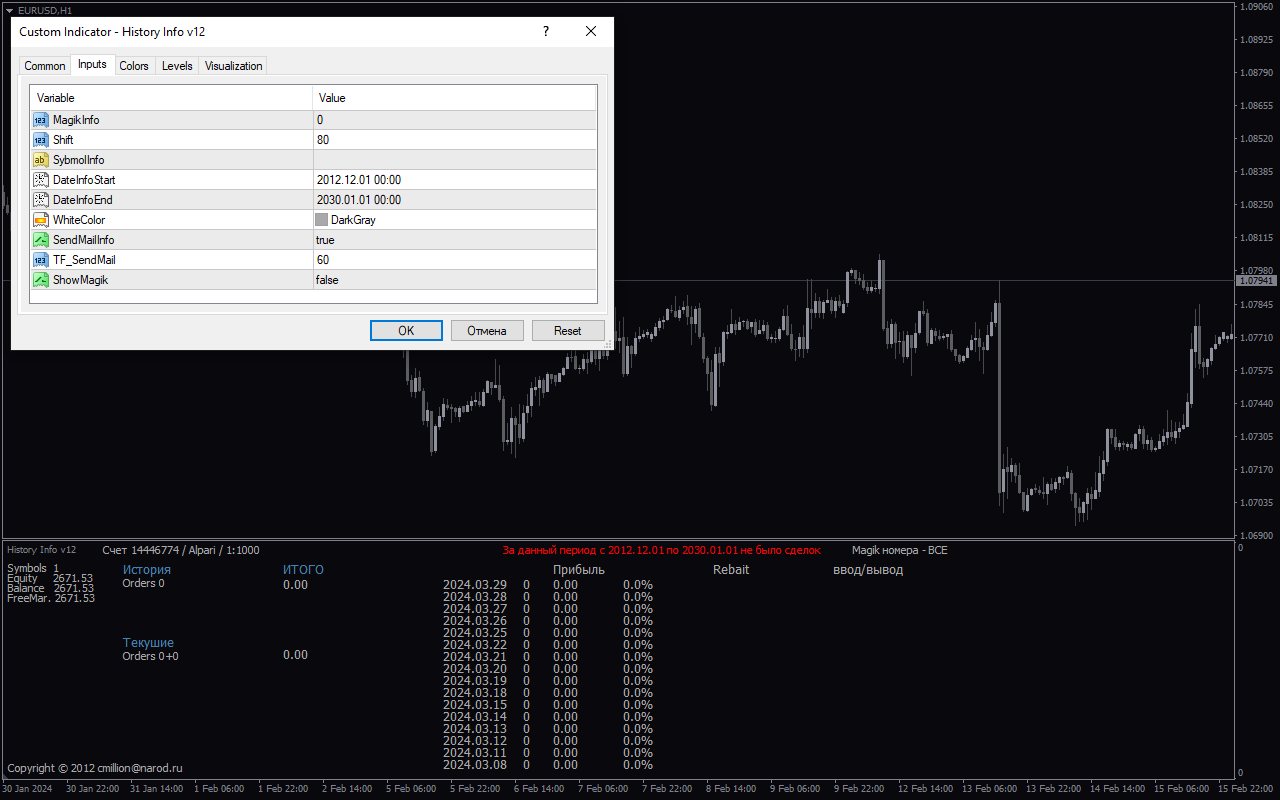
The History Info indicator is a useful tool for forex traders using MT4. This popular indicator provides free information about the history of price movements, allowing traders to make more informed decisions. It displays important data such as the highest and lowest prices, as well as the opening and closing prices for a specified period. The History Info indicator can be easily accessed and customized by traders.
| Platform | |
|---|---|
| Timeframe |
0
People watching this product now!
Downloads - 3
Description
Reviews (0)
How to Install
Related products

Time Zone
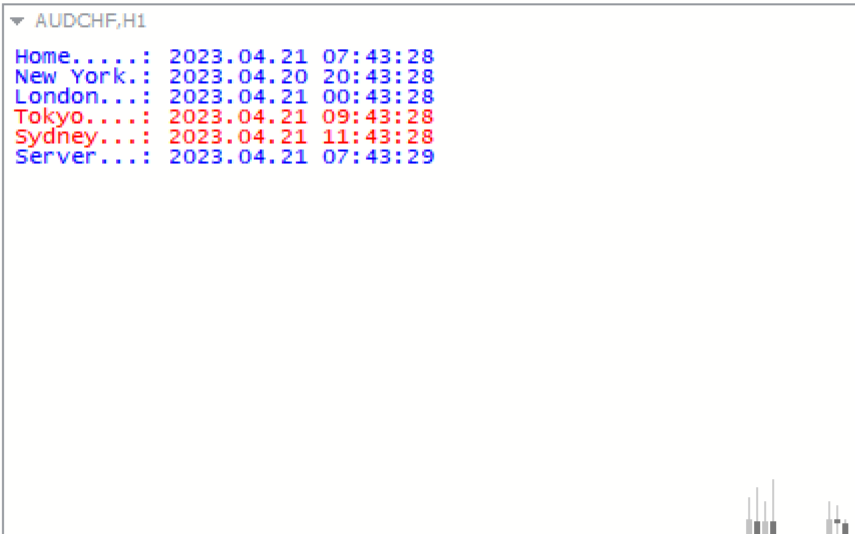
The Time Zone Indicator is a new and popular forex indicator available for free on MT4 platform. This indicator is designed to help traders easily identify the time in different markets and time zones around the world. The indicator can display up to four different time zones on the chart and can be customized according to the user's preferences. The Time Zone Indicator is easy to install and use, making it a valuable tool for traders who need to keep track of market hours and trading sessions across different time zones.
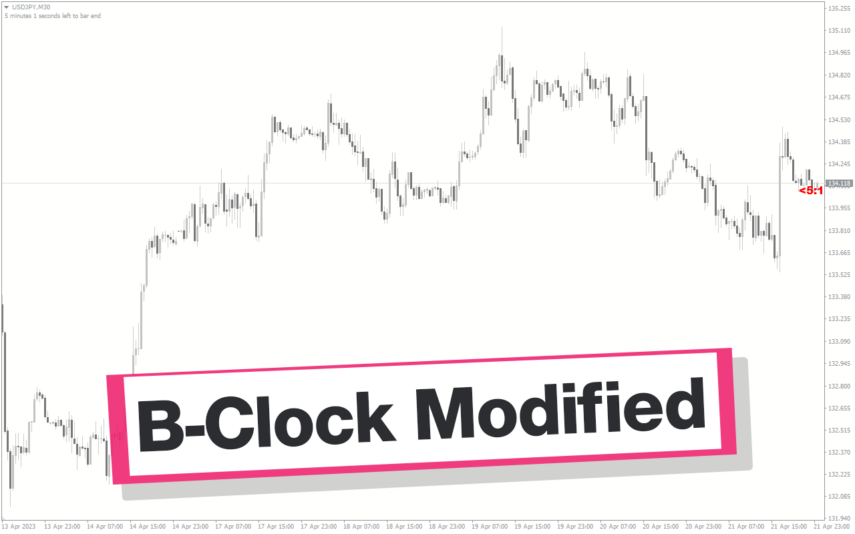
B-Clock Modified
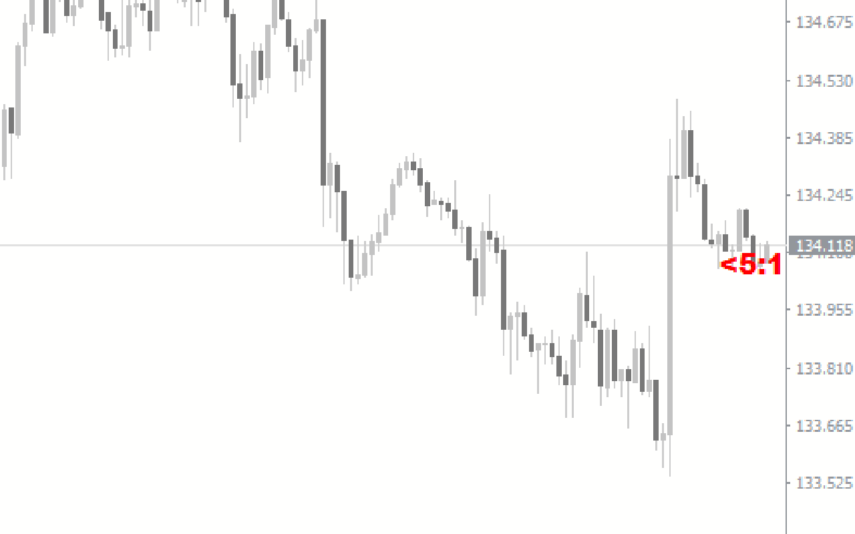
The modified b-clock indicator is a popular and useful MT4 tool for forex traders to help them determine the start and end of trading sessions. This indicator works by displaying the time remaining until the close of the current candle, which can be useful for traders who want to time their trades based on market activity during certain trading sessions. Due to its popularity in the forex trading community, this indicator has become an essential tool for many traders looking to gain an edge in the market.
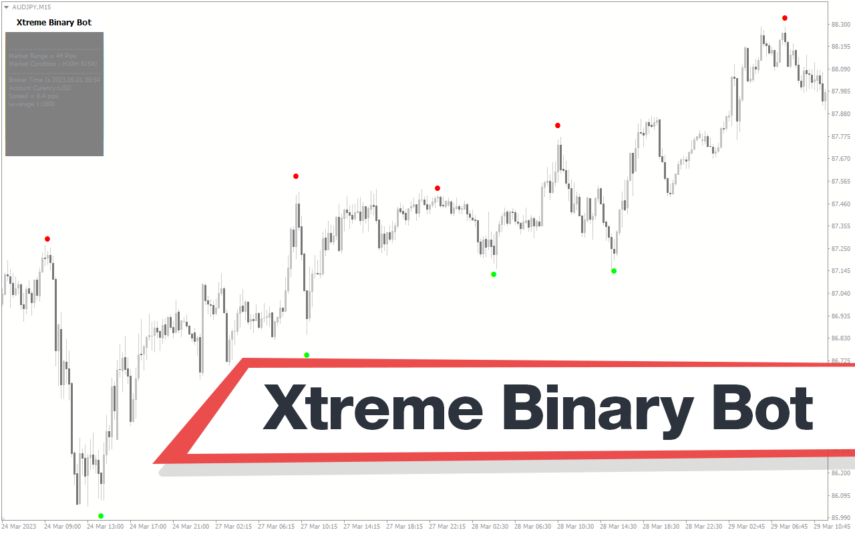
Xtreme Binary Bot
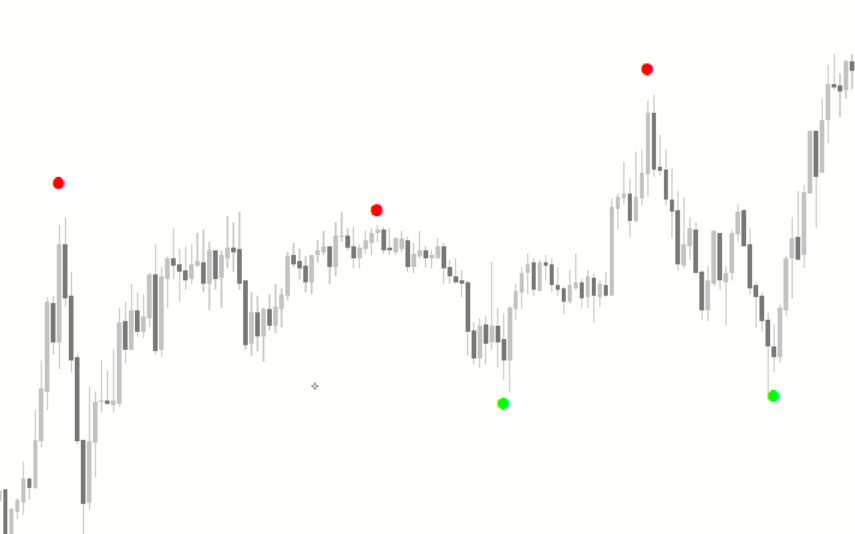
The Xtreme Binary Bot is a useful and popular free Forex indicator for Metatrader 4 (MT4) that provides traders with accurate buy and sell signals. The Xtreme Binary Bot indicator uses sophisticated algorithms to generate signals based on the movements of the market. It is easy to use, and it provides traders with clear and concise signals that can be used to enter and exit trades. The Xtreme Binary Bot indicator is a great tool for traders who want to maximize their profits in the Forex market.
Time Indicator
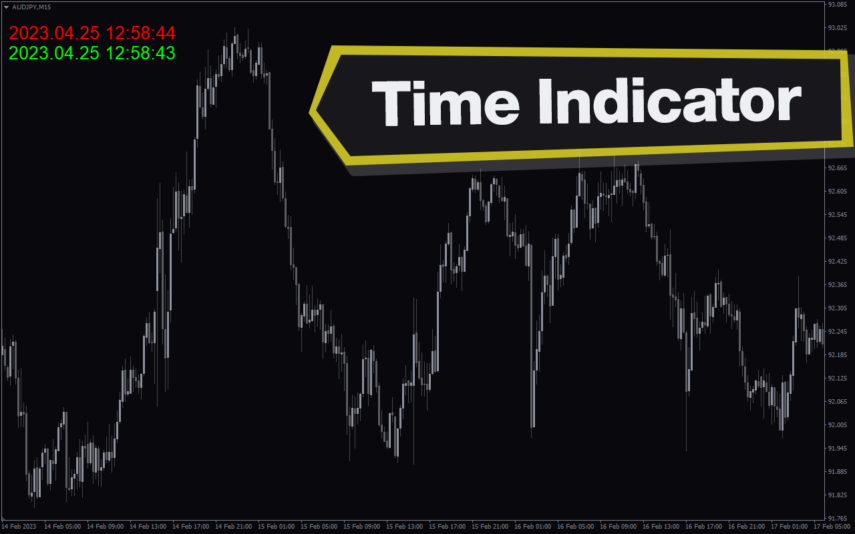
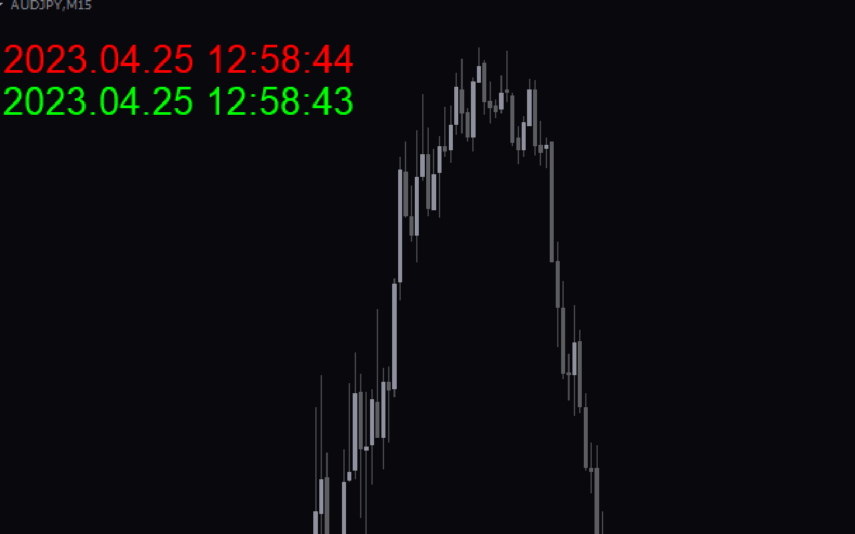
Enhance trade precision with the MT4 Time indicator, offering information on local and server time. It is ideal for news traders because it optimizes market entry timing and helps technical traders in strategic decision-making. Note: This tool doesn't provide traders with buy/sell signals but focuses on precise trade timing.
Risk Reward Ratio
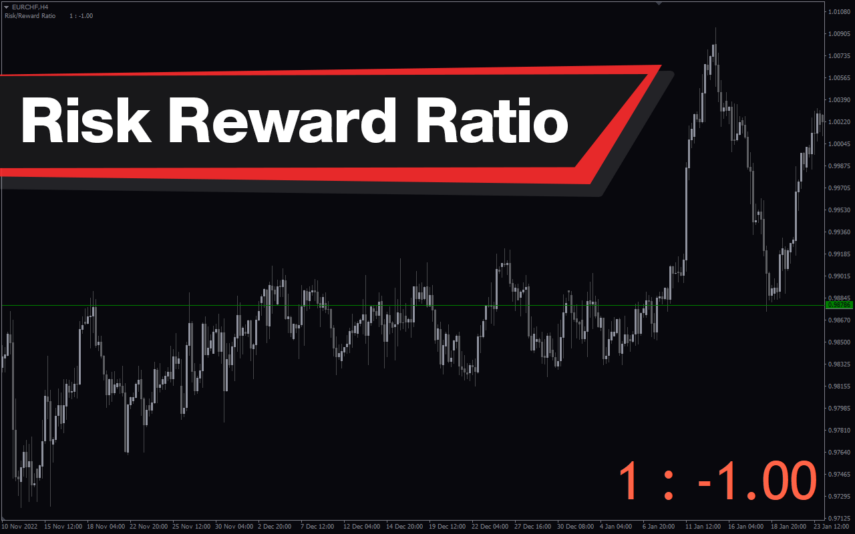
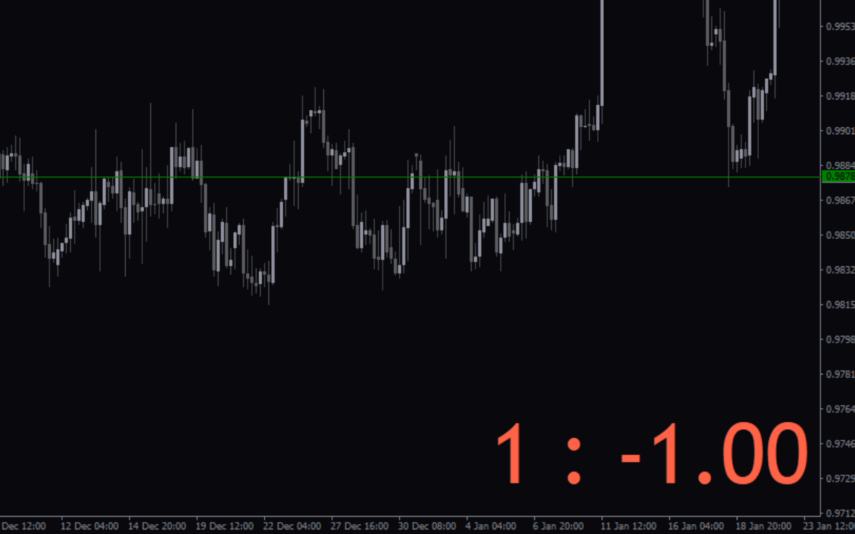
The Risk Reward Ratio indicator is a new and popular MT4 indicator used in forex trading. It works by analyzing the potential risk and reward of a trade and presenting the information in an easy-to-read format. The indicator displays the risk-reward ratio as a percentage, allowing traders to quickly assess the potential gains and losses of a trade before entering into it. With this valuable information, traders improve their trading strategies and minimize their risk in the forex market.
Trading Volume
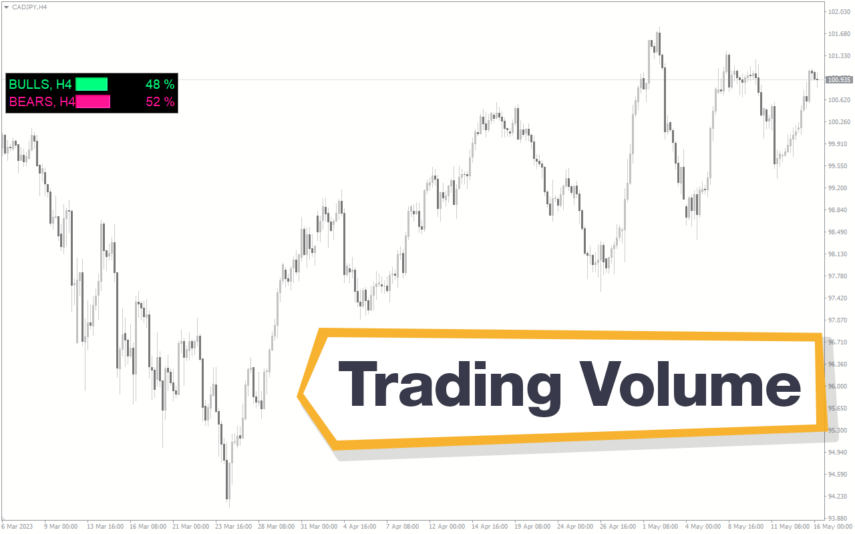
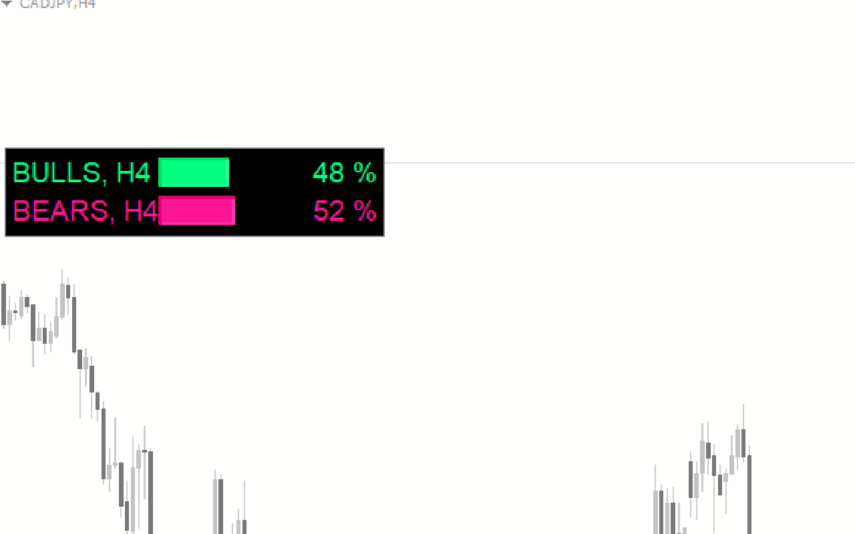
The Trading Volume Indicator is a useful, free Forex indicator for the popular MT4 platform. It is designed to help traders measure the volume of a currency pair in order to get an idea of the strength of the current trend. The indicator is easy to use and can be used to identify entry and exit points. The Trading Volume Indicator is a popular tool that can be used by traders to identify potential trading opportunities in the Forex market. It is a useful tool for both novice and experienced traders and is free to download and use.
Reviews
There are no reviews yet.