
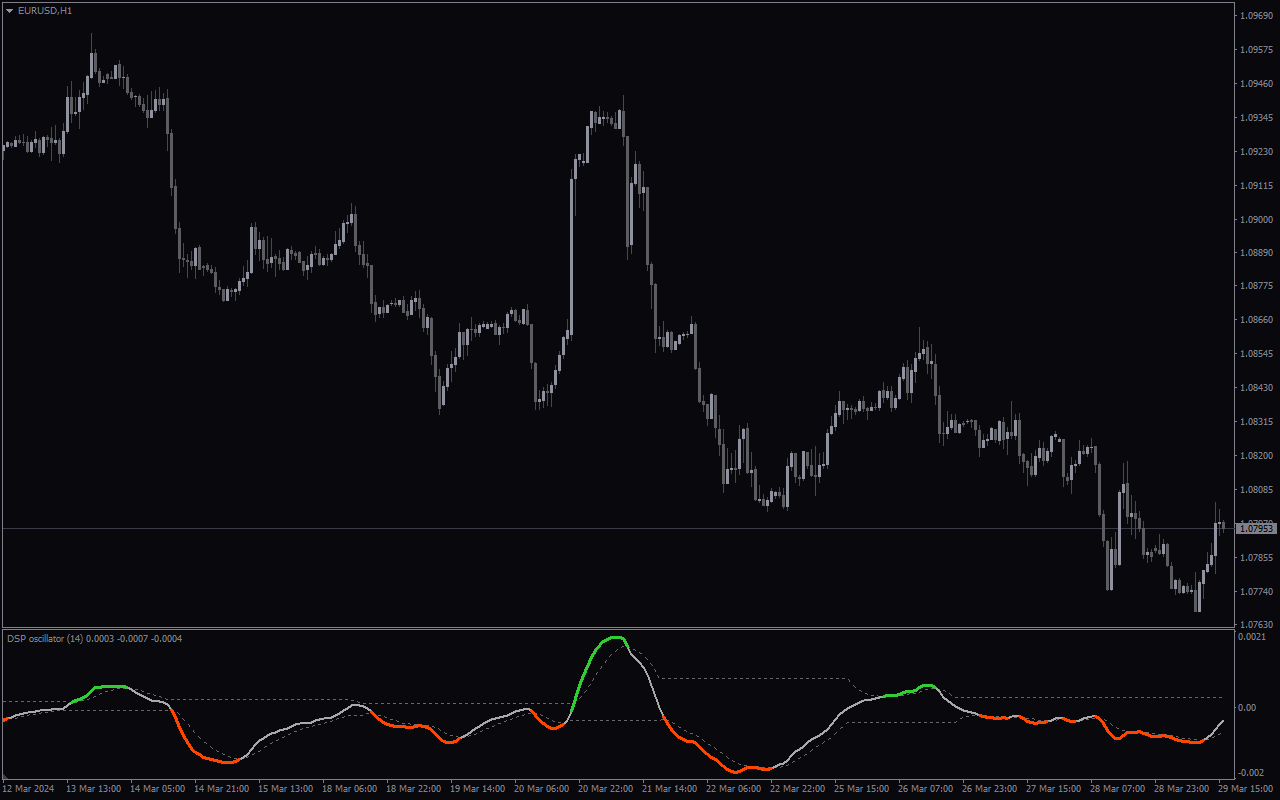
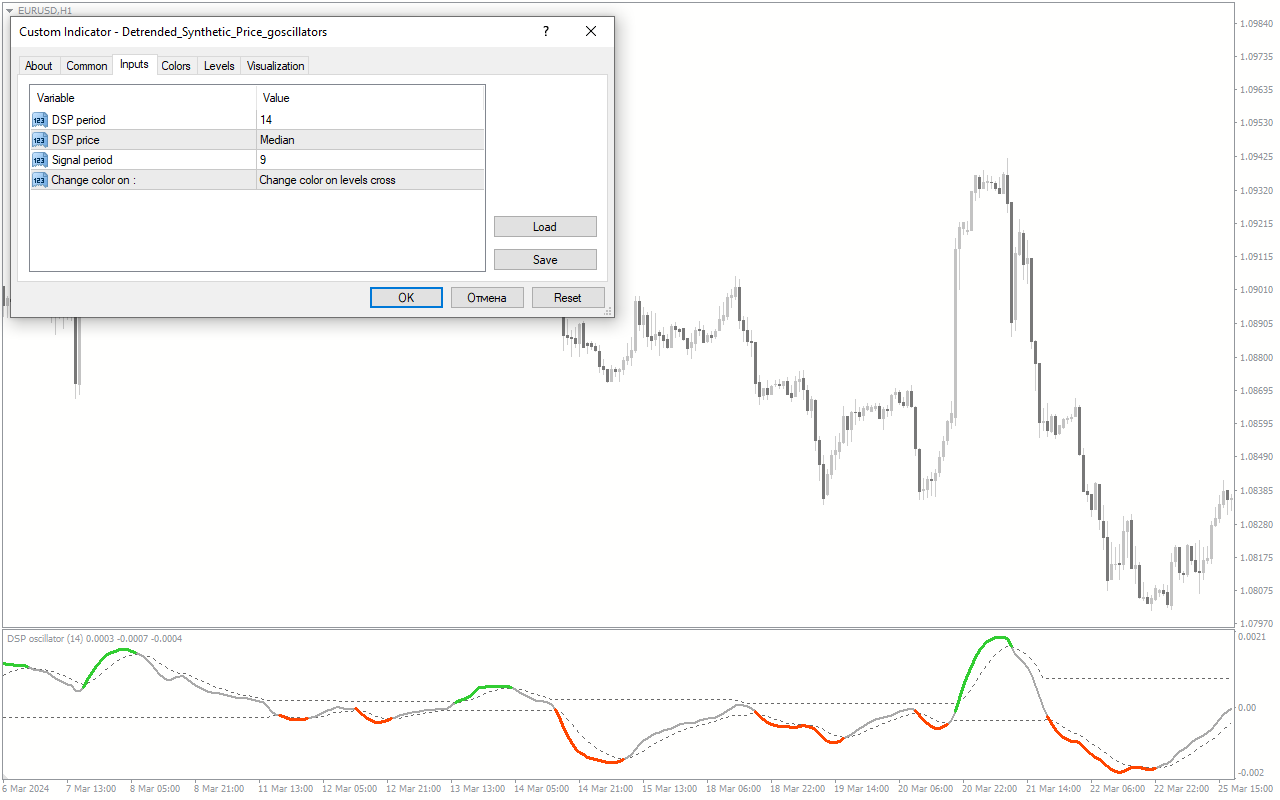
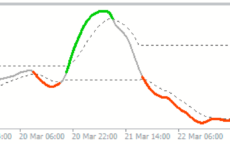
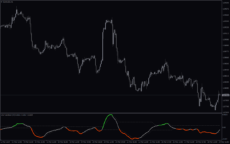
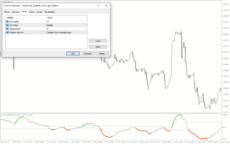
The Detrended Synthetic Price Oscillator for MT4 is a useful forex indicator that has become popular among traders. This free indicator helps to identify market trends by removing the long-term trend from the price action, allowing traders to focus on short-term price movements. The Detrended Synthetic Price Oscillator works by calculating the difference between the closing price and a synthetic trendline, which is based on the long-term moving average. This oscillator then displays the results as a histogram, with positive values indicating bullish trends and negative values indicating bearish trends. Traders can use the Detrended Synthetic Price Oscillator to spot potential entry and exit points in the market. When the oscillator crosses above zero, it is a signal to buy, while a crossover below zero indicates a selling opportunity. By using this indicator in combination with other technical analysis tools, traders can make more informed trading decisions in the forex market.
MT4


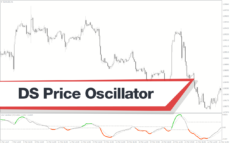
Detrended Synthetic Price Oscillator
Detrended Synthetic Price Oscillator MT4 is a useful forex indicator that is popular among traders for its accuracy in predicting market trends. It is a free tool that works by calculating the difference between the current price and a moving average, providing valuable insights into market momentum. Traders can use this indicator to make informed trading decisions and improve their overall profitability.
| Indicator Type | |
|---|---|
| Trading Style | , |
| Timeframe | , |
| Platform |
0
People watching this product now!
Downloads - 3
Description
Reviews (0)
How to Install
Related products
Synthetic VIX
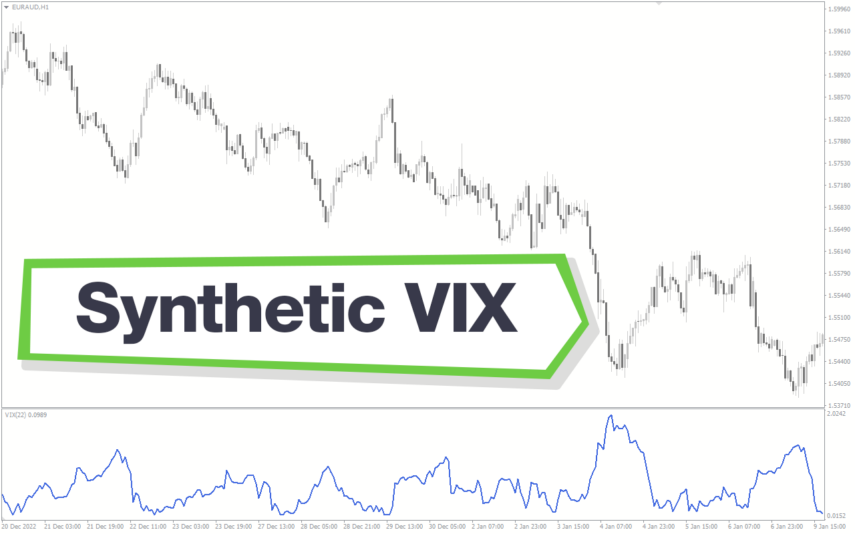
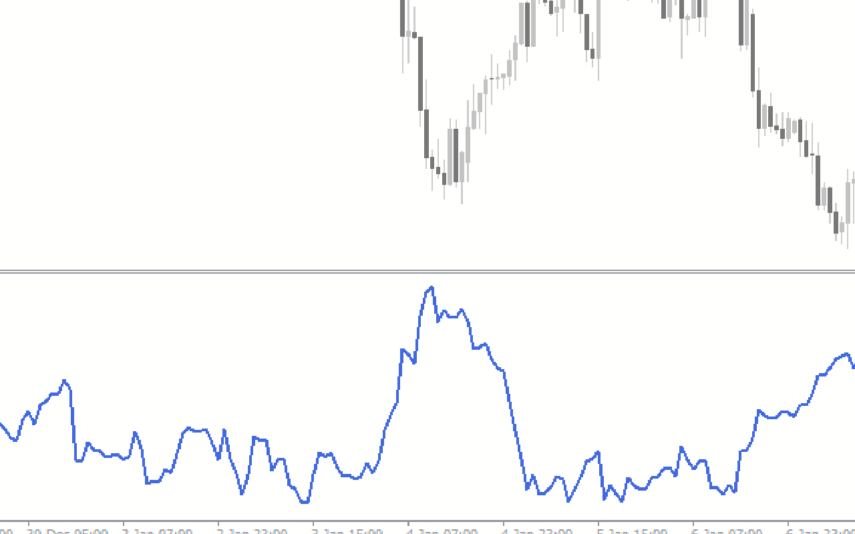
The Synthetic VIX Indicator is a popular and free Forex indicator for the MT4 trading platform. The indicator utilizes a combination of price action and signals from multiple time frames to accurately predict market movements. The Synthetic VIX indicator can be used to identify potential entry and exit points in the market, as well as to identify trend reversals and breakouts. It is designed to provide traders with an easy to use and reliable indicator that can help them make informed trading decisions. With its accurate and reliable signals, the Synthetic VIX Indicator is a great tool for any trader looking to improve their trading performance.
Momentum Reversal Detector
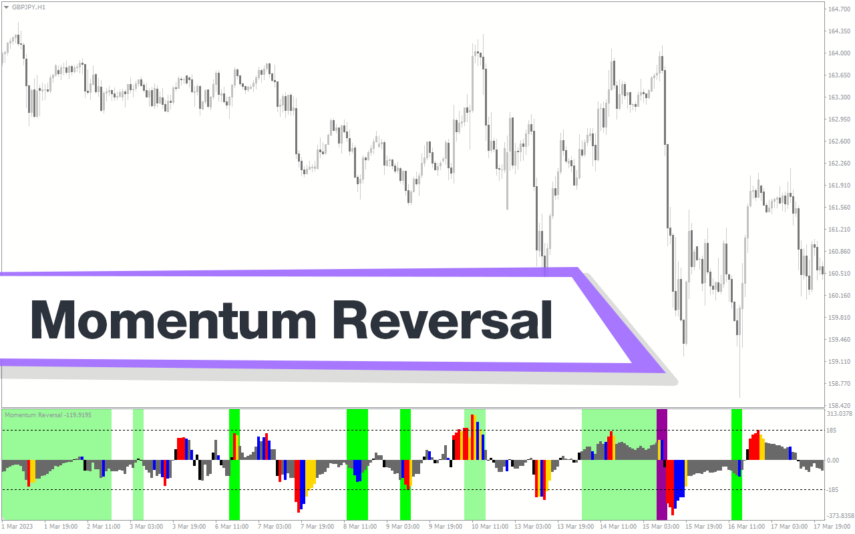
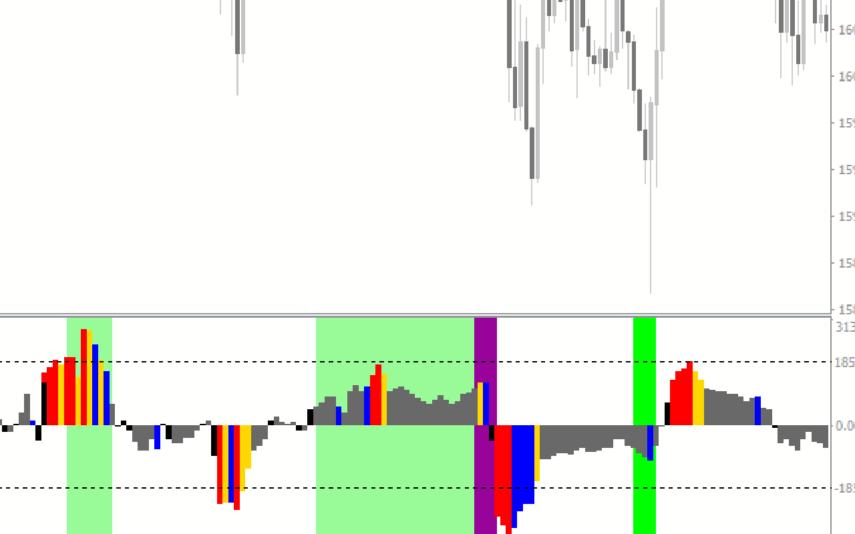
The Momentum Reversal Detector Indicator is a useful and popular free Forex indicator for MT4. It is designed to help traders identify potential reversals in market momentum. The indicator uses a combination of moving averages, oscillators, and price action to generate signals when a reversal is likely. The Momentum Reversal Detector Indicator is a great tool for any Forex trader looking to capitalize on short-term reversals.
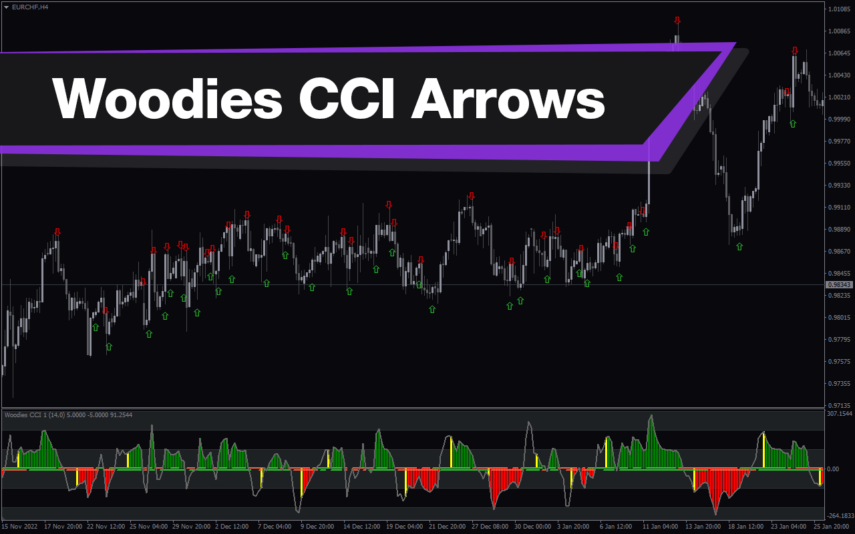
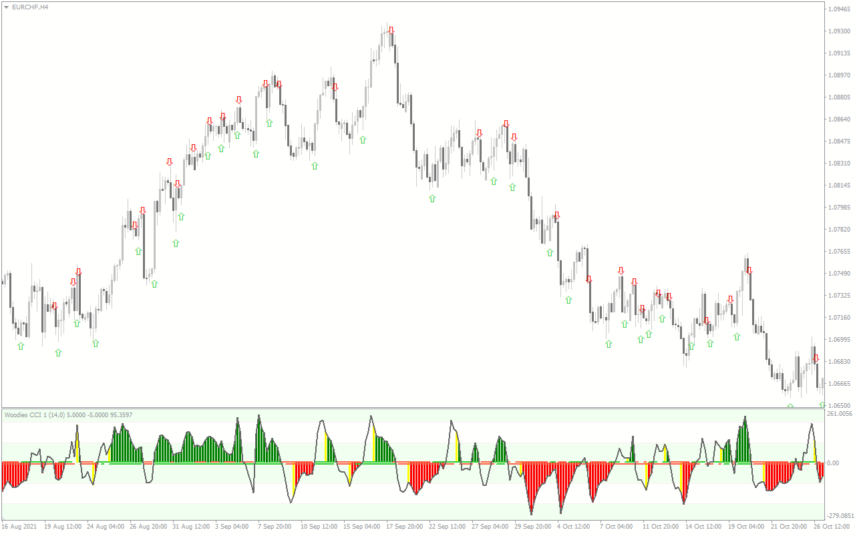
Woodies CCI Arrows Oscillator
The Woodies CCI Arrows Oscillator Indicator is a popular MT4 technical analysis tool used by forex traders to identify trends and potential entry and exit points wich based on the Woodies CCI system, which helps traders to identify when a trend is strong and when it may be weakening. The arrows on the indicator show when the price is moving in a particular direction, and the oscillator provides additional confirmation of the trend's strength. The Woodies CCI Arrows Oscillator Indicator is a valuable addition to any trader's toolkit, and it can help traders make better-informed trading decisions.
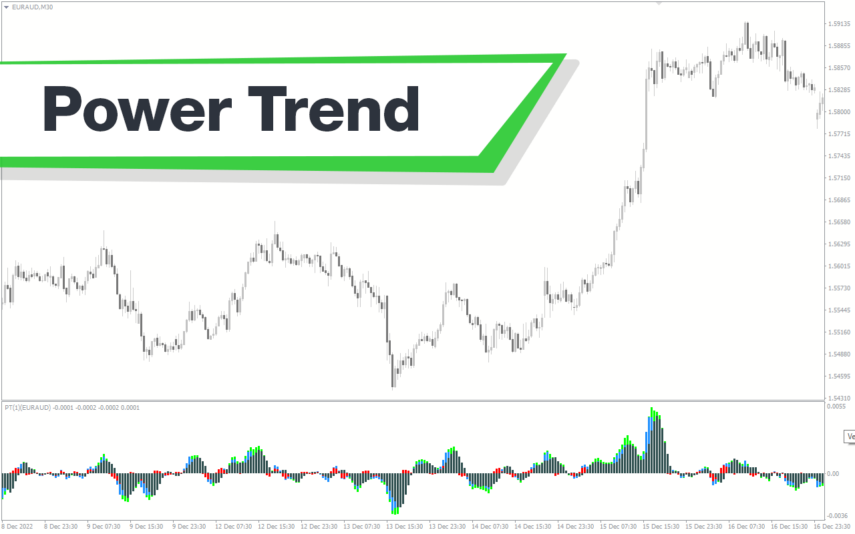
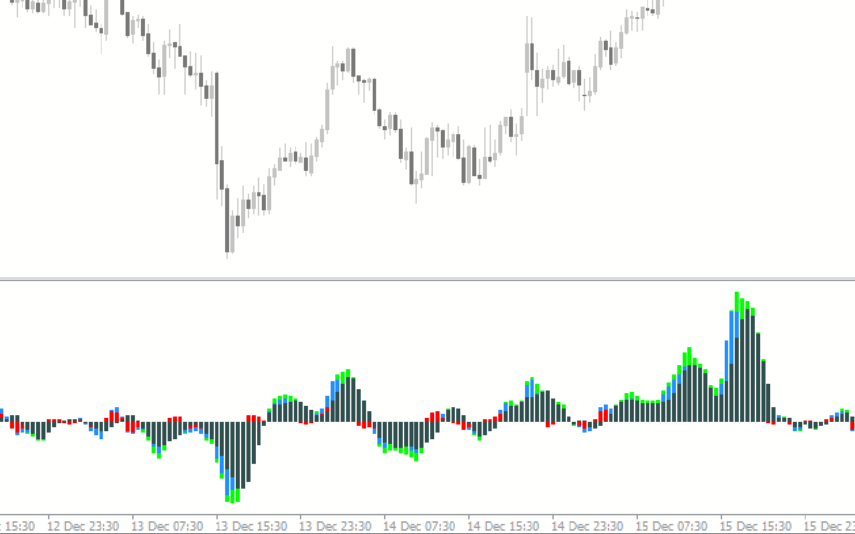
Power Trend
The Power Trend indicator for MT4 is a new and free popular forex technical analysis tool that helps traders identify trends, their direction, and strength visually in different colors. The colored histogram of the Power Trend indicator helps traders plan their trading strategies by providing insights into the trend's strength and maturity level. The indicator changes color to indicate weak or strong trends, allowing traders to maximize their profits and exit the trade at the right time. Download the Power Trend indicator for free and enhance your trading experience.
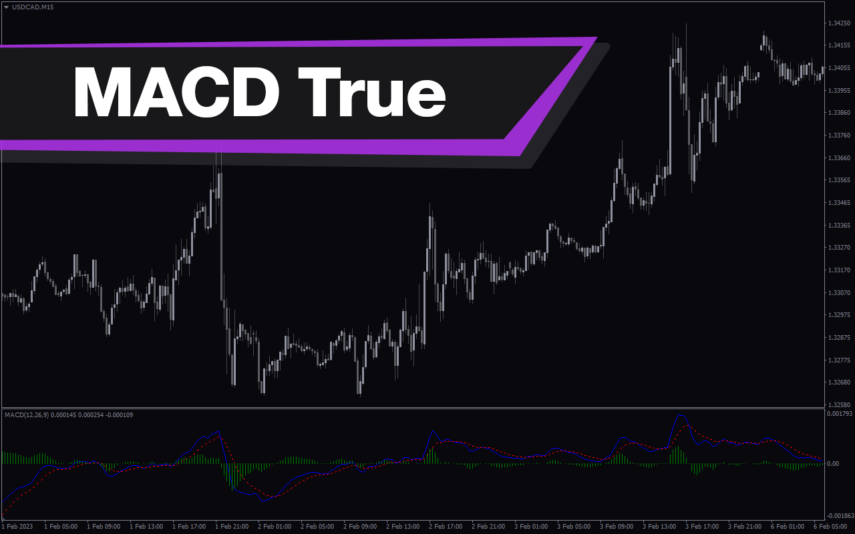
MACD True
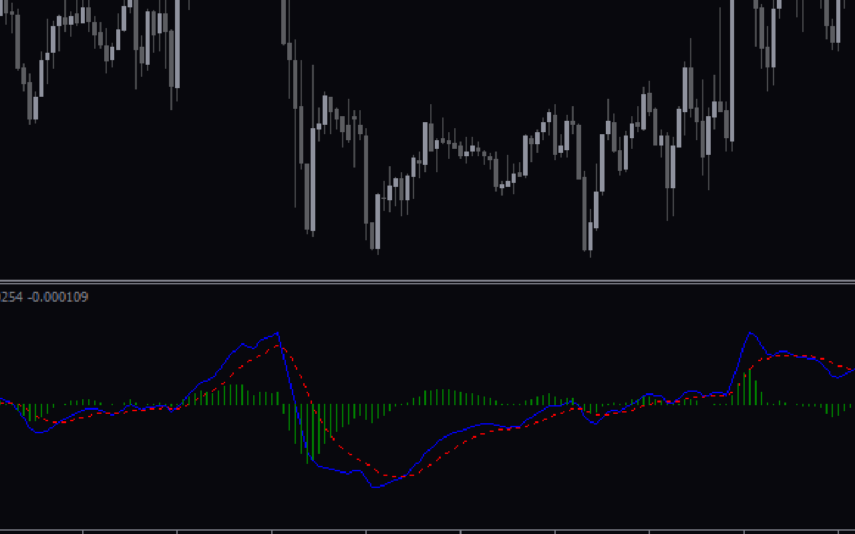
The MACD True Indicator is a popular and useful MT4 forex indicator that helps traders identify trends and momentum in the market. It is a modified version of the traditional MACD indicator that incorporates a color-coded histogram to provide more visual cues for traders. This indicator works by measuring the difference between two moving averages, and it is often used in conjunction with other technical indicators to confirm trading signals. Traders of all levels can benefit from using the MACD True Indicator in their trading strategies.
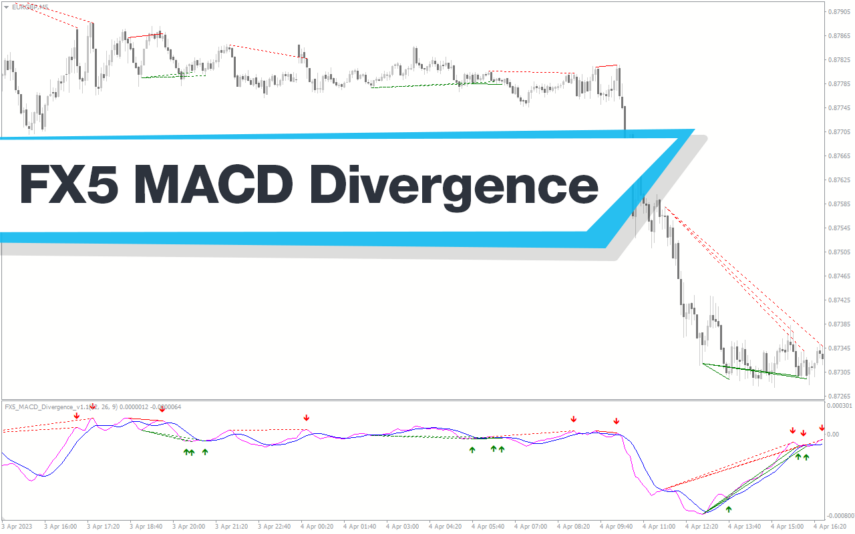
FX5 MACD Divergence
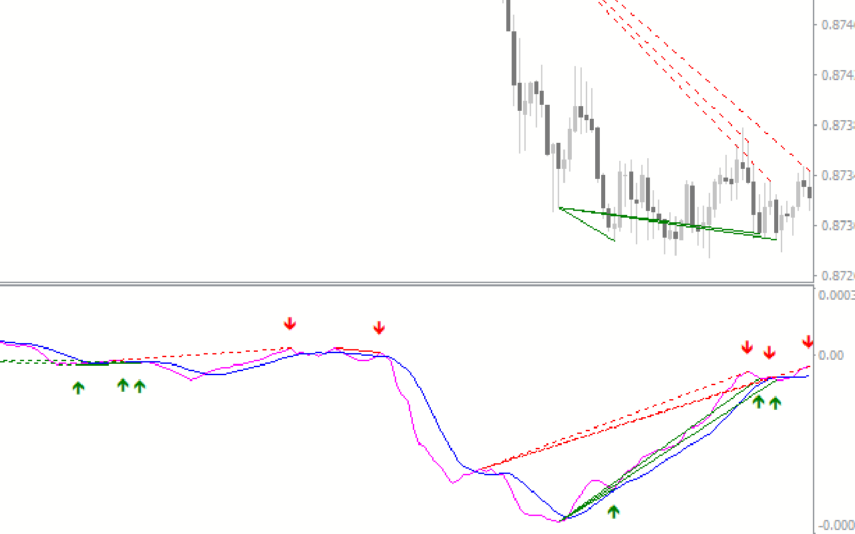
The MACD FX5 Divergence Indicator is a new and popular forex indicator that runs on the MT4 platform. This is a free indicator that traders can use to identify potential trend reversals and momentum shifts. The indicator is based on the Moving Average Convergence-Divergence (MACD) indicator, which measures the distance between two moving averages. It analyzes the divergence between the MACD indicator and price action and then generates buy or sell signals. Use this indicator to better understand market trends and take advantage of potential profit opportunities.
ROC Indicator
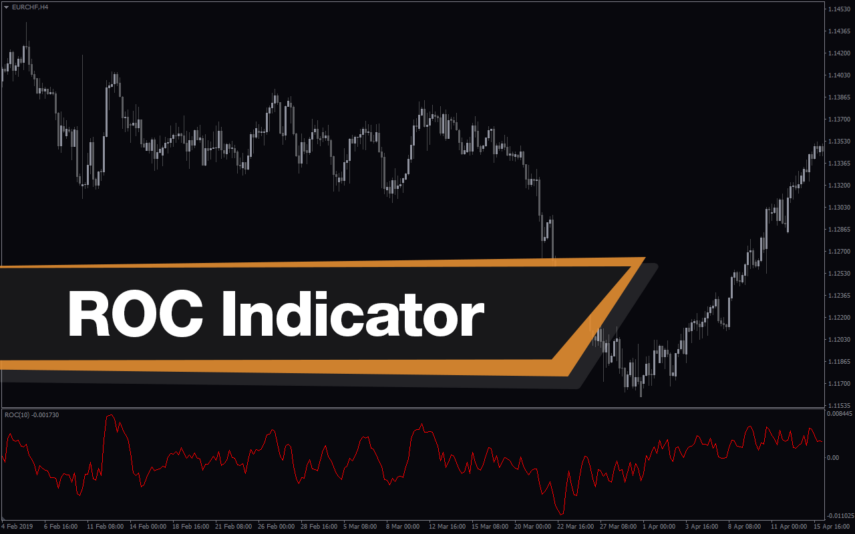
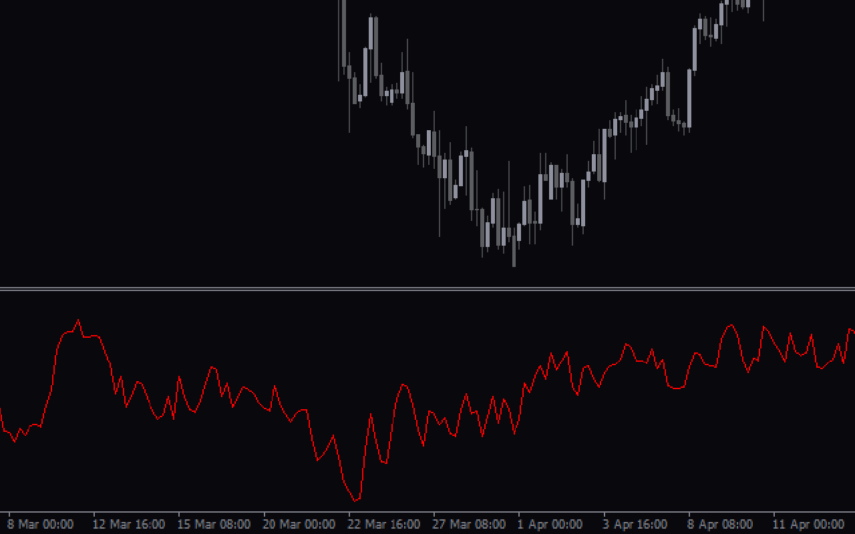
The ROC Indicator is a popular and useful Forex indicator for MT4 that is free to download. It is used to measure the rate of change in price movements over a given time period. The indicator is useful for traders as it can help identify when a price is overbought or oversold, and when a trend is reversing. The ROC Indicator is a popular and useful tool for traders who want to make informed decisions about their trading strategies.
3 Color MACD
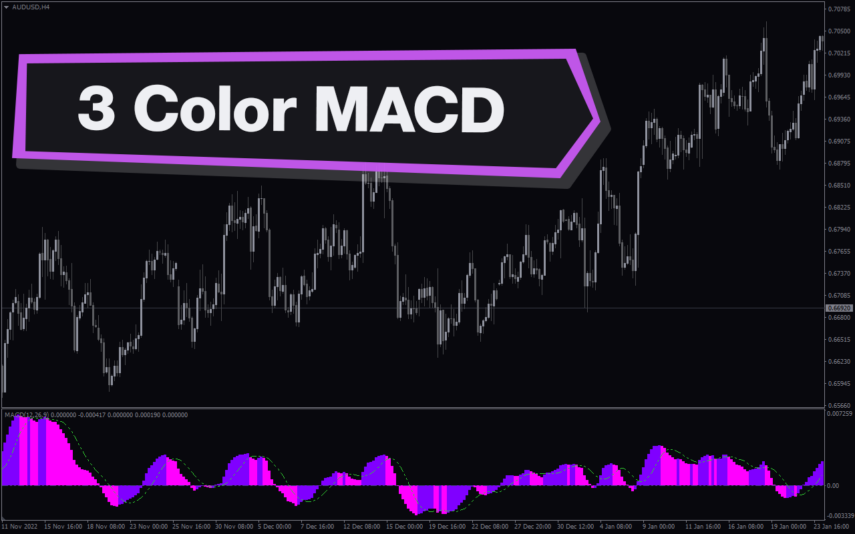
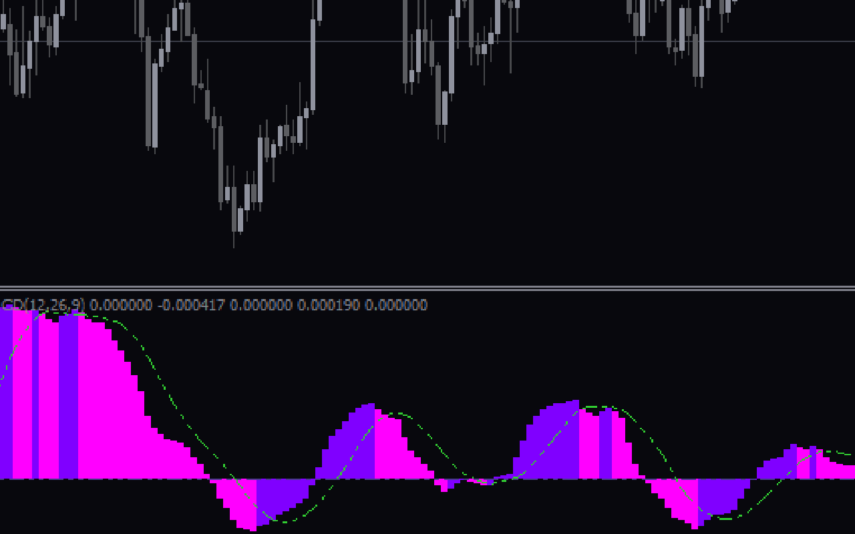
The 3 Color MACD Indicator is a useful forex trading tool that is available for free on MT4. This popular indicator uses Moving Average Convergence Divergence (MACD) to help traders identify market trends and potential entry/exit points. The indicator is easy to use and can be applied to any currency pair or timeframe. It is ideal for both novice and experienced traders who want to enhance their trading strategy with a reliable technical indicator.
Reviews
There are no reviews yet.