
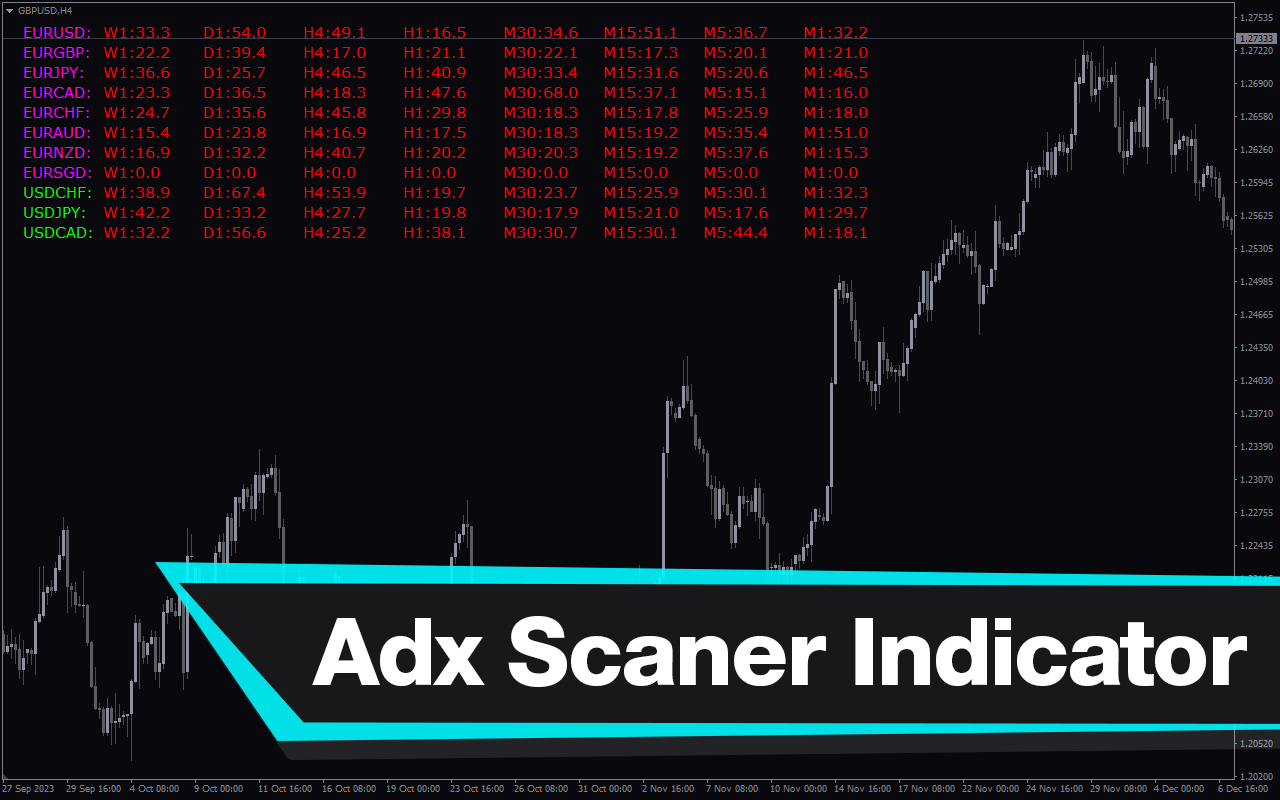
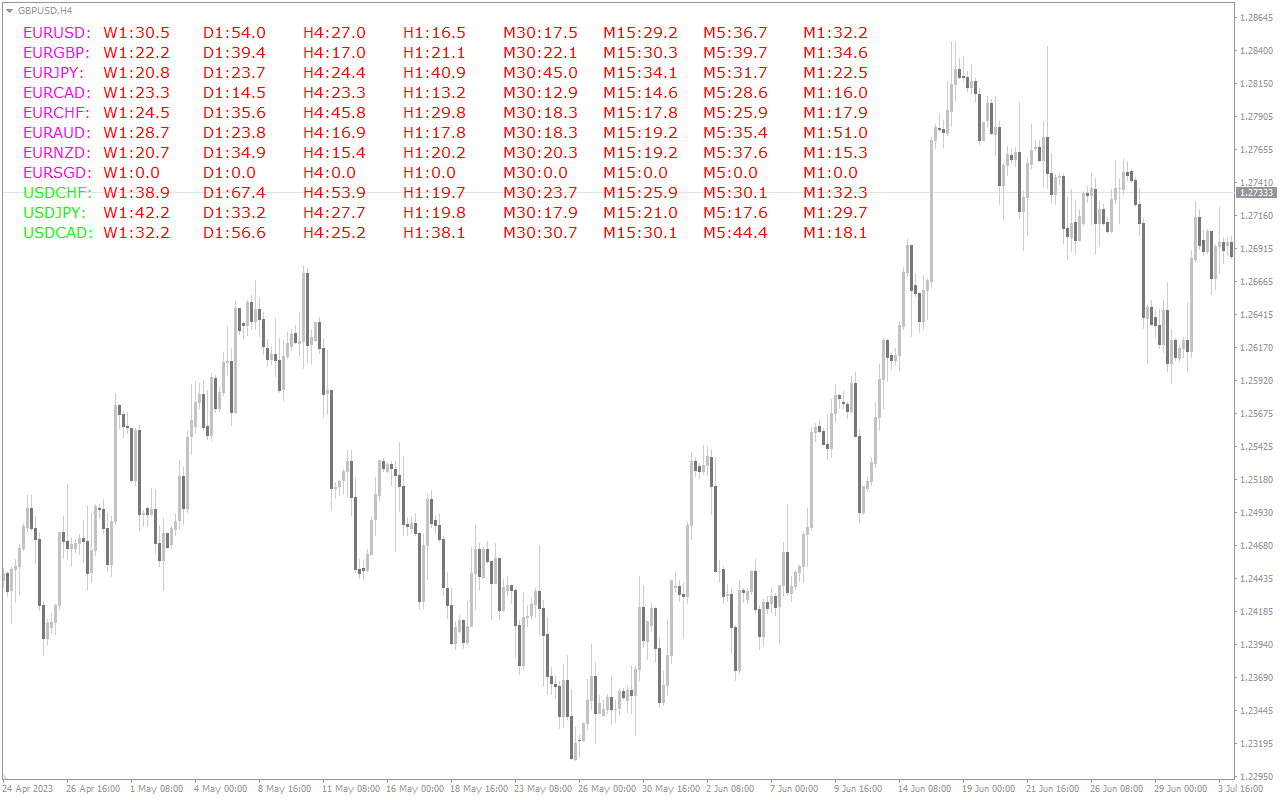
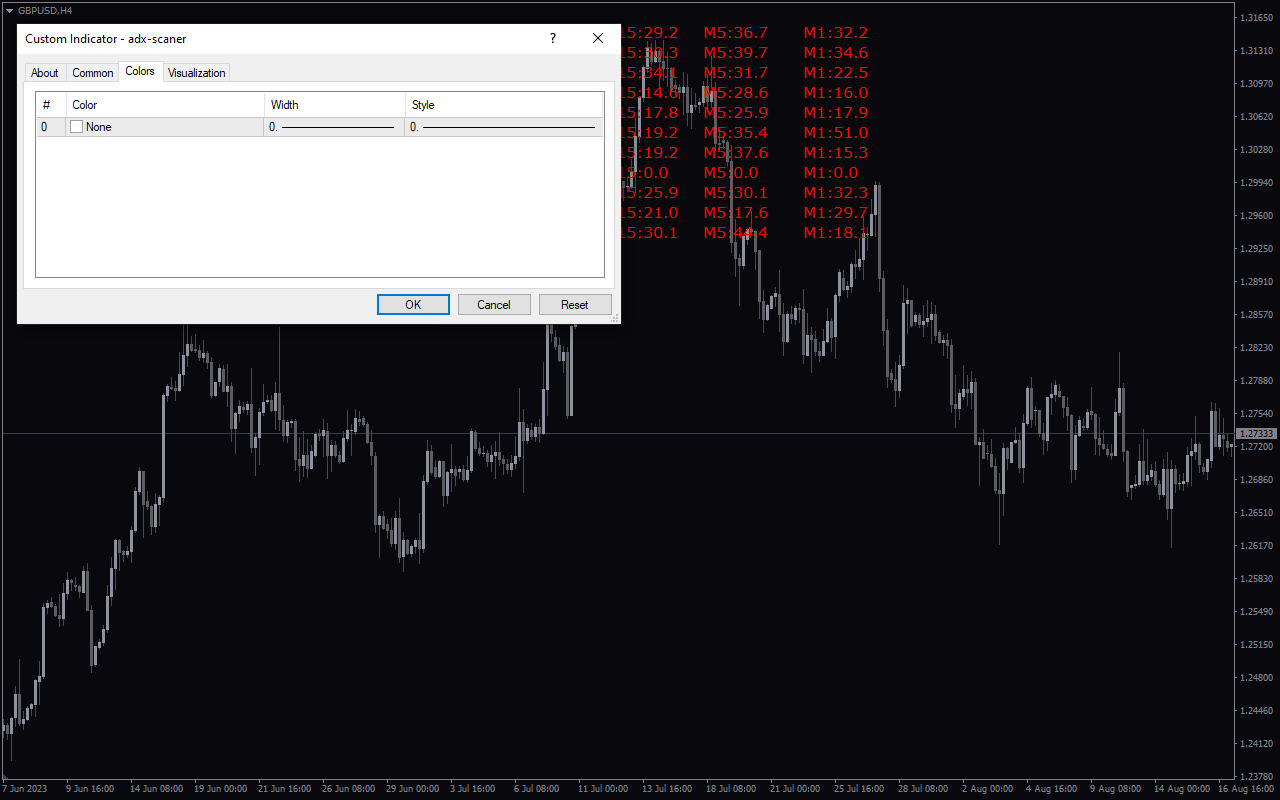
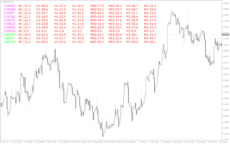
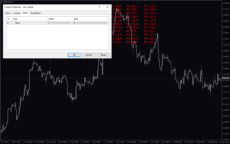
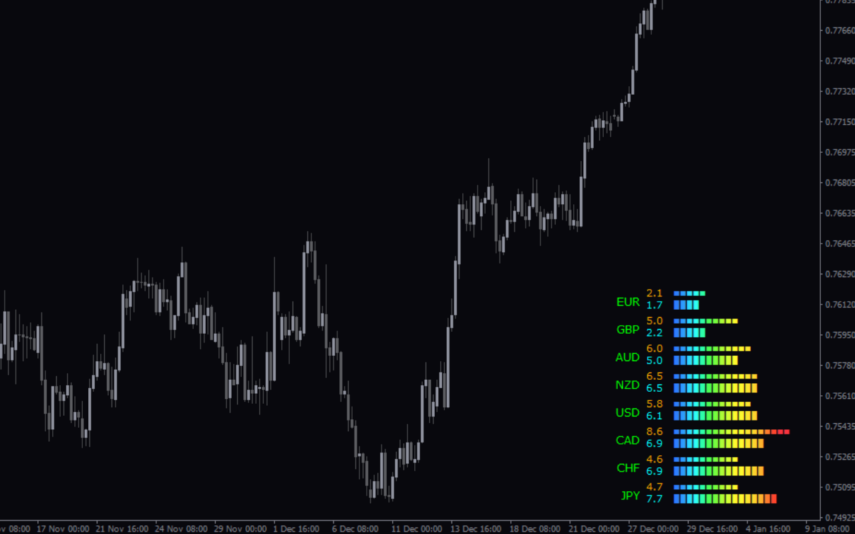
The ADX Scaner Indicator is a useful and popular Forex indicator for MT4. It is free and easy to use, making it a popular choice for traders. This indicator is designed to help traders identify strong trends and determine the direction of the market. It works by measuring the strength of the trend, as well as the direction of the trend. The ADX Scaner Indicator plots a line on the chart that moves up and down as the trend changes. When the line is above 25, it indicates a strong trend. When the line is below 25, it indicates a weak trend. This indicator also plots two lines which measure the direction of the trend. When the lines are above the zero line, it indicates an uptrend. When the lines are below the zero line, it indicates a downtrend.

MT4
Adx Scaner
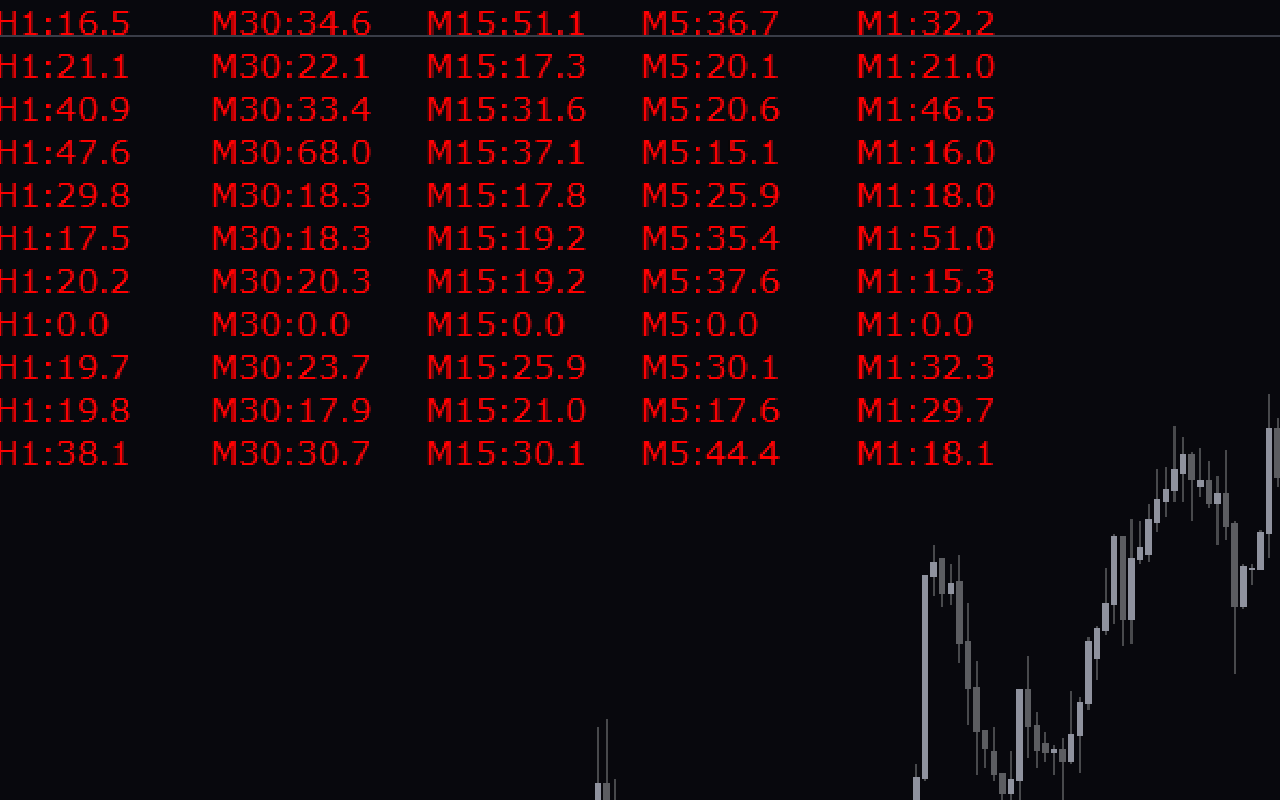
This free ADX Scaner indicator for MT4 is a powerful and popular Forex tool that helps traders identify when a currency pair is in a strong trend. The indicator works by measuring the strength of a trend by taking into account the highs and lows of the price action. The indicator is easy to use and can be used on any timeframe. It is a popular choice among Forex traders, as it is free to download and use.
| Platform | |
|---|---|
| Timeframe |
0
People watching this product now!
Downloads - 14
Description
Reviews (0)
How to Install
Related products

MA Trend
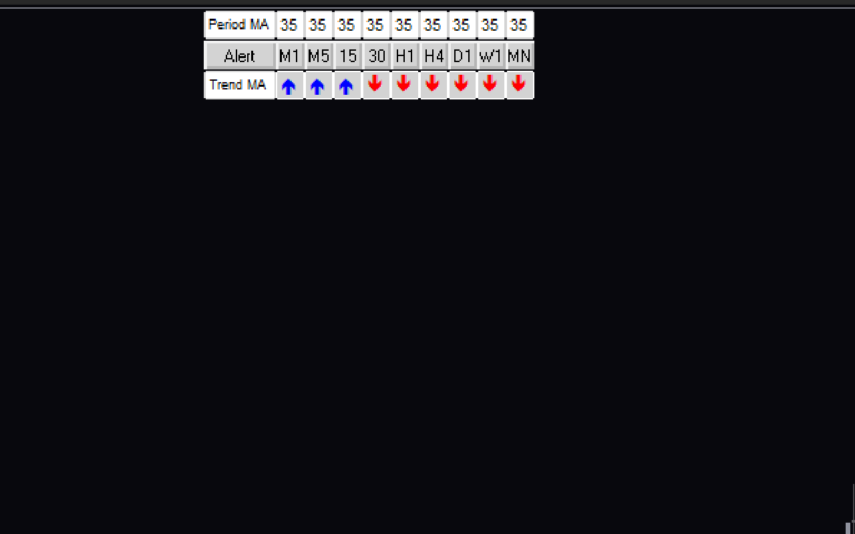
The MA Trend Indicator is a popular and free Forex indicator for the MT4 trading platform. It is a useful tool that helps traders identify the trend direction of a currency pair. The indicator plots two moving averages, one fast and one slow, to help identify the trend. When the fast moving average is above the slow moving average, it indicates an uptrend, and when the fast moving average is below the slow moving average, it indicates a downtrend. It is a great way to help traders identify the trend direction of a currency pair, which can help them make more profitable trades.
Bar Timer
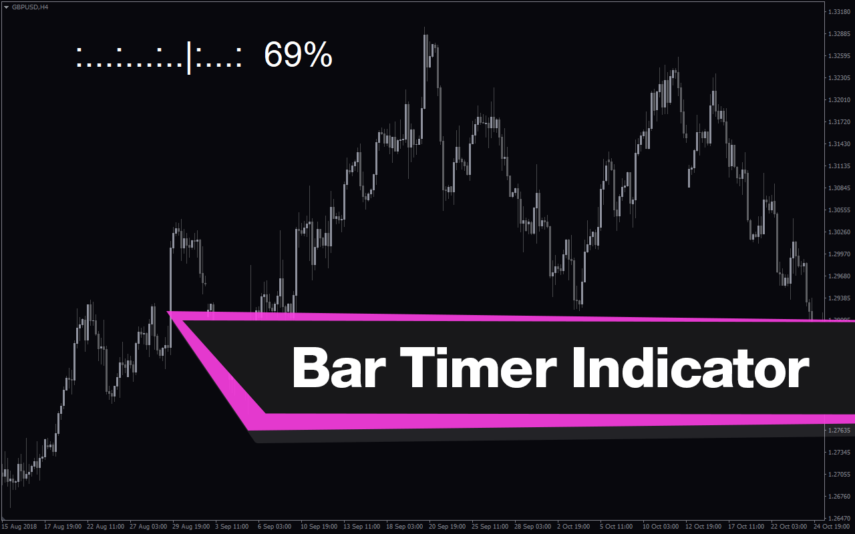
The Bar Timer Indicator is a free and popular Forex indicator for MetaTrader 4 (MT4) that can be used to monitor the opening and closing times of the different Forex markets around the world. The indicator displays the opening and closing times of all the major Forex markets in the world, including the London, New York, Tokyo and Sydney markets. It also shows the current time and the time left before the next market opens or closes. The indicator is easy to use and can be set up to display the time in the user's local time zone.
Risk Reward Ratio
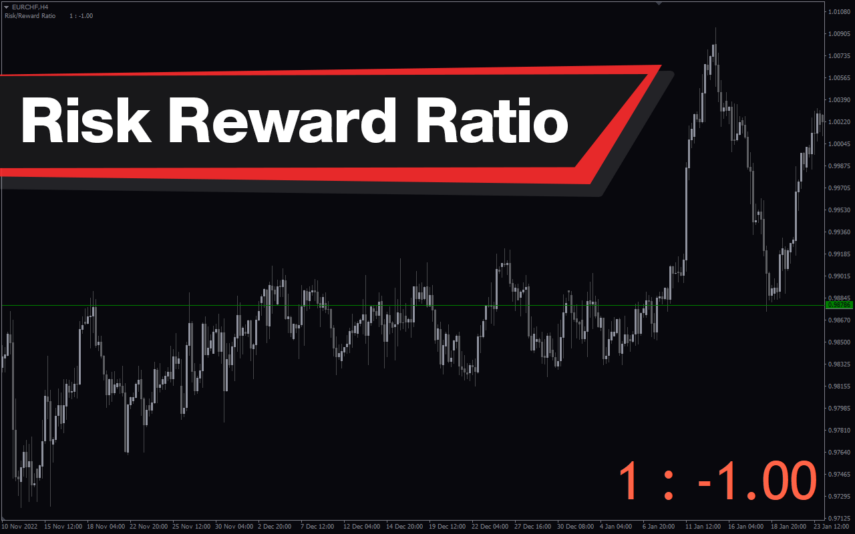
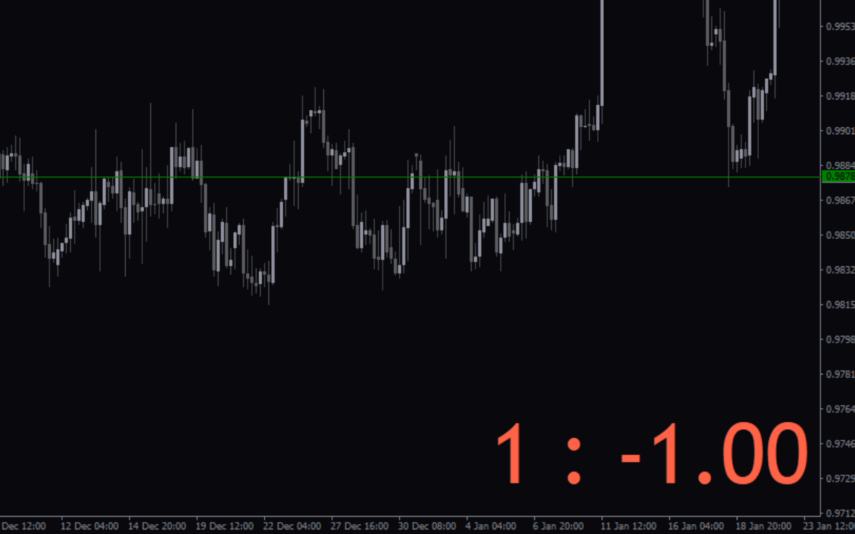
The Risk Reward Ratio indicator is a new and popular MT4 indicator used in forex trading. It works by analyzing the potential risk and reward of a trade and presenting the information in an easy-to-read format. The indicator displays the risk-reward ratio as a percentage, allowing traders to quickly assess the potential gains and losses of a trade before entering into it. With this valuable information, traders improve their trading strategies and minimize their risk in the forex market.
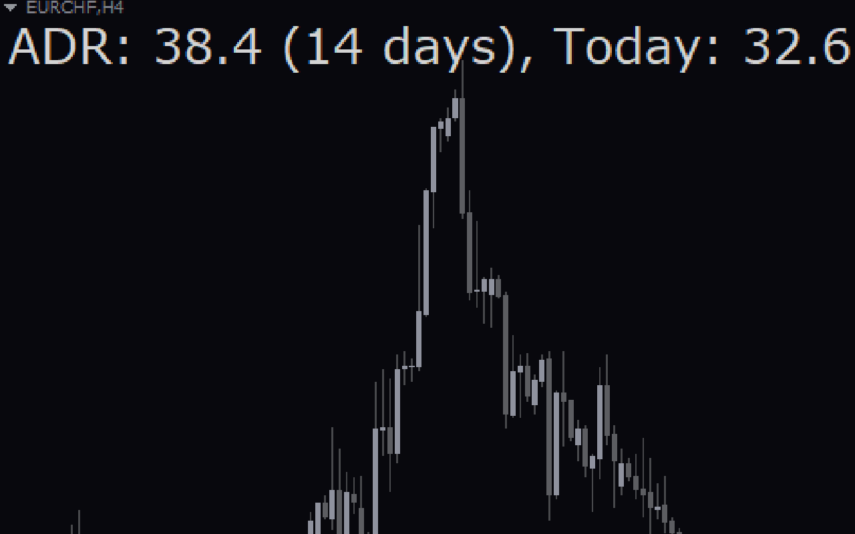
Average Daily Range Adr
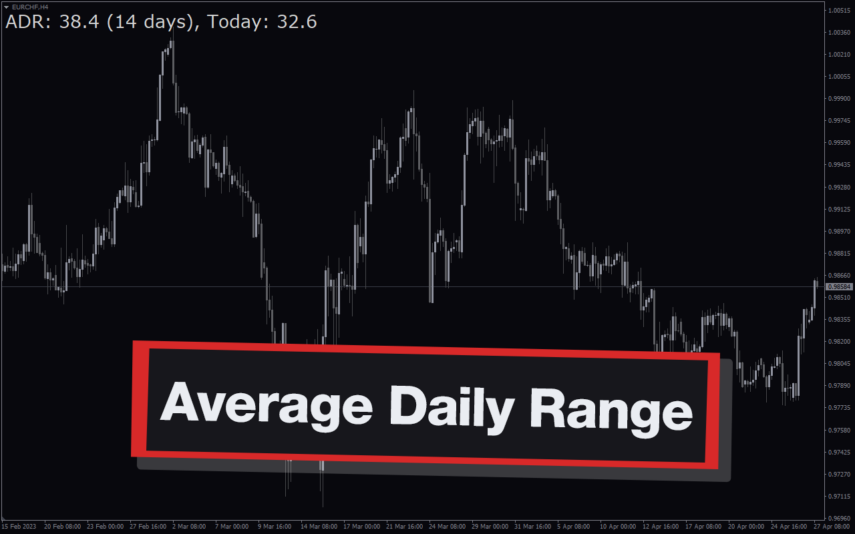
The Average Daily Range (ADR) Indicator is a popular and free Forex indicator for the MT4 trading platform. It is a useful tool for traders as it helps them identify and take advantage of the range of price movements. The indicator shows the average daily range of a currency pair over a given period of time. This can be used to help traders identify entry and exit points for their trades. The indicator is easy to use and can be used to identify the volatility of a currency pair, as well as the potential for price movements. The ADR Indicator is a great way to take advantage of the market’s volatility and make more informed trading decisions.
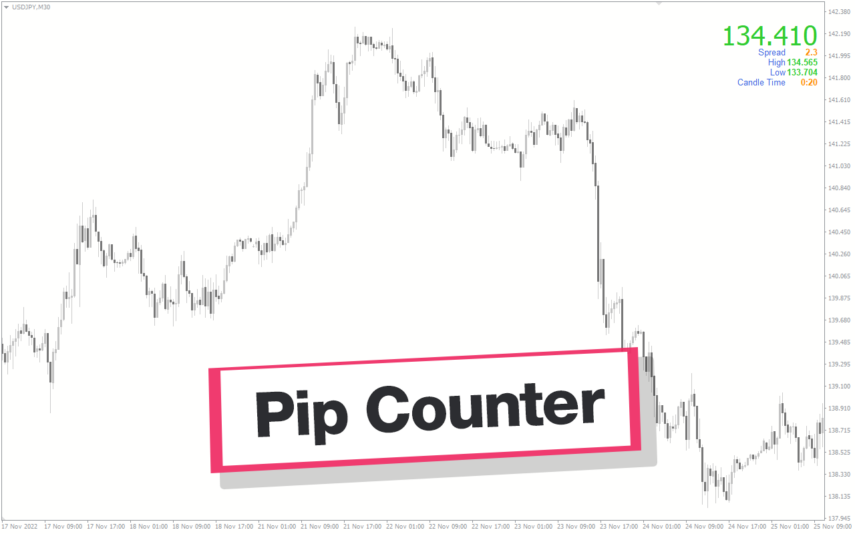
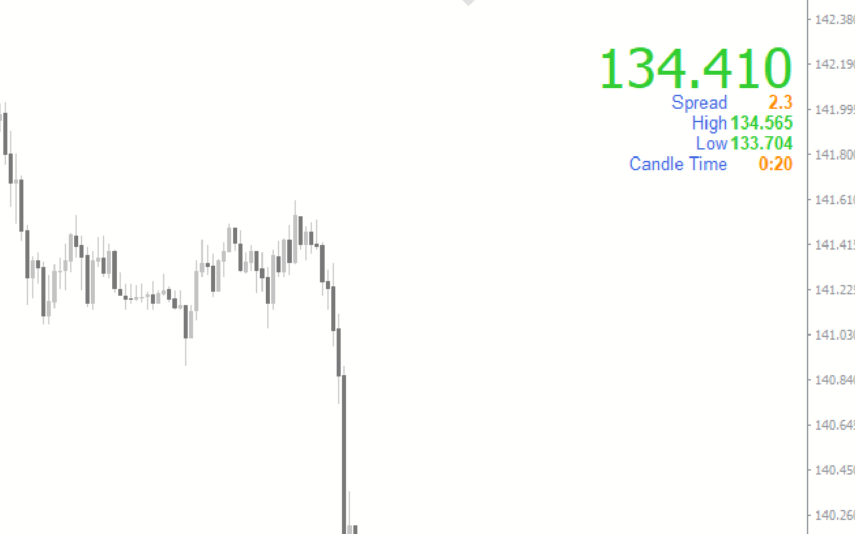
Pip Counter
The pip counter indicator is a popular and free forex indicator designed for the MT4 trading platform. It displays the current pip value of the currency pair you are trading in real time. This can be a useful tool for traders to quickly assess their profits and losses on a trade. Whether you are a beginner or an experienced trader, the pip counter indicator can help you improve your skills and make successful trades.
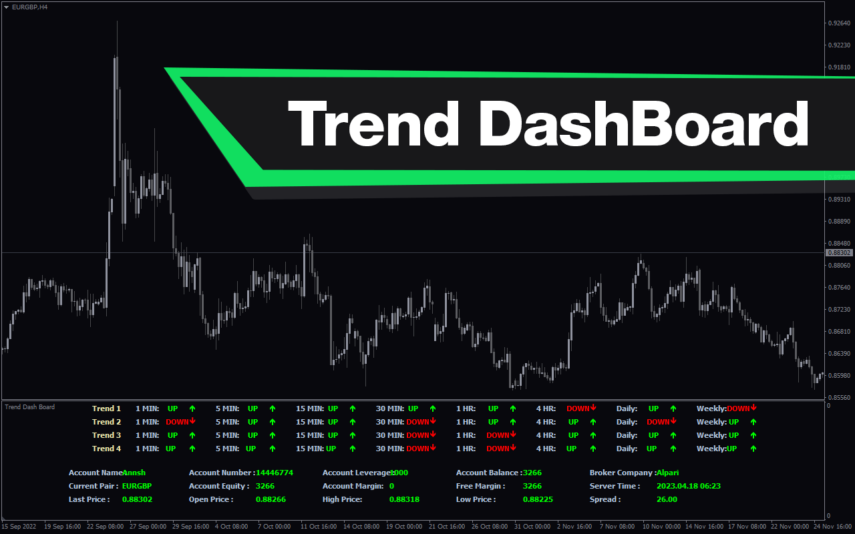
Trend DashBoard
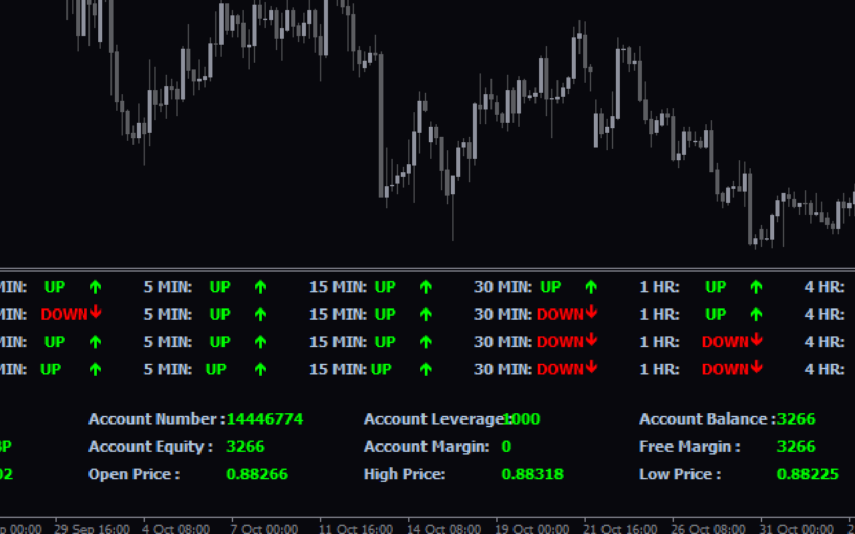
The Trend Dashboard Indicator is a powerful MT4 tool for forex traders who want to keep track of multiple currency pairs and timeframes on one chart. The indicator uses a dashboard to display the trend direction and strength for different currency pairs and timeframes. It also includes an alert feature that can notify traders of potential trading opportunities. With this indicator, traders can save time and stay on top of market trends, allowing them to make informed trading decisions.
Winprofit80 V2
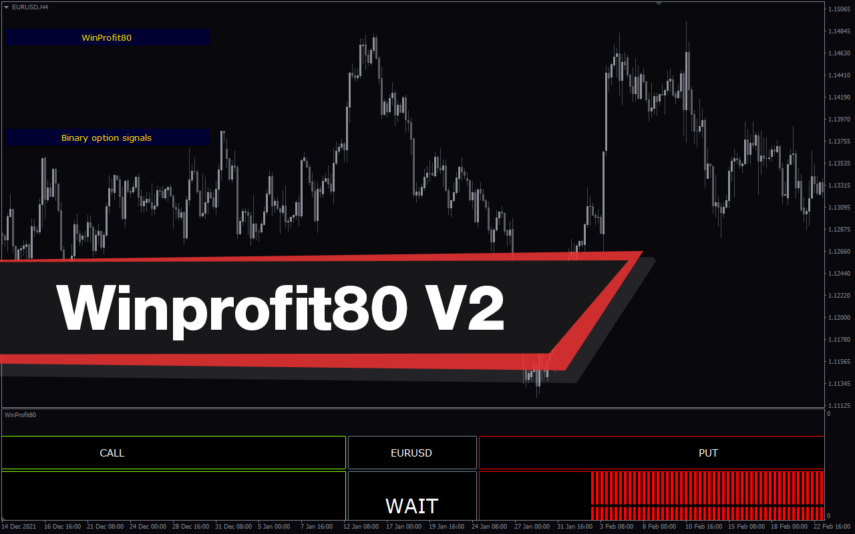
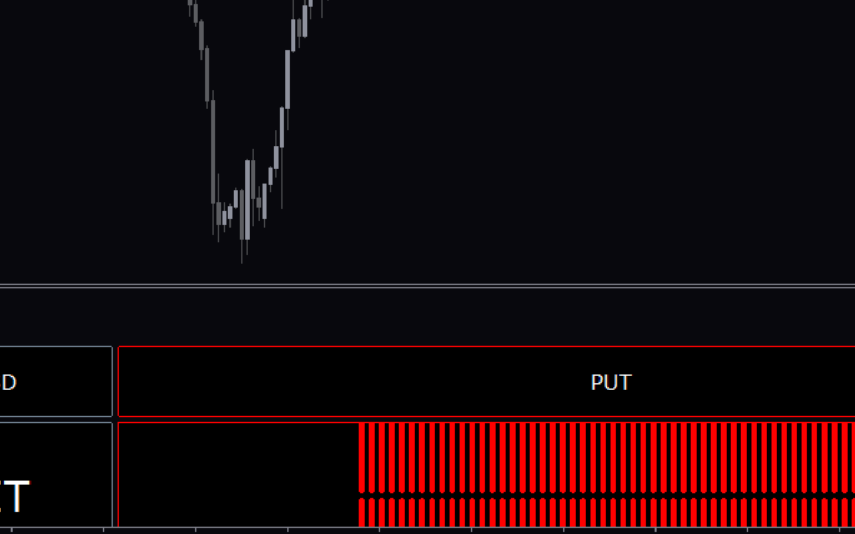
The WinProfit80 v2 Forex indicator is a popular and free MT4 indicator that is useful for Forex traders. It is designed to help traders identify and capitalize on profitable trading opportunities in the Forex market. The indicator works by analyzing the market and providing traders with signals when there are high-probability trading opportunities. It looks for trading opportunities based on price action, trend direction, and momentum. The signals generated by the indicator can be used to enter or exit trades. The WinProfit80 v2 Forex indicator is a great tool for traders looking for an easy and efficient way to trade the Forex market.

Reviews
There are no reviews yet.