
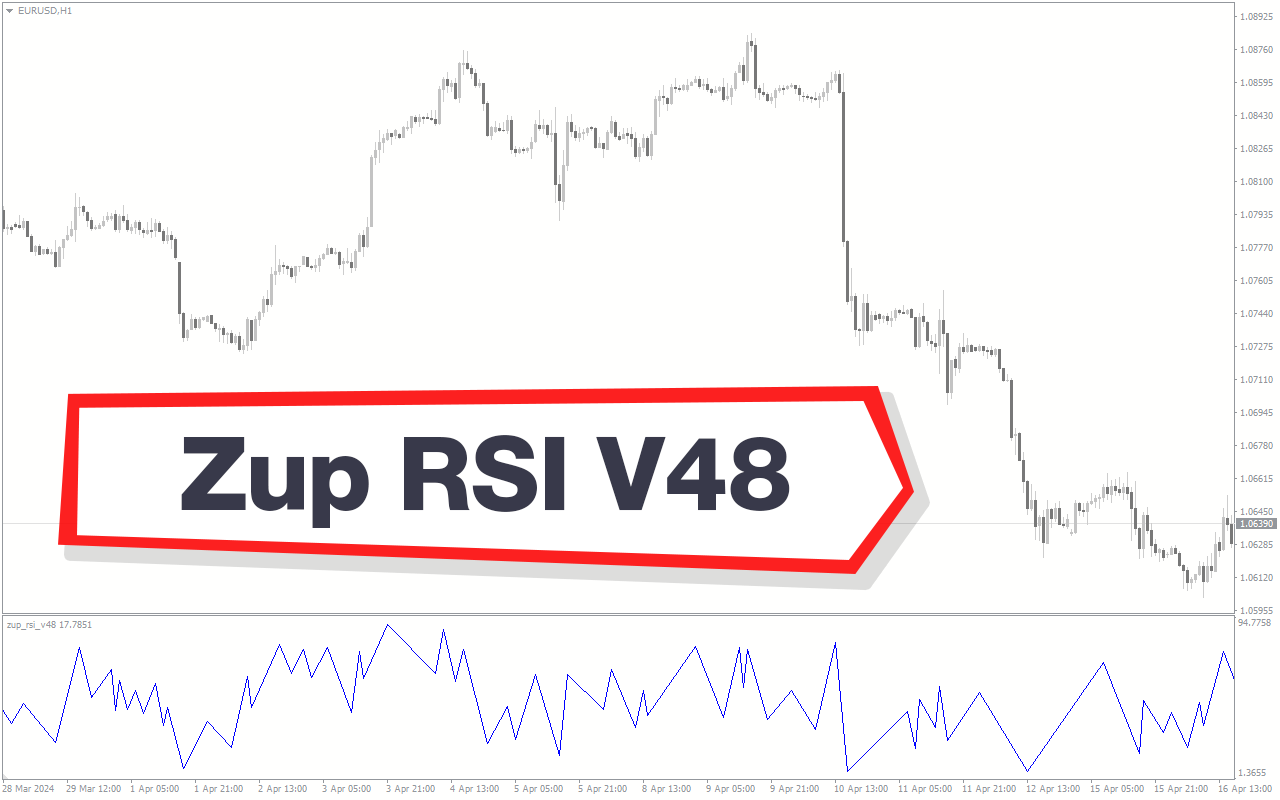
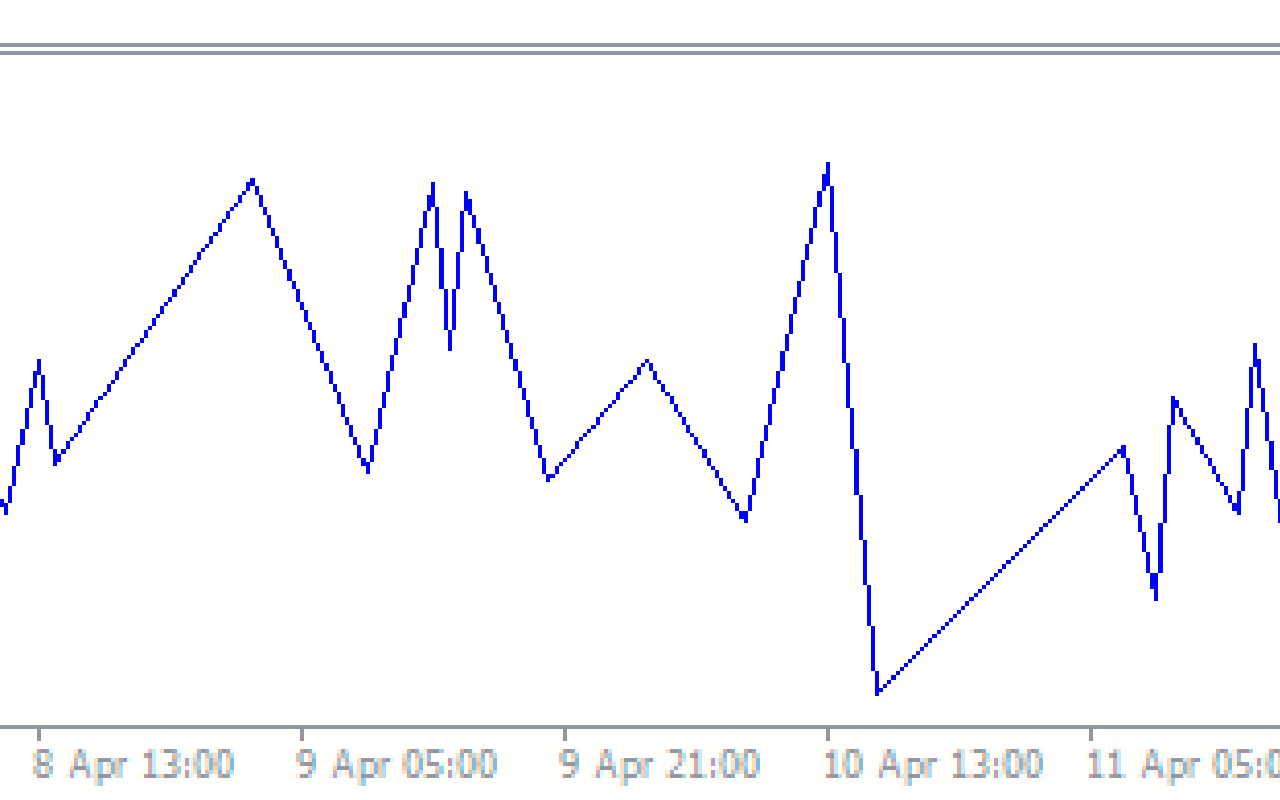
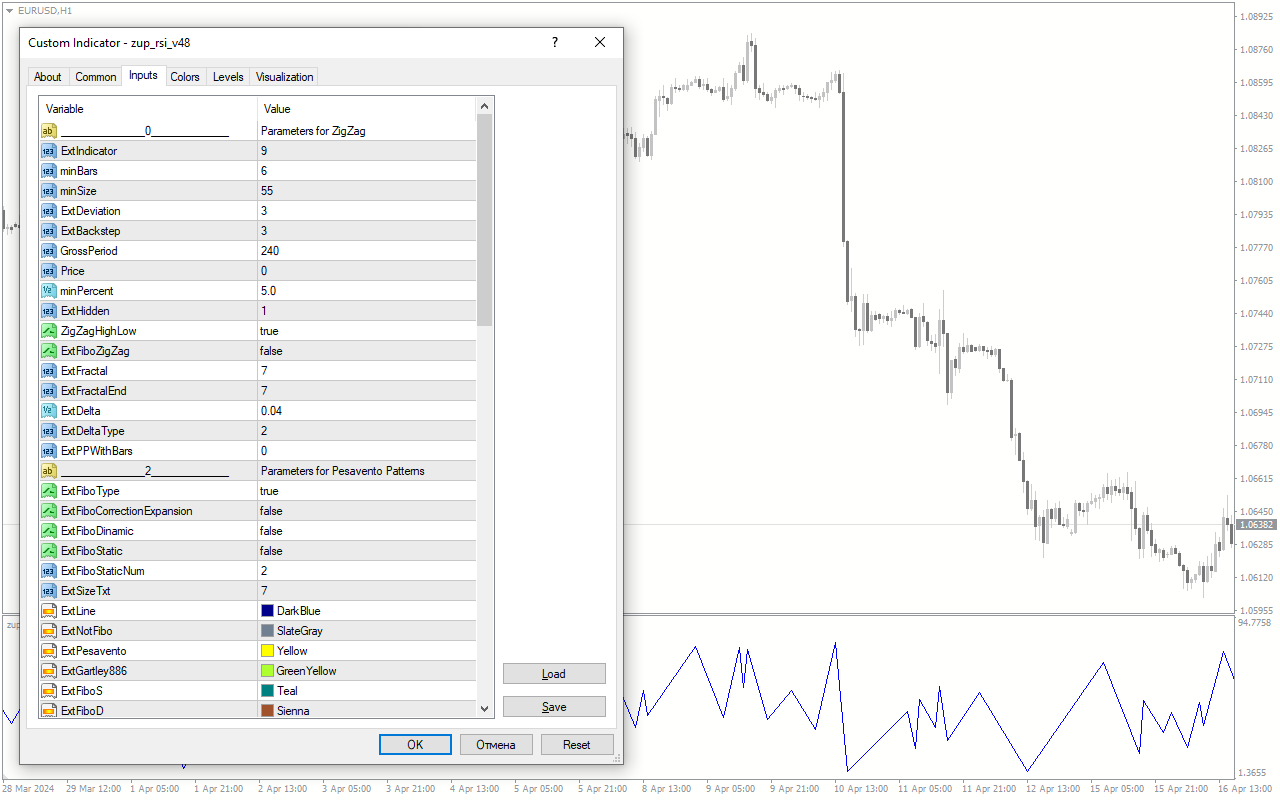
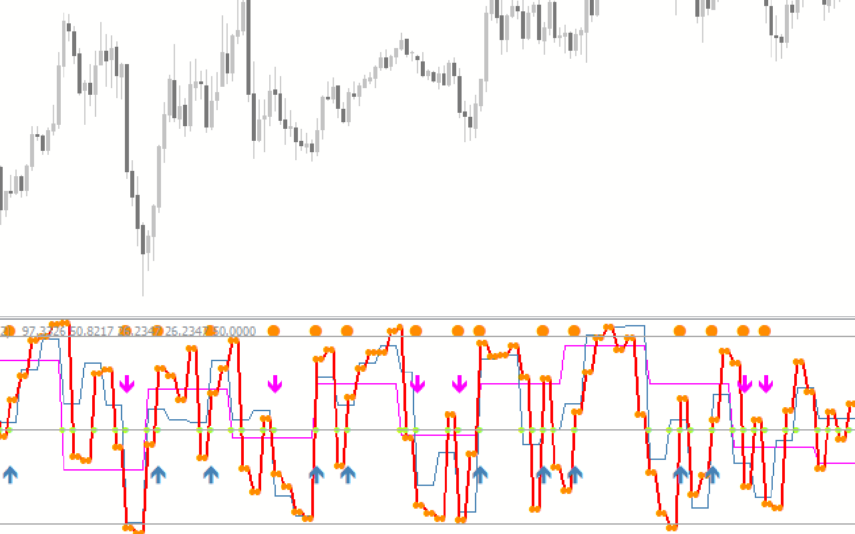
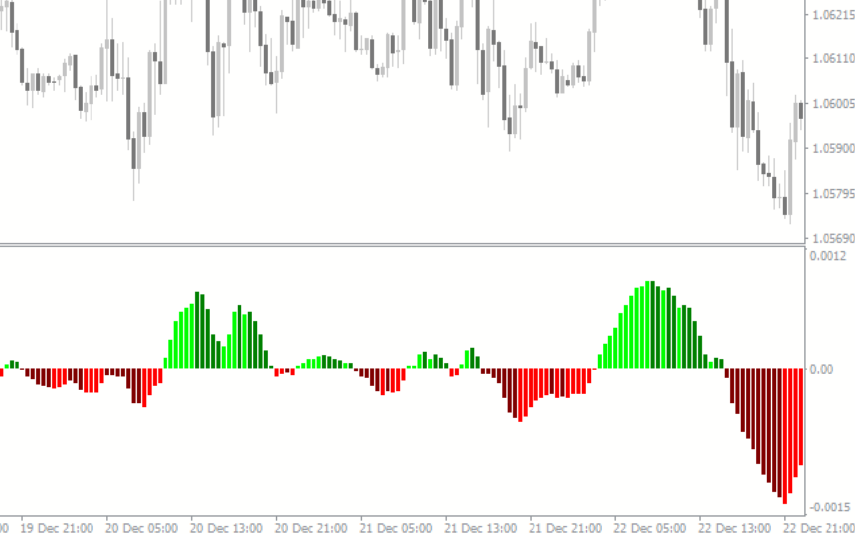
The ZUP RSI v48 is a popular forex indicator that is widely used by traders on the MT4 platform. This indicator is known for its accuracy and usefulness in identifying potential trend reversals in the forex market. The ZUP RSI v48 indicator works by combining the RSI (Relative Strength Index) with harmonic patterns to provide traders with valuable insight into market movements. Traders can use this indicator to spot potential entry and exit points, as well as to gauge the strength of a trend. To use the ZUP RSI v48 indicator, simply download and install it on your MT4 platform. Once installed, you can customize the settings to suit your trading style and preferences. This indicator is free to use and is a valuable tool for traders looking to improve their forex trading strategies.
MT4

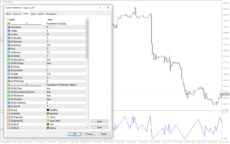
ZUP RSI V48
ZUP RSI v48 is a popular and useful forex indicator for MT4, available for free. It utilizes a combination of RSI and Fibonacci retracement levels to identify potential reversal points in the market. Traders can use this indicator to spot entry and exit points for their trades, enhancing their overall trading strategy.
| Indicator Type | |
|---|---|
| Trading Style | , |
| Timeframe | , |
| Platform |
0
People watching this product now!
Downloads - 6
Description
Reviews (0)
How to Install
Related products
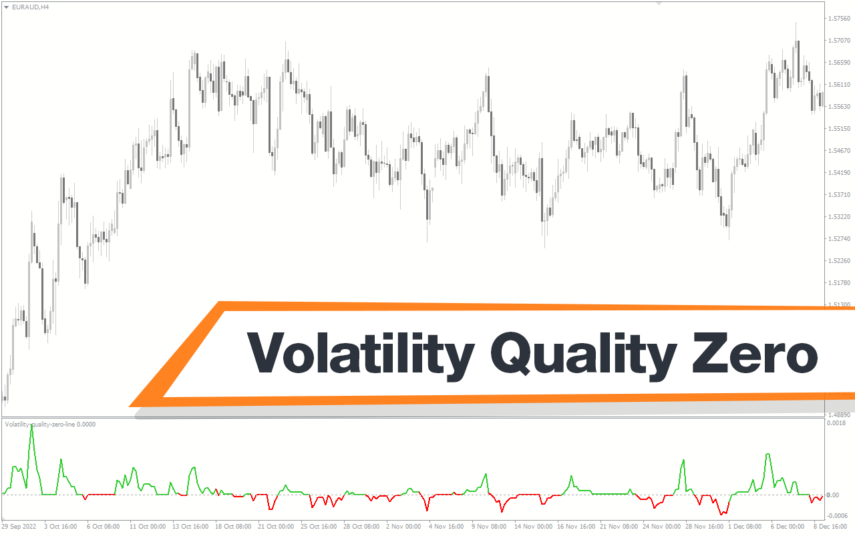
Volatility Quality Zero
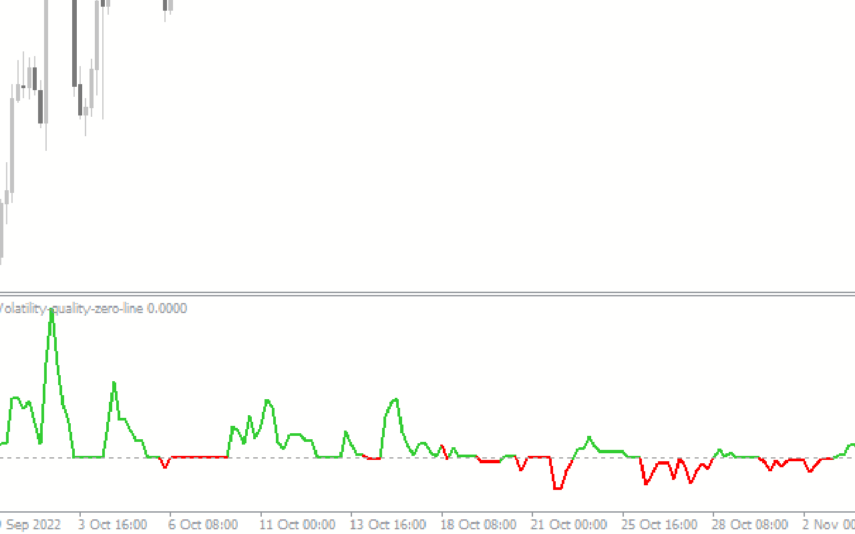
The Volatility Quality Zero Line Indicator is a new, popular and free forex indicator available on MT4 that determines the volatility quality of a financial instrument by measuring the relationship between the average true range and the true range. It draws a zero line, which serves as a guide to determine the direction of the trend, and traders can enter or exit positions based on its crossing. The Volatility Quality Zero Line indicator is a useful powerful tool that will definitely take your trading experience to the next level.
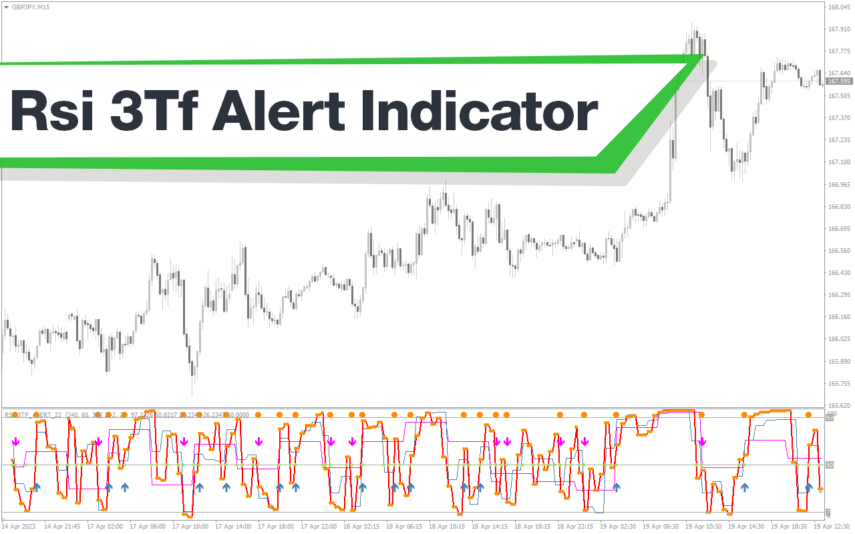
Schaff Trend Cycle
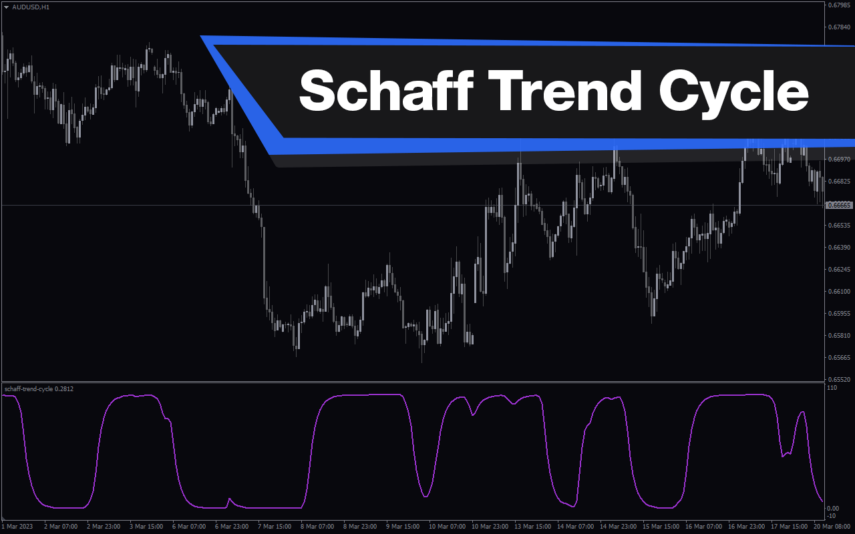
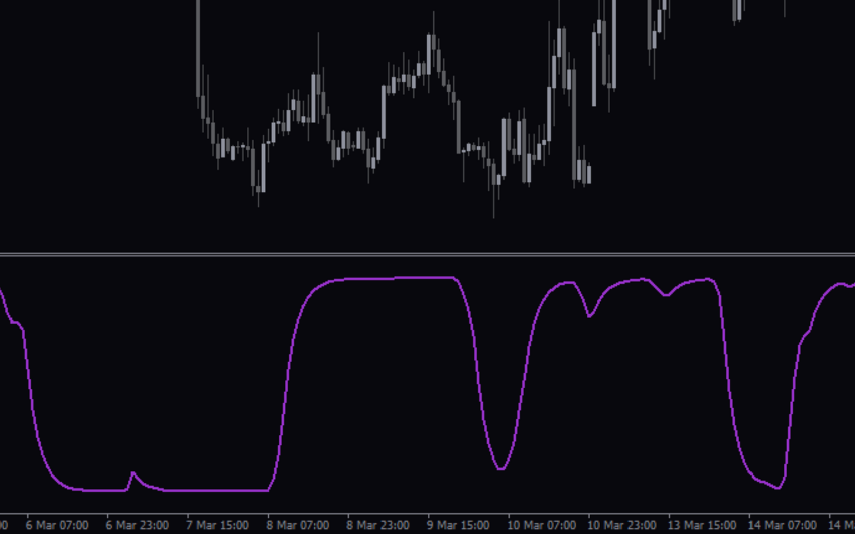
The Schaff Trend Cycle indicator is a popular forex indicator for MT4, which determines market trends with high accuracy. Its values range from 0 to 100, with values above 75 indicating overbought and values below 25 indicating oversold. Whether you are a beginner or an experienced trader, the Schaff Trend Cycle indicator will help you make better trading decisions and improve profitability.
MACD Divergence
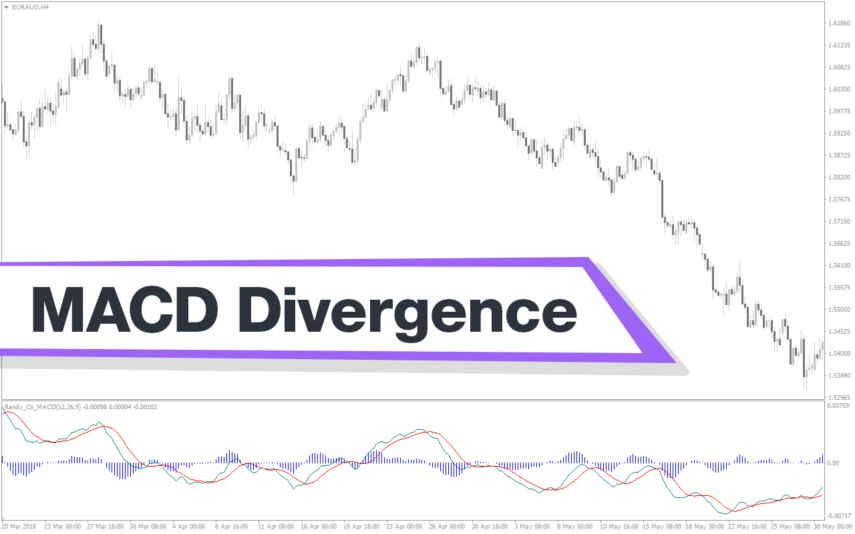
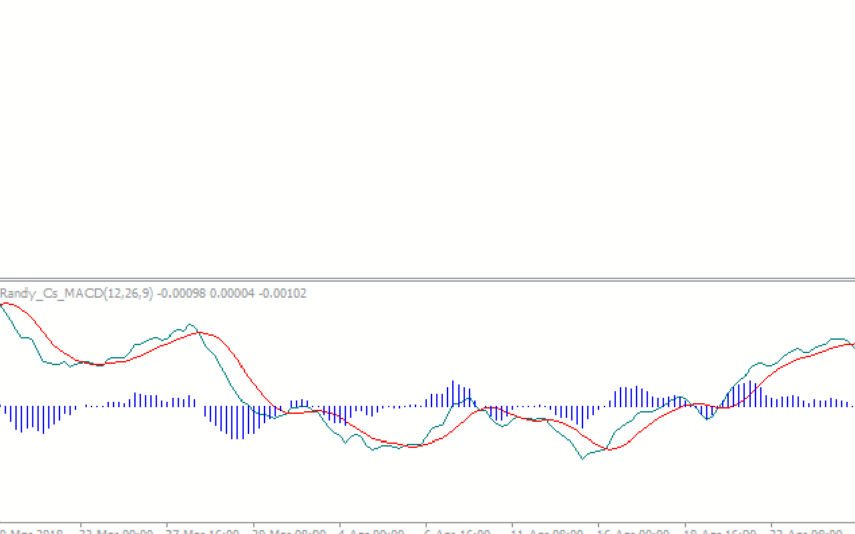
The MACD Divergence Indicator is a powerful tool that helps traders identify trend reversal points in the market. It is a popular and free indicator that is compatible with the MT4 platform. This new indicator plots divergences between the MACD indicator and the price on your chart, making it easy to spot potential trend reversals. It works by measuring the difference between two moving averages, and traders can use it to identify bullish or bearish divergences. With its ability to identify trend reversal points, this indicator is useful for both beginner and advanced traders.
ROC Indicator
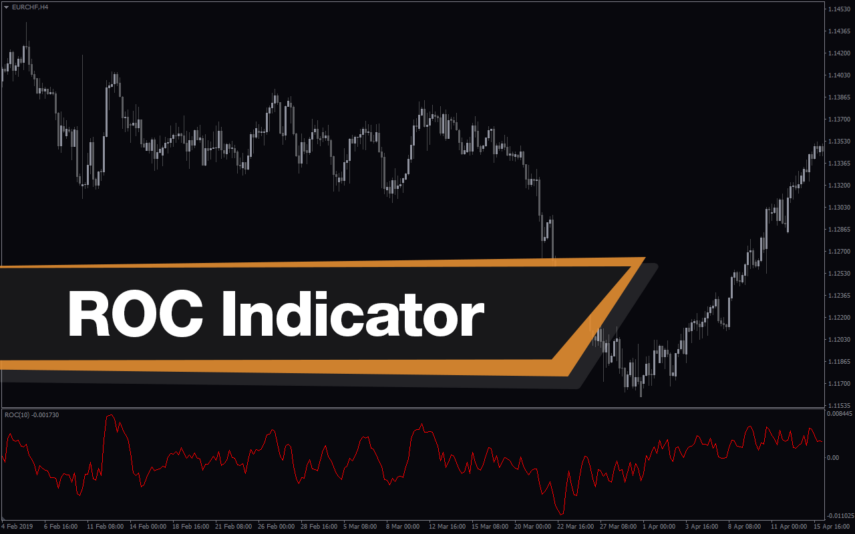
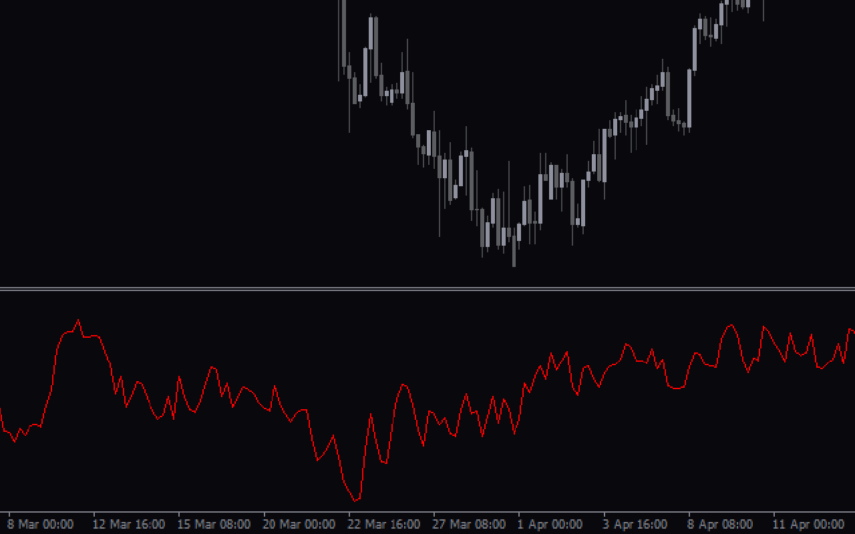
The ROC Indicator is a popular and useful Forex indicator for MT4 that is free to download. It is used to measure the rate of change in price movements over a given time period. The indicator is useful for traders as it can help identify when a price is overbought or oversold, and when a trend is reversing. The ROC Indicator is a popular and useful tool for traders who want to make informed decisions about their trading strategies.
Momentum Reversal Detector
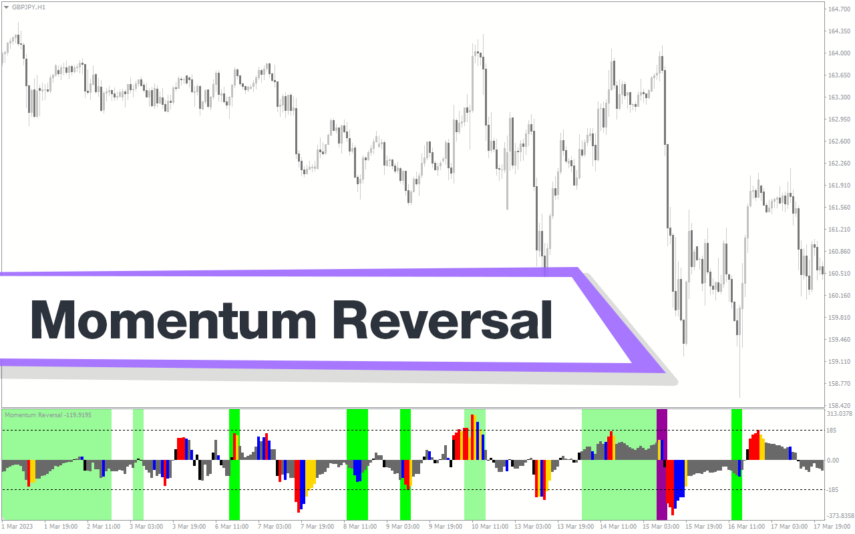
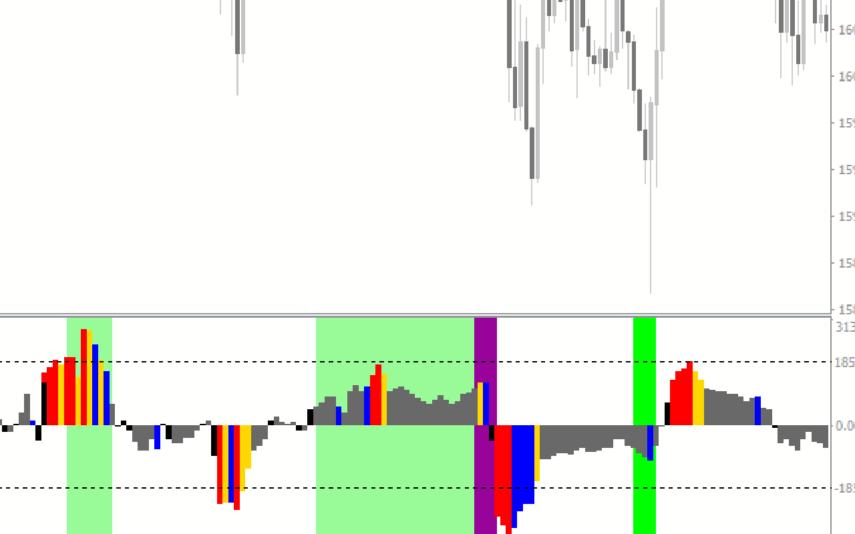
The Momentum Reversal Detector Indicator is a useful and popular free Forex indicator for MT4. It is designed to help traders identify potential reversals in market momentum. The indicator uses a combination of moving averages, oscillators, and price action to generate signals when a reversal is likely. The Momentum Reversal Detector Indicator is a great tool for any Forex trader looking to capitalize on short-term reversals.
Reviews
There are no reviews yet.