

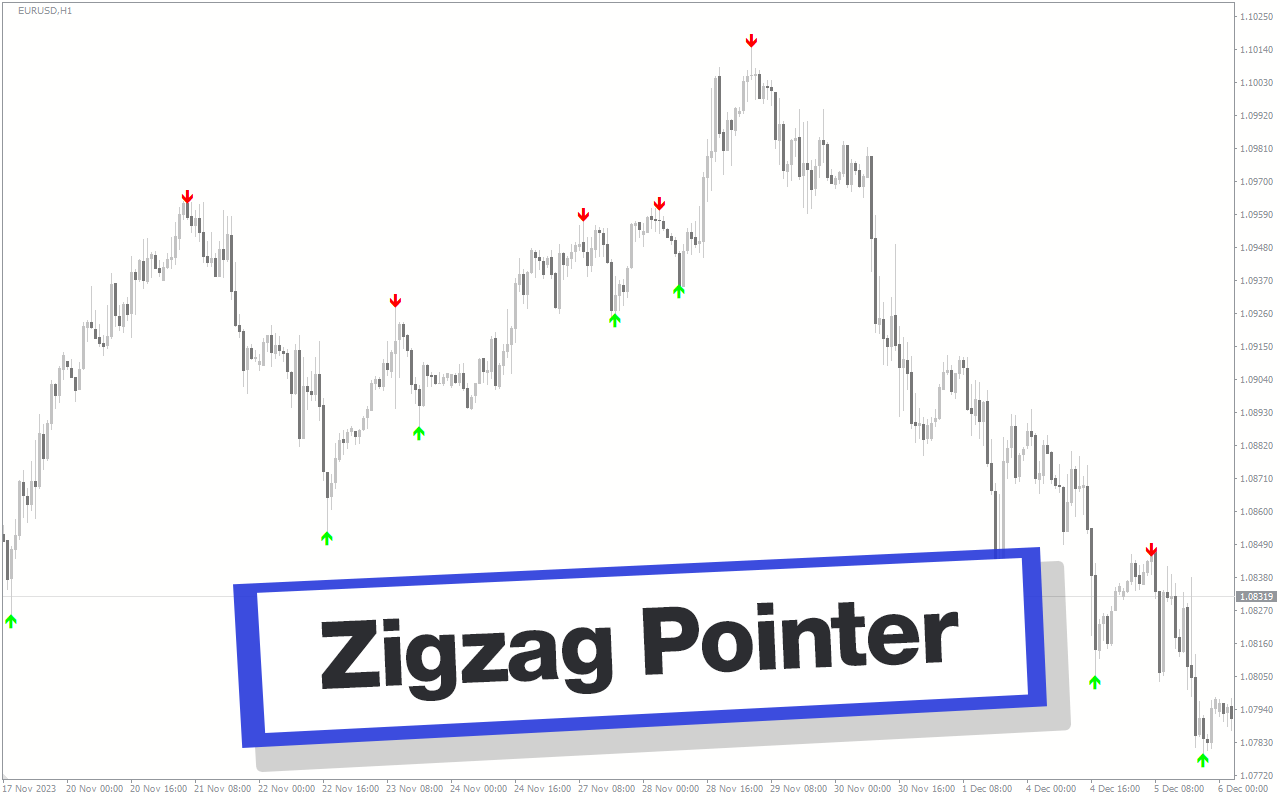
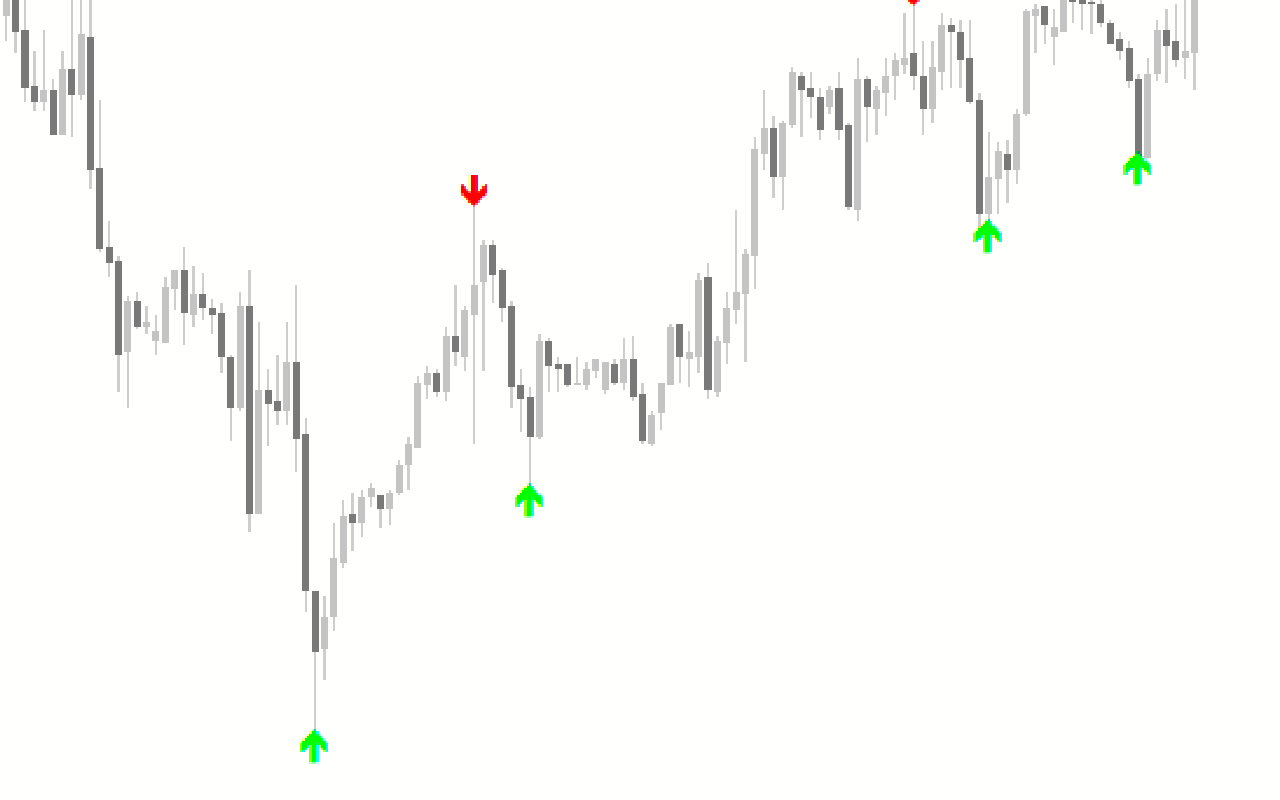
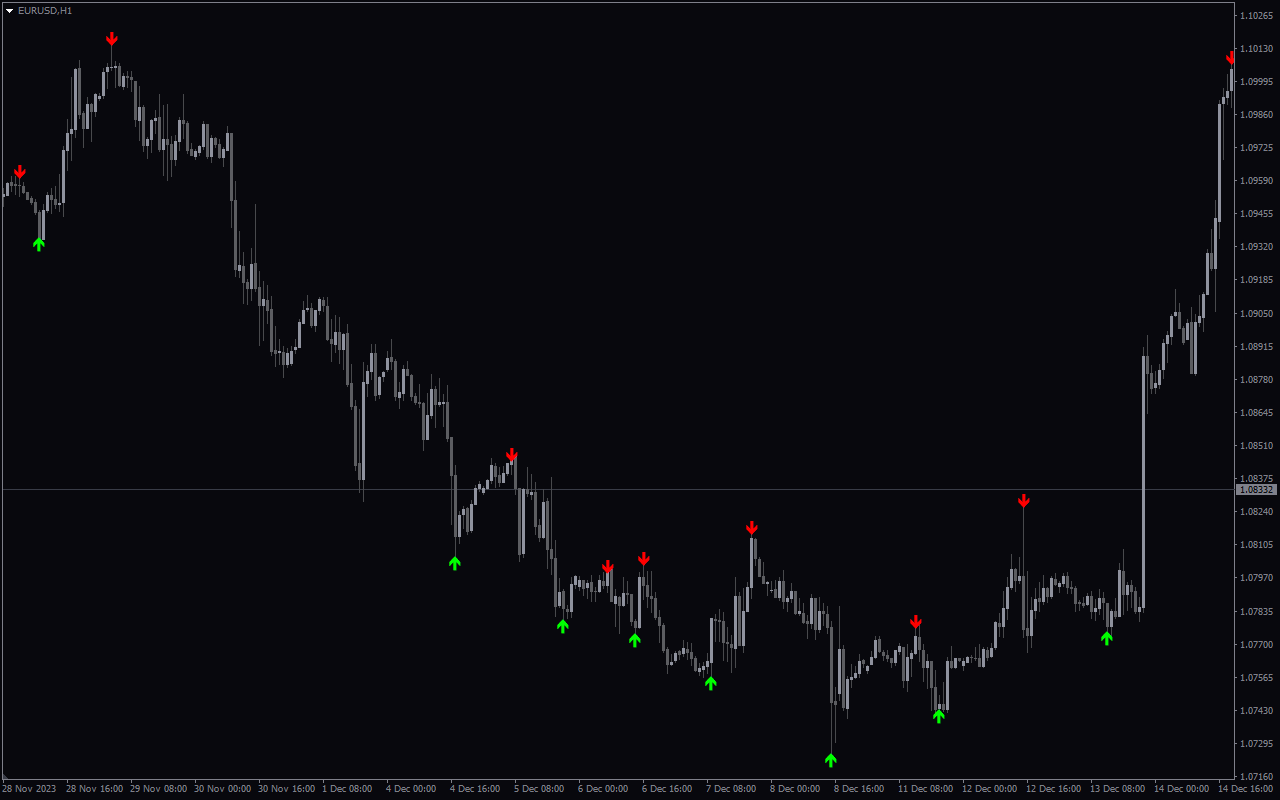
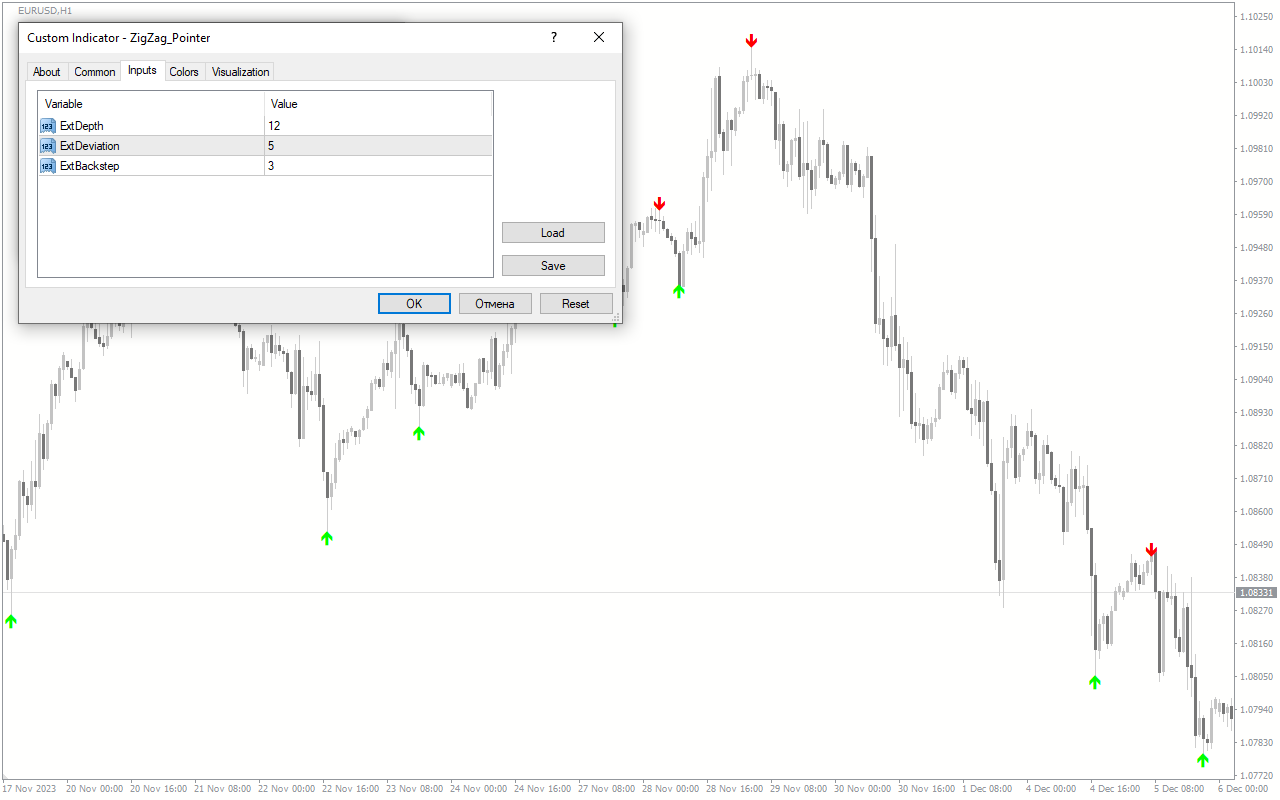
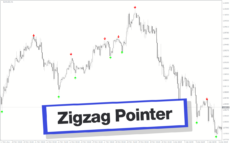
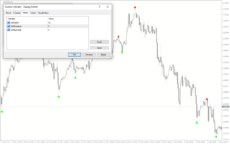
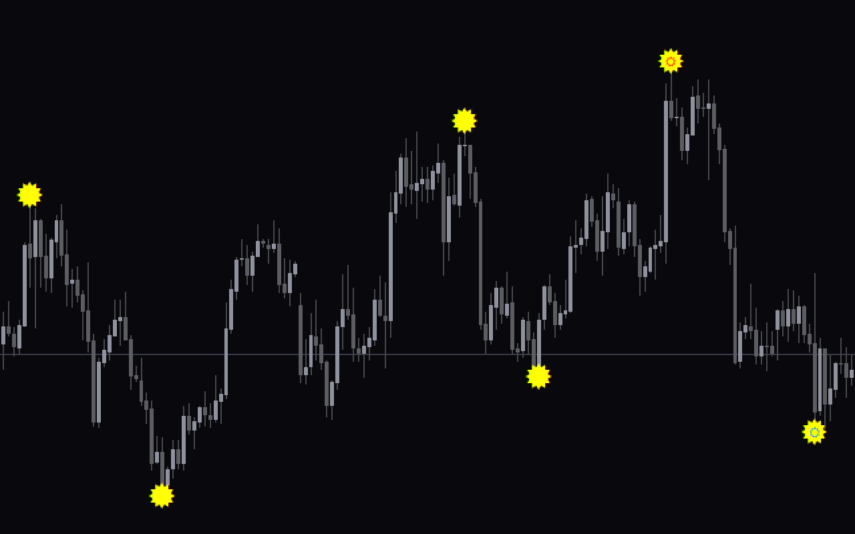
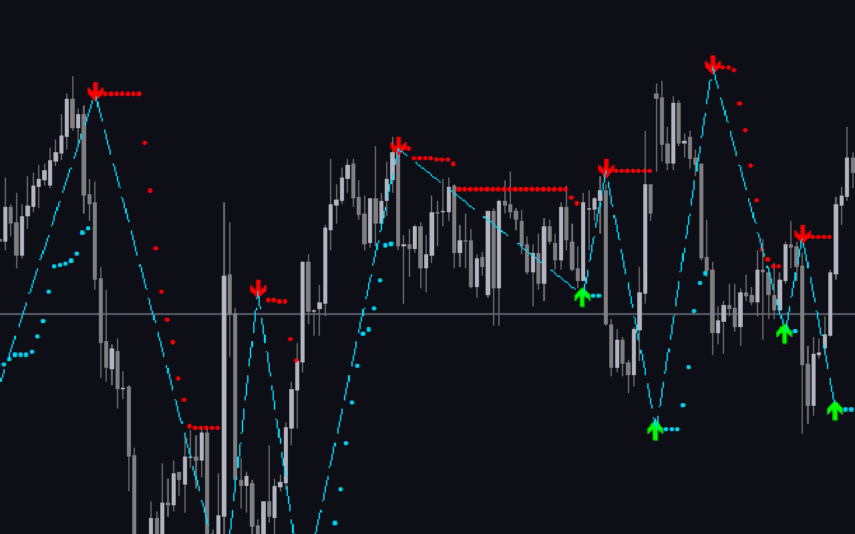
The ZigZag Pointer Indicator is a useful forex indicator designed exclusively for the popular MetaTrader 4 (MT4) platform. This indicator is well-known among forex traders for its accuracy in identifying trend reversal points on the charts. It is widely used for technical analysis and can be an invaluable tool in spotting significant price movements. Unlike other indicators, the ZigZag Pointer Indicator stands out due to its simplicity and efficiency. It smoothly identifies and marks the highs and lows of the price, creating a zigzag pattern on the chart where trend changes are taking place. Traders can use this information to make informed decisions, identifying potential entry and exit points. The best part about this indicator is that it is completely free to download and use. With just a few simple steps, traders can install it on their MT4 platform and start benefitting from its accurate signals. Whether you are a beginner or an experienced trader, the ZigZag Pointer Indicator can be an essential addition to your forex toolkit. Its reliability and user-friendly nature make it a must-have for anyone seeking to enhance their forex trading skills.

MT4
ZigZag Pointer
ZigZag Pointer Indicator is a popular and useful Forex indicator available for free on MT4. This indicator identifies and draws support and resistance levels using the ZigZag algorithm. It helps traders to identify market trends and potential entry and exit points. With a user-friendly interface, it is easy to use and navigate. Understanding its functions and configurations can greatly enhance trading strategies, making it a valuable tool for Forex traders.
| Indicator Type | |
|---|---|
| Trading Style | |
| Timeframe | |
| Platform |
0
People watching this product now!
Downloads - 25
Description
Reviews (0)
How to Install
Related products
Super Arrow
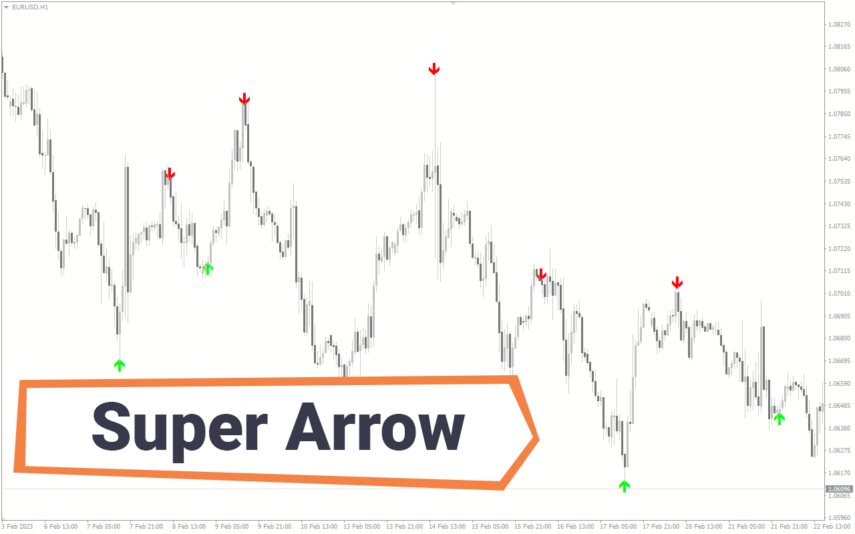
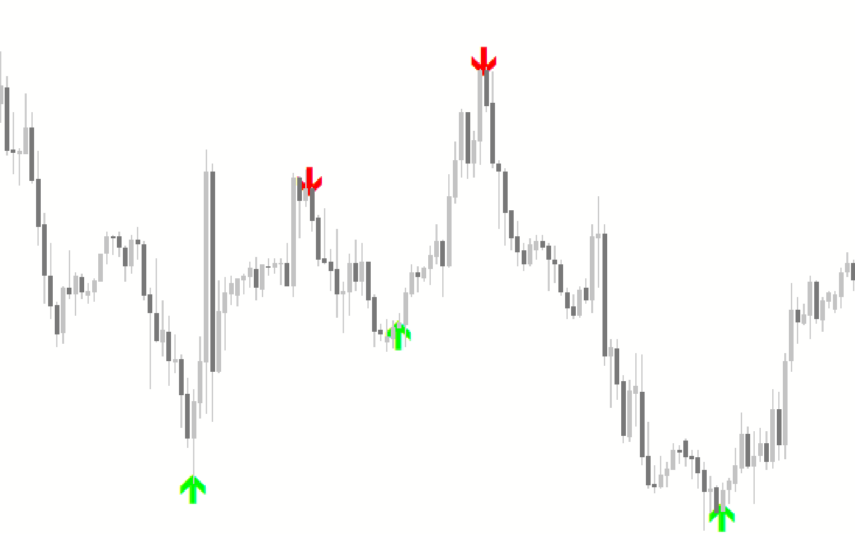
The Super Arrow Indicator is a forex tool for MT4 that generates high-probability trading signals by using multiple indicators such as Moving Averages, Relative Strength Index, Bollinger Bands, and Magic Filter. It filters out false signals and provides good trade signals by combining these indicators.
RSI Divergence
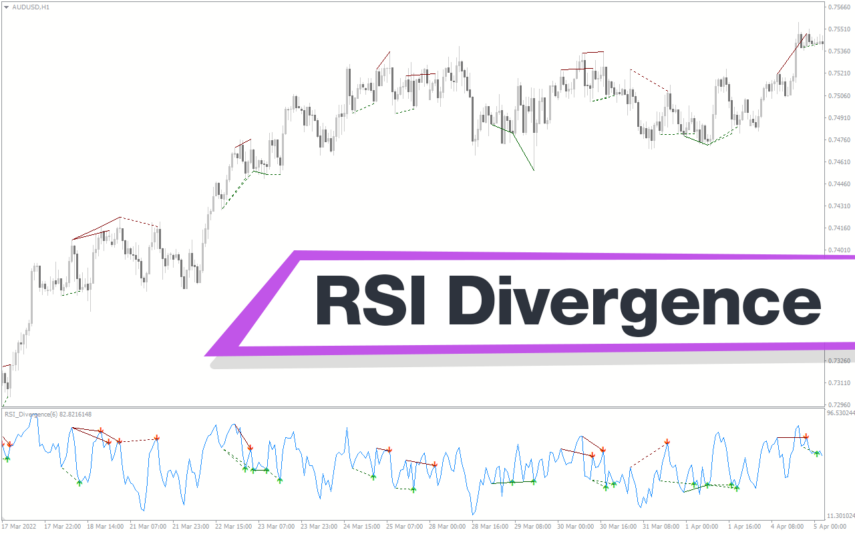
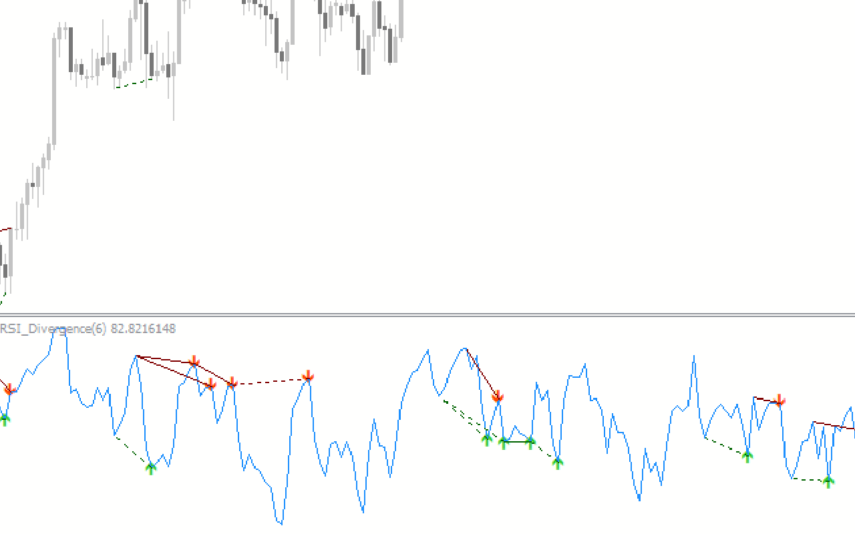
Enhance trading precision with the RSI Divergence indicator. Overcome signal challenges by leveraging divergence signals, which is vital for identifying potential market reversals. Customize settings, draw trendlines, and receive alerts for good trading decisions. Explore the power of the RSI Divergence indicator in assessing market conditions.
Swing Point Highs
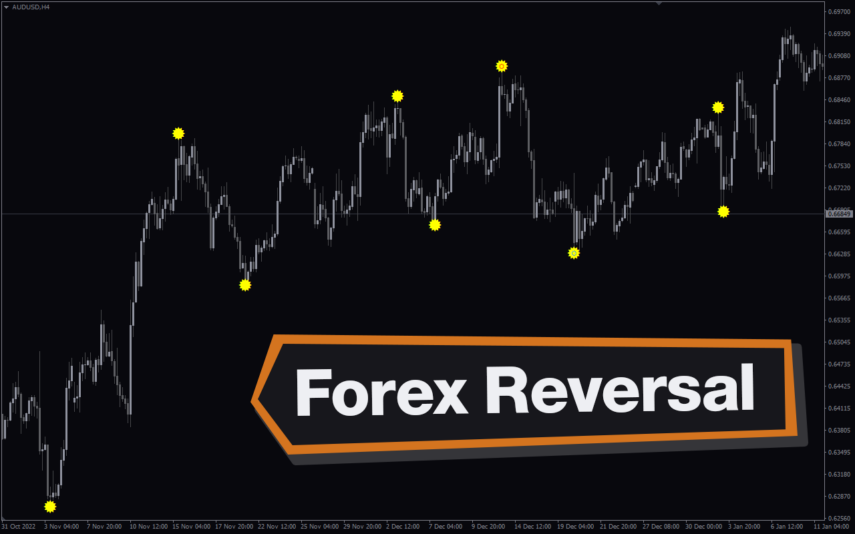
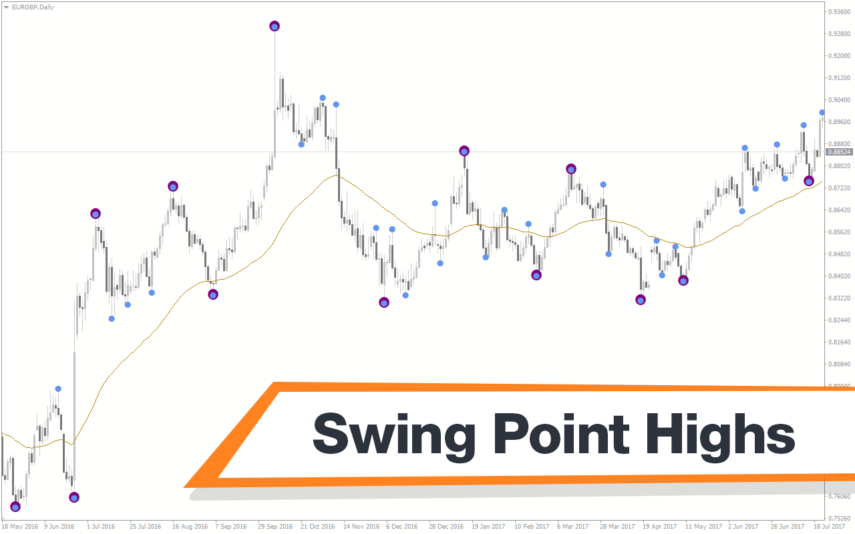
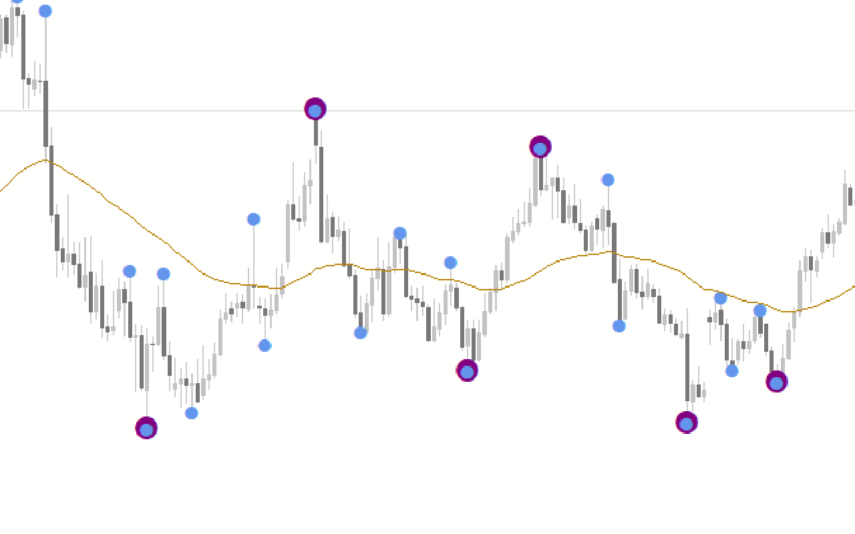
The Swing Point Highs and Lows indicator is a new, popular and free MT4 technical analysis tool for forex traders. This indicator works by identifying swing points on a price chart and then drawing horizontal lines to indicate potential support and resistance levels. The swing point high and low indicator is a valuable tool for traders who want to identify key support and resistance levels and is suitable for both beginners and experienced traders.
Tick V2
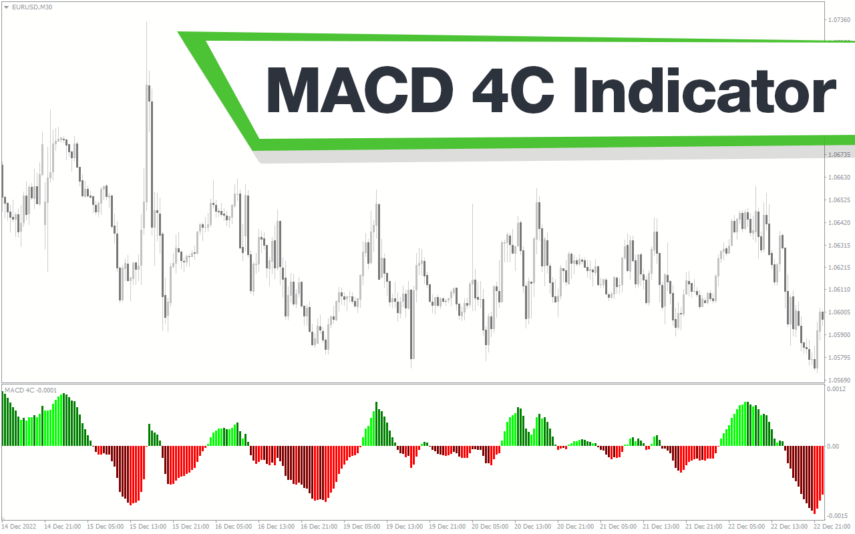
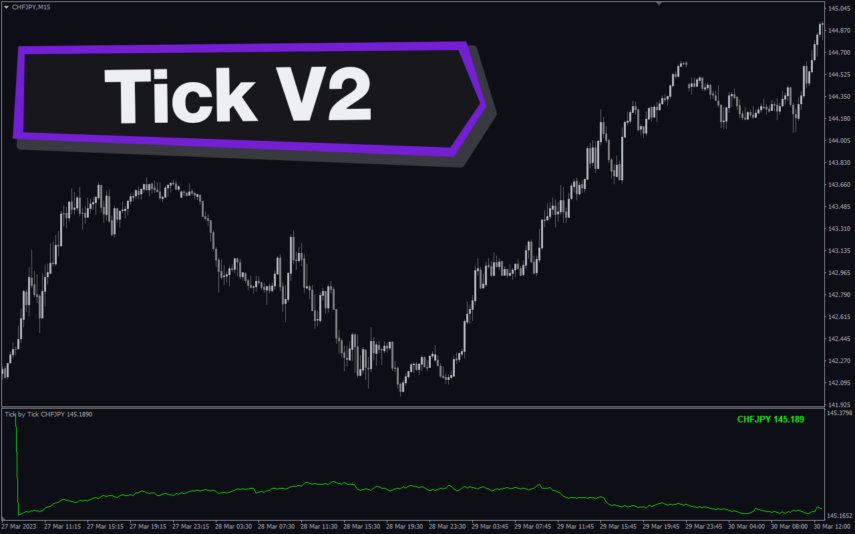
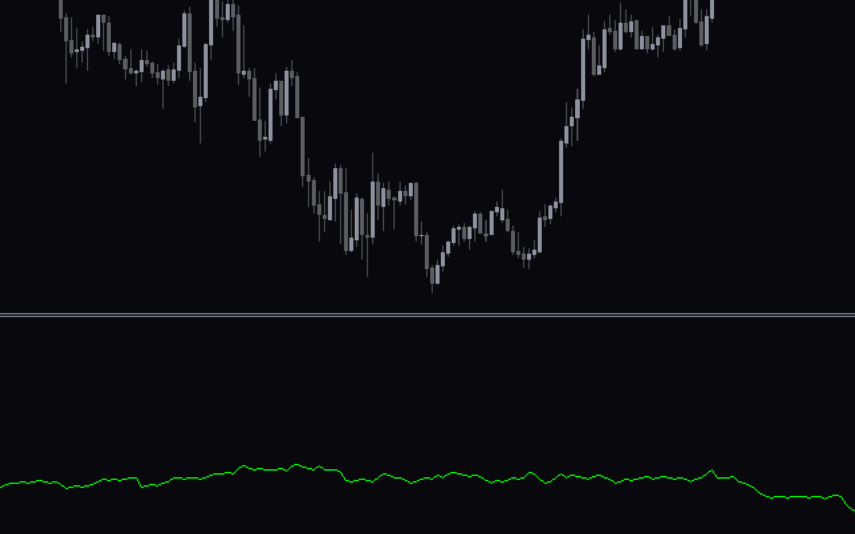
The Tick V2 Indicator is a new and popular forex indicator designed specifically for the MT4 platform. The green curved line in the indicator window represents the ticking line and shows the rise and fall of trading activities taking place every second, helping traders to determine the strength or weakness of the current market movement.

Reviews
There are no reviews yet.