
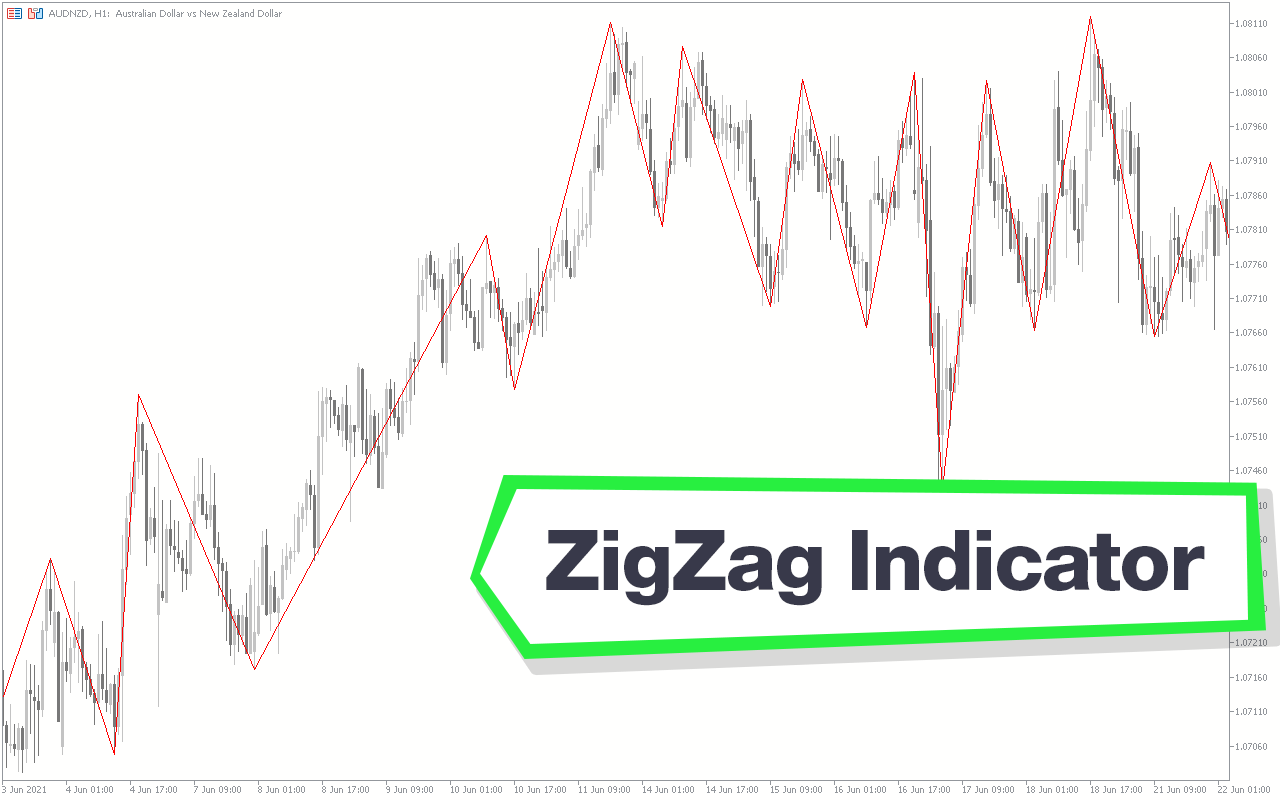
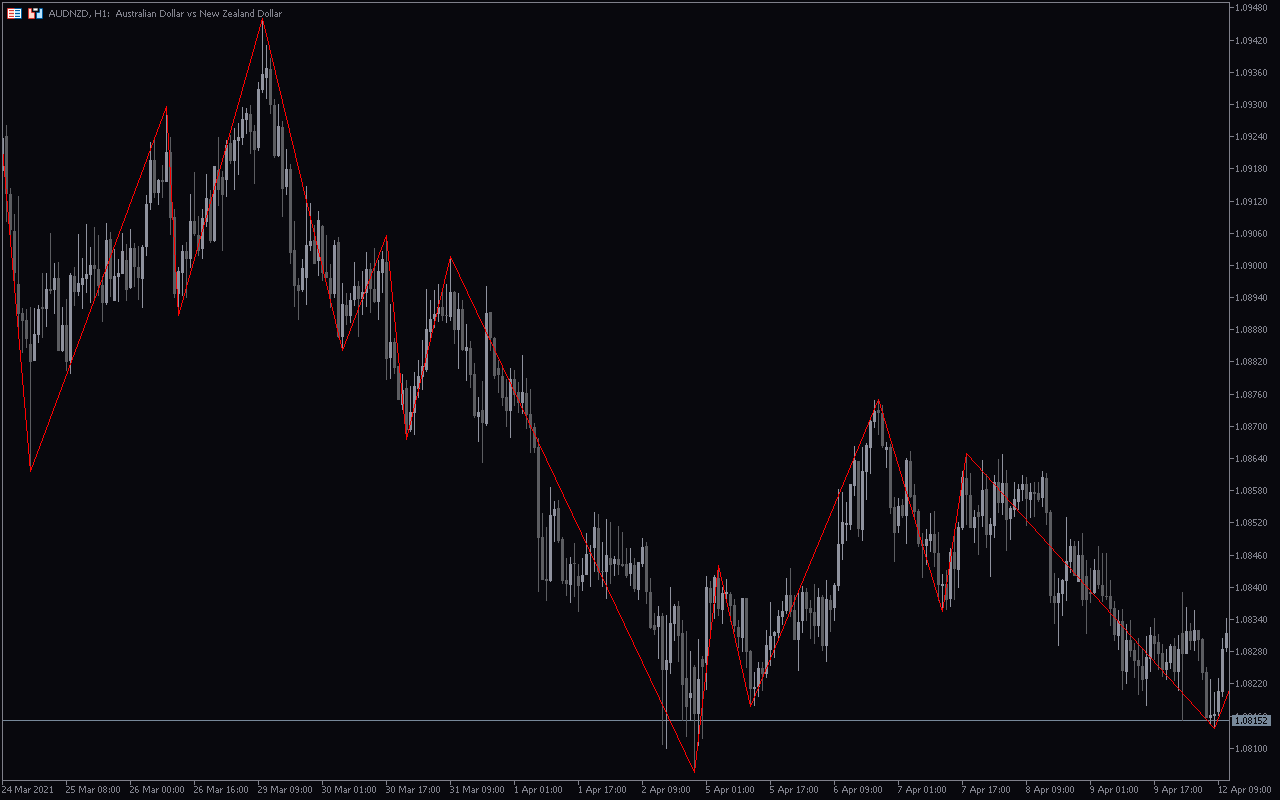
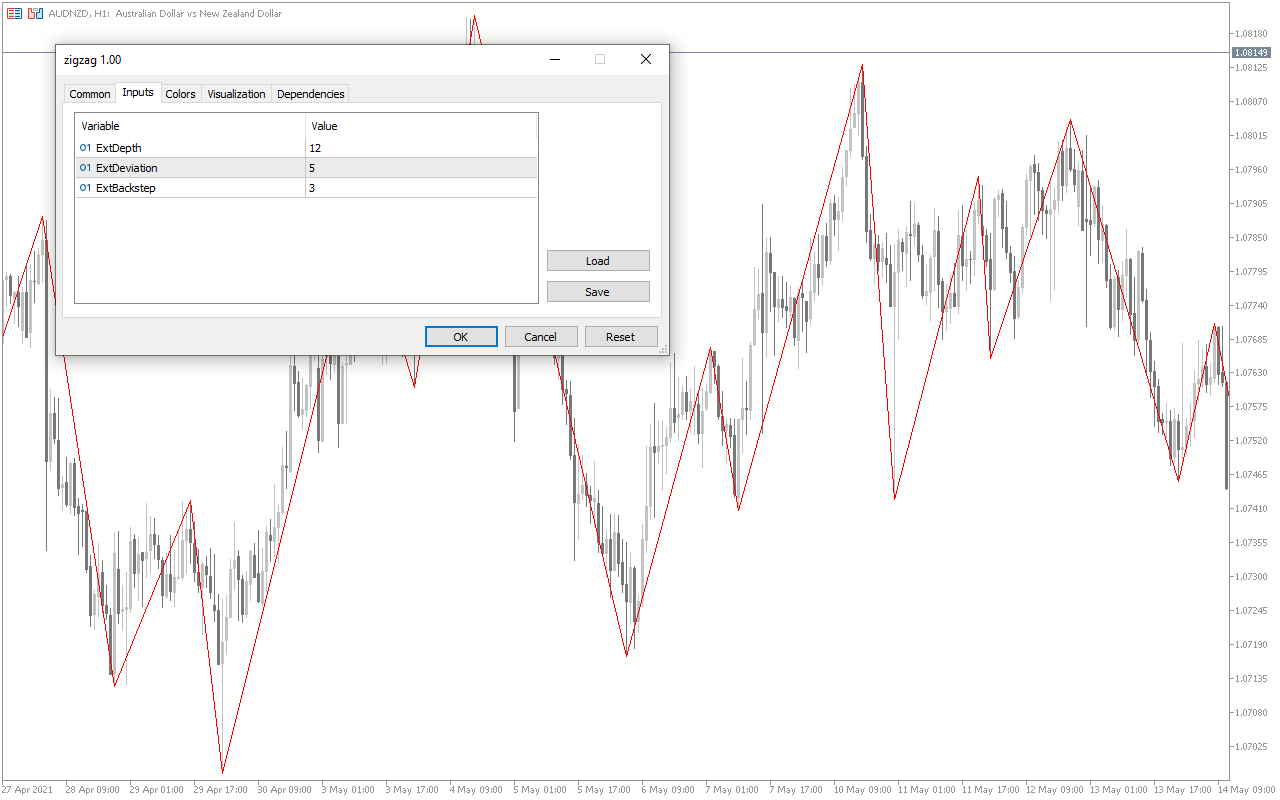
The Zigzag Indicator is a popular and free Forex indicator that is widely used by traders in the Forex market. It is an essential tool for technical analysis and helps traders identify potential entry and exit points. The Zigzag Indicator is based on a series of highs and lows and is designed to identify significant changes in the market. It is a useful tool for both short-term and long-term traders, as it can help identify trend reversals and retracements. The Zigzag Indicator is available on the MetaTrader 5 (MT5) platform and is easy to use. It is based on a series of highs and lows and is designed to identify significant changes in the market. The indicator plots a zigzag line on the chart, which is a series of connecting highs and lows. The zigzag line is used to identify potential entry and exit points in the market. The indicator can also be used to identify possible trend reversals and retracements. The Zigzag Indicator is a great tool for technical analysis and can help traders identify potential trend reversals and retracements.

MT5
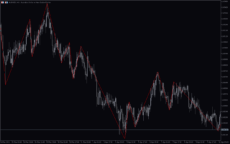
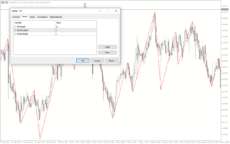
ZigZag Indicator
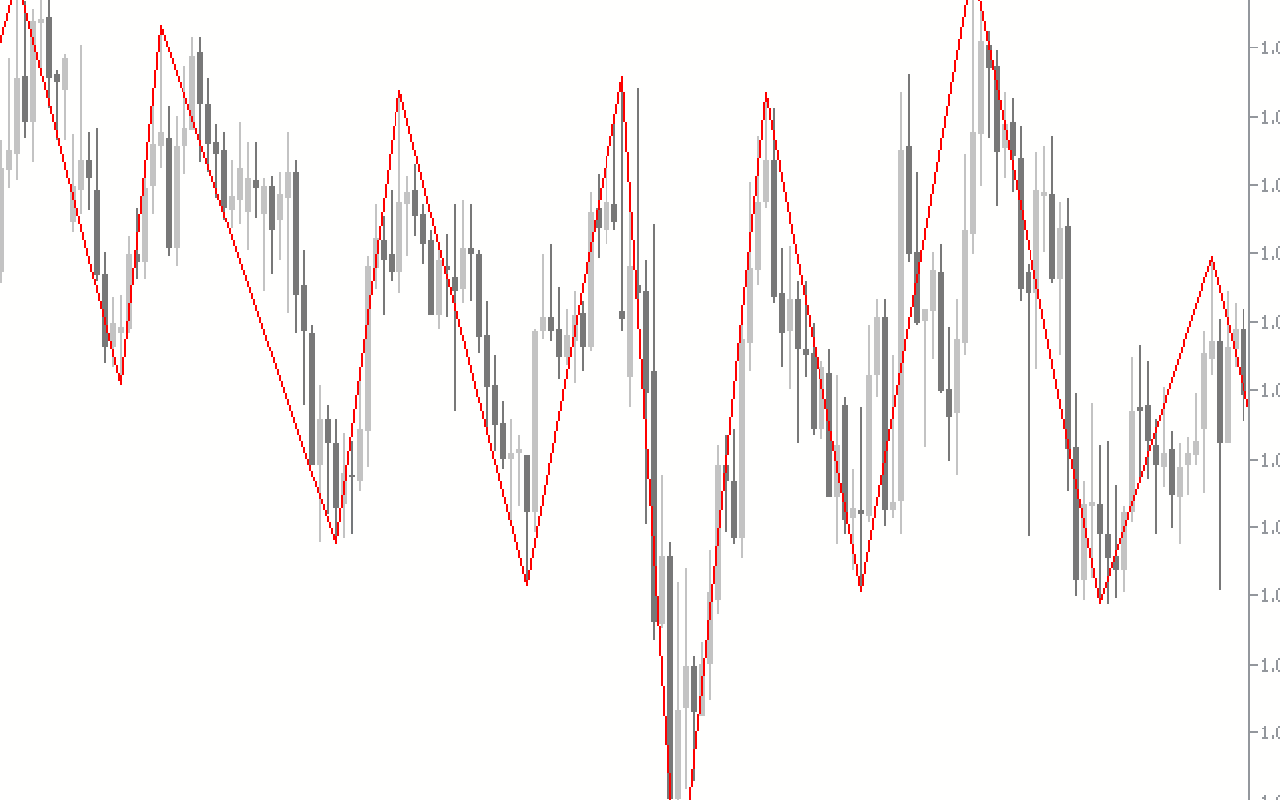
The ZigZag Indicator is a popular and free Forex indicator used by many traders. This useful tool helps traders identify trend reversals and price extremums. This line is then used to measure price movements and identify trend reversals. It is a useful tool for identifying trend reversals, support and resistance levels, and price extremes.
| Trading Style | |
|---|---|
| Indicator Type | |
| Timeframe | |
| Platform |
0
People watching this product now!
Downloads - 36
Description
Reviews (0)
How to Install
Related products
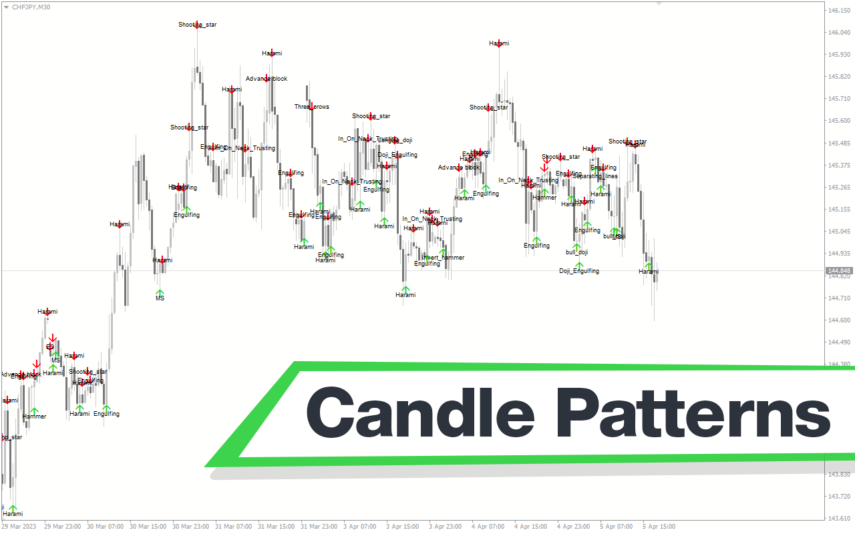
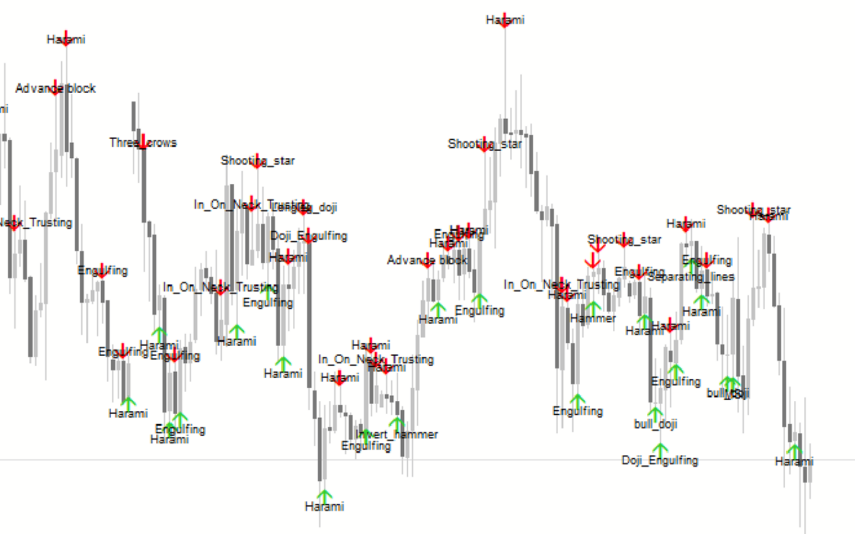
Inside Bar
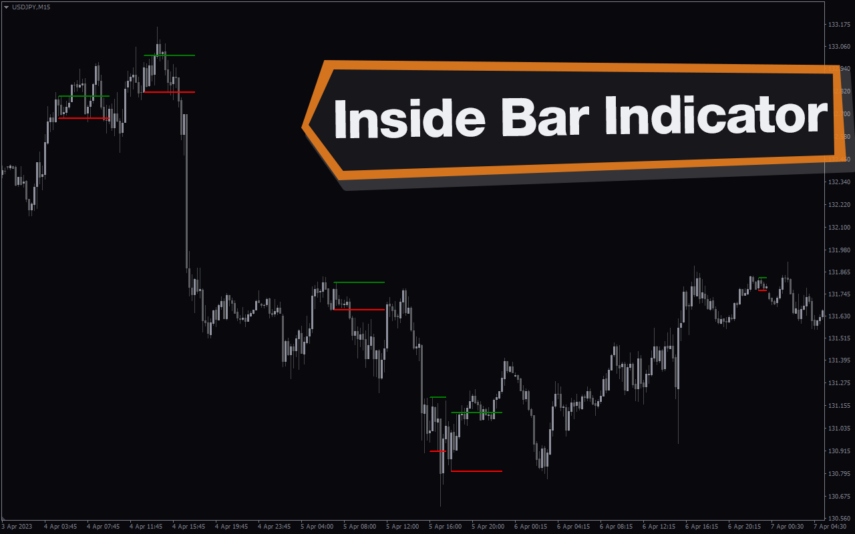
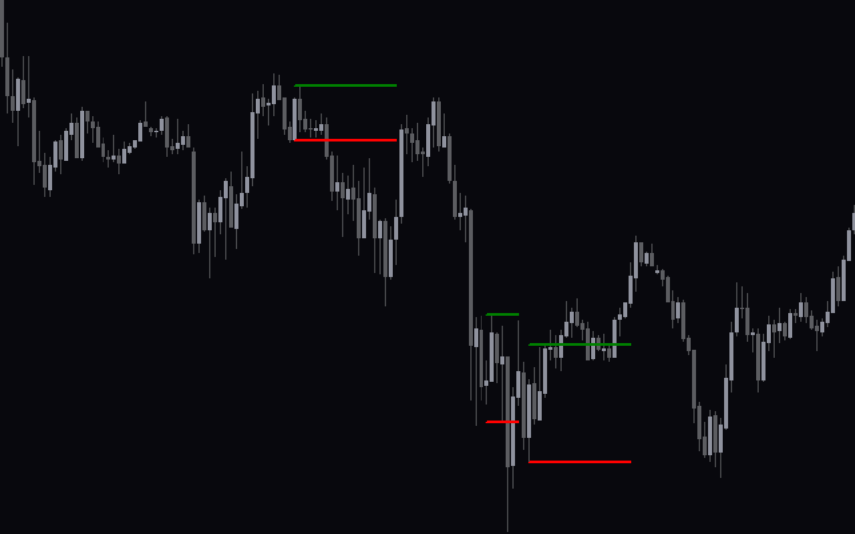
The Inside Bar Indicator is a popular and useful tool for forex traders, available for free on MT4. It helps identify potential price breakouts and is a great addition to any trading strategy. The indicator identifies inside bars, which are candlestick patterns where the current candlestick is completely within the range of the previous candlestick. With its simple and intuitive interface, it is easy to install and use for both novice and experienced traders.
Fractals Adjustable Period Trend Lines
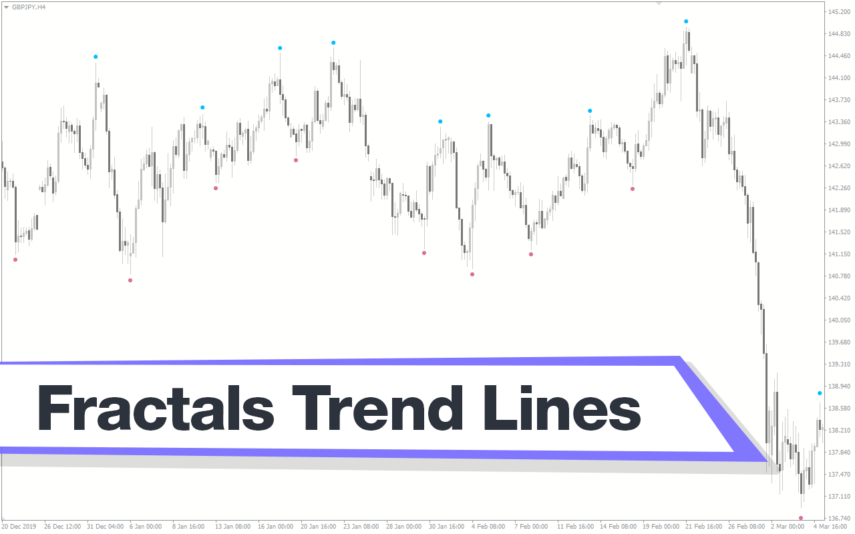
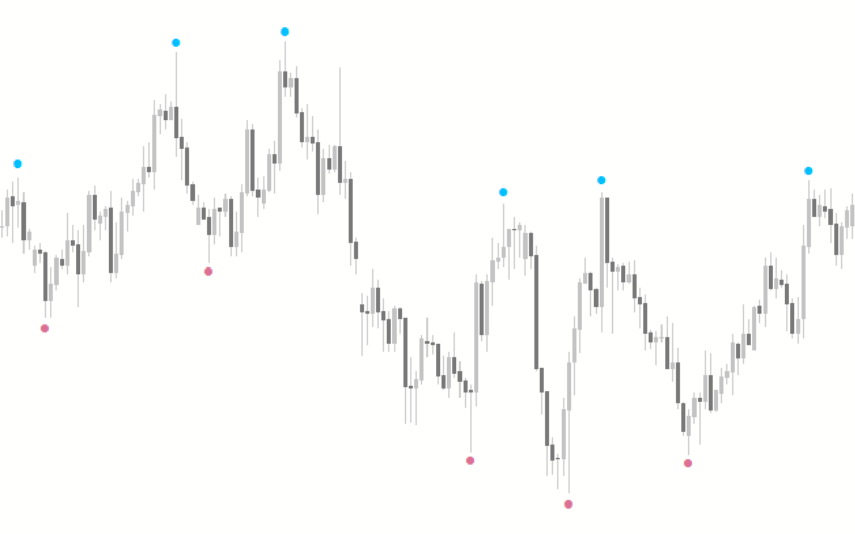
The Fractals Adjustable Period Trend Lines Indicator is a useful and popular free Forex indicator for the MT4 trading platform. It works by plotting fractals on the chart, which are then used to draw trend lines that are adjustable in period. The indicator is also useful for spotting support and resistance levels, as well as for determining entry and exit points for trades. It is a great tool for both novice and experienced traders, as it provides a clear visual representation of the market and helps traders make informed decisions.
ZP Day Trading
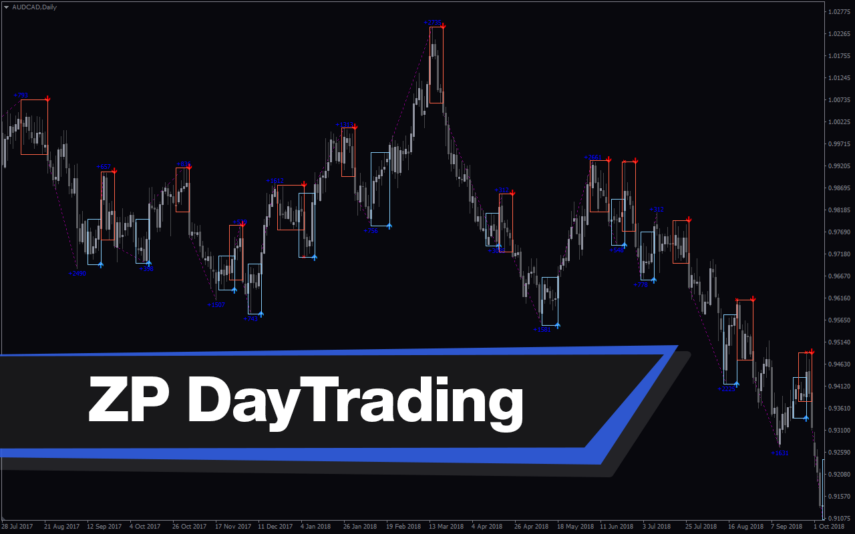
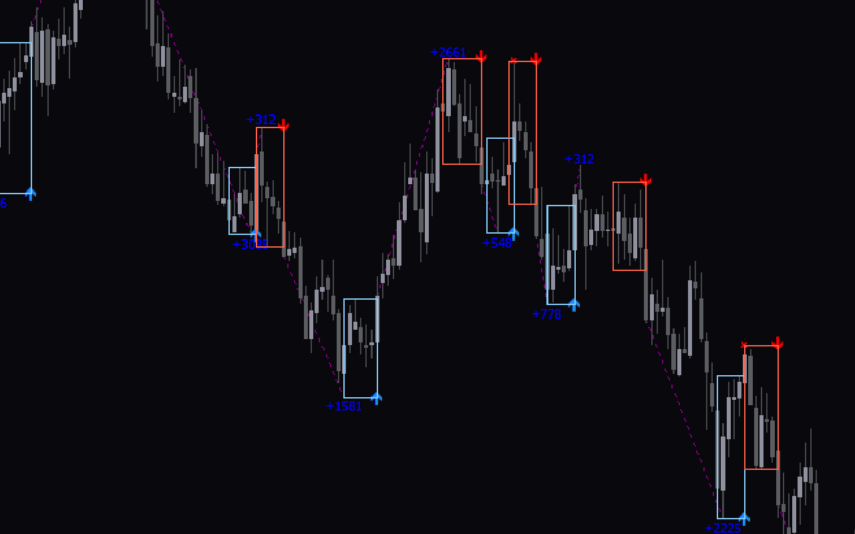
The Daytrading Forex Indicator is a popular and free MT4 tool that is useful for intraday traders. It provides a visual representation of the forex market, allowing traders to quickly identify the best entry and exit points. It also provides traders with an easy-to-use interface for setting parameters, allowing them to customize the parameters to suit their trading style. With its simple yet powerful features, the Daytrading Forex indicator is a great tool for day traders who want to make the most of their trading experience.
Price Pattern
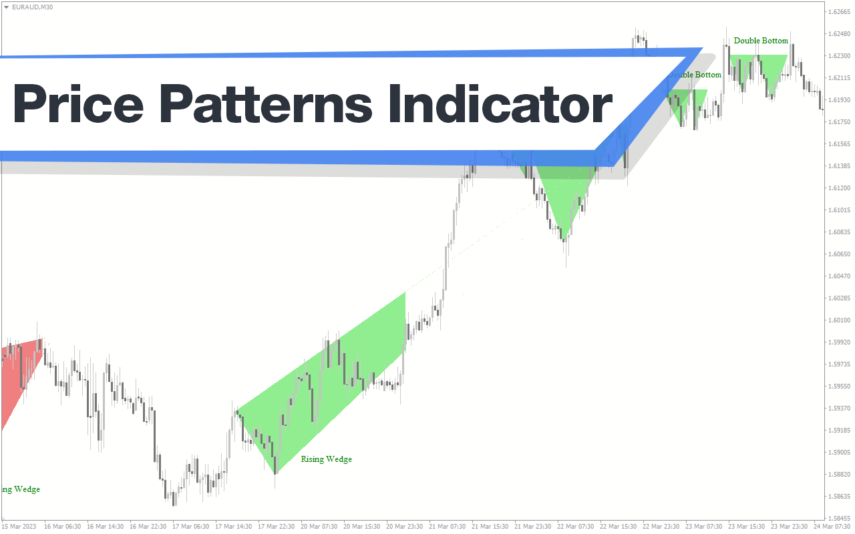
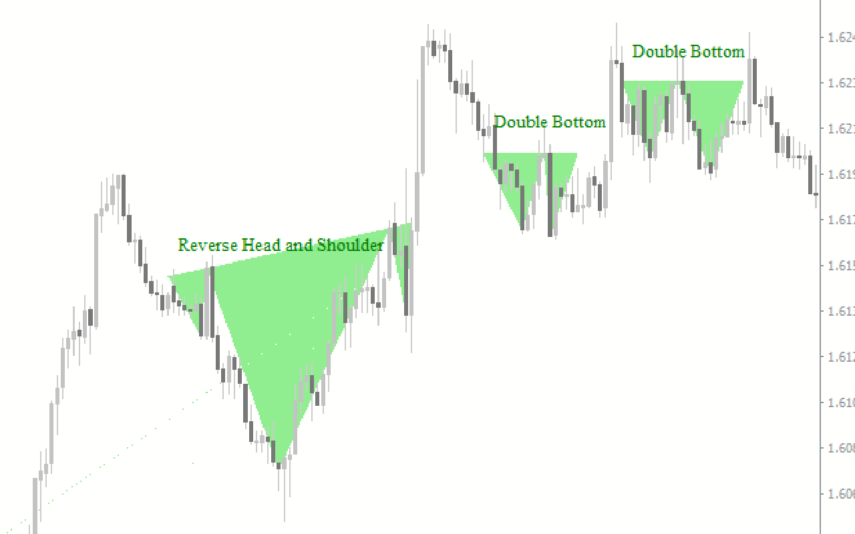
The Price Pattern Indicator is a popular and free Forex indicator for MT4. This useful tool is designed to help traders identify potential price patterns in the market. The indicator works by plotting lines on the chart, which can help traders identify potential support and resistance levels. Additionally, it can also be used to spot potential reversal points, which can help traders make better trading decisions. With its intuitive design, the Price Pattern Indicator can help traders identify potential trading opportunities with ease.
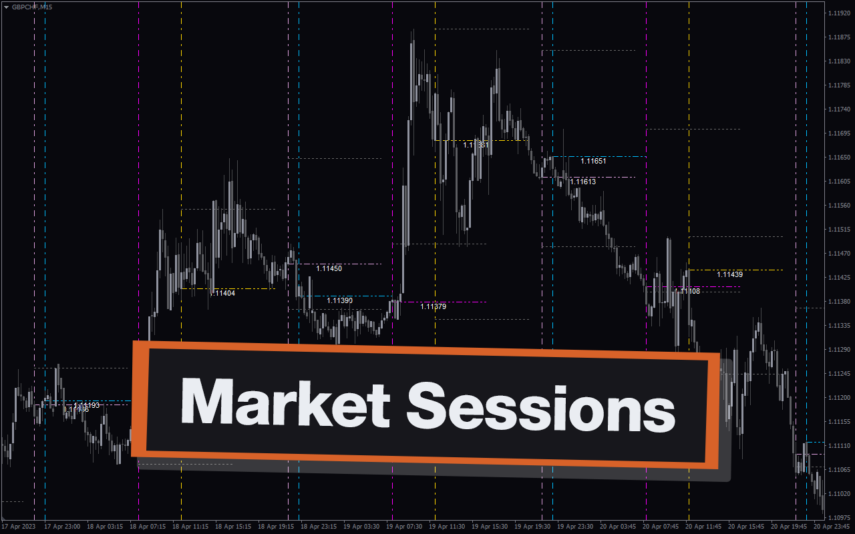
Market Sessions
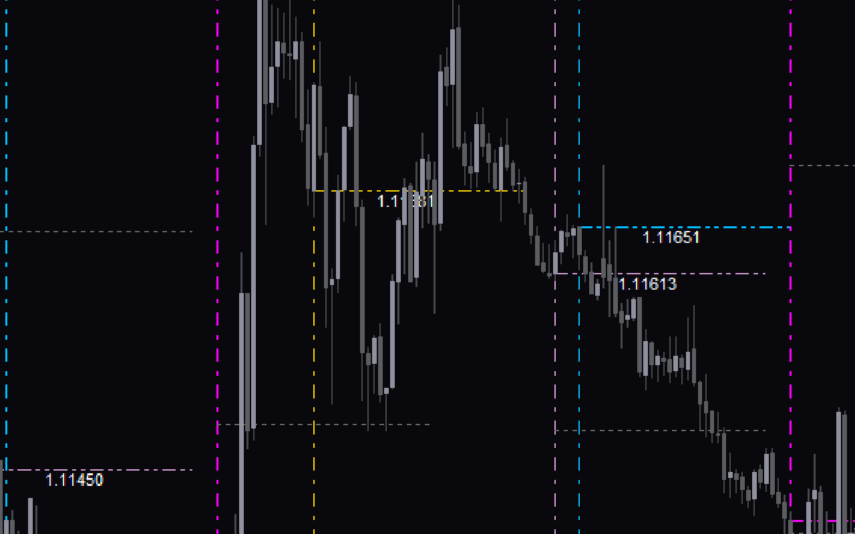
The Market Sessions Indicator is a free and popular Forex indicator for MT4. It is a useful tool for traders to identify the active trading sessions for different currency pairs. The indicator displays the start and end times of the major trading sessions in the Forex market, including London, New York, Tokyo, and Sydney. It also shows the current session and the time left until the next session. The Market Sessions Indicator is a convenient and powerful tool for traders of all levels to get a better understanding of the Forex market.

Reviews
There are no reviews yet.