
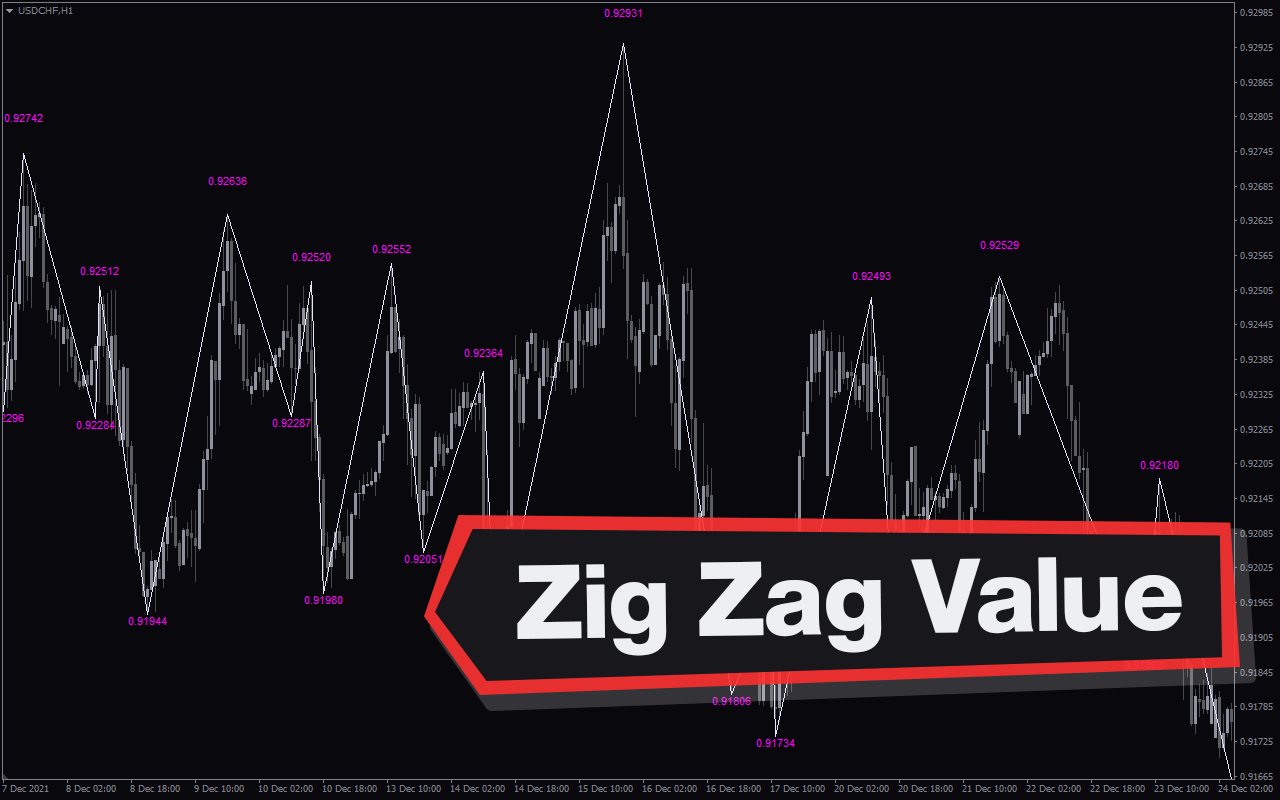
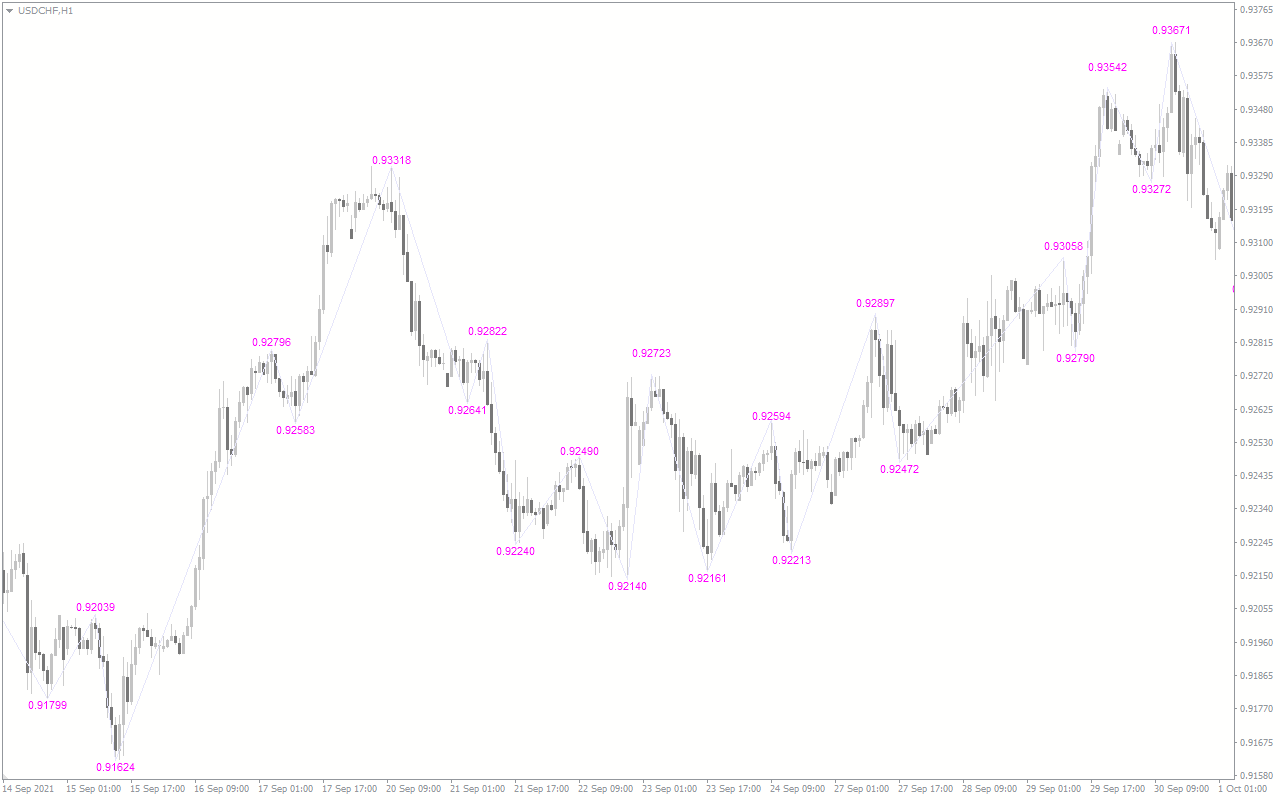
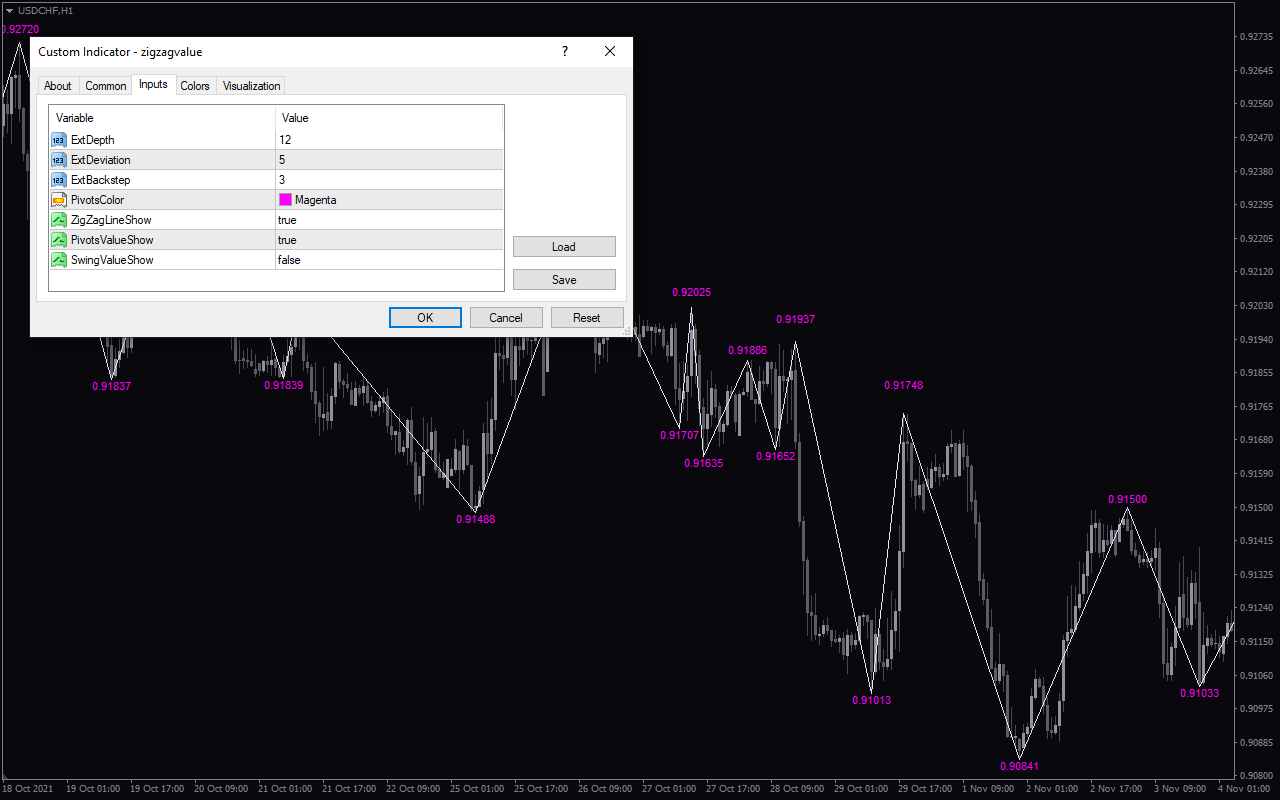
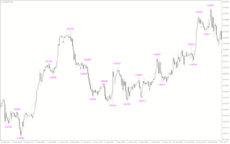
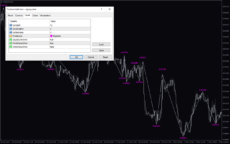
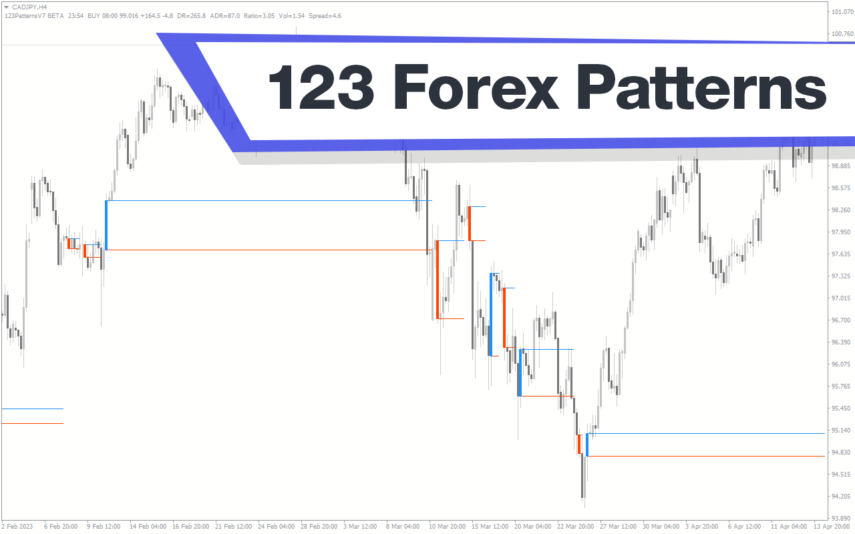
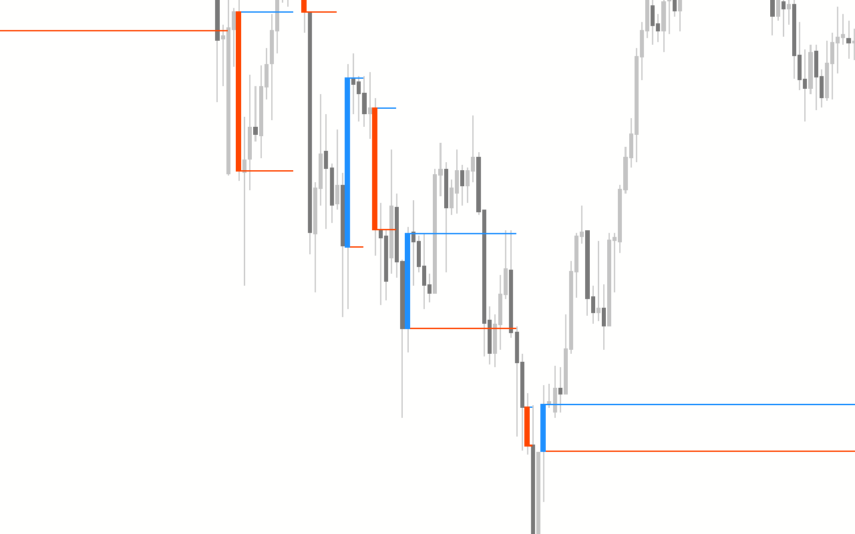
The Zig Zag Value Indicator is a useful tool for Forex traders who use the MT4 trading platform. This popular free indicator is designed to help traders identify potential support and resistance levels in the currency markets. The Zig Zag Value Indicator works by plotting a series of zig zag lines on the chart and then calculating the vertical distance between each zig zag line. These vertical distances are then used to determine the support and resistance levels. The indicator is typically used to identify potential entry and exit points for trades. The Zig Zag Value Indicator is easy to use and can be quickly added to any MT4 chart. Once it is added, traders can adjust the parameters in order to customize the indicator to their specific trading style. For example, the user can adjust the sensitivity of the indicator by changing the percentage of the zig zag lines. They can also adjust the period of the indicator to focus on short-term or long-term trends.
MT4
Zig Zag Value
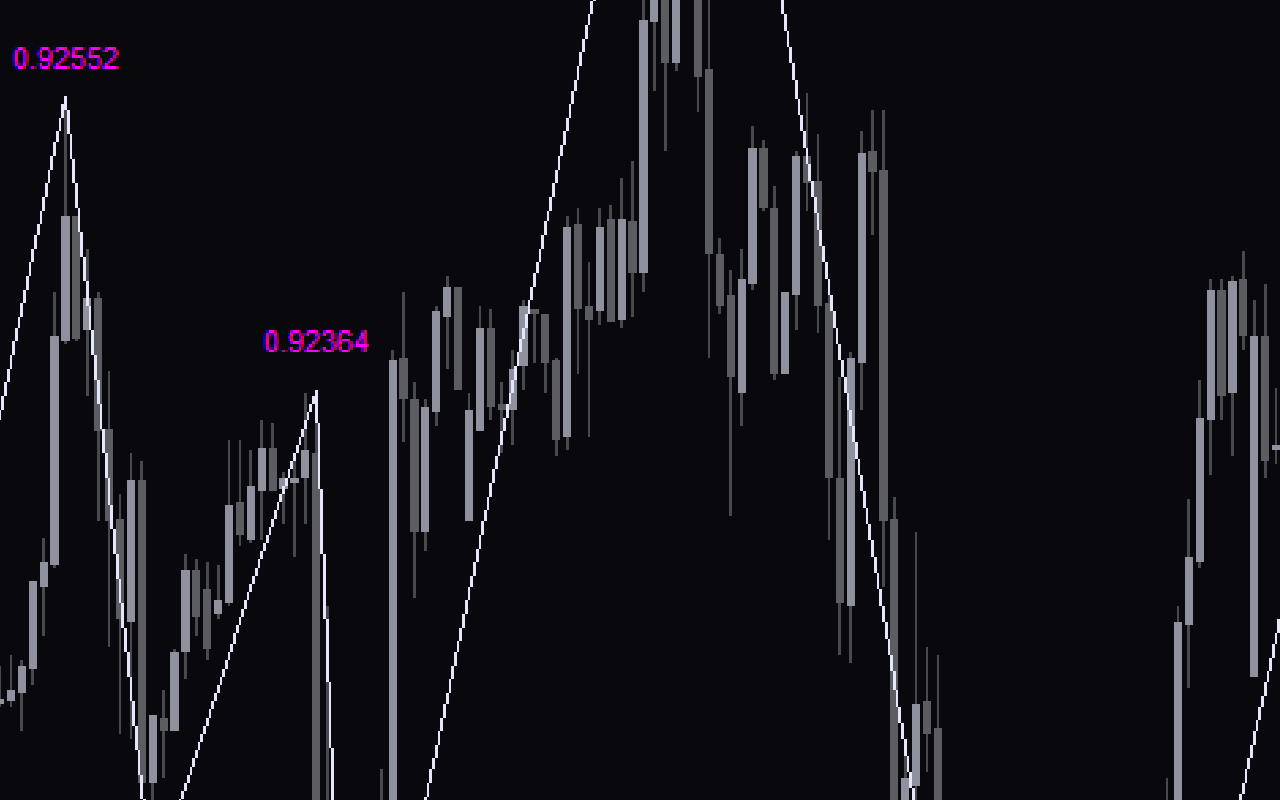
The Zig Zag Value Indicator is a useful tool for Forex traders using the MT4 platform. It is a popular and free indicator that helps traders identify and track price movements in the Forex market. The indicator uses a simple mathematical formula to calculate the zig zag values of the price action. It then draws a line connecting the points to create a zig zag pattern. It is a great tool for traders looking to gain an edge in the Forex market.
| Indicator Type | |
|---|---|
| Trading Style | |
| Timeframe | , |
| Platform |
0
People watching this product now!
Downloads - 25
Description
Reviews (0)
How to Install
Related products
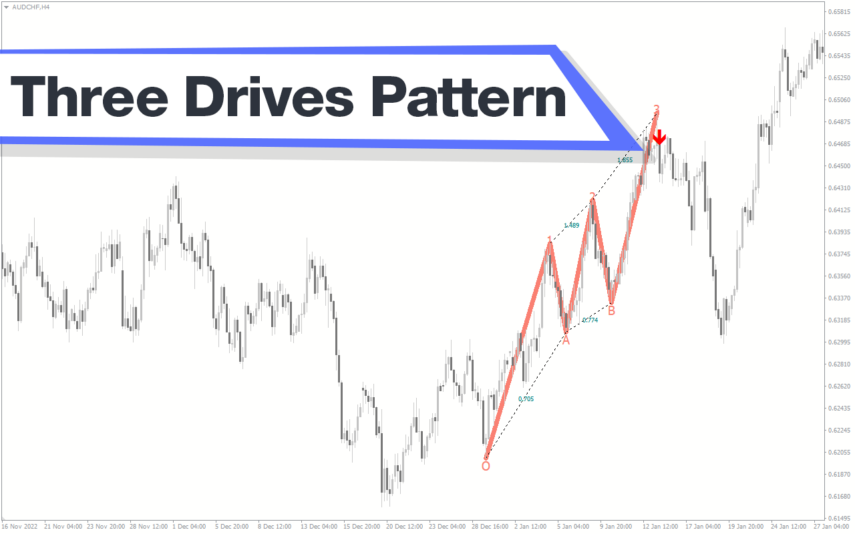
Three Drives Pattern
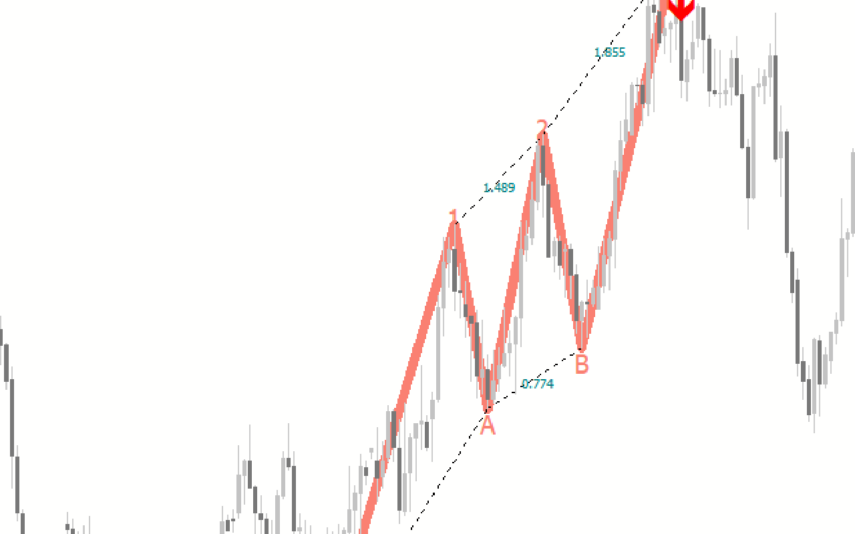
The Three Drives Pattern Indicator is a useful and popular free Forex indicator for MT4. It works by analyzing the price action of a given financial asset and then looking for three distinct price points that form a pattern. If the pattern is identified, then the indicator will alert the trader to a potential reversal in the trend. The Three Drives Pattern Indicator is a great indicator for traders who want to take advantage of the potential for quick profits when the market reverses.
Trendline
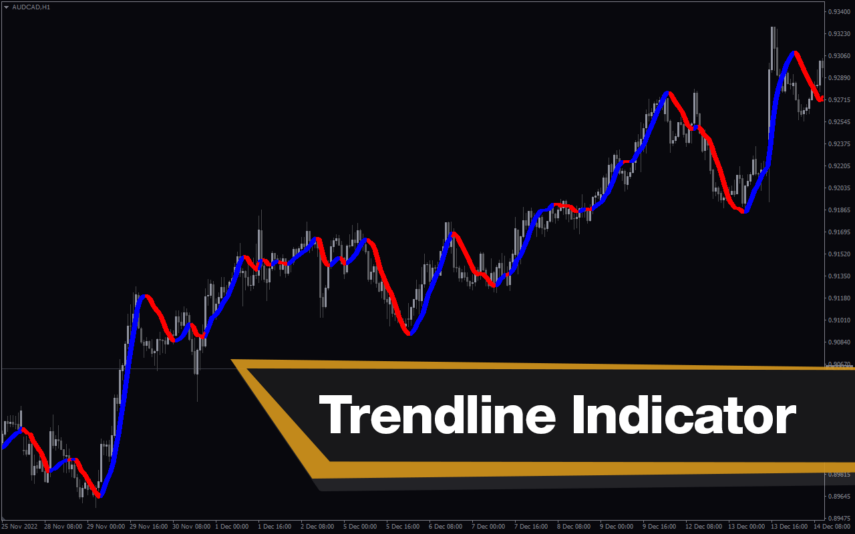
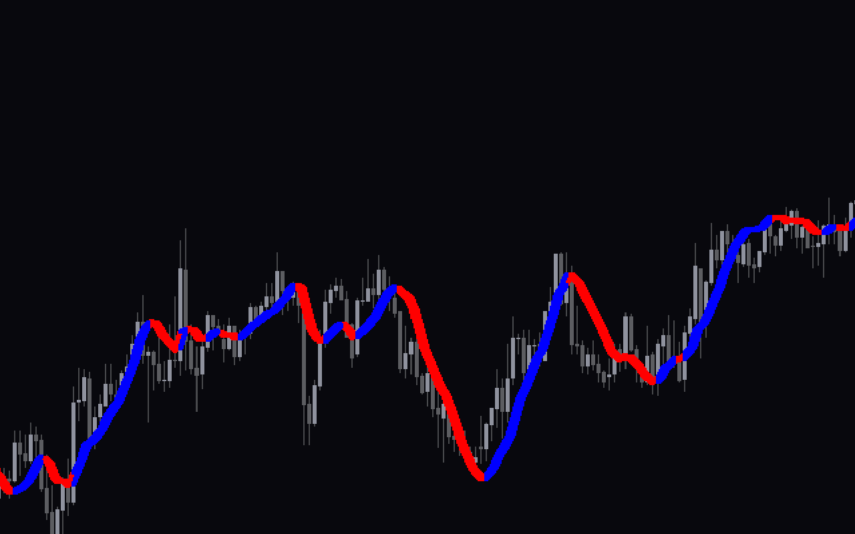
The Trendline Indicator is a useful and popular free Forex indicator for MT4 platform. It is used to identify and draw trendlines on charts, which helps traders to identify and trade in the direction of the trend. The indicator works by automatically drawing trendlines on the chart when two or more points are connected. The Trendline Indicator is a great tool for any trader looking to gain an edge in the Forex markets.
Price Action Scaner
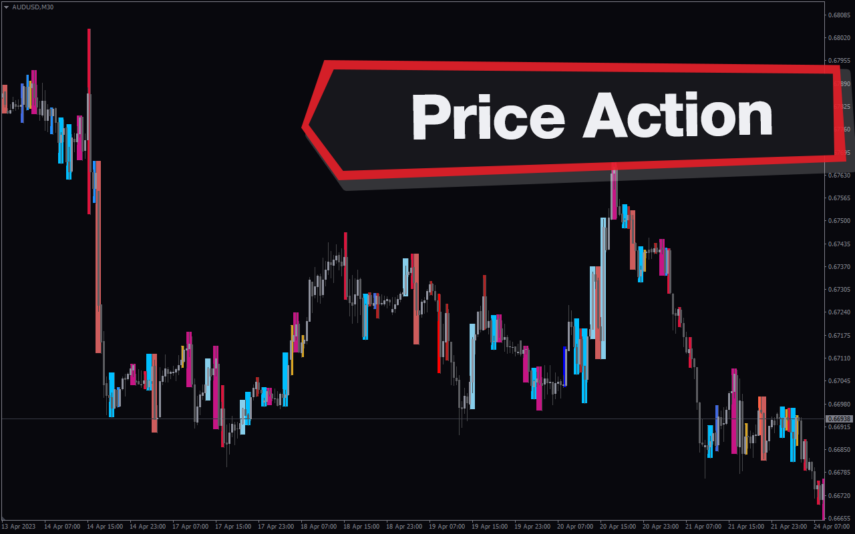
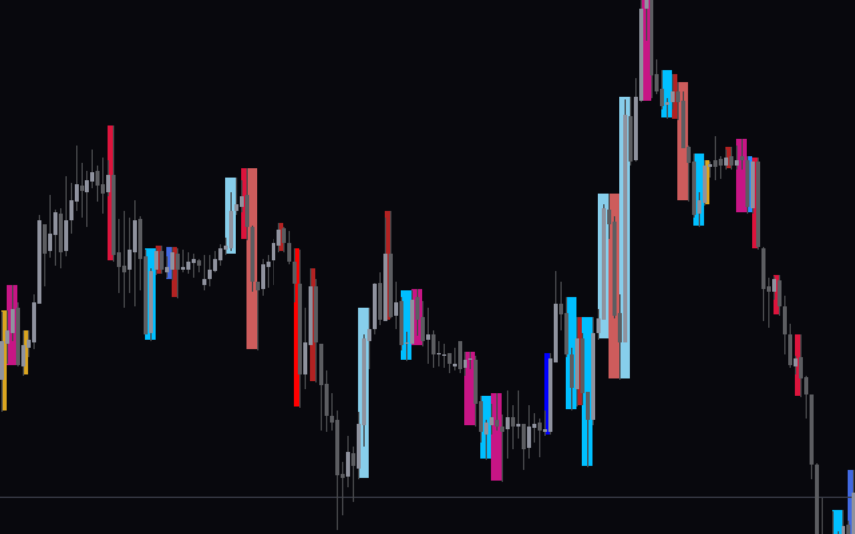
The Price Action Scaner Forex Indicator is a useful and popular MT4 indicator that is free to use. It is designed to help traders identify price action patterns that are most likely to lead to profitable trades. The indicator uses a combination of trend analysis, support and resistance levels, and price action signals to provide traders with an insight into the current market conditions. It also provides alerts when certain trading signals are detected, allowing traders to take action quickly. With the Price Action Scaner Forex Indicator, traders can quickly identify potential trading opportunities and take advantage of them.
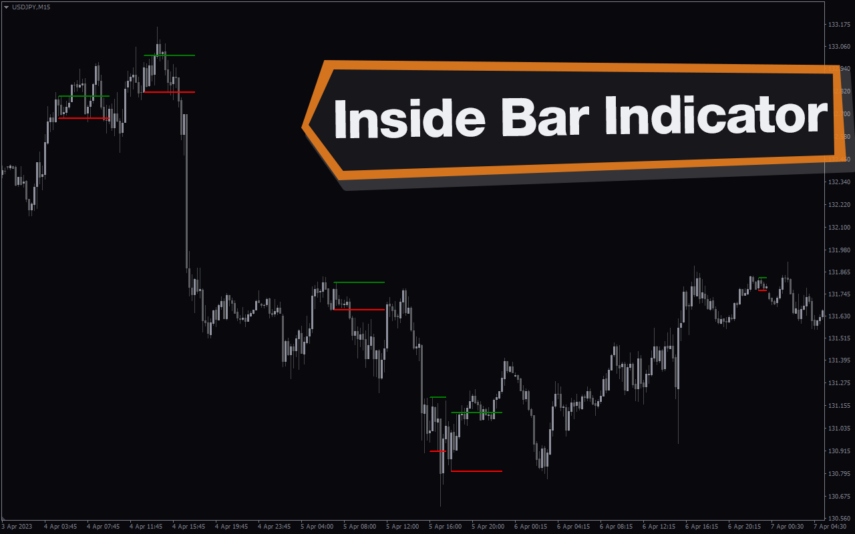
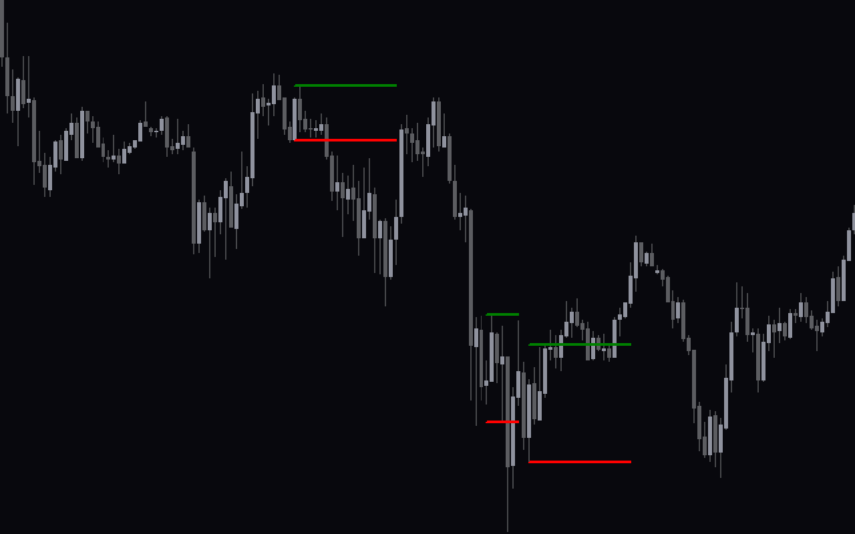
Inside Bar
The Inside Bar Indicator is a popular and useful tool for forex traders, available for free on MT4. It helps identify potential price breakouts and is a great addition to any trading strategy. The indicator identifies inside bars, which are candlestick patterns where the current candlestick is completely within the range of the previous candlestick. With its simple and intuitive interface, it is easy to install and use for both novice and experienced traders.
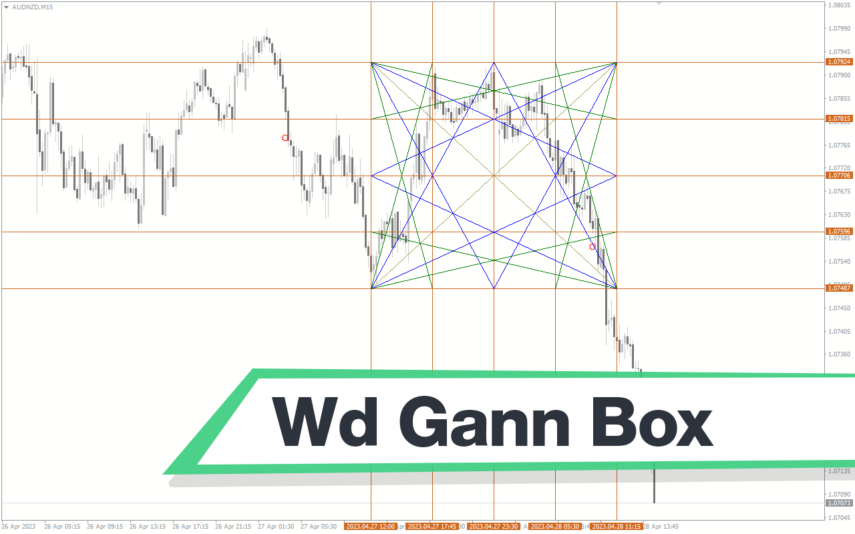
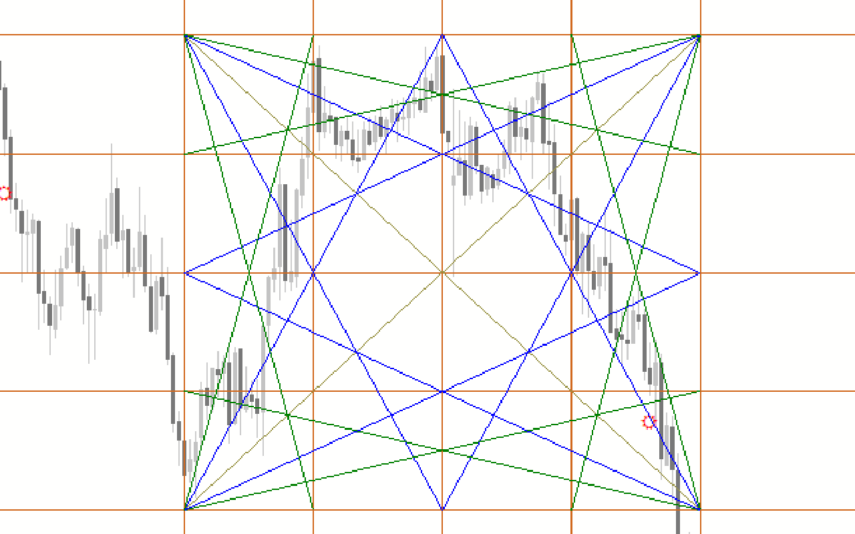
Wd Gann Box
The WD Gann Box Indicator is a useful and popular free Forex indicator for MT4. This indicator can be used to identify trends, support and resistance levels, and reversals. It displays a box of the current price action on the chart and provides a visual representation of the trend. The WD Gann Box Indicator is a popular and free Forex indicator for MT4 that can be used to identify trends, support and resistance levels, and reversals.
Reviews
There are no reviews yet.