• MT4 Collections
    • Top Indicators Hot
      • Top Rated
      • Top Downloads
      • Most Popular
      • New
      • Recommended
    • Trading Style
      • Beginner For Newbies
      • Scalping
      • Short-Term
      • Day Trading
      • Intraday
      • Swing
    • Indicator Type
      • Accurate
      • Leading
      • Reversal
      • Breakout
      • Sideways
      • Entry & Exit
      • Overbought & Oversold
      • Non-Repaint
    • Categories
      • Trend
      • Signal
      • Support & Resistance
      • Price Action
      • Stochastic
      • Envelope
      • Volume
      • Helpers
    • Timeframes
      • M1-M5
      • M15-M30
      • H1-H4
      • D1-W1
      • Multi Timeframe
    • Platform
      • MT4 Popular
      • MT5
  • Indicators
  • Blog
  • CONTACT US
  • ABOUT US
Menu
Search
Select category
  • Select category
  • Envelope Indicators
  • Helpers
  • Price Action
  • Signal
  • Stochastic
  • Support & Resistance
  • Trend
  • Volume
0 Wishlist
Home Collection Volume Volume Profile
Forex Entry Point
Back to products
Qualitative Quantitative Estimation
MT4
Watch video
Click to enlarge

Volume Profile

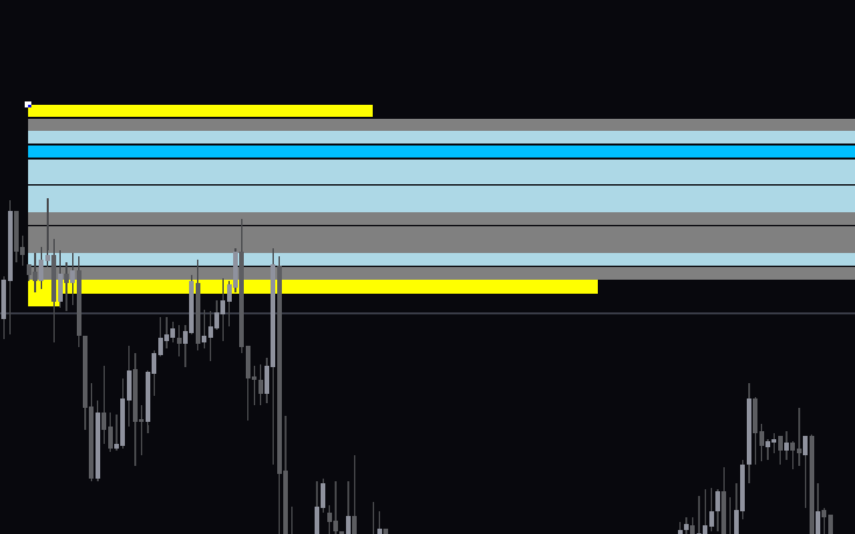
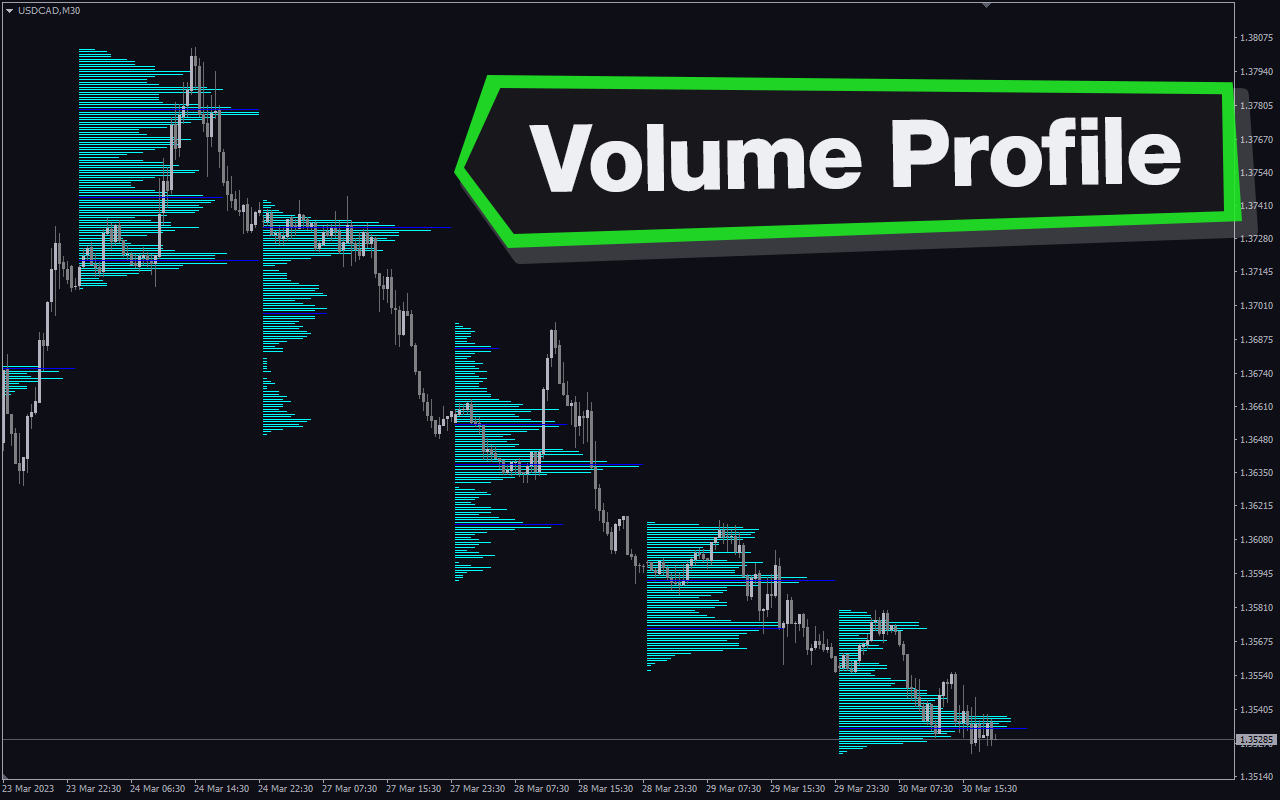
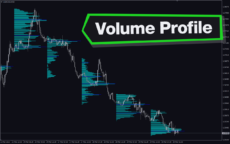
Unlock your forex trading potential with the Volume Profile Indicator. Identify key support and resistance zones, discover entry and exit opportunities, and customize settings to tailor your analysis. Benefit from its visual lines and bars for a comprehensive market profile. The indicator is free to use and works on any chart timeframe, making it accessible to all types of Forex traders.

Trading Style

Day Trading

,

Intraday

Indicator Type

Breakout

Timeframe

H1-H4

,

M15-M30

Platform

MT4

Add to wishlist
0 People watching this product now!
Category: Volume
Share:

Downloads - 1689

Download now
  • Description
  • Reviews (0)
  • How to Install
Description

If you are a trader who values the volume of the asset they are trading, then this indicator is your go-to tool. Through the creation of volume profiles, the indicator will help you in your analysis.

Features of The Indicator

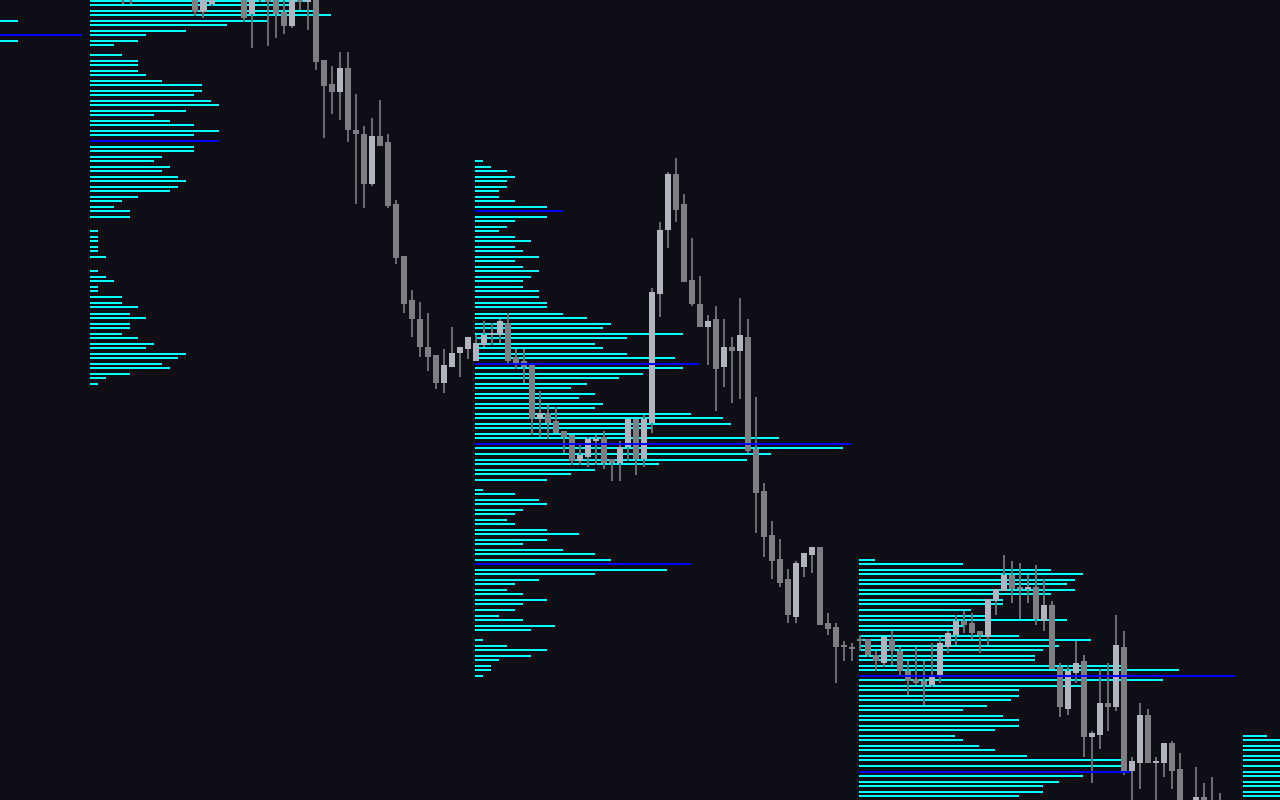
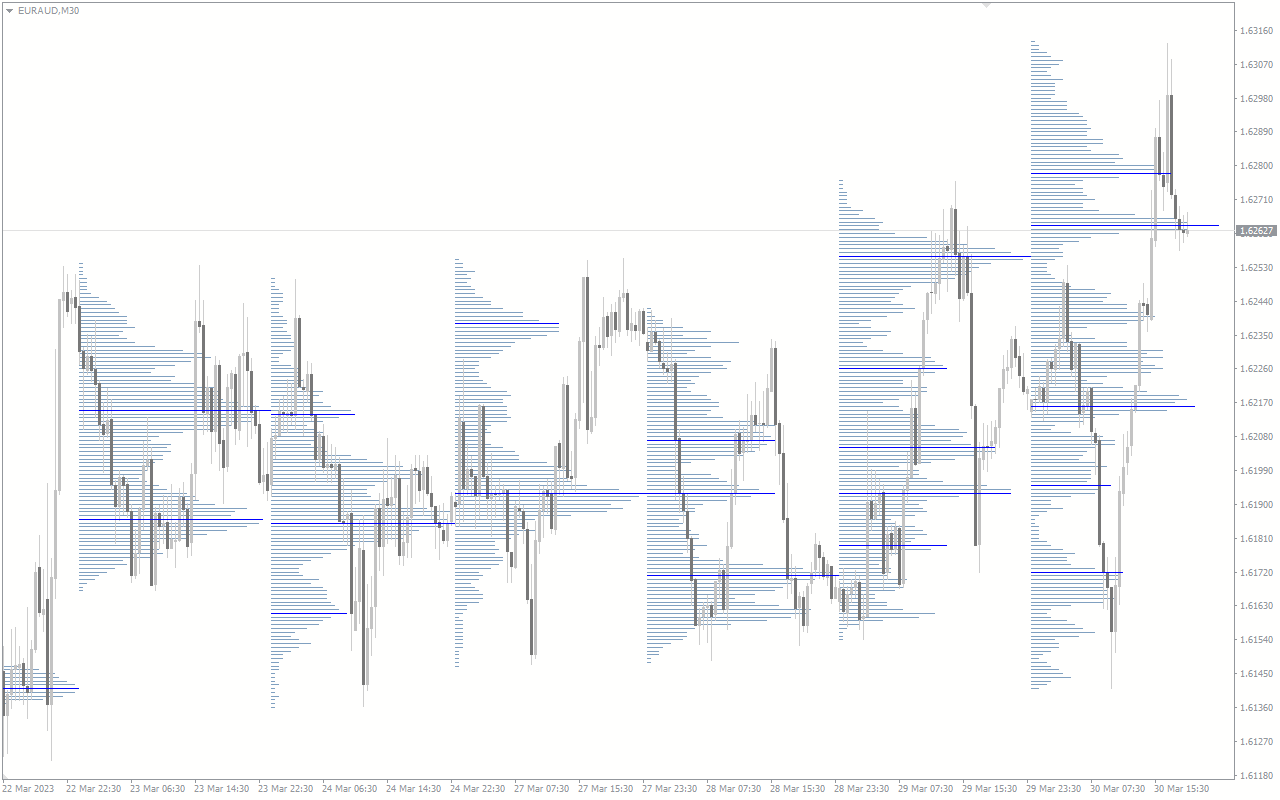
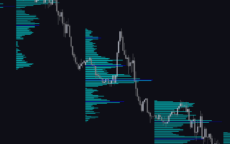
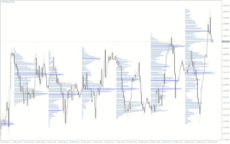
Many traders overlook the significance of trading volume in technical analysis. Elevated trading activity is often linked to price reversals, making these areas crucial for traders. The MT4 Volume Profile indicator highlights low volumes, high volumes, and the Volume Point of Control (VPOC). VPOC, also known as POC, is a key support or resistance zone characterized by high trading volumes, indicating a high likelihood of market reversal.

How The Indicator Can Benefit You

The indicator gives off clear entry signals. When prices reverse at the Volume Point of Control (VPOC), the indicator follows the trend, showing volume levels and constructing a volume profile. This volume profile helps the forex trader recognize potential reversal zones. The VPOC, also known as POC, is a strong reversal point. It presents itself as a strong support or resistance area.

Once the indicator identifies VPOC or POC zones, they transform into future support and resistance points that the price can retest. This retesting creates additional entry opportunities for traders. Moreover, the Volume Point of Control (VPOC) is an effective profit-taking exit, particularly in high-volume areas. Many traders combine VPOC and TPO (Time Price Opportunities) for a better market profile. The volume profile indicator benefits many online traders with its visual lines and bars.

Indicator Setting Description
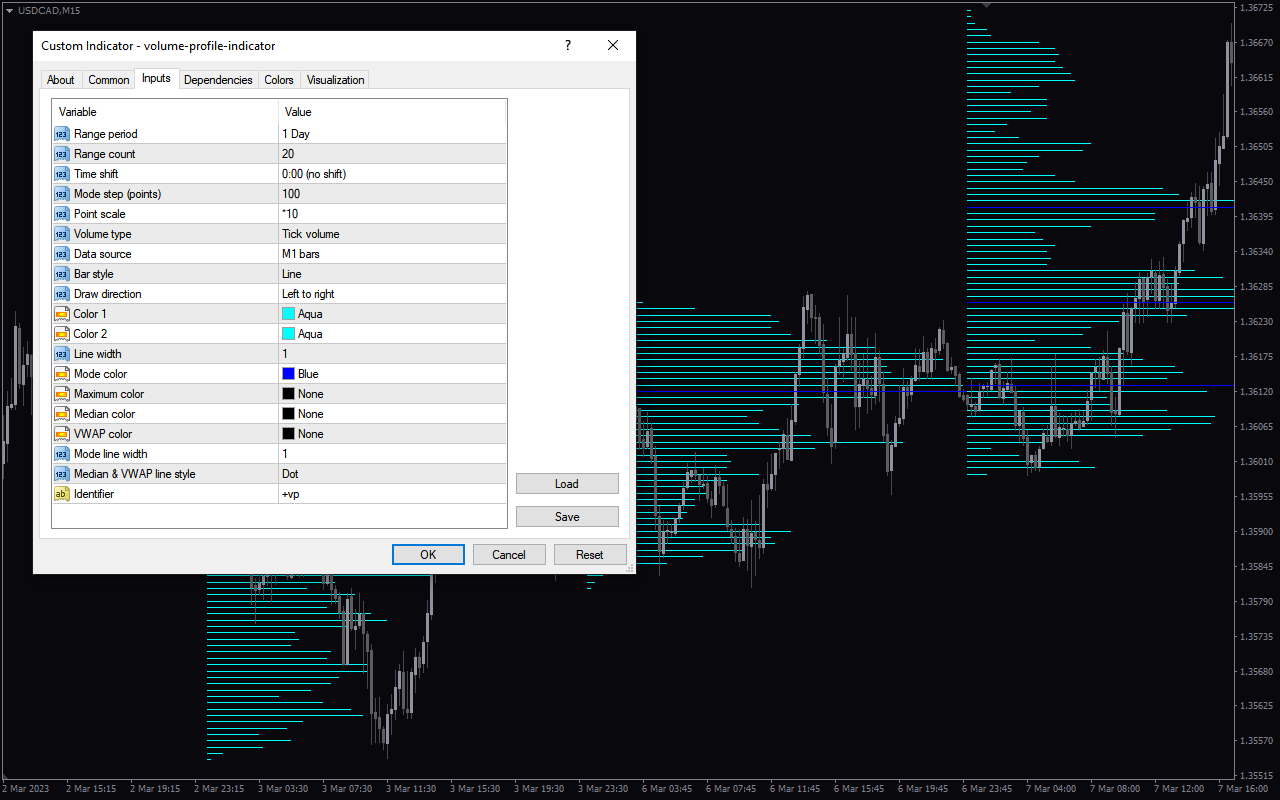
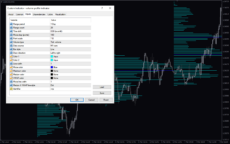
Range period: You can select the chart period the indicator calculates.

Range count: You input the count to include in the calculations.

Timeshift: This input shifts the indicator by the time you select.

Mode step (points): You can change the steps in points.

Point scale: This input determines the multiplier of the steps.

Volume type: The indicator uses the Tick volume of MT4 by default. You can change this input to real volume.

Data source: You choose the source of the volume.

Bar style: You choose the style of the indicator bar. This allows you to select options like line, empty bar, filled bar, etc

Draw direction: You can choose the direction of the indicator bars, like left to right.

Color 1: You can choose the bar color.

Color 2: You can choose the bar color.

Line width: You can input the width of a bar

Mode color: You can select the color to represent mode

Maximum color: You can select the color to represent maximum.

Medium color: You can select the color to represent medium.

VWAP Color: You can select the VWAP color.

Mode line width: You can change the width of the mode line.

Median and VWAP line styles: You can select the median and VWAP line styles.

Identifier: This changes the symbol that identifies the indicator.
Reviews (0)

Reviews

There are no reviews yet.

Be the first to review “Volume Profile” Cancel reply

Your email address will not be published. Required fields are marked *

1 2 3 4 5
1 2 3 4 5
1 2 3 4 5

How to Install

How install MT4/5 indicator in the terminal?

To install an MT4/5 indicator in the terminal, follow these steps:

  1. Download the indicator file (.ex4 or .mq4/.ex5 or .mq5) to your computer.

  2. Open the MT4/5 terminal and click on “File” in the top left corner.

  3. Select “Open Data Folder” from the dropdown menu.

  4. In the window that opens, double-click on the “MQL4/5” folder.

  5. Double-click on the “Indicators” folder.

  6. Drag and drop the indicator file from your computer into the “Indicators” folder.

  7. Close the data folder window and restart the MT4/5 terminal.

  8. The indicator should now be available in the “Navigator” window on the left-hand side of the terminal. Simply double-click on the indicator to add it to a chart.

Note: If the indicator is in a .zip file, you will need to extract it first before following the above steps.

And if asks to confirm DLL?

If the indicator you are installing requires access to external Dynamic Link Libraries (DLLs), you may see a pop-up message asking you to confirm the use of DLLs.

DLLs are external libraries that contain code that can be used by other programs. In the case of MT4/5 indicators, they are often used to perform complex calculations or connect to external data sources.

If you trust the source of the indicator and want to use it, click “Yes” to confirm the use of DLLs. If you are not sure or do not trust the source, click “No” to cancel the installation.

It’s worth noting that some indicators may not work properly without access to their required DLLs. If you choose not to allow access to DLLs and the indicator does not work as expected, you may need to reinstall the indicator and confirm the use of DLLs to get it to work properly.


Related products

MT4
Quick view
Add to wishlist

Weis Volume

Volume
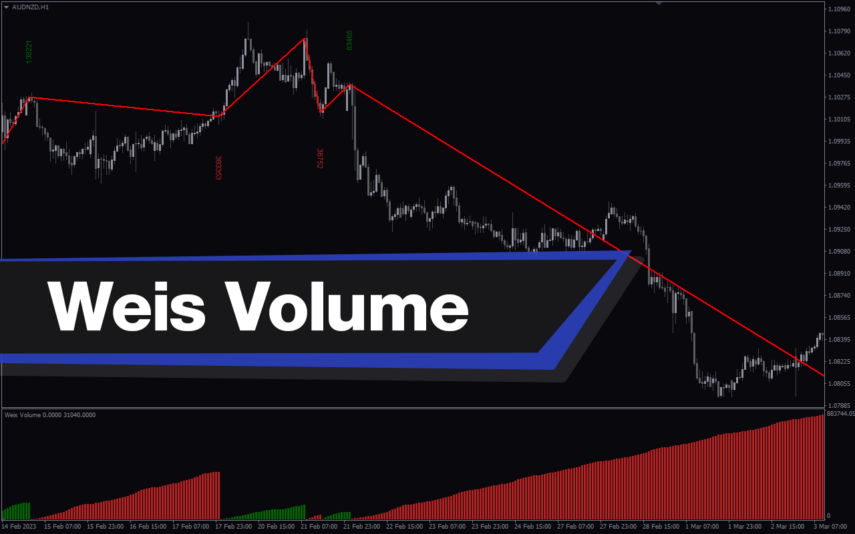
Discover Weis Wave Volume Indicator for MT4, a free tool by David Weis. Spot market openings & trends with wave-like volume patterns. There are no simple buy/sell signals but insights on demand & supply strength. The indicator is easy to use and is a great tool for any trader looking to gain insight into the market.
MT4
Quick view
Add to wishlist

Drag Drop Volume Profile

Volume
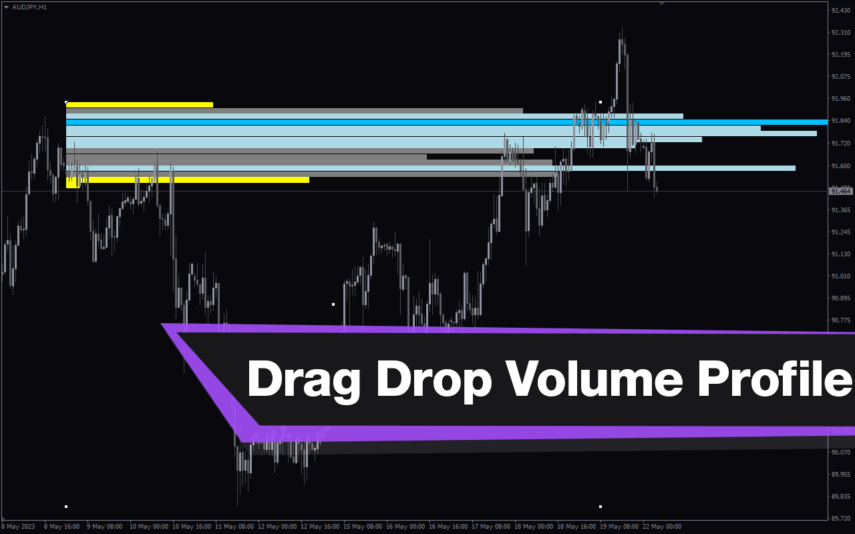
The Drag Drop Volume Profile Indicator for MT4 identifies the zones with high traded volume. With the Drag & Drop Volume Profile Indicator, traders can quickly and easily create a volume profile chart to help them make better trading decisions.
MT4
Quick view
Add to wishlist

Ticks Volume

Volume
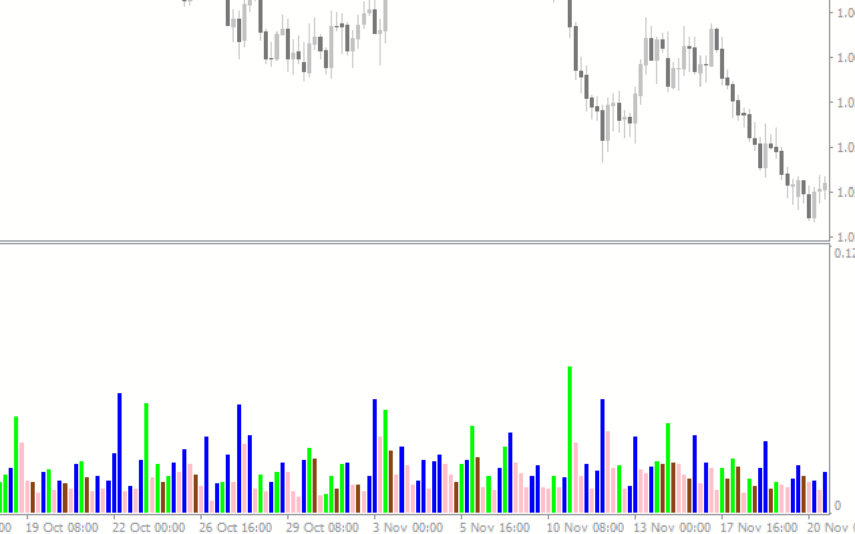
The Ticks Volume Indicator is a popular and free Forex indicator for the MetaTrader 4 (MT4) trading platform. The indicator uses the total number of ticks for each bar and displays the information in a separate window. The indicator is highly configurable and can be used to analyze different timeframes and currency pairs. The indicator is free to download and easy to install in the MT4 platform.
MT4
Quick view
Add to wishlist

Volatility Indicator

Signal, Volume
The Volatility Forex Indicator is a useful and popular tool for traders in the foreign exchange market. It is a free indicator available on the MT4 platform, and it helps traders to identify market trends and make informed decisions. The indicator works by measuring the volatility of the market and displaying it in a graphical format. This allows traders to quickly identify which currency pairs have the most potential for profit. With this indicator, traders can make informed decisions and take advantage of the best opportunities in the Forex market.
MT4
Quick view
Add to wishlist

Better Volume New Alerts

Volume
The Better Volume New Alerts Indicator is a popular, free and useful Forex indicator for MT4. The indicator uses a unique algorithm to analyze the volume of a given currency pair, and then displays a graphical representation of the volume to indicate when a trend is forming. This allows traders to quickly identify when a trend may be forming and take advantage of it. This makes it an invaluable tool for traders of all levels.
MT4
Quick view
Add to wishlist

Hawkeye Volume

Volume
The Hawkeye Volume Indicator is a useful and popular free Forex indicator for MT4 that helps traders make better trading decisions. This indicator uses price and volume to identify potential market reversals and breakouts. It takes into account the buying and selling pressure of the market, as well as the volume of trades. By analyzing these factors, the indicator can help traders to identify potential trading opportunities.
MT4
Quick view
Add to wishlist

Trading Volume

Helpers, Volume
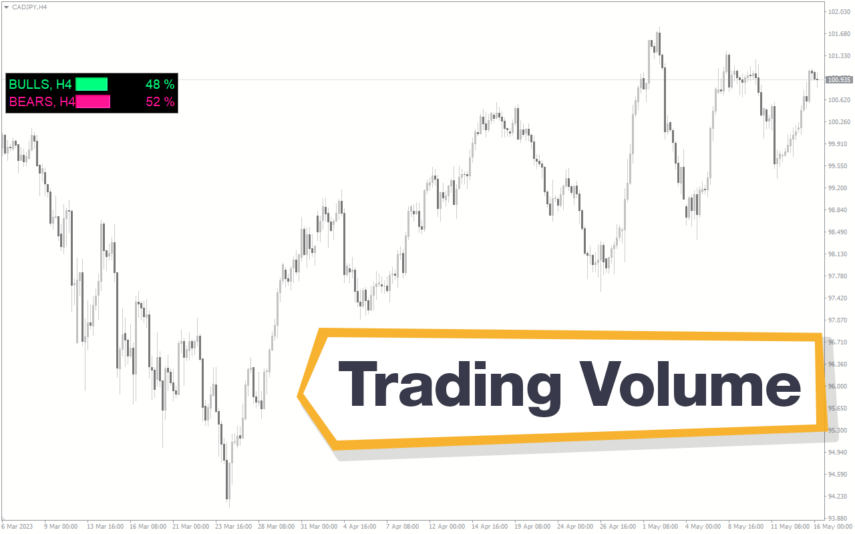
The Trading Volume Indicator is a useful, free Forex indicator for the popular MT4 platform. It is designed to help traders measure the volume of a currency pair in order to get an idea of the strength of the current trend. The indicator is easy to use and can be used to identify entry and exit points. The Trading Volume Indicator is a popular tool that can be used by traders to identify potential trading opportunities in the Forex market. It is a useful tool for both novice and experienced traders and is free to download and use.
MT4
Quick view
Add to wishlist

Tpo Range

Support & Resistance, Volume
The TPO Range Indicator is a useful and popular free Forex indicator for MT4. It helps traders identify the range of prices within a specified time frame and find the best entry and exit points for their trades. It is a great tool for technical analysis and can be used to identify potential trading opportunities.
    Close
    Indicator Categories
    • Envelope Indicators 303
    • Helpers 405
    • Price Action 165
    • Signal 1110
    • Stochastic 1675
    • Support & Resistance 558
    • Trend 890
    • Volume 145
    • MT4 COLLECTION HOT
      • Top Rated
      • Top Downloads
      • Most Popular
      • New
      • Recommended
    • Trading Style
      • Beginner For Newbies
      • Scalping
      • Short-Term
      • Day Trading
      • Intraday
      • Swing
    • INDICATOR TYPE
      • Accurate
      • Leading
      • Reversal
      • Breakout
      • Sideways
      • Entry & Exit
      • Overbought & Oversold
      • Non-Repaint
    • CATEGORIES
      • Trend
      • Signal
      • Support & Resistance
      • Price Action
      • Stochastic
      • Envelope
      • Volume
      • Helpers
    • Timeframe
      • M1-M5
      • M15-M30
      • H1-H4
      • D1-W1
      • Multi Timeframe
    • Platform
      • MT4 Popular
      • MT5
    • USEFUL LINKs
      • Privacy Policy
      • Cookie Policy
      • Terms of Use
      • Disclaimer
      • About Us
      • Contact Us
    Logo-grayscale-transparent-720
    Unlock your trading potential with our powerful indicator library.

    Follow us:

    MT4COLLECTION.COM © 2026 All Rights Reserved.
    • Menu
    • Categories
    • Signal
    • MT4 Collections
    • Collection
    • Blog
    • About us
    • Contact us
    • Wishlist
    Sidebar
    We use cookies to improve your experience on our website. By browsing this website, you agree to our use of cookies.
    Accept