
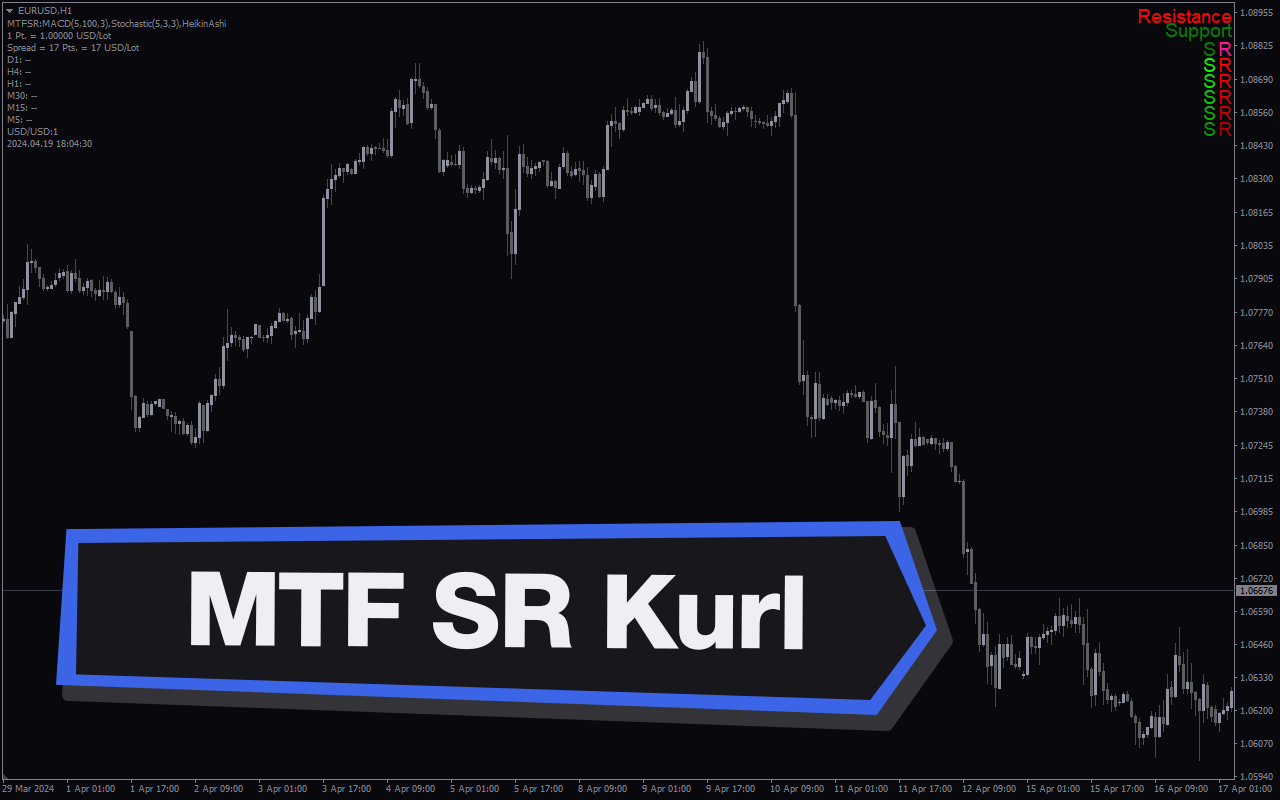
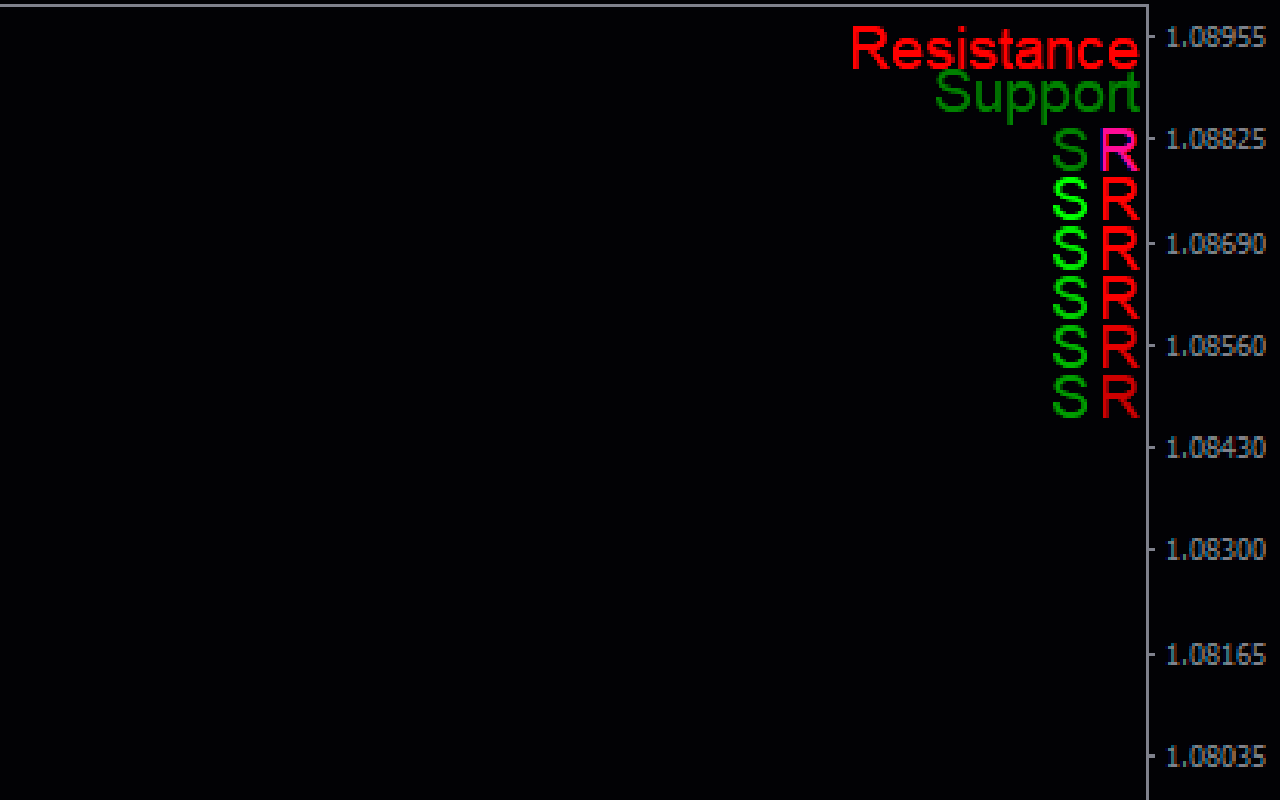
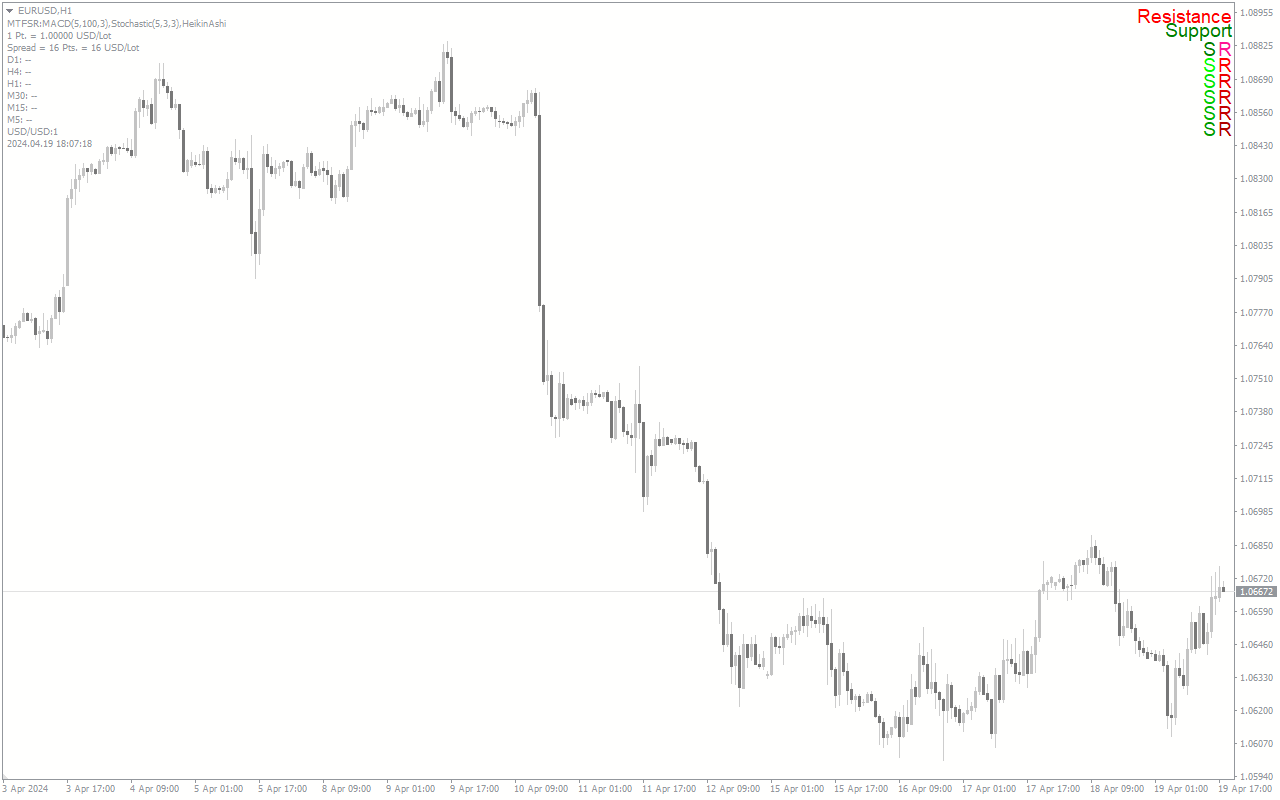
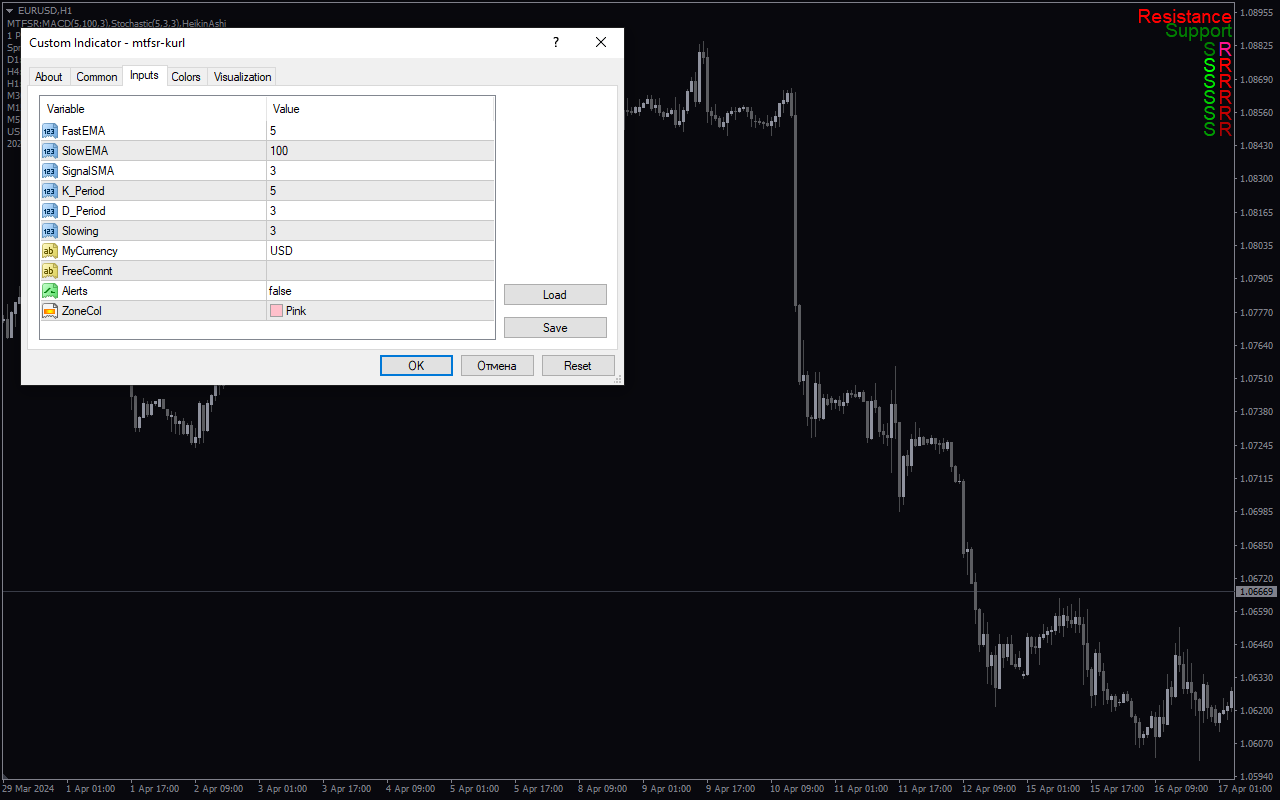
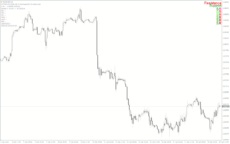
The Multi-Timeframe Support and Resistance (MTF SR Kurl) indicator is a useful tool for forex traders using the popular MT4 platform. This indicator provides a visual representation of support and resistance levels across multiple timeframes, helping traders make more informed decisions about potential entry and exit points. The MTF SR Kurl indicator is widely used by forex traders due to its accuracy and simplicity. It is also available for free, making it accessible to traders of all levels. To use the MTF SR Kurl indicator, simply apply it to your chart and adjust the settings to display the desired timeframes. The indicator will automatically plot support and resistance levels based on historical price data, giving traders a clear visual guide to market dynamics. By incorporating this indicator into your trading strategy, you can enhance your technical analysis and improve your overall trading performance in the forex market.
MT4
SR Kurl Indicator
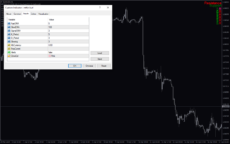
MTF SR Kurl Indicator is a popular and useful forex indicator for MT4 that provides support and resistance levels on multiple timeframes. This free indicator helps traders identify key levels for potential price reversals and breakouts. Simply add the indicator to your chart and adjust the settings to customize the levels displayed. Use this tool to improve your trading strategy and make more informed decisions.
| Platform | |
|---|---|
| Timeframe |
0
People watching this product now!
Downloads -
Description
Reviews (0)
How to Install
Related products

Time Zone
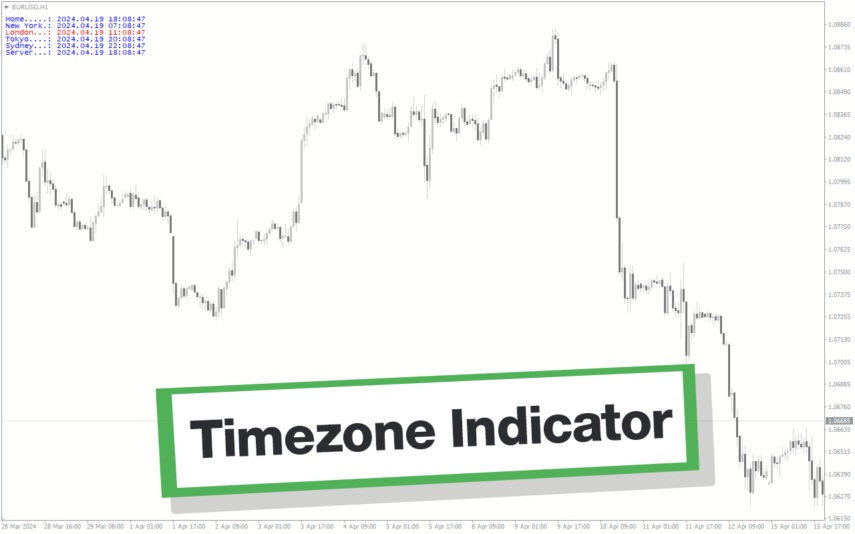
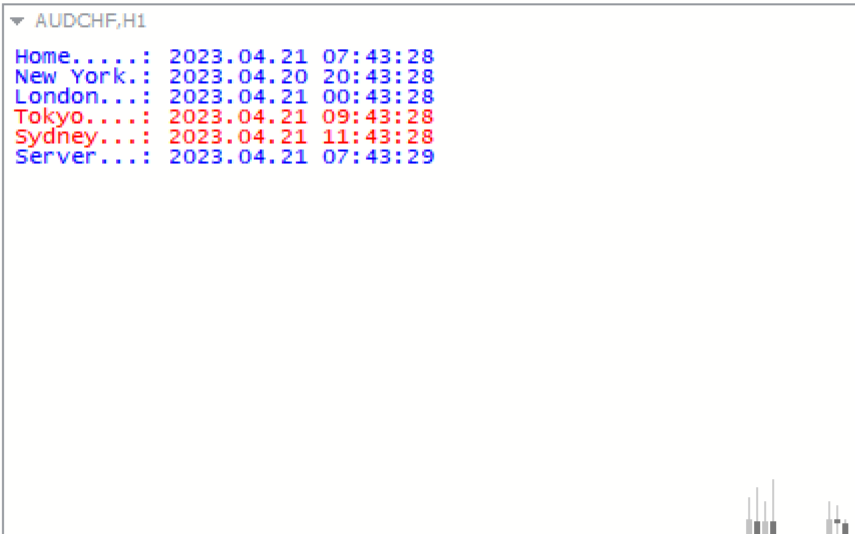
The Time Zone Indicator is a new and popular forex indicator available for free on MT4 platform. This indicator is designed to help traders easily identify the time in different markets and time zones around the world. The indicator can display up to four different time zones on the chart and can be customized according to the user's preferences. The Time Zone Indicator is easy to install and use, making it a valuable tool for traders who need to keep track of market hours and trading sessions across different time zones.
B-Clock Modified
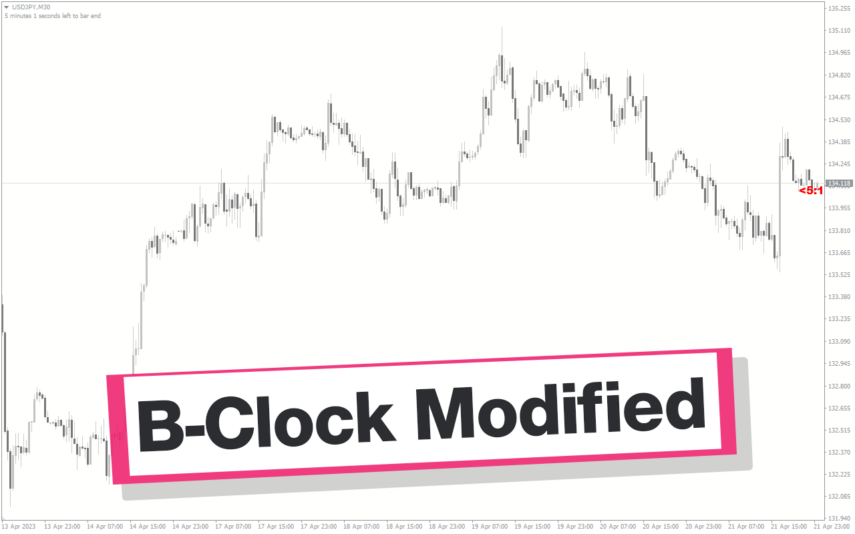
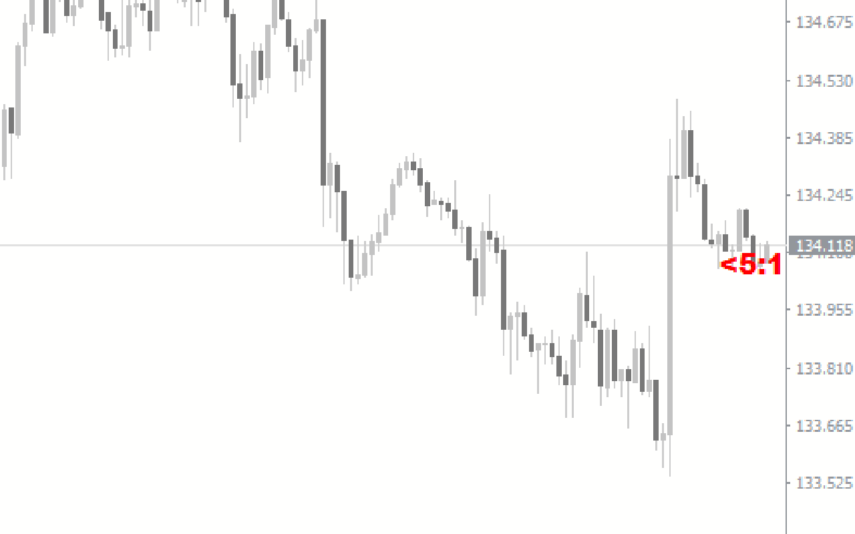
The modified b-clock indicator is a popular and useful MT4 tool for forex traders to help them determine the start and end of trading sessions. This indicator works by displaying the time remaining until the close of the current candle, which can be useful for traders who want to time their trades based on market activity during certain trading sessions. Due to its popularity in the forex trading community, this indicator has become an essential tool for many traders looking to gain an edge in the market.
Trend Strength
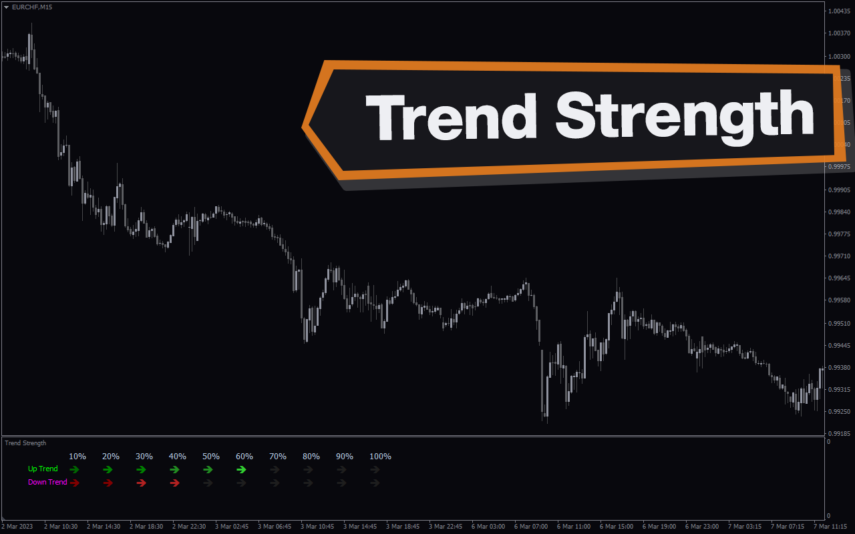
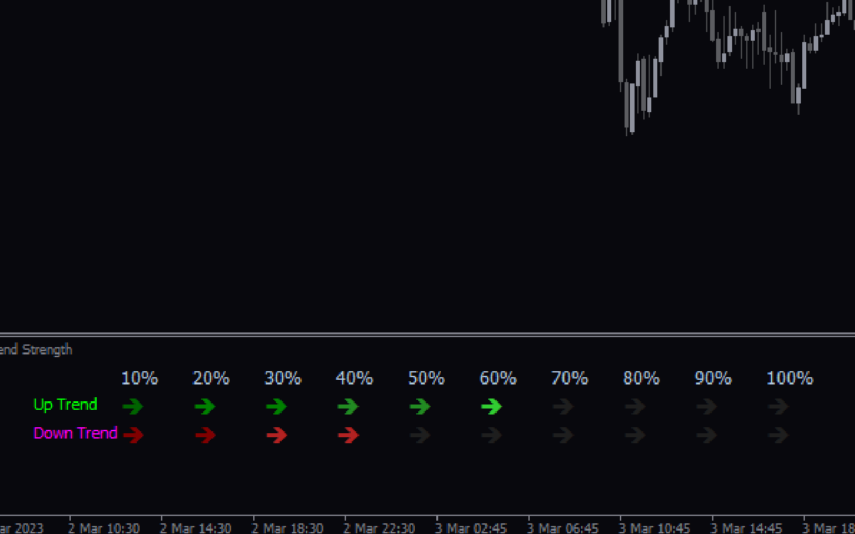
The Trend Strength Indicator is a popular and free Forex MT4 indicator that helps traders determine the strength of a trend. It works by measuring the strength of a trend using a unique algorithm that takes into account different time frames. The indicator is available for use on the MT4 trading platform and is easy to use even for novice traders. It displays trend direction and trend strength with green and red bar charts. Use the trend strength indicator as a standalone indicator or combine it with other technical indicators to improve your trading strategies.
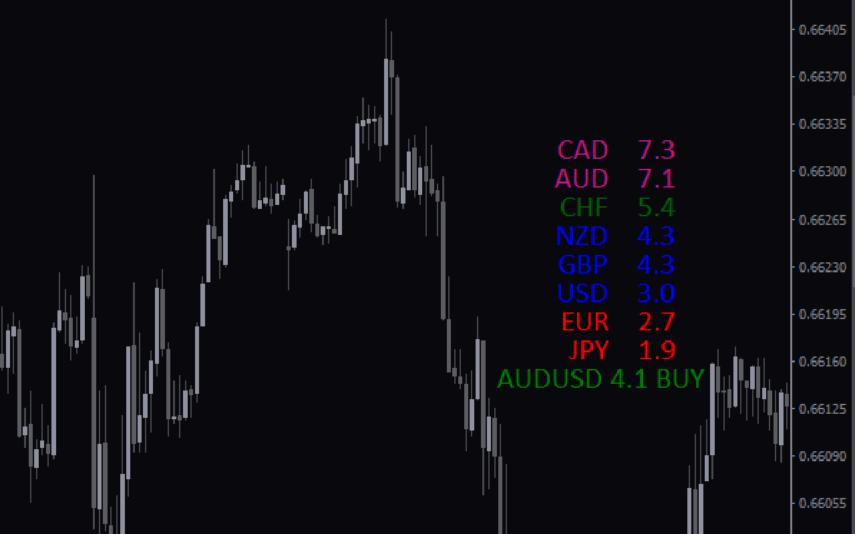
Currency Strength Giraia 28 Pairs TRO Modified
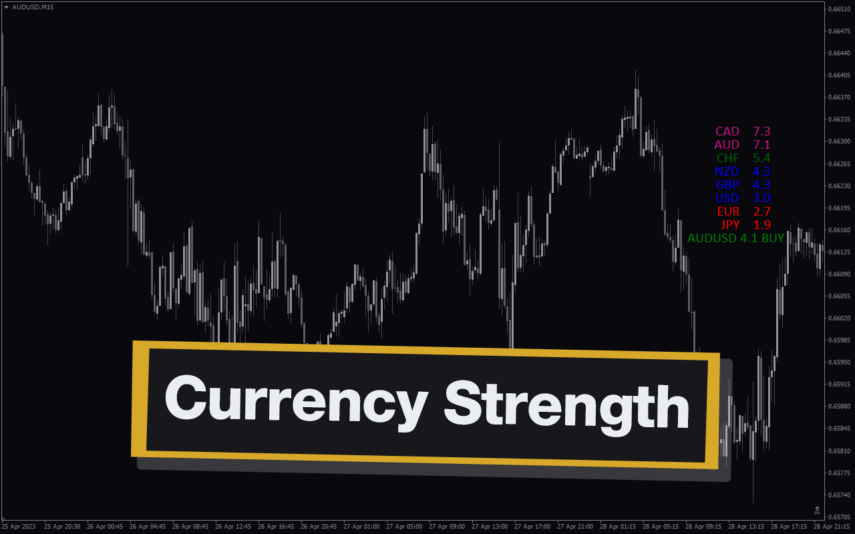
The Currency Strength Giraia 28 Pairs TRO Modified Indicator is a popular and free forex indicator for the MT4 trading platform. The indicator works by analyzing the 28 most traded currency pairs and displaying the results in an easy to read graphical format. The indicator also provides alerts when certain currency pairs reach certain levels of strength. The indicator is easy to install and use, making it a popular choice among forex traders.
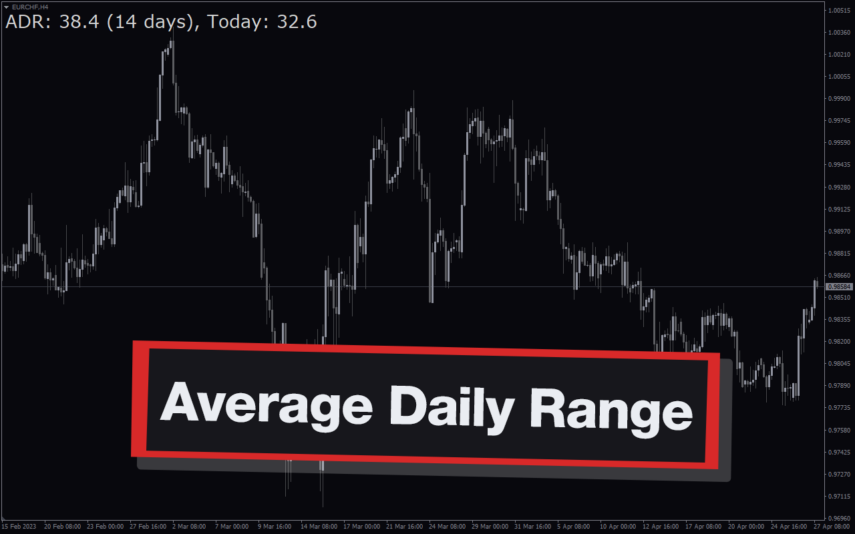
Average Daily Range Adr
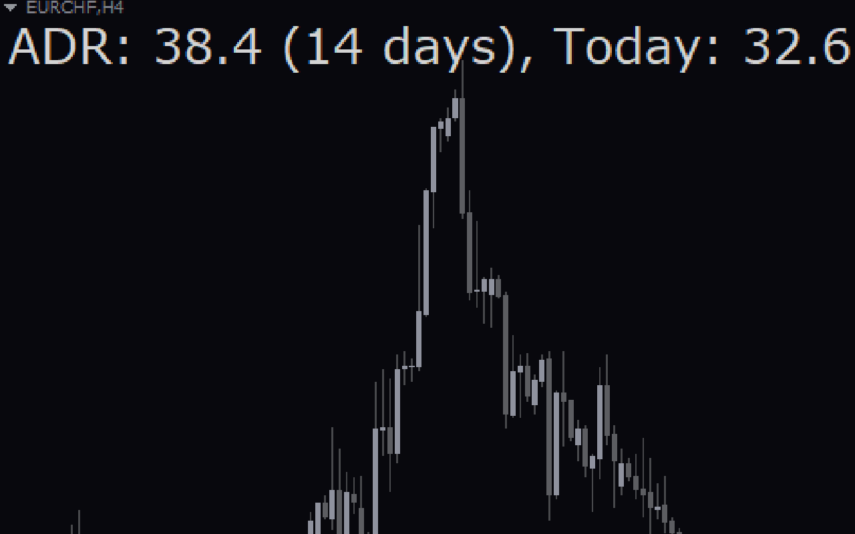
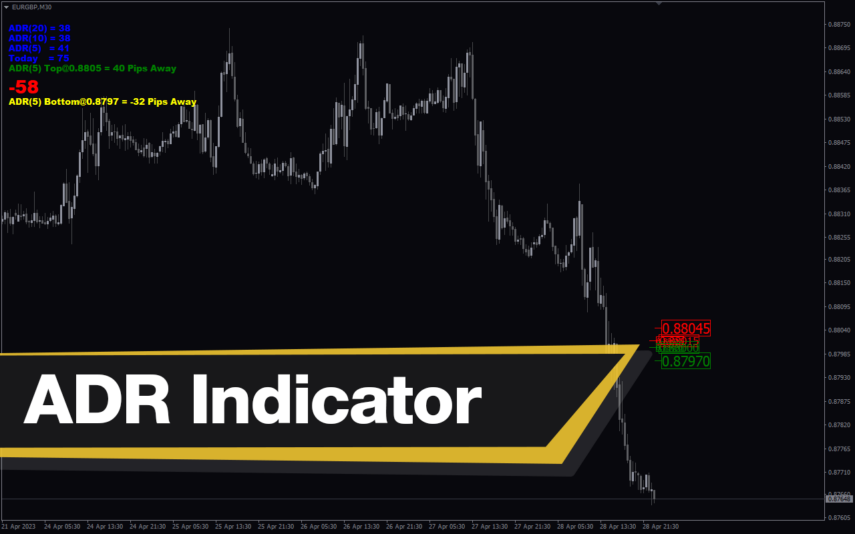
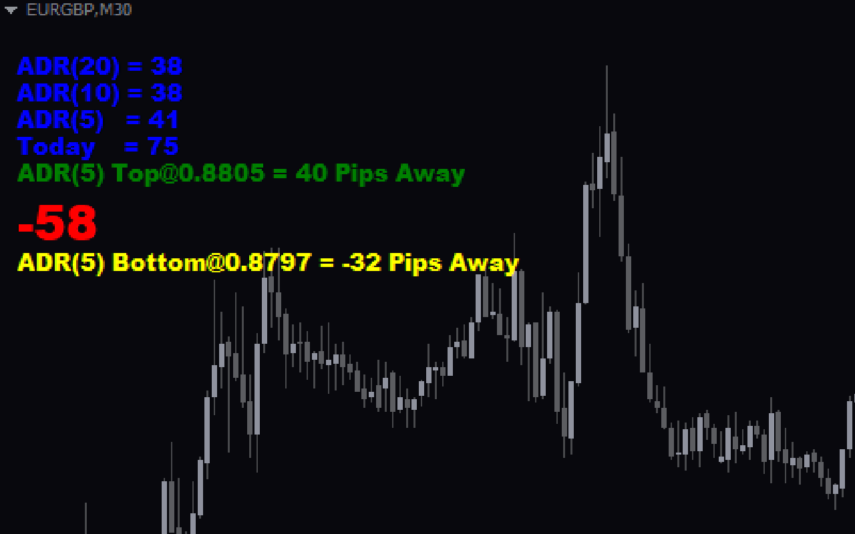
The Average Daily Range (ADR) Indicator is a popular and free Forex indicator for the MT4 trading platform. It is a useful tool for traders as it helps them identify and take advantage of the range of price movements. The indicator shows the average daily range of a currency pair over a given period of time. This can be used to help traders identify entry and exit points for their trades. The indicator is easy to use and can be used to identify the volatility of a currency pair, as well as the potential for price movements. The ADR Indicator is a great way to take advantage of the market’s volatility and make more informed trading decisions.
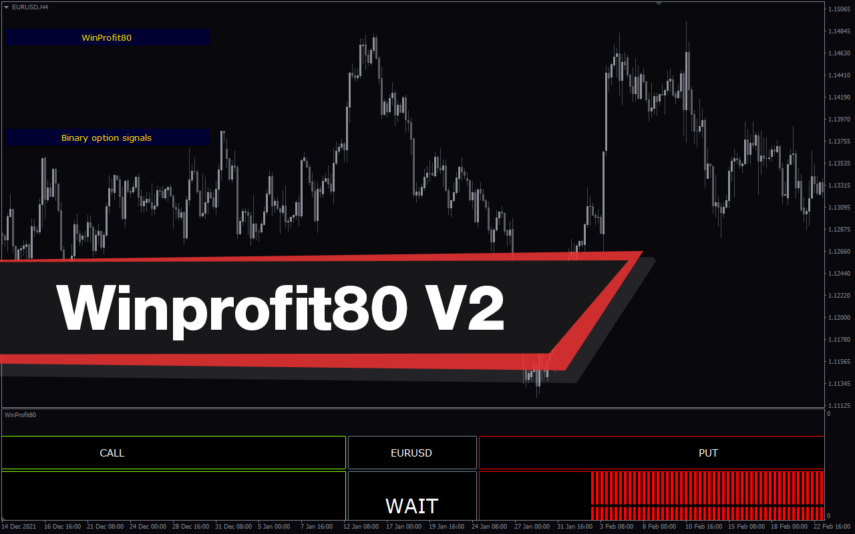
Winprofit80 V2
The WinProfit80 v2 Forex indicator is a popular and free MT4 indicator that is useful for Forex traders. It is designed to help traders identify and capitalize on profitable trading opportunities in the Forex market. The indicator works by analyzing the market and providing traders with signals when there are high-probability trading opportunities. It looks for trading opportunities based on price action, trend direction, and momentum. The signals generated by the indicator can be used to enter or exit trades. The WinProfit80 v2 Forex indicator is a great tool for traders looking for an easy and efficient way to trade the Forex market.
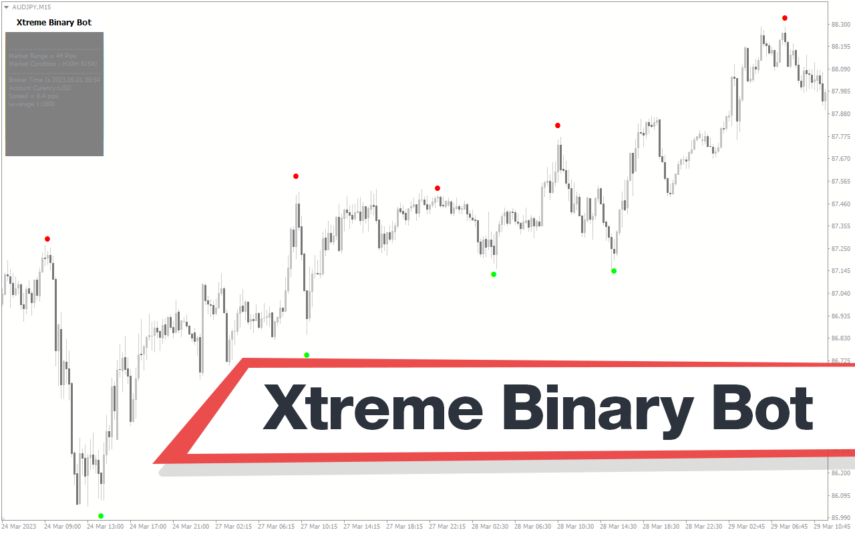
Xtreme Binary Bot
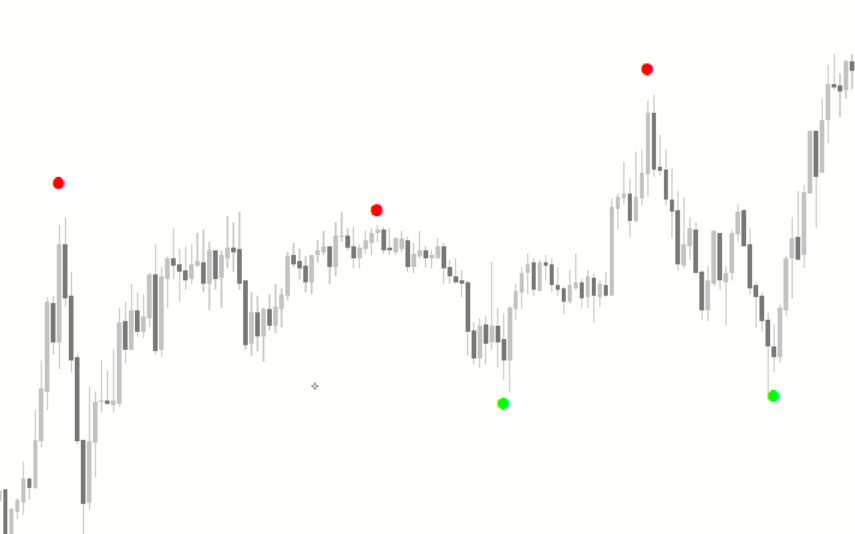
The Xtreme Binary Bot is a useful and popular free Forex indicator for Metatrader 4 (MT4) that provides traders with accurate buy and sell signals. The Xtreme Binary Bot indicator uses sophisticated algorithms to generate signals based on the movements of the market. It is easy to use, and it provides traders with clear and concise signals that can be used to enter and exit trades. The Xtreme Binary Bot indicator is a great tool for traders who want to maximize their profits in the Forex market.
Reviews
There are no reviews yet.