
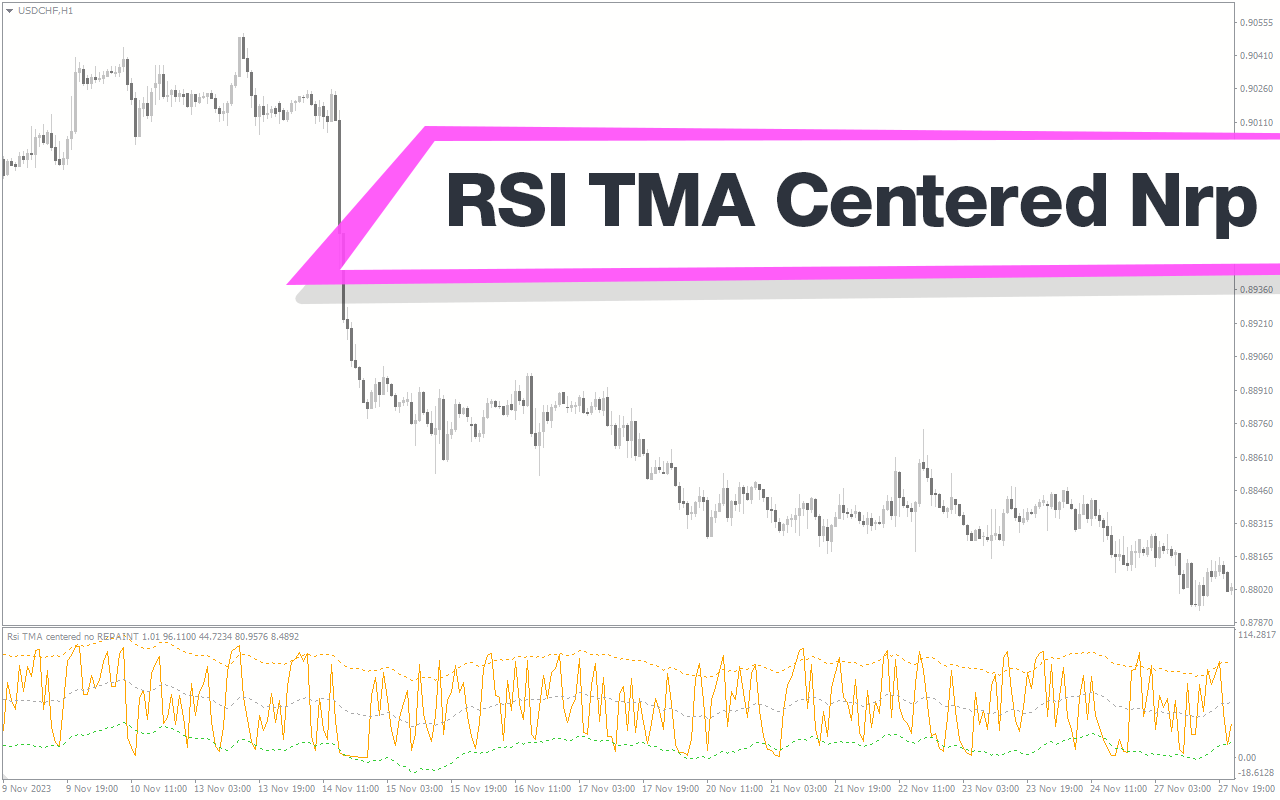
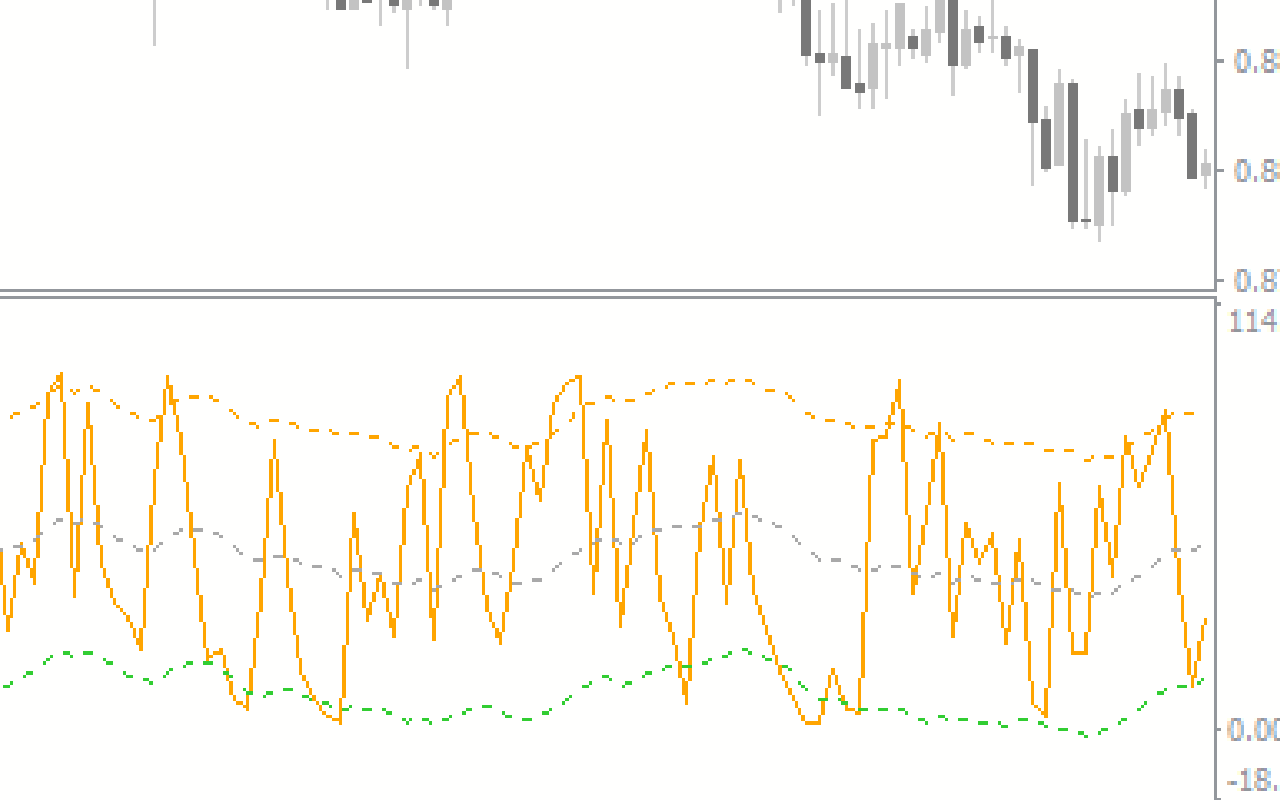
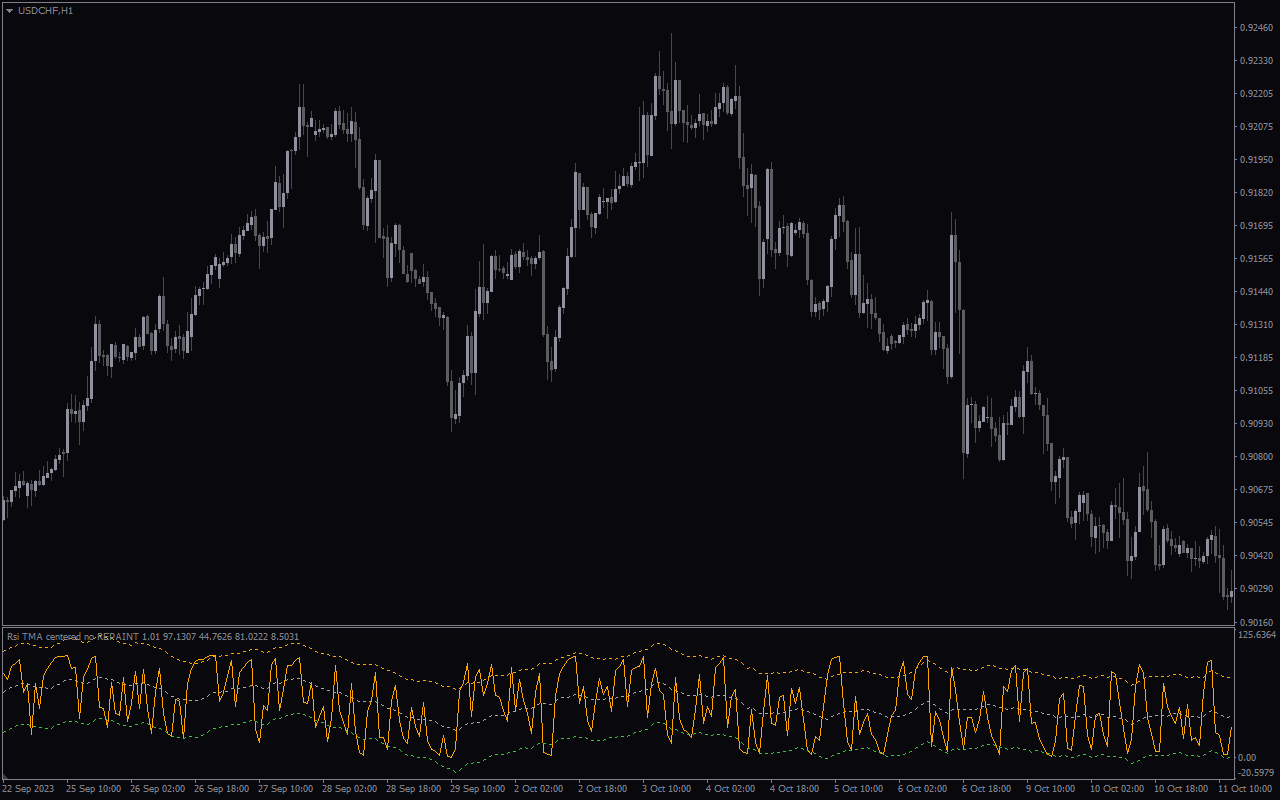
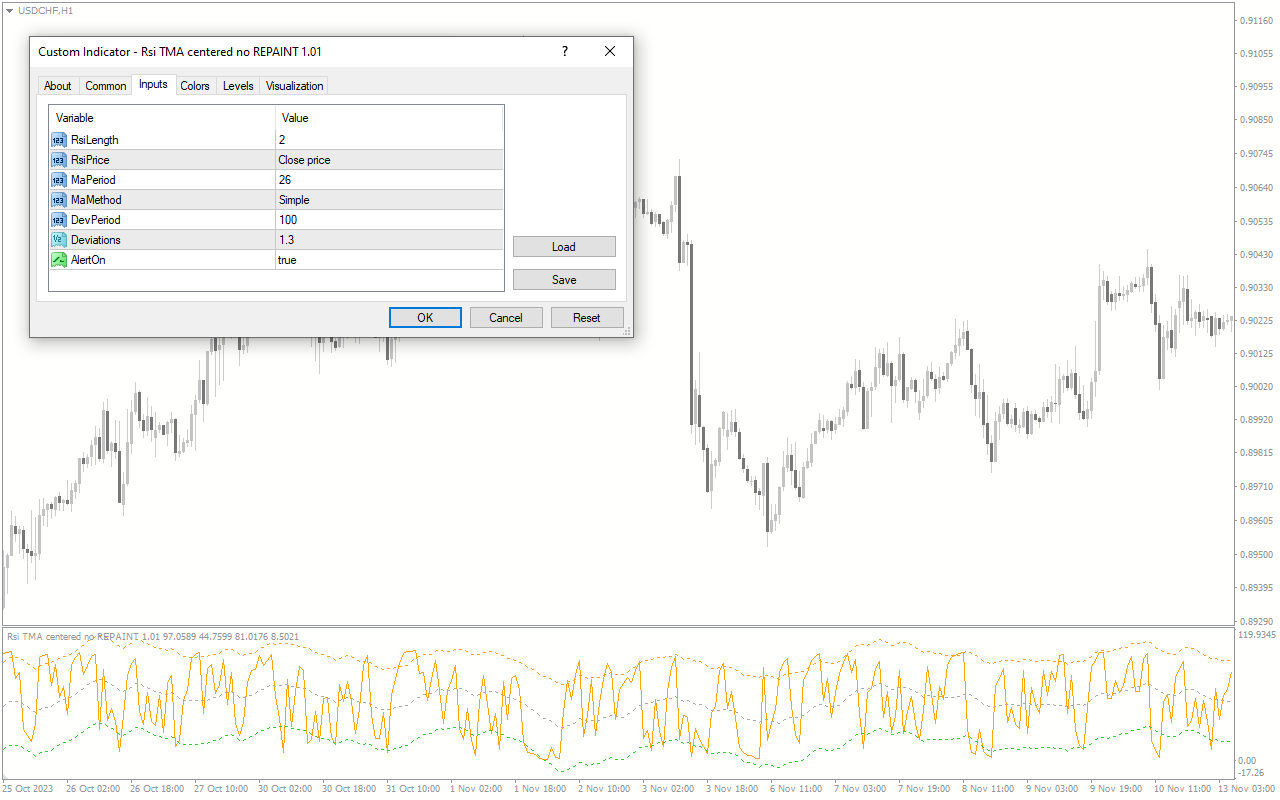
The RSI TMA Centered NRP is a useful and popular free Forex indicator for MetaTrader 4 (MT4). This indicator is designed to help traders identify and take advantage of potential trade opportunities. The indicator works by combining the Relative Strength Index (RSI) and the Triangular Moving Average (TMA) to create a unique trading strategy. The indicator is designed to identify overbought and oversold market conditions, as well as potential price reversals. The indicator works by combining the RSI and the TMA to identify potential trading opportunities. The RSI is used to identify overbought and oversold market conditions, while the TMA is used to identify potential price reversals. The indicator also uses a Centered Normalized Range Oscillator (CNRO) to identify potential trade opportunities. The CNRO is used to measure the strength of the trend and the momentum of the market. Overall, the RSI TMA Centered NRP is a useful and popular free Forex indicator for MT4. The indicator is designed to help traders identify potential trading opportunities and make informed trading decisions. The indicator is easy to use and can be used by both experienced and novice traders.

MT4
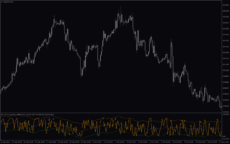
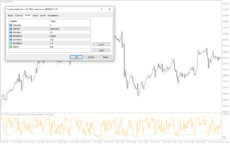
RSI TMA Centered NRP
The RSI TMA Centered NRP is one of the most popular and useful free Forex indicators available for MT4. This indicator is a combination of the Relative Strength Index (RSI) and the Triangular Moving Average (TMA) and is used to identify and confirm trends in the Forex market. It is a great tool for both short-term and long-term traders.
| Indicator Type | |
|---|---|
| Trading Style | |
| Timeframe | |
| Platform |
0
People watching this product now!
Downloads - 7
Description
Reviews (0)
How to Install
Related products
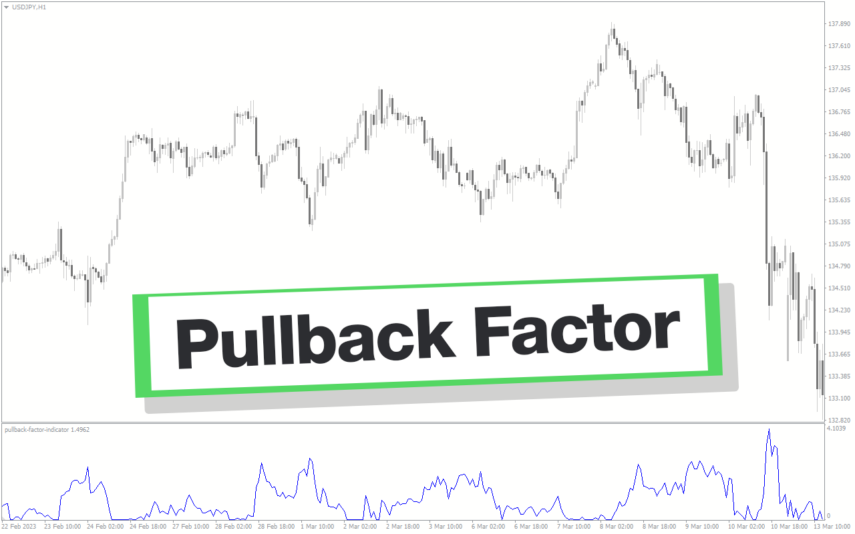
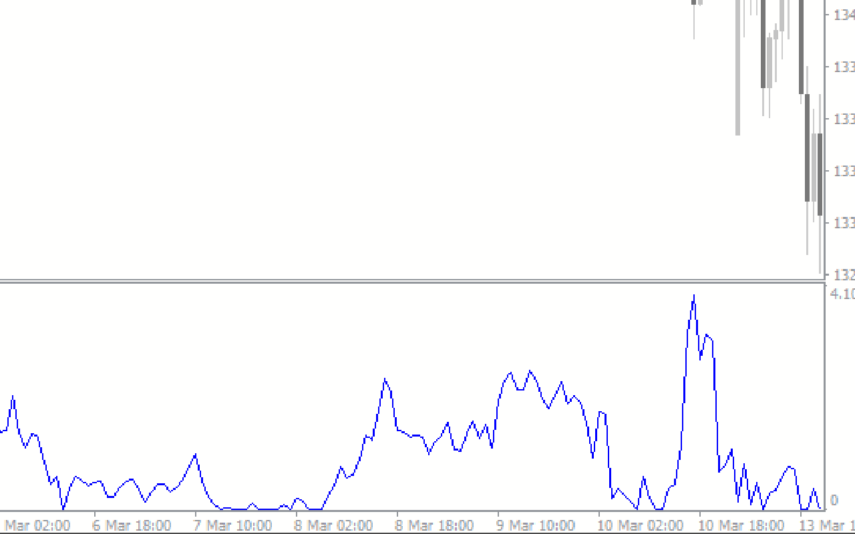
Pullback Factor
Pullback Factor Indicator is a popular and new trend-following indicator designed for use in the forex market. It helps you to identify the end of a trend retracement and the resumption of the trend. With its unique algorithm, the indicator predicts the extent of a trend pullback, enabling traders to enter the market with precision and accuracy.
ROC Indicator
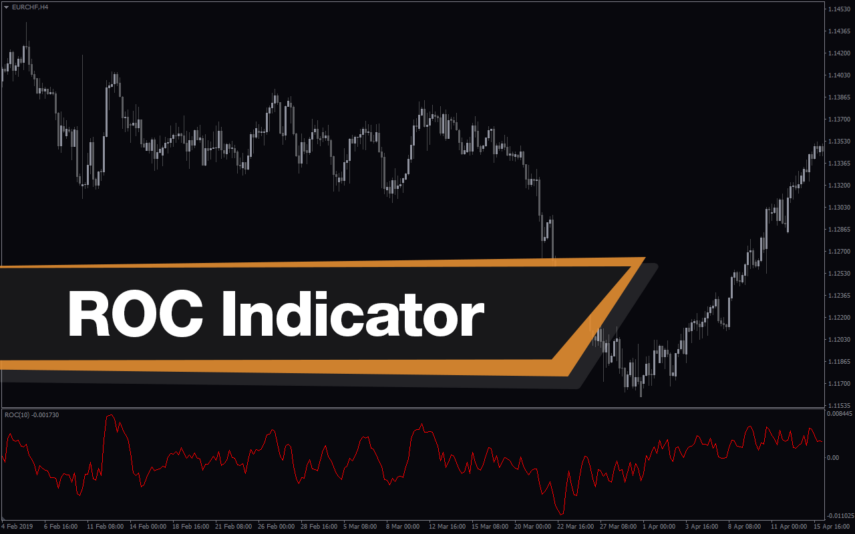
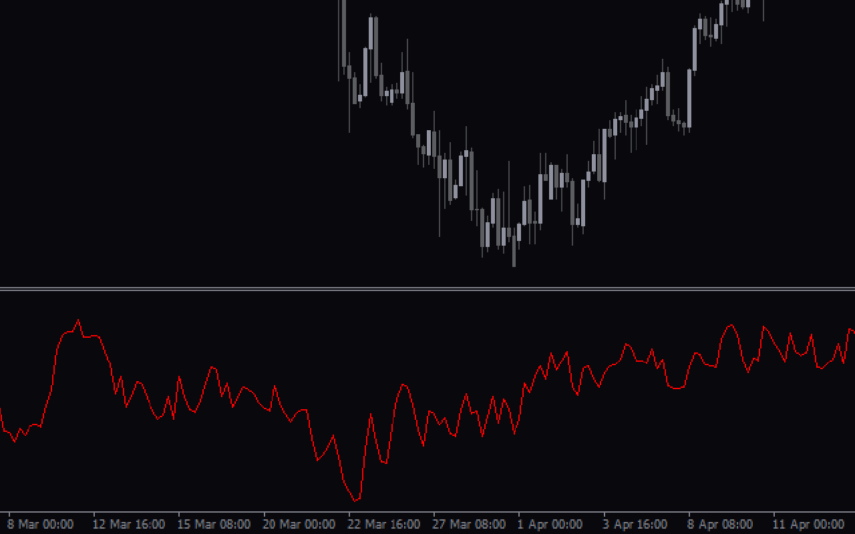
The ROC Indicator is a popular and useful Forex indicator for MT4 that is free to download. It is used to measure the rate of change in price movements over a given time period. The indicator is useful for traders as it can help identify when a price is overbought or oversold, and when a trend is reversing. The ROC Indicator is a popular and useful tool for traders who want to make informed decisions about their trading strategies.
FX5 MACD Divergence
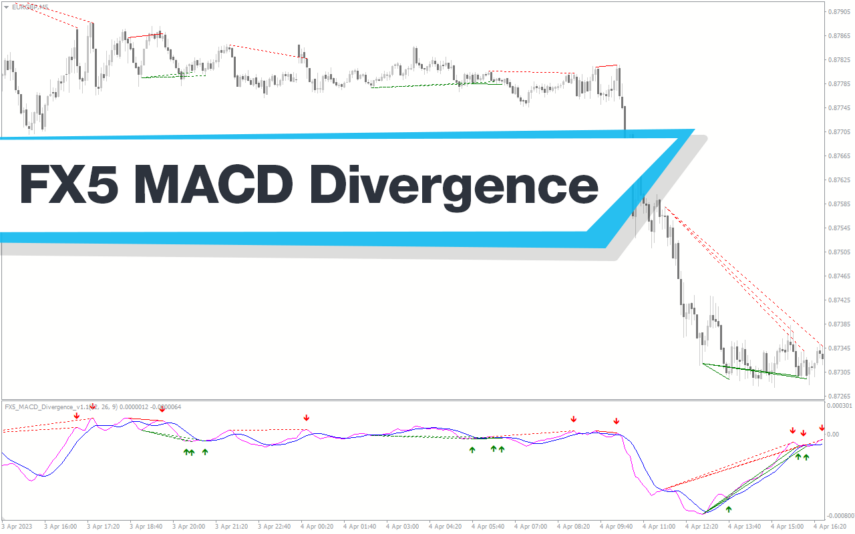
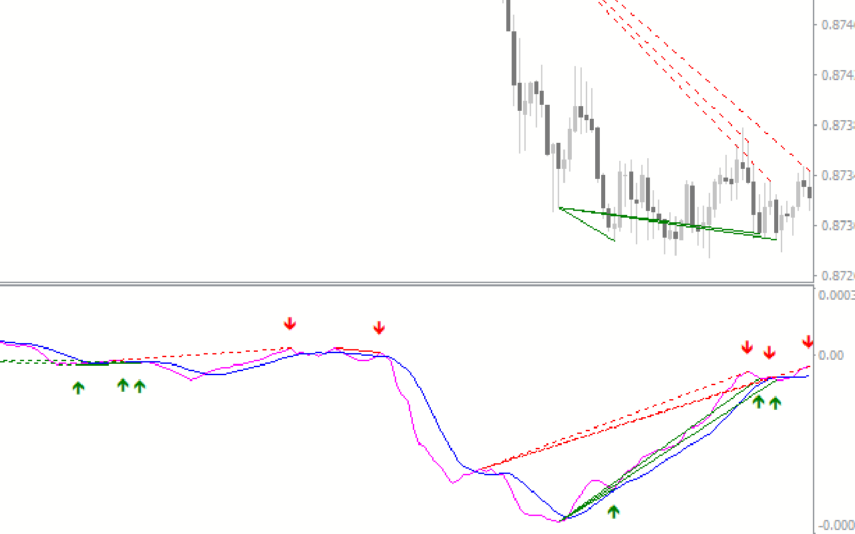
The MACD FX5 Divergence Indicator is a new and popular forex indicator that runs on the MT4 platform. This is a free indicator that traders can use to identify potential trend reversals and momentum shifts. The indicator is based on the Moving Average Convergence-Divergence (MACD) indicator, which measures the distance between two moving averages. It analyzes the divergence between the MACD indicator and price action and then generates buy or sell signals. Use this indicator to better understand market trends and take advantage of potential profit opportunities.
Wave Trend Oscillator
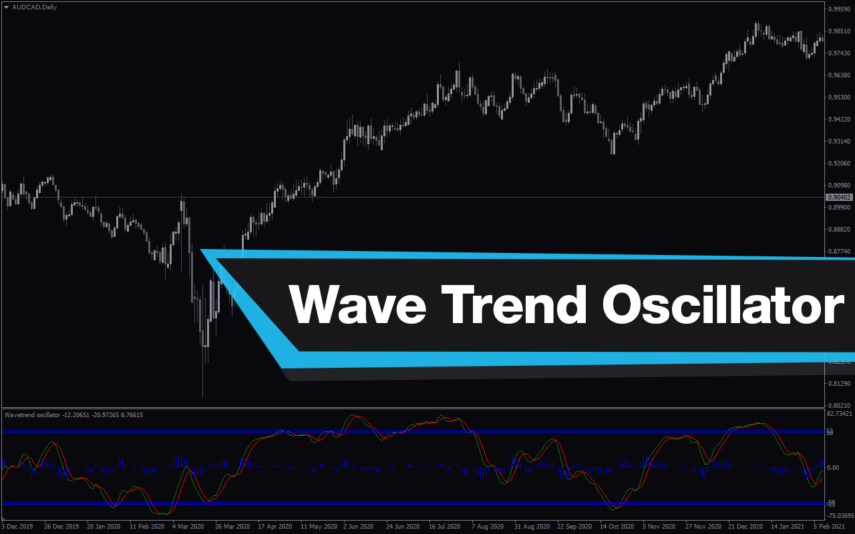
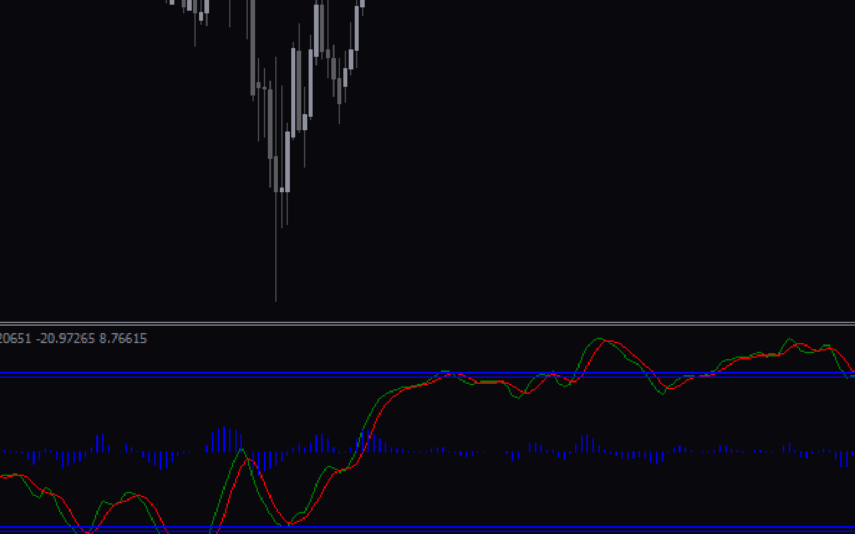
The Wave Trend Oscillator Indicator is a popular and free Forex indicator for MT4 that is useful for both novice and experienced traders. This indicator is designed to detect the trend and momentum of the market and provide traders with a visual representation of the trend direction. It then plots the waves on a chart and provides traders with a signal when the trend has reversed or is about to reverse. This indicator is also customizable, allowing traders to adjust the sensitivity of the indicator to their own trading style. With the Wave Trend Oscillator Indicator, traders can easily identify the trend of the market and make informed trading decisions.
TRIX Indicator
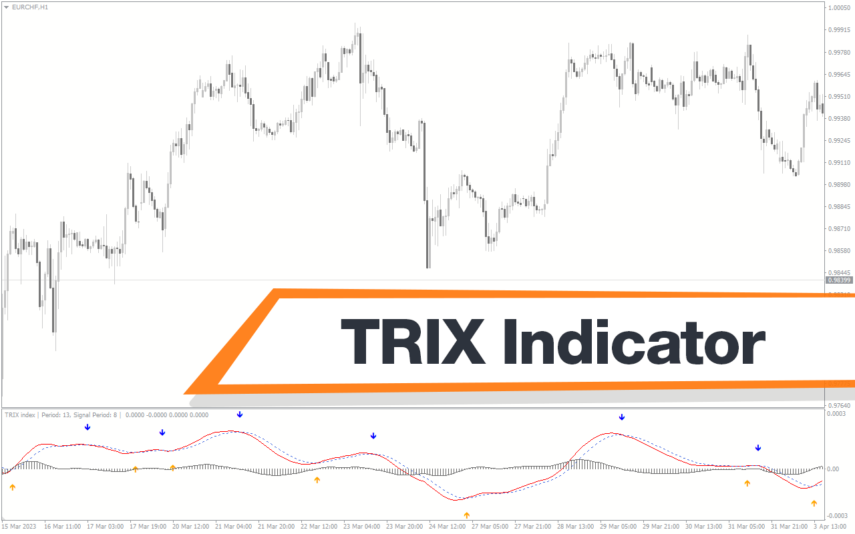
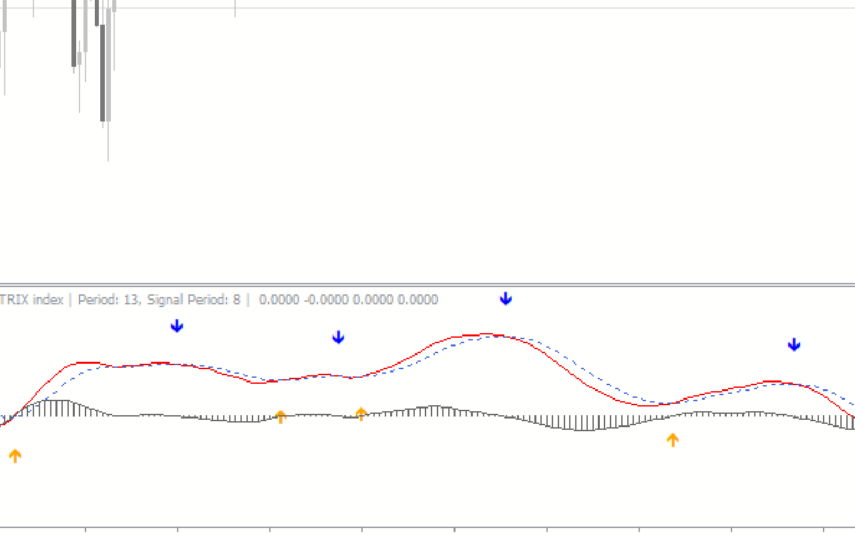
The TRIX indicator is a new and popular technical analysis tool designed for the forex market wich available for free on the MT4 platform. TRIX uses triple exponential smoothing to identify trends and provide buy/sell signals based on crossovers and divergences. The indicator also helps traders identify overbought and oversold conditions, which can be used to make informed trading decisions. With its accuracy and simplicity, the TRIX indicator is quickly gaining popularity among forex traders.
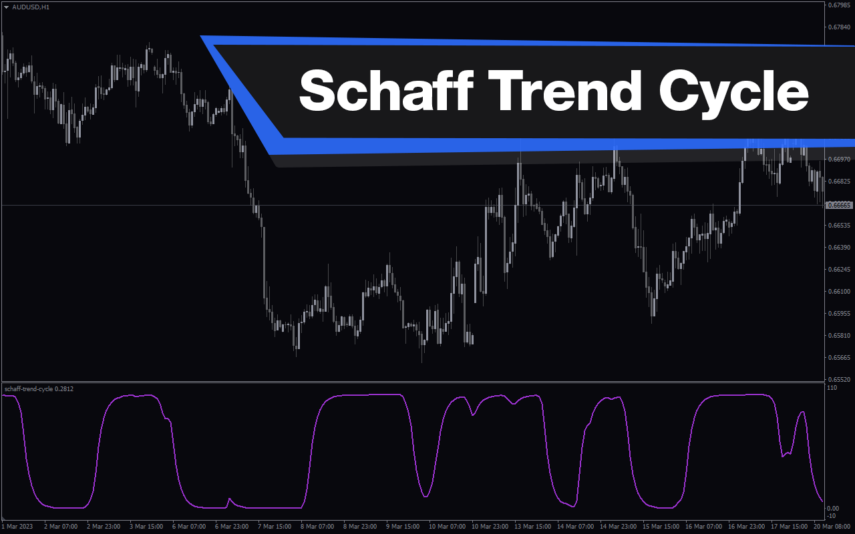
Schaff Trend Cycle
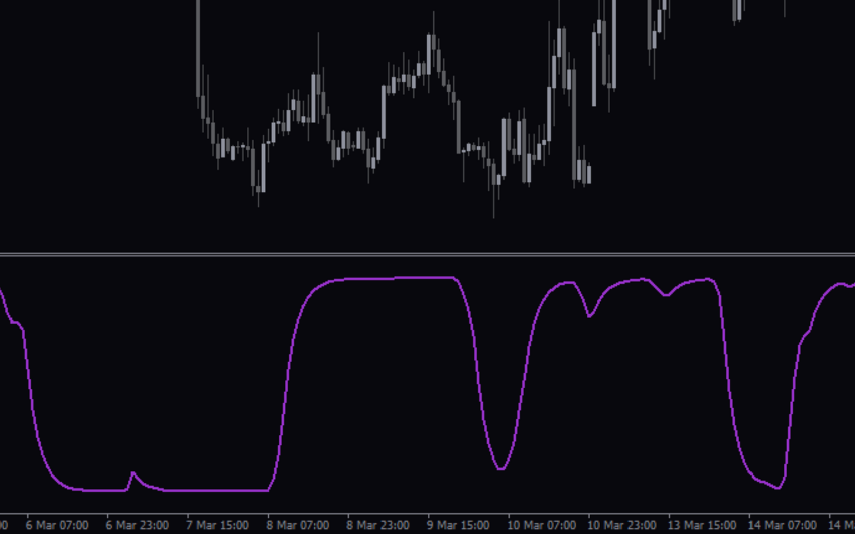
The Schaff Trend Cycle indicator is a popular forex indicator for MT4, which determines market trends with high accuracy. Its values range from 0 to 100, with values above 75 indicating overbought and values below 25 indicating oversold. Whether you are a beginner or an experienced trader, the Schaff Trend Cycle indicator will help you make better trading decisions and improve profitability.

Reviews
There are no reviews yet.