
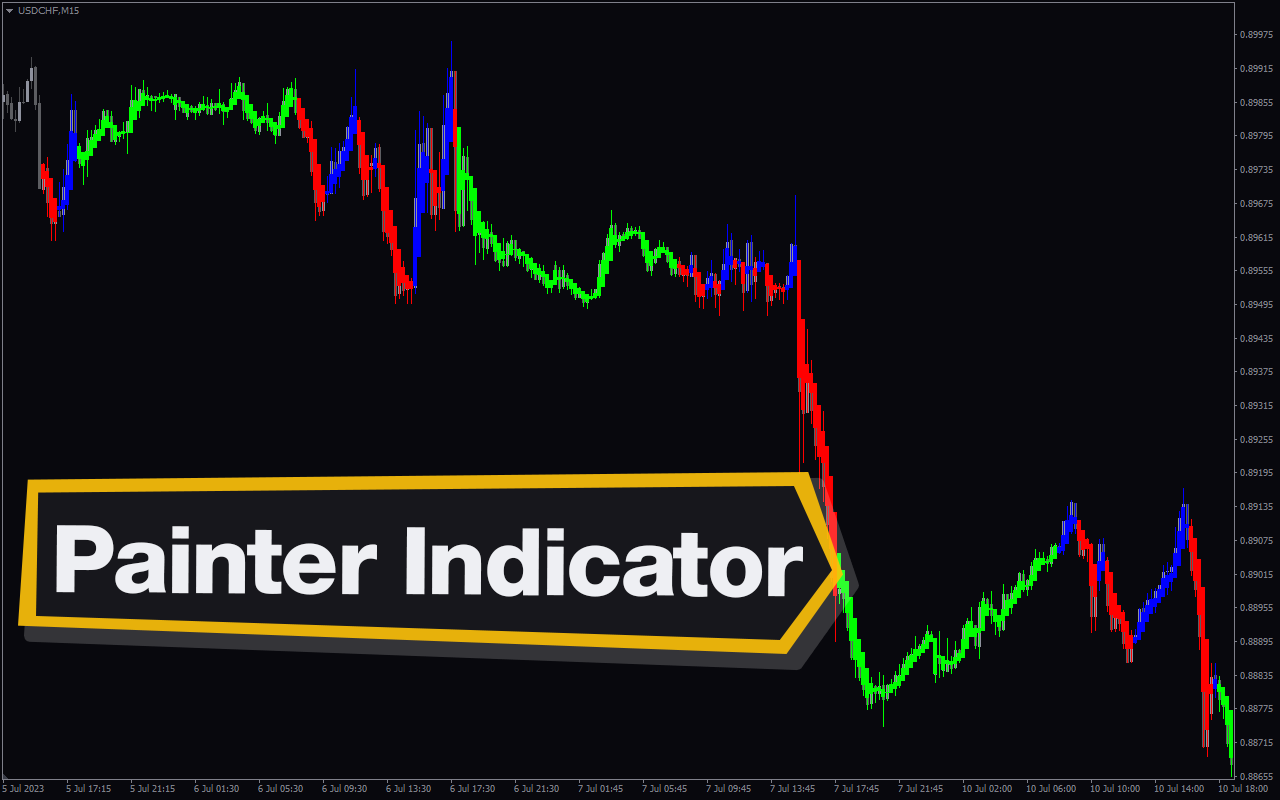
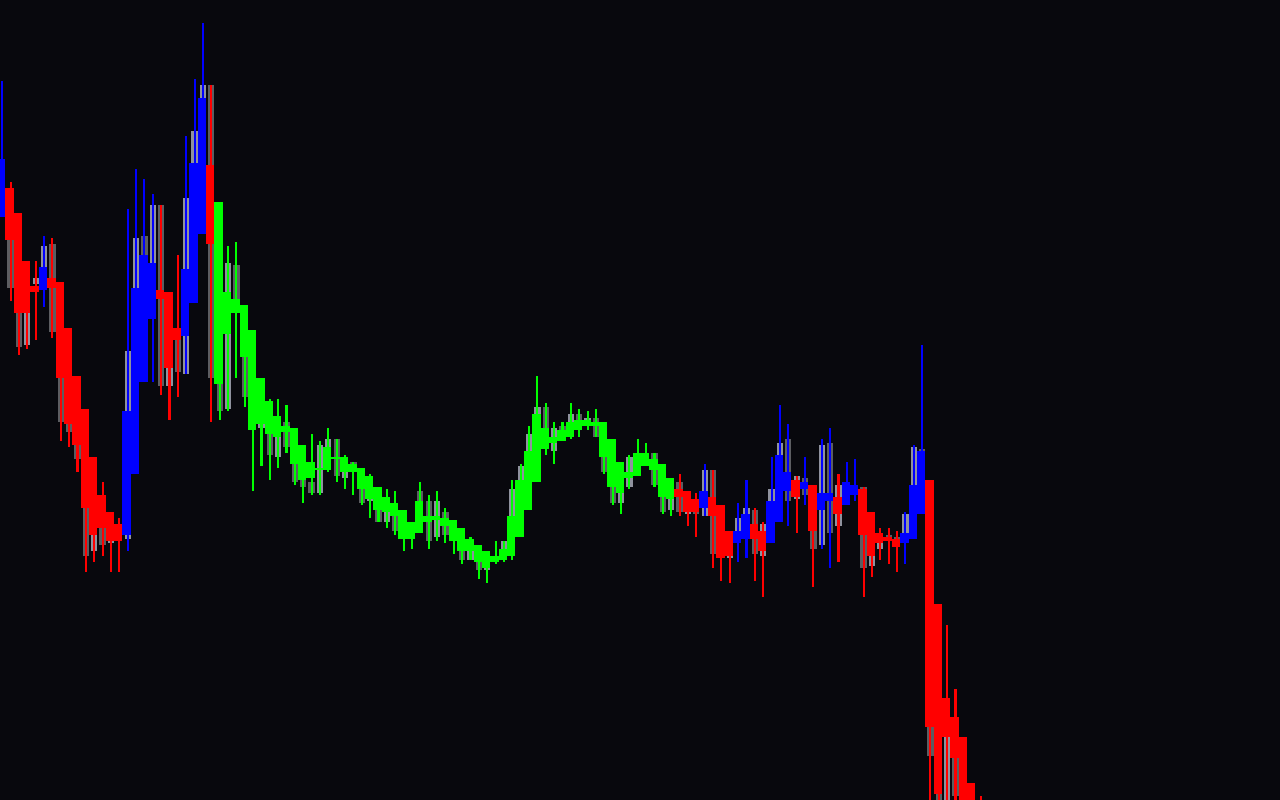
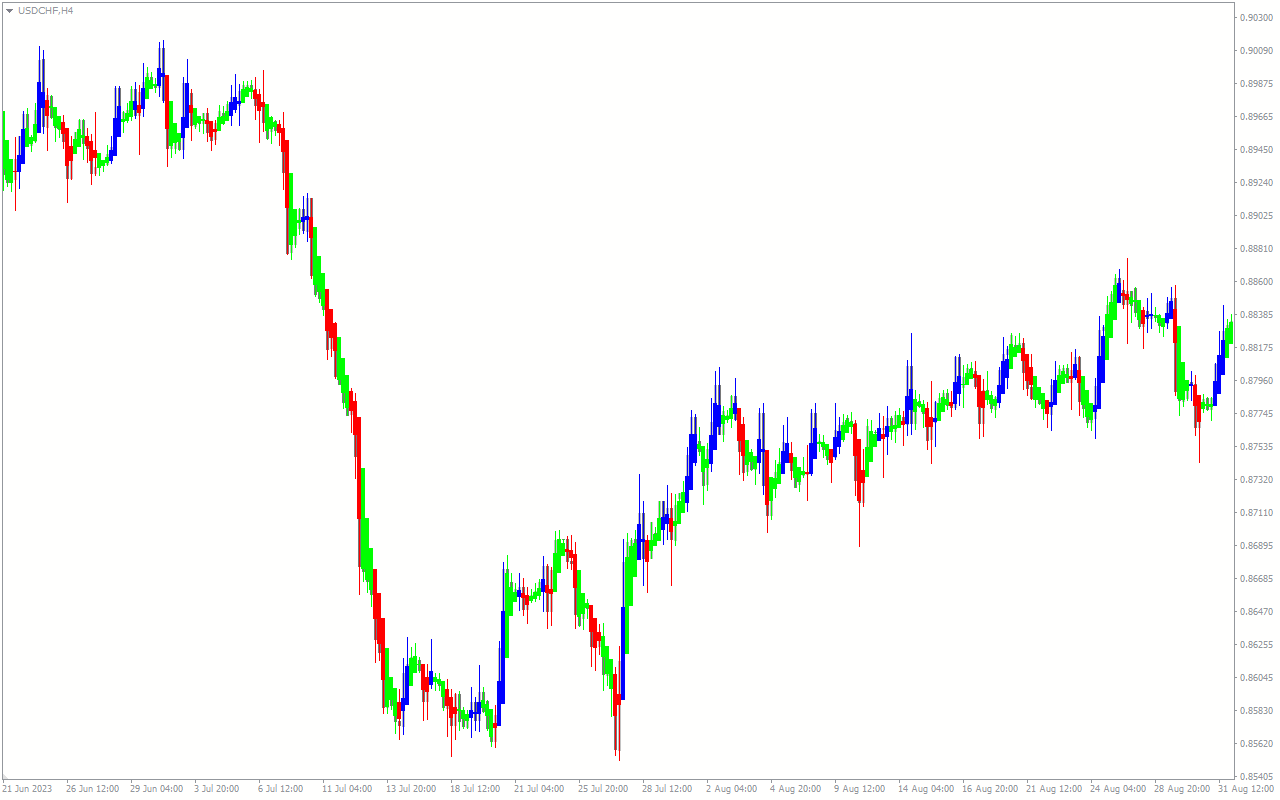
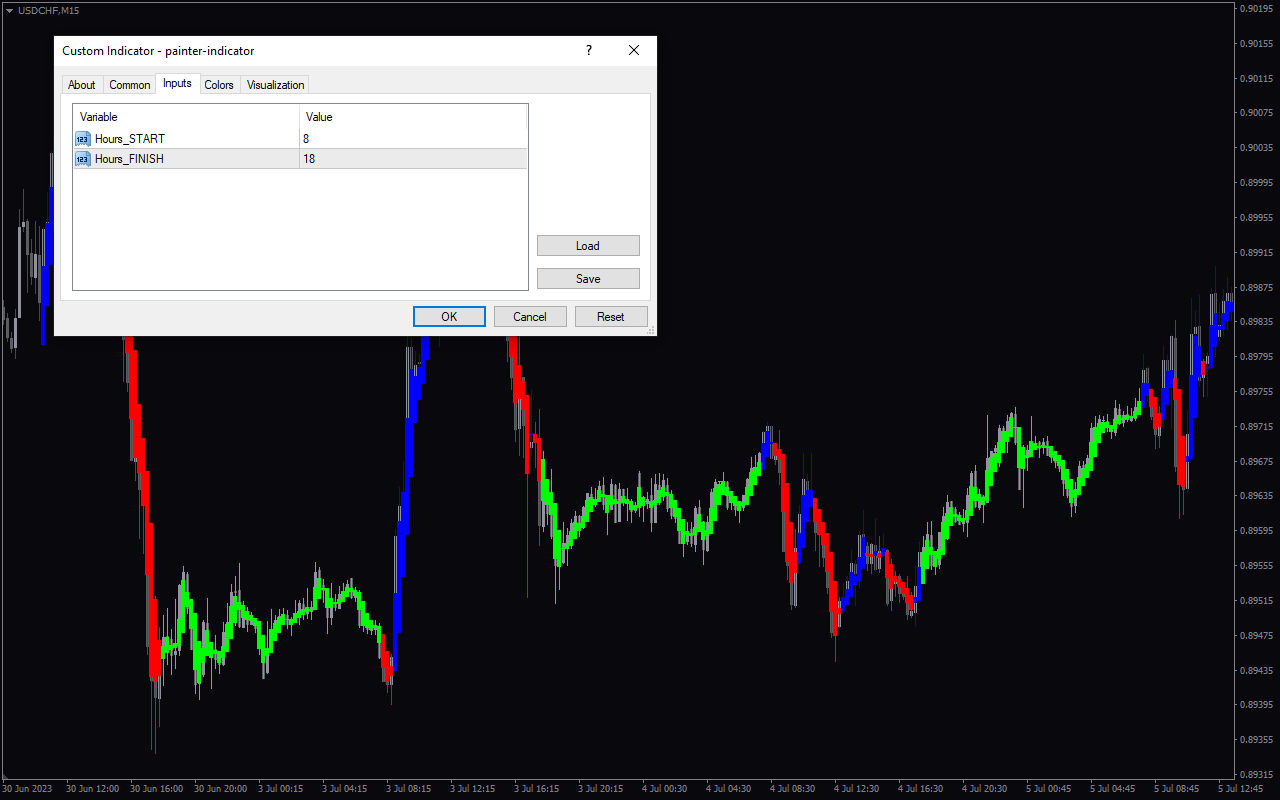
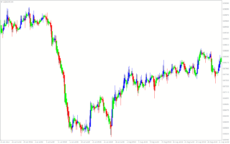
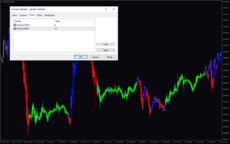
The Painter Indicator is a popular and free Forex indicator for MT4. It is a useful tool for traders as it allows them to analyze and visualize price movements in the markets. The Painter Indicator is based on a simple concept of painting a chart with the current price and a set of predetermined parameters. The indicator paints the chart with a line that follows the current price action. It also includes a range of customizable parameters to help traders better identify potential entry and exit points. The Painter Indicator is easy to use and setup. All a trader needs to do is to select the desired parameters and then the indicator will automatically draw the chart. The indicator also includes a range of customizable features such as color coding, time frames, and chart types. This makes it possible for traders to customize the indicator to suit their own trading style and preferences. The indicator is also free and easy to download and install on the MT4 platform. This makes it a popular choice for traders who are looking for a reliable and easy to use indicator.

MT4
Painter Indicator
The Painter Forex Indicator is a useful and popular free MT4 indicator that helps traders make better trading decisions. It works by analyzing price action and identifying entry and exit points in the market. With its simple and intuitive interface, the Painter Forex Indicator is a great way to get an edge in the market.
| Trading Style | |
|---|---|
| Indicator Type | |
| Timeframe | |
| Platform |
0
People watching this product now!
Downloads - 13
Description
Reviews (0)
How to Install
Related products
VWAP Bands
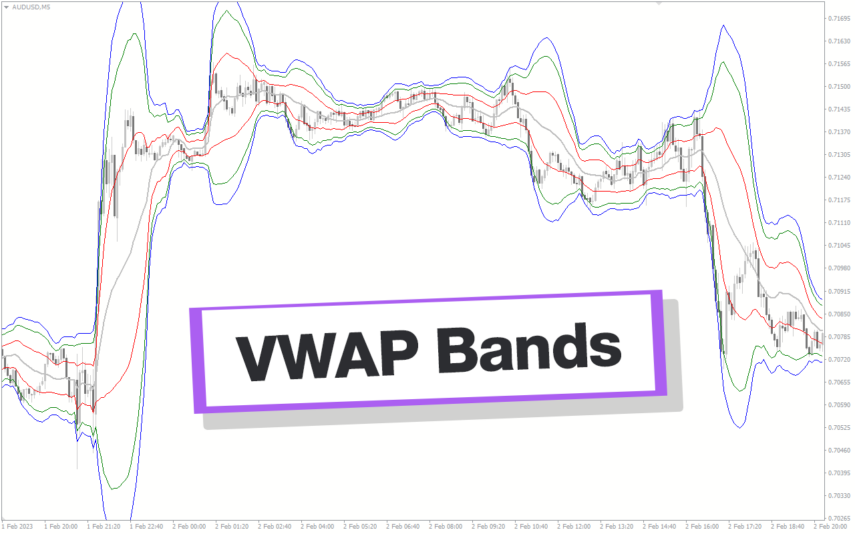
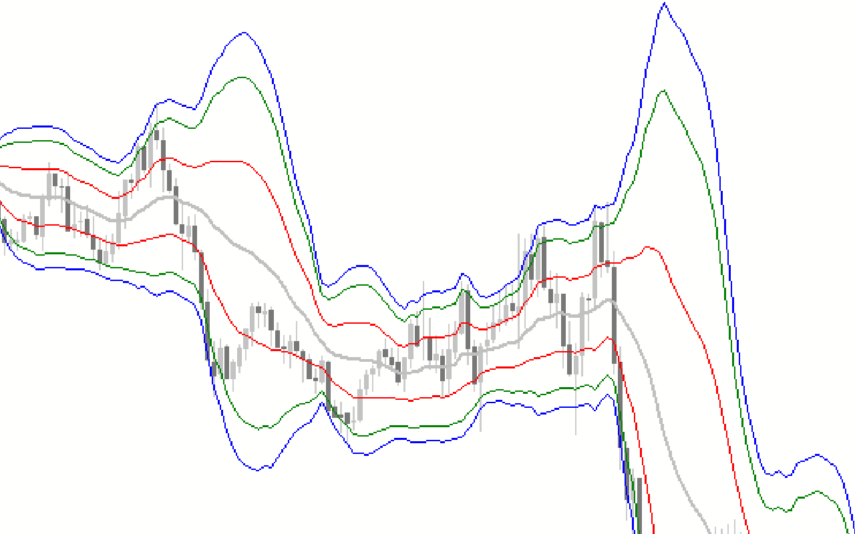
Discover the power of the VWAP Bands indicator, which emphasizes volume in its calculation. Gain insights into support and resistance levels, fair value, and trading opportunities. Suitable for all traders, this versatile Metatrader Indicator allows customization across various time frames with adjustable settings for better trading.
FX Sniper
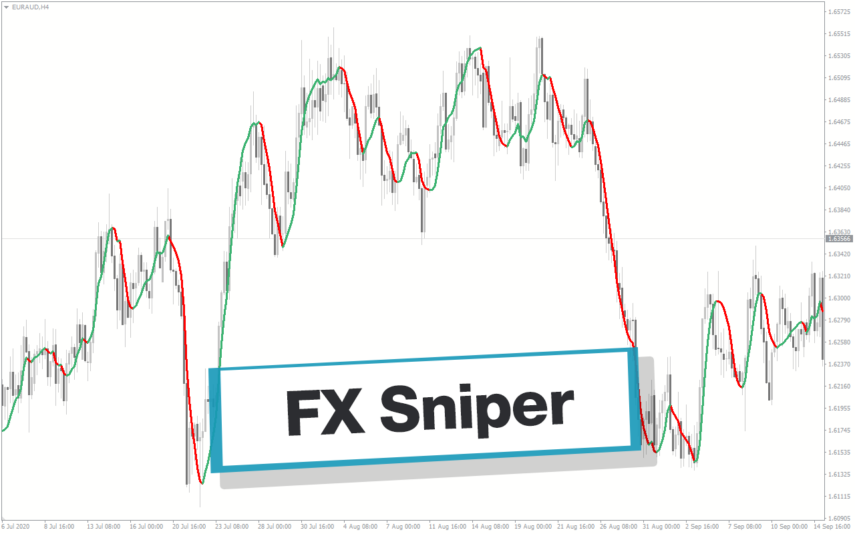
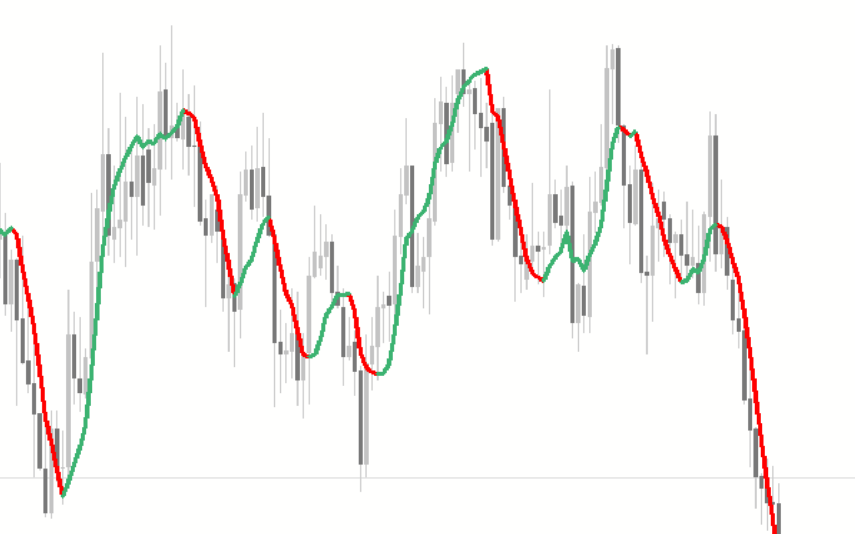
The FX Sniper indicator is a new and popular forex indicator available for free on the MT4 platform. It uses advanced algorithms to identify trends and potential trading opportunities. The indicator is easy to use and gives clear signals on when to buy or sell based on market conditions. The FX Sniper indicator is suitable for traders of all levels, from beginners to experienced traders who want to improve their trading performance and profitability.
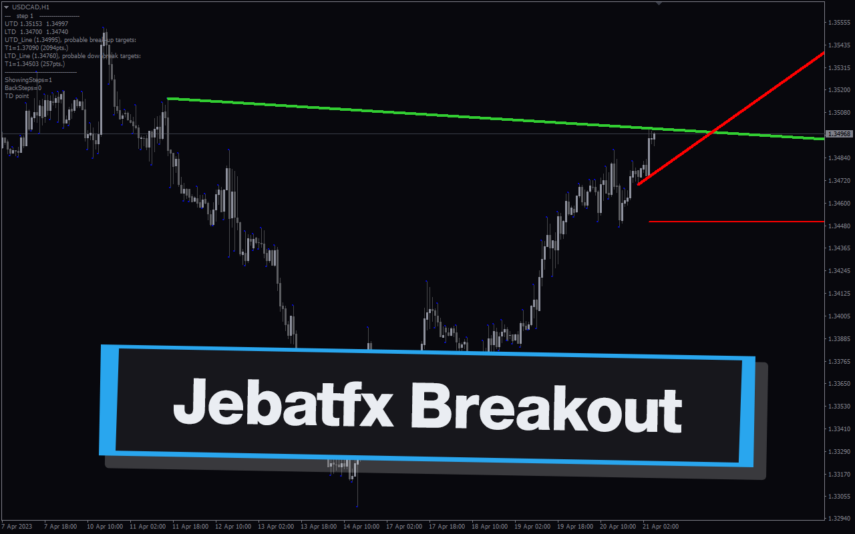
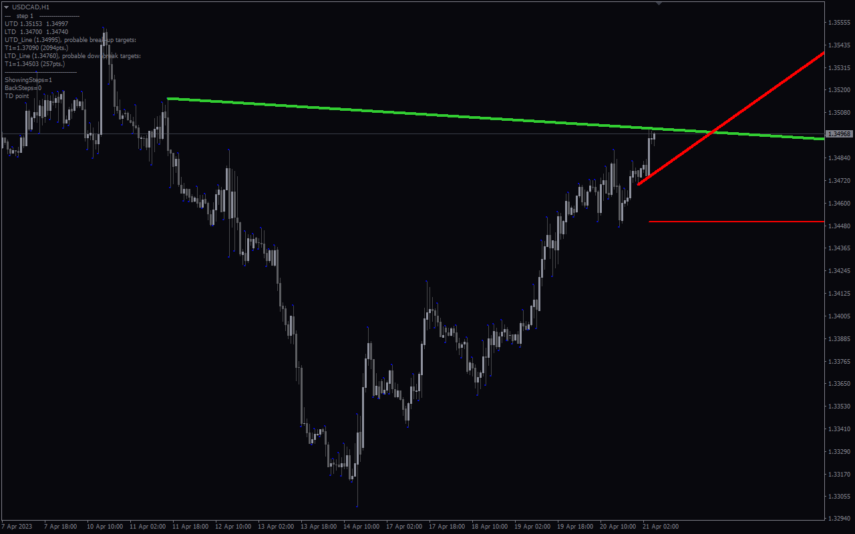
Jebatfx Breakout Trendline
The JebatFX Breakout Trendline Indicator is a new and popular forex indicator available for free on the MT4 platform. It is designed to identify breakout trendline opportunities by plotting trendlines and highlighting breakout signals. The indicator uses complex algorithms to analyze price movements and identify key support and resistance levels to generate trading signals. The JebatFX Breakout Trendline Indicator is user-friendly and easy to use, making it suitable for both novice and experienced traders.
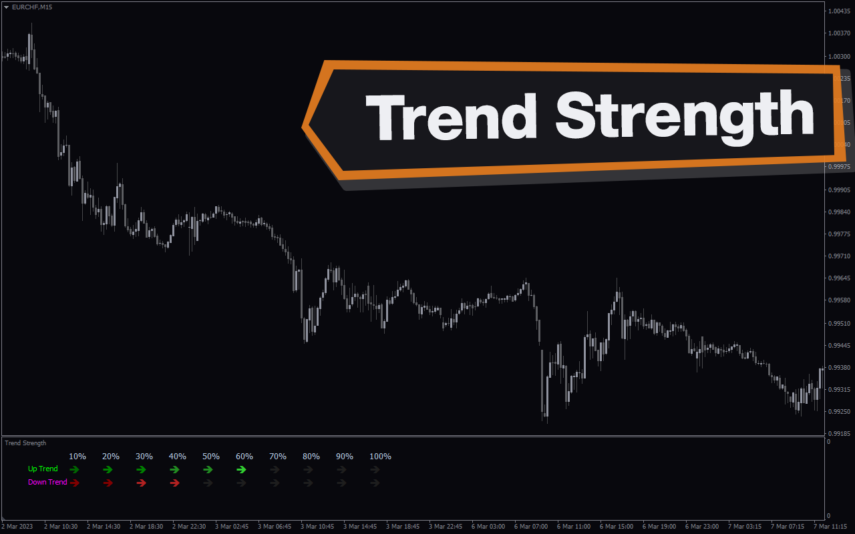
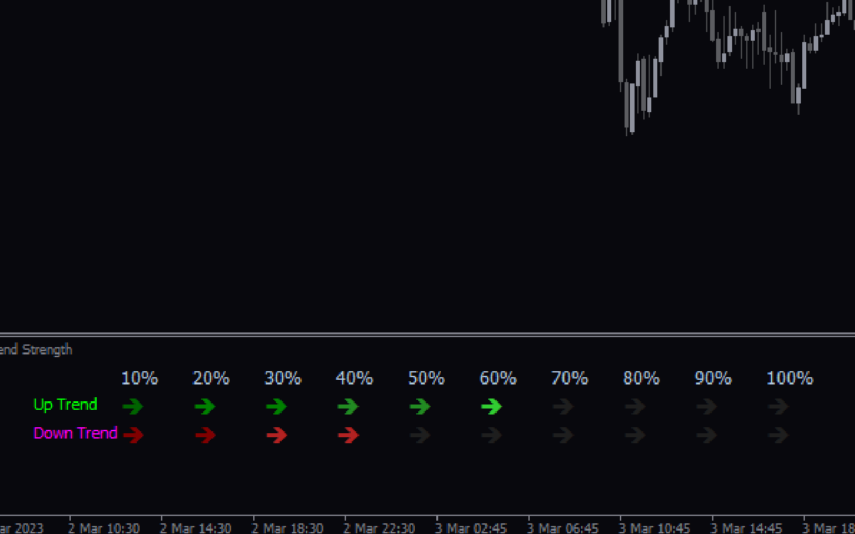
Trend Strength
The Trend Strength Indicator is a popular and free Forex MT4 indicator that helps traders determine the strength of a trend. It works by measuring the strength of a trend using a unique algorithm that takes into account different time frames. The indicator is available for use on the MT4 trading platform and is easy to use even for novice traders. It displays trend direction and trend strength with green and red bar charts. Use the trend strength indicator as a standalone indicator or combine it with other technical indicators to improve your trading strategies.
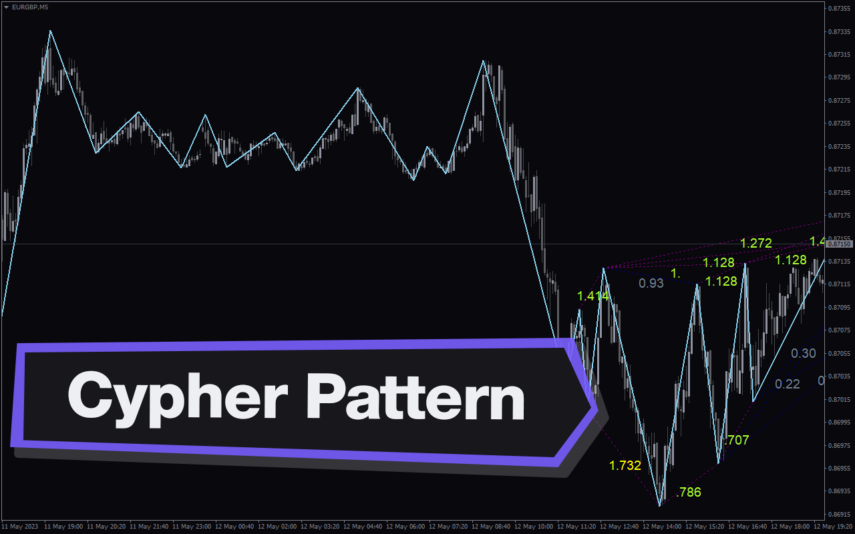
Cypher Pattern
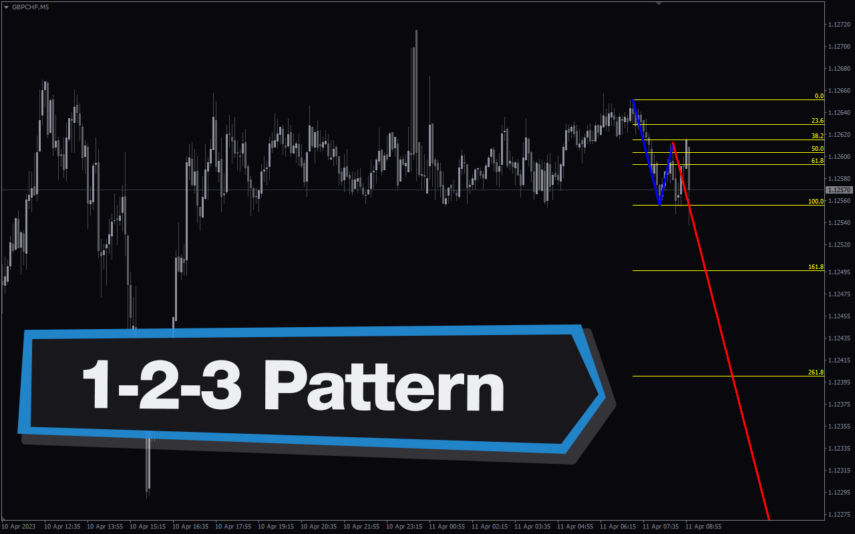
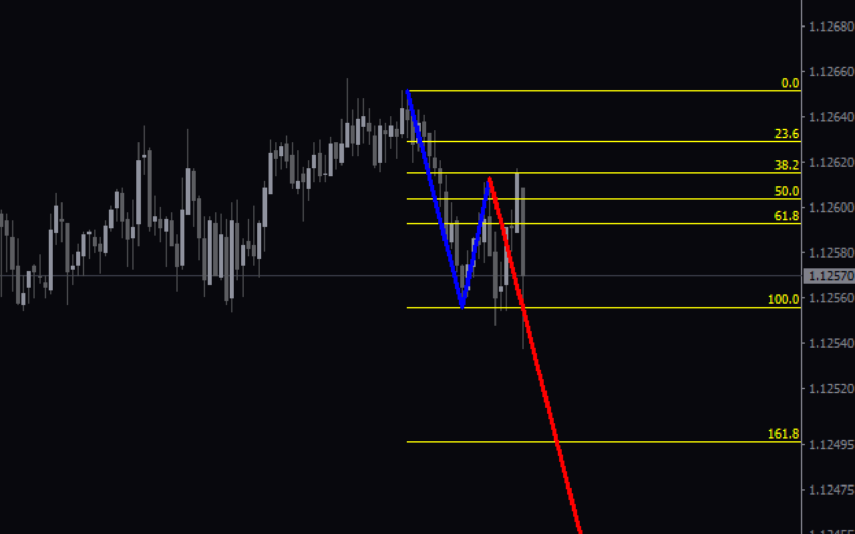
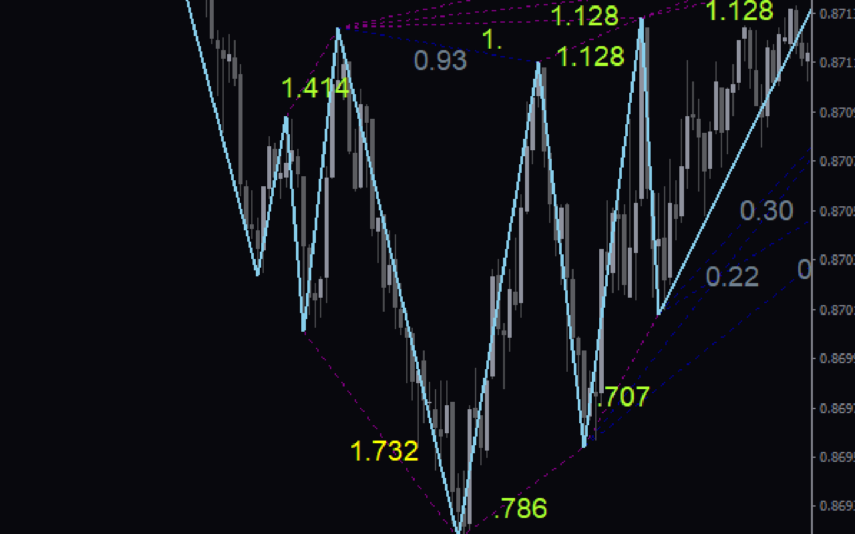
The Cypher Pattern Indicator is a free and popular Forex indicator for MT4 that is useful for traders looking to identify potential trading opportunities. The indicator works by plotting a series of lines on the chart that represent Fibonacci levels. The lines are then connected to form a pattern, which is the Cypher Pattern. This pattern is used to identify potential trading opportunities and can help traders determine potential entry and exit points.The indicator is easy to use and can help traders make more informed trading decisions.

Reviews
There are no reviews yet.