
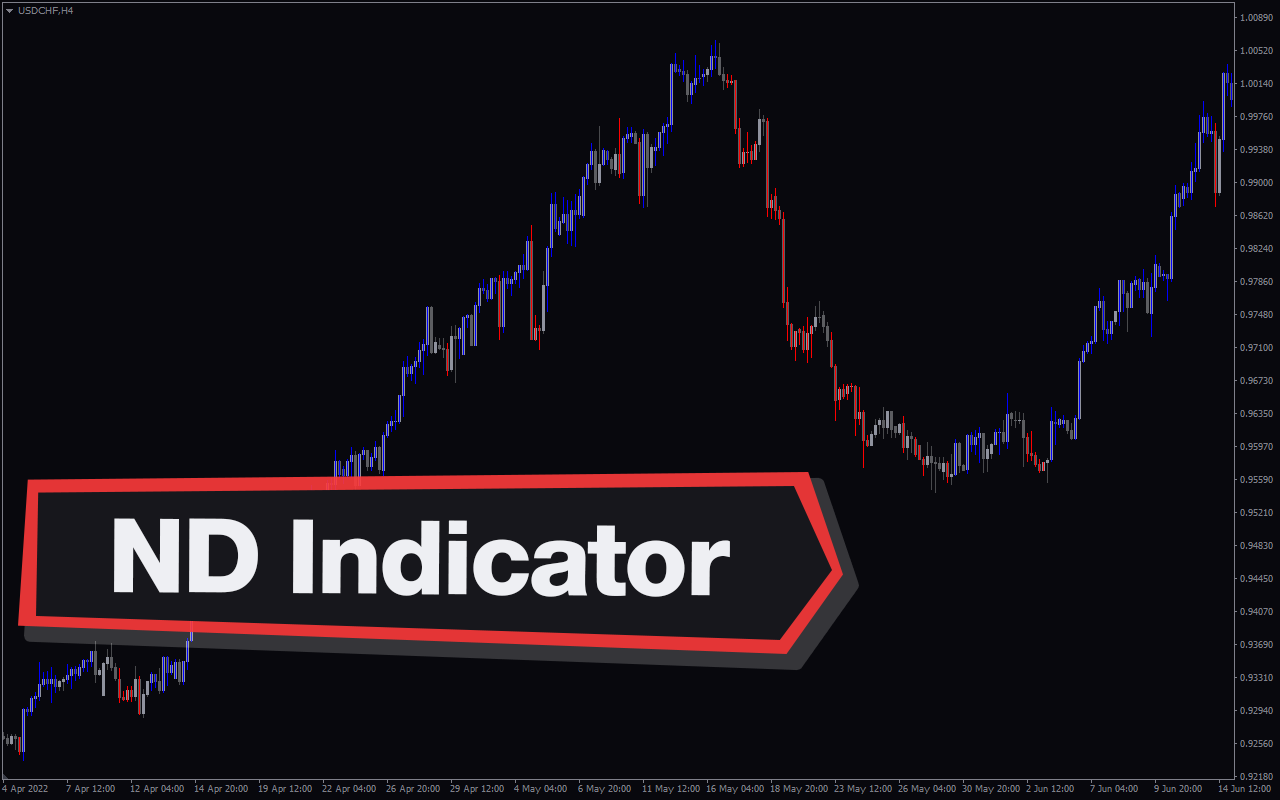
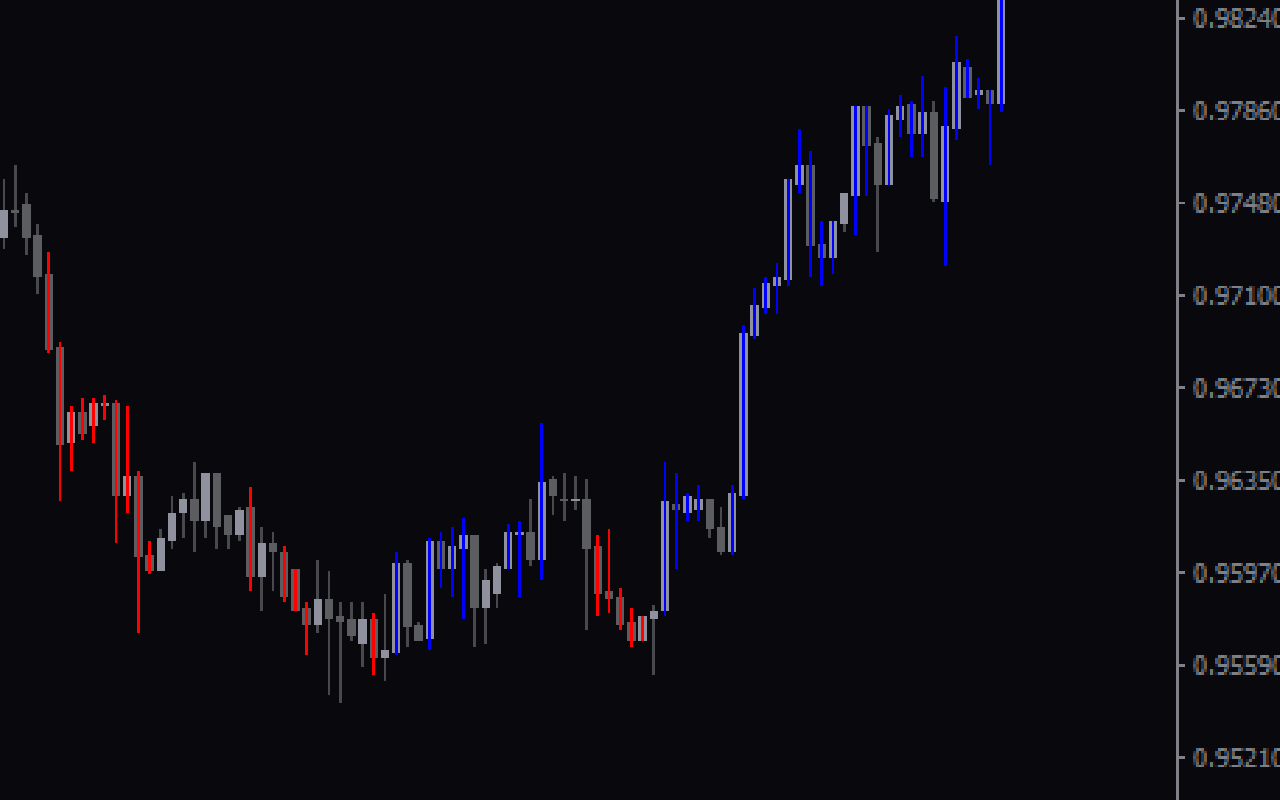
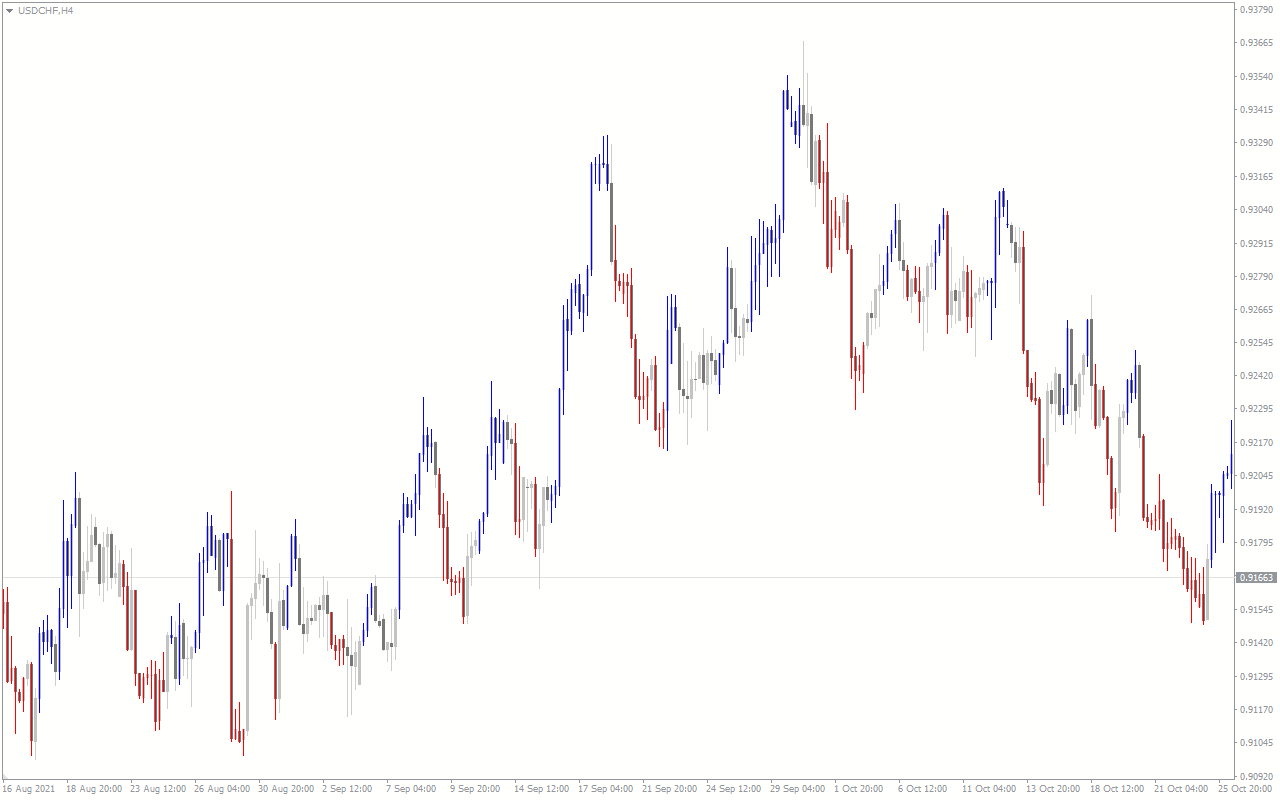
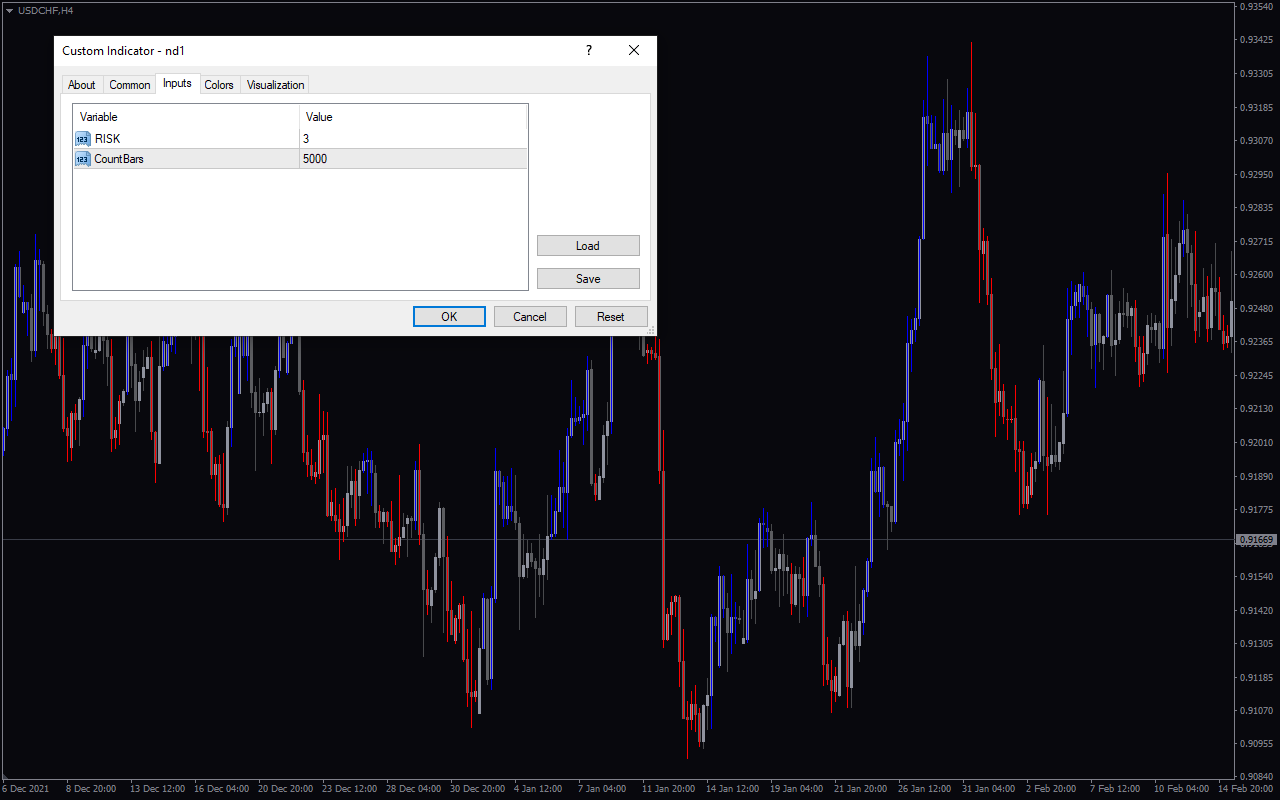
The ND Indicator is a popular and free Forex indicator for the MT4 platform. It is a useful tool for traders who want to make informed decisions in the Forex market. The indicator is based on the Non-Directional Trading strategy which is designed to identify and take advantage of market trends. It applies a combination of technical analysis techniques such as support and resistance levels, moving averages, and oscillators to identify trading opportunities. The indicator also provides traders with entry and exit signals, as well as trend direction and strength. The ND Indicator is easy to use and is designed to help traders identify potential trading opportunities. It gives traders the ability to make informed decisions and take advantage of market trends. The indicator can be used to identify trend direction and strength, as well as entry and exit points. The indicator also displays support and resistance levels, and provides traders with visual cues to help them make better trading decisions. With the ND Indicator, traders can easily identify potential trading opportunities and make informed decisions in the Forex market.

MT4
ND Indicator
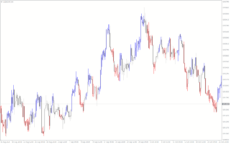
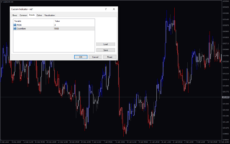
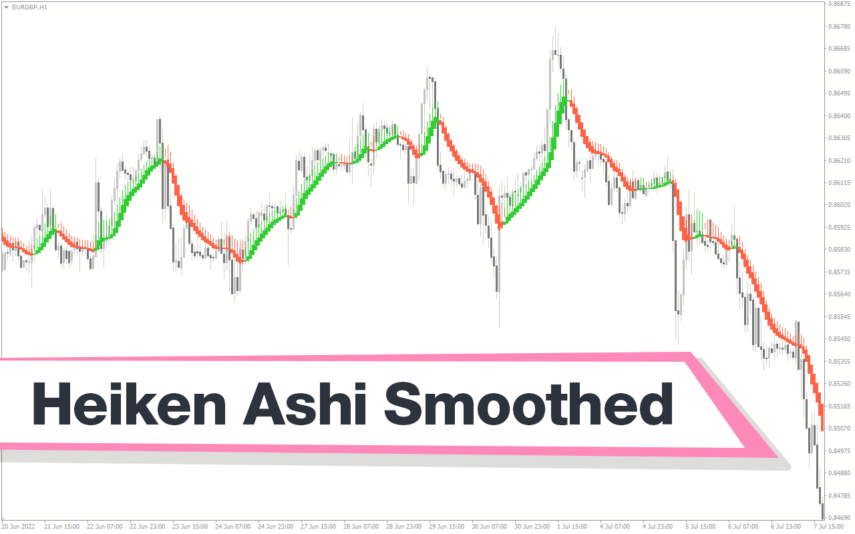
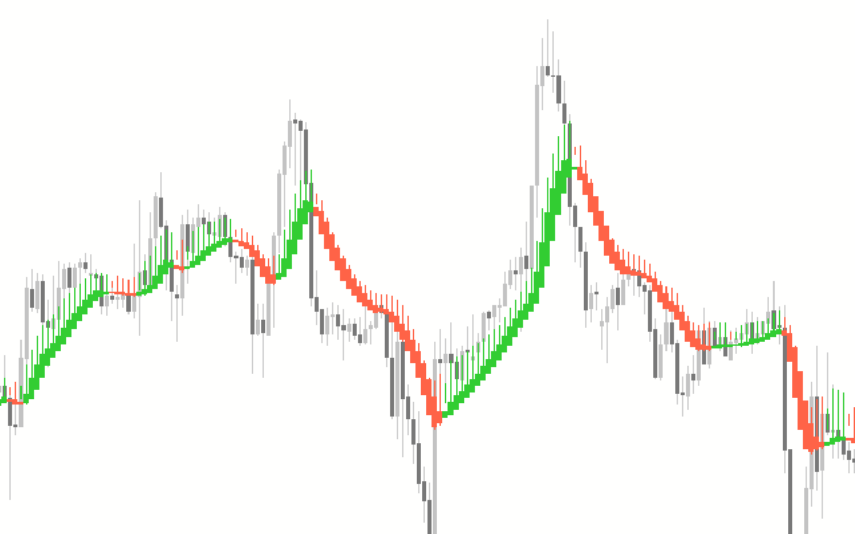
The ND Indicator is a useful and popular free Forex indicator for the MT4 platform. The indicator works by plotting a series of lines on the chart, which act as support and resistance levels. The ND Indicator is a great tool for traders of all levels, as it provides an easy way to visualize market movements and to identify potential trading opportunities.
| Trading Style | |
|---|---|
| Indicator Type | |
| Timeframe | |
| Platform |
0
People watching this product now!
Downloads - 5
Description
Reviews (0)
How to Install
Related products
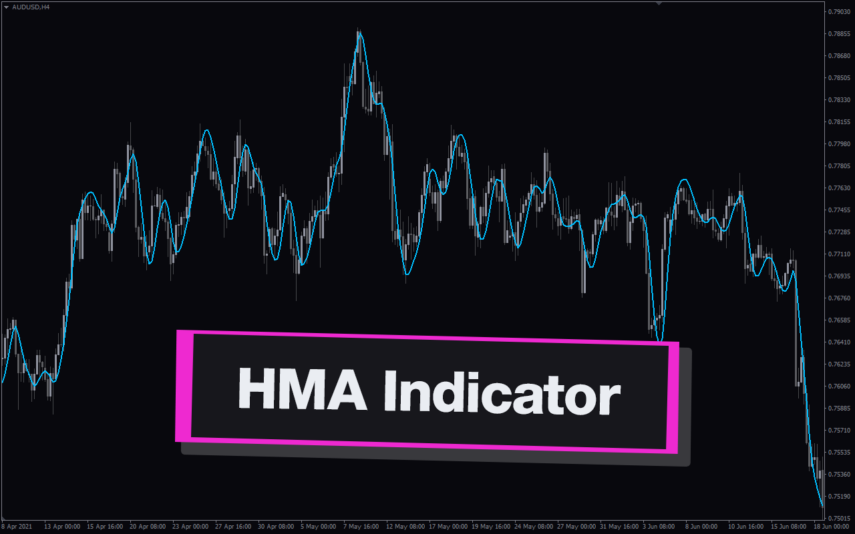
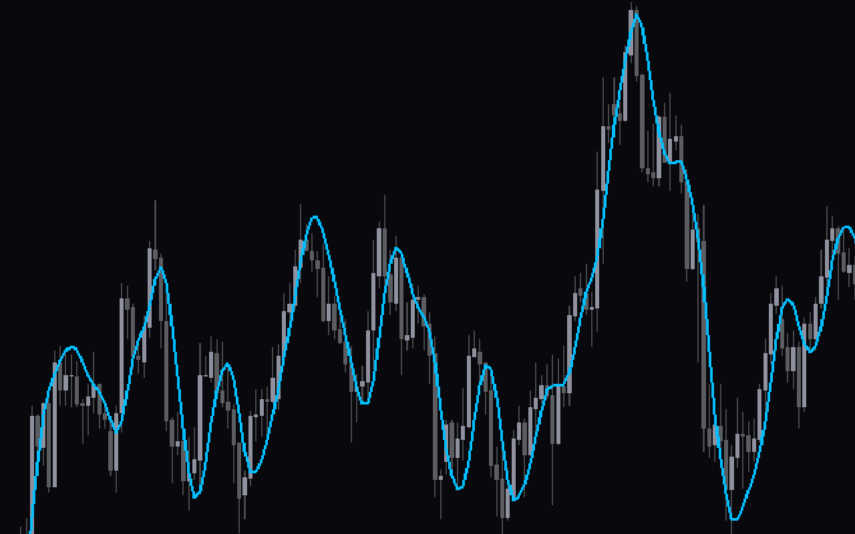
Hull Moving Average
The Hull Moving Average (HMA) is a popular Forex indicator that uses a weighted moving average formula to provide traders with a clearer picture of price movement. The indicator is designed to filter out market noise and provide a smoother trend line that is displayed on the chart. Use the HMA indicator to identify market trends and exit points to improve your trading strategy.
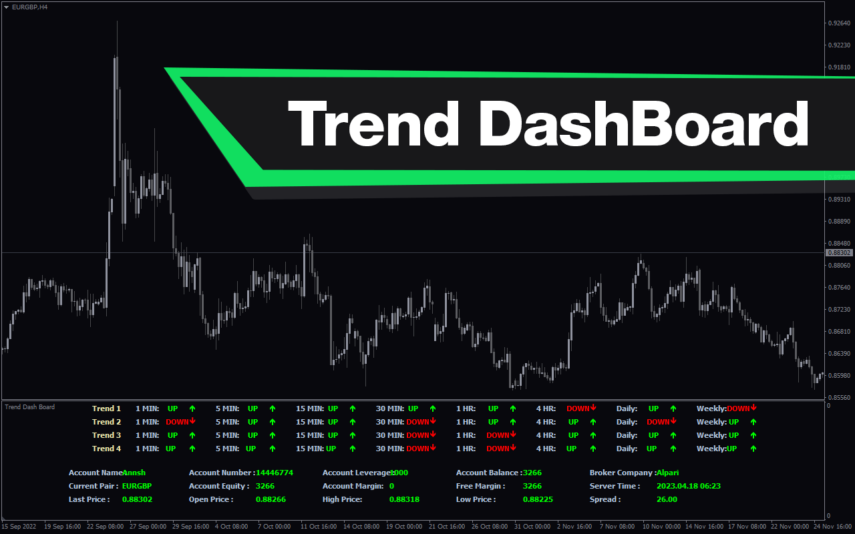
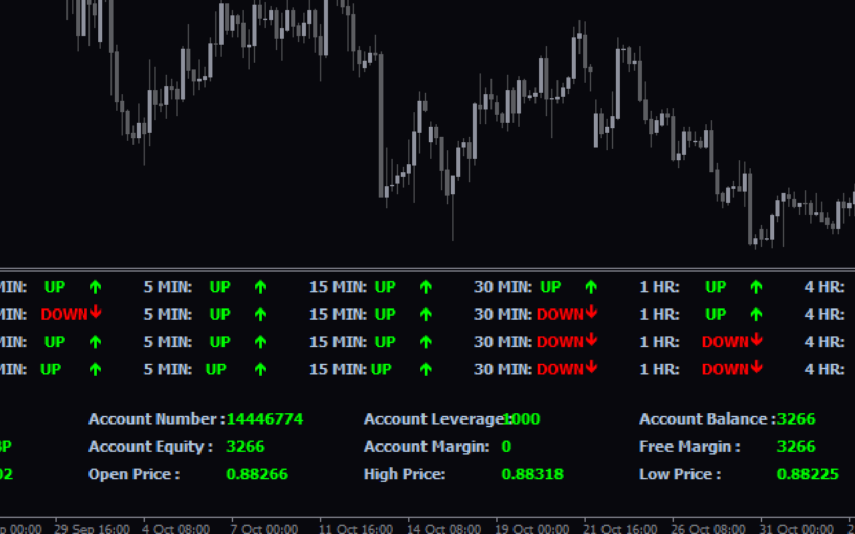
Trend DashBoard
The Trend Dashboard Indicator is a powerful MT4 tool for forex traders who want to keep track of multiple currency pairs and timeframes on one chart. The indicator uses a dashboard to display the trend direction and strength for different currency pairs and timeframes. It also includes an alert feature that can notify traders of potential trading opportunities. With this indicator, traders can save time and stay on top of market trends, allowing them to make informed trading decisions.
Trend Strength
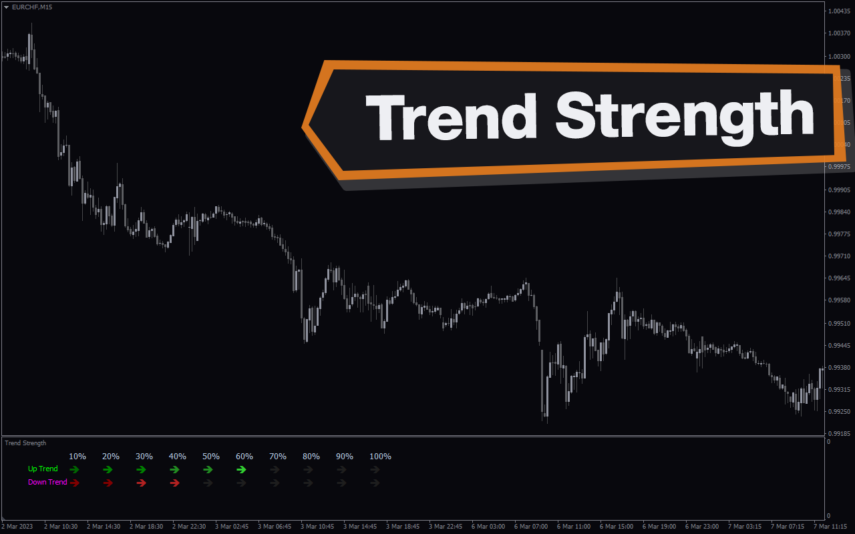
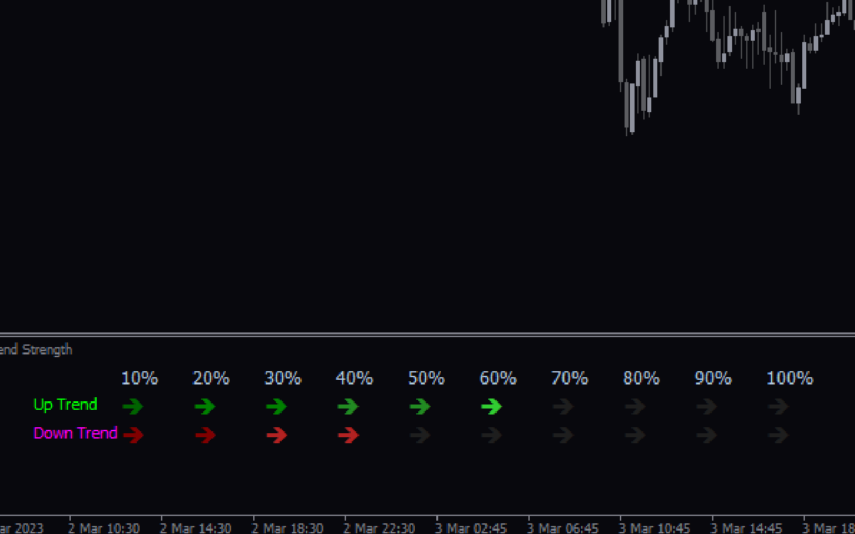
The Trend Strength Indicator is a popular and free Forex MT4 indicator that helps traders determine the strength of a trend. It works by measuring the strength of a trend using a unique algorithm that takes into account different time frames. The indicator is available for use on the MT4 trading platform and is easy to use even for novice traders. It displays trend direction and trend strength with green and red bar charts. Use the trend strength indicator as a standalone indicator or combine it with other technical indicators to improve your trading strategies.
Jebatfx Breakout Trendline
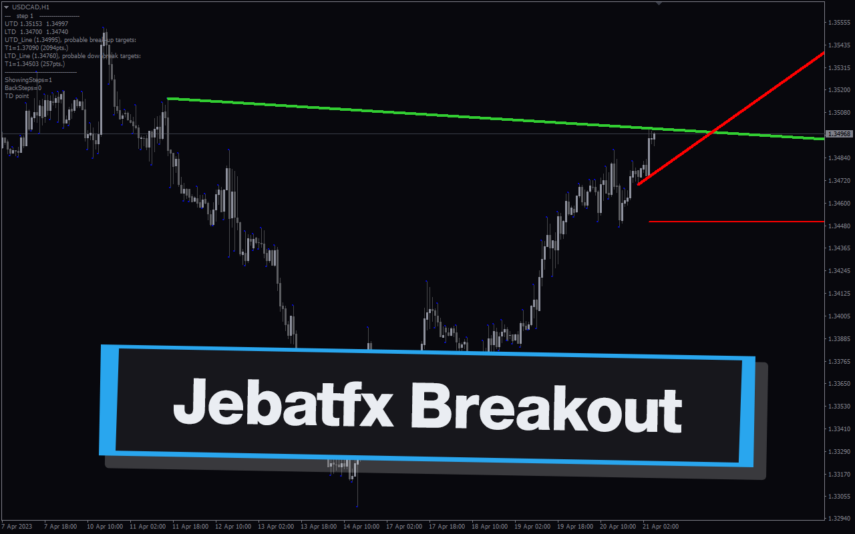
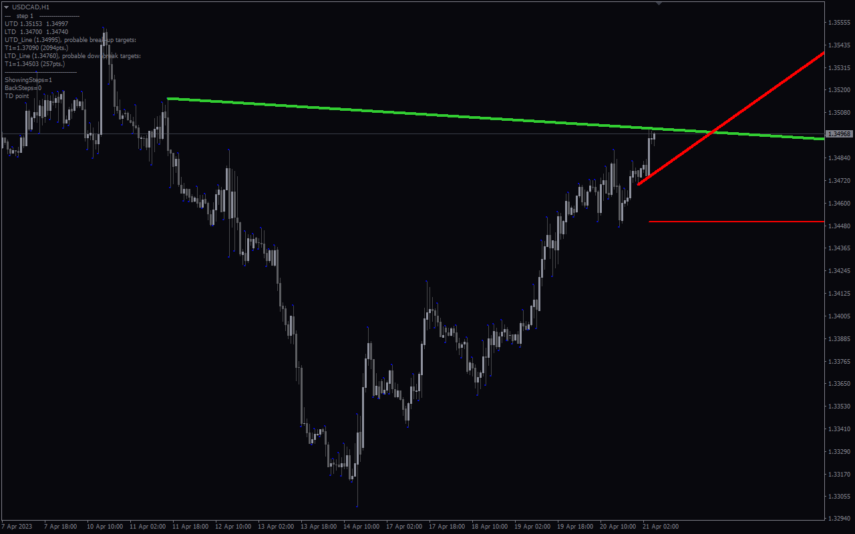
The JebatFX Breakout Trendline Indicator is a new and popular forex indicator available for free on the MT4 platform. It is designed to identify breakout trendline opportunities by plotting trendlines and highlighting breakout signals. The indicator uses complex algorithms to analyze price movements and identify key support and resistance levels to generate trading signals. The JebatFX Breakout Trendline Indicator is user-friendly and easy to use, making it suitable for both novice and experienced traders.

Reviews
There are no reviews yet.