
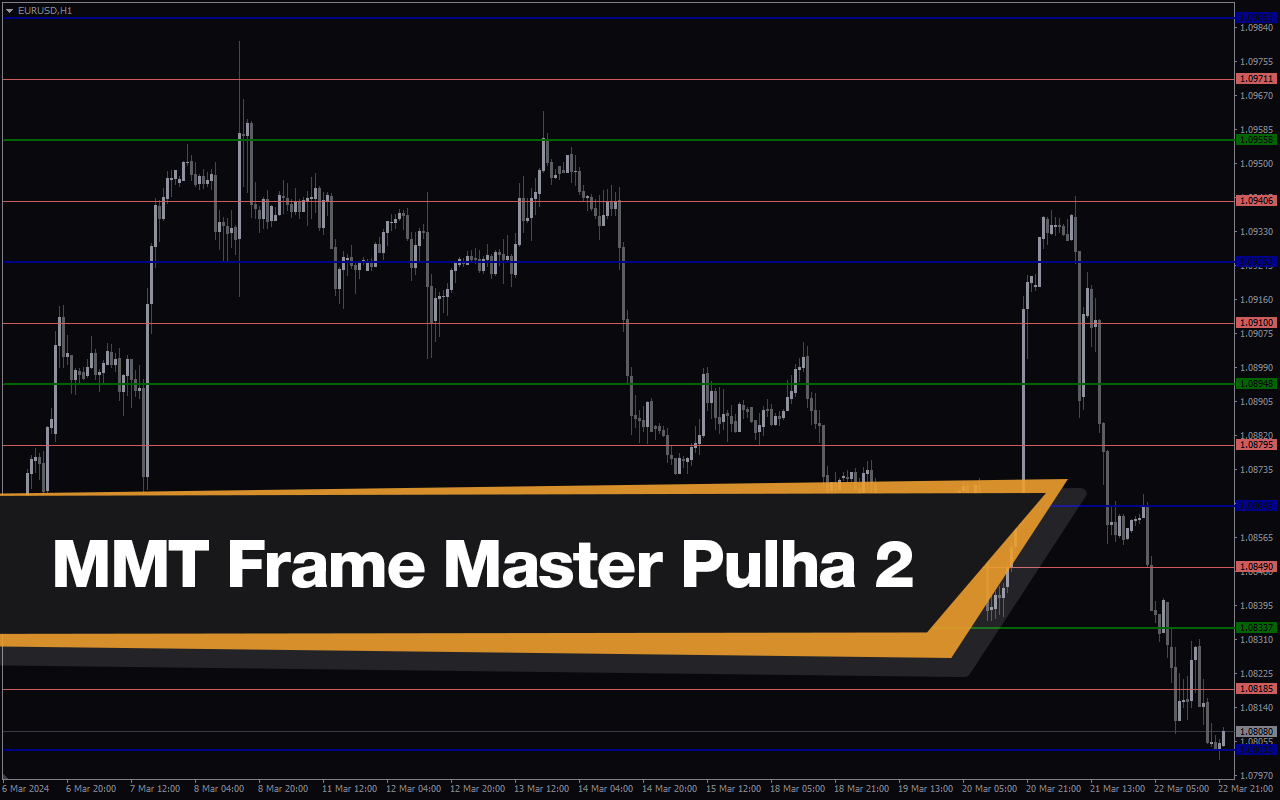
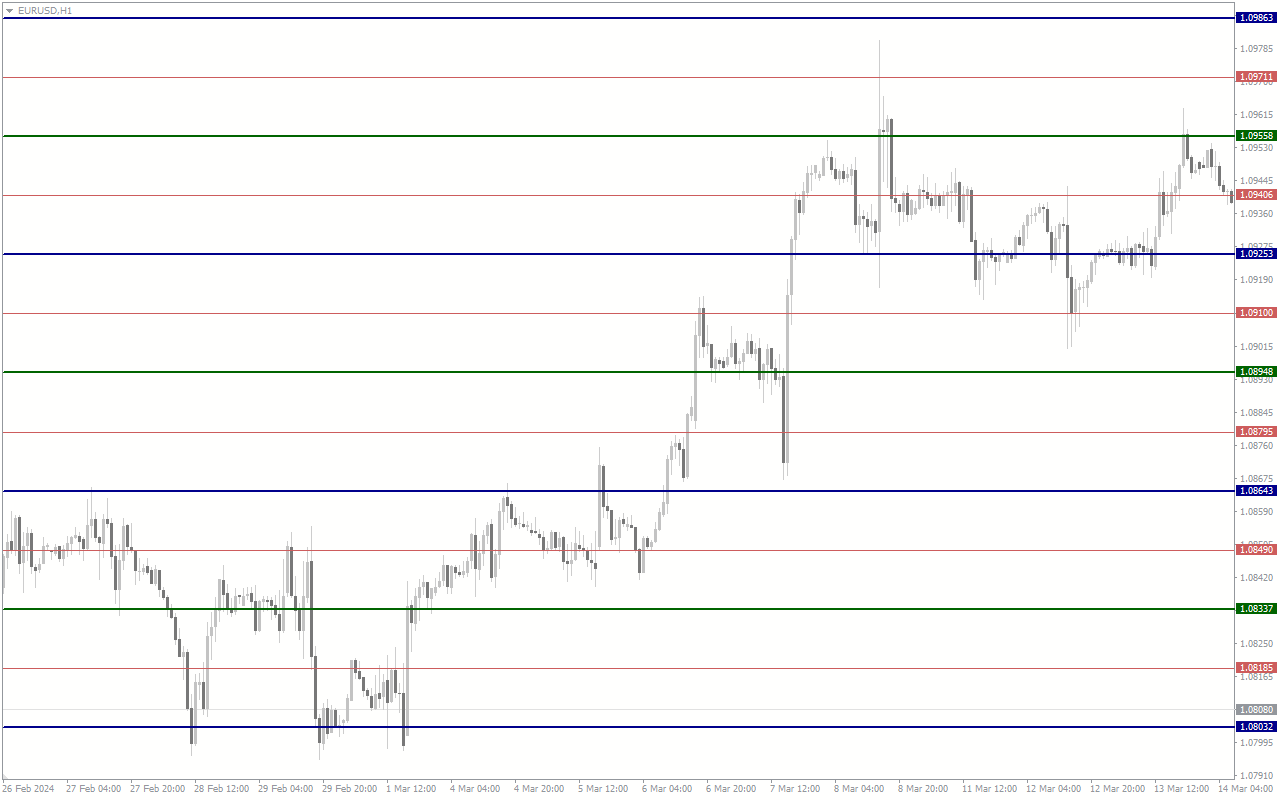
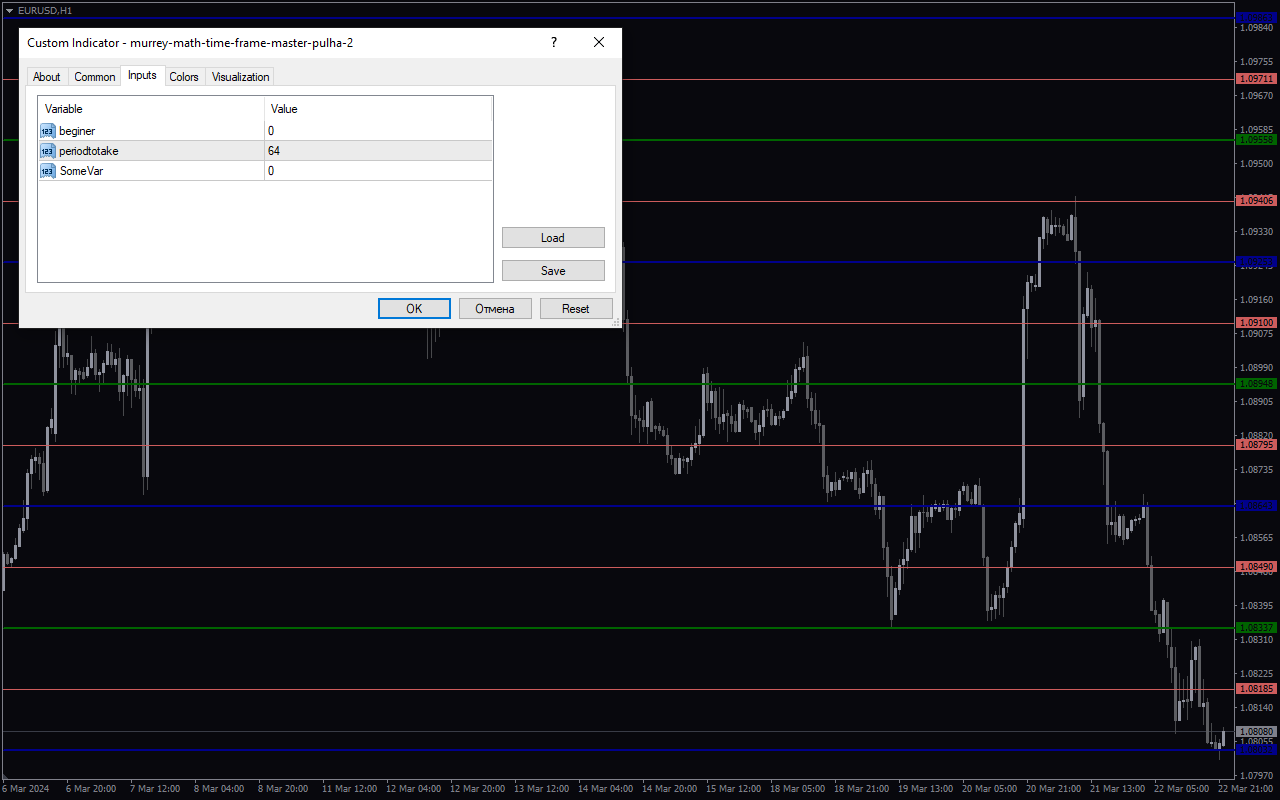
The Murrey Math Time Frame Master Pulha 2 indicator is a useful tool for forex traders using MetaTrader 4 (MT4). This popular indicator is free to download and can be easily added to your trading platform. The Murrey Math Time Frame Master Pulha 2 indicator works by calculating support and resistance levels based on Murrey Math principles. This helps traders identify potential reversal points and make more informed trading decisions. To use this indicator, simply add it to your MT4 chart and adjust the settings to fit your trading style. You can use it on any time frame to get a better understanding of market trends and price movements. With its user-friendly interface and accurate calculations, the Murrey Math Time Frame Master Pulha 2 indicator is a valuable tool for forex traders looking to improve their trading strategy.
MT4
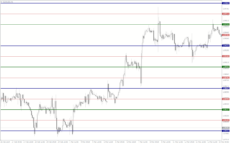
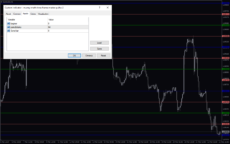
Murrey Math Time Frame Master Pulha 2
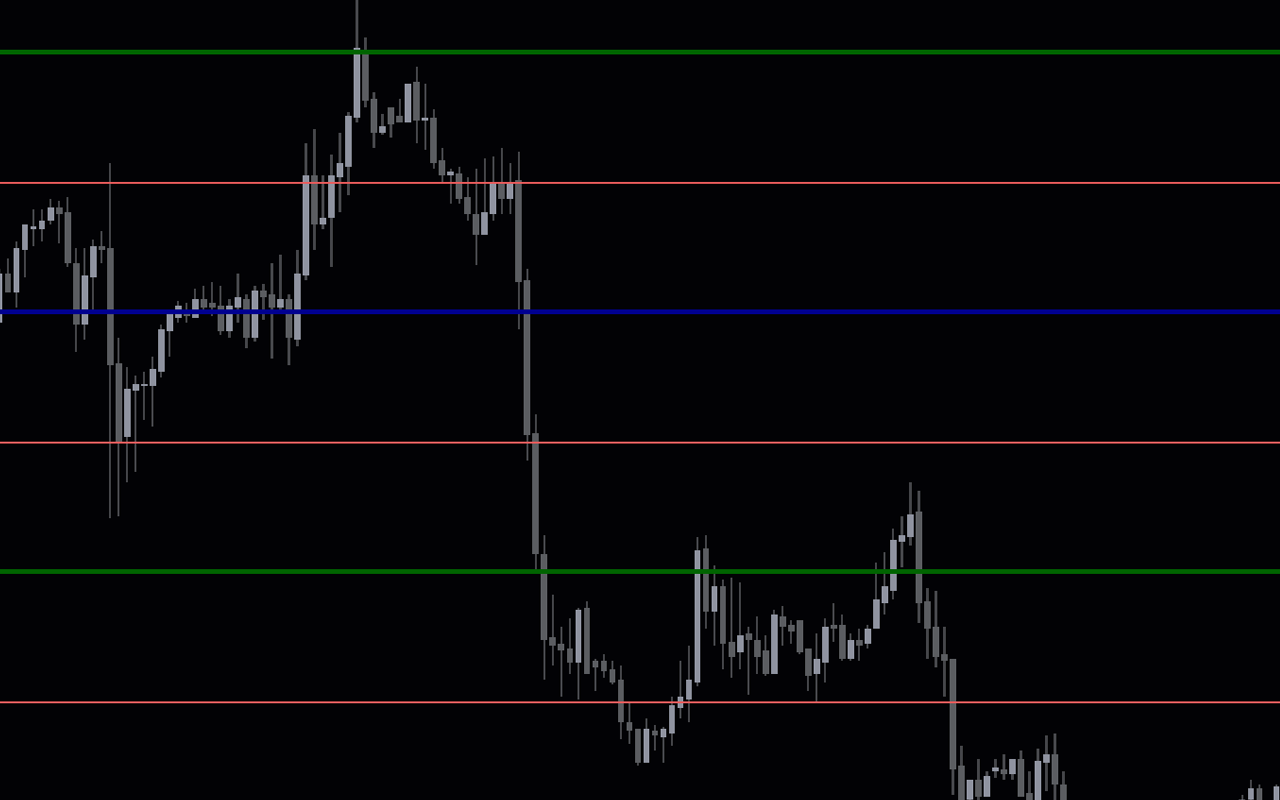
Murrey Math Time Frame Master Pulha 2 indicator is a popular and useful forex indicator for MT4. It is free to download and helps traders identify key support and resistance levels based on Murrey Math theory. This indicator works by plotting horizontal lines on the chart, representing potential price barriers. Traders can use these levels to make informed trading decisions.
| Indicator Type | |
|---|---|
| Trading Style | , |
| Timeframe | , , |
| Platform |
0
People watching this product now!
Downloads - 1
Description
Reviews (0)
How to Install
Related products
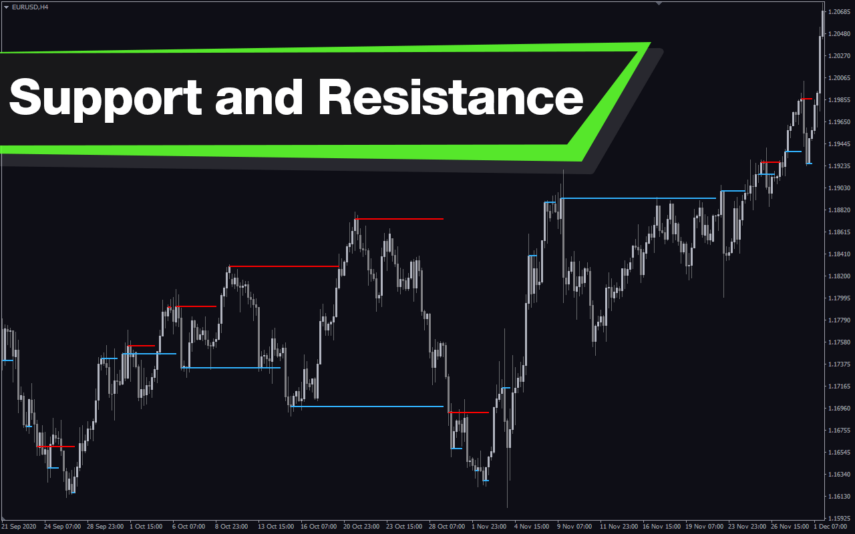
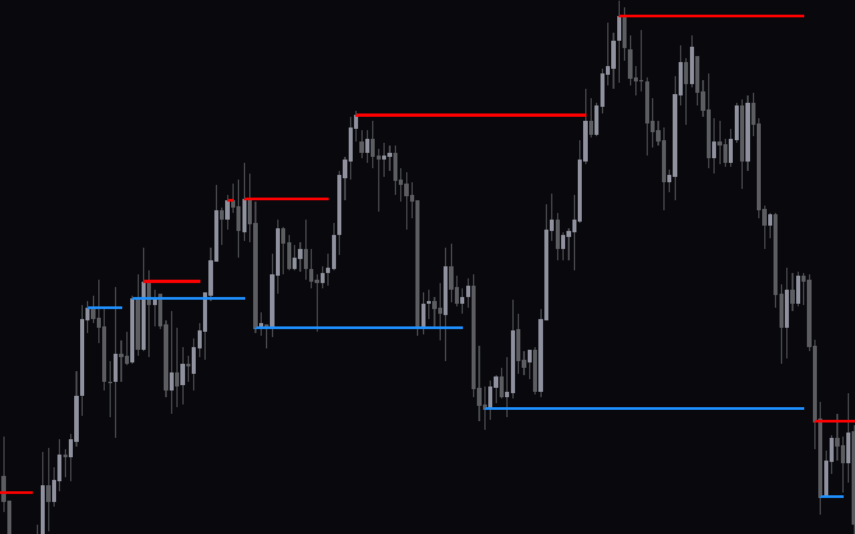
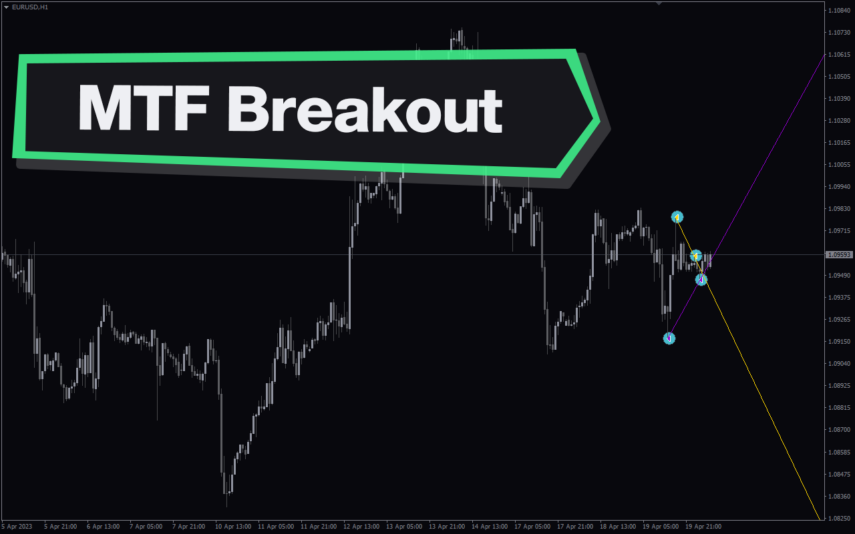
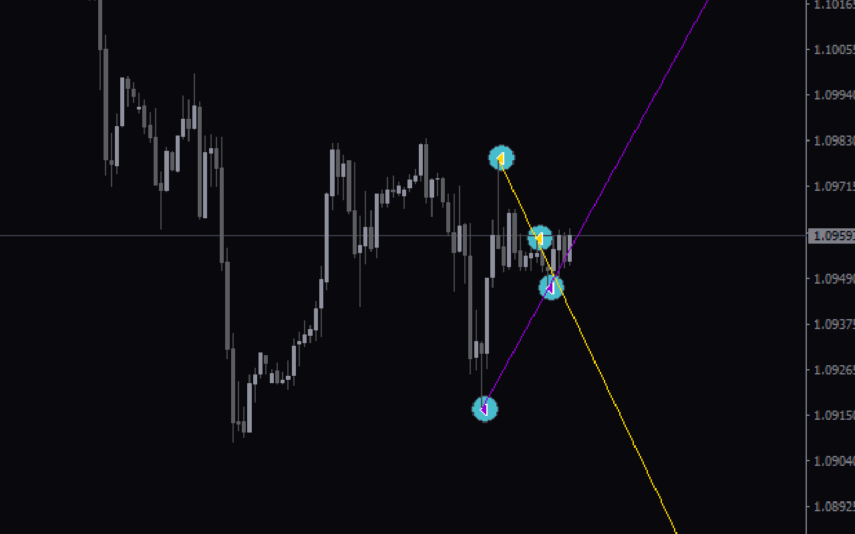
Multi Time Frame Breakout
The Multi-Time Frame Breakout indicator is a new and popular forex indicator that is available for free on the MT4 platform. This indicator helps traders identify breakout points by analyzing multiple timeframes at the same time. It works by plotting support and resistance levels based on the highest and lowest price levels over multiple time frames. This is a valuable tool for traders who use multiple timeframes in their analysis and want to improve their accuracy in identifying potential breakout points.
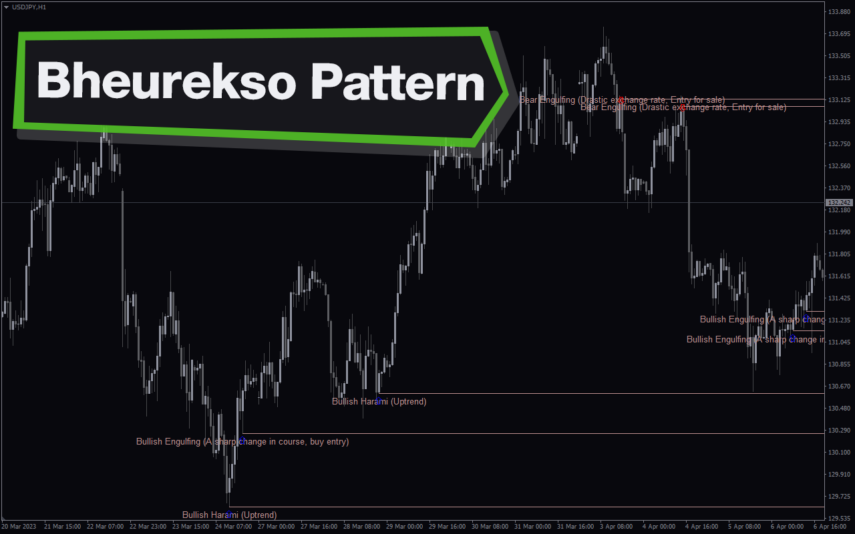
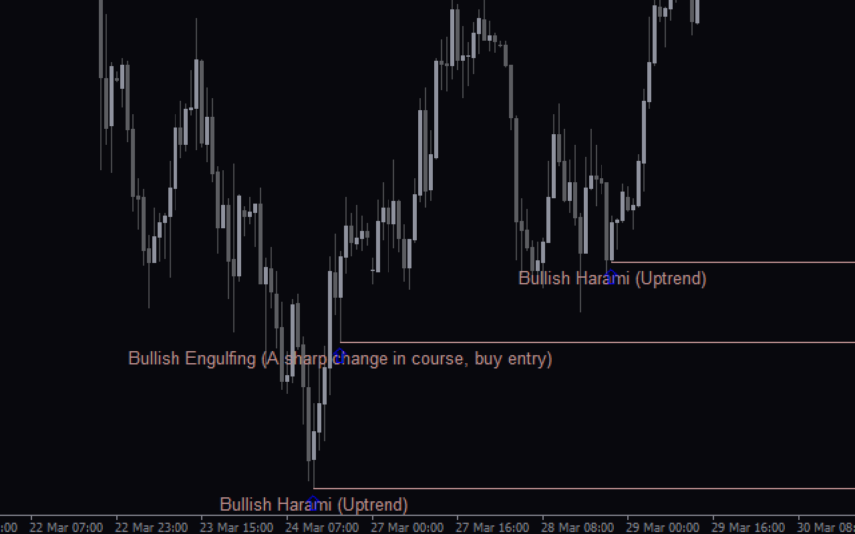
Average Daily Range
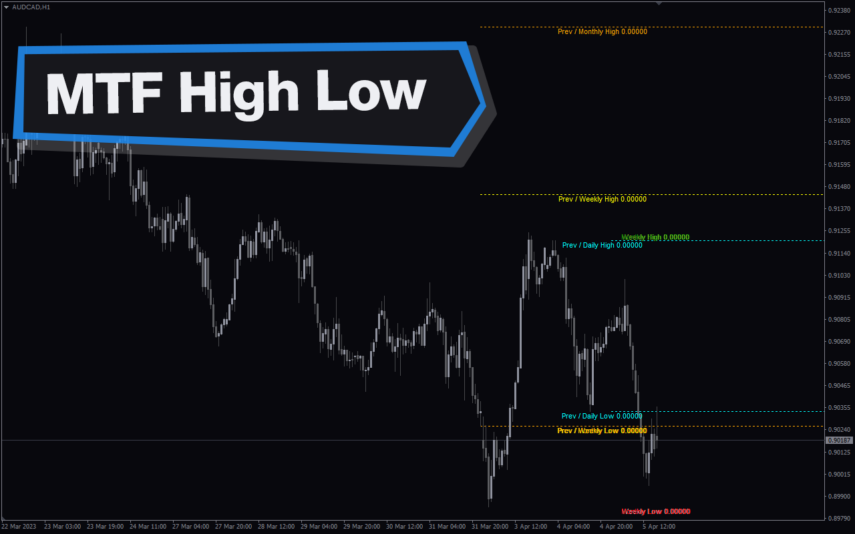
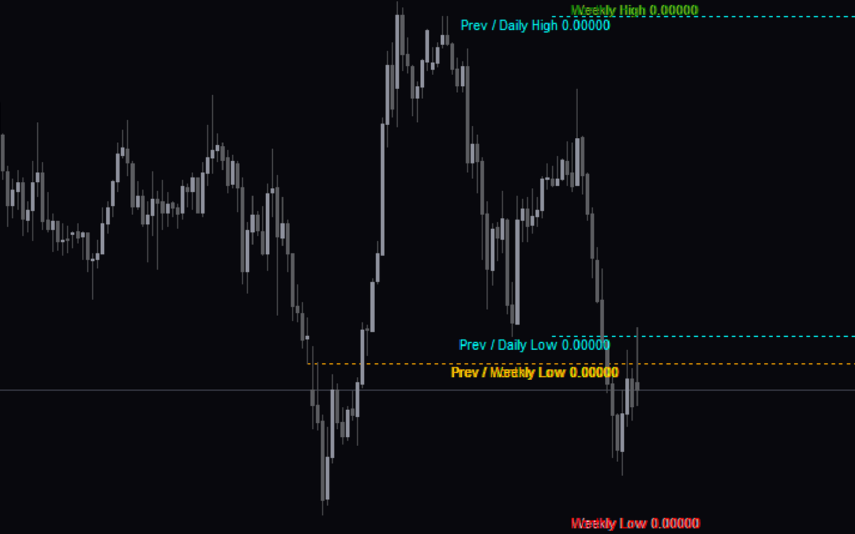
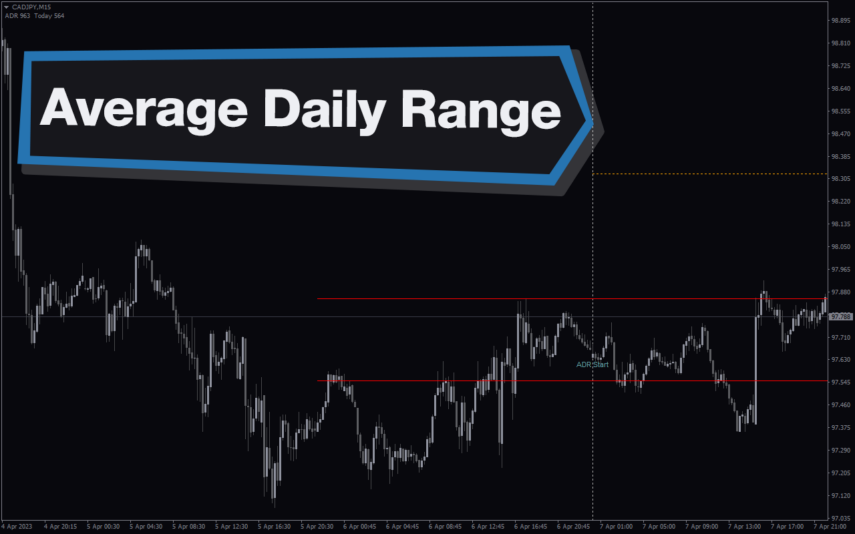
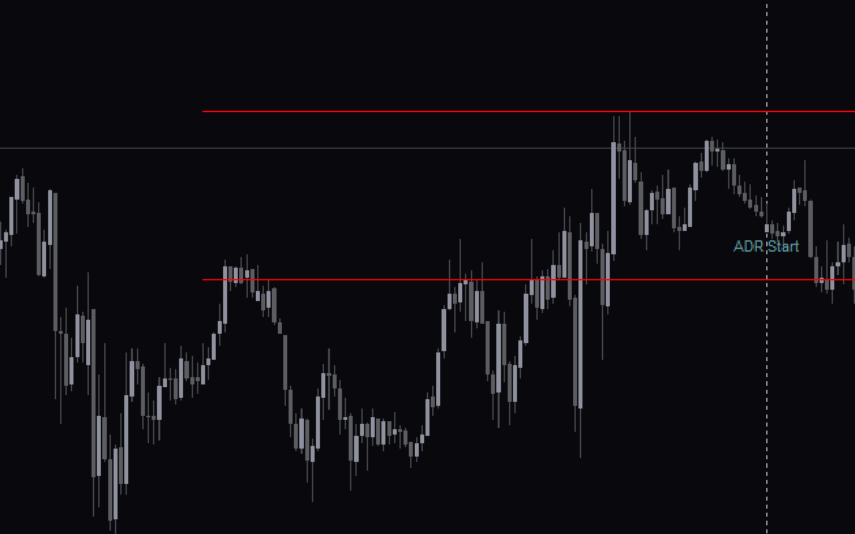
The ADR HighLow indicator is a new and popular forex indicator that traders can use for free on the MT4 platform. This indicator measures the average daily range (ADR) of a currency pair and displays the high and low of the day, and is also a great tool for setting stop loss and take profit levels. Use the best ADR indicator to identify potential support and resistance levels and use their trading strategy successfully.
SupDem
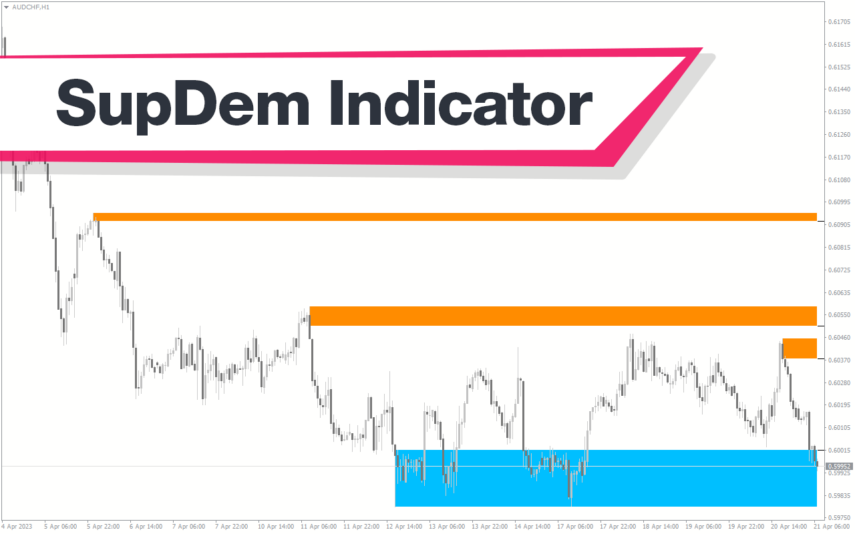
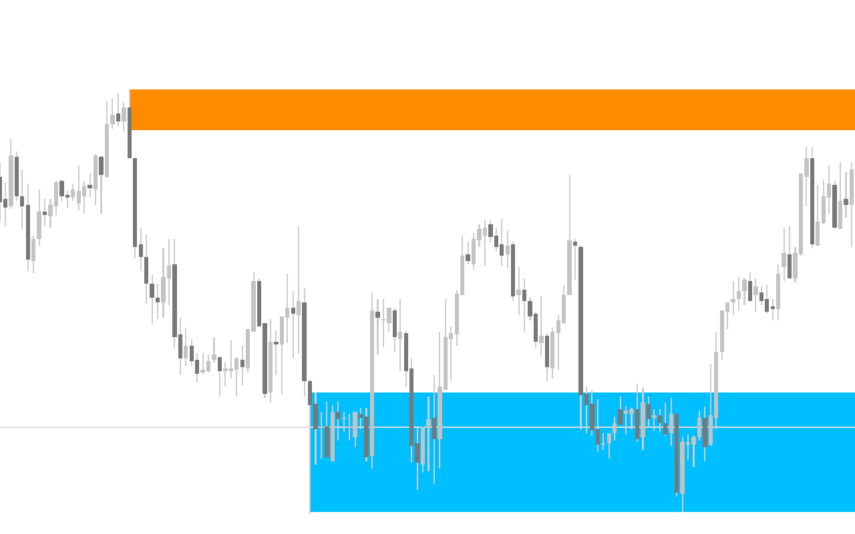
The SupDem indicator is a new and popular Forex trading tool that is available for free on MT4. It is designed to determine support and resistance levels by analyzing the supply and demand zones on the chart. The indicator uses color-coded columns to highlight areas of strong support and resistance, allowing traders to easily identify potential trading opportunities. By accurately analyzing supply and demand zones, the SupDem indicator can help traders make more informed trading decisions.
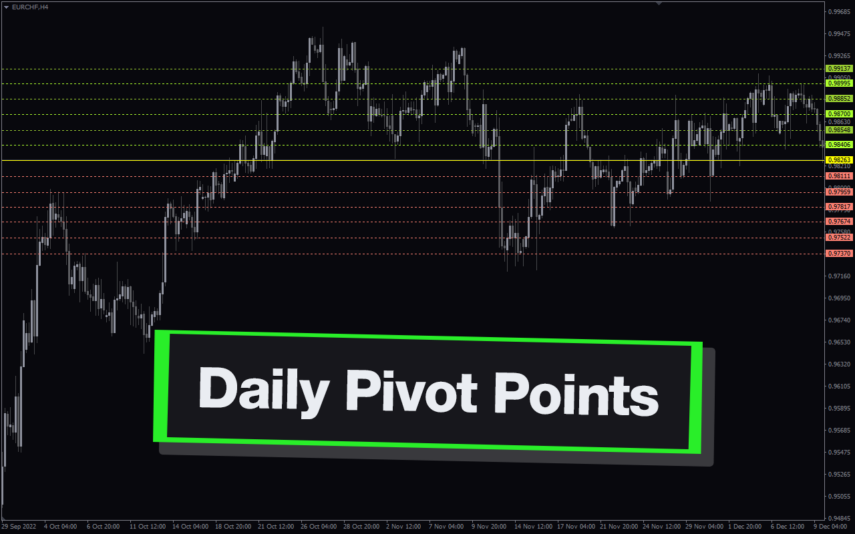
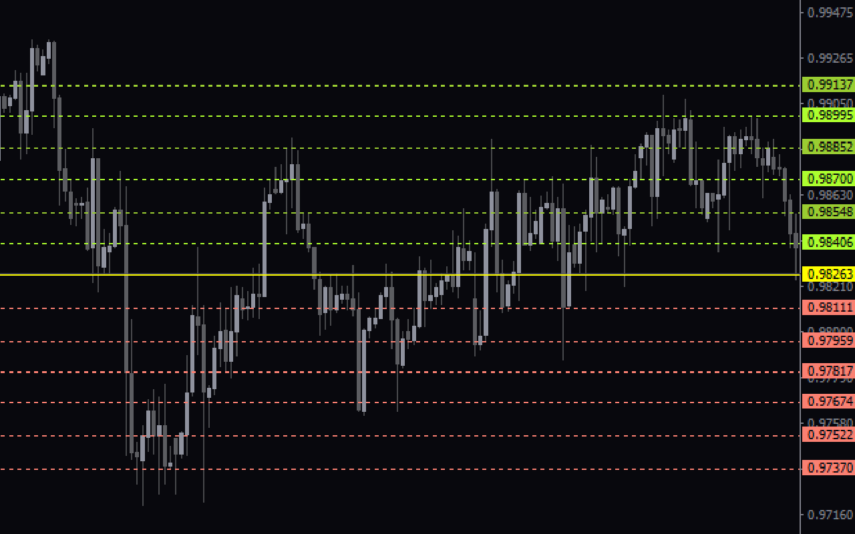
Daily Pivot Points
The Daily Pivot Points Indicator is a popular and free MT4 indicator that helps forex traders identify potential support and resistance levels based on the previous day's high, low, and close prices. The indicator calculates several levels of support and resistance, including the main pivot point, three resistance levels, and three support levels, which can be used to help traders identify potential entry and exit points for trades. This new and user-friendly indicator makes it easy for forex traders of all levels of experience to quickly and accurately identify potential pivot points, helping them to make more informed trading decisions.
Reviews
There are no reviews yet.