
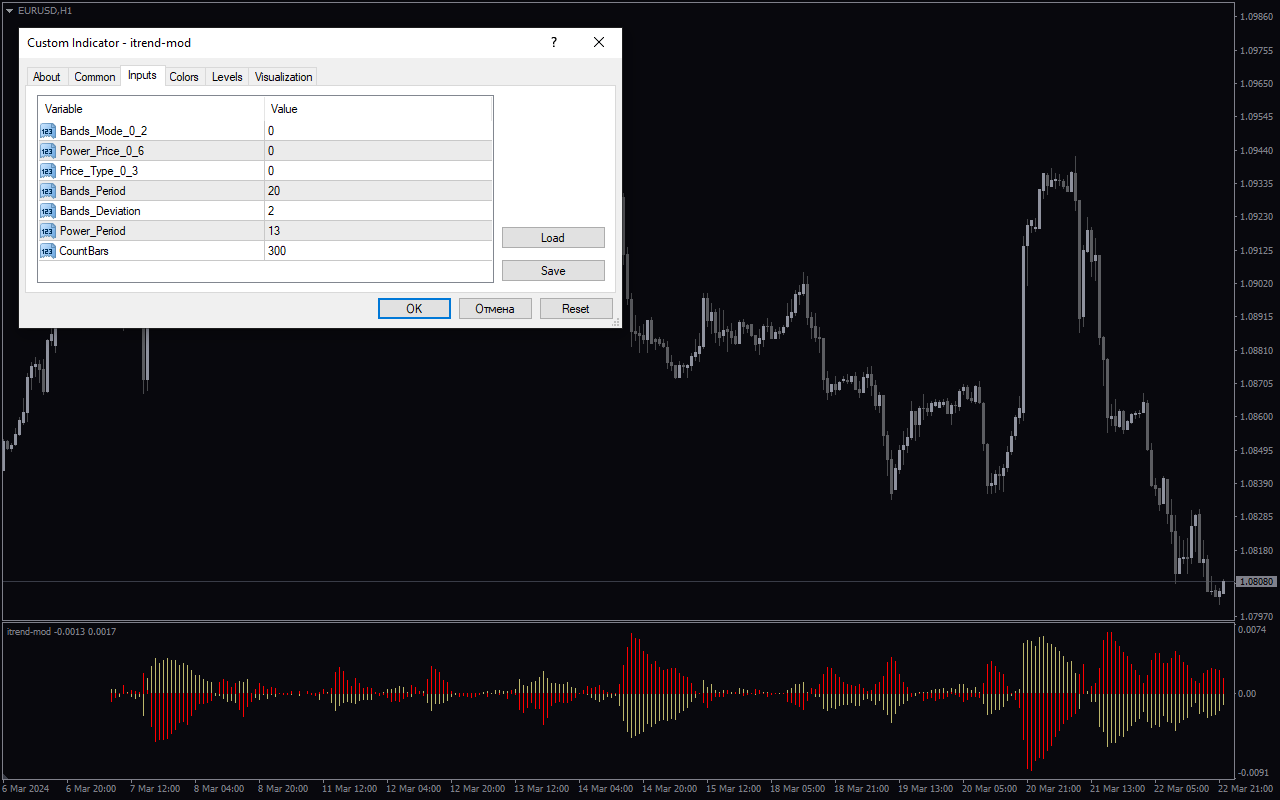
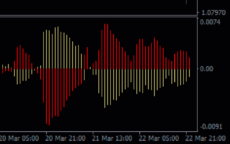
The I-Trend Mod Indicator is a useful tool for forex traders that can be used on the popular MT4 platform. This free indicator helps traders identify the direction of the trend in the forex market with ease. By analyzing multiple timeframes, the I-Trend Mod Indicator provides accurate signals for entry and exit points, helping traders make better-informed decisions. To use the I-Trend Mod Indicator, simply download and install it on your MT4 platform. Once applied to your chart, you will see clear signals indicating the trend direction, making it easier to identify profitable trading opportunities. This indicator is popular among forex traders for its accuracy and simplicity, making it a valuable tool for both beginner and experienced traders alike.
MT4

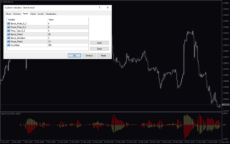
I Trend Mod
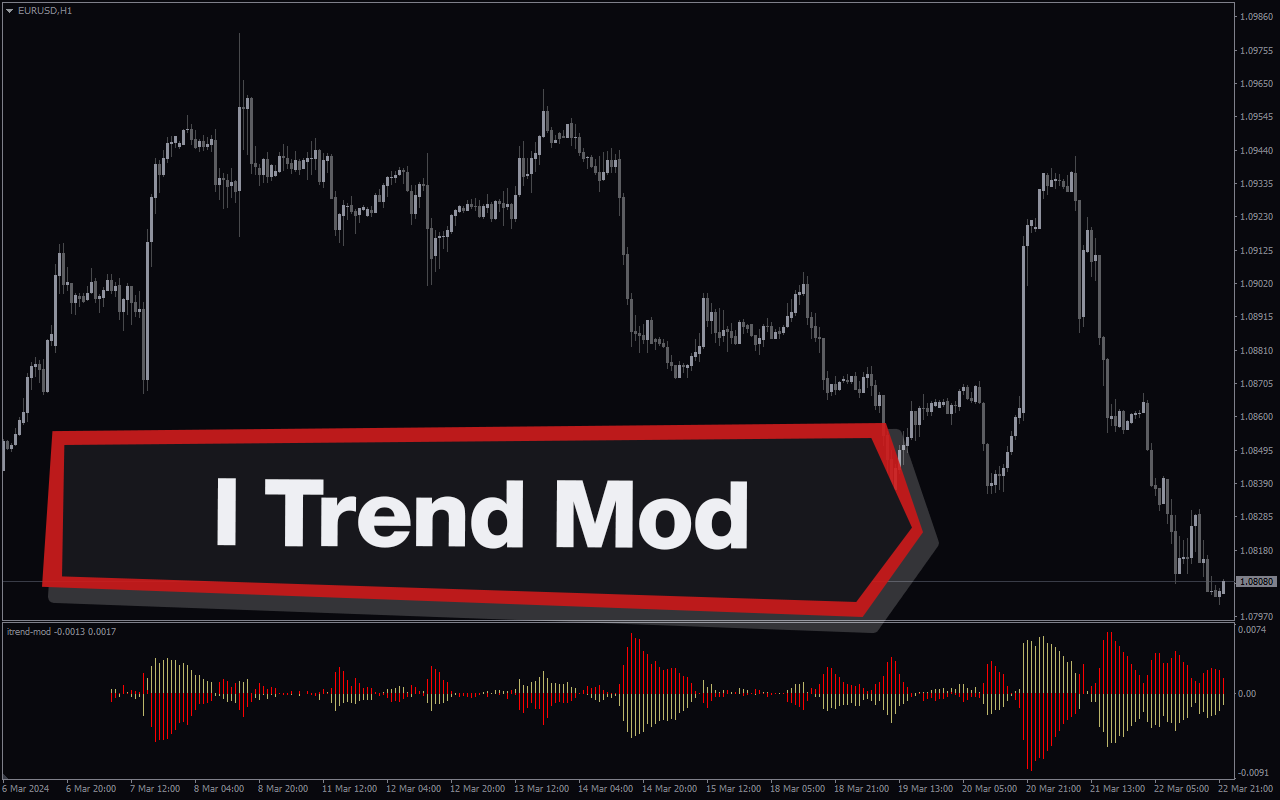
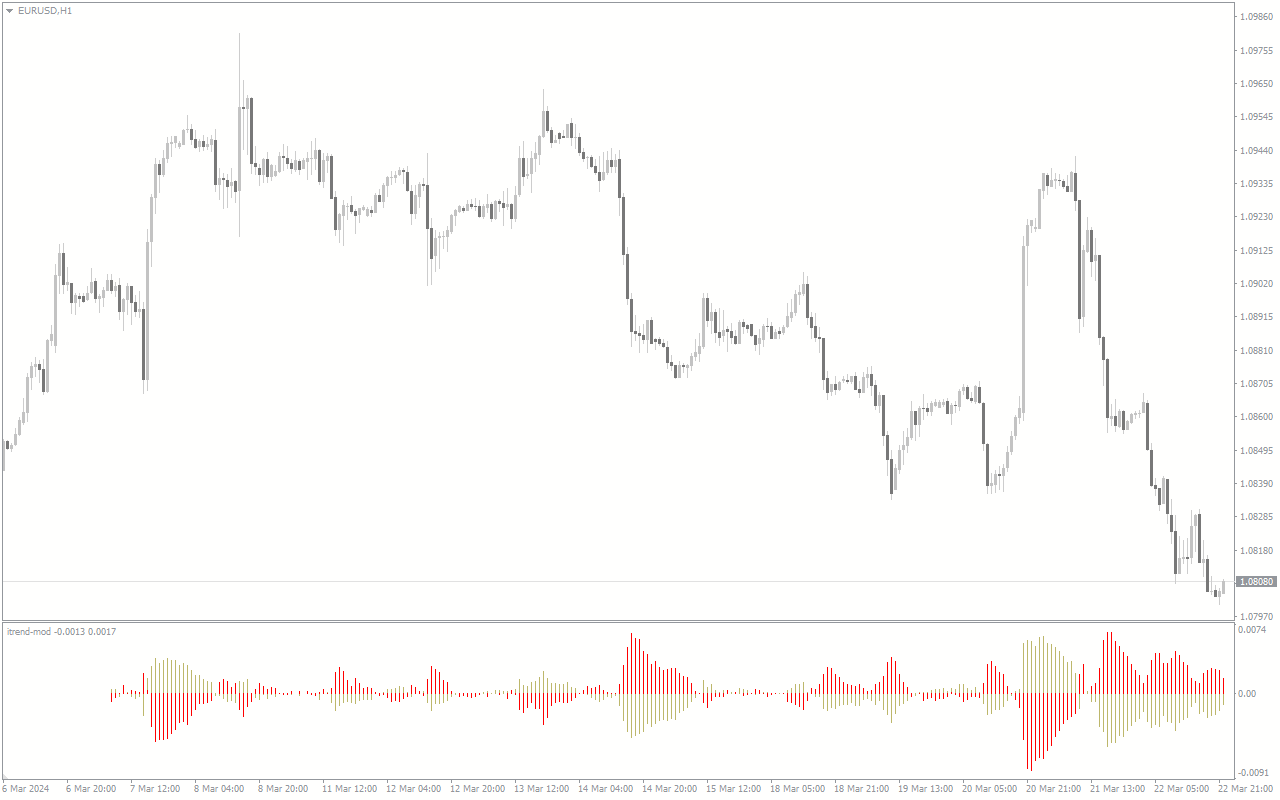
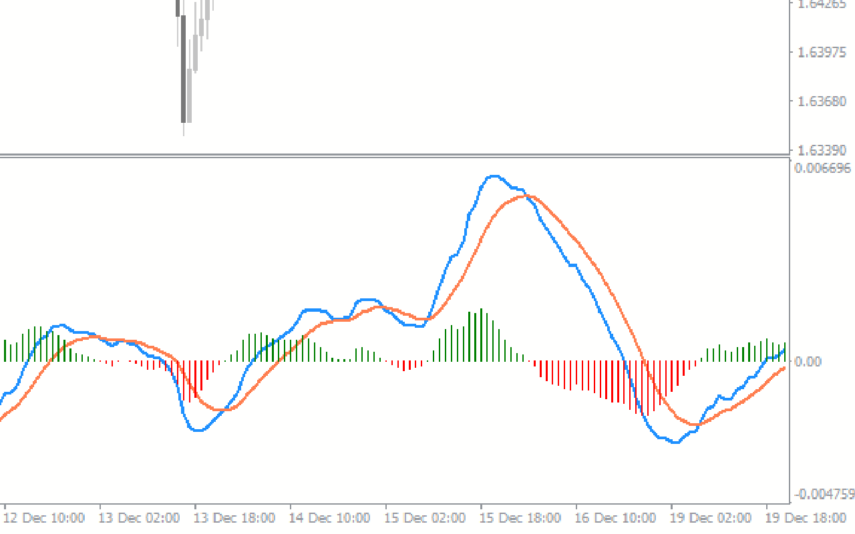
I trend mod indicator is a useful forex indicator for MT4. It is a popular and free indicator that helps traders identify the current market trend. The indicator works by analyzing price movements and displaying trend signals on the chart. Traders can use this indicator to make informed trading decisions based on the prevailing market trend.
| Indicator Type | |
|---|---|
| Trading Style | , |
| Timeframe | , , |
| Platform |
0
People watching this product now!
Downloads - 2
Description
Reviews (0)
How to Install
Related products
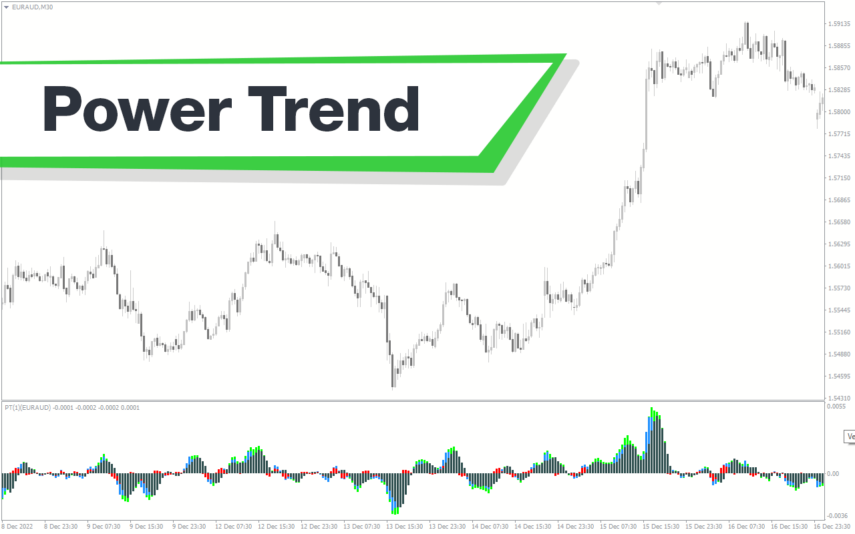
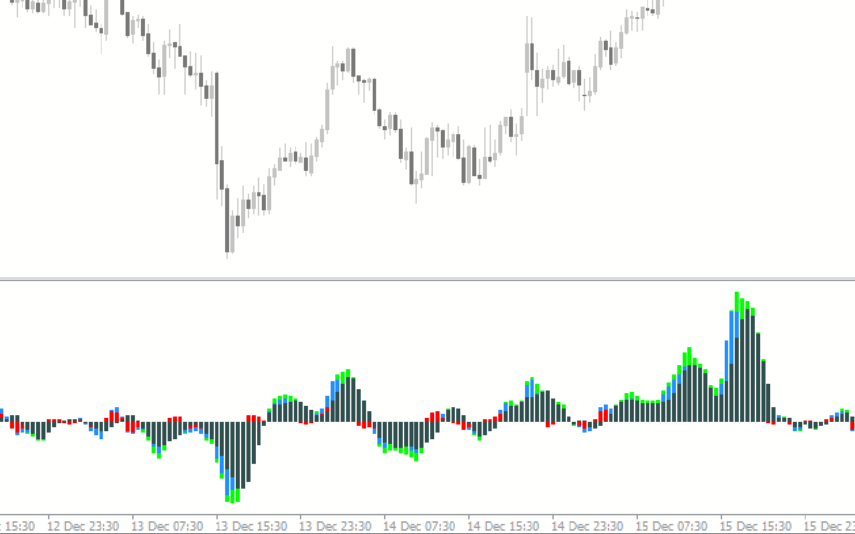
Power Trend
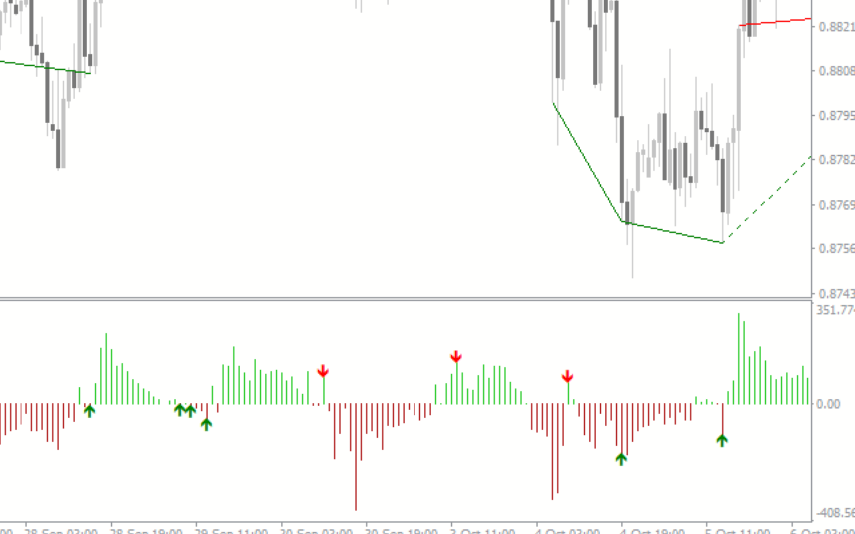
The Power Trend indicator for MT4 is a new and free popular forex technical analysis tool that helps traders identify trends, their direction, and strength visually in different colors. The colored histogram of the Power Trend indicator helps traders plan their trading strategies by providing insights into the trend's strength and maturity level. The indicator changes color to indicate weak or strong trends, allowing traders to maximize their profits and exit the trade at the right time. Download the Power Trend indicator for free and enhance your trading experience.
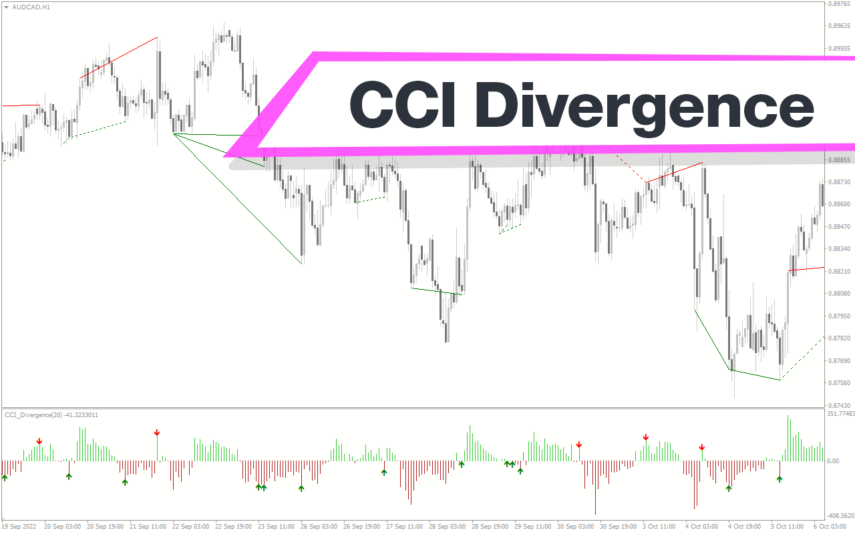
CCI Divergence
The CCI Divergence Indicator for MT4 is a useful and popular free Forex indicator. It is used to identify potential reversals in the market by looking for divergences between price and the Commodity Channel Index (CCI). The indicator uses the CCI to determine when the market is overbought or oversold and when the trend is likely to reverse. It will then plot a divergence line on the chart to indicate potential reversal points. The CCI Divergence Indicator for MT4 is a great tool for traders of all levels and can be used to help traders make more informed decisions.
ROC Indicator
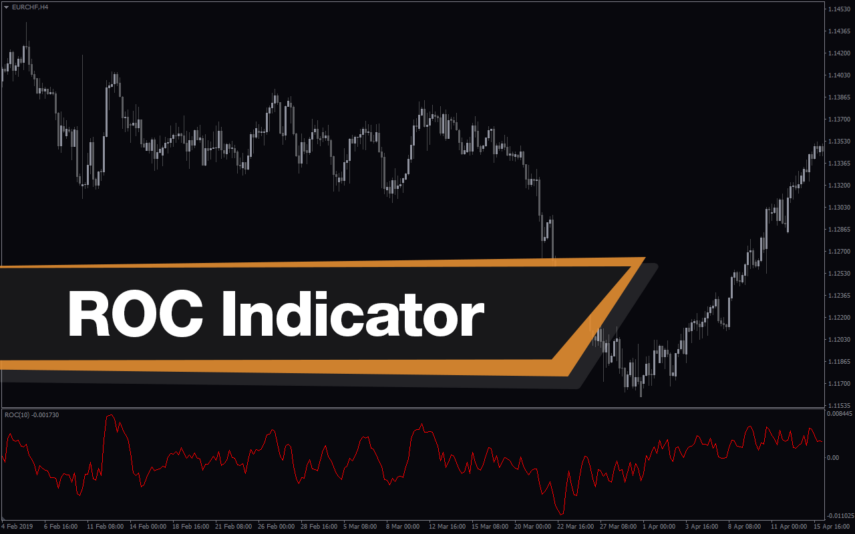
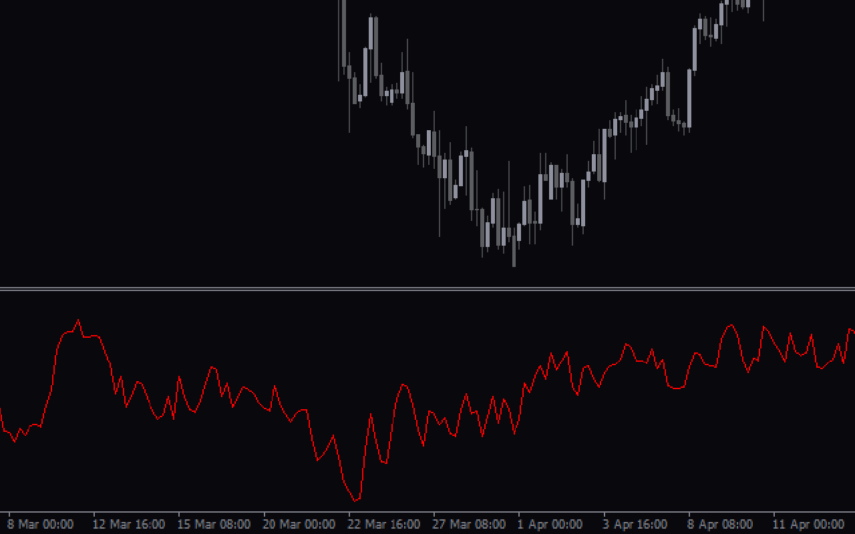
The ROC Indicator is a popular and useful Forex indicator for MT4 that is free to download. It is used to measure the rate of change in price movements over a given time period. The indicator is useful for traders as it can help identify when a price is overbought or oversold, and when a trend is reversing. The ROC Indicator is a popular and useful tool for traders who want to make informed decisions about their trading strategies.
Synthetic VIX
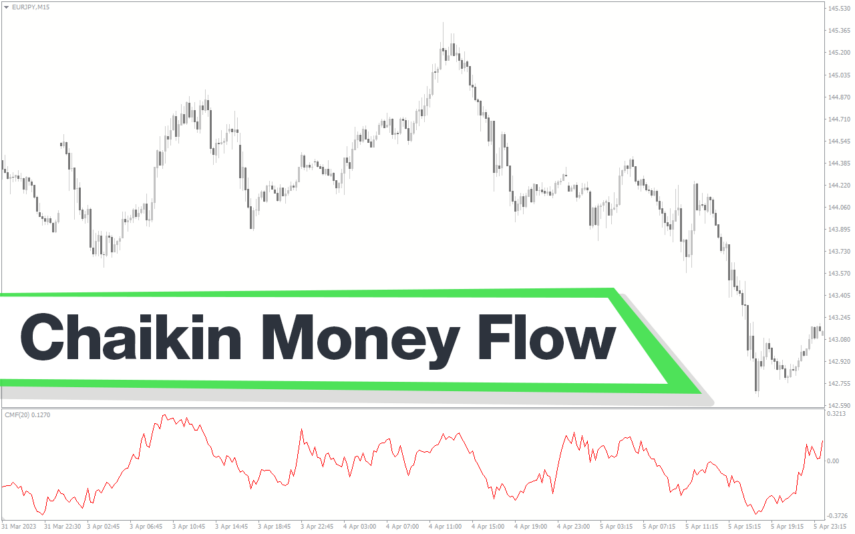
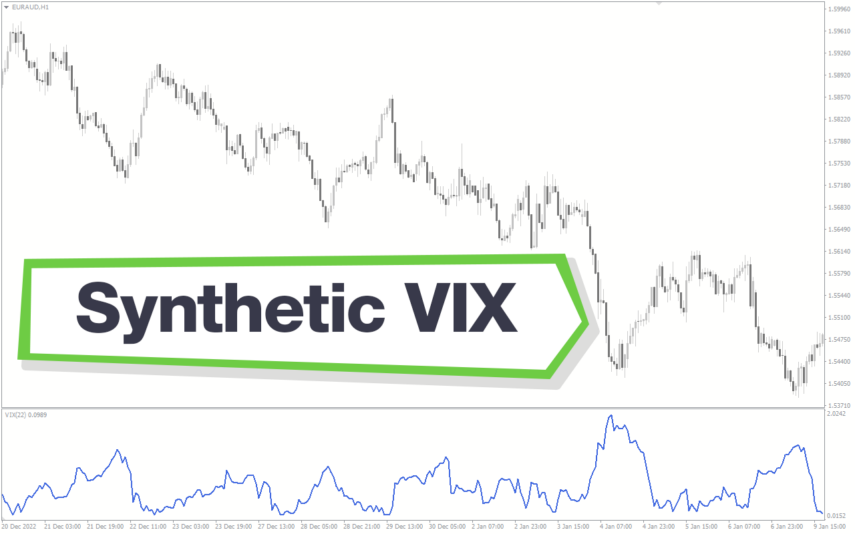
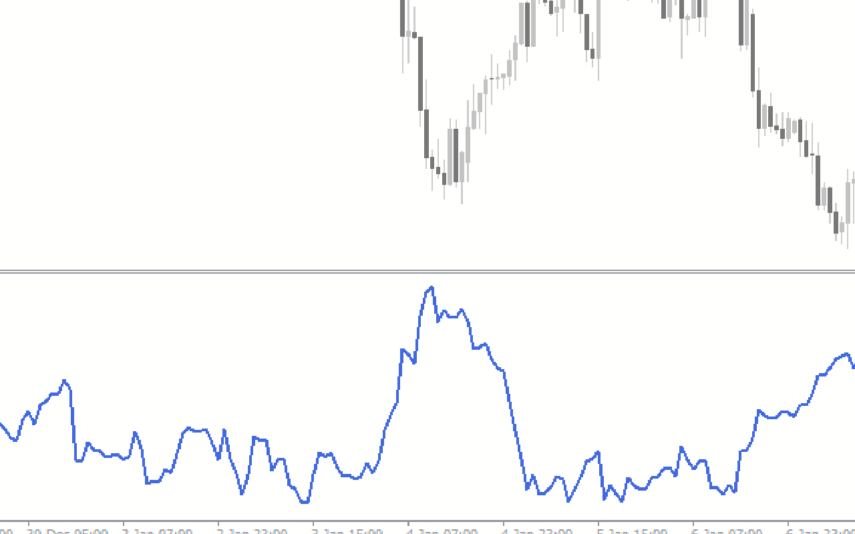
The Synthetic VIX Indicator is a popular and free Forex indicator for the MT4 trading platform. The indicator utilizes a combination of price action and signals from multiple time frames to accurately predict market movements. The Synthetic VIX indicator can be used to identify potential entry and exit points in the market, as well as to identify trend reversals and breakouts. It is designed to provide traders with an easy to use and reliable indicator that can help them make informed trading decisions. With its accurate and reliable signals, the Synthetic VIX Indicator is a great tool for any trader looking to improve their trading performance.
Qualitative Quantitative Estimation
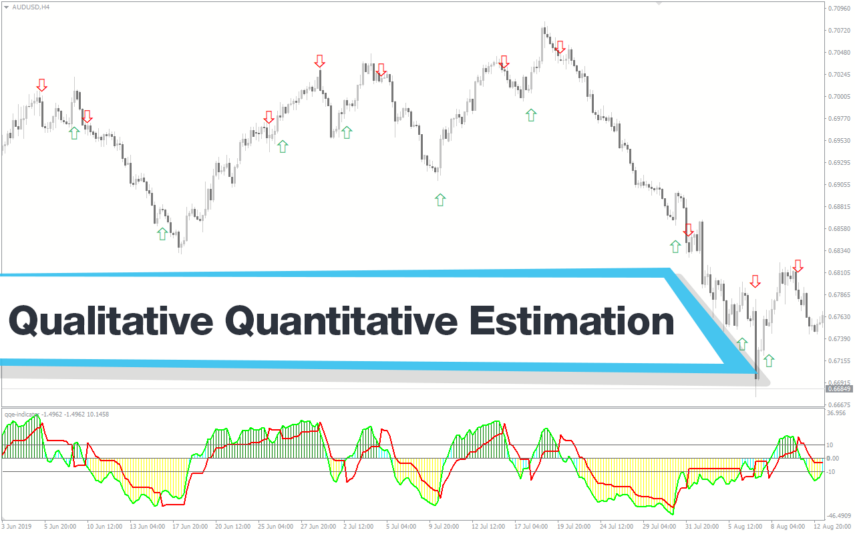
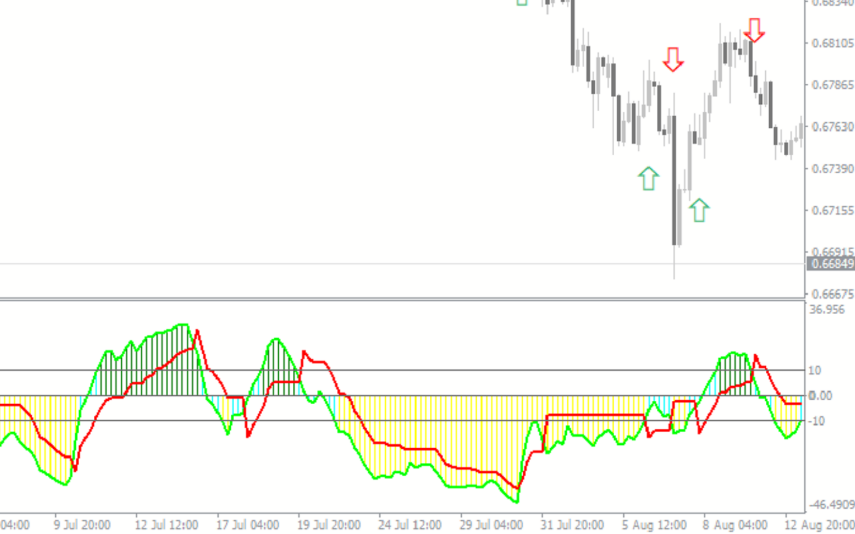
The Qualitative Quantitative Estimation Indicator is a powerful tool for traders in the Forex market. It's a new and popular indicator that works with the MT4 platform. The QQE Indicator is used to determine market trends, identify overbought and oversold positions, and detect divergence in prices and momentum.
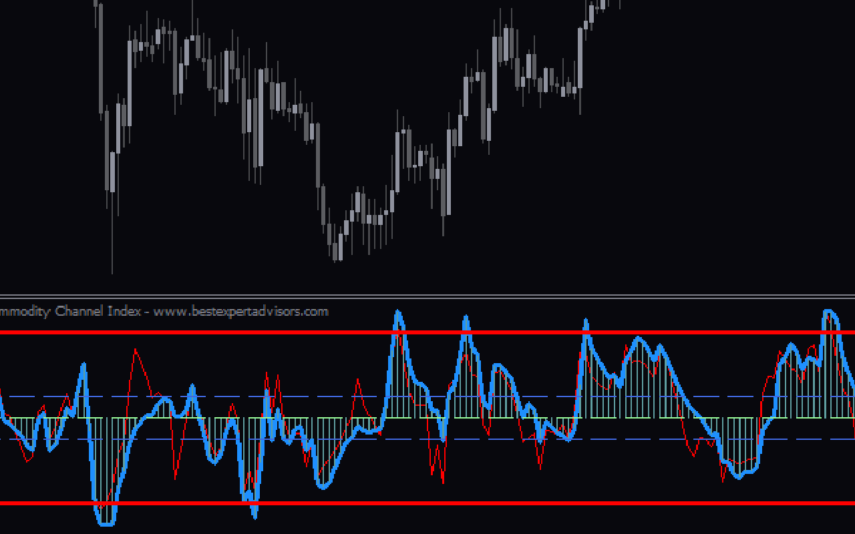
Commodity Channel Index
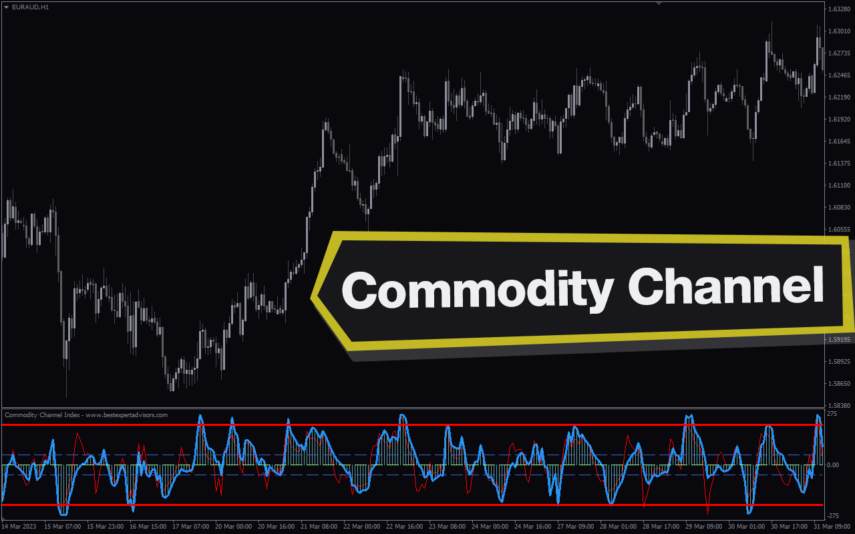
The Commodity Channel Index (CCI) is a popular and useful Forex indicator used by many traders. It is a technical indicator that measures the momentum of price movements and helps to identify when a currency pair is overbought or oversold. It is easy to use and can help traders identify potential trading opportunities. The indicator is free to use on the MT4 trading platform and is one of the most popular indicators used by traders.
Reviews
There are no reviews yet.