
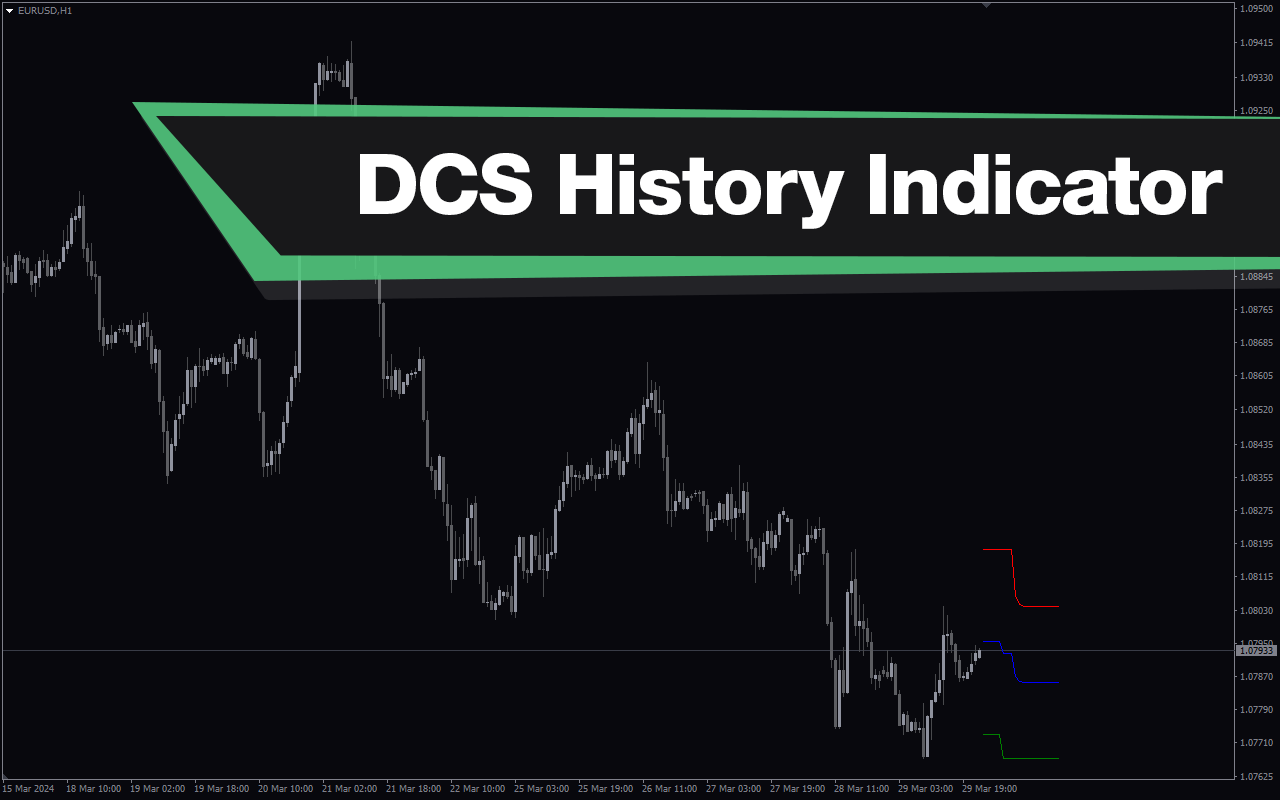
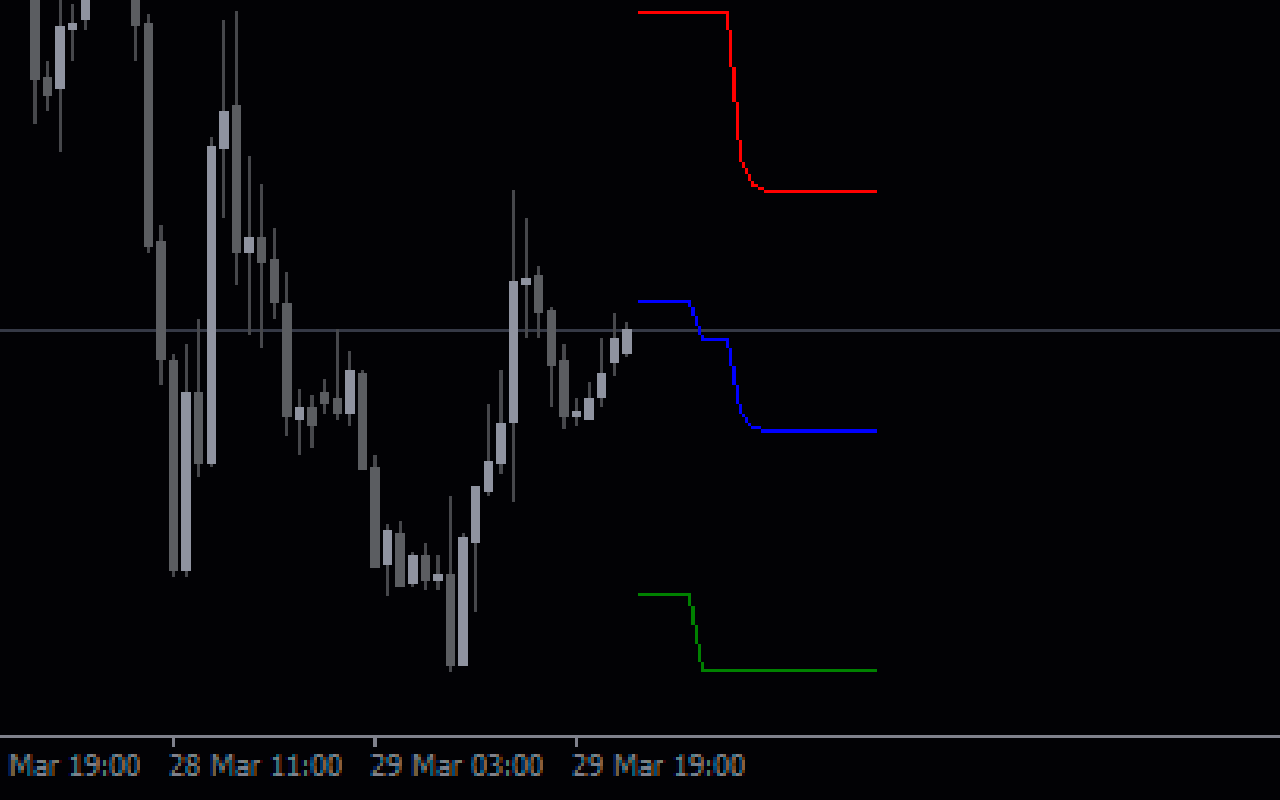
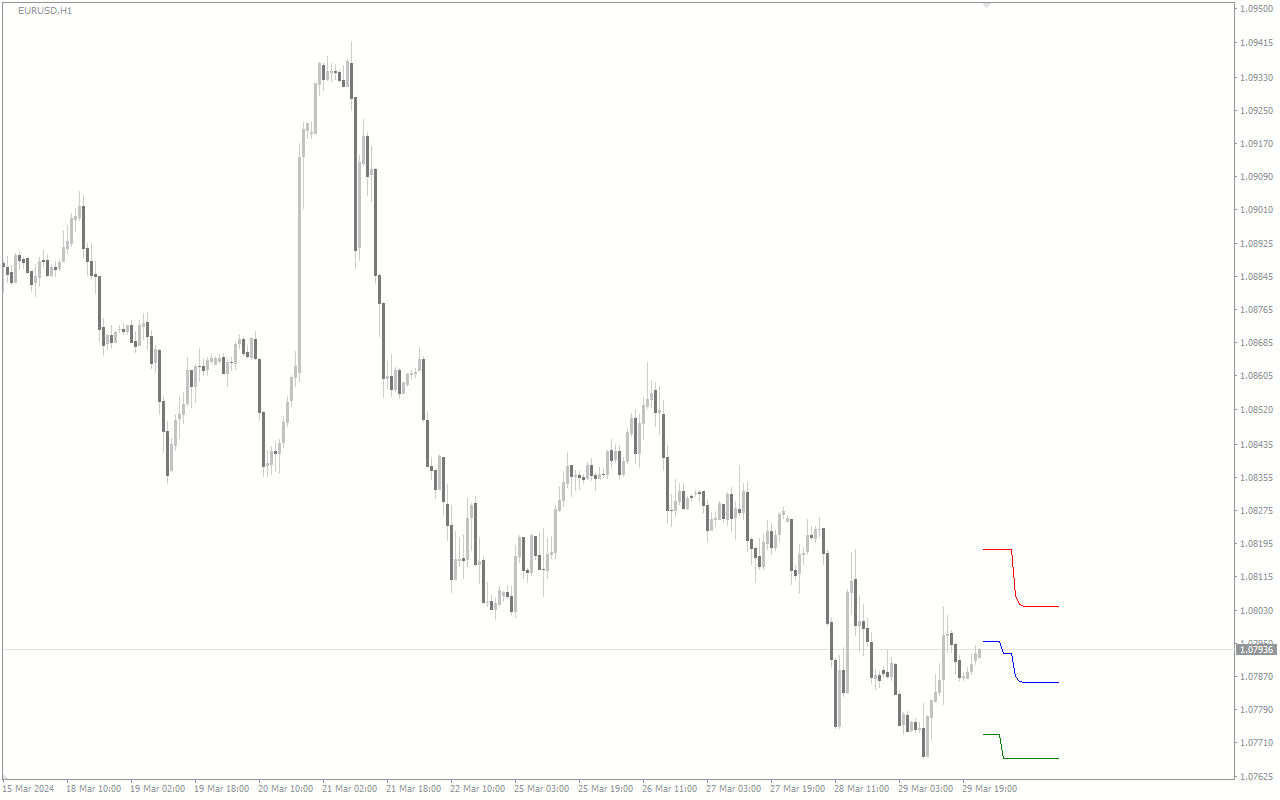
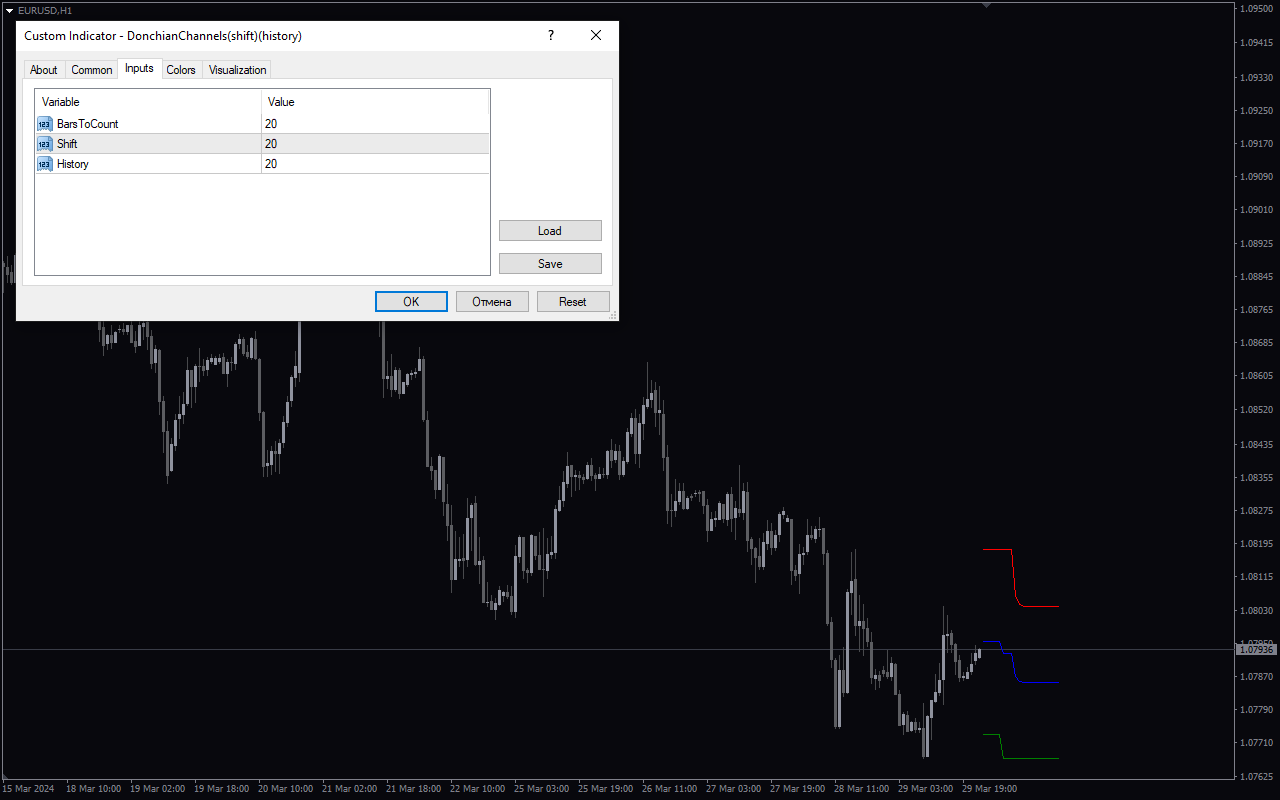
The Donchian Channels Shift History indicator is a popular and useful tool for forex traders using the MT4 platform. This indicator plots Donchian Channels based on historical price data, helping traders identify potential breakouts and trends in the market. The Donchian Channels Shift History indicator works by calculating the highest high and lowest low prices over a specified period and then plotting these levels on the chart. By identifying these key support and resistance levels, traders can effectively plan their entries and exits to maximize profit potential. This indicator can be used in various ways, such as identifying trend reversals, setting stop-loss and take-profit levels, and confirming trend continuation patterns. Best of all, the Donchian Channels Shift History indicator is free to use, making it a valuable tool for forex traders looking to improve their trading strategies.
MT4
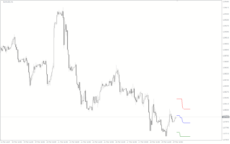
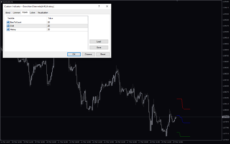
Donchian Channels Shift History
Donchian Channels Shift History is a useful forex indicator for MT4 that is popular among traders. It is a free indicator that helps identify potential breakout levels by displaying high and low price levels within a specified period. Traders can use this indicator to set entry and exit points for trades based on historical price data.
| Indicator Type | |
|---|---|
| Trading Style | |
| Timeframe | , |
| Platform |
0
People watching this product now!
Downloads - 6
Description
Reviews (0)
How to Install
Related products
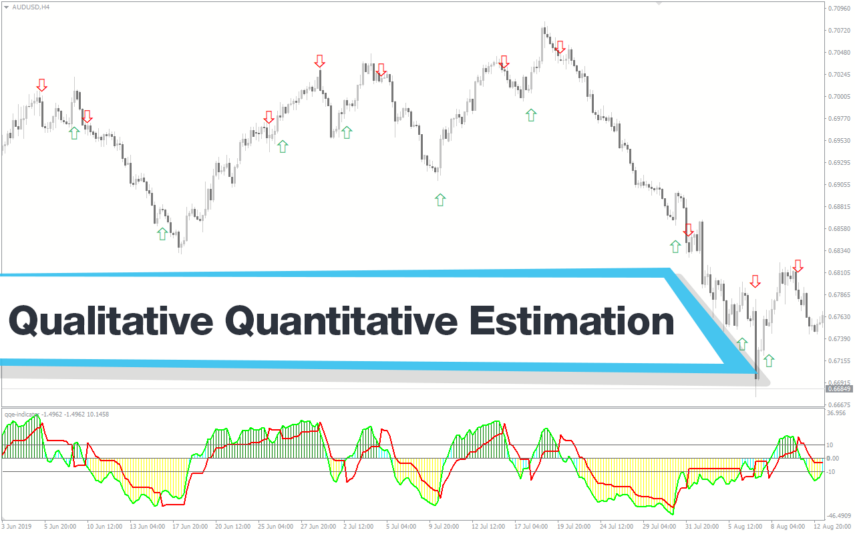
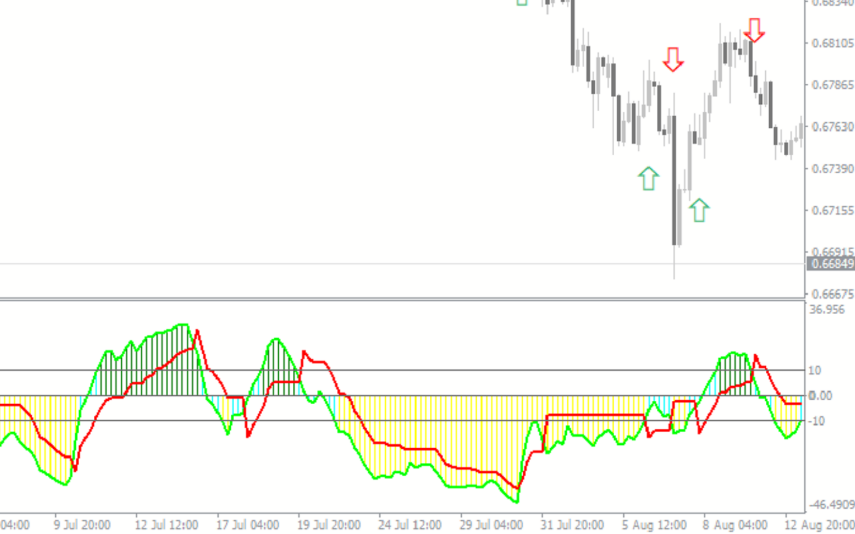
Qualitative Quantitative Estimation
The Qualitative Quantitative Estimation Indicator is a powerful tool for traders in the Forex market. It's a new and popular indicator that works with the MT4 platform. The QQE Indicator is used to determine market trends, identify overbought and oversold positions, and detect divergence in prices and momentum.
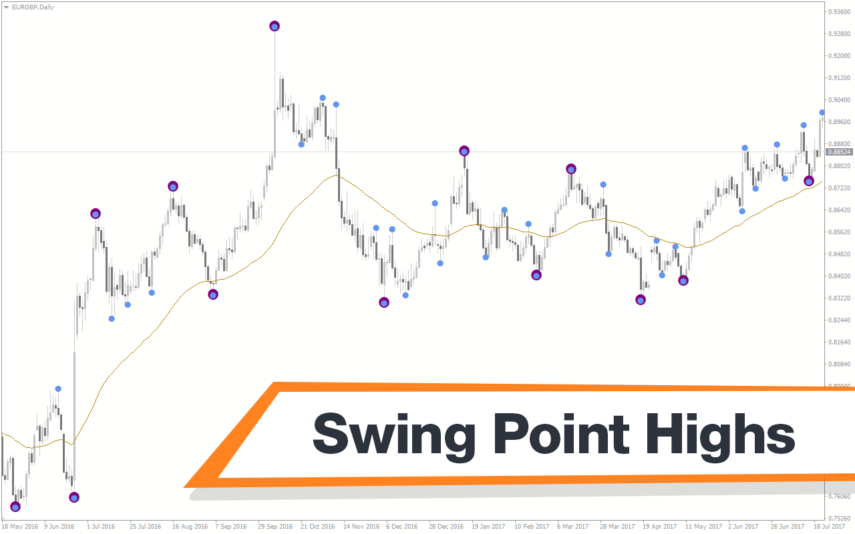
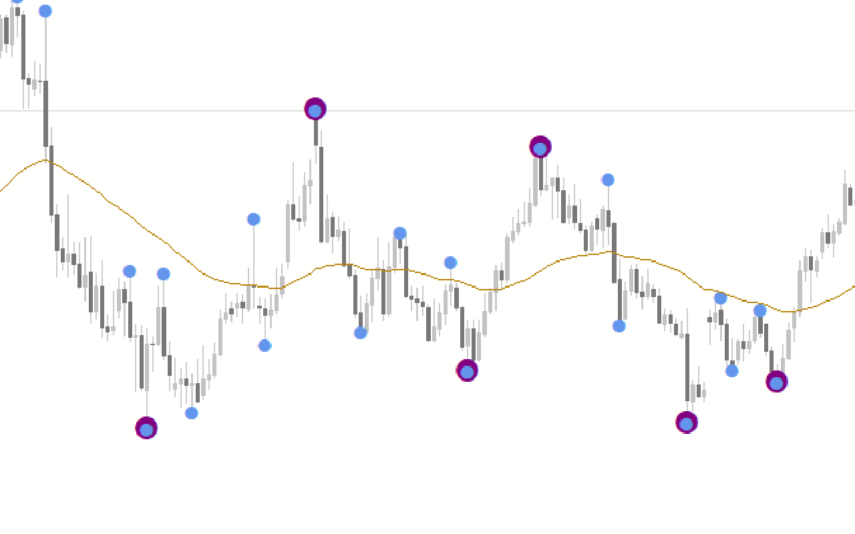
Swing Point Highs
The Swing Point Highs and Lows indicator is a new, popular and free MT4 technical analysis tool for forex traders. This indicator works by identifying swing points on a price chart and then drawing horizontal lines to indicate potential support and resistance levels. The swing point high and low indicator is a valuable tool for traders who want to identify key support and resistance levels and is suitable for both beginners and experienced traders.
Keltner Channel With Signals
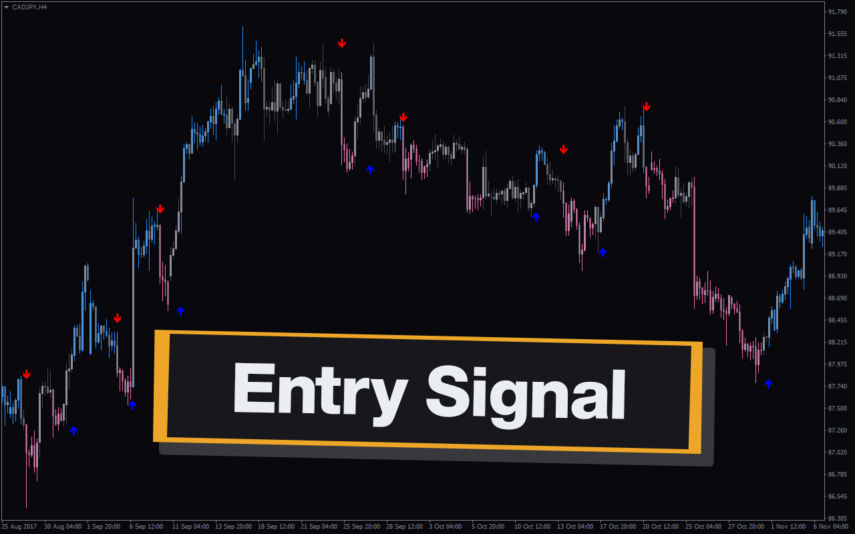
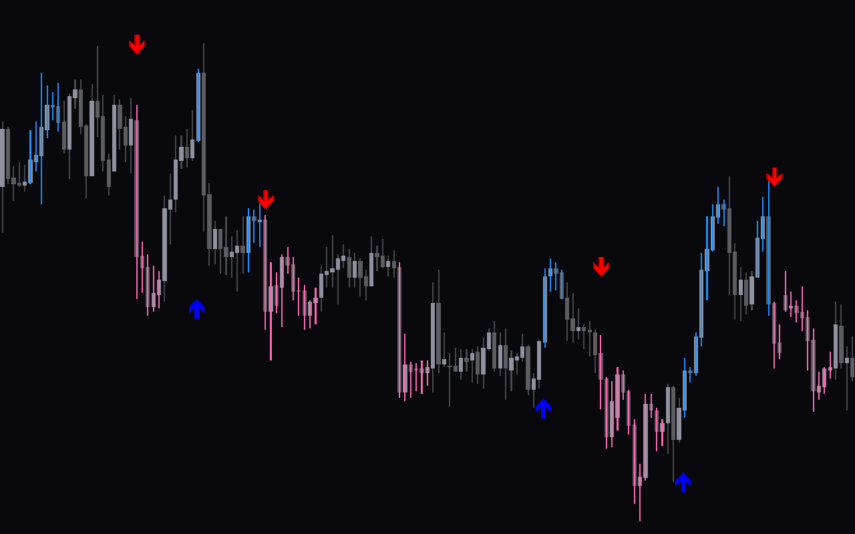
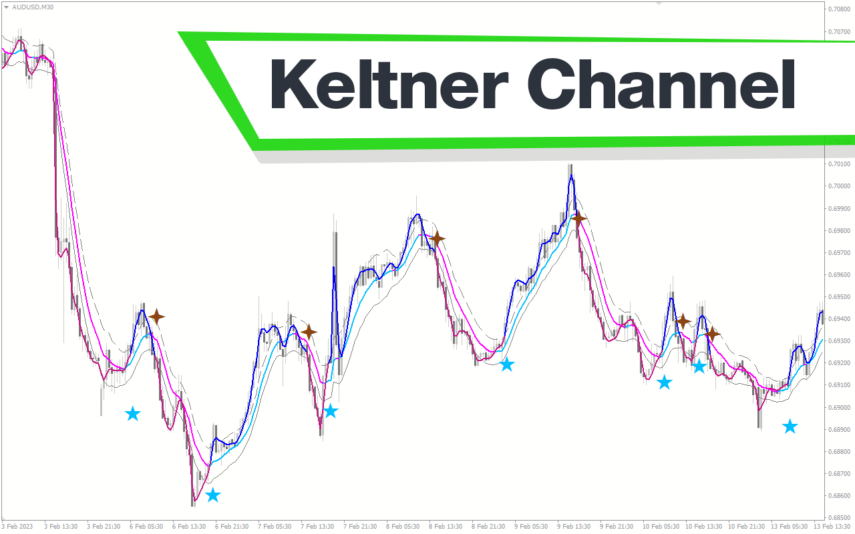
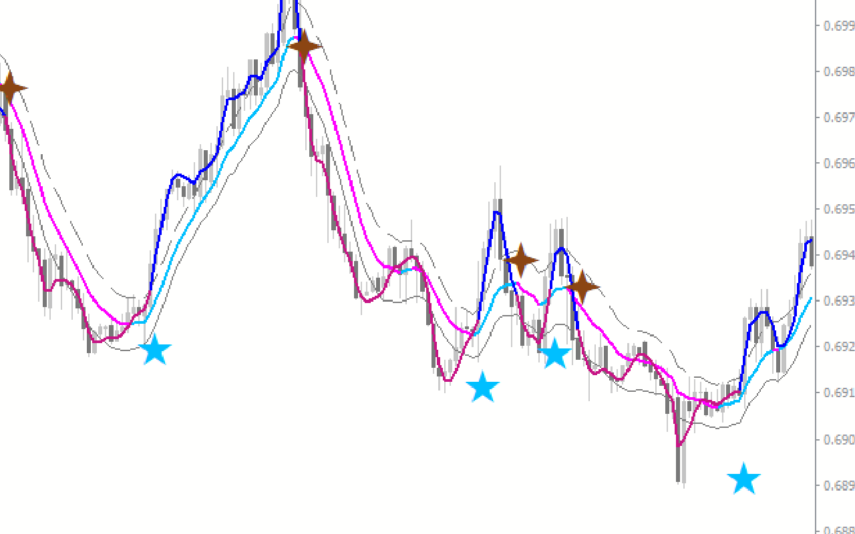
The Keltner Channel with Signals Indicator is a popular and free forex indicator that runs on the MT4 platform. This is a new and innovative tool that uses the Keltner Channel as the basis for generating trading signals, helping traders identify potential trading opportunities. Use the Keltner Channel with Signals Indicator as a powerful tool that can help traders succeed in the forex market.
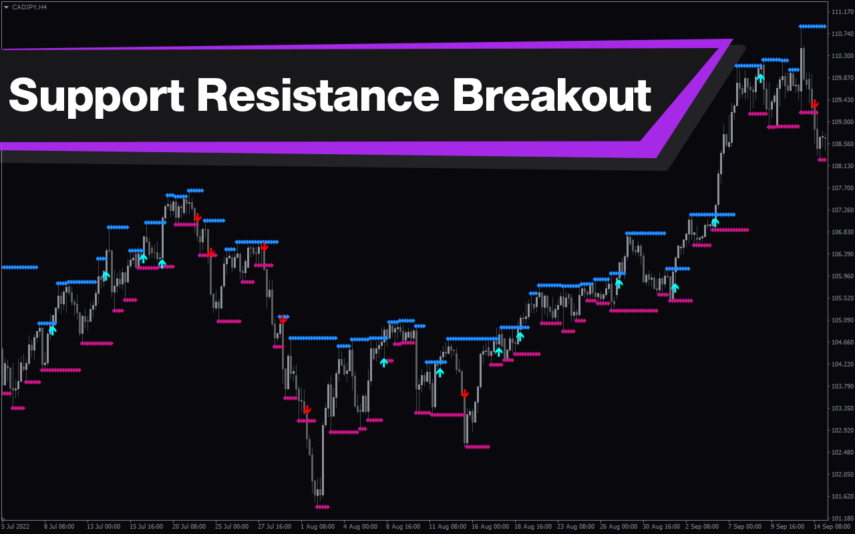
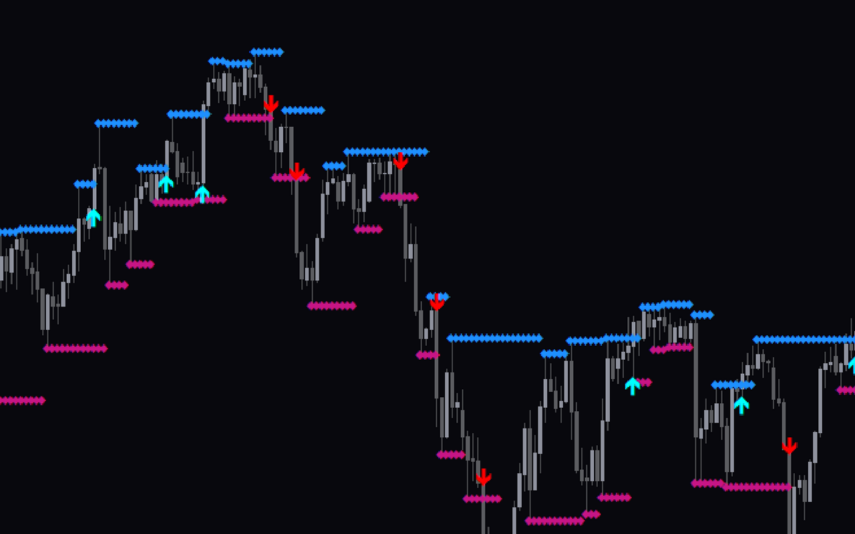
Support Resistance Breakout Arrows
Unlock profitable trading opportunities with the Support Resistance Breakout Arrows indicator for MT4. It generates precise buy and sell signals using Fractal, CCI, and RSI. The indicator also automatically marks significant support and resistance levels, helping in trend analysis. Benefit from clear entry signals, customizable settings, and compatibility across various time frames for daily and long-term traders.
Reviews
There are no reviews yet.