• MT4 Collections
    • Top Indicators Hot
      • Top Rated
      • Top Downloads
      • Most Popular
      • New
      • Recommended
    • Trading Style
      • Beginner For Newbies
      • Scalping
      • Short-Term
      • Day Trading
      • Intraday
      • Swing
    • Indicator Type
      • Accurate
      • Leading
      • Reversal
      • Breakout
      • Sideways
      • Entry & Exit
      • Overbought & Oversold
      • Non-Repaint
    • Categories
      • Trend
      • Signal
      • Support & Resistance
      • Price Action
      • Stochastic
      • Envelope
      • Volume
      • Helpers
    • Timeframes
      • M1-M5
      • M15-M30
      • H1-H4
      • D1-W1
      • Multi Timeframe
    • Platform
      • MT4 Popular
      • MT5
  • Indicators
  • Blog
  • CONTACT US
  • ABOUT US
Menu
Search
Select category
  • Select category
  • Envelope Indicators
  • Helpers
  • Price Action
  • Signal
  • Stochastic
  • Support & Resistance
  • Trend
  • Volume
0 Wishlist
Home Collection Support & Resistance Break Out With Tp And Sl Fibonacci
Guppy Mulitple Moving Average Short
Back to products
MTF Moving Averages
MT4
Watch video
Click to enlarge

Break Out With Tp And Sl Fibonacci

Best breakout indicator with take profit and stop loss based on Fibonacci. Provides multiple profit targets and a good risk reward ratio. Works as an excellent stand alone trading tool for new forex traders.

Trading Style

Day Trading

,

Intraday

Indicator Type

Breakout

,

Non-repaint

Timeframe

H1-H4

,

M15-M30

Platform

MT4

Add to wishlist
0 People watching this product now!
Category: Support & Resistance
Share:

Downloads - 635

Download now
  • Description
  • Reviews (0)
  • How to Install
Description

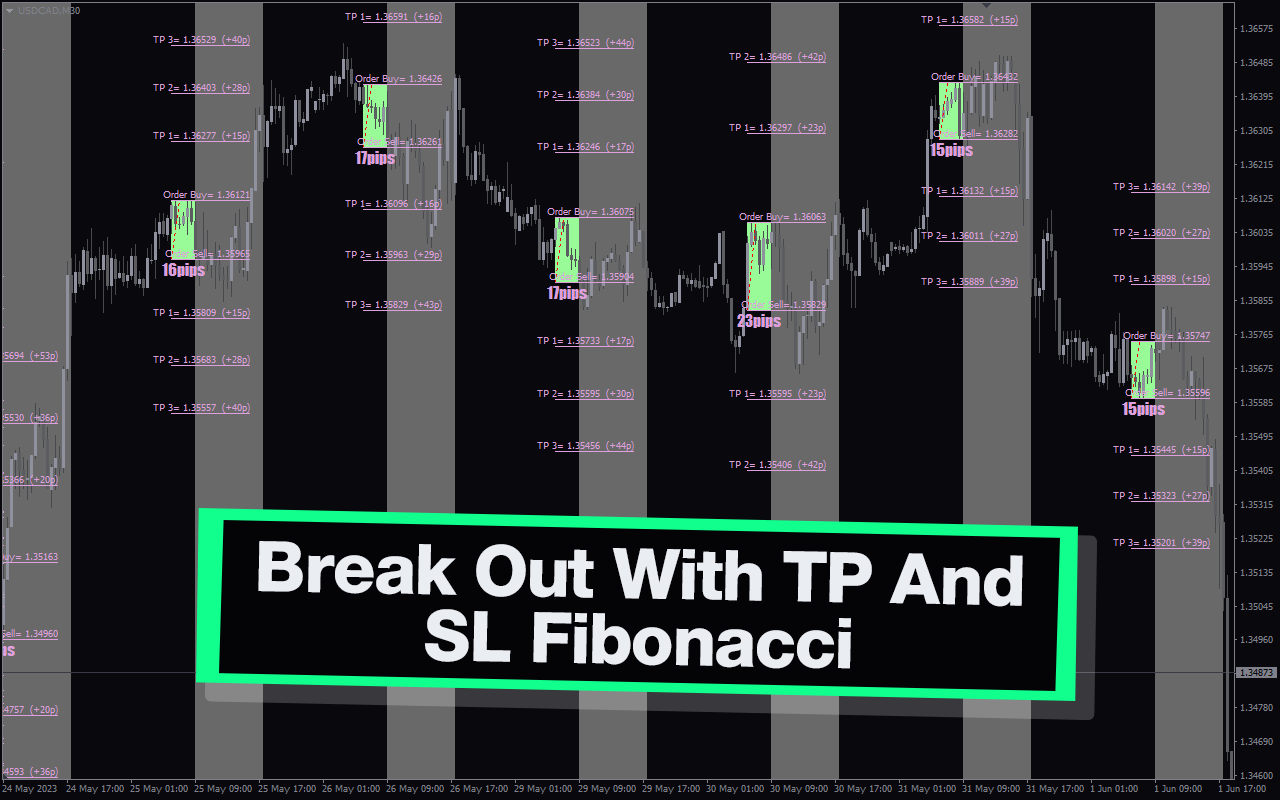
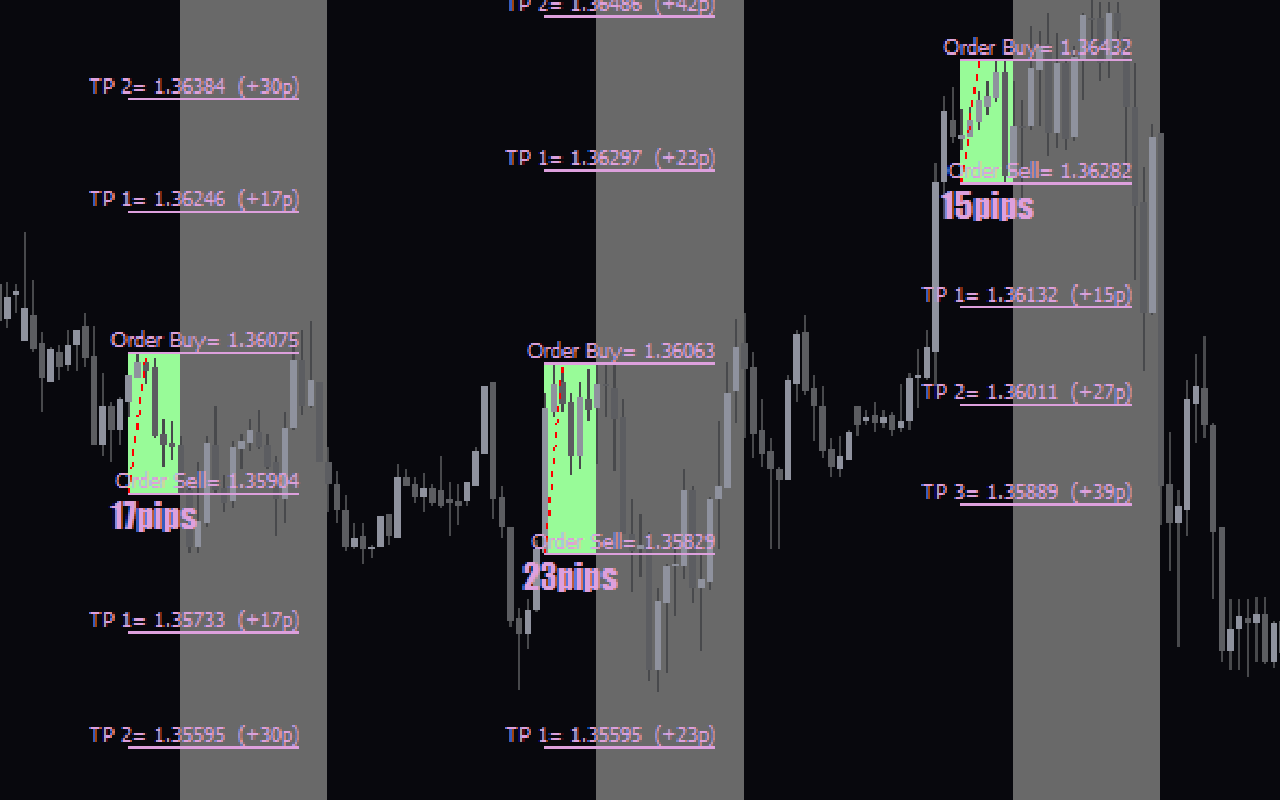
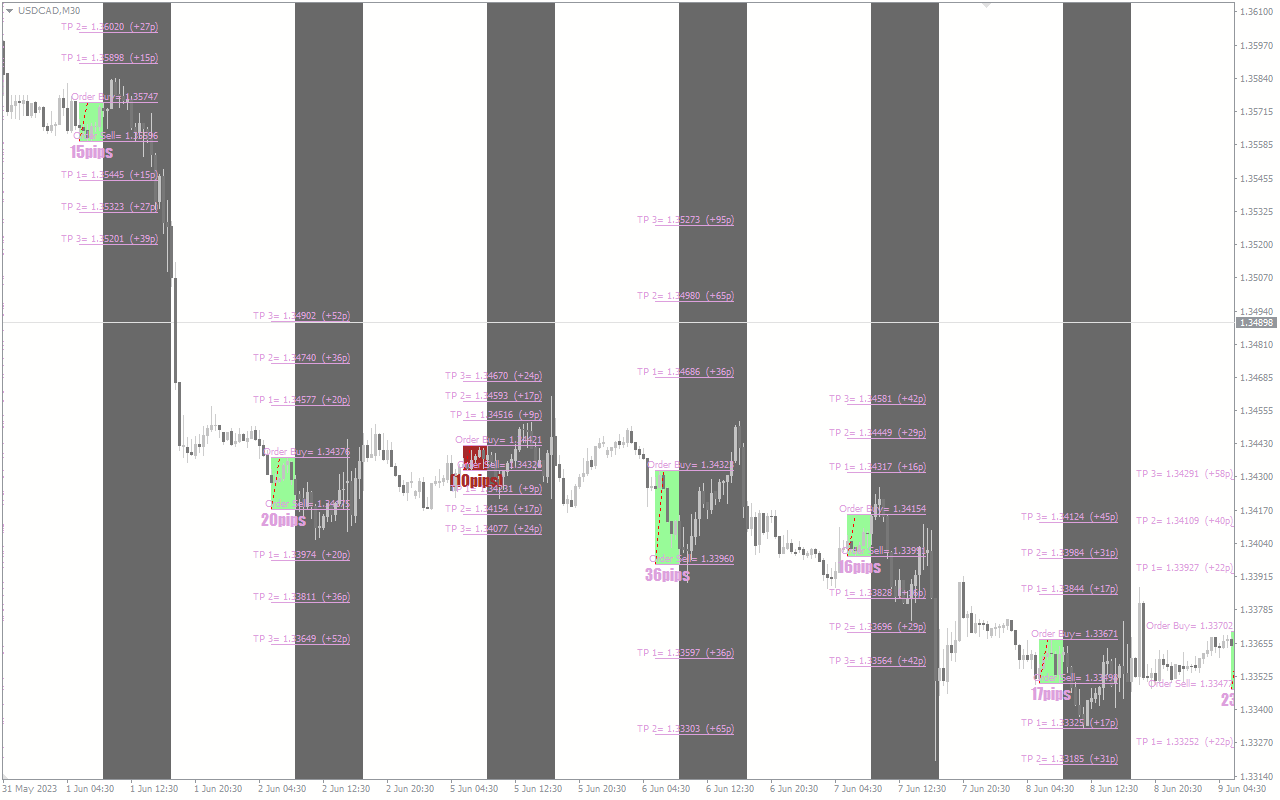
The Break Out With TP and SL Fibonacci indicator provides buy and sell forex trading signal based the price break out of high or low prices of 0600 to 0900 hours. Additionally, it applies the Fibonacci ratios to identify potential take profit levels. So, traders can use it to derive entry and exit levels and use it as a standalone trading system.

Features of the Break Out with TP and SL Fibonacci MT4 Indicator

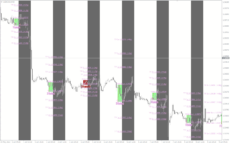
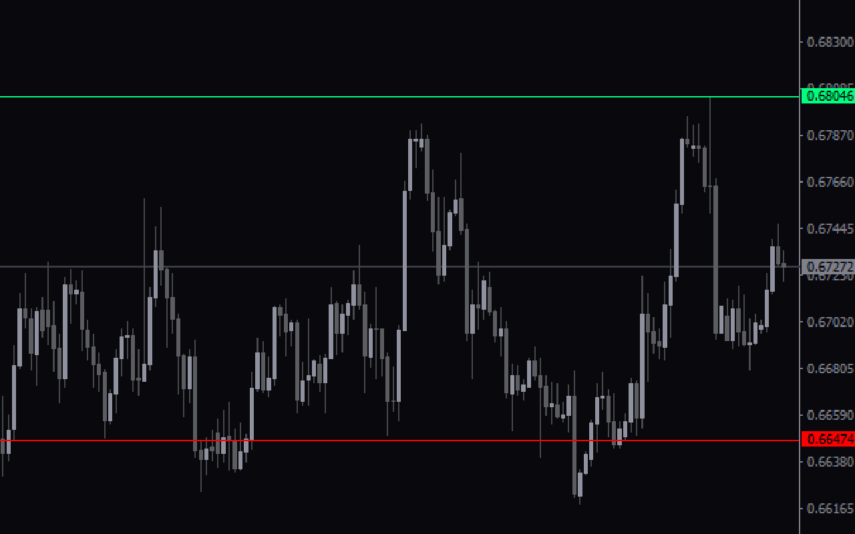
The indicator plots a box between the 0600 to 0900 hours and helps traders identify the ideal breakout zone.  It places an order buy line at the high of the zone and another order sell line at the lowest price of the zone.  Moreover, it places TP1, TP3 and TP3 to identify the potential prices to book profit.

Traders can enter the markets with a buy trade once price breaks the order buy line with a stop loss at the order sell line. Similarly, in a bearish condition, traders can open a sell trade at the order sell line. Once the trade progresses, traders can move TP1 as trailing stop to target the TP2. Similarly, traders can book partial profits at TP1 and target TP2.

Benefits of Break Out with TP and SL Fibonacci MT4 Indicator

The indicator is very beneficial to new forex traders as it works as a standalone breakout trading system. Since the breakout direction is almost in sync with the trend direction it further improves the profitability.

As the breakout trades are limited to one or two trades a day per currency pair, it helps traders to avoid overtrading. Advanced forex traders can combine it with other technical indicators to increase the profitability.

Indicator Settings Description
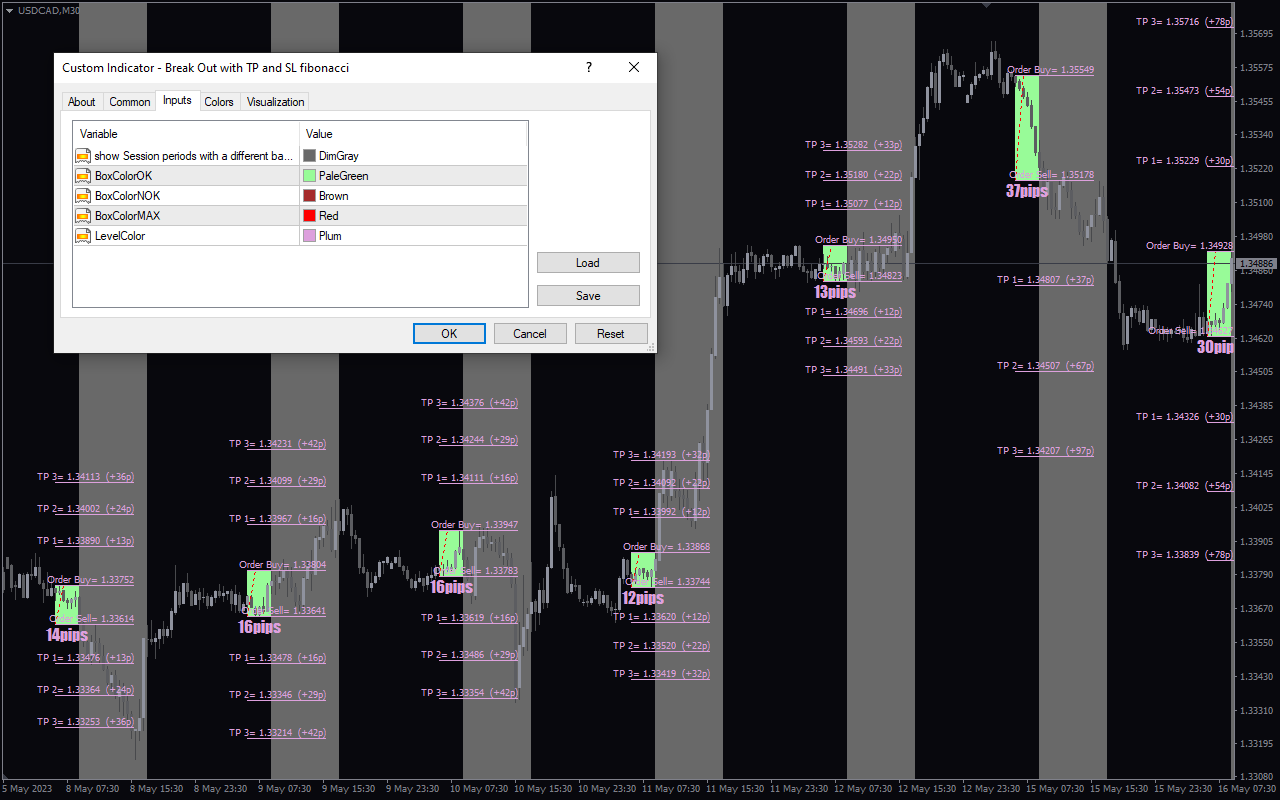
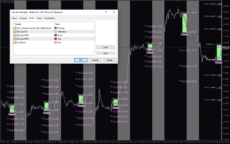
The indicator does not provide any user input for settings except the color change. The default setting provides best results.
Reviews (0)

Reviews

There are no reviews yet.

Be the first to review “Break Out With Tp And Sl Fibonacci” Cancel reply

Your email address will not be published. Required fields are marked *

1 2 3 4 5
1 2 3 4 5
1 2 3 4 5

How to Install

How install MT4/5 indicator in the terminal?

To install an MT4/5 indicator in the terminal, follow these steps:

  1. Download the indicator file (.ex4 or .mq4/.ex5 or .mq5) to your computer.

  2. Open the MT4/5 terminal and click on “File” in the top left corner.

  3. Select “Open Data Folder” from the dropdown menu.

  4. In the window that opens, double-click on the “MQL4/5” folder.

  5. Double-click on the “Indicators” folder.

  6. Drag and drop the indicator file from your computer into the “Indicators” folder.

  7. Close the data folder window and restart the MT4/5 terminal.

  8. The indicator should now be available in the “Navigator” window on the left-hand side of the terminal. Simply double-click on the indicator to add it to a chart.

Note: If the indicator is in a .zip file, you will need to extract it first before following the above steps.

And if asks to confirm DLL?

If the indicator you are installing requires access to external Dynamic Link Libraries (DLLs), you may see a pop-up message asking you to confirm the use of DLLs.

DLLs are external libraries that contain code that can be used by other programs. In the case of MT4/5 indicators, they are often used to perform complex calculations or connect to external data sources.

If you trust the source of the indicator and want to use it, click “Yes” to confirm the use of DLLs. If you are not sure or do not trust the source, click “No” to cancel the installation.

It’s worth noting that some indicators may not work properly without access to their required DLLs. If you choose not to allow access to DLLs and the indicator does not work as expected, you may need to reinstall the indicator and confirm the use of DLLs to get it to work properly.


Related products

MT4
Quick view
Add to wishlist

Breakout Trading

Support & Resistance
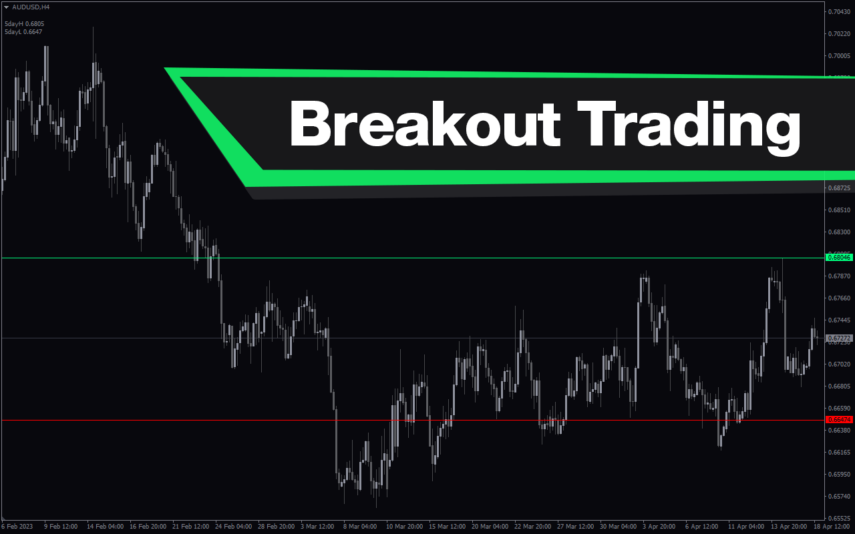
The Breakout Trading Indicator is a powerful MT4 tool designed for forex traders who want to catch breakouts in their trading strategy. The indicator scans for potential breakouts and alerts traders when a potential breakout is detected, making it easy to spot profitable trading opportunities. With an advanced algorithm, the indicator identifies key support and resistance levels, helping traders better understand market trends and make informed trading decisions.
MT4
Quick view
Add to wishlist

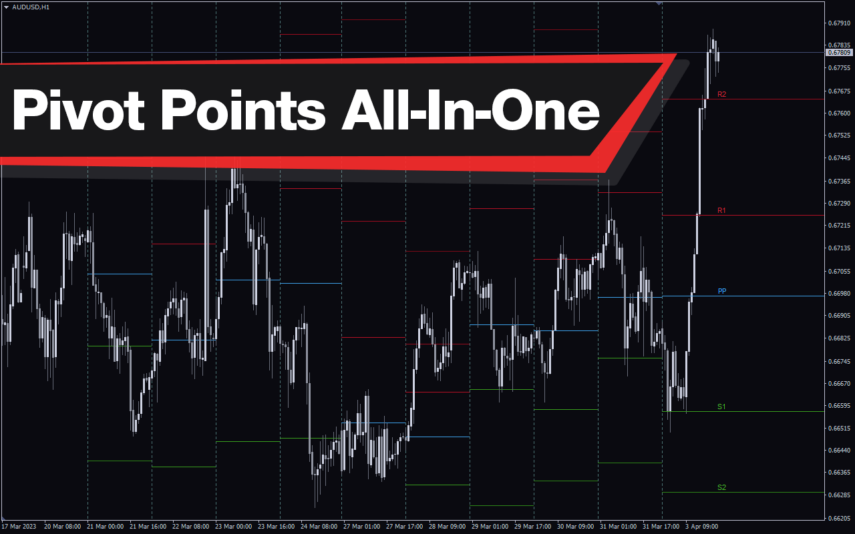
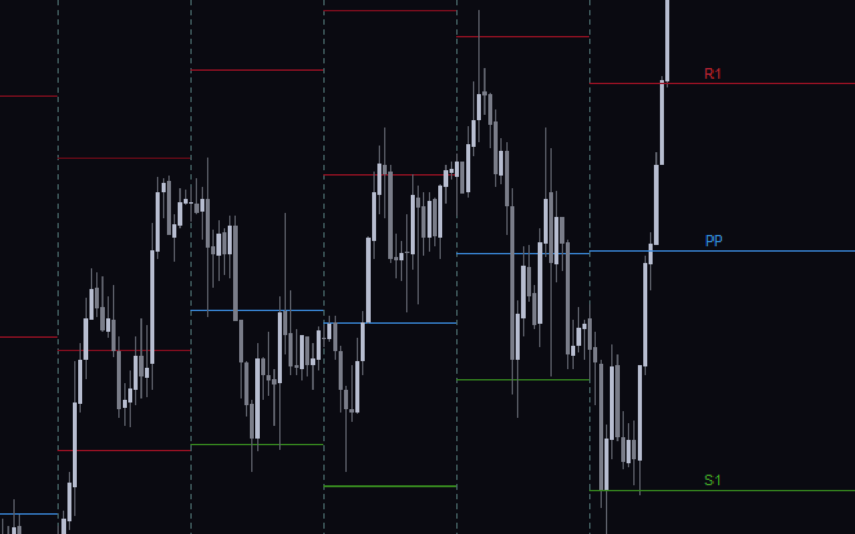
Pivot Points All-In-One

Support & Resistance
Unlock Reversal Opportunities with Pivot Points Indicator for MT4. Trade Reversals and Breakouts for Big Profits.
MT4
Quick view
Add to wishlist

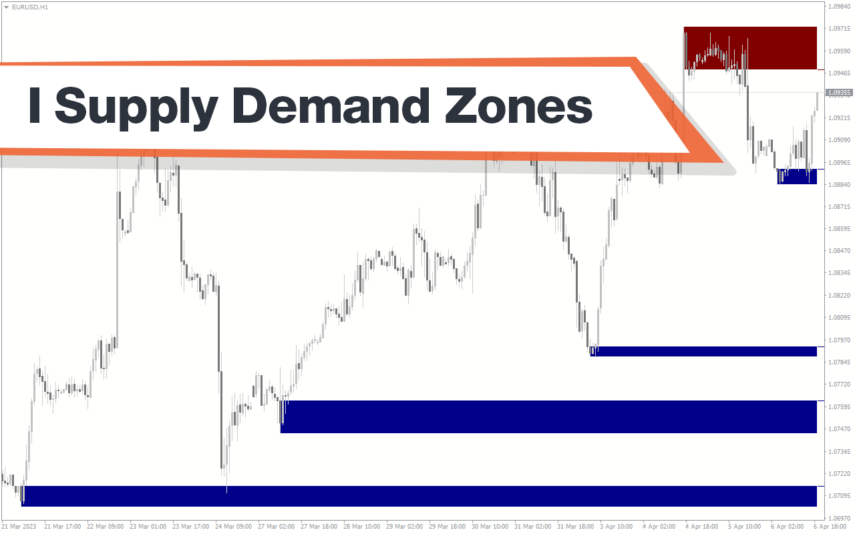
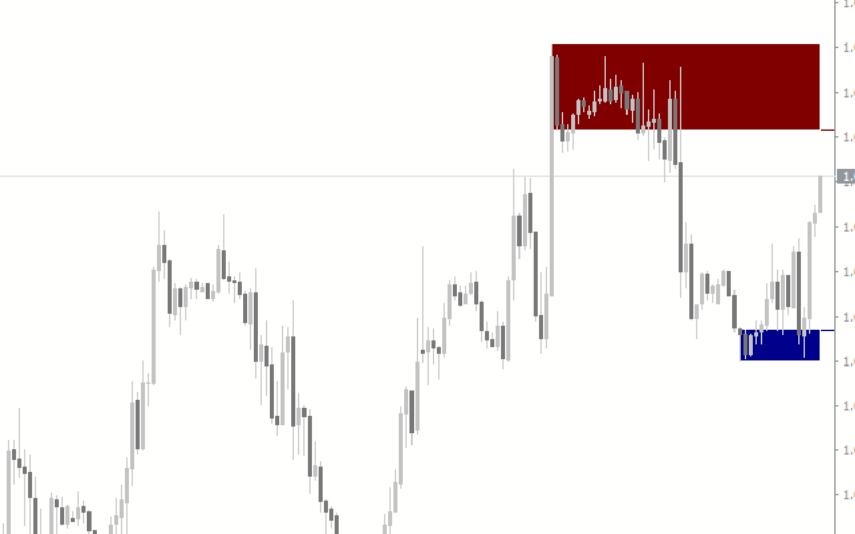
I Supply Demand Zones

Support & Resistance
Boost Forex profitability with I Supply Demand Zones Indicator for MT4 – Accurate Zones, Real-time Alerts, Customizable Settings, Buy & Sell Entries!
MT4
Quick view
Add to wishlist

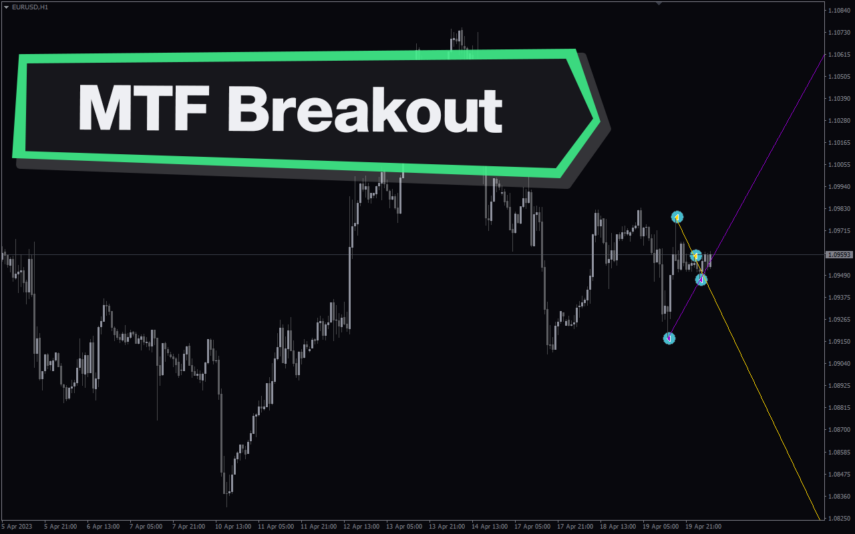
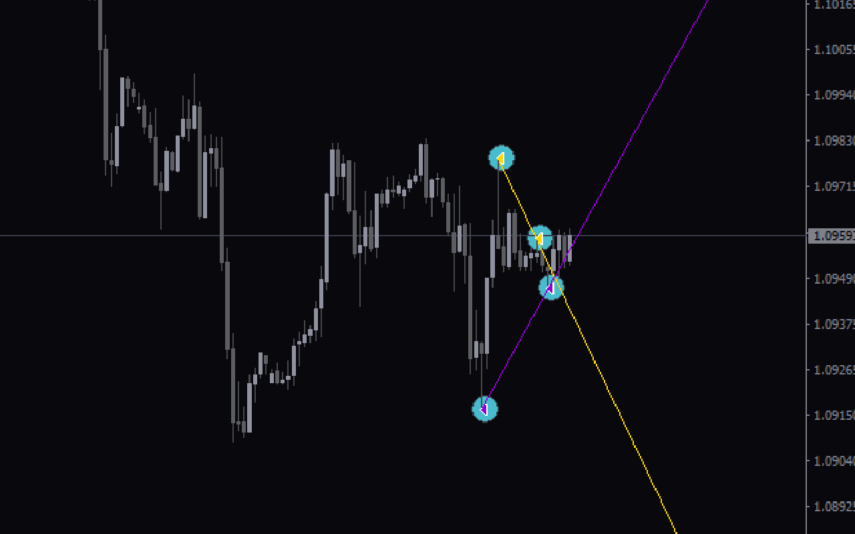
Multi Time Frame Breakout

Trend, Support & Resistance
The Multi-Time Frame Breakout indicator is a new and popular forex indicator that is available for free on the MT4 platform. This indicator helps traders identify breakout points by analyzing multiple timeframes at the same time. It works by plotting support and resistance levels based on the highest and lowest price levels over multiple time frames. This is a valuable tool for traders who use multiple timeframes in their analysis and want to improve their accuracy in identifying potential breakout points.
MT4
Quick view
Add to wishlist

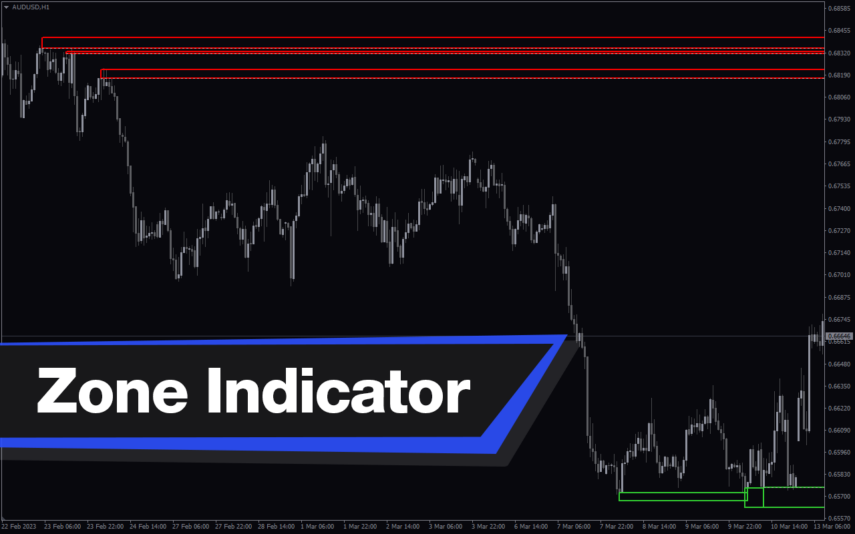
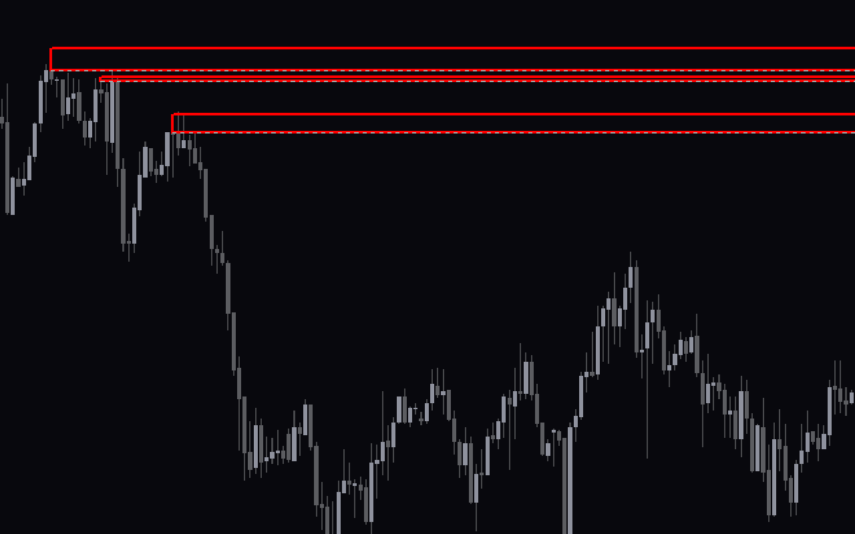
Zone Indicator

Support & Resistance
The Zone Indicator is a popular MT4 Forex trading tool that is new to the market and is available as a free download. This is essential for forex traders who rely on support and resistance strategies, trend traders and traders who want to anticipate price action. The Zone indicator automatically displays strong support or resistance levels on the chart.
MT4
Quick view
Add to wishlist

Daily Pivot Points

Support & Resistance
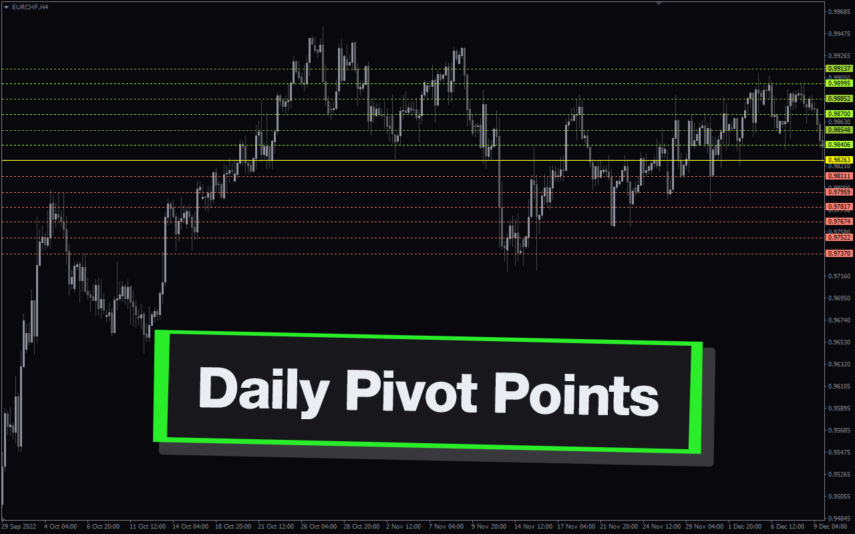
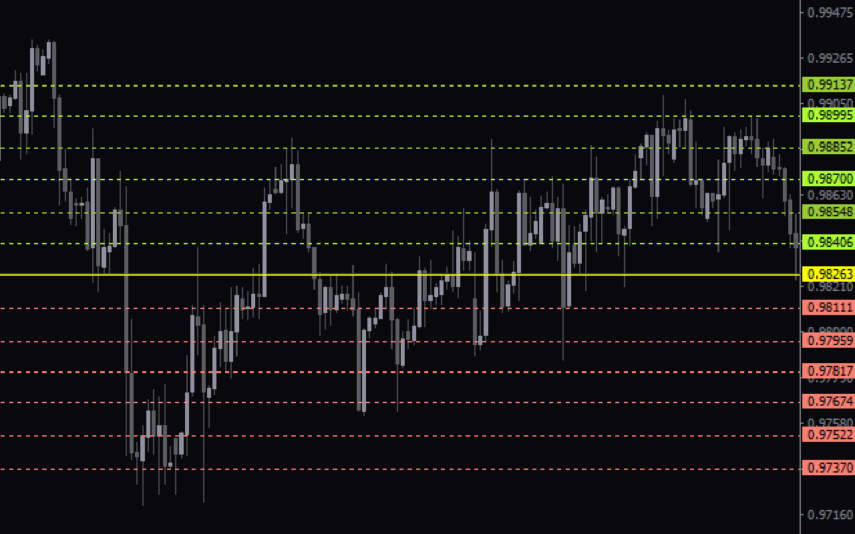
The Daily Pivot Points Indicator is a popular and free MT4 indicator that helps forex traders identify potential support and resistance levels based on the previous day's high, low, and close prices. The indicator calculates several levels of support and resistance, including the main pivot point, three resistance levels, and three support levels, which can be used to help traders identify potential entry and exit points for trades. This new and user-friendly indicator makes it easy for forex traders of all levels of experience to quickly and accurately identify potential pivot points, helping them to make more informed trading decisions.
MT4
Quick view
Add to wishlist

Order Block Breaker

Support & Resistance
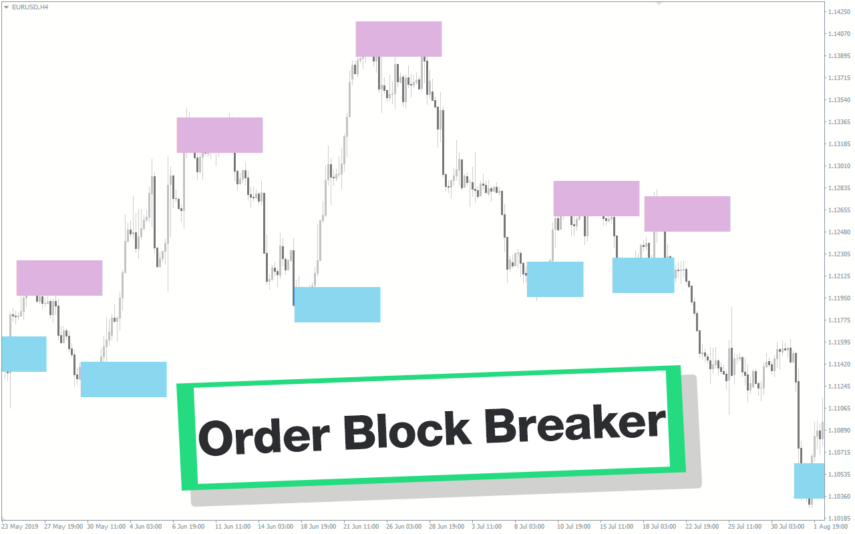
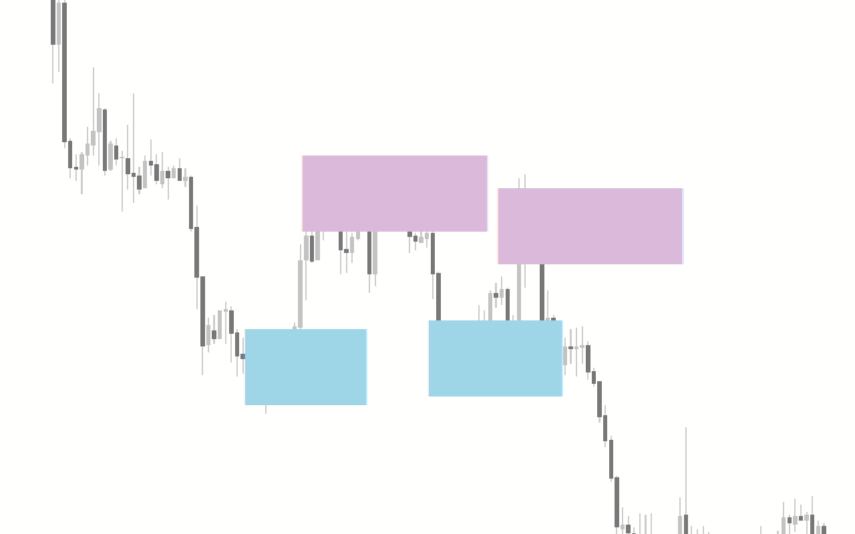
The Order Block Breaker Indicator is a powerful tool for forex traders, identifying areas of significant buying or selling pressure based on past price action. It works by analyzing order blocks on the price chart, making it easy for traders to see where these important levels are located.
MT4
Quick view
Add to wishlist

Chandelier Exit

Support & Resistance
Maximize trends, and prevent premature exits with Chandelier Exit Indicator for MT4. ATR-based stop loss, adaptable entries, ideal for effective trend trading.
    Close
    Indicator Categories
    • Envelope Indicators 303
    • Helpers 405
    • Price Action 165
    • Signal 1110
    • Stochastic 1675
    • Support & Resistance 558
    • Trend 890
    • Volume 145
    • MT4 COLLECTION HOT
      • Top Rated
      • Top Downloads
      • Most Popular
      • New
      • Recommended
    • Trading Style
      • Beginner For Newbies
      • Scalping
      • Short-Term
      • Day Trading
      • Intraday
      • Swing
    • INDICATOR TYPE
      • Accurate
      • Leading
      • Reversal
      • Breakout
      • Sideways
      • Entry & Exit
      • Overbought & Oversold
      • Non-Repaint
    • CATEGORIES
      • Trend
      • Signal
      • Support & Resistance
      • Price Action
      • Stochastic
      • Envelope
      • Volume
      • Helpers
    • Timeframe
      • M1-M5
      • M15-M30
      • H1-H4
      • D1-W1
      • Multi Timeframe
    • Platform
      • MT4 Popular
      • MT5
    • USEFUL LINKs
      • Privacy Policy
      • Cookie Policy
      • Terms of Use
      • Disclaimer
      • About Us
      • Contact Us
    Logo-grayscale-transparent-720
    Unlock your trading potential with our powerful indicator library.

    Follow us:

    MT4COLLECTION.COM © 2026 All Rights Reserved.
    • Menu
    • Categories
    • Signal
    • MT4 Collections
    • Collection
    • Blog
    • About us
    • Contact us
    • Wishlist
    Sidebar
    We use cookies to improve your experience on our website. By browsing this website, you agree to our use of cookies.
    Accept