• MT4 Collections
    • Top Indicators Hot
      • Top Rated
      • Top Downloads
      • Most Popular
      • New
      • Recommended
    • Trading Style
      • Beginner For Newbies
      • Scalping
      • Short-Term
      • Day Trading
      • Intraday
      • Swing
    • Indicator Type
      • Accurate
      • Leading
      • Reversal
      • Breakout
      • Sideways
      • Entry & Exit
      • Overbought & Oversold
      • Non-Repaint
    • Categories
      • Trend
      • Signal
      • Support & Resistance
      • Price Action
      • Stochastic
      • Envelope
      • Volume
      • Helpers
    • Timeframes
      • M1-M5
      • M15-M30
      • H1-H4
      • D1-W1
      • Multi Timeframe
    • Platform
      • MT4 Popular
      • MT5
  • Indicators
  • Blog
  • CONTACT US
  • ABOUT US
Menu
Search
Select category
  • Select category
  • Envelope Indicators
  • Helpers
  • Price Action
  • Signal
  • Stochastic
  • Support & Resistance
  • Trend
  • Volume
0 Wishlist
Home Collection Support & Resistance All In One
LSMA Indicator
Back to products
Direction
MT4
Watch video
Click to enlarge

All In One

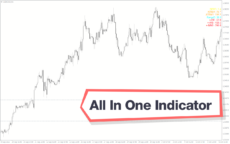
Get a plethora of price information using this forex technical analysis tool. View Spread, ATR, and daily price range at a glance. The All in one MT4 indicator plots the pivots, daily and weekly closing and moving averages.

Trading Style

Day Trading

,

Intraday

,

Swing

Indicator Type

Breakout

Timeframe

D1-W1

,

H1-H4

,

M15-M30

Platform

MT4

Add to wishlist
0 People watching this product now!
Category: Support & Resistance
Share:

Downloads - 147

Download now
  • Description
  • Reviews (0)
  • How to Install
Description

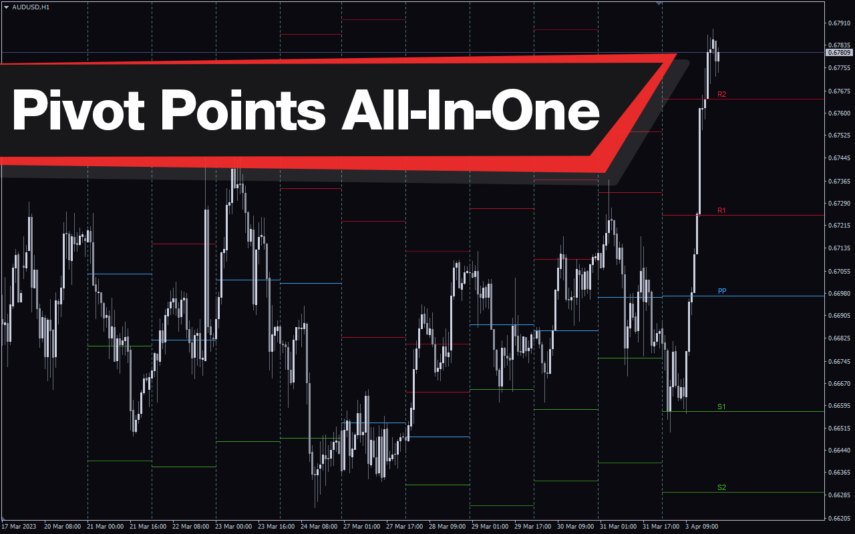
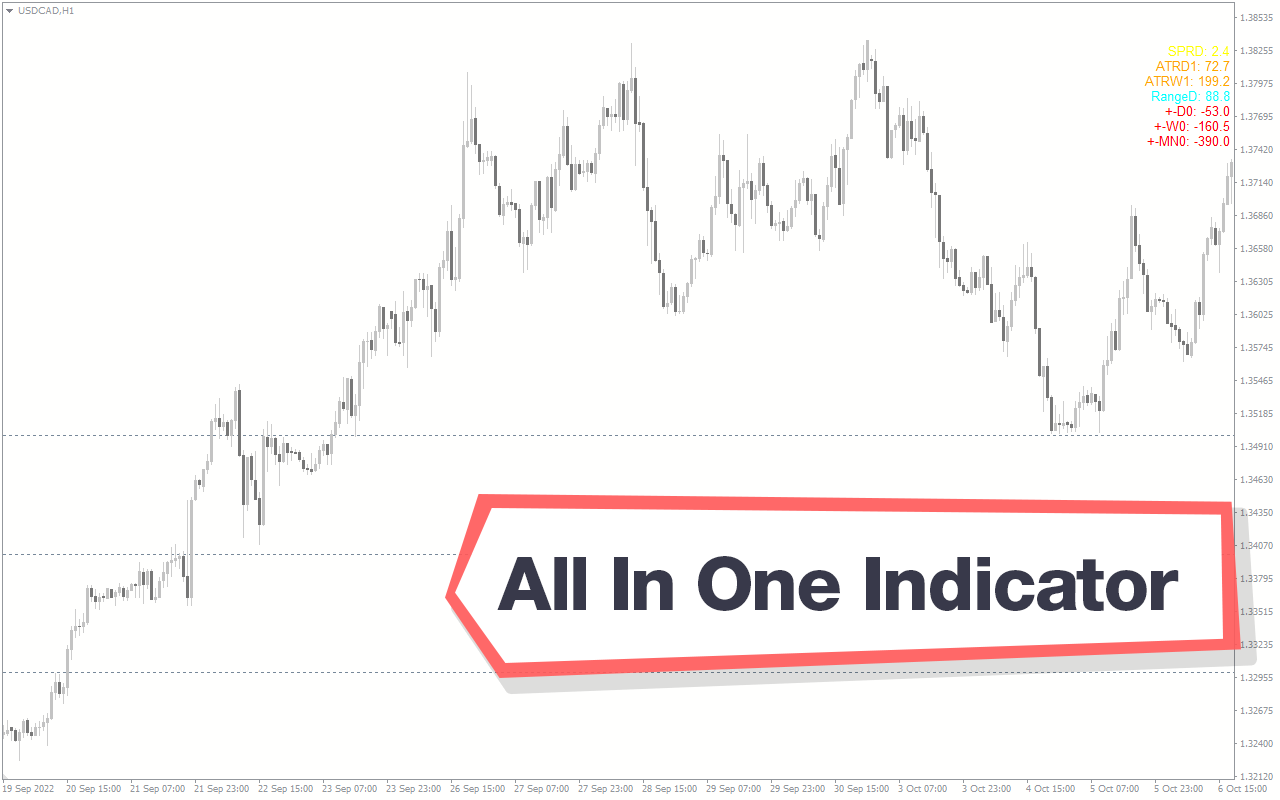
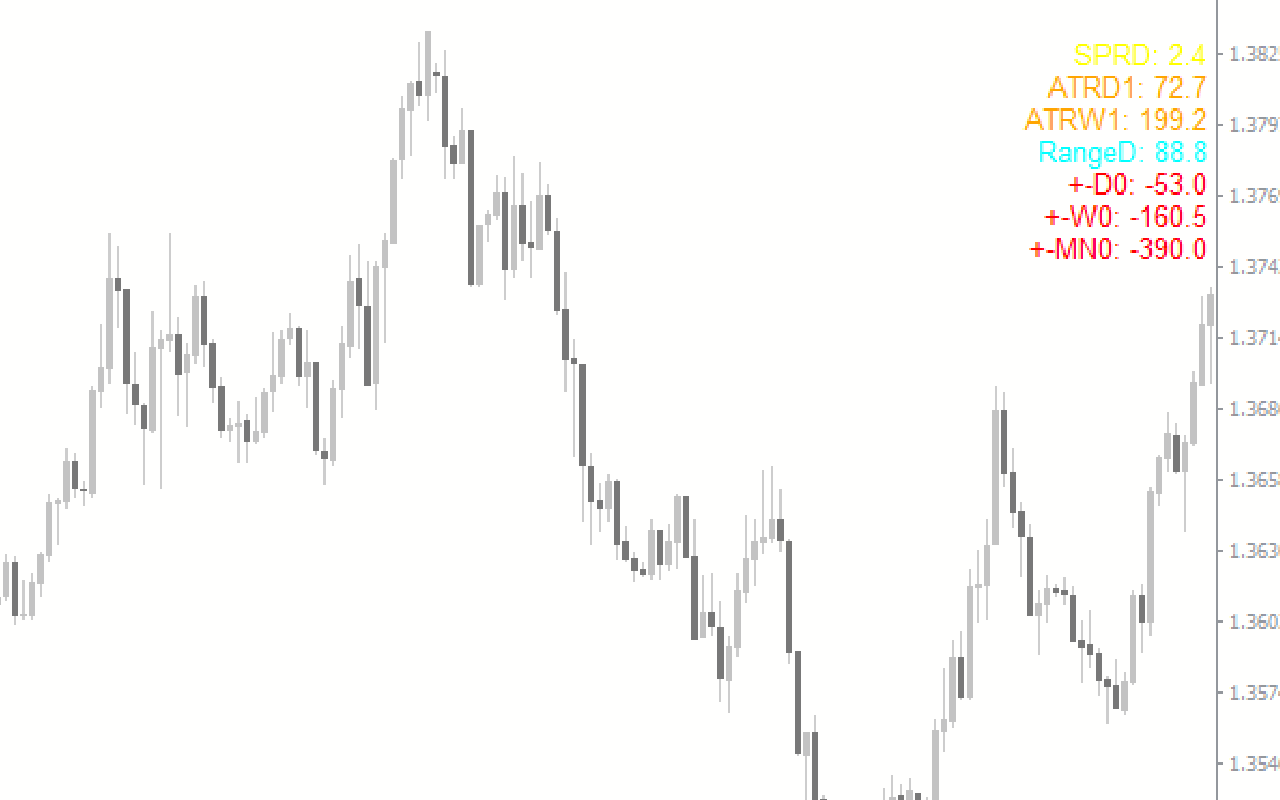
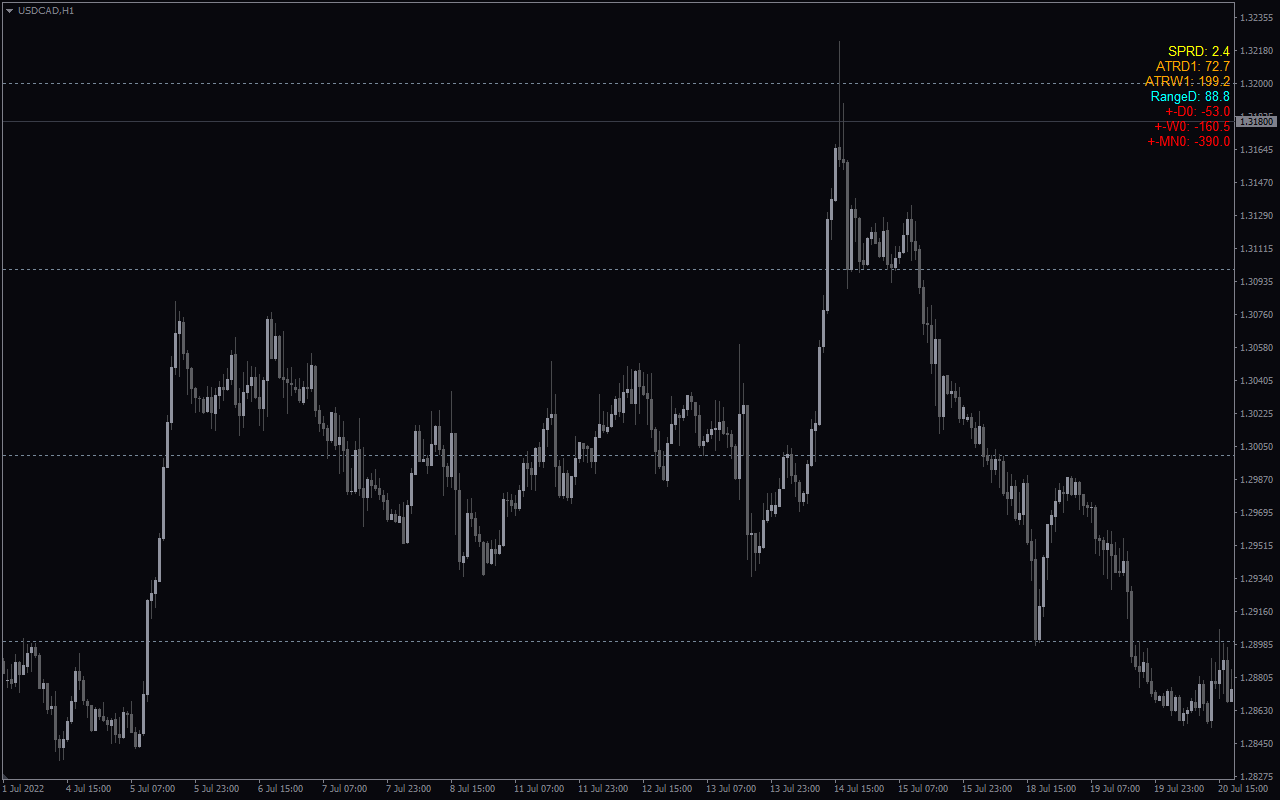
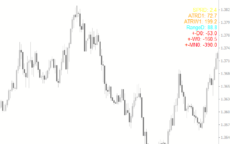
The All in one MT4 indicator is a forex technical tool that provides information necessary for traders to understand the price. It provides details such as spread, ATR, Range and daily price movement on the comments area. Moreover, it plots pivot lines, previous closing data and moving averages on the price chart.

Features of All In One MT4 Indicator

The indicator provides the spread info in the first line of the comments area. Second line provides the daily ATR value, while the third line shows the weekly ATR. The fourth line shows the daily range. The fifth, sixth and the seventh lines show the price movement of the current period relative to the previous daily, weekly and monthly periods respectively.

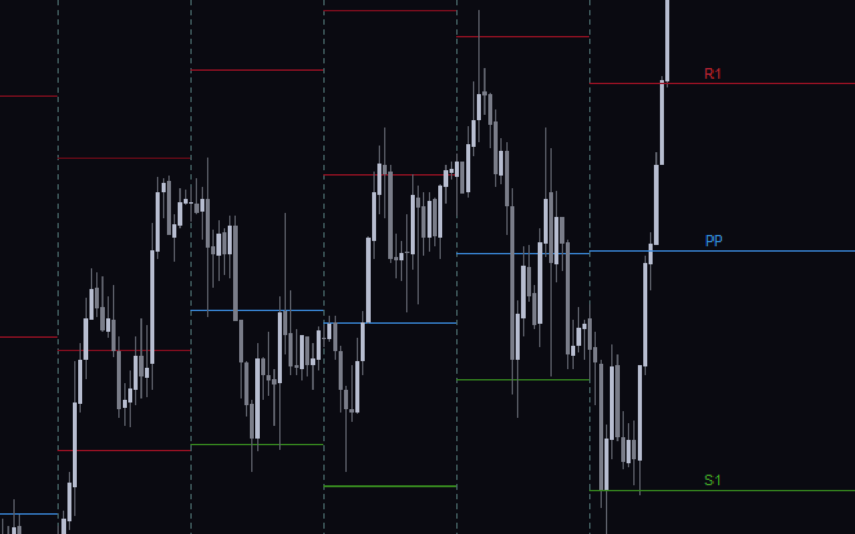
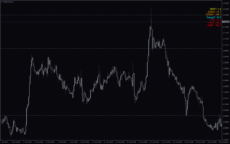
Moreover, the indicator draws the Pivot lines, weekly and daily closing line on the price chart. Also, it plots the daily moving averages of 50 and 200 on the chart.

Benefits of All In One MT4 Indicator

In fact, the indicator is beneficial for technical analysis as it provides multiple details at a glance. So, new and advanced forex technical traders can use it with ease.

Additionally, the pivot points, moving averages and previous periods closing lines on chart helps traders to identify the bullish, bearish market sentiment and also the entry and exit points.

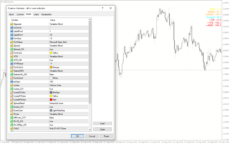
Indicator Settings Description
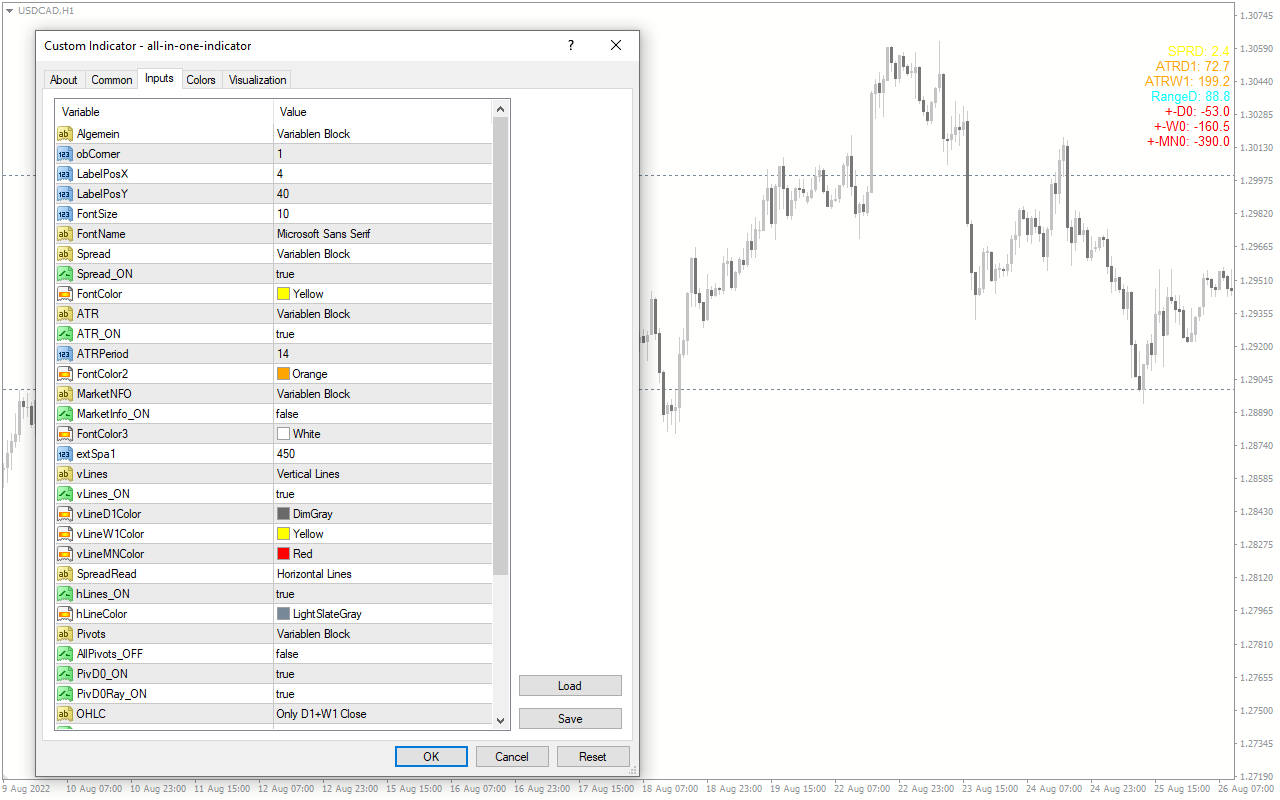
obCorner:, LabelPosX:, LabelPosY:, FontSize:, FontName: Position and font settings.

Spread_ON:, FontColor:, ATR_ON:, ATRPeriod:, FontColor2:, Marketinfo_ON:, FontColor3: Enables Spread, ATR and Marketinfo and changes font color.

extSpa1: Line spacing.

vLines_ON:, vLineD1Color:, vLineW1Color:, vLineMNColor: Enables vertical lines and color settings.

hLines_ON:, hLineColor: Enables horizontal lines and color settings.

AllPivots_OFF: Enables pivot lines.

PivD0_ON:, PivD0Ray_ON: Enables daily pivots and projects as ray.

PriorClose_ON:, PriorCloseW_ON:, PriorCloRay_ON:, CloseColor: Previous close settings.

PluMi_On:, Range_ON:, rangeColor: Enables the plus minus details and range in the comments area.

MovAv_ON: Enables the moving average line on the price chart.
Reviews (0)

Reviews

There are no reviews yet.

Be the first to review “All In One” Cancel reply

Your email address will not be published. Required fields are marked *

1 2 3 4 5
1 2 3 4 5
1 2 3 4 5

How to Install

How install MT4/5 indicator in the terminal?

To install an MT4/5 indicator in the terminal, follow these steps:

  1. Download the indicator file (.ex4 or .mq4/.ex5 or .mq5) to your computer.

  2. Open the MT4/5 terminal and click on “File” in the top left corner.

  3. Select “Open Data Folder” from the dropdown menu.

  4. In the window that opens, double-click on the “MQL4/5” folder.

  5. Double-click on the “Indicators” folder.

  6. Drag and drop the indicator file from your computer into the “Indicators” folder.

  7. Close the data folder window and restart the MT4/5 terminal.

  8. The indicator should now be available in the “Navigator” window on the left-hand side of the terminal. Simply double-click on the indicator to add it to a chart.

Note: If the indicator is in a .zip file, you will need to extract it first before following the above steps.

And if asks to confirm DLL?

If the indicator you are installing requires access to external Dynamic Link Libraries (DLLs), you may see a pop-up message asking you to confirm the use of DLLs.

DLLs are external libraries that contain code that can be used by other programs. In the case of MT4/5 indicators, they are often used to perform complex calculations or connect to external data sources.

If you trust the source of the indicator and want to use it, click “Yes” to confirm the use of DLLs. If you are not sure or do not trust the source, click “No” to cancel the installation.

It’s worth noting that some indicators may not work properly without access to their required DLLs. If you choose not to allow access to DLLs and the indicator does not work as expected, you may need to reinstall the indicator and confirm the use of DLLs to get it to work properly.


Related products

MT4
Quick view
Add to wishlist

Support and Resistance

Support & Resistance
Rated 5.00 out of 5
The Support and Resistance Indicator for MT4 identifies major and minor support/resistance zones for trend reversal/continuation detection.
MT4
Quick view
Add to wishlist

Fibonacci Pivots

Support & Resistance
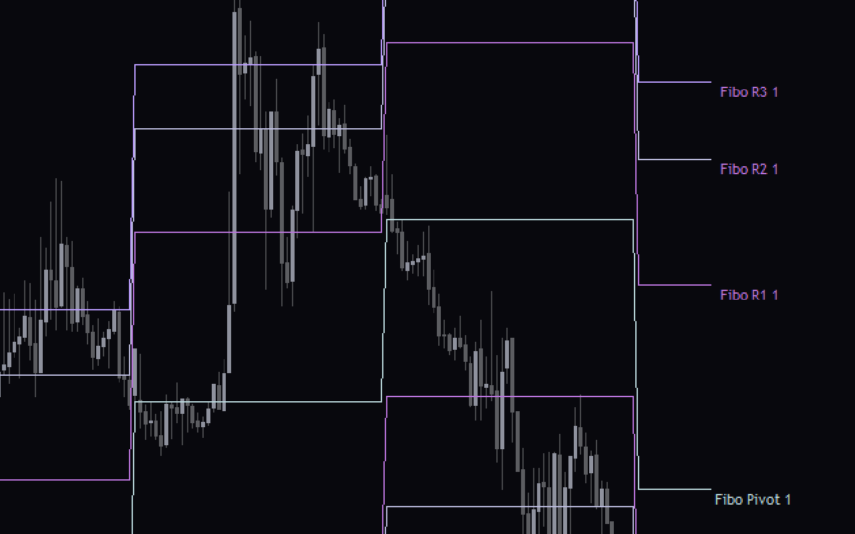
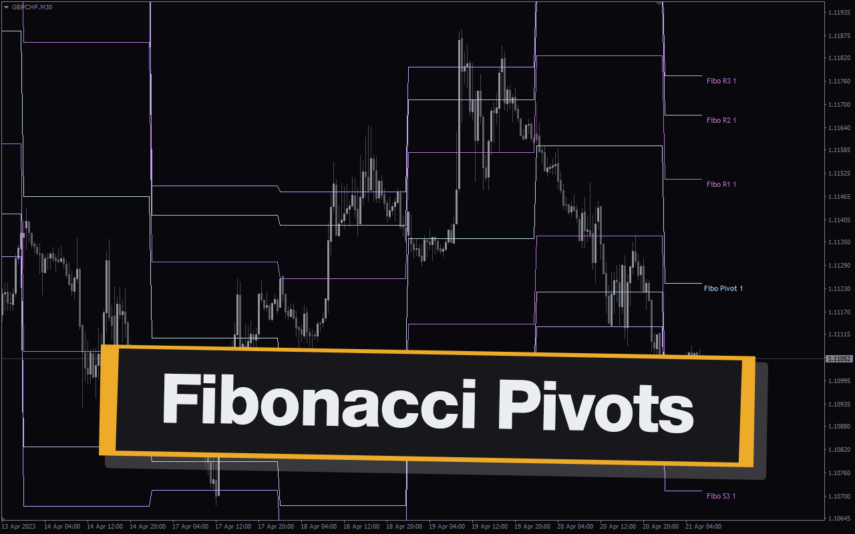
The Fibonacci Pivots Indicator is a powerful MT4 tool for Forex traders looking to predict key levels of support and resistance.Using the Fibonacci sequence, the indicator calculates the pivot levels and displays them on the chart, making it easy to identify potential entry and exit points. The Fibonacci Pivots Indicator works best in trending markets and can be used on multiple timeframes, making it suitable for both short-term and long-term traders. With its clear and easy-to-use interface, this indicator is a valuable addition to any trader's toolbox.
MT4
Quick view
Add to wishlist

ICT Asian Range

Support & Resistance
Are you an ICT forex trader? Do you trade ICT Asian breakout strategy? Download this simple ICT Asian range MT4 indicator and improve your forex trading results. This allows traders to quickly identify support and resistance levels for the Asian session, which is a useful tool for traders looking to trade the Asian session.
MT4
Quick view
Add to wishlist

Givonly SnR SnD R2

Support & Resistance
Identify key support, resistance, and profitable trade moments with Givonly SnR SnD R2 indicator for MT4. Indicator is easy to use and can be used by both beginner and experienced traders alike.
MT4
Quick view
Add to wishlist

Auto Trend Channel

Trend, Support & Resistance
AutoTrendChannel Indicator for MT4 - Easy trend analysis and trading with automatic channel plotting. Enhance your trading strategy now.
MT4
Quick view
Add to wishlist

Zone Indicator

Support & Resistance
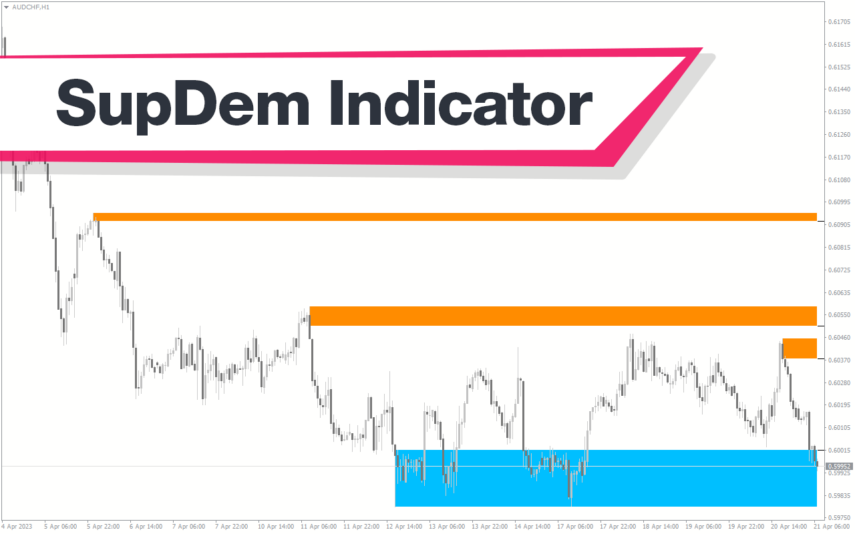
The Zone Indicator is a popular MT4 Forex trading tool that is new to the market and is available as a free download. This is essential for forex traders who rely on support and resistance strategies, trend traders and traders who want to anticipate price action. The Zone indicator automatically displays strong support or resistance levels on the chart.
MT4
Quick view
Add to wishlist

Auto Fibonacci Retracement

Support & Resistance
Enhance MT4 analysis with Auto Fibonacci Retracement. Effortlessly plot ratios on price charts, no manual highs/lows. Accurate, customizable, time-saving.
MT4
Quick view
Add to wishlist

Average Daily Range

Support & Resistance
The ADR HighLow indicator is a new and popular forex indicator that traders can use for free on the MT4 platform. This indicator measures the average daily range (ADR) of a currency pair and displays the high and low of the day, and is also a great tool for setting stop loss and take profit levels. Use the best ADR indicator to identify potential support and resistance levels and use their trading strategy successfully.
    Close
    Indicator Categories
    • Envelope Indicators 303
    • Helpers 405
    • Price Action 165
    • Signal 1110
    • Stochastic 1675
    • Support & Resistance 558
    • Trend 890
    • Volume 145
    • MT4 COLLECTION HOT
      • Top Rated
      • Top Downloads
      • Most Popular
      • New
      • Recommended
    • Trading Style
      • Beginner For Newbies
      • Scalping
      • Short-Term
      • Day Trading
      • Intraday
      • Swing
    • INDICATOR TYPE
      • Accurate
      • Leading
      • Reversal
      • Breakout
      • Sideways
      • Entry & Exit
      • Overbought & Oversold
      • Non-Repaint
    • CATEGORIES
      • Trend
      • Signal
      • Support & Resistance
      • Price Action
      • Stochastic
      • Envelope
      • Volume
      • Helpers
    • Timeframe
      • M1-M5
      • M15-M30
      • H1-H4
      • D1-W1
      • Multi Timeframe
    • Platform
      • MT4 Popular
      • MT5
    • USEFUL LINKs
      • Privacy Policy
      • Cookie Policy
      • Terms of Use
      • Disclaimer
      • About Us
      • Contact Us
    Logo-grayscale-transparent-720
    Unlock your trading potential with our powerful indicator library.

    Follow us:

    MT4COLLECTION.COM © 2026 All Rights Reserved.
    • Menu
    • Categories
    • Signal
    • MT4 Collections
    • Collection
    • Blog
    • About us
    • Contact us
    • Wishlist
    Sidebar
    We use cookies to improve your experience on our website. By browsing this website, you agree to our use of cookies.
    Accept