

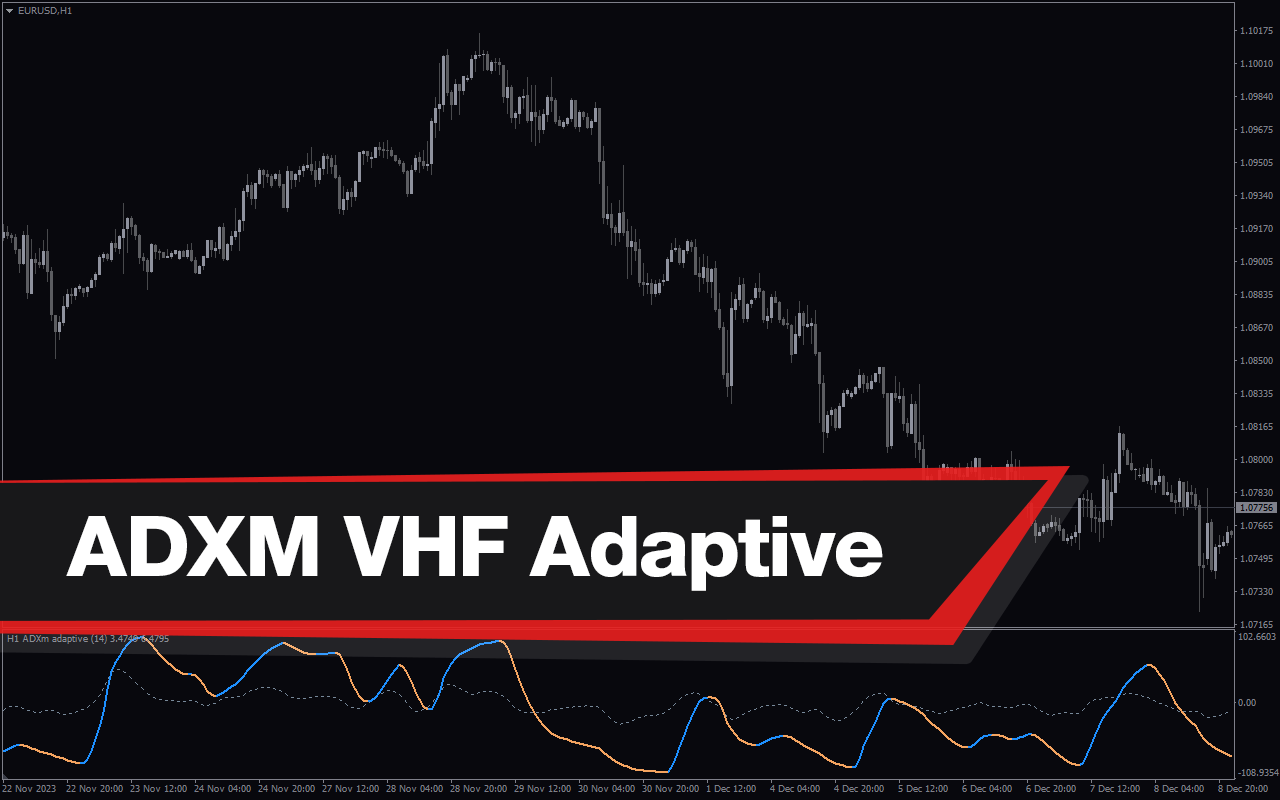
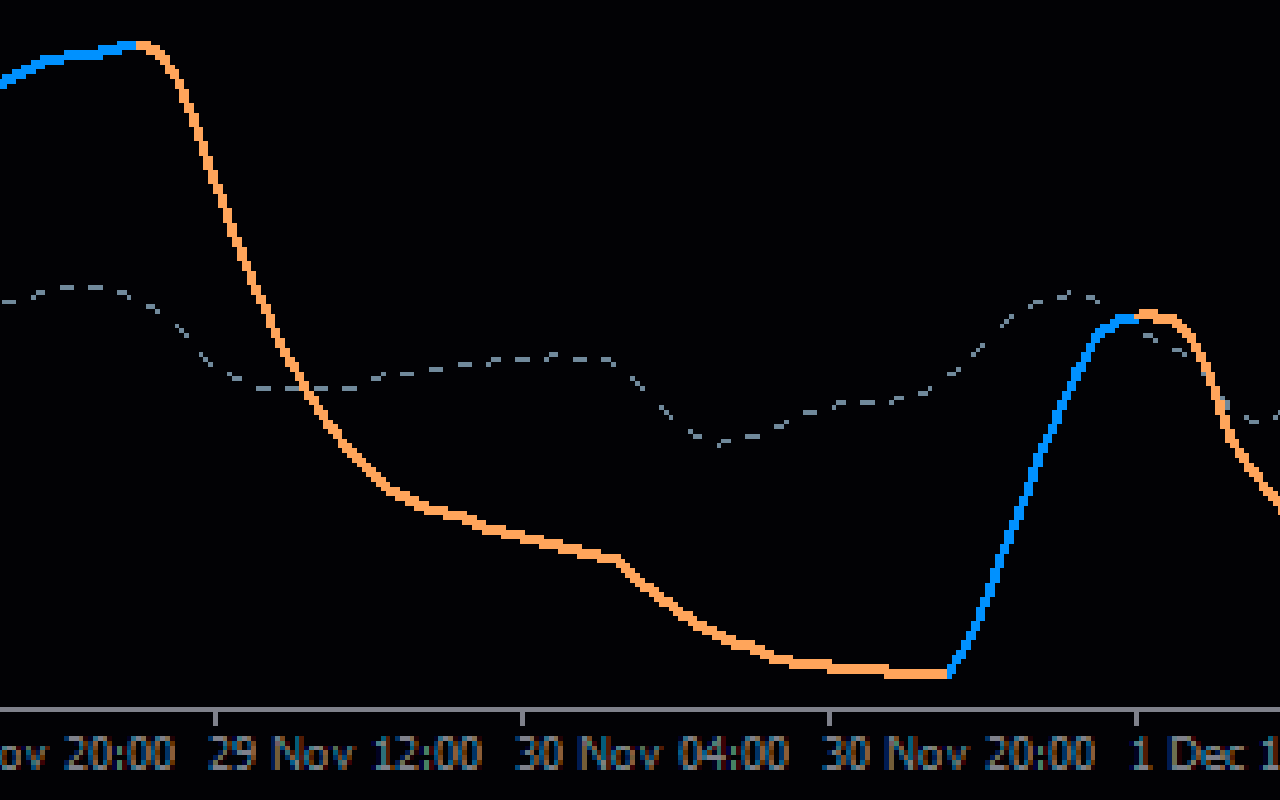
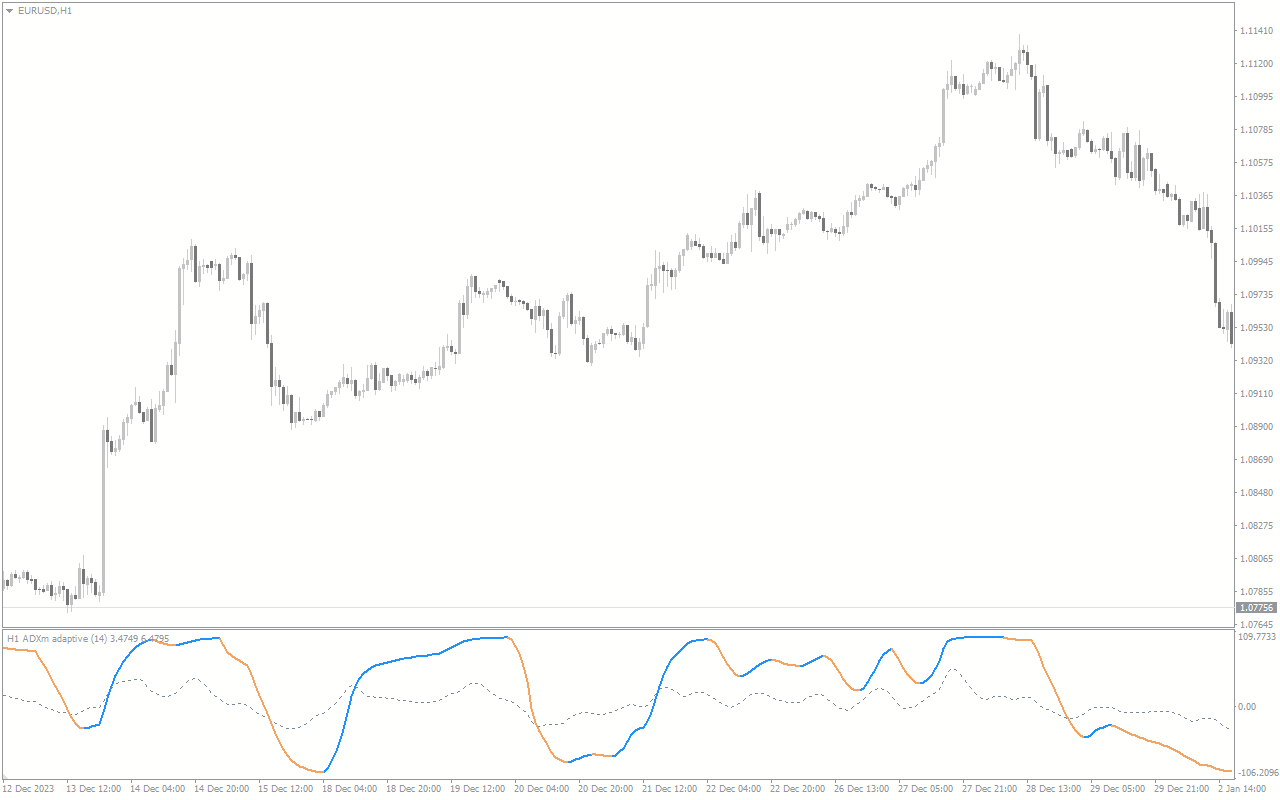
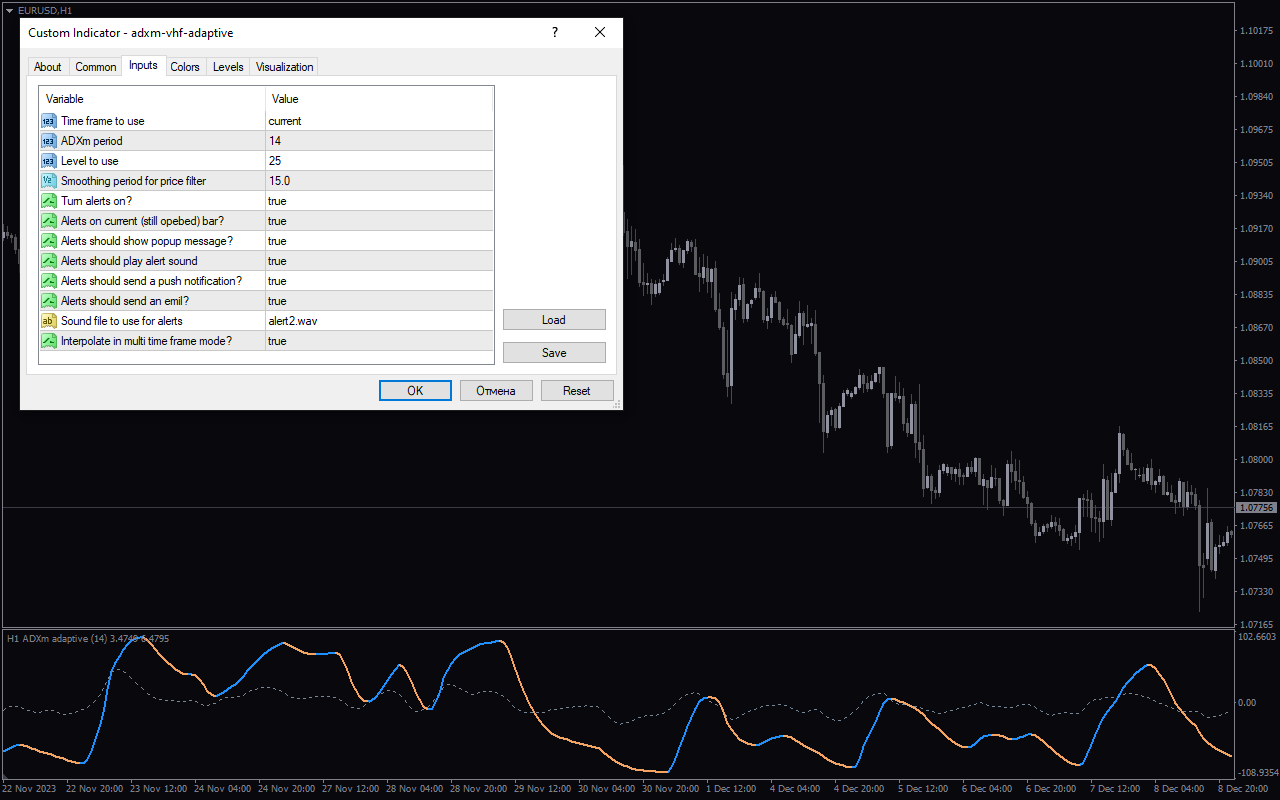
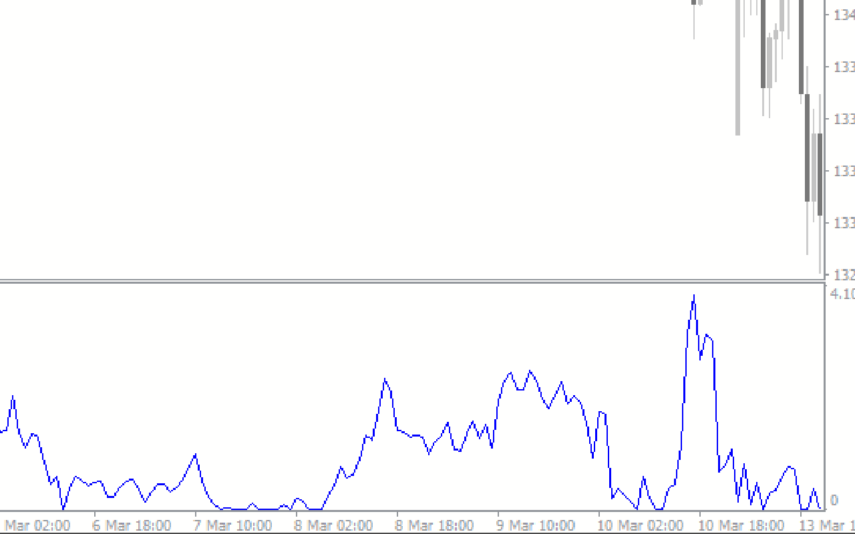
ADXM VHF Adaptive Indicator for MT4 is a useful forex indicator that combines two popular indicators, Average Directional Movement Index (ADX) and Vertical Horizontal Filter (VHF), to provide accurate trend analysis. This free indicator is commonly used by forex traders to identify the strength of a trend and potential reversal points. The ADXM VHF Adaptive Indicator works by measuring the average directional movement of a currency pair and the volatility of price movements. It then generates easy-to-read signals on the MT4 platform, indicating whether a trend is strong or weak. To use the indicator, simply add it to your MT4 chart and observe the signals it generates. A reading above 25 typically indicates a strong trend, while a reading below 20 suggests a weak trend. Traders can use these signals to make informed trading decisions and maximize their profits in the forex market.
MT4
ADXM VHF Adaptive
ADXM VHF Adaptive Indicator for MT4 is a popular and useful free forex indicator that combines two indicators, Average Directional Movement Index (ADX) and Vertical Horizontal Filter (VHF), to provide traders with valuable insights into market trends and volatility. By using a dynamic algorithm, it adjusts to changing market conditions to help traders make informed decisions.
| Indicator Type | , |
|---|---|
| Trading Style | , |
| Timeframe | , |
| Platform |
0
People watching this product now!
Downloads - 8
Description
Reviews (0)
How to Install
Related products
MACD True
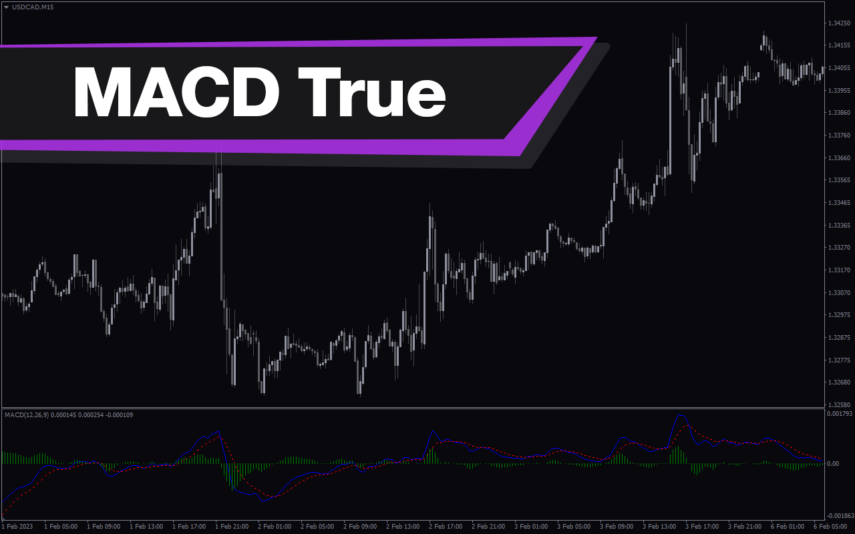
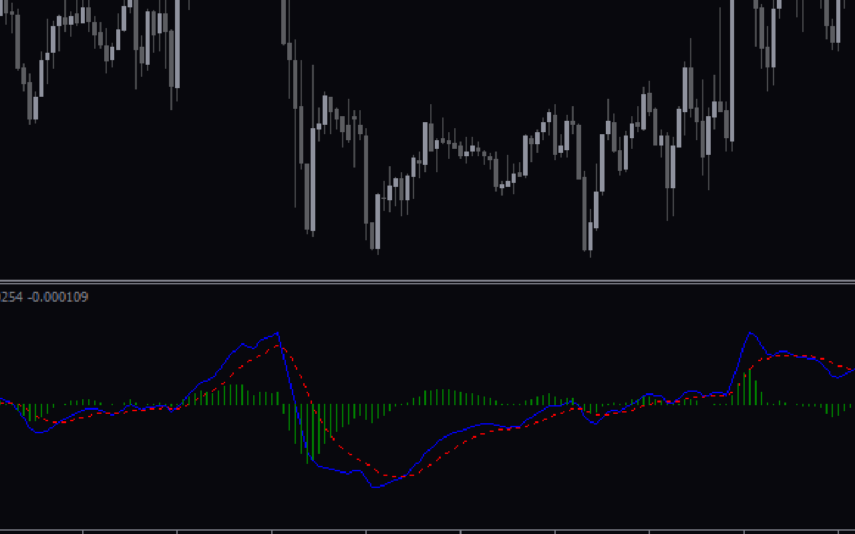
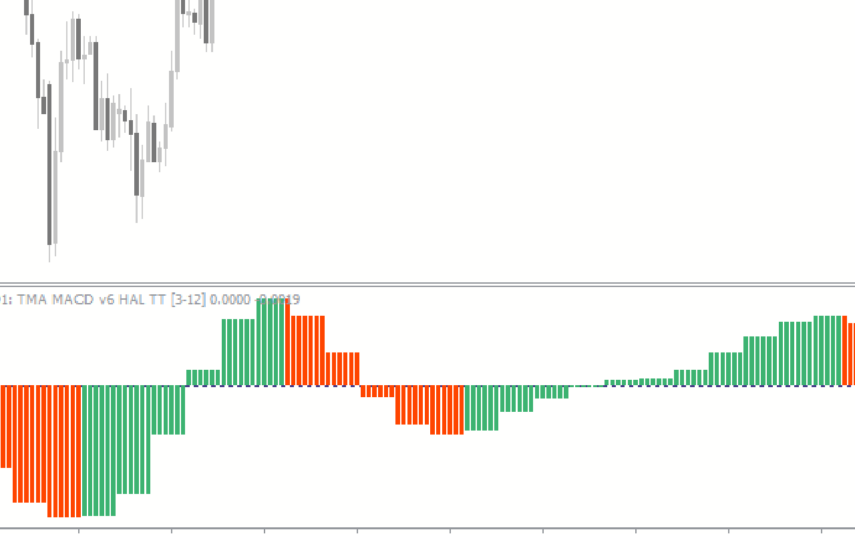
The MACD True Indicator is a popular and useful MT4 forex indicator that helps traders identify trends and momentum in the market. It is a modified version of the traditional MACD indicator that incorporates a color-coded histogram to provide more visual cues for traders. This indicator works by measuring the difference between two moving averages, and it is often used in conjunction with other technical indicators to confirm trading signals. Traders of all levels can benefit from using the MACD True Indicator in their trading strategies.
Pullback Factor
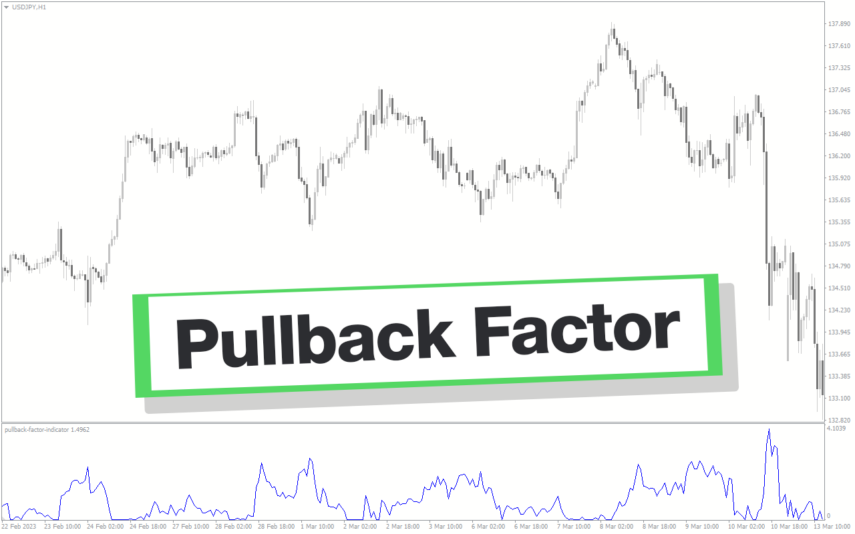
Pullback Factor Indicator is a popular and new trend-following indicator designed for use in the forex market. It helps you to identify the end of a trend retracement and the resumption of the trend. With its unique algorithm, the indicator predicts the extent of a trend pullback, enabling traders to enter the market with precision and accuracy.
Volatility Quality Zero
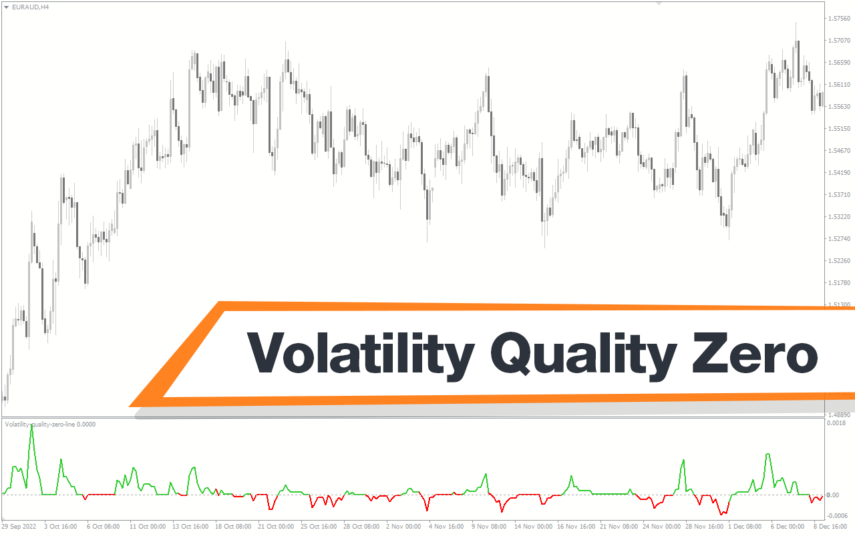
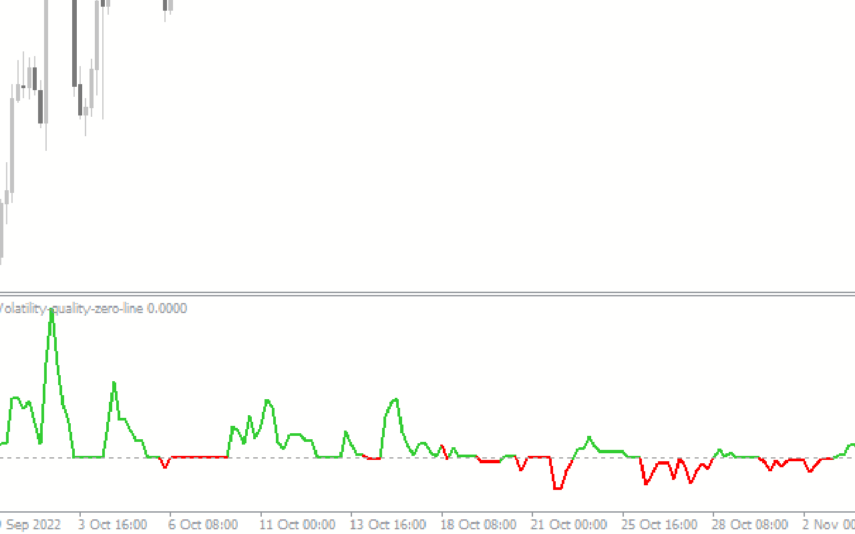
The Volatility Quality Zero Line Indicator is a new, popular and free forex indicator available on MT4 that determines the volatility quality of a financial instrument by measuring the relationship between the average true range and the true range. It draws a zero line, which serves as a guide to determine the direction of the trend, and traders can enter or exit positions based on its crossing. The Volatility Quality Zero Line indicator is a useful powerful tool that will definitely take your trading experience to the next level.
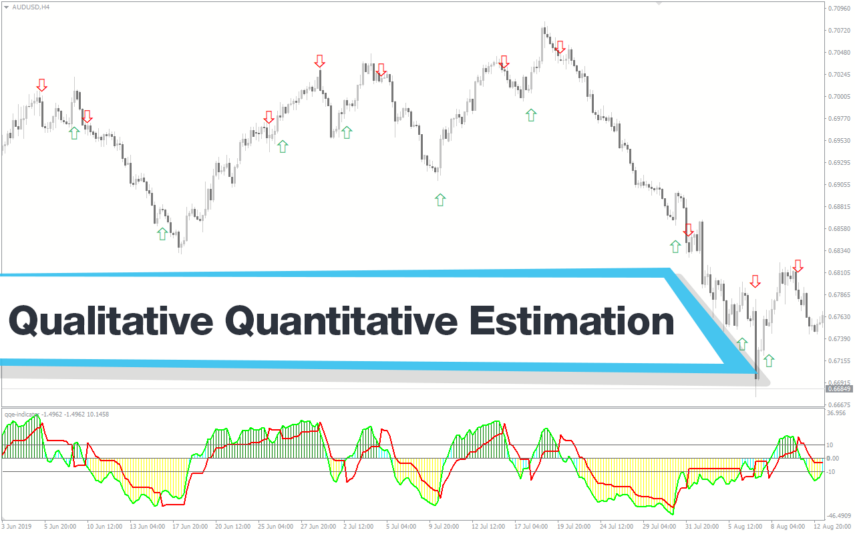
Qualitative Quantitative Estimation
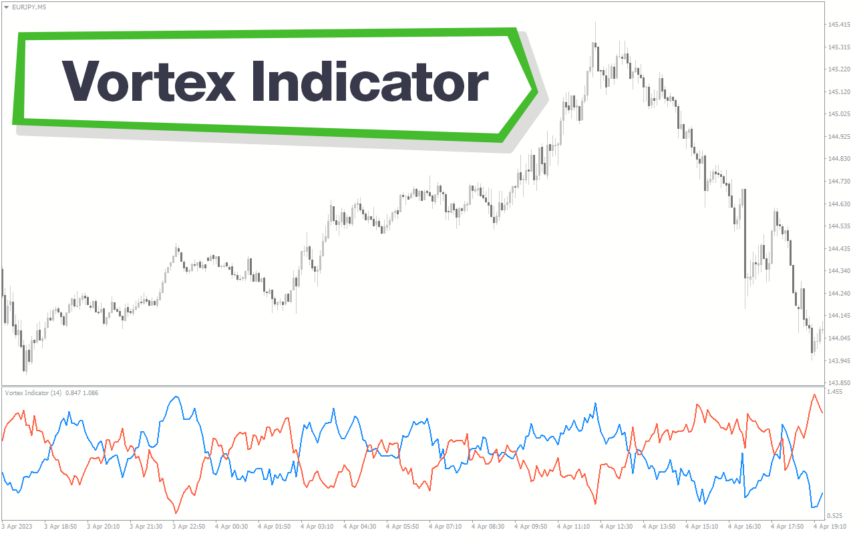
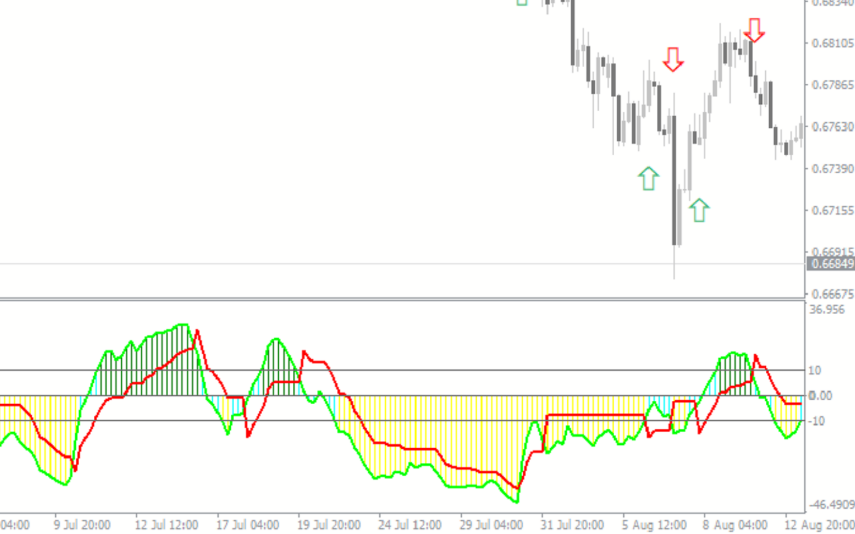
The Qualitative Quantitative Estimation Indicator is a powerful tool for traders in the Forex market. It's a new and popular indicator that works with the MT4 platform. The QQE Indicator is used to determine market trends, identify overbought and oversold positions, and detect divergence in prices and momentum.
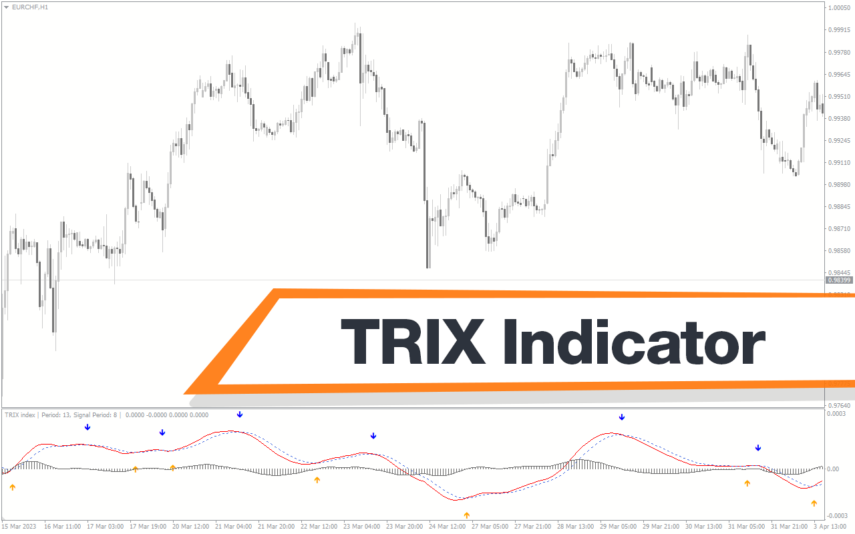
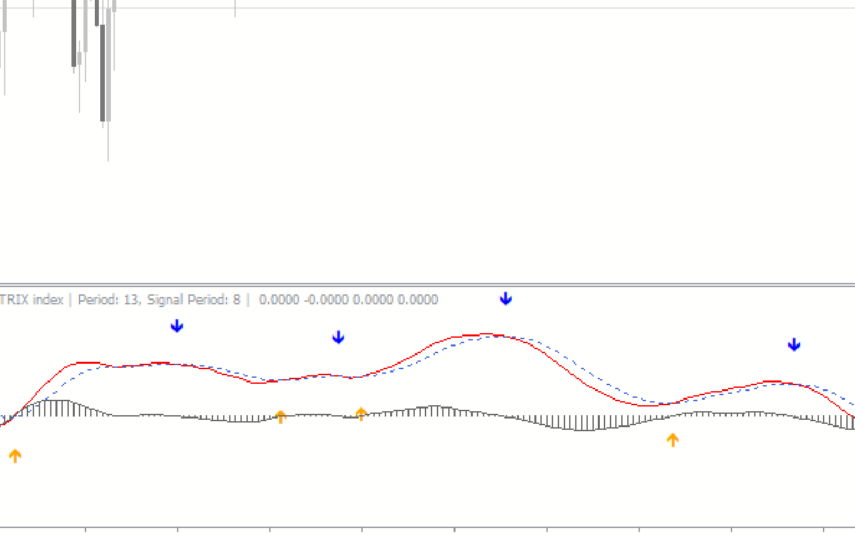
TRIX Indicator
The TRIX indicator is a new and popular technical analysis tool designed for the forex market wich available for free on the MT4 platform. TRIX uses triple exponential smoothing to identify trends and provide buy/sell signals based on crossovers and divergences. The indicator also helps traders identify overbought and oversold conditions, which can be used to make informed trading decisions. With its accuracy and simplicity, the TRIX indicator is quickly gaining popularity among forex traders.
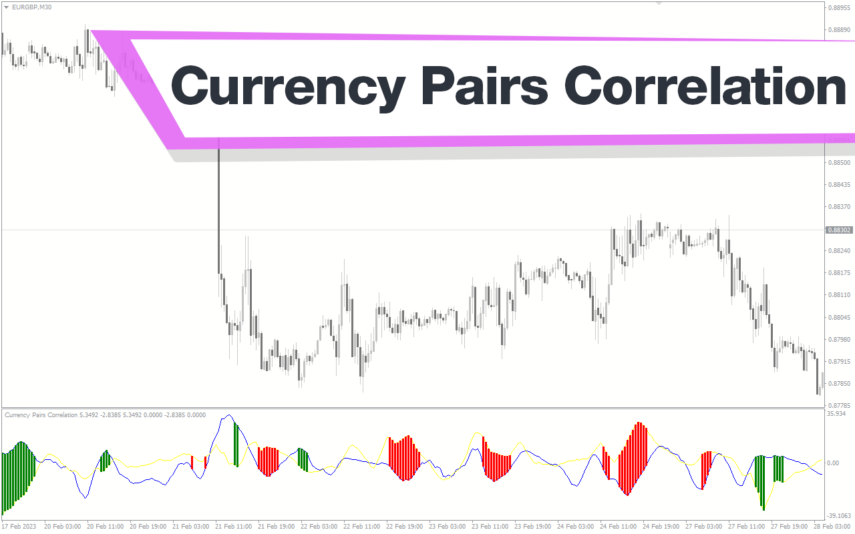
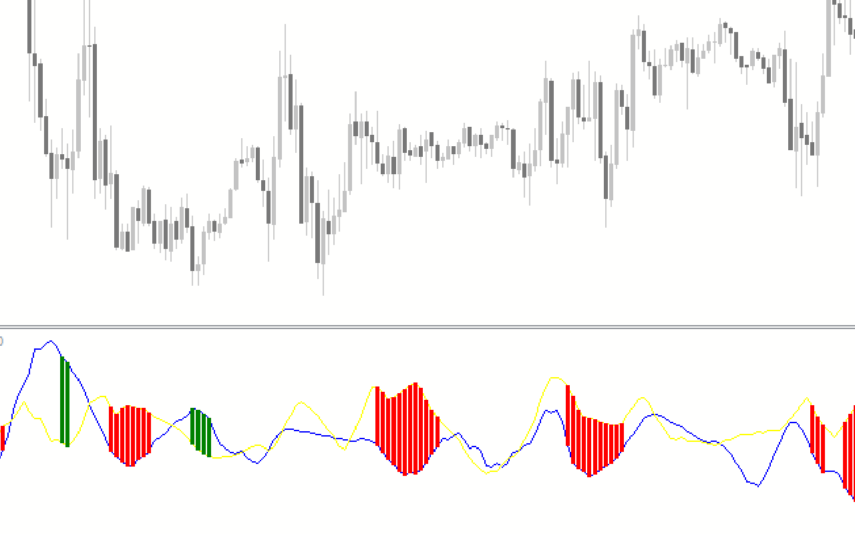
Currency Pairs Correlation
The Currency Pairs Correlation indicator is a free and popular tool for forex traders available on MT4 platform. It shows the correlation between various currency pairs, helping traders identify potential trading opportunities and manage their portfolio risk. The indicator calculates correlation coefficient between selected currency pairs and displays it as a color-coded matrix. The Currency Pairs Correlation indicator can be used by both novice and experienced traders to get a better understanding of market dynamics and make more informed trading decisions.
Reviews
There are no reviews yet.