
The MTF Accumulation Distribution Indicator is a popular and useful forex indicator that is available for free on the MT4 platform. This indicator helps traders to monitor the accumulation and distribution levels in the market, giving them valuable insights into potential price movements. The indicator works by analyzing the volume and price data of an asset over a specified period of time, and then generating visual signals on the chart to indicate the strength of buying or selling pressure. Traders can use this information to identify potential trade opportunities and make informed trading decisions. To use the MTF Accumulation Distribution Indicator effectively, traders should look for divergences between the indicator and price, as well as confirmations from other technical indicators. By incorporating this indicator into their trading strategy, traders can improve their chances of success in the forex market.

MT4
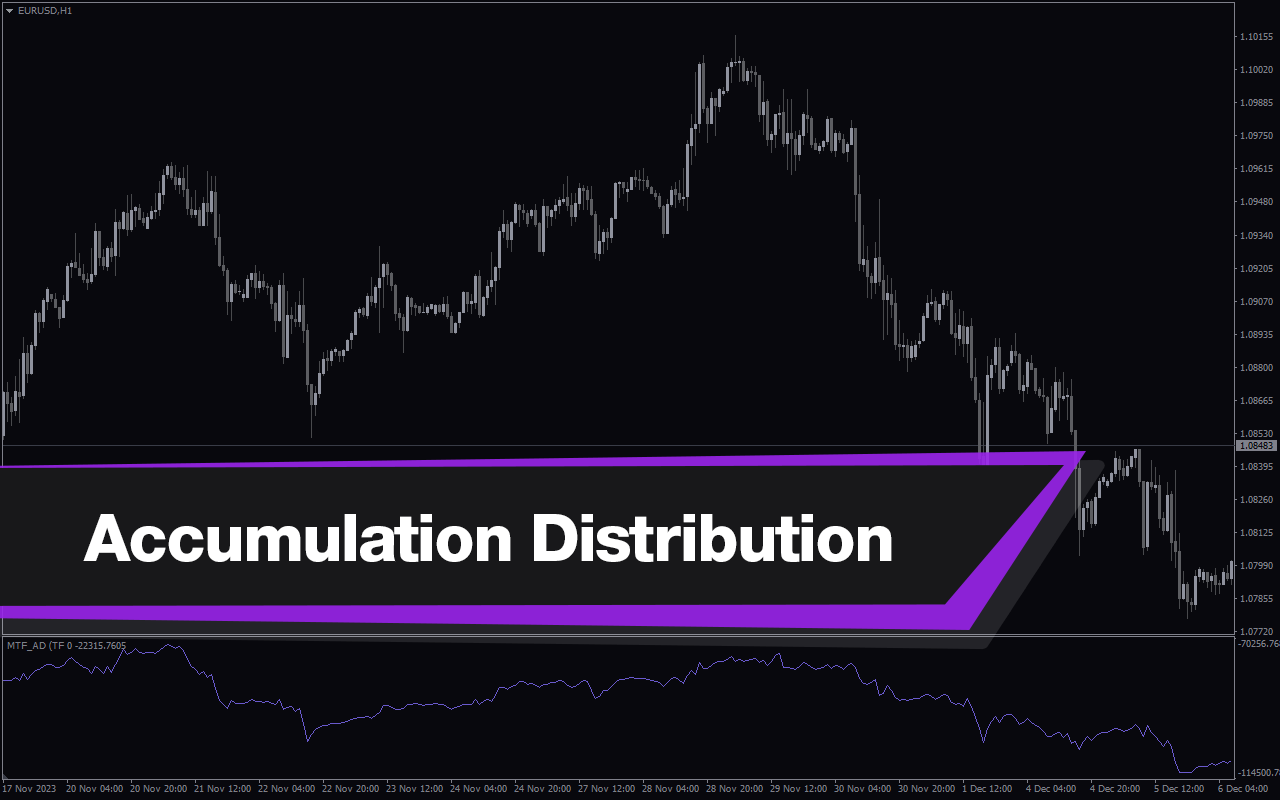
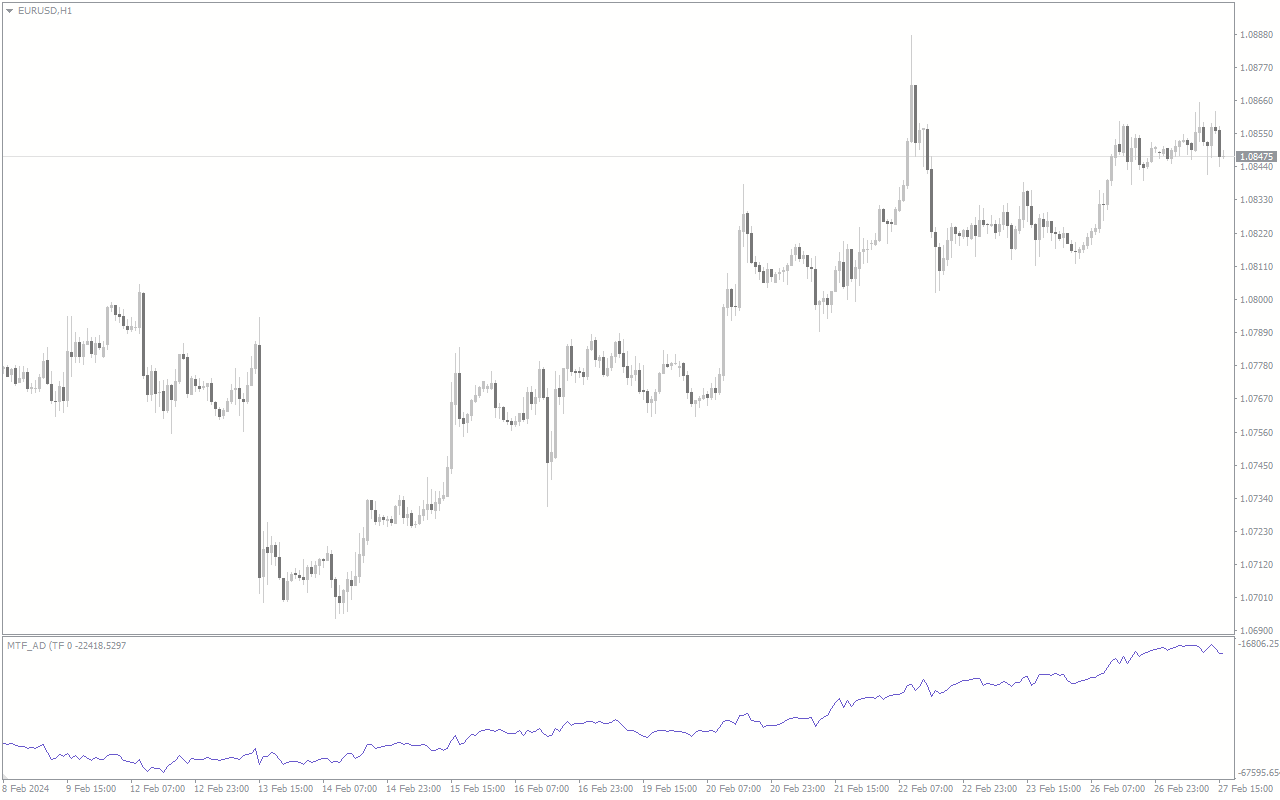
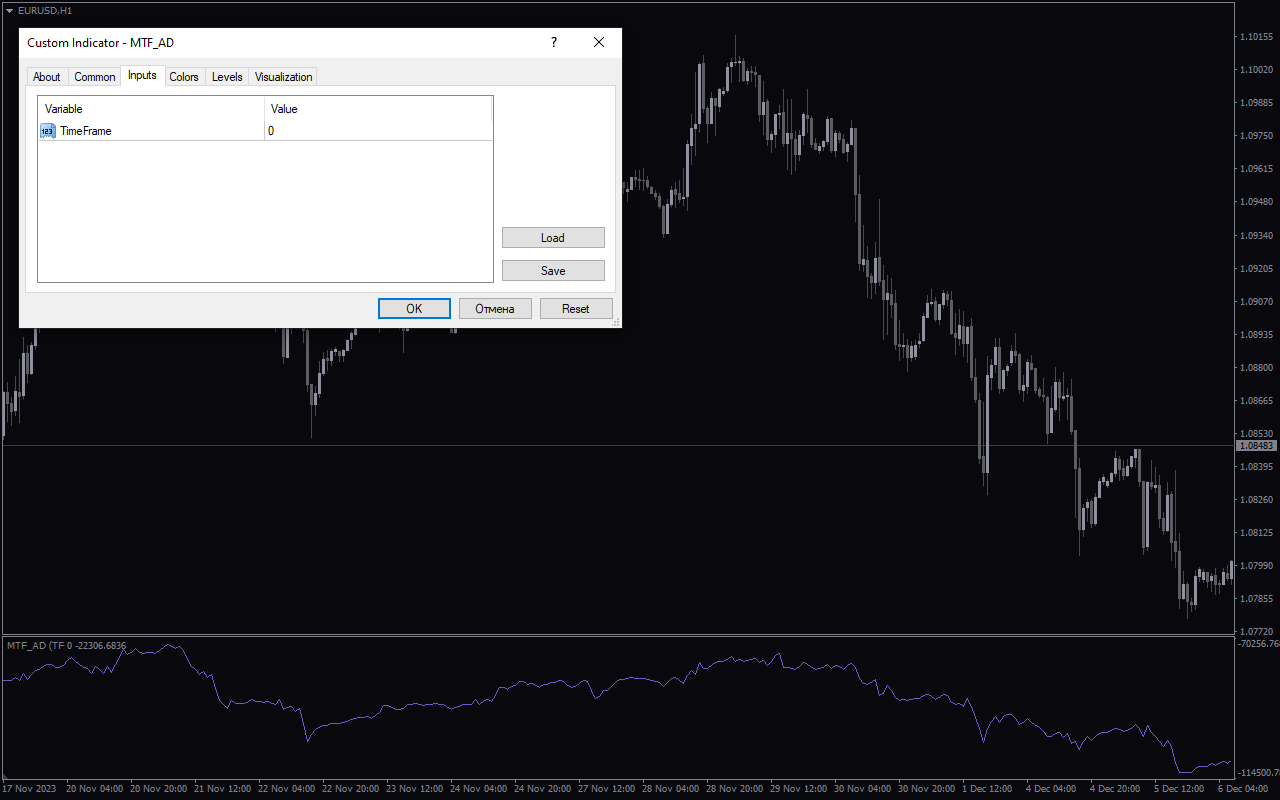
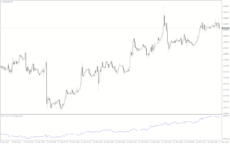
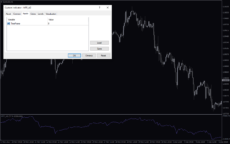
Accumulation Distribution
MTF Accumulation Distribution Indicator is a useful forex indicator for MT4 traders. It is a popular and free indicator that helps in determining the buying and selling pressure in the market. The indicator works by calculating the relationship between price and volume to provide insights into market trends. Traders can use this indicator to make informed trading decisions based on market sentiment.
| Indicator Type | |
|---|---|
| Trading Style | |
| Timeframe | |
| Platform |
0
People watching this product now!
Downloads - 3
Description
Reviews (0)
How to Install
Related products
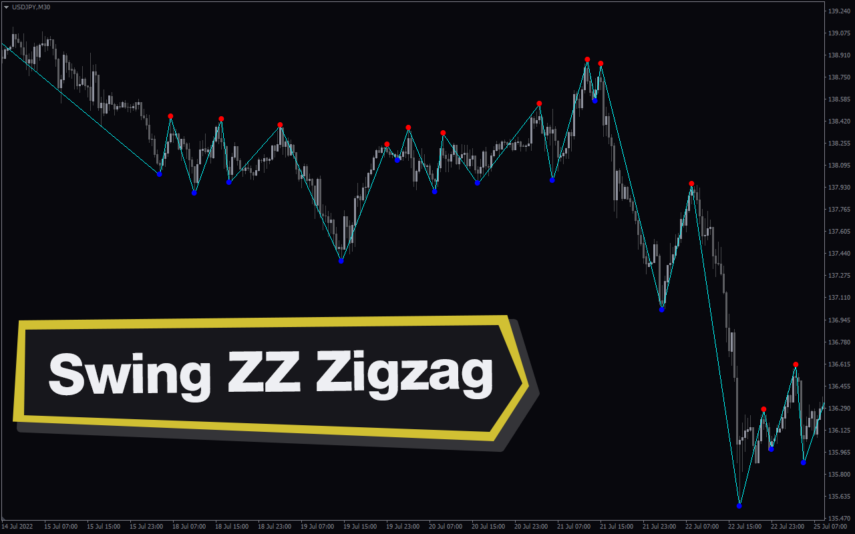
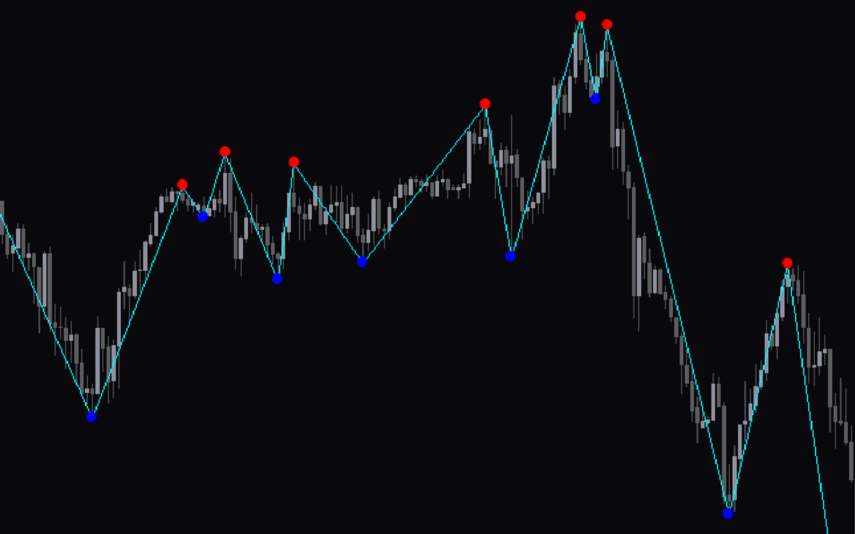
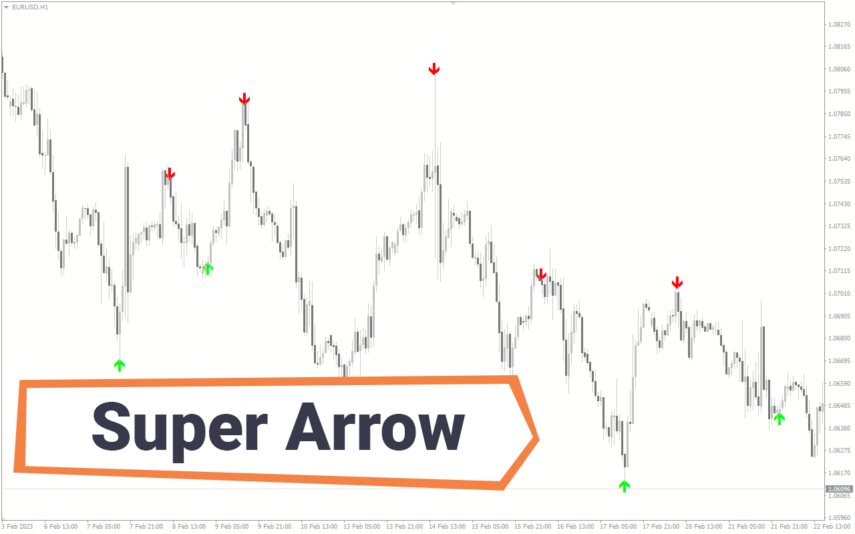
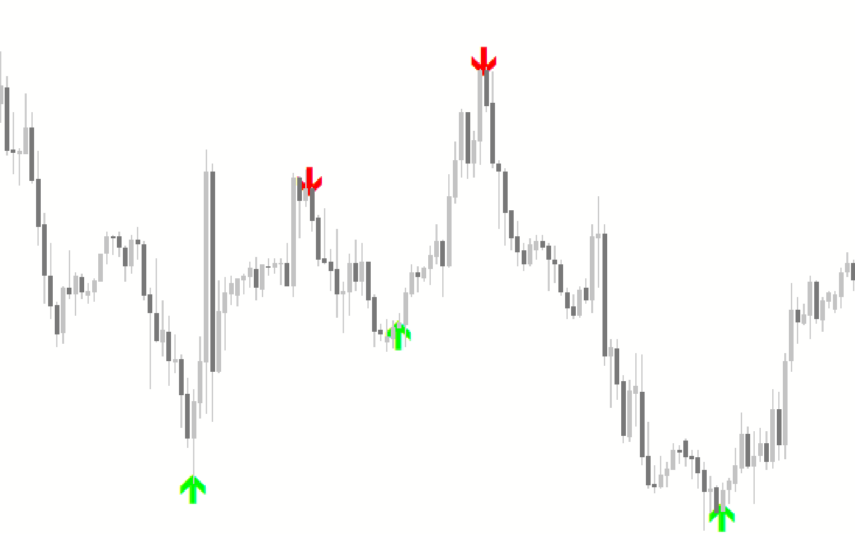
Super Arrow
The Super Arrow Indicator is a forex tool for MT4 that generates high-probability trading signals by using multiple indicators such as Moving Averages, Relative Strength Index, Bollinger Bands, and Magic Filter. It filters out false signals and provides good trade signals by combining these indicators.
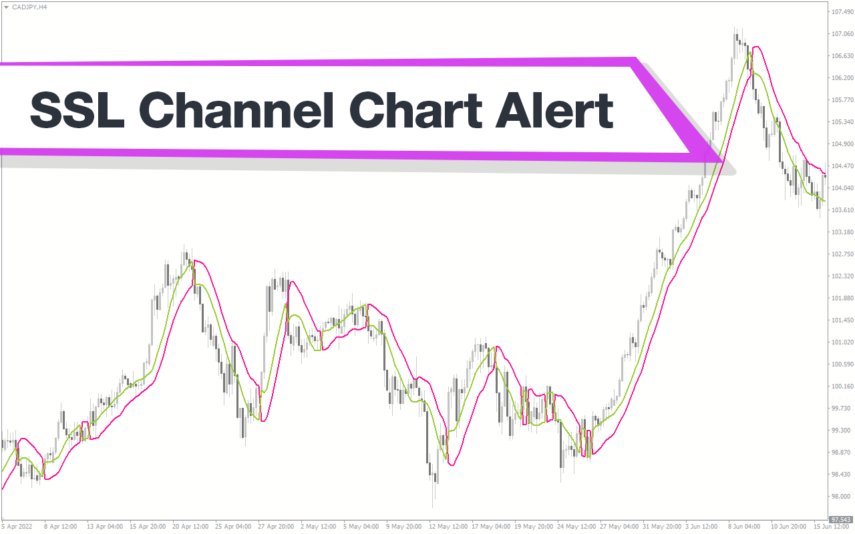
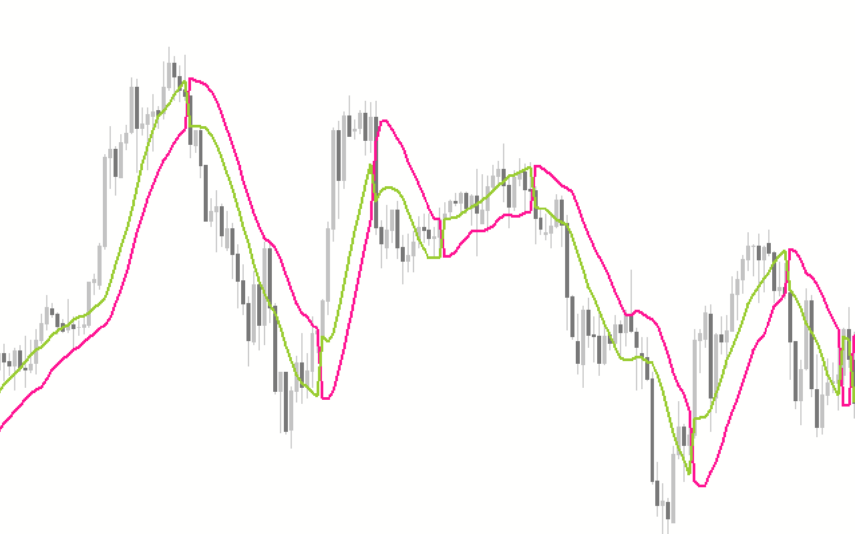
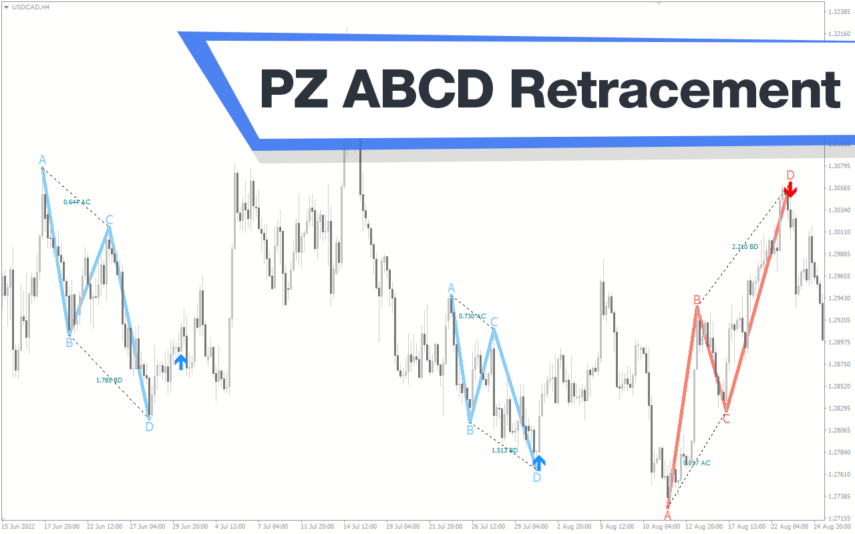
PZ ABCD Retracement
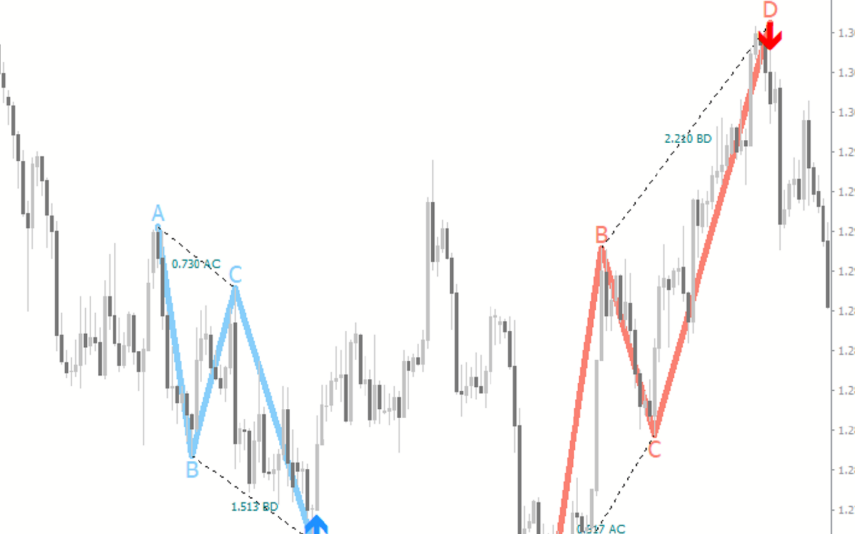
The PZ ABCD Retracement Indicator is a popular and free forex indicator for MT4 that helps traders identify potential trading opportunities by identifying the AB=CD harmonic pattern. The indicator automatically plots Fibonacci retracement levels to help traders identify entry and exit points. It works by scanning the market for the AB=CD pattern and drawing the necessary lines and levels. It can be used by both a novice and an experienced trader, making it a versatile tool for traders who want to improve their trading results.
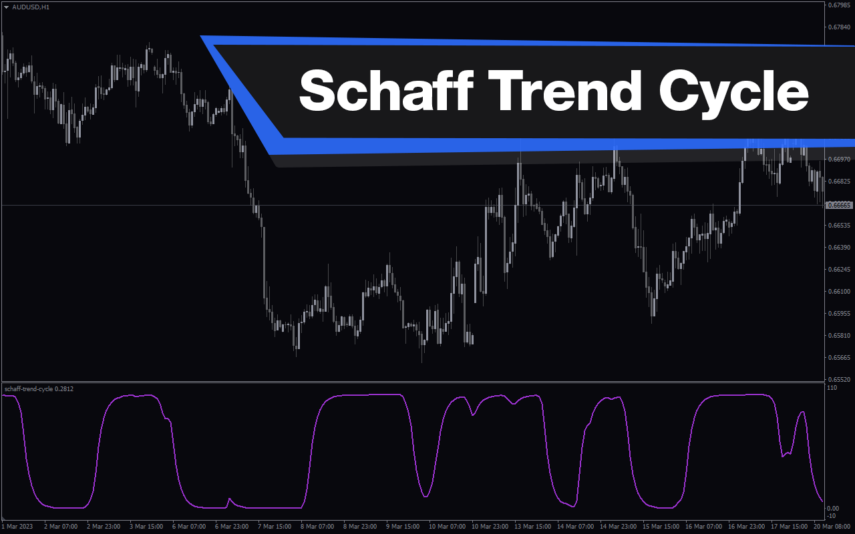
Schaff Trend Cycle
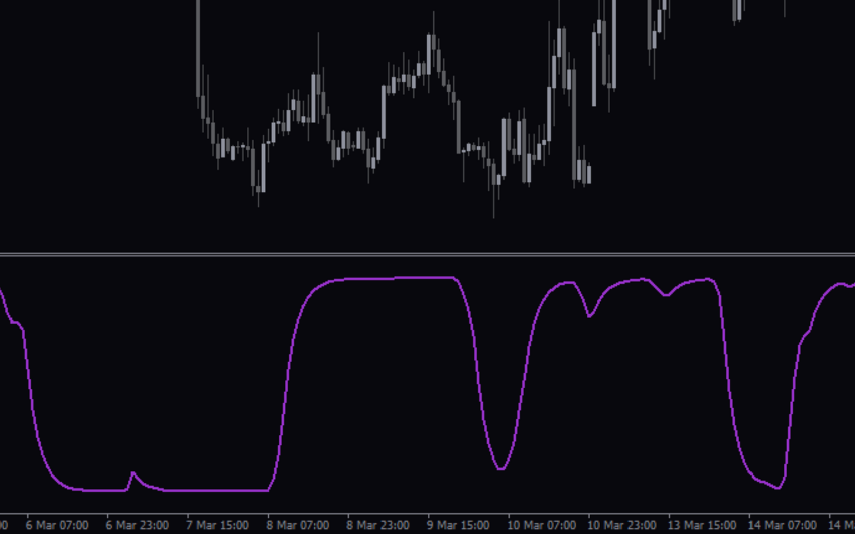
The Schaff Trend Cycle indicator is a popular forex indicator for MT4, which determines market trends with high accuracy. Its values range from 0 to 100, with values above 75 indicating overbought and values below 25 indicating oversold. Whether you are a beginner or an experienced trader, the Schaff Trend Cycle indicator will help you make better trading decisions and improve profitability.

Reviews
There are no reviews yet.