• MT4 Collections
    • Top Indicators Hot
      • Top Rated
      • Top Downloads
      • Most Popular
      • New
      • Recommended
    • Trading Style
      • Beginner For Newbies
      • Scalping
      • Short-Term
      • Day Trading
      • Intraday
      • Swing
    • Indicator Type
      • Accurate
      • Leading
      • Reversal
      • Breakout
      • Sideways
      • Entry & Exit
      • Overbought & Oversold
      • Non-Repaint
    • Categories
      • Trend
      • Signal
      • Support & Resistance
      • Price Action
      • Stochastic
      • Envelope
      • Volume
      • Helpers
    • Timeframes
      • M1-M5
      • M15-M30
      • H1-H4
      • D1-W1
      • Multi Timeframe
    • Platform
      • MT4 Popular
      • MT5
  • Indicators
  • Blog
  • CONTACT US
  • ABOUT US
Menu
Search
Select category
  • Select category
  • Envelope Indicators
  • Helpers
  • Price Action
  • Signal
  • Stochastic
  • Support & Resistance
  • Trend
  • Volume
0 Wishlist
Home Collection Support & Resistance A Stops Indicator
RSI Of Averages Summed Histo
Back to products
TOR Advanced Dashboard
MT4
Click to enlarge

A Stops Indicator

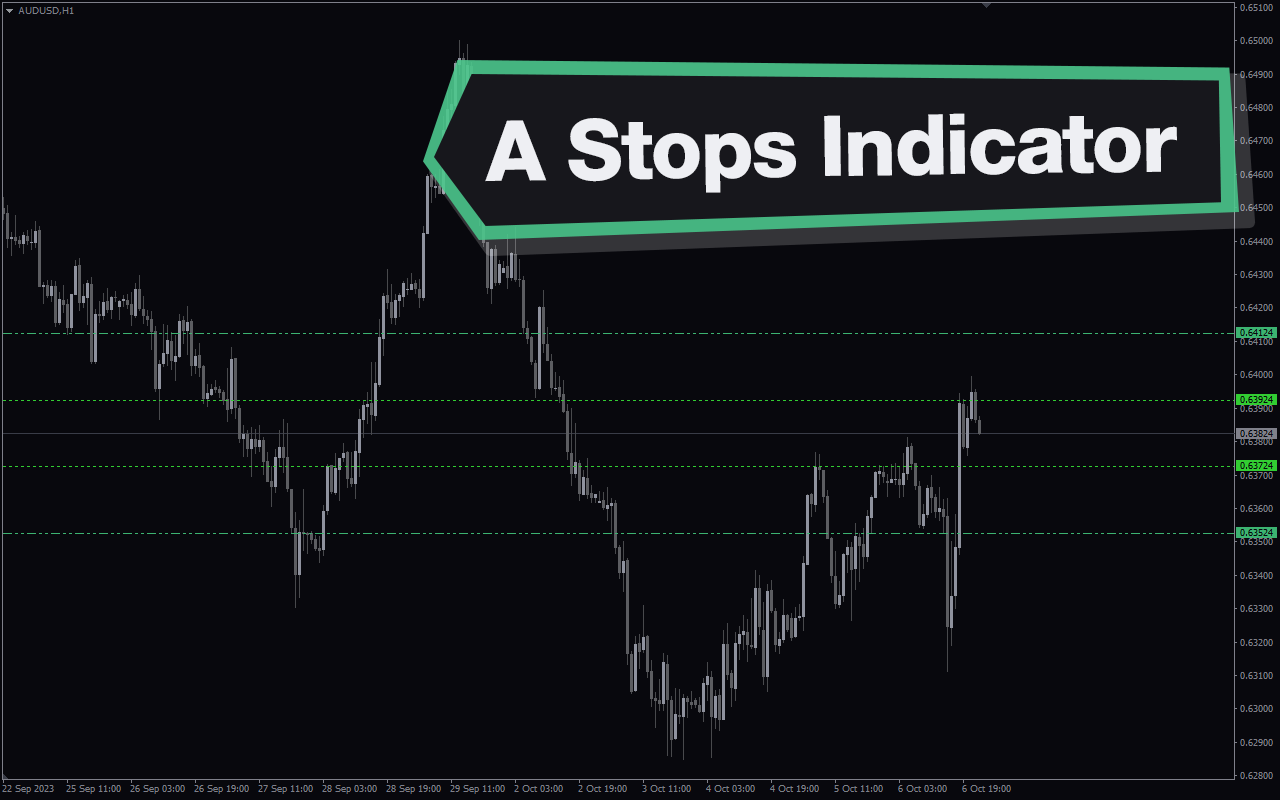
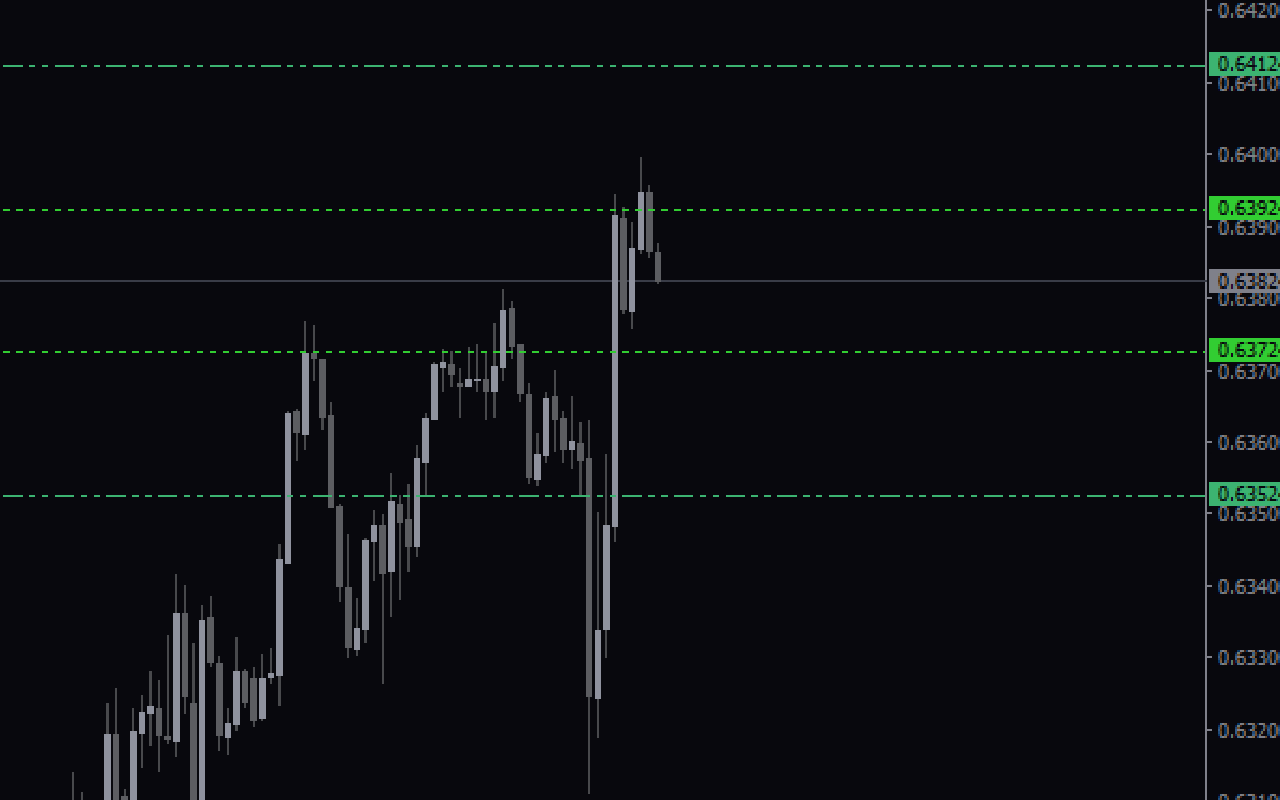
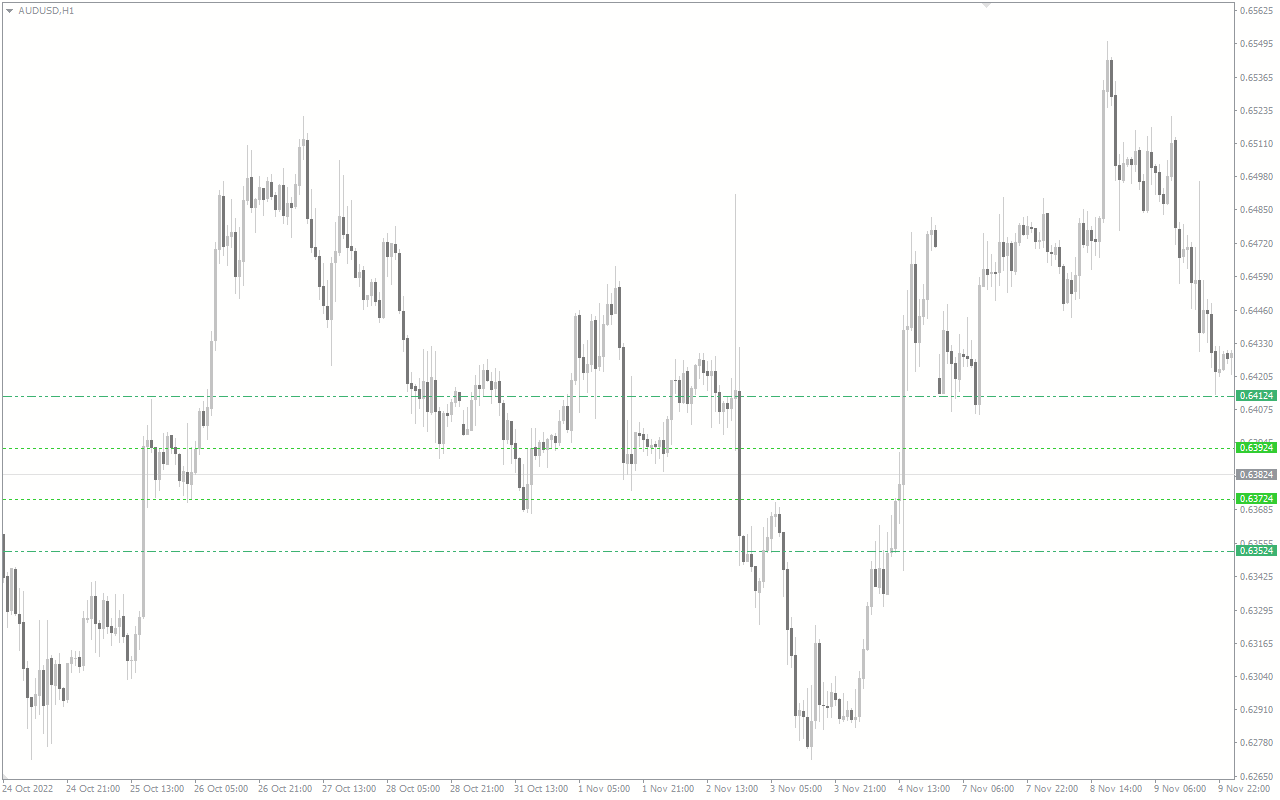
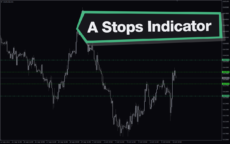
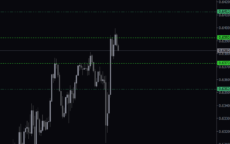
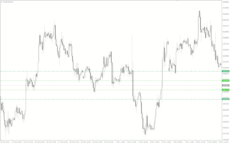
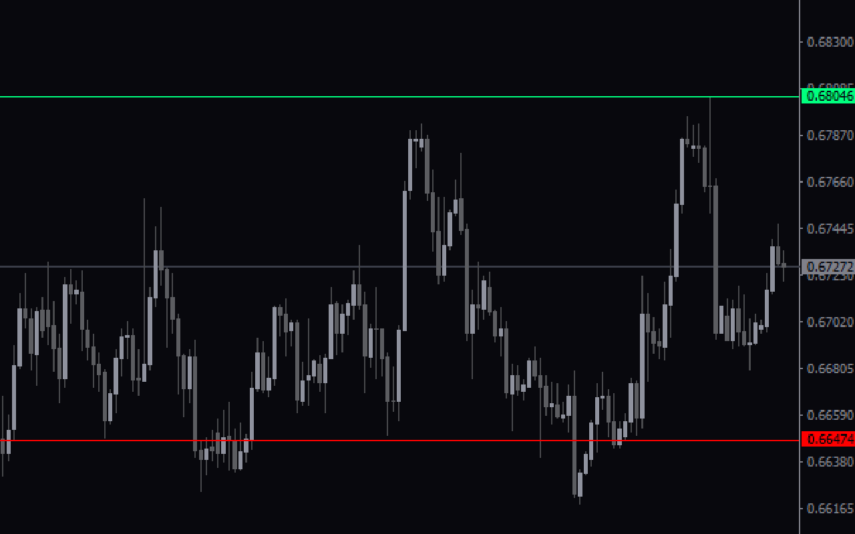
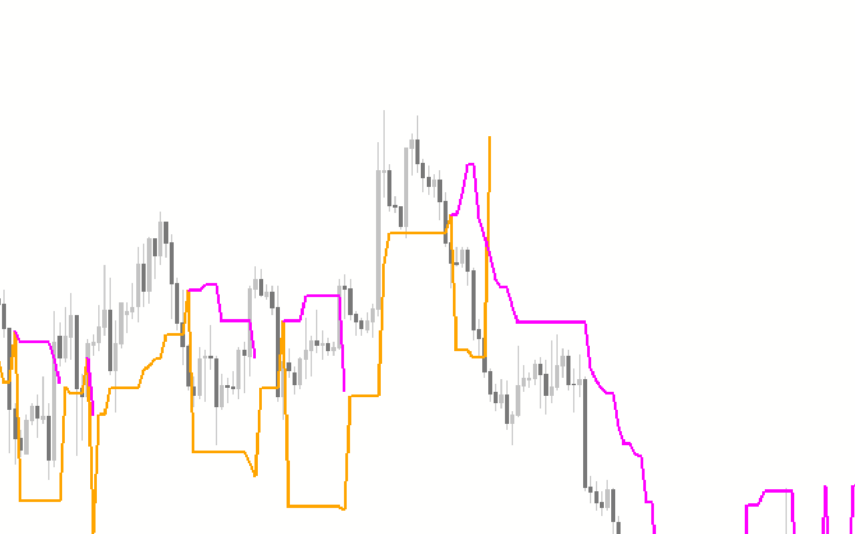
The A Stops indicator is a useful and popular free Forex indicator for the MT4 platform. The indicator works by plotting two lines on the chart, the stop loss line and the take profit line. The stop loss line shows the price level at which you should close your position to minimize losses, while the take profit line shows the price level at which you should close your position to maximize profits. The indicator is easy to use and can be a great tool for any trader looking to maximize their profits and minimize their risks.

Indicator Type

Breakout

Trading Style

Intraday

,

Short-term

Timeframe

H1-H4

,

M15-M30

Platform

MT4

Add to wishlist
0 People watching this product now!
Category: Support & Resistance
Share:

Downloads - 118

Download now
  • Description
  • Reviews (0)
  • How to Install
Description

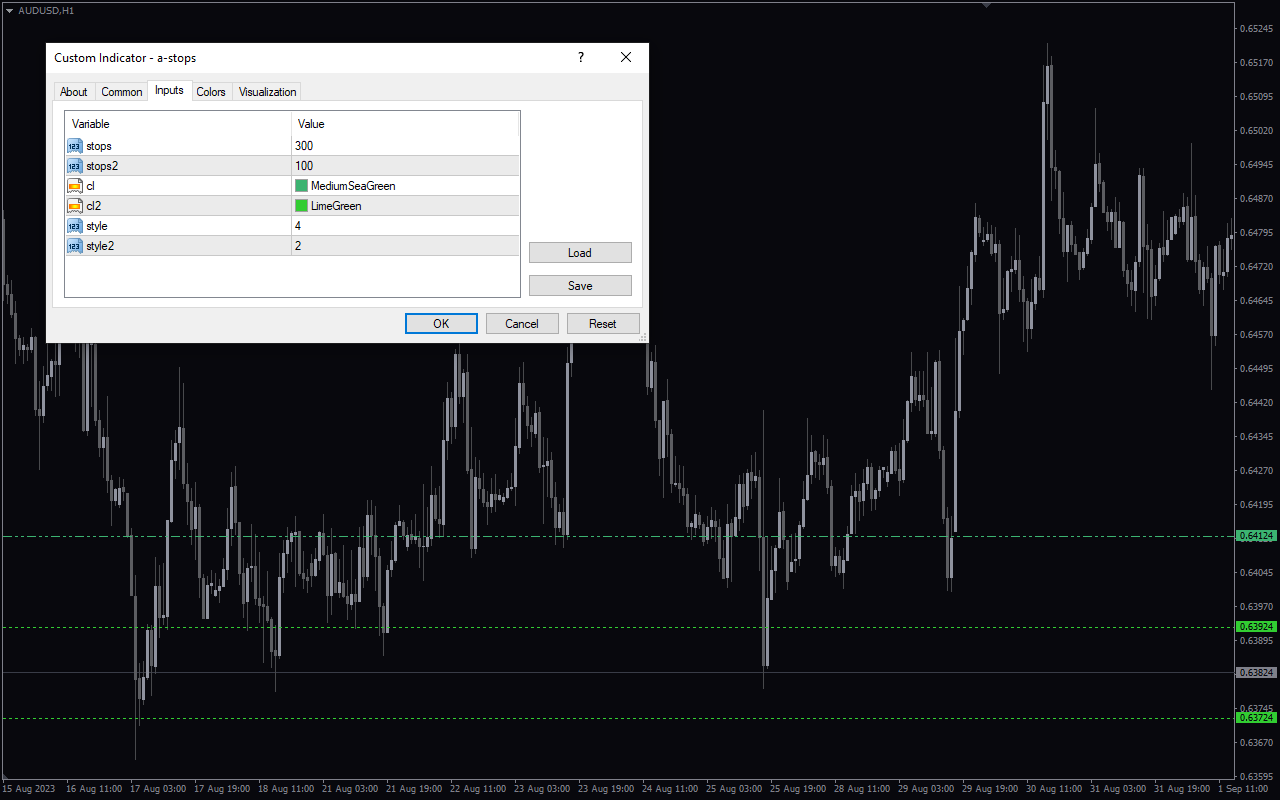
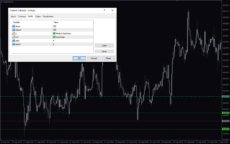
The A Stops indicator is a useful and popular free Forex indicator for the MT4 platform. It is designed to help traders identify where to set stop losses and take profits in order to maximize their profits and minimize their risks. The indicator works by plotting two lines on the chart, the stop loss line and the take profit line. The stop loss line shows the price level at which you should close your position to minimize losses, while the take profit line shows the price level at which you should close your position to maximize profits. By using this indicator, traders can easily identify the optimal levels to close their positions and take profits or minimize losses. The indicator is easy to use and can be a great tool for any trader looking to maximize their profits and minimize their risks.

Reviews (0)

Reviews

There are no reviews yet.

Be the first to review “A Stops Indicator” Cancel reply

Your email address will not be published. Required fields are marked *

1 2 3 4 5
1 2 3 4 5
1 2 3 4 5

How to Install

How install MT4/5 indicator in the terminal?

To install an MT4/5 indicator in the terminal, follow these steps:

  1. Download the indicator file (.ex4 or .mq4/.ex5 or .mq5) to your computer.

  2. Open the MT4/5 terminal and click on “File” in the top left corner.

  3. Select “Open Data Folder” from the dropdown menu.

  4. In the window that opens, double-click on the “MQL4/5” folder.

  5. Double-click on the “Indicators” folder.

  6. Drag and drop the indicator file from your computer into the “Indicators” folder.

  7. Close the data folder window and restart the MT4/5 terminal.

  8. The indicator should now be available in the “Navigator” window on the left-hand side of the terminal. Simply double-click on the indicator to add it to a chart.

Note: If the indicator is in a .zip file, you will need to extract it first before following the above steps.

And if asks to confirm DLL?

If the indicator you are installing requires access to external Dynamic Link Libraries (DLLs), you may see a pop-up message asking you to confirm the use of DLLs.

DLLs are external libraries that contain code that can be used by other programs. In the case of MT4/5 indicators, they are often used to perform complex calculations or connect to external data sources.

If you trust the source of the indicator and want to use it, click “Yes” to confirm the use of DLLs. If you are not sure or do not trust the source, click “No” to cancel the installation.

It’s worth noting that some indicators may not work properly without access to their required DLLs. If you choose not to allow access to DLLs and the indicator does not work as expected, you may need to reinstall the indicator and confirm the use of DLLs to get it to work properly.


Related products

MT4
Quick view
Add to wishlist

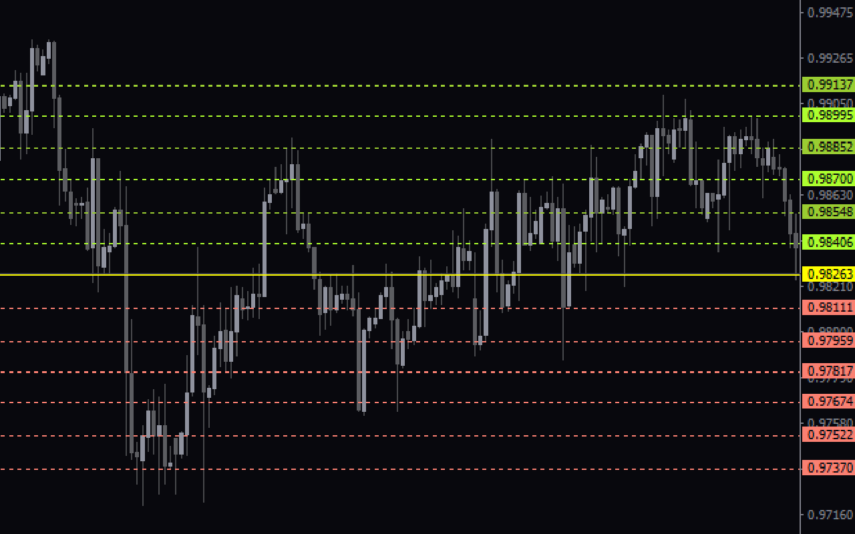
Support and Resistance

Support & Resistance
Rated 5.00 out of 5
The Support and Resistance Indicator for MT4 identifies major and minor support/resistance zones for trend reversal/continuation detection.
MT4
Quick view
Add to wishlist

MTF High Low

Support & Resistance
MTF High Low indicator automatically plots high and low of forex multiple chart time frames. Daily, weekly and monthly high and low, pivots always visible in the current chart. Helps identify strong support and resistances. Download and install it now.
MT4
Quick view
Add to wishlist

Order Block Breaker

Support & Resistance
The Order Block Breaker Indicator is a powerful tool for forex traders, identifying areas of significant buying or selling pressure based on past price action. It works by analyzing order blocks on the price chart, making it easy for traders to see where these important levels are located.
MT4
Quick view
Add to wishlist

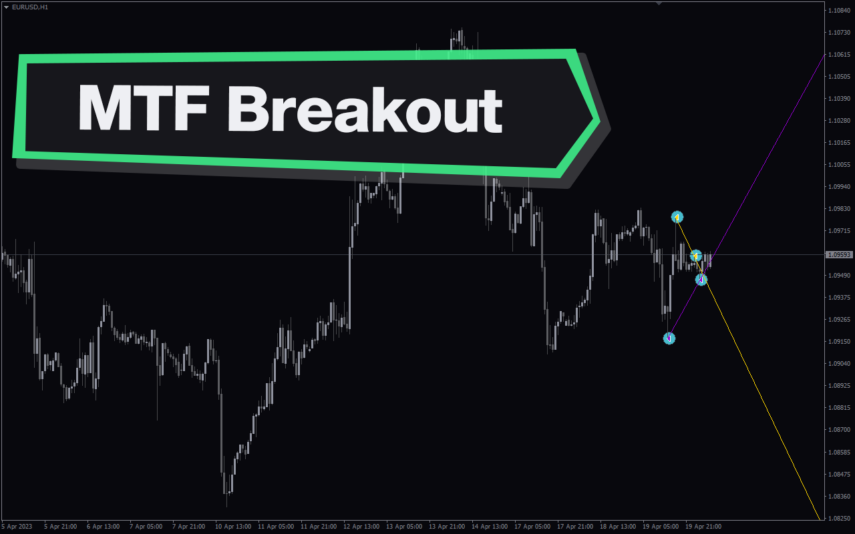
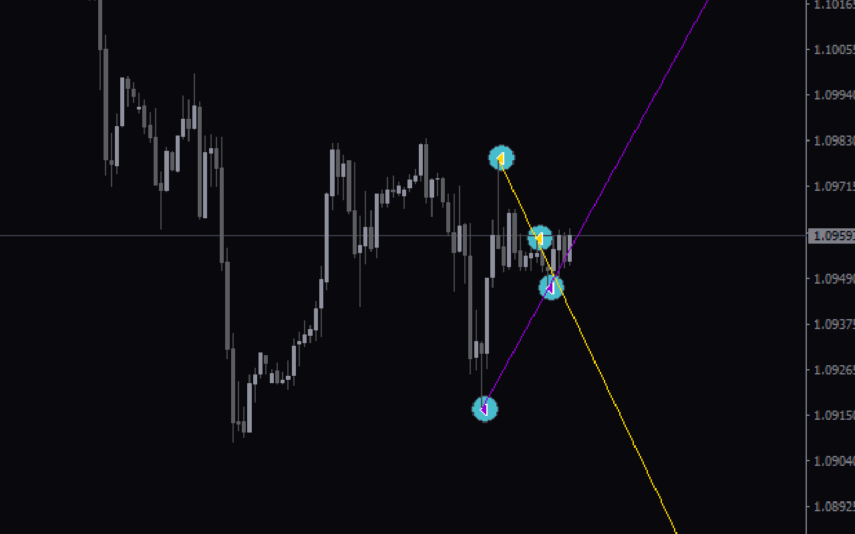
Multi Time Frame Breakout

Trend, Support & Resistance
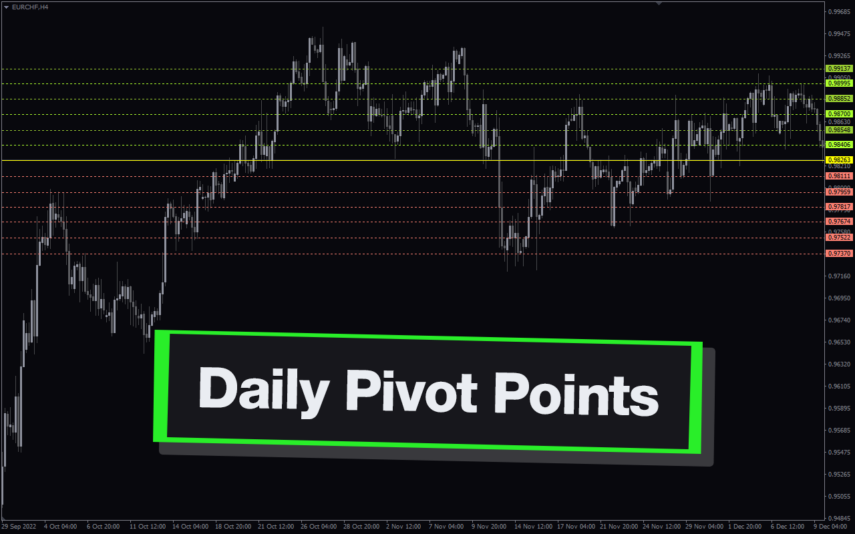
The Multi-Time Frame Breakout indicator is a new and popular forex indicator that is available for free on the MT4 platform. This indicator helps traders identify breakout points by analyzing multiple timeframes at the same time. It works by plotting support and resistance levels based on the highest and lowest price levels over multiple time frames. This is a valuable tool for traders who use multiple timeframes in their analysis and want to improve their accuracy in identifying potential breakout points.
MT4
Quick view
Add to wishlist

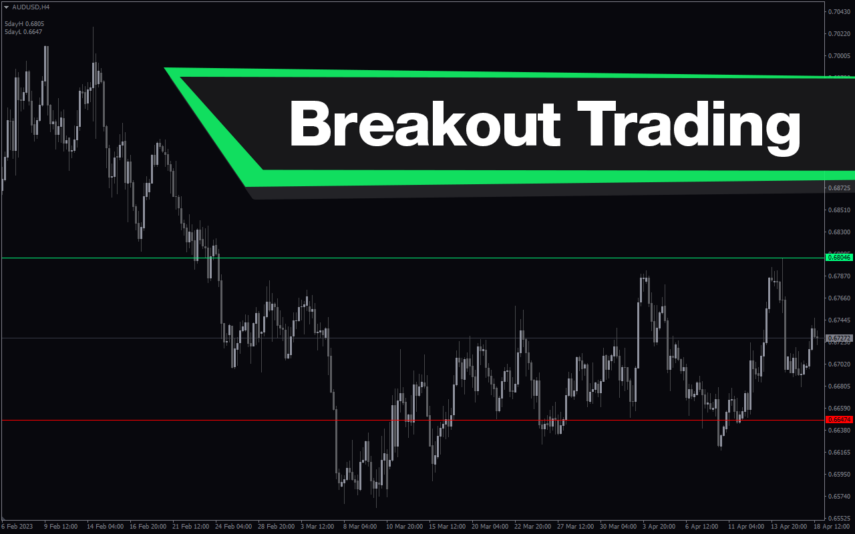
Breakout Trading

Support & Resistance
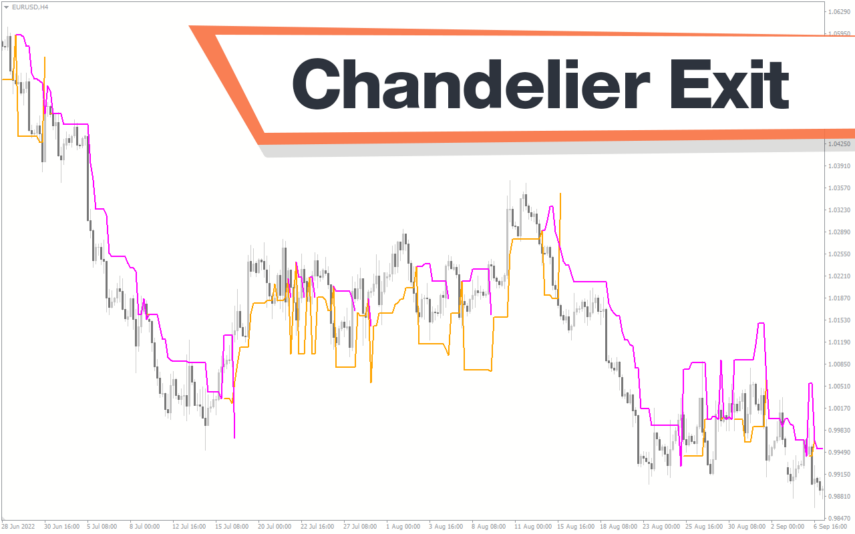
The Breakout Trading Indicator is a powerful MT4 tool designed for forex traders who want to catch breakouts in their trading strategy. The indicator scans for potential breakouts and alerts traders when a potential breakout is detected, making it easy to spot profitable trading opportunities. With an advanced algorithm, the indicator identifies key support and resistance levels, helping traders better understand market trends and make informed trading decisions.
MT4
Quick view
Add to wishlist

ICT Asian Range

Support & Resistance
Are you an ICT forex trader? Do you trade ICT Asian breakout strategy? Download this simple ICT Asian range MT4 indicator and improve your forex trading results. This allows traders to quickly identify support and resistance levels for the Asian session, which is a useful tool for traders looking to trade the Asian session.
MT4
Quick view
Add to wishlist

Forex Trading Sessions

Support & Resistance
The Forex Trading Sessions indicator is a new powerful and popular MT4 indicator designed to help traders identify active trading sessions in the forex market. This indicator shows the opening and closing times of various global financial centers including Tokyo, London and New York on a trading chart, highlighting active trading sessions with colored rectangles. The Forex Trading Sessions indicator is a useful tool for forex traders of all levels, from beginners to experienced traders, that provides important information about active forex trading sessions, helping to optimize trading strategies and increase profitability.
MT4
Quick view
Add to wishlist

Average Daily Range

Support & Resistance
The ADR HighLow indicator is a new and popular forex indicator that traders can use for free on the MT4 platform. This indicator measures the average daily range (ADR) of a currency pair and displays the high and low of the day, and is also a great tool for setting stop loss and take profit levels. Use the best ADR indicator to identify potential support and resistance levels and use their trading strategy successfully.
    Close
    Indicator Categories
    • Envelope Indicators 303
    • Helpers 405
    • Price Action 165
    • Signal 1110
    • Stochastic 1675
    • Support & Resistance 558
    • Trend 890
    • Volume 145
    • MT4 COLLECTION HOT
      • Top Rated
      • Top Downloads
      • Most Popular
      • New
      • Recommended
    • Trading Style
      • Beginner For Newbies
      • Scalping
      • Short-Term
      • Day Trading
      • Intraday
      • Swing
    • INDICATOR TYPE
      • Accurate
      • Leading
      • Reversal
      • Breakout
      • Sideways
      • Entry & Exit
      • Overbought & Oversold
      • Non-Repaint
    • CATEGORIES
      • Trend
      • Signal
      • Support & Resistance
      • Price Action
      • Stochastic
      • Envelope
      • Volume
      • Helpers
    • Timeframe
      • M1-M5
      • M15-M30
      • H1-H4
      • D1-W1
      • Multi Timeframe
    • Platform
      • MT4 Popular
      • MT5
    • USEFUL LINKs
      • Privacy Policy
      • Cookie Policy
      • Terms of Use
      • Disclaimer
      • About Us
      • Contact Us
    Logo-grayscale-transparent-720
    Unlock your trading potential with our powerful indicator library.

    Follow us:

    MT4COLLECTION.COM © 2026 All Rights Reserved.
    • Menu
    • Categories
    • Signal
    • MT4 Collections
    • Collection
    • Blog
    • About us
    • Contact us
    • Wishlist
    Sidebar
    We use cookies to improve your experience on our website. By browsing this website, you agree to our use of cookies.
    Accept