
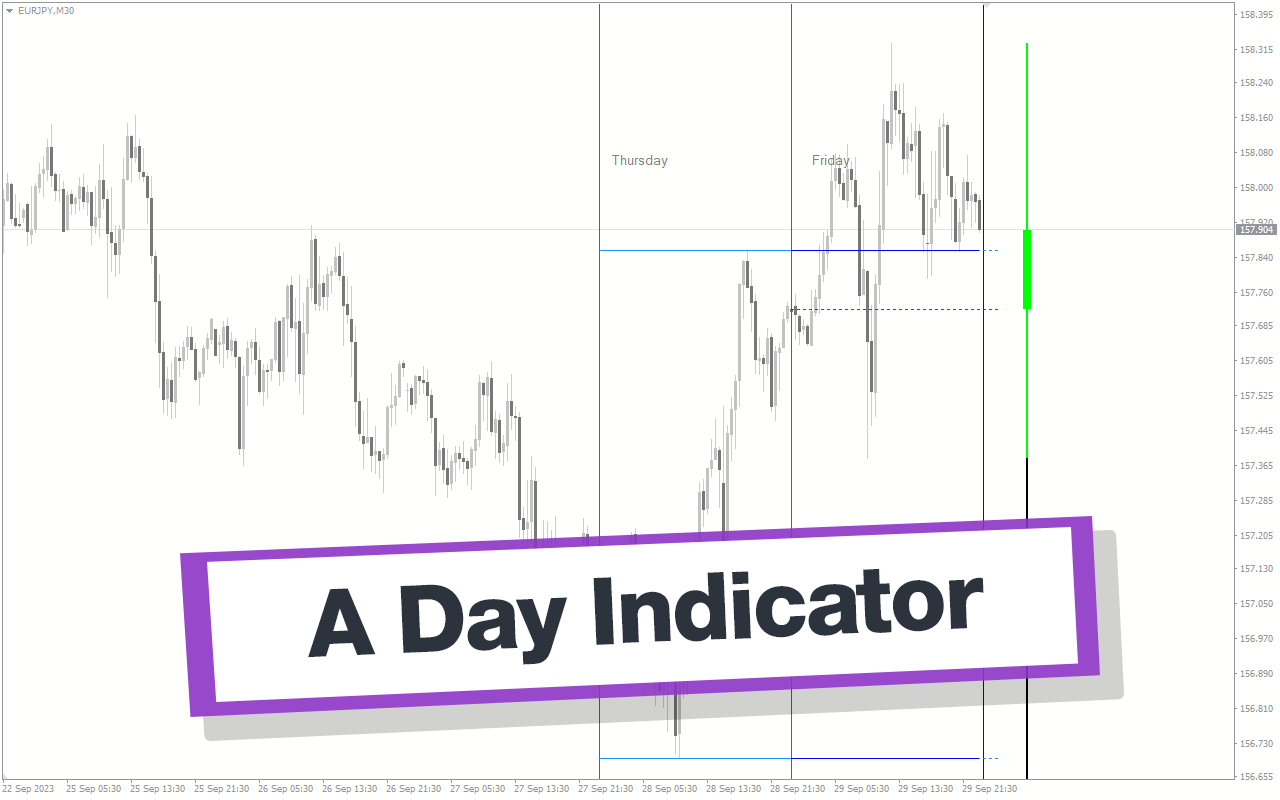
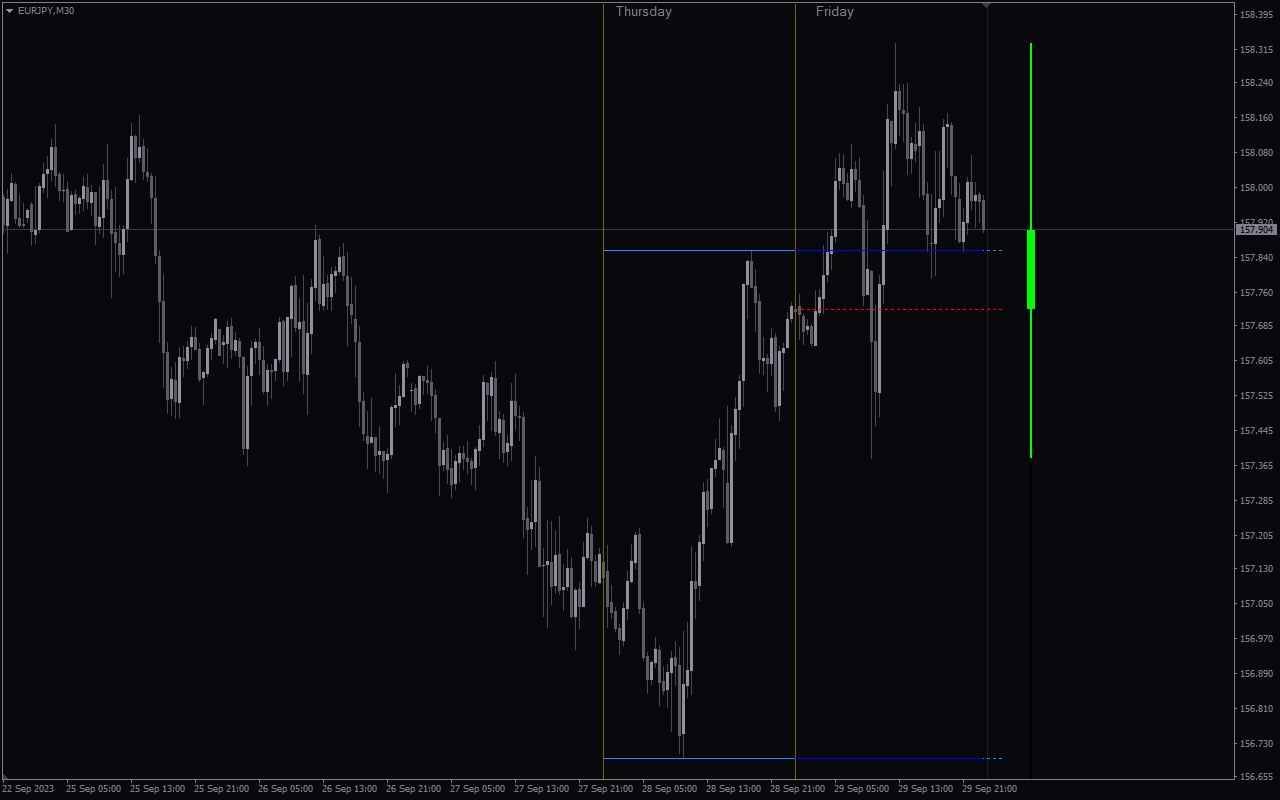
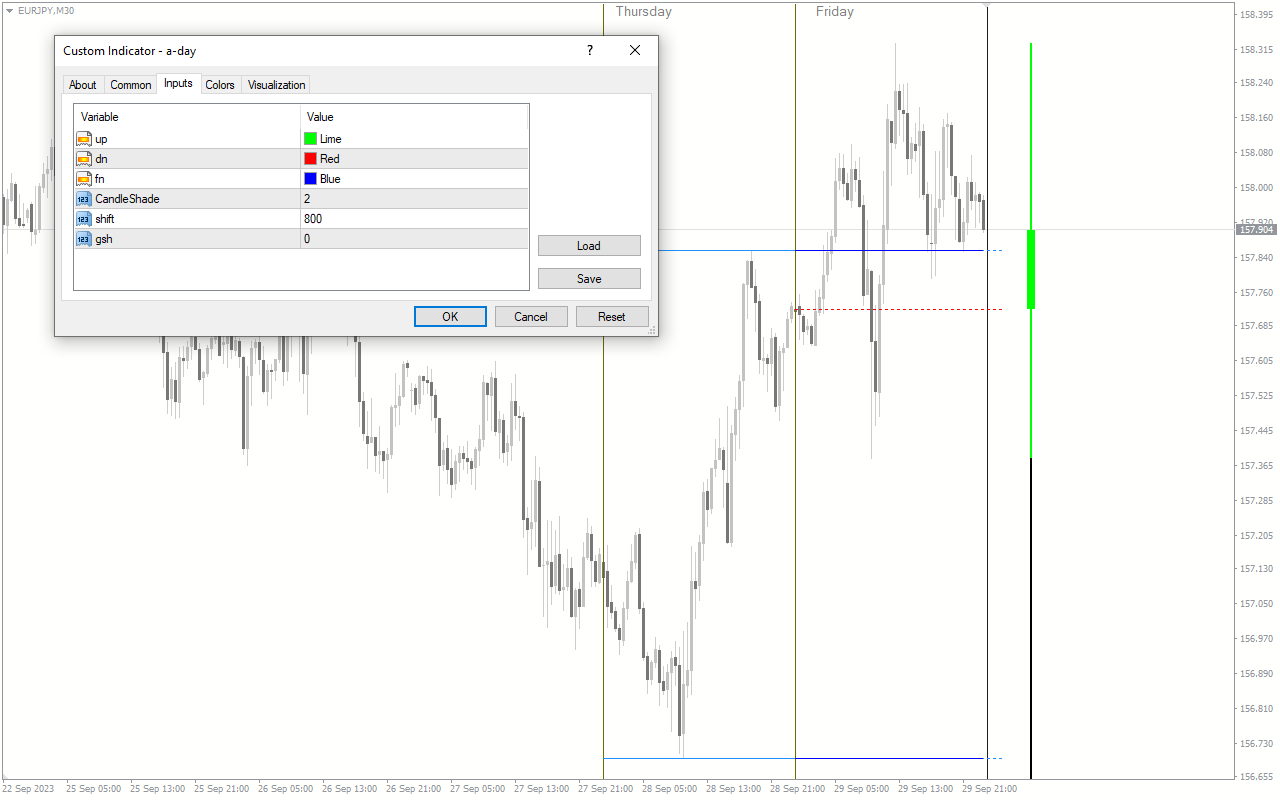
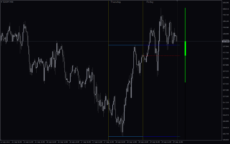
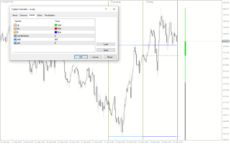
The A Day Indicator is a useful and popular free Forex indicator for MT4. It is designed to help traders identify profitable trading opportunities in the Forex market. The indicator uses a combination of technical indicators to generate buy and sell signals. It is designed to be used with any currency pair and timeframe. The indicator works by analyzing the price action of the currency pair to identify potential trading opportunities. It looks at the price action of the currency pair over a set period of time to determine if there is a trend that could be exploited. If a trend is identified, the indicator will generate a buy or sell signal. The indicator also takes into account the current market sentiment to determine the strength of the signal. It is easy to use and understand, and can be used by traders of all experience levels.

MT4
A Day Indicator
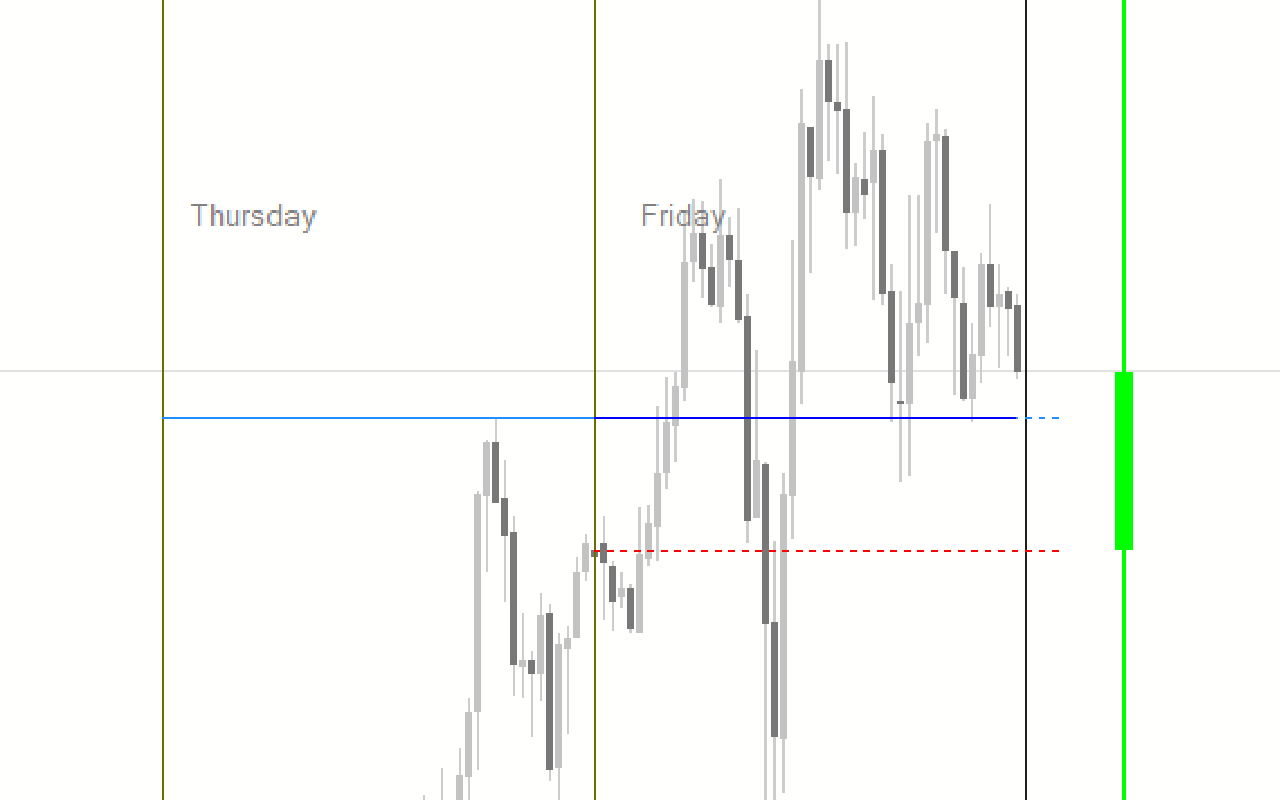
The A Day Forex Indicator is a popular and free MT4 indicator that is useful for Forex traders. The indicator provides a graphical representation of the price action, allowing traders to identify entry and exit points with ease. The A Day Forex Indicator is a great tool for Forex traders, as it can help them make more informed decisions and increase their chances of success in the market.
| Trading Style | |
|---|---|
| Indicator Type | |
| Timeframe | |
| Platform |
0
People watching this product now!
Downloads - 126
Description
Reviews (0)
How to Install
Related products
My Price Action
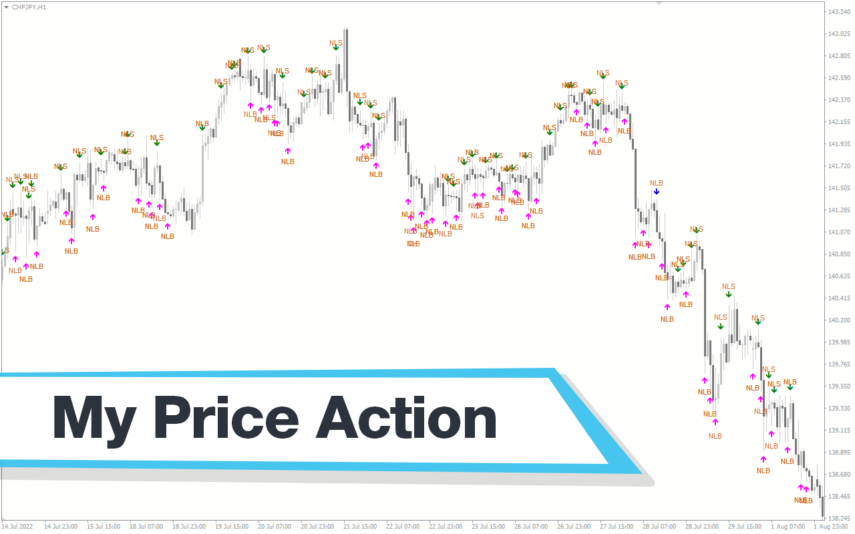
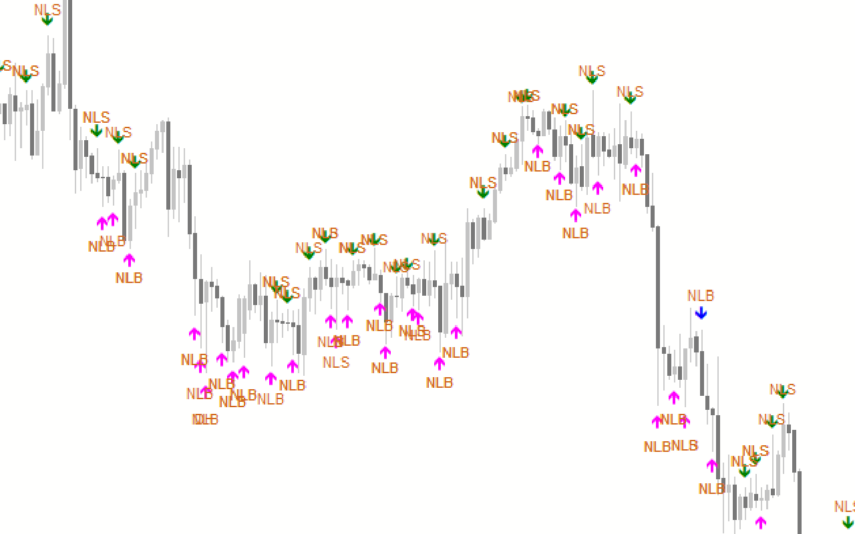
My Price Action Indicator is a nice and accurate forex trading indicator available for free on MT4 platrorm. This indicator uses historical price data to generate visual signals by highlighting support and resistance zones, trend lines, and chart patterns that can be used to make informed trading decisions. Whether you are a beginner or an experienced trader, My Price Action Indicator can provide valuable insights into the market to help you make profitable trades.
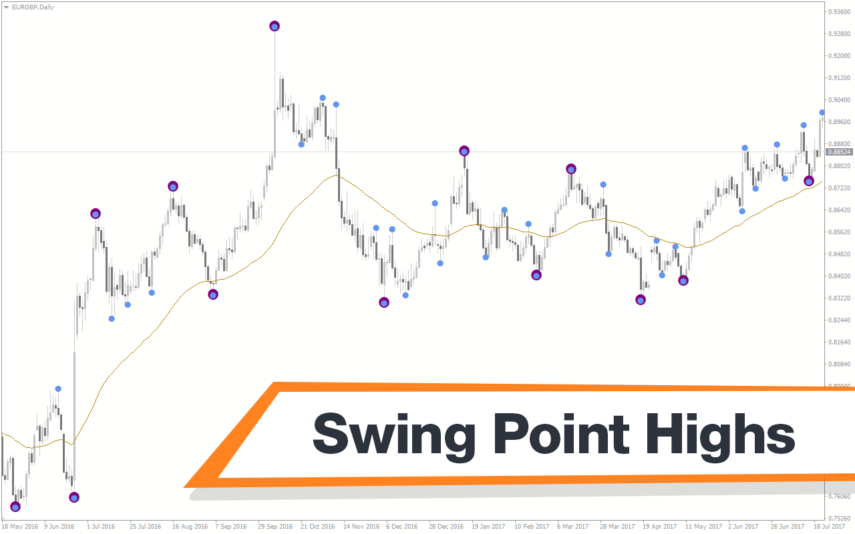
Swing Point Highs
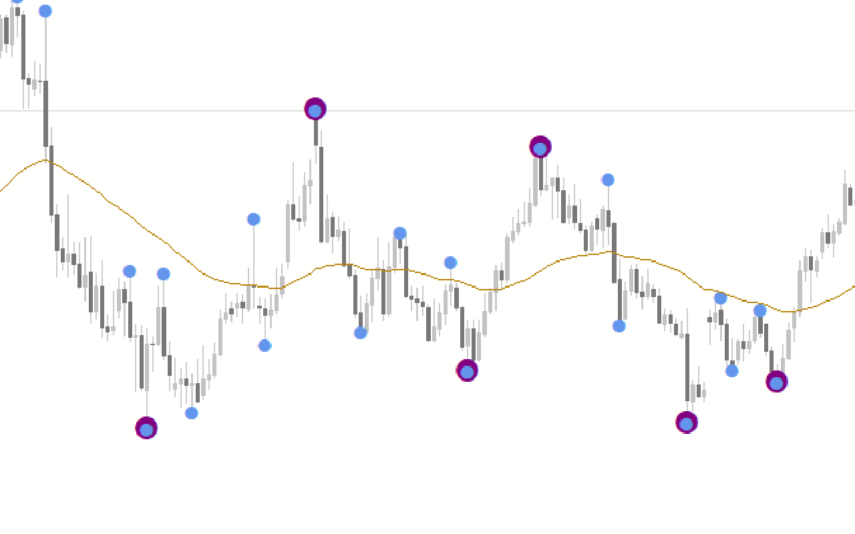
The Swing Point Highs and Lows indicator is a new, popular and free MT4 technical analysis tool for forex traders. This indicator works by identifying swing points on a price chart and then drawing horizontal lines to indicate potential support and resistance levels. The swing point high and low indicator is a valuable tool for traders who want to identify key support and resistance levels and is suitable for both beginners and experienced traders.
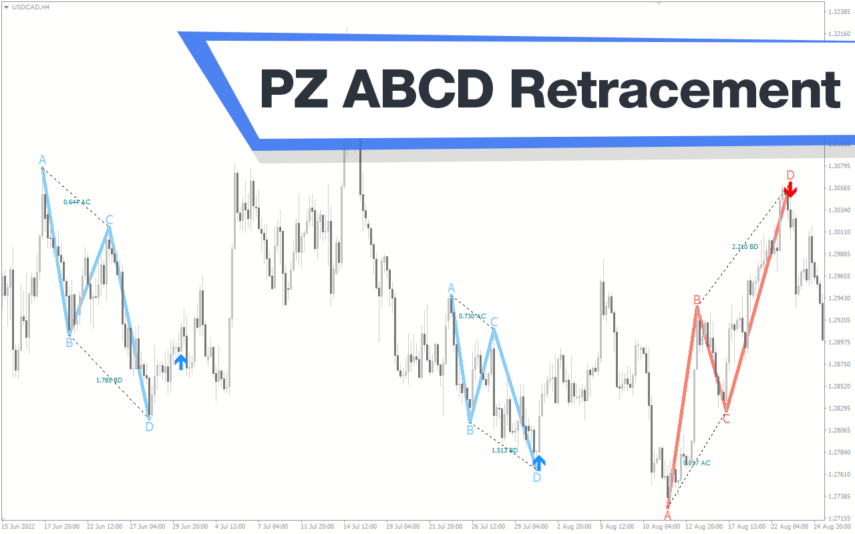
PZ ABCD Retracement
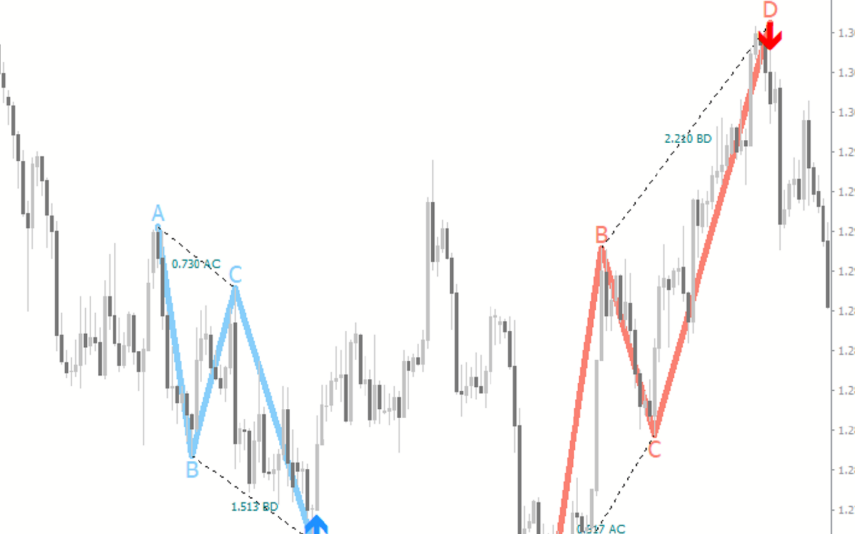
The PZ ABCD Retracement Indicator is a popular and free forex indicator for MT4 that helps traders identify potential trading opportunities by identifying the AB=CD harmonic pattern. The indicator automatically plots Fibonacci retracement levels to help traders identify entry and exit points. It works by scanning the market for the AB=CD pattern and drawing the necessary lines and levels. It can be used by both a novice and an experienced trader, making it a versatile tool for traders who want to improve their trading results.
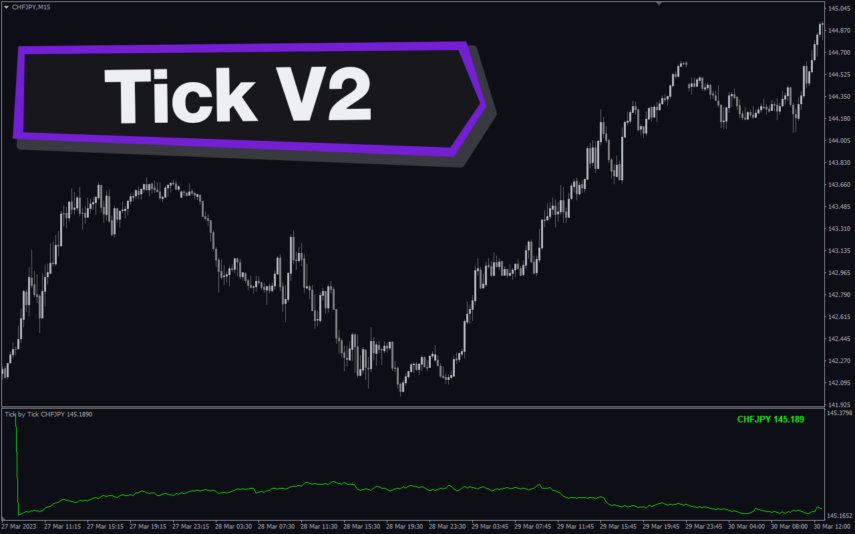
Tick V2
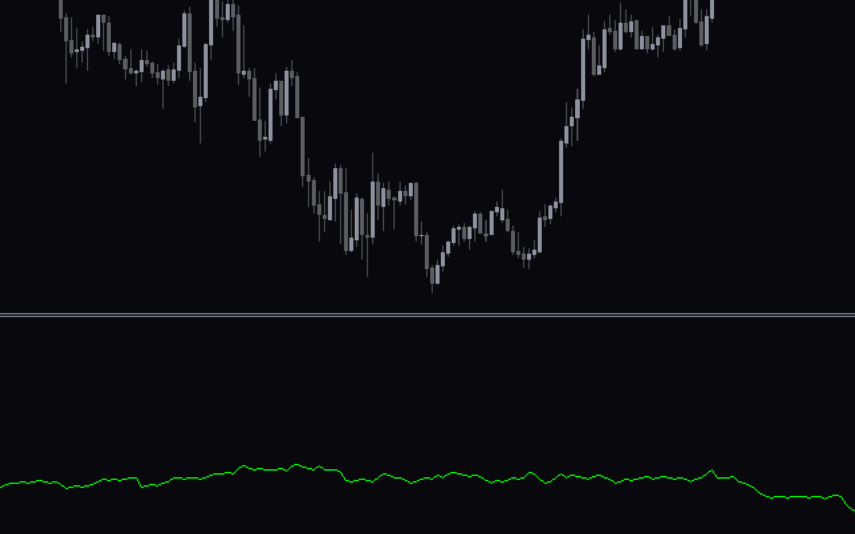
The Tick V2 Indicator is a new and popular forex indicator designed specifically for the MT4 platform. The green curved line in the indicator window represents the ticking line and shows the rise and fall of trading activities taking place every second, helping traders to determine the strength or weakness of the current market movement.

Reviews
There are no reviews yet.