
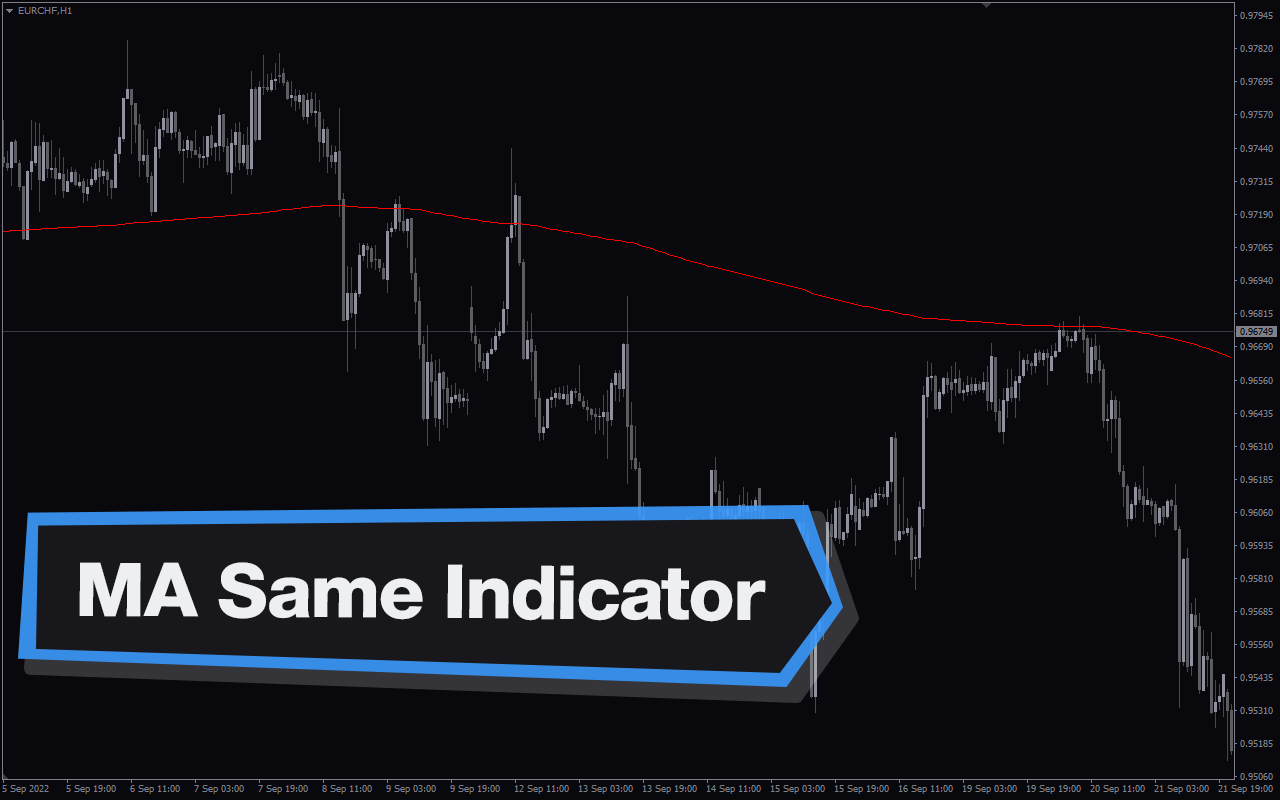
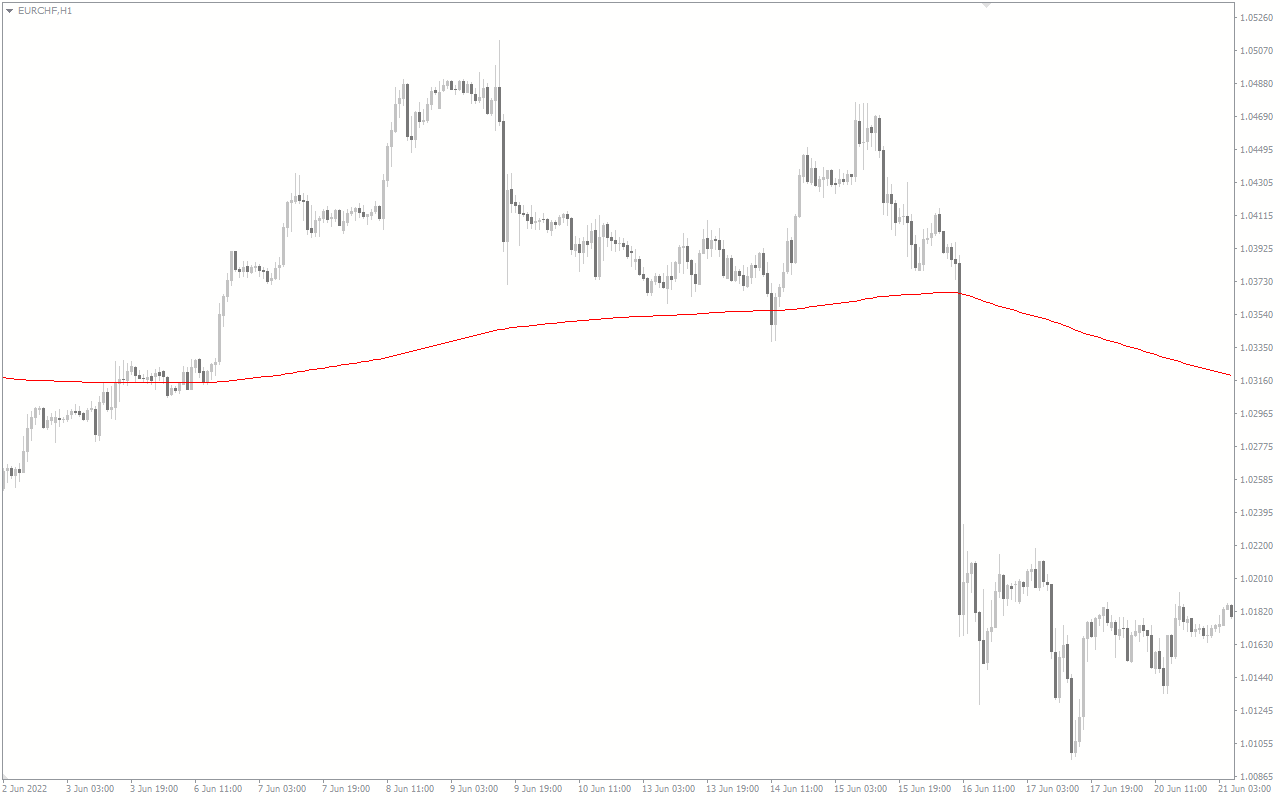
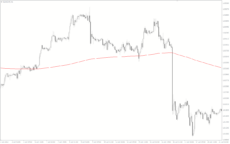
The 3 MA Same Forex Indicator is a popular and free MT4 indicator. It is a useful tool for traders who want to maximize their profits in the Forex market. The 3 MA Same indicator is based on the Moving Average (MA) indicator and is designed to identify trend reversals. It works by comparing the current price to two Moving Averages of different periods. When the current price crosses the two Moving Averages in the same direction, it is a signal that the trend is about to reverse. The 3 MA Same indicator is easy to use and can be used on any time frame. It is best used in combination with other indicators such as the Relative Strength Index (RSI) and the Average Directional Index (ADX). The indicator will provide traders with an early warning when a trend reversal is about to occur. This can help traders to enter the market at the right time and maximize their profits. The indicator is also useful for identifying support and resistance levels and potential entry and exit points.

MT4
3 MA Same
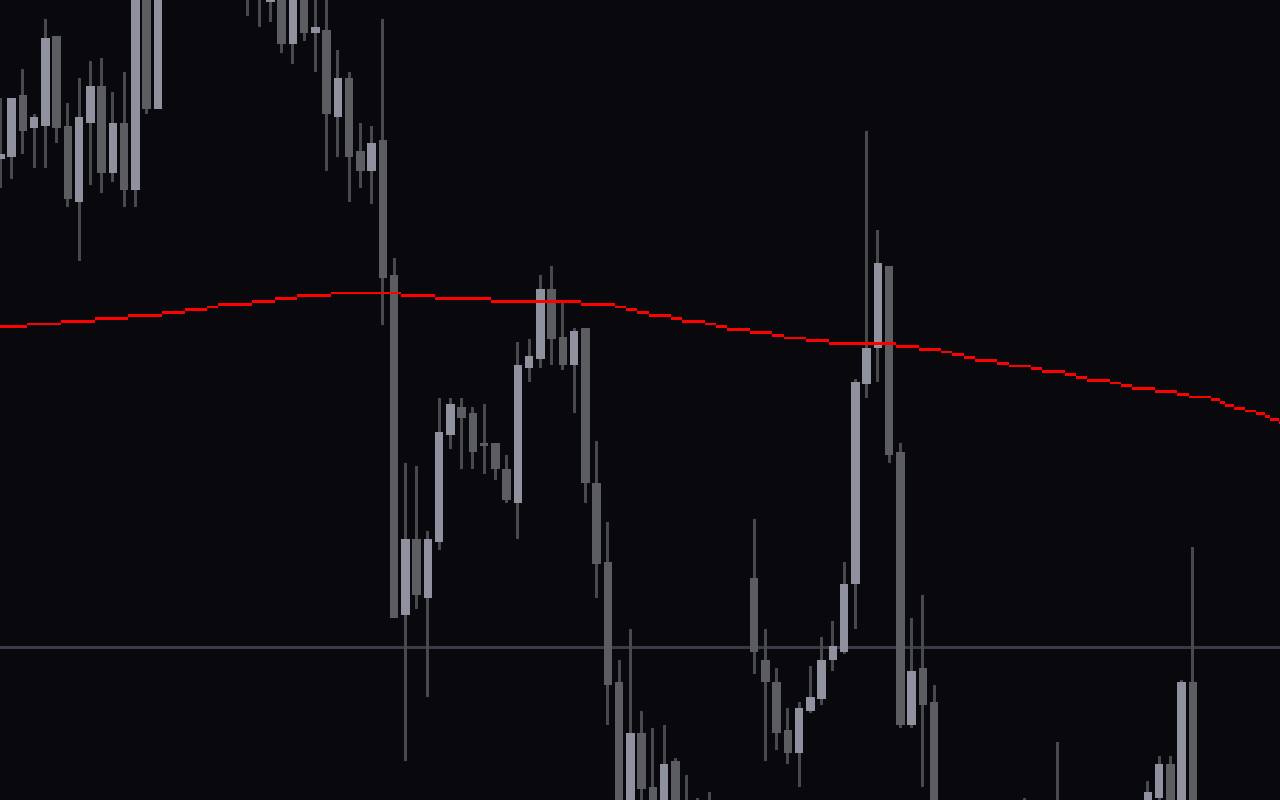
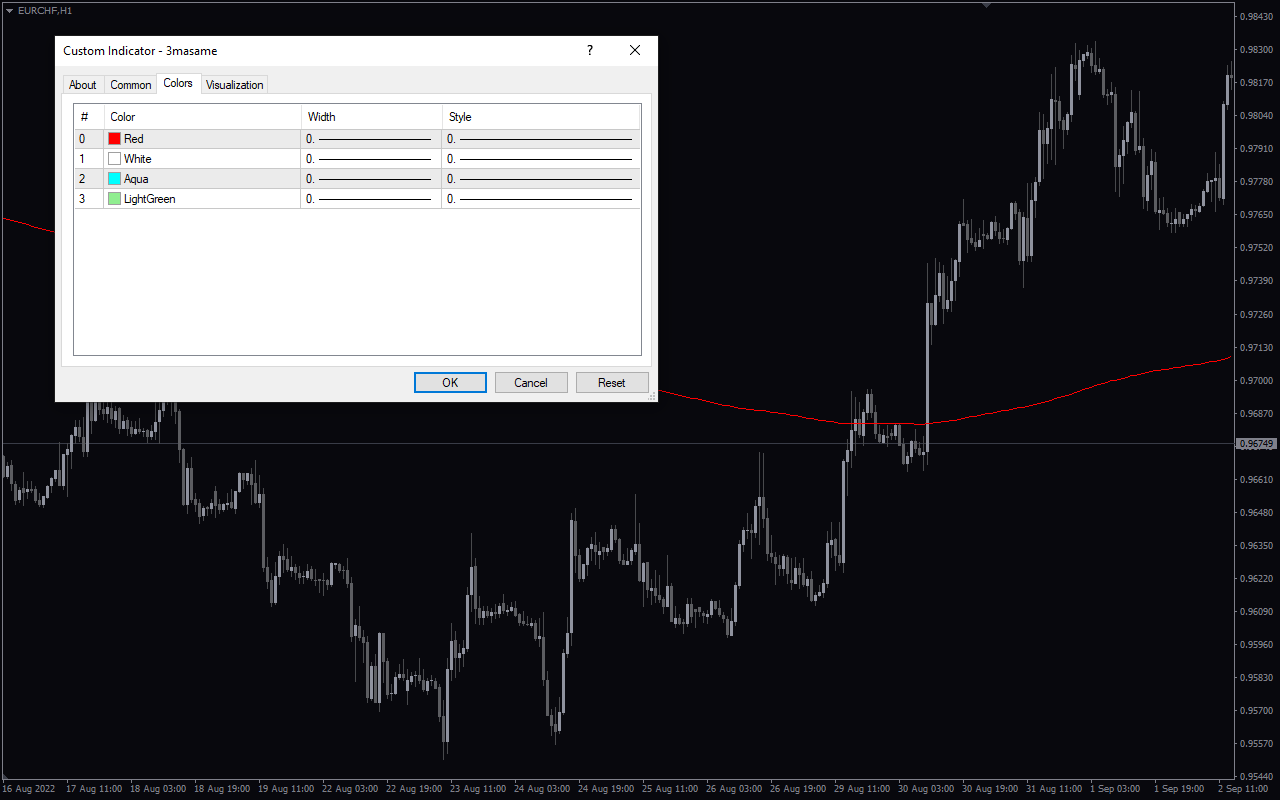
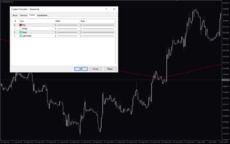
The 3 MA Same Forex Indicator is a popular and useful MT4 indicator that is free to download. It is used to help traders identify trend changes in the Forex market. The indicator then plots the three moving averages on a chart, and traders can use this information to make trading decisions. With the help of this indicator, traders can make informed decisions and increase their chances of making a profit.
| Indicator Type | |
|---|---|
| Trading Style | |
| Timeframe | |
| Platform |
0
People watching this product now!
Downloads - 36
Description
Reviews (0)
How to Install
Related products
Trend DashBoard
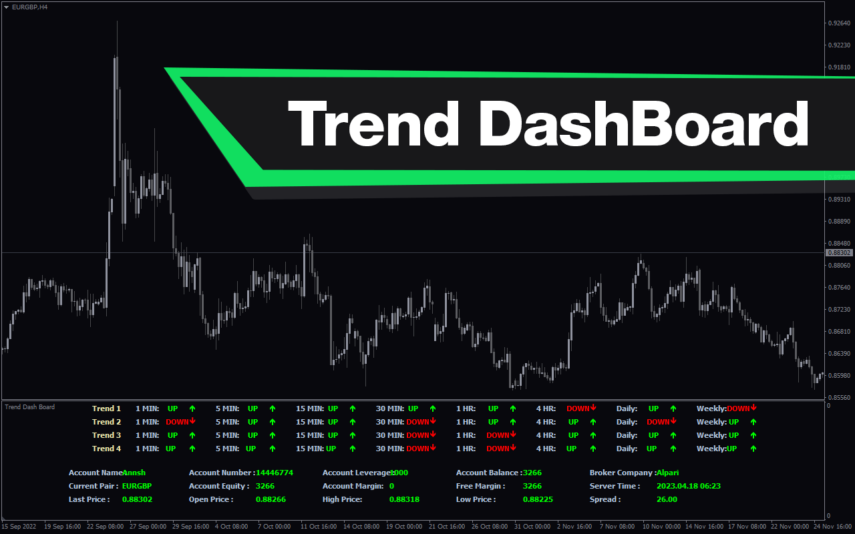
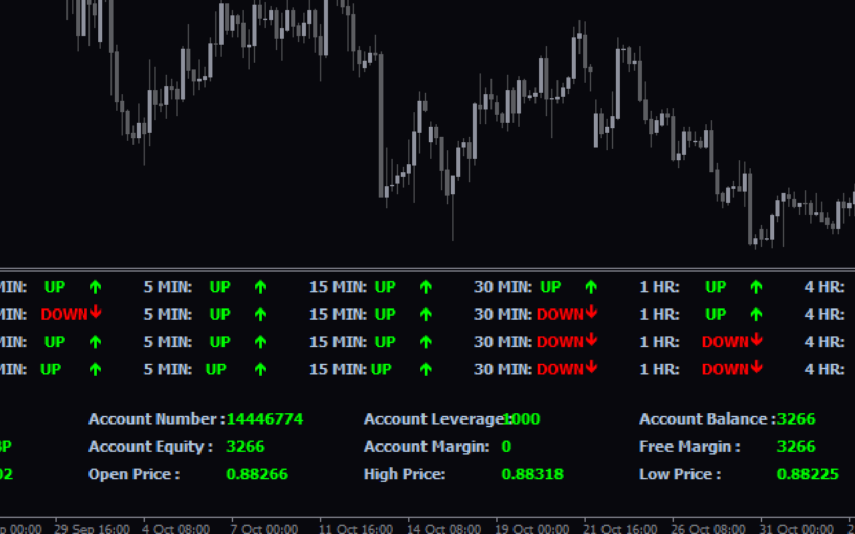
The Trend Dashboard Indicator is a powerful MT4 tool for forex traders who want to keep track of multiple currency pairs and timeframes on one chart. The indicator uses a dashboard to display the trend direction and strength for different currency pairs and timeframes. It also includes an alert feature that can notify traders of potential trading opportunities. With this indicator, traders can save time and stay on top of market trends, allowing them to make informed trading decisions.
Price Position
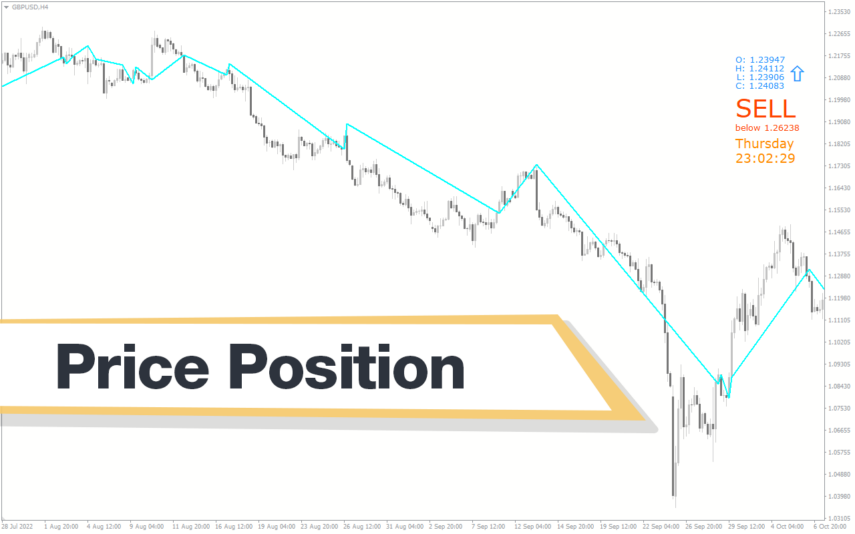
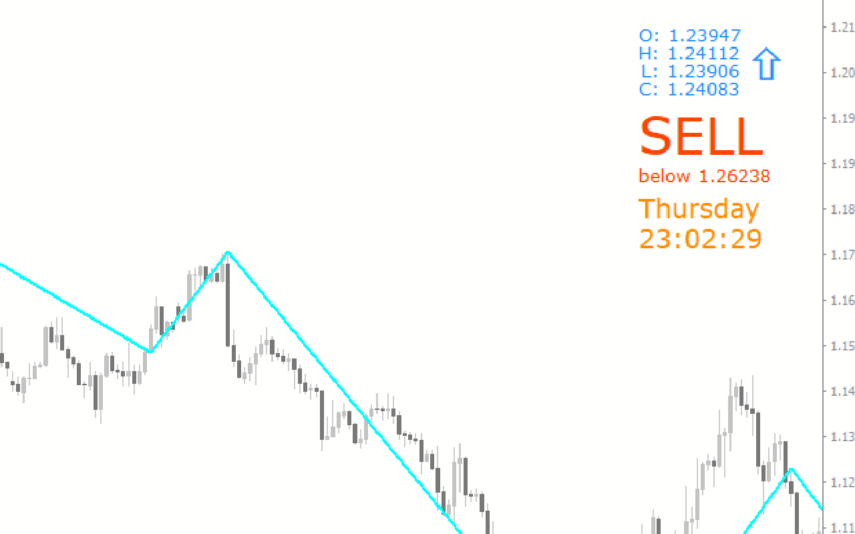
The Price Position Indicator is a useful and popular free Forex indicator for MetaTrader 4 (MT4). It helps traders to identify the entry and exit points of their trades, allowing them to maximize their profits. The indicator works by displaying the price movements of a currency pair in a graphical format. It shows the current price level relative to the previous price level and the current trend of the currency pair. It is an ideal tool for both novice and experienced traders, and can be used to identify potential trading opportunities in the Forex market.
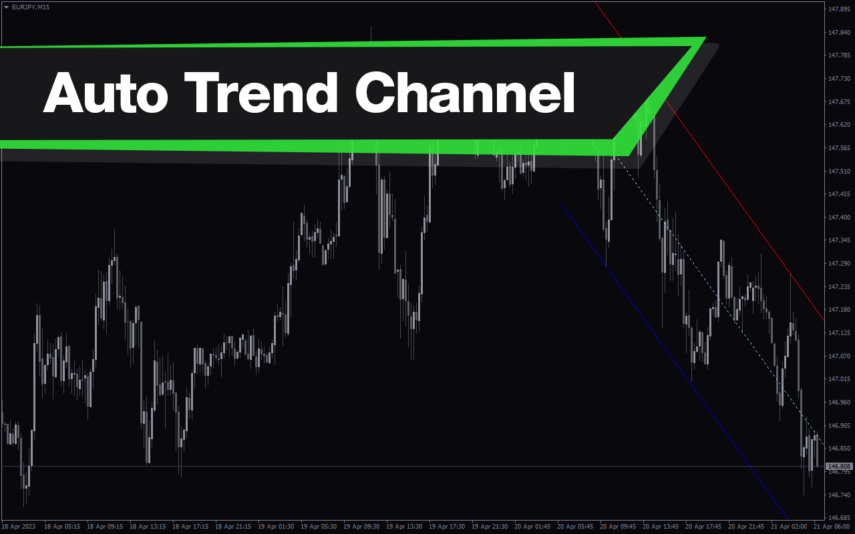
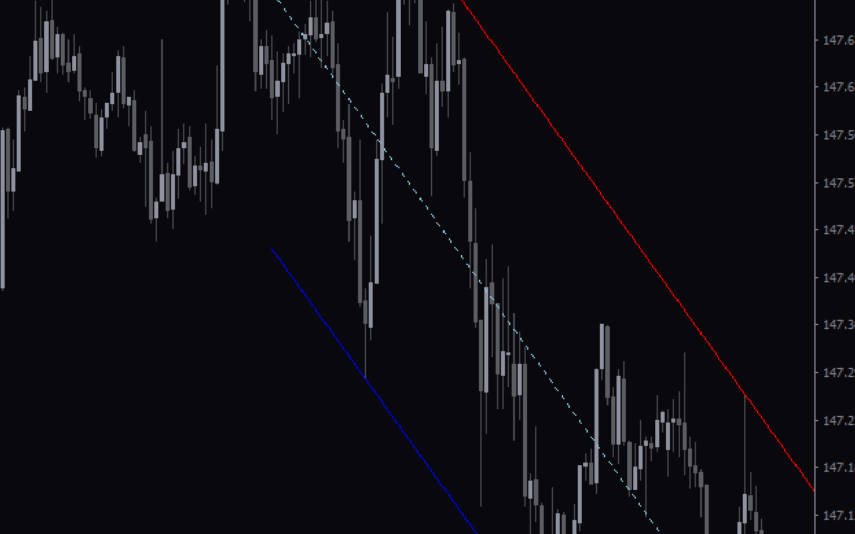
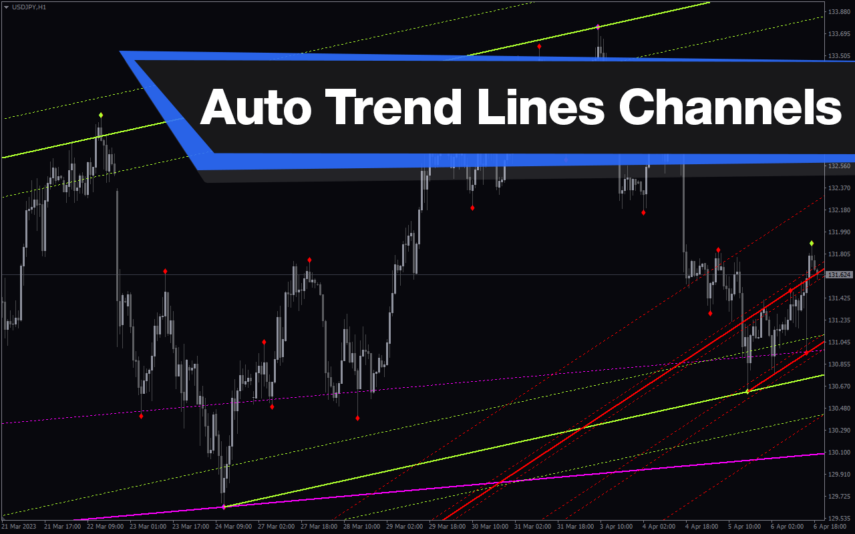
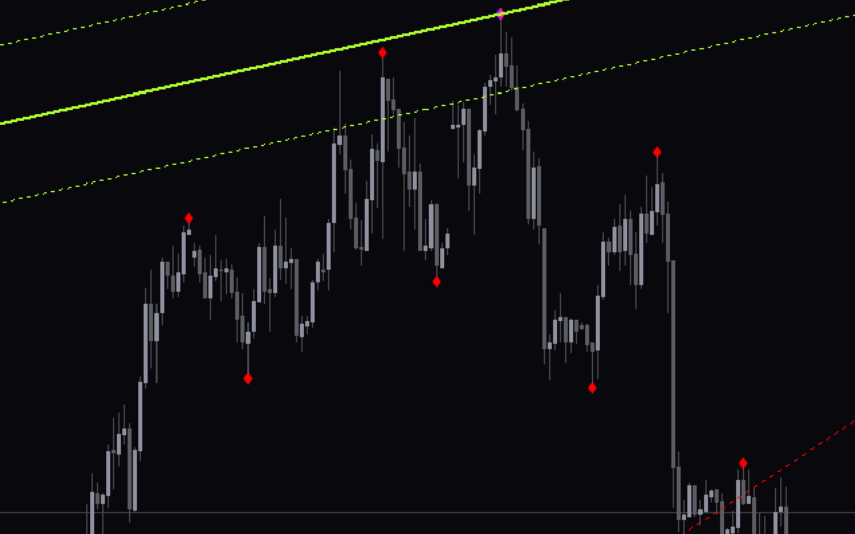
Auto Trend Lines Channels
The Auto Trend Lines and Channels Indicator is a popular and free technical analysis tool for traders who use MT4 platform. This indicator automatically draws trend lines and channels on the chart, saving traders time and effort in manually drawing and adjusting these lines.The Auto Trend Lines and Channels Indicator is easy to use, and it works by analyzing the market price action to identify key support and resistance levels.
Trend Strength
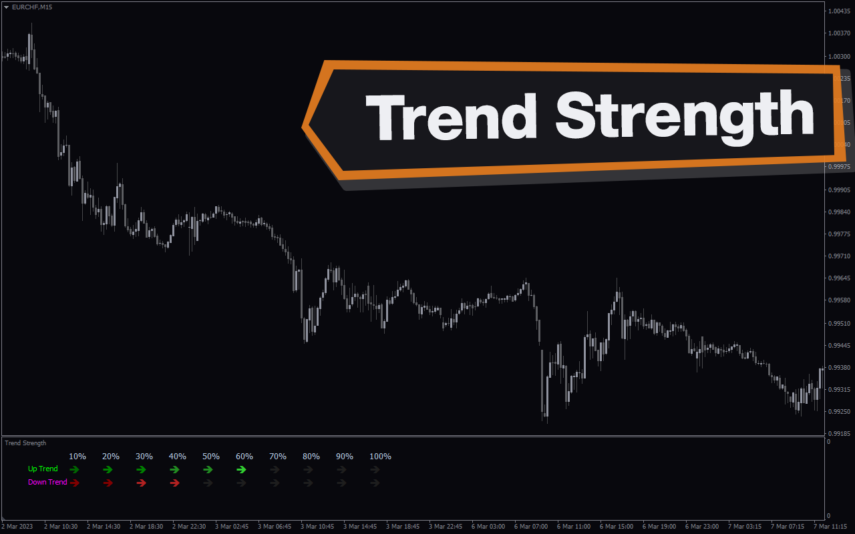
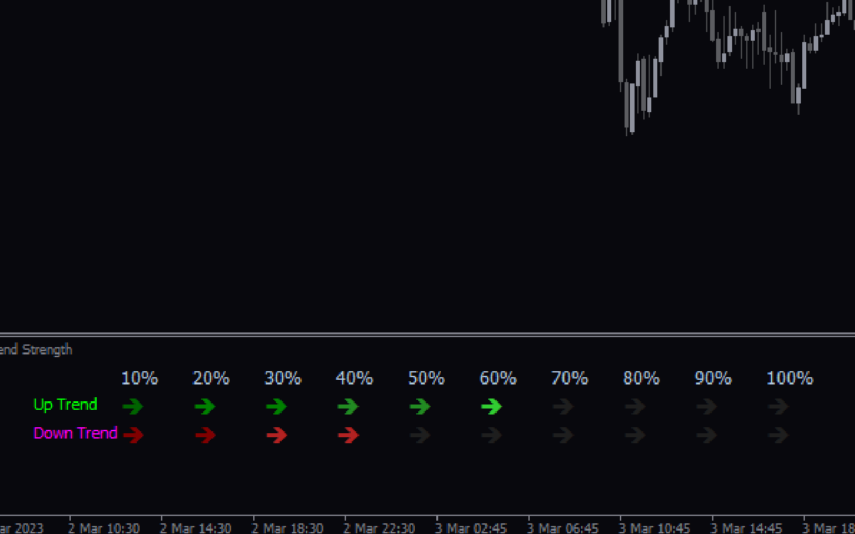
The Trend Strength Indicator is a popular and free Forex MT4 indicator that helps traders determine the strength of a trend. It works by measuring the strength of a trend using a unique algorithm that takes into account different time frames. The indicator is available for use on the MT4 trading platform and is easy to use even for novice traders. It displays trend direction and trend strength with green and red bar charts. Use the trend strength indicator as a standalone indicator or combine it with other technical indicators to improve your trading strategies.
Cypher Pattern
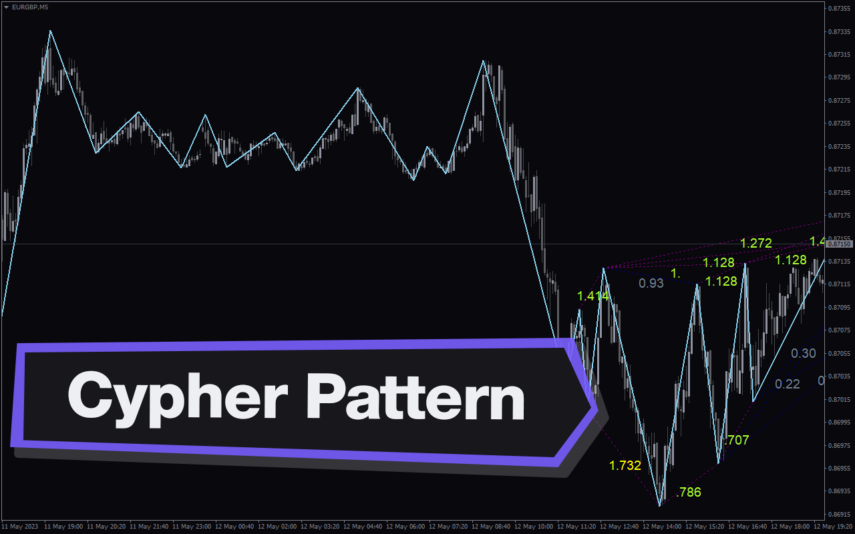
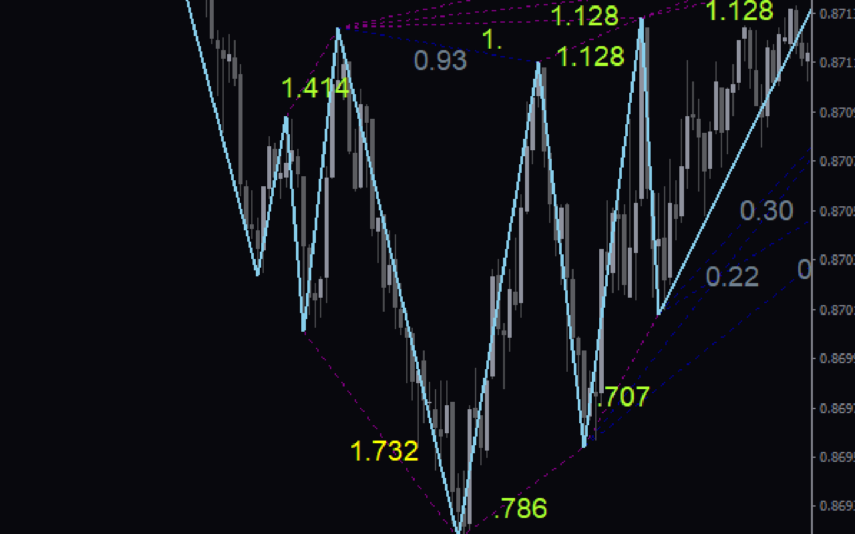
The Cypher Pattern Indicator is a free and popular Forex indicator for MT4 that is useful for traders looking to identify potential trading opportunities. The indicator works by plotting a series of lines on the chart that represent Fibonacci levels. The lines are then connected to form a pattern, which is the Cypher Pattern. This pattern is used to identify potential trading opportunities and can help traders determine potential entry and exit points.The indicator is easy to use and can help traders make more informed trading decisions.

Reviews
There are no reviews yet.