• MT4 Collections
    • Top Indicators Hot
      • Top Rated
      • Top Downloads
      • Most Popular
      • New
      • Recommended
    • Trading Style
      • Beginner For Newbies
      • Scalping
      • Short-Term
      • Day Trading
      • Intraday
      • Swing
    • Indicator Type
      • Accurate
      • Leading
      • Reversal
      • Breakout
      • Sideways
      • Entry & Exit
      • Overbought & Oversold
      • Non-Repaint
    • Categories
      • Trend
      • Signal
      • Support & Resistance
      • Price Action
      • Stochastic
      • Envelope
      • Volume
      • Helpers
    • Timeframes
      • M1-M5
      • M15-M30
      • H1-H4
      • D1-W1
      • Multi Timeframe
    • Platform
      • MT4 Popular
      • MT5
  • Indicators
  • Blog
  • CONTACT US
  • ABOUT US
Menu
Search
Select category
  • Select category
  • Envelope Indicators
  • Helpers
  • Price Action
  • Signal
  • Stochastic
  • Support & Resistance
  • Trend
  • Volume
0 Wishlist
Home Collection Signal 3 MA Buy Sell
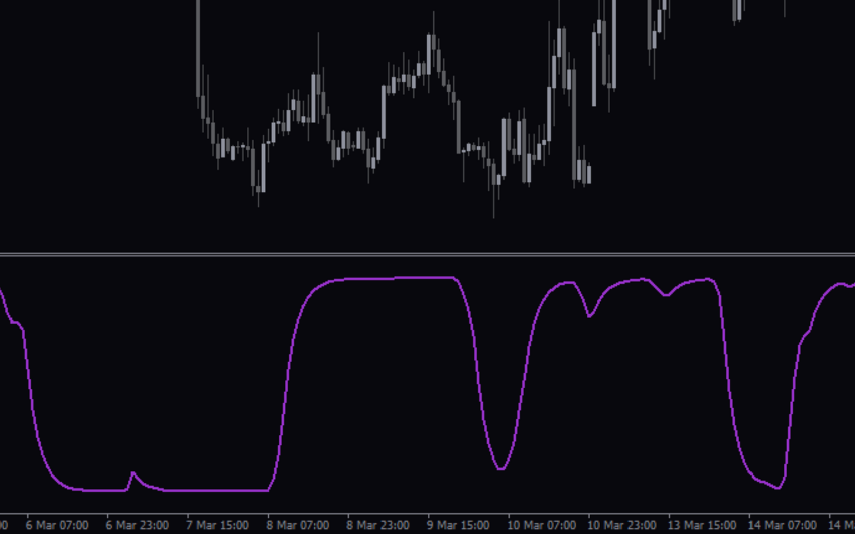
MTF Resistance Support
Back to products
Accumulative Swing Index
MT4
Watch video
Click to enlarge

3 MA Buy Sell

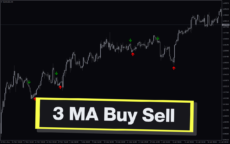
Get arrow based buy and sell forex trading signals and improve your trading results. The 3 MA Buy Sell MT4 Indicator uses a combination of 3 moving averages with different shifts. It provides enhanced application of moving averages to identify the forex trend direction.

Trading Style

Short-term

Indicator Type

Entry Exit

Timeframe

H1-H4

,

M15-M30

Platform

MT4

Add to wishlist
0 People watching this product now!
Category: Signal
Share:

Downloads - 794

Download now
  • Description
  • Reviews (0)
  • How to Install
Description

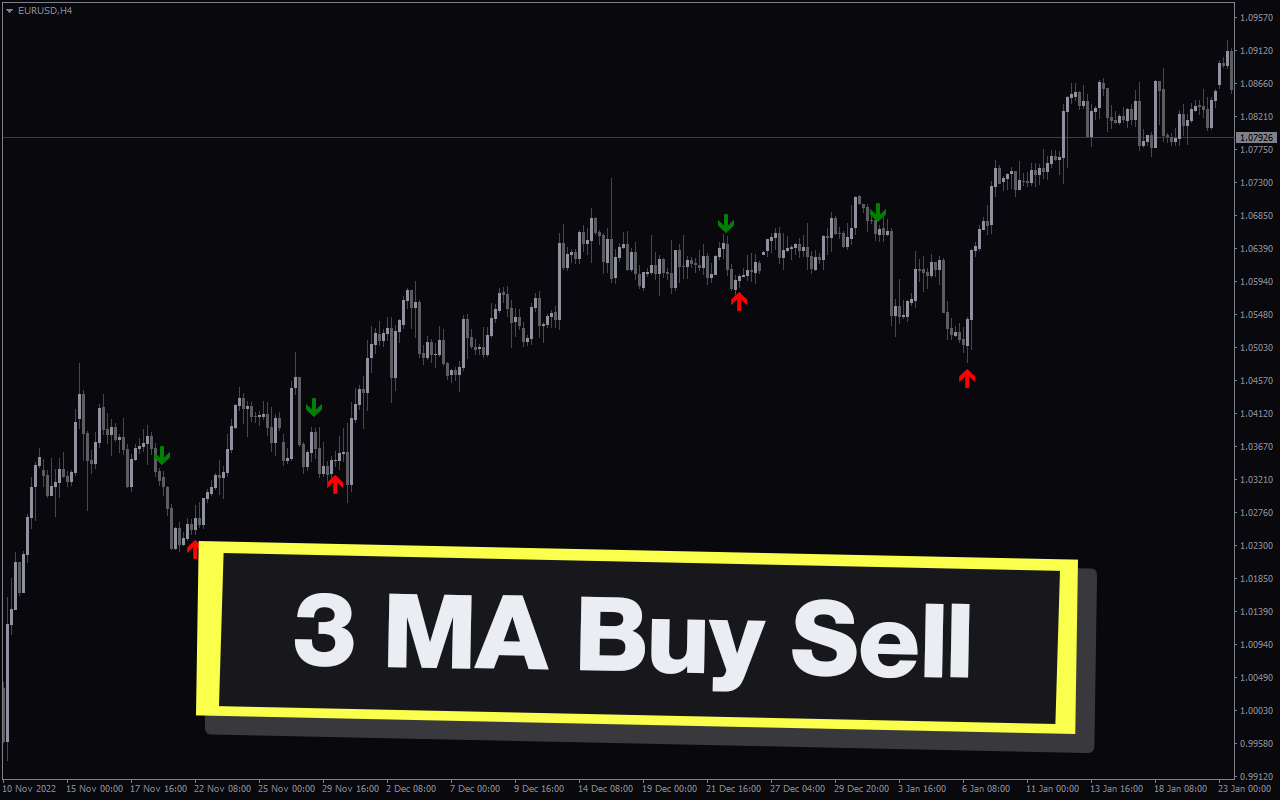
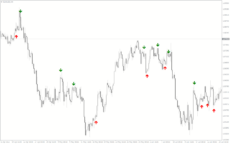
The 3 MA Buy Sell indicator for MT4 uses the crossover of 3 moving averages with various shifts to determine the bullish and bearish forex trend direction. Moreover, it provides trading signal alerts and up and down arrow trading signals on the price chart.

Features of 3 MA Buy Sell MT4 Indicator

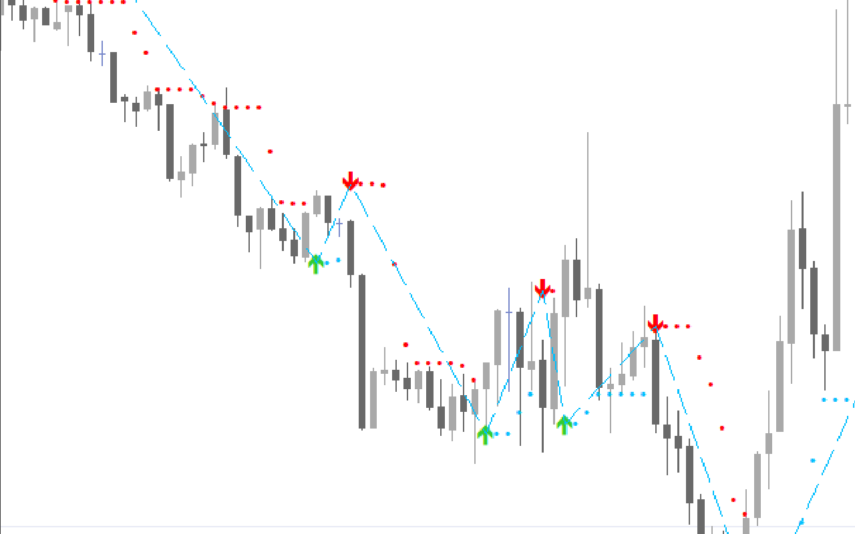
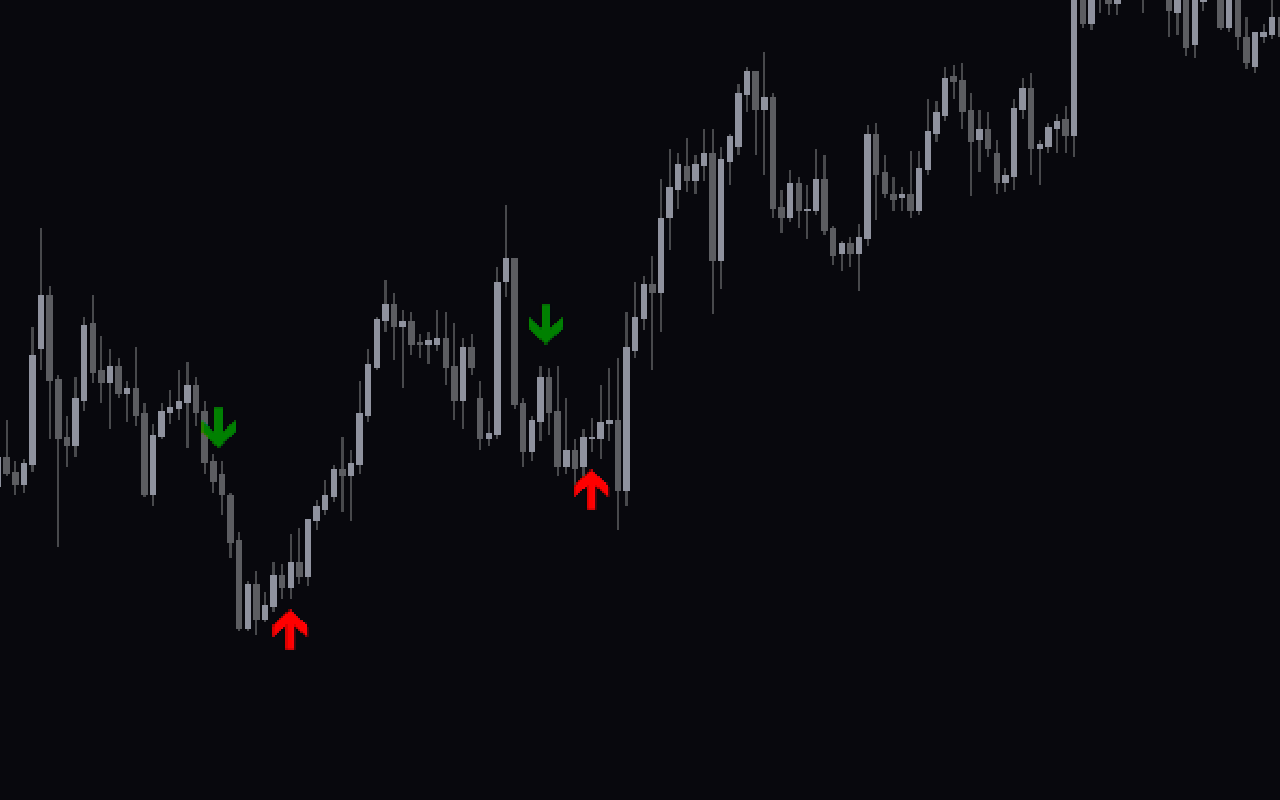
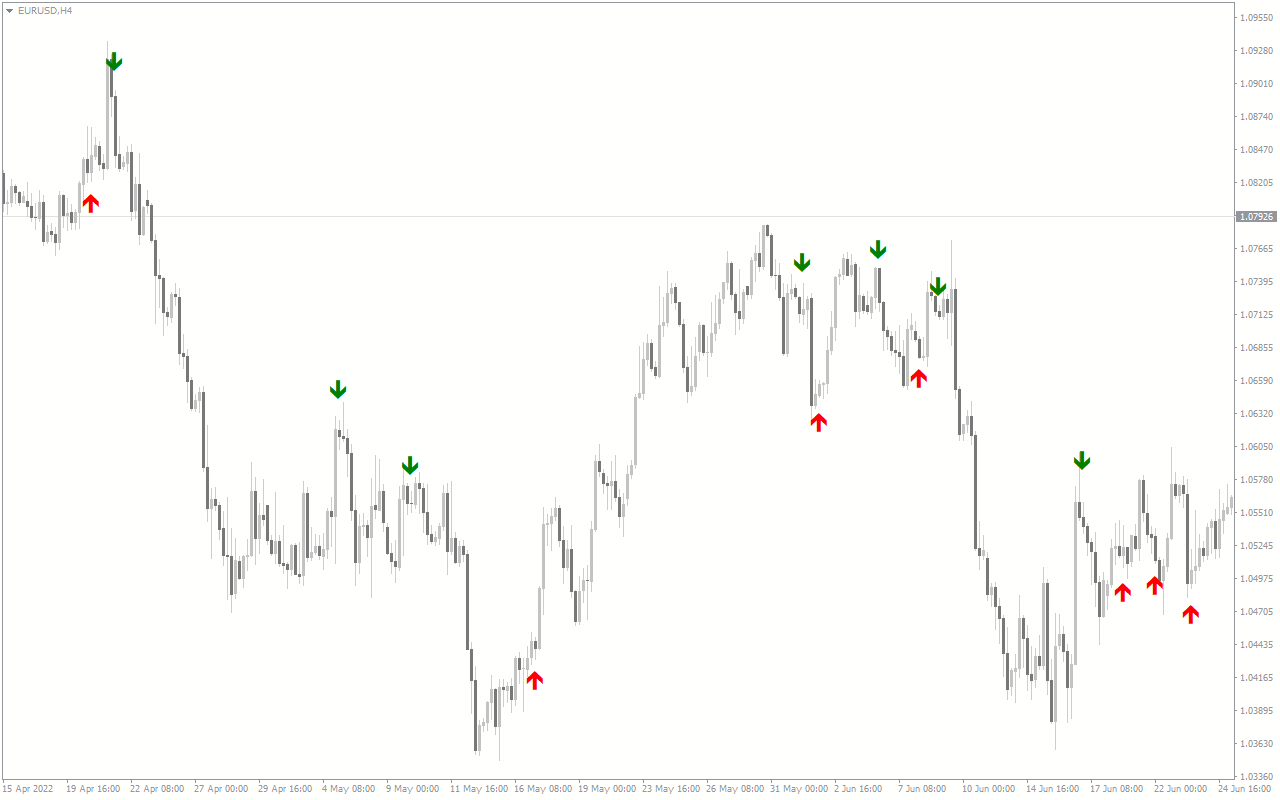
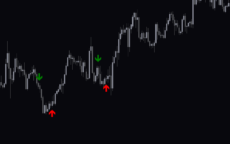
The indicator plots green down arrow signals in a bearish price trend and red up arrows in bullish market trend. It uses fast, medium and slow moving averages to identify the crossover trading signals. However, it applies a different shift. The faster and medium moving averages use a -5 shift, while the slower one uses a 0. This is the main feature that differentiates this indicator and other moving average crossover indicators.

This indicator recalculates and plots the signal arrows. So, traders should continue to monitor the trading signals and open trades continuously.

The trading strategy is simple and straight forward. Traders can enter the market in the direction of the arrow and place stop below or above the previous swings. By following the trades and holding positions until an opposite trading signal it is possible to maximize the profit potential.

Benefits of 3 MA Buy Sell MT4 Indicator

This trend following moving average indicator is easy to use and is suitable for new and advanced forex traders. Since it works on all chart time frames, it is suitable for scalping, short and long-term forex trading strategies.

A higher period provides a smother moving average and is suitable for long term forex trading and technical analysis. So, forex technical traders can adjust the moving average periods according to their trading style.

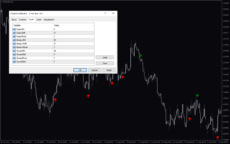
Indicator Settings Description
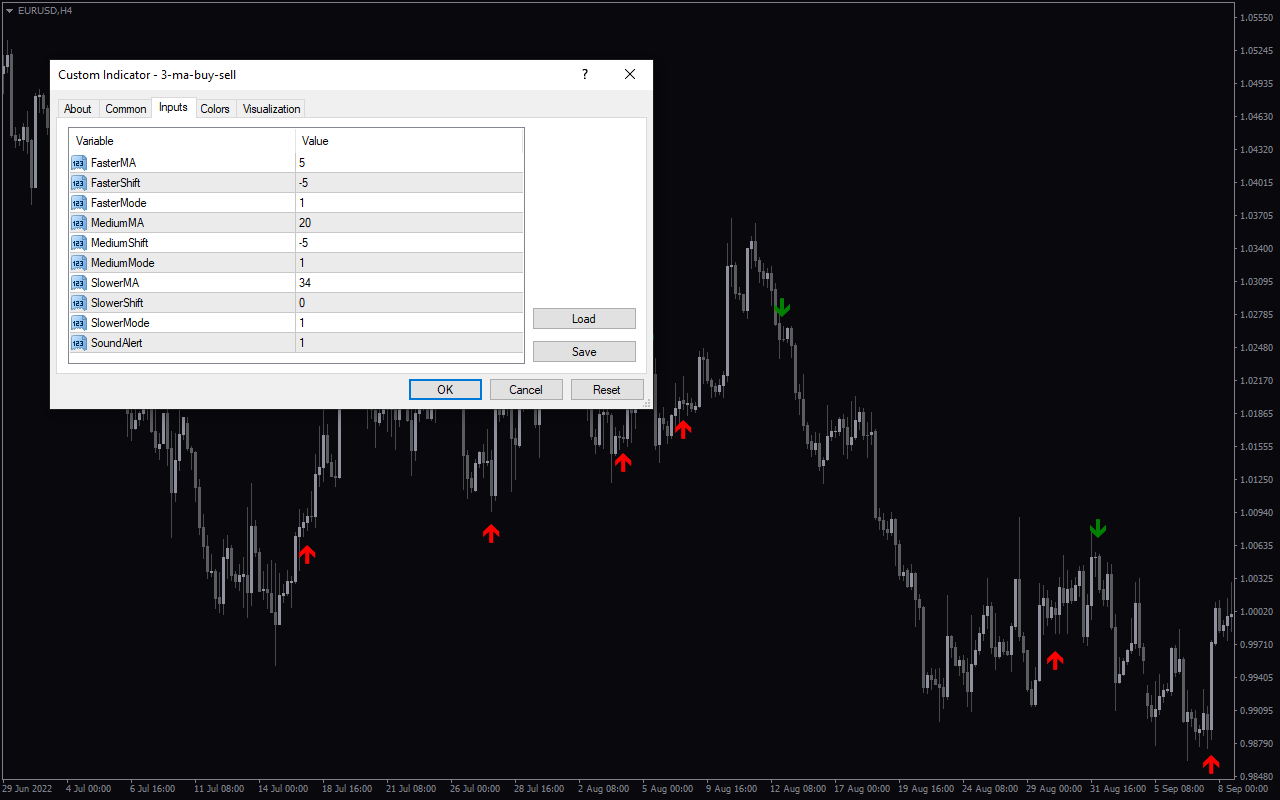
FasterMA:, FasterShift:, FasterMode:, MediumMA:, MediumShift:, MediumMode:, SlowerMA:, SlowerShift:, SlowerMode: Input for faster, medium and slower moving averages calculation.

SoundAlert: Enables trading signal sound alerts.
Reviews (0)

Reviews

There are no reviews yet.

Be the first to review “3 MA Buy Sell” Cancel reply

Your email address will not be published. Required fields are marked *

1 2 3 4 5
1 2 3 4 5
1 2 3 4 5

How to Install

How install MT4/5 indicator in the terminal?

To install an MT4/5 indicator in the terminal, follow these steps:

  1. Download the indicator file (.ex4 or .mq4/.ex5 or .mq5) to your computer.

  2. Open the MT4/5 terminal and click on “File” in the top left corner.

  3. Select “Open Data Folder” from the dropdown menu.

  4. In the window that opens, double-click on the “MQL4/5” folder.

  5. Double-click on the “Indicators” folder.

  6. Drag and drop the indicator file from your computer into the “Indicators” folder.

  7. Close the data folder window and restart the MT4/5 terminal.

  8. The indicator should now be available in the “Navigator” window on the left-hand side of the terminal. Simply double-click on the indicator to add it to a chart.

Note: If the indicator is in a .zip file, you will need to extract it first before following the above steps.

And if asks to confirm DLL?

If the indicator you are installing requires access to external Dynamic Link Libraries (DLLs), you may see a pop-up message asking you to confirm the use of DLLs.

DLLs are external libraries that contain code that can be used by other programs. In the case of MT4/5 indicators, they are often used to perform complex calculations or connect to external data sources.

If you trust the source of the indicator and want to use it, click “Yes” to confirm the use of DLLs. If you are not sure or do not trust the source, click “No” to cancel the installation.

It’s worth noting that some indicators may not work properly without access to their required DLLs. If you choose not to allow access to DLLs and the indicator does not work as expected, you may need to reinstall the indicator and confirm the use of DLLs to get it to work properly.


Related products

MT4
Quick view
Add to wishlist

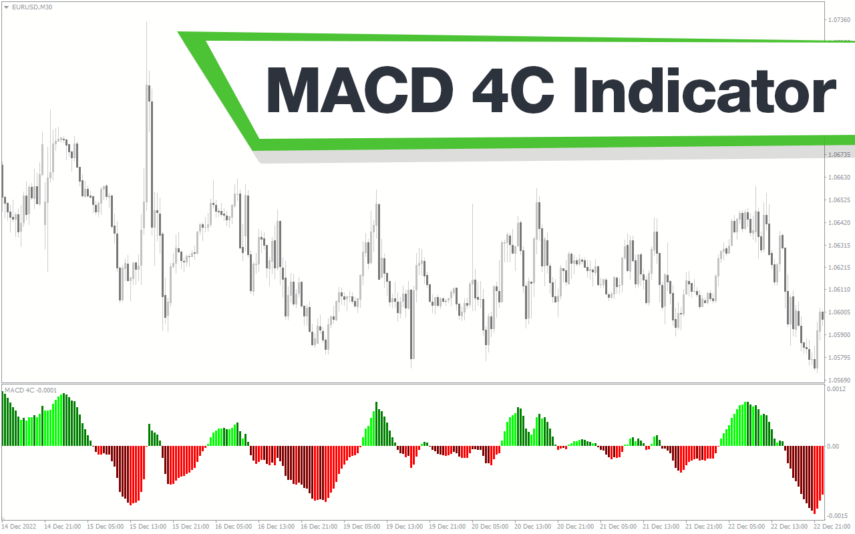
Entry Signal

Signal
Identify the three market conditions of bullish, bearish and neutral trend with Entry Signal Indicator. Changes candle color for easy identification of price trend. Identify best entry and exit. Free to download, easy to install.
HotMT4
Quick view
Add to wishlist

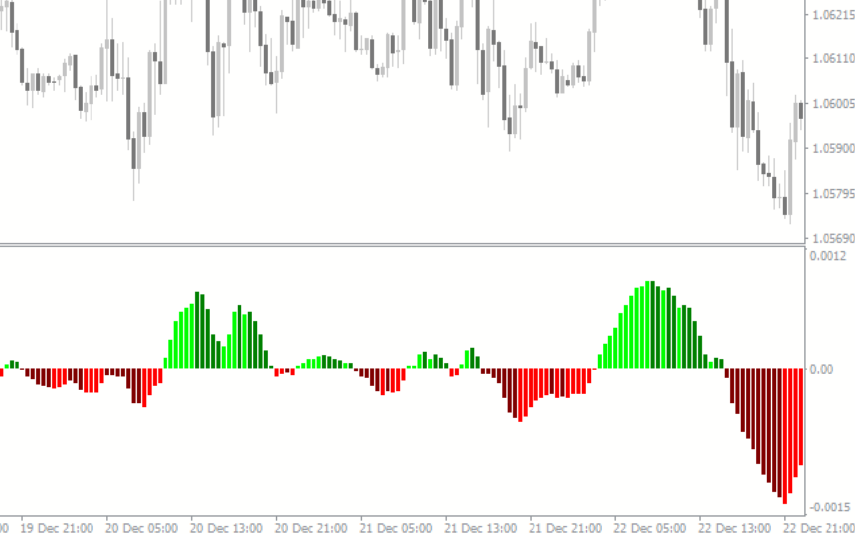
Super Arrow

Signal
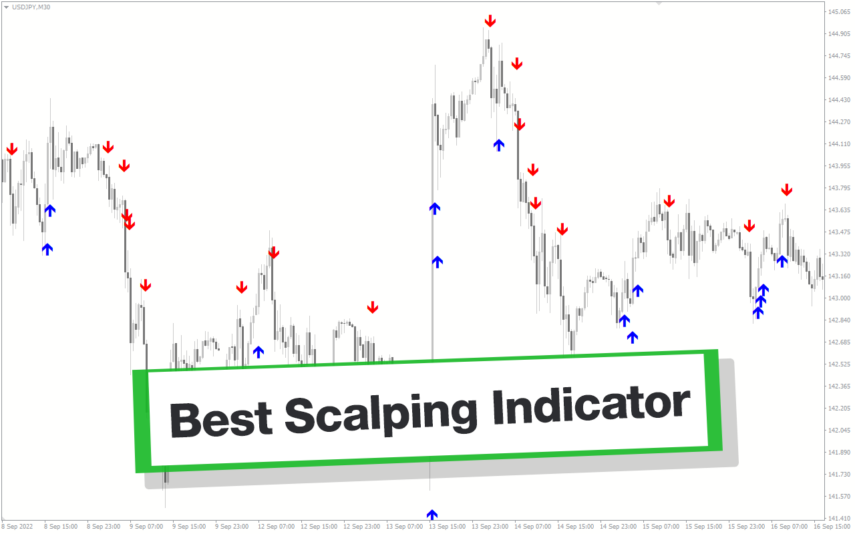
The Super Arrow Indicator is a forex tool for MT4 that generates high-probability trading signals by using multiple indicators such as Moving Averages, Relative Strength Index, Bollinger Bands, and Magic Filter. It filters out false signals and provides good trade signals by combining these indicators.
MT4
Quick view
Add to wishlist

A-Gimat Reversal

Signal
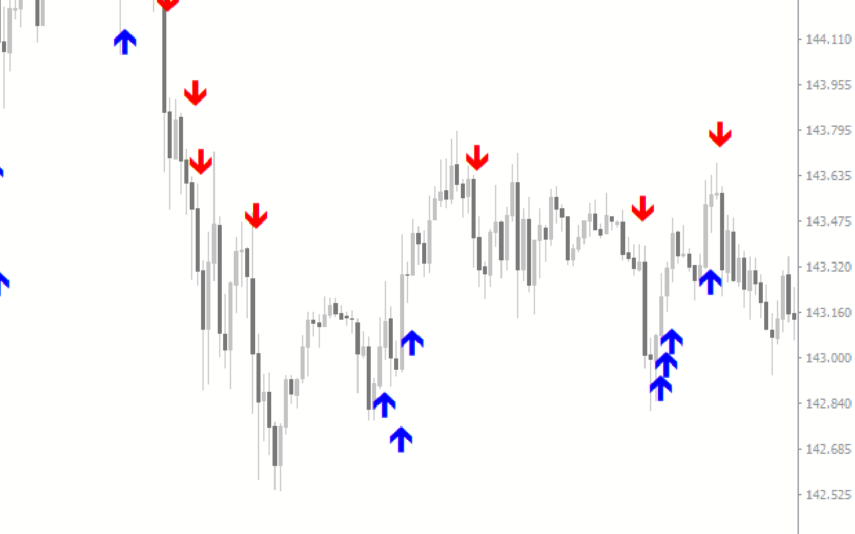
Identify bullish and bearish forex trading signals with up and down arrows by A-GiMaT Reversal Indicator. Easy to use based on ZigZag MetaTrader indicator. Enter the markets at tops and bottom to ride the trend. Easy to install and free to download.
MT4
Quick view
Add to wishlist

ATR Trailing Stop

Signal
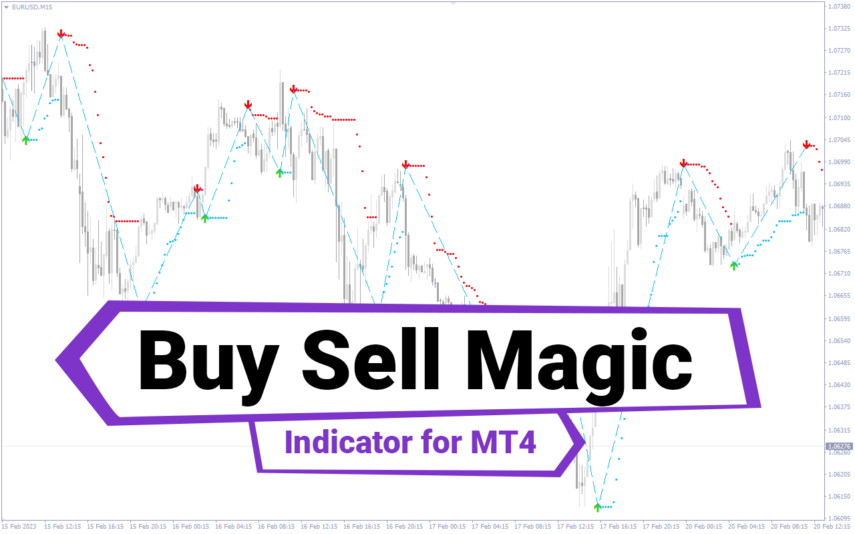
The ATR Trailing Stop indicator is a non-repainting system developed to help forex traders to maximize more profit in the market. Risk management indicator!
MT4
Quick view
Add to wishlist

My Price Action

Signal, Price Action
My Price Action Indicator is a nice and accurate forex trading indicator available for free on MT4 platrorm. This indicator uses historical price data to generate visual signals by highlighting support and resistance zones, trend lines, and chart patterns that can be used to make informed trading decisions. Whether you are a beginner or an experienced trader, My Price Action Indicator can provide valuable insights into the market to help you make profitable trades.
MT4
Quick view
Add to wishlist

Darvas Boxes nmc

Signal, Support & Resistance
The Darvas Boxes NMC Indicator is a nice and free Forex trading tool available for MT4 platforms. It is based on the Darvas box trading method, which involves identifying trends through the creation of boxes on a price chart. The indicator helps traders visualize key support and resistance levels and potential trend reversals. The Darvas Boxes NMC Indicator provides clear buy and sell signals through color changes and arrows, allowing traders to make informed trading decisions. Its user-friendly interface and customizable settings make it suitable for both novice and experienced traders.
MT4
Quick view
Add to wishlist

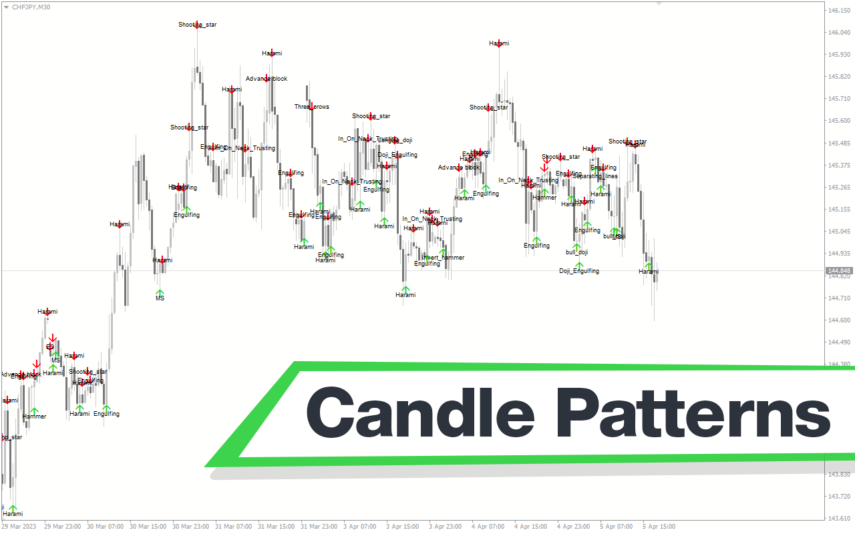
Candle Patterns

Signal, Price Action
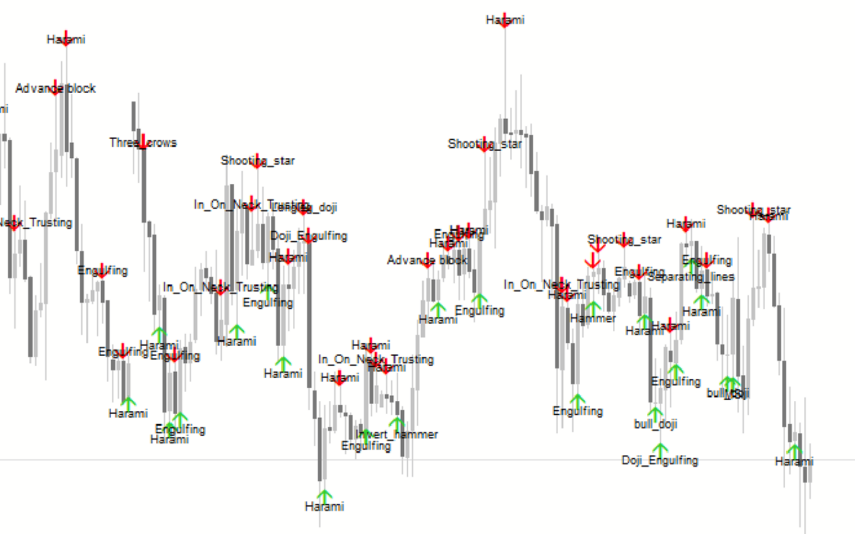
The Candle Patterns MT4 Indicator is the best Forex indicator for candlestick pattern recognition. Each pattern is displayed on the chart with a unique color code, making it easy to distinguish between them.
MT4
Quick view
Add to wishlist

Keltner Channel With Signals

Signal, Envelope Indicators
The Keltner Channel with Signals Indicator is a popular and free forex indicator that runs on the MT4 platform. This is a new and innovative tool that uses the Keltner Channel as the basis for generating trading signals, helping traders identify potential trading opportunities. Use the Keltner Channel with Signals Indicator as a powerful tool that can help traders succeed in the forex market.
    Close
    Indicator Categories
    • Envelope Indicators 303
    • Helpers 405
    • Price Action 165
    • Signal 1110
    • Stochastic 1675
    • Support & Resistance 558
    • Trend 890
    • Volume 145
    • MT4 COLLECTION HOT
      • Top Rated
      • Top Downloads
      • Most Popular
      • New
      • Recommended
    • Trading Style
      • Beginner For Newbies
      • Scalping
      • Short-Term
      • Day Trading
      • Intraday
      • Swing
    • INDICATOR TYPE
      • Accurate
      • Leading
      • Reversal
      • Breakout
      • Sideways
      • Entry & Exit
      • Overbought & Oversold
      • Non-Repaint
    • CATEGORIES
      • Trend
      • Signal
      • Support & Resistance
      • Price Action
      • Stochastic
      • Envelope
      • Volume
      • Helpers
    • Timeframe
      • M1-M5
      • M15-M30
      • H1-H4
      • D1-W1
      • Multi Timeframe
    • Platform
      • MT4 Popular
      • MT5
    • USEFUL LINKs
      • Privacy Policy
      • Cookie Policy
      • Terms of Use
      • Disclaimer
      • About Us
      • Contact Us
    Logo-grayscale-transparent-720
    Unlock your trading potential with our powerful indicator library.

    Follow us:

    MT4COLLECTION.COM © 2026 All Rights Reserved.
    • Menu
    • Categories
    • Signal
    • MT4 Collections
    • Collection
    • Blog
    • About us
    • Contact us
    • Wishlist
    Sidebar
    We use cookies to improve your experience on our website. By browsing this website, you agree to our use of cookies.
    Accept